

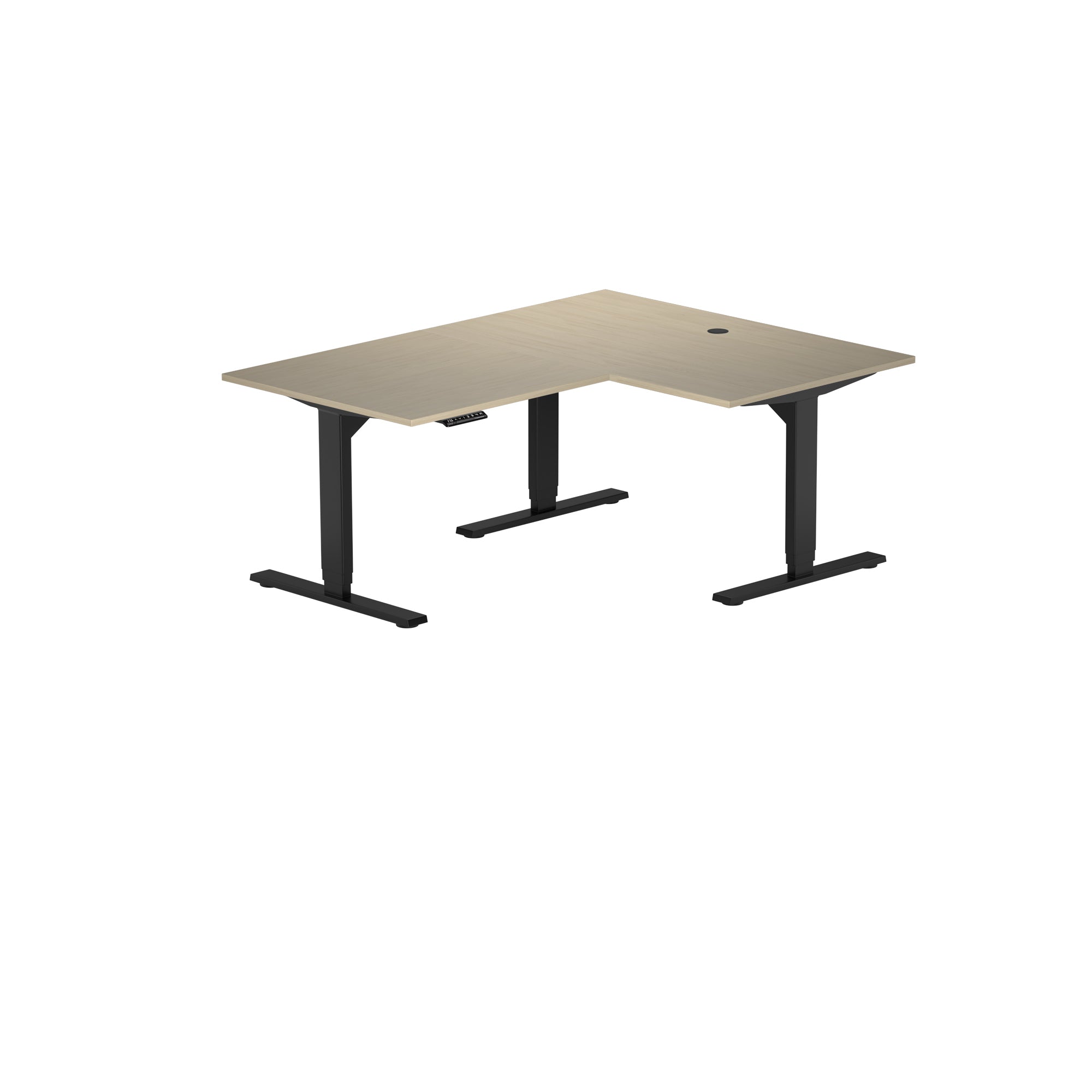
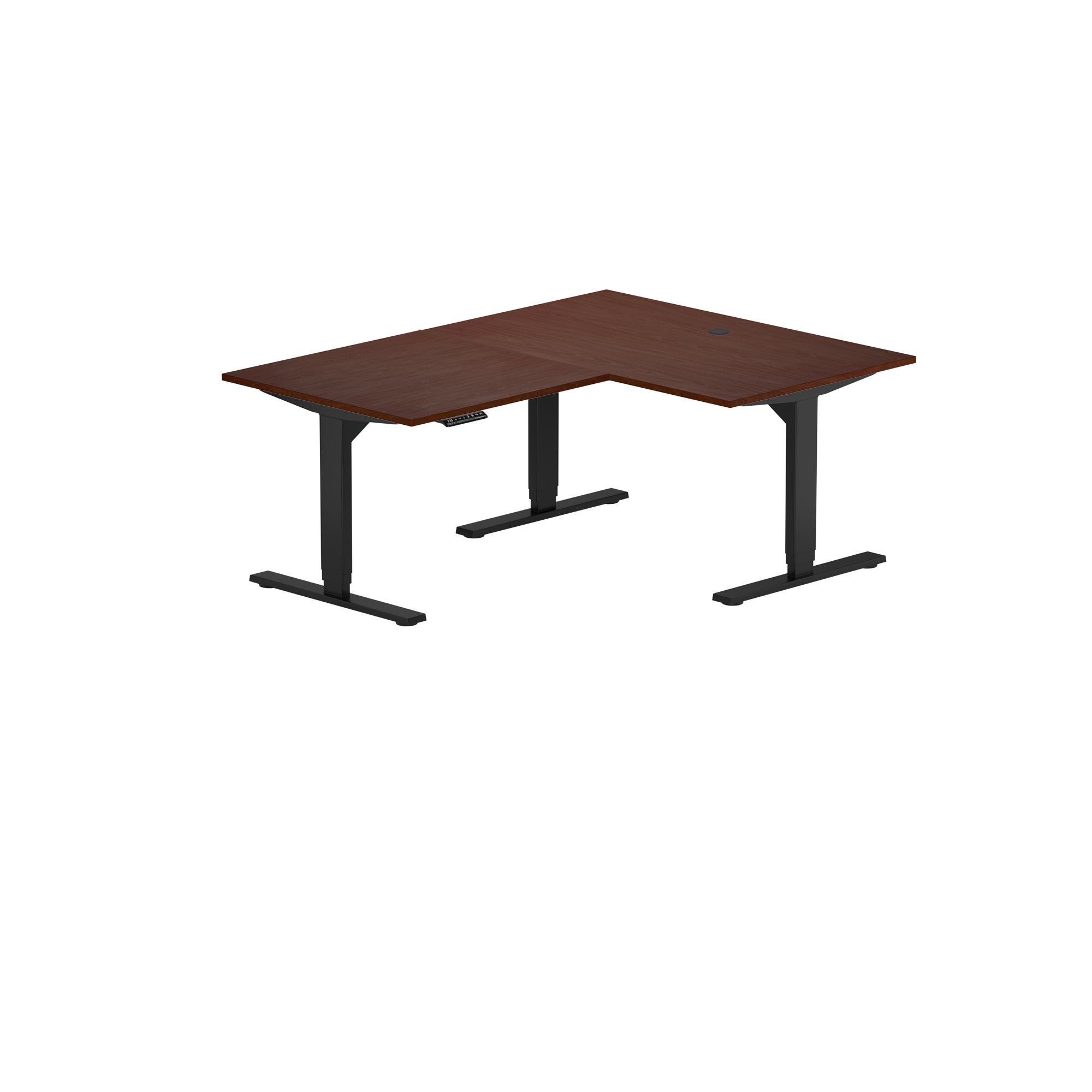
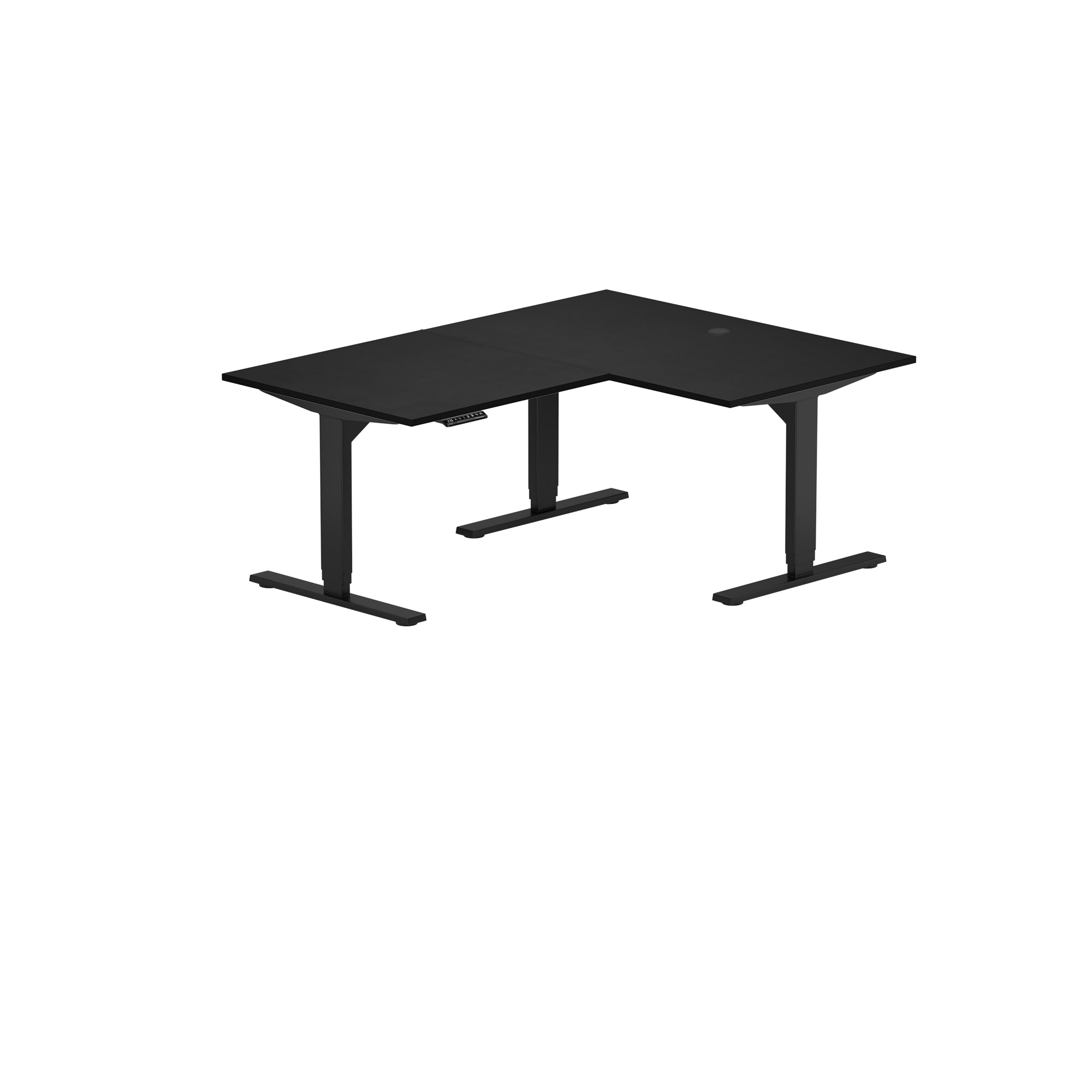
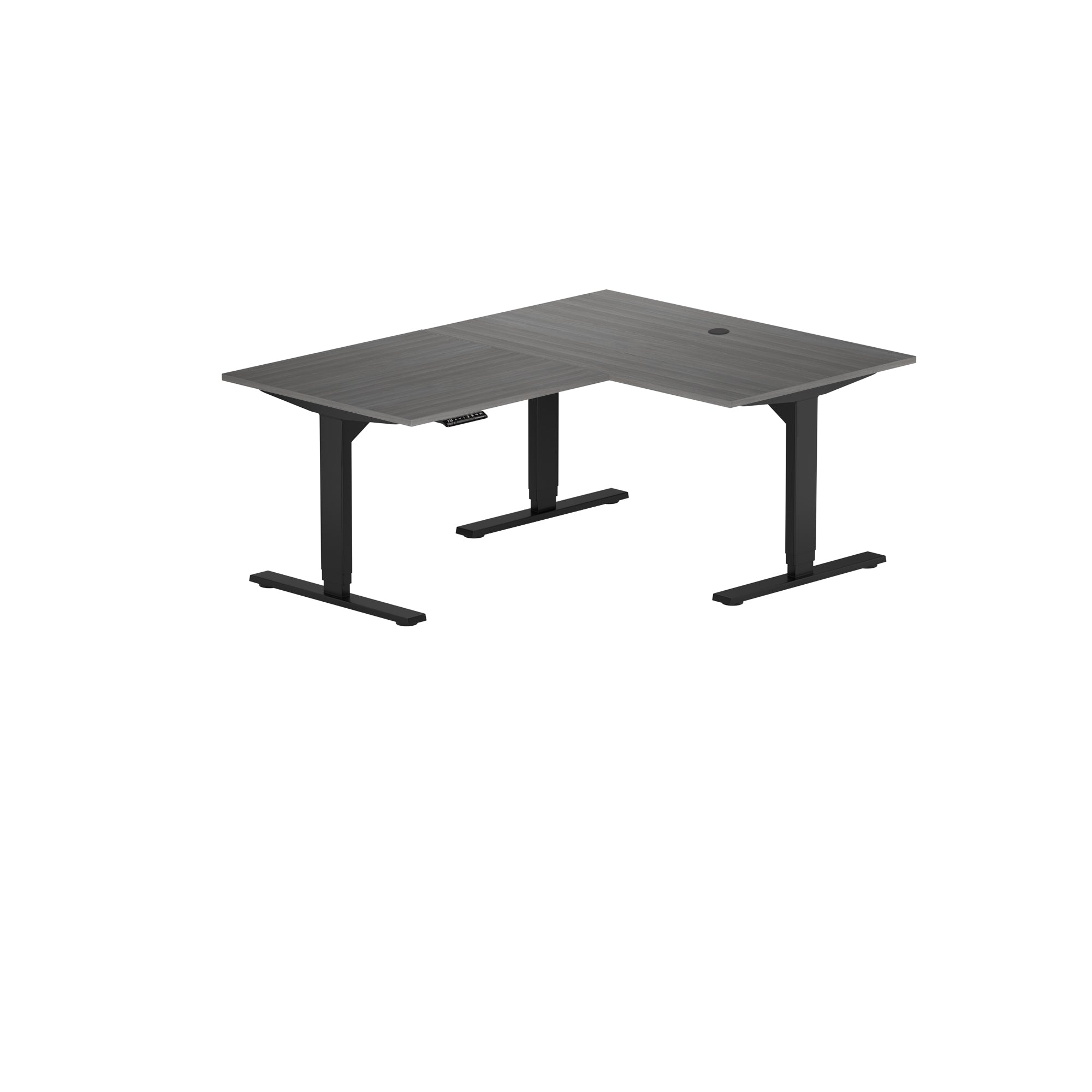
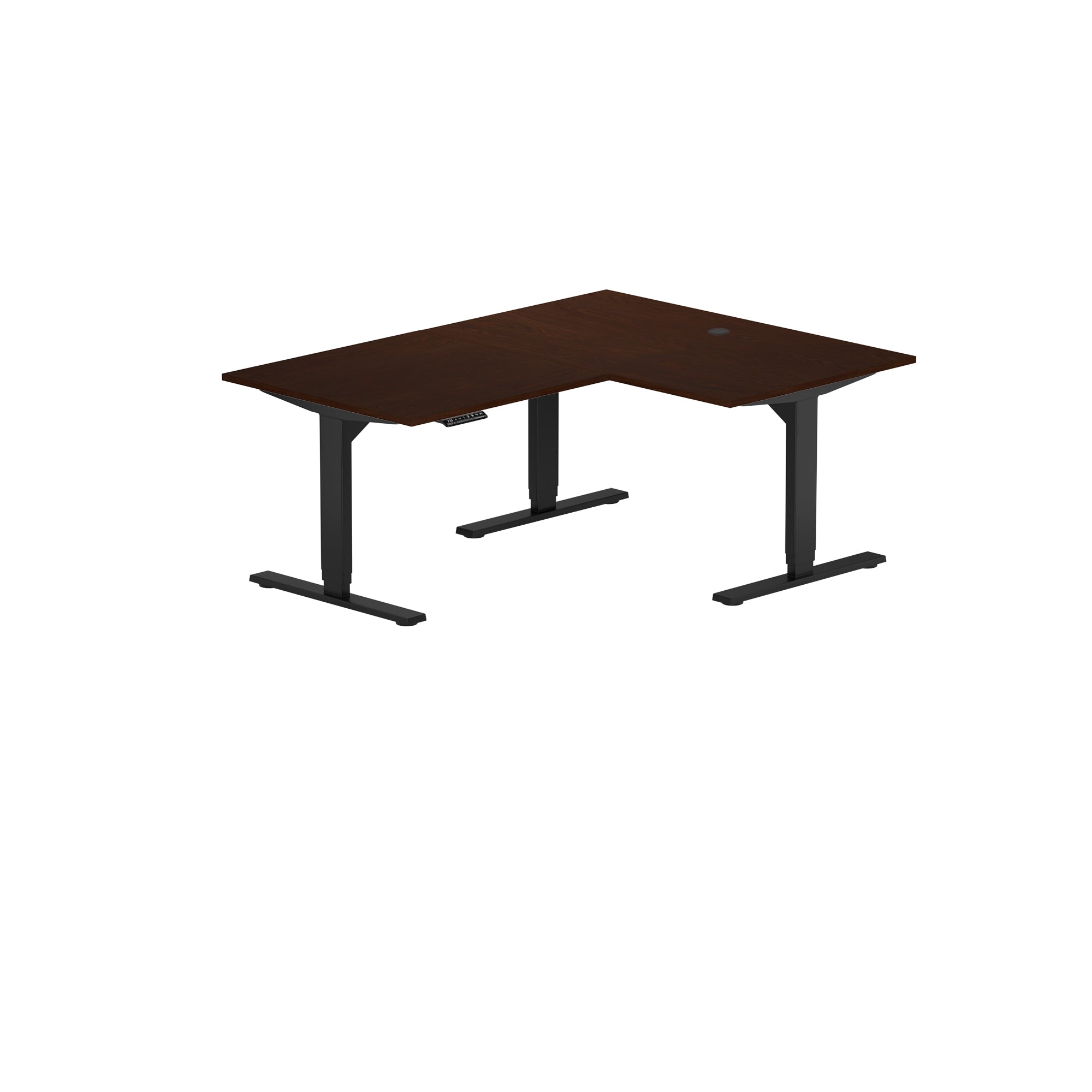
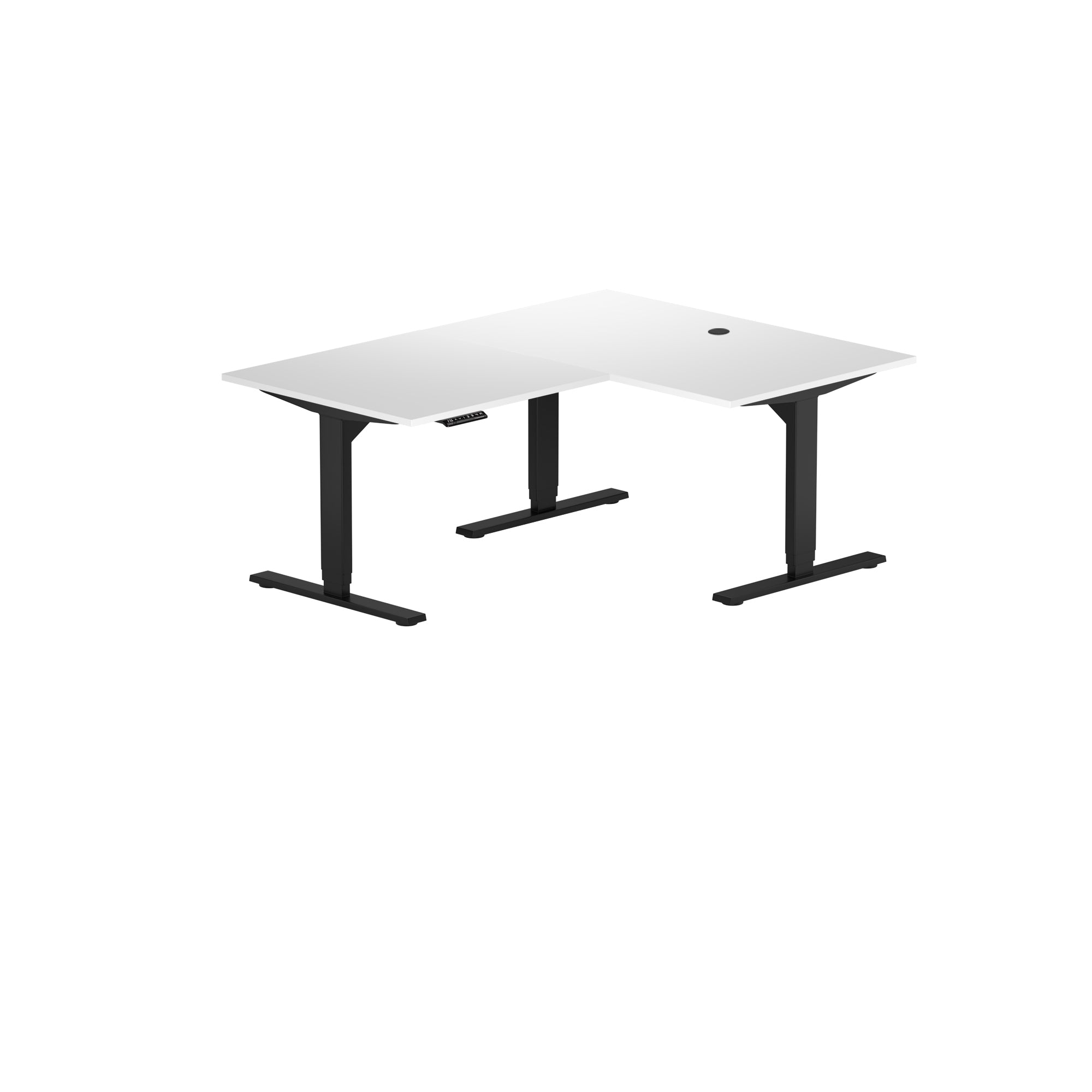
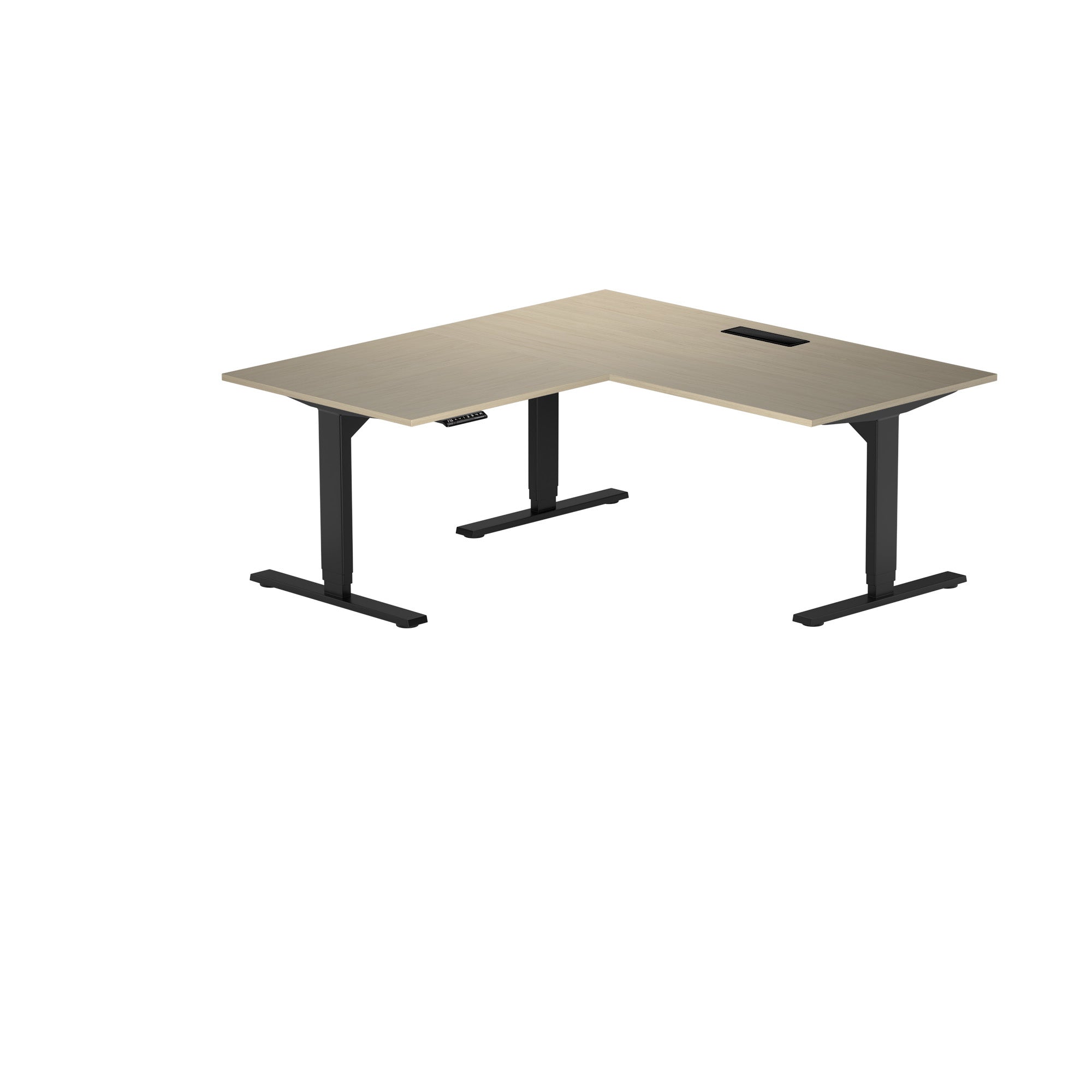
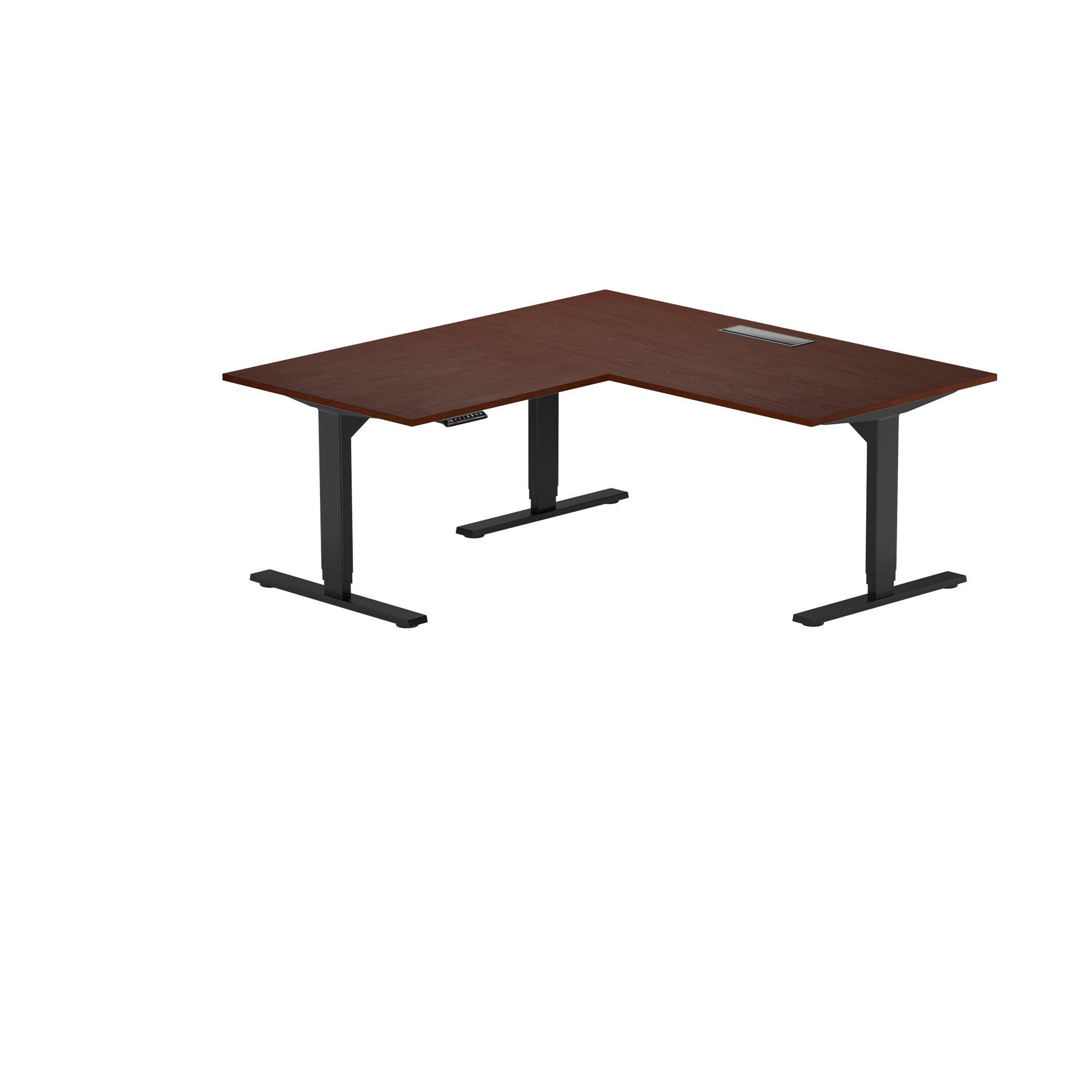
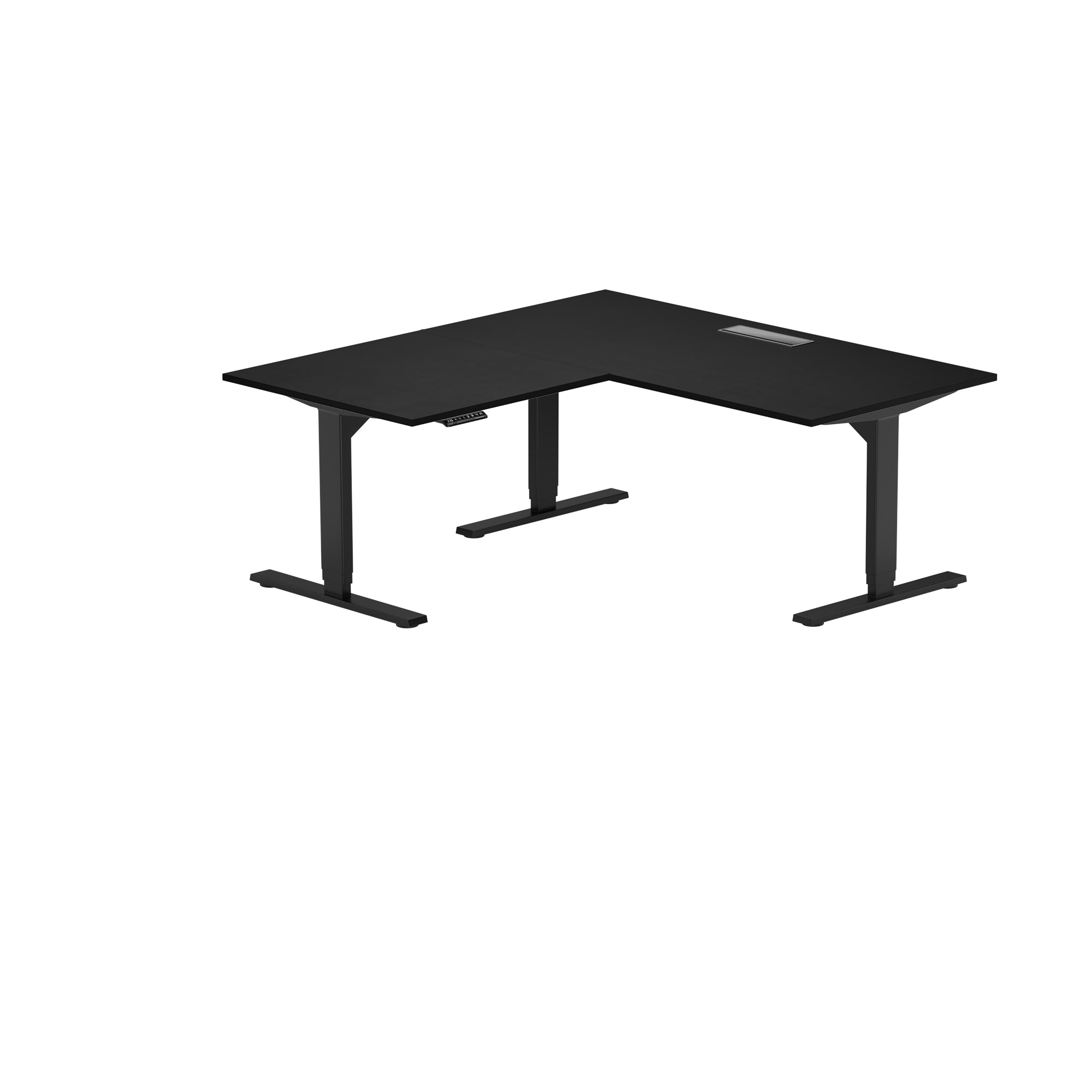
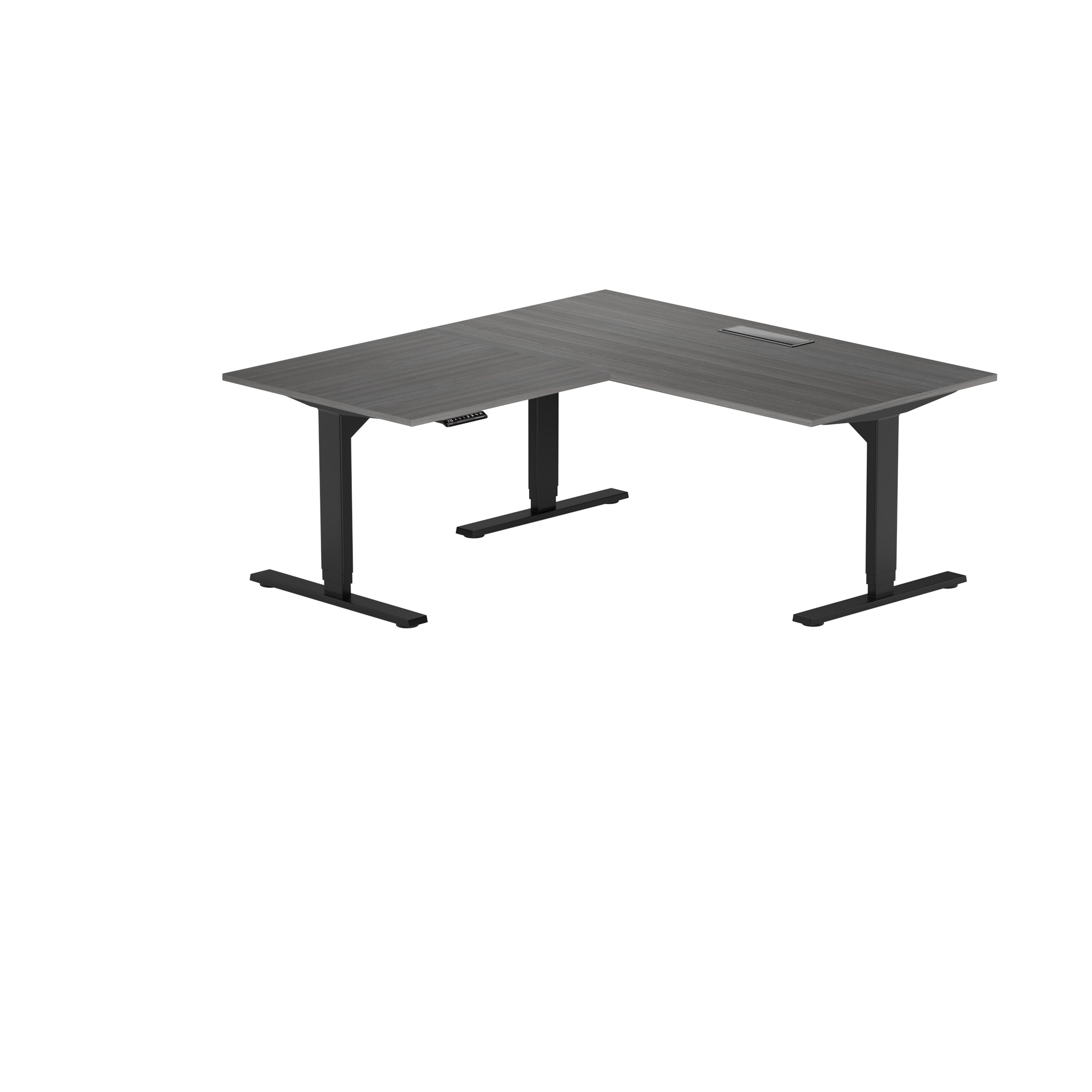
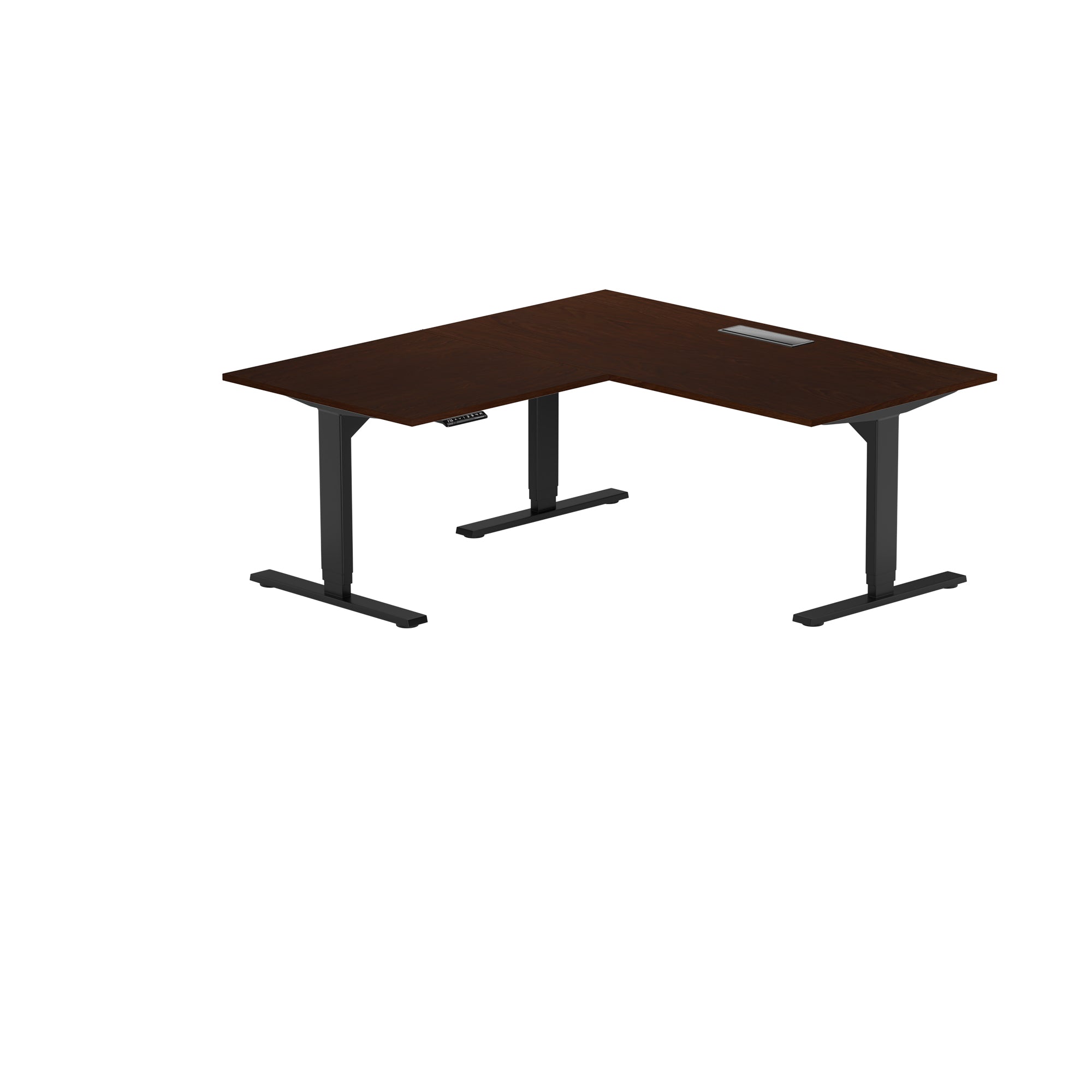
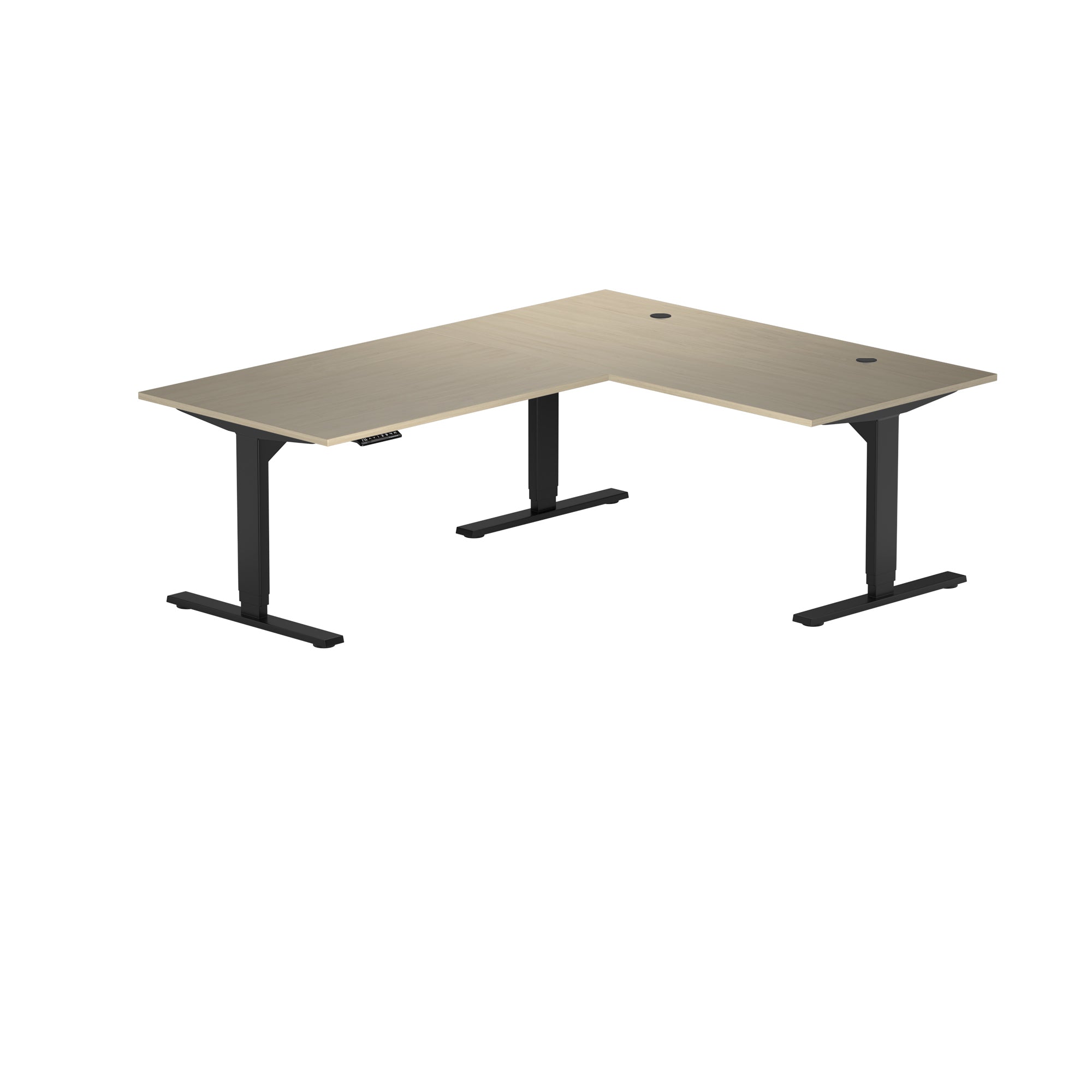

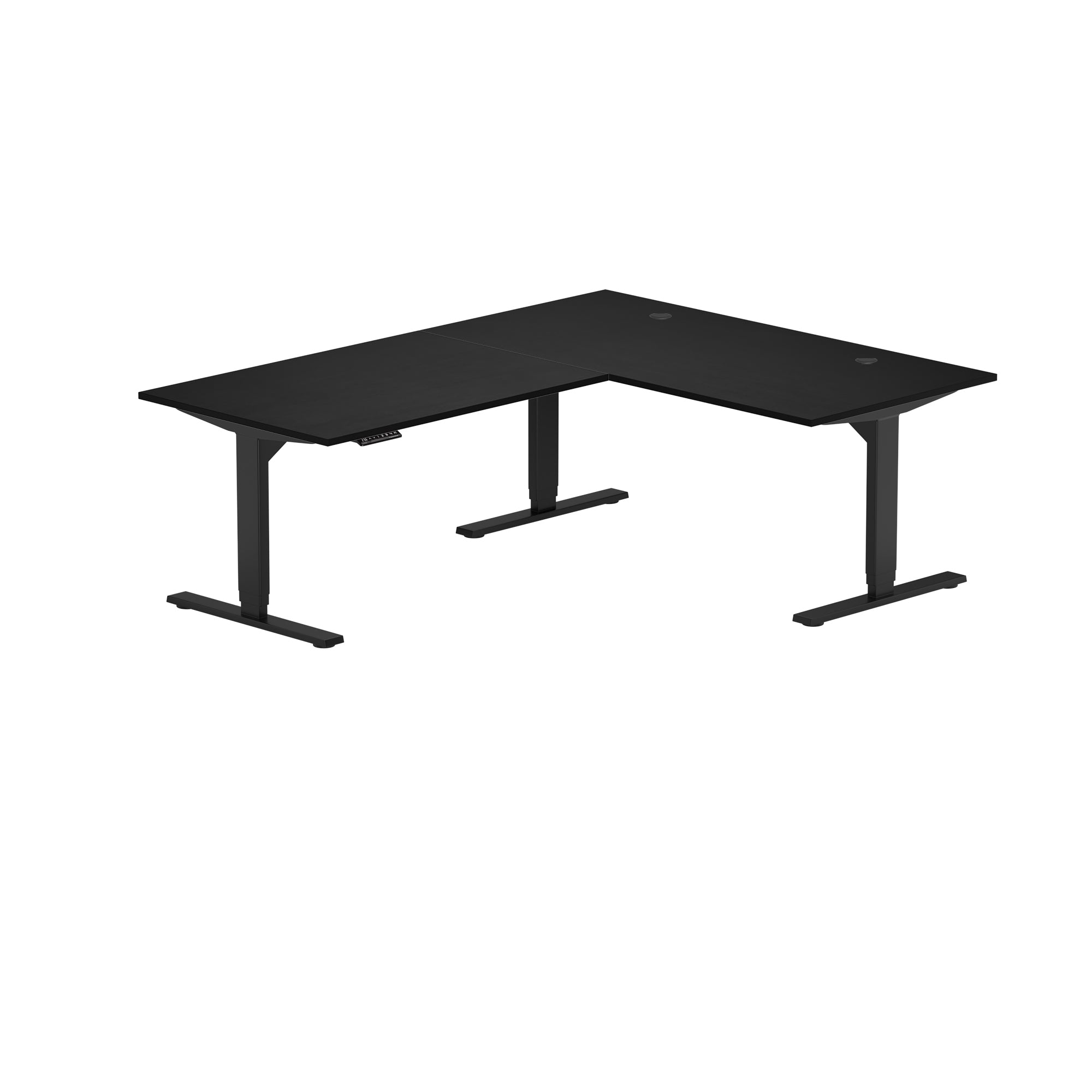
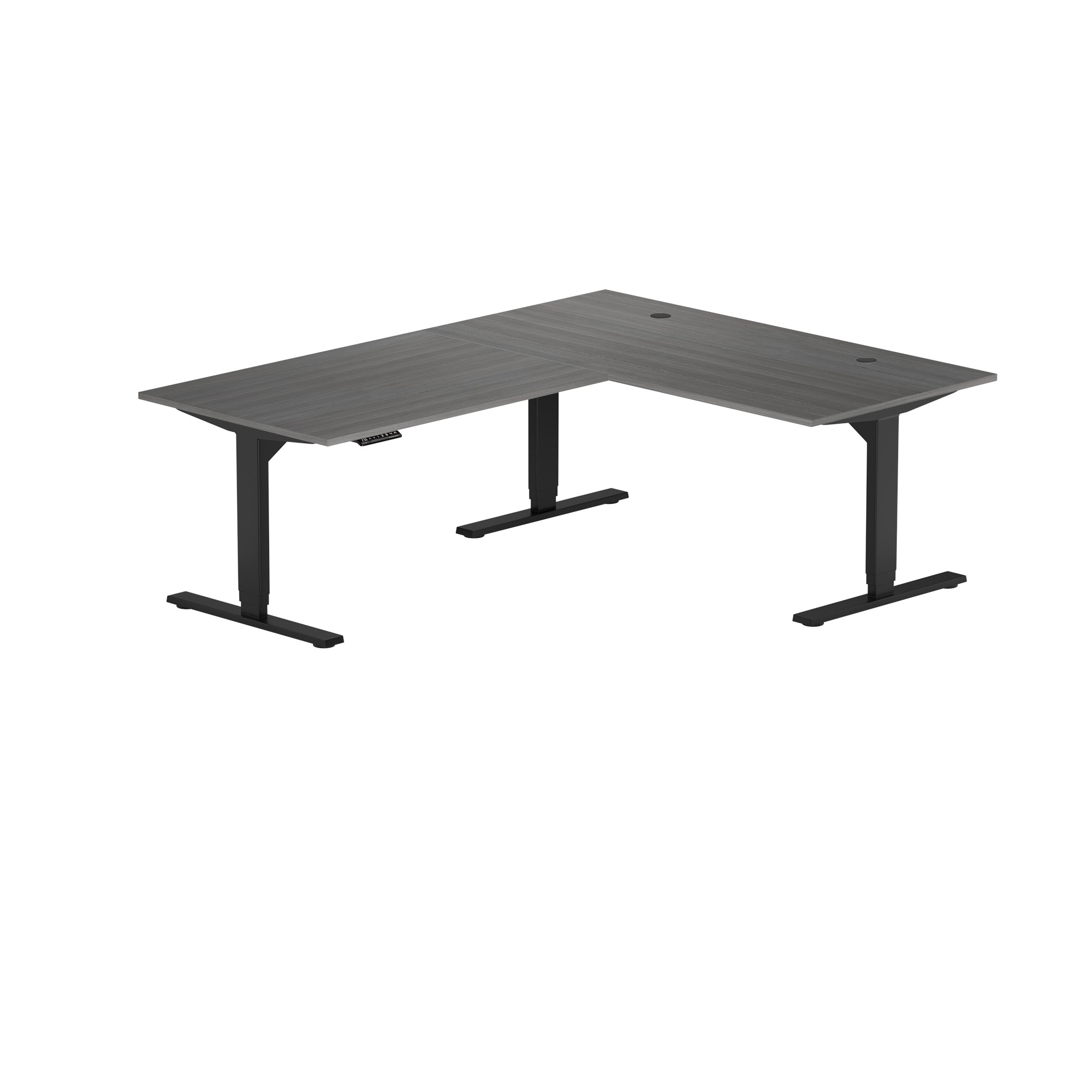
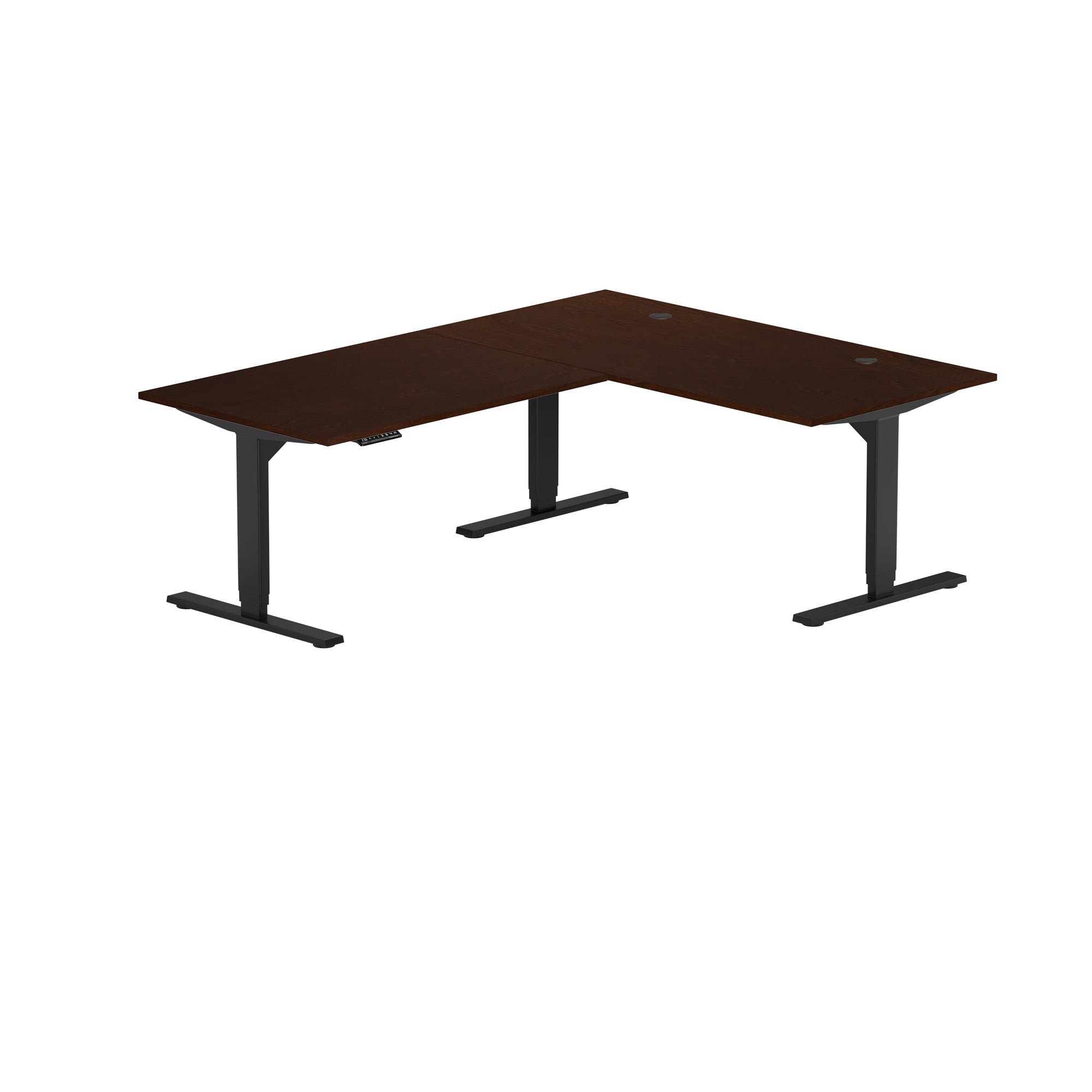
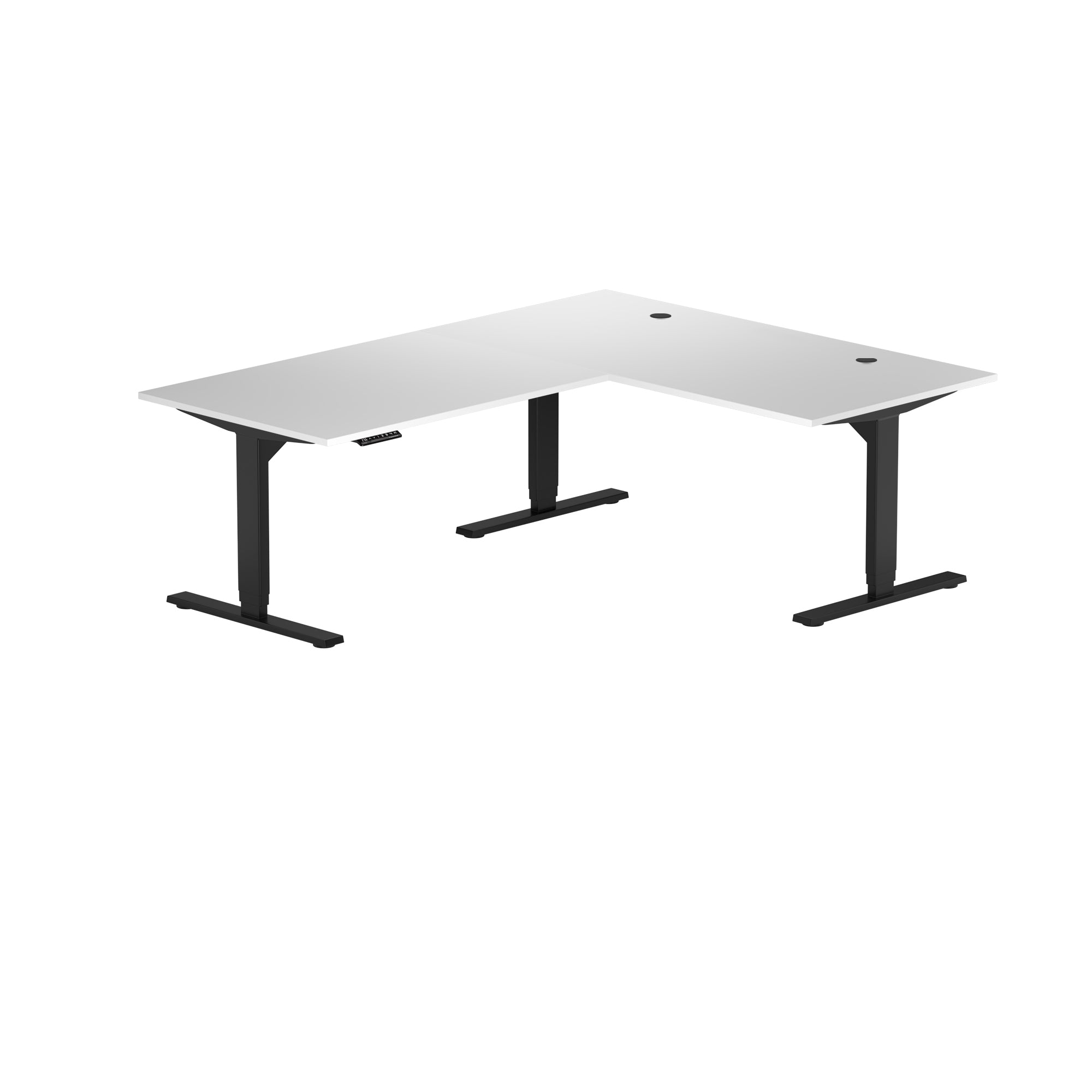
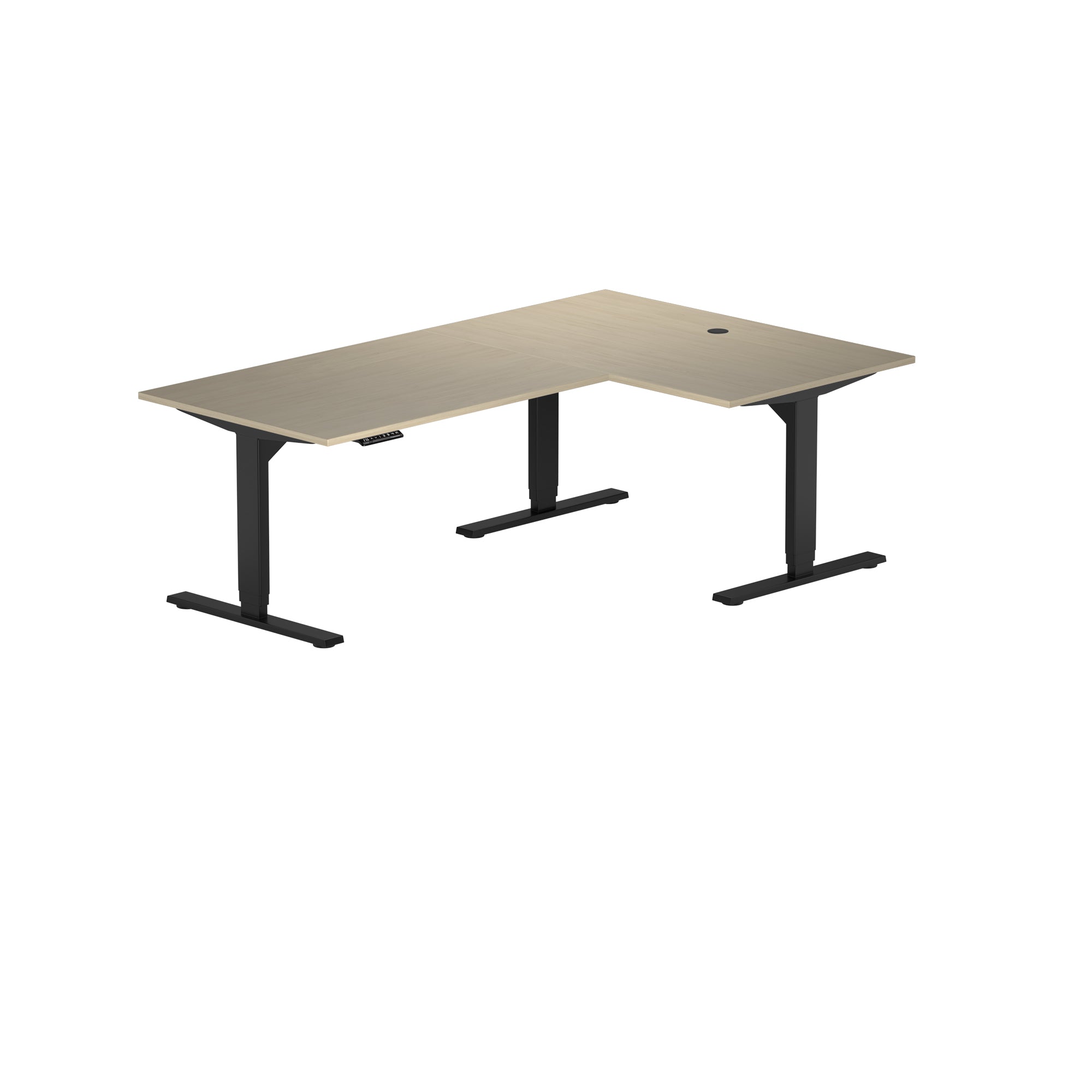
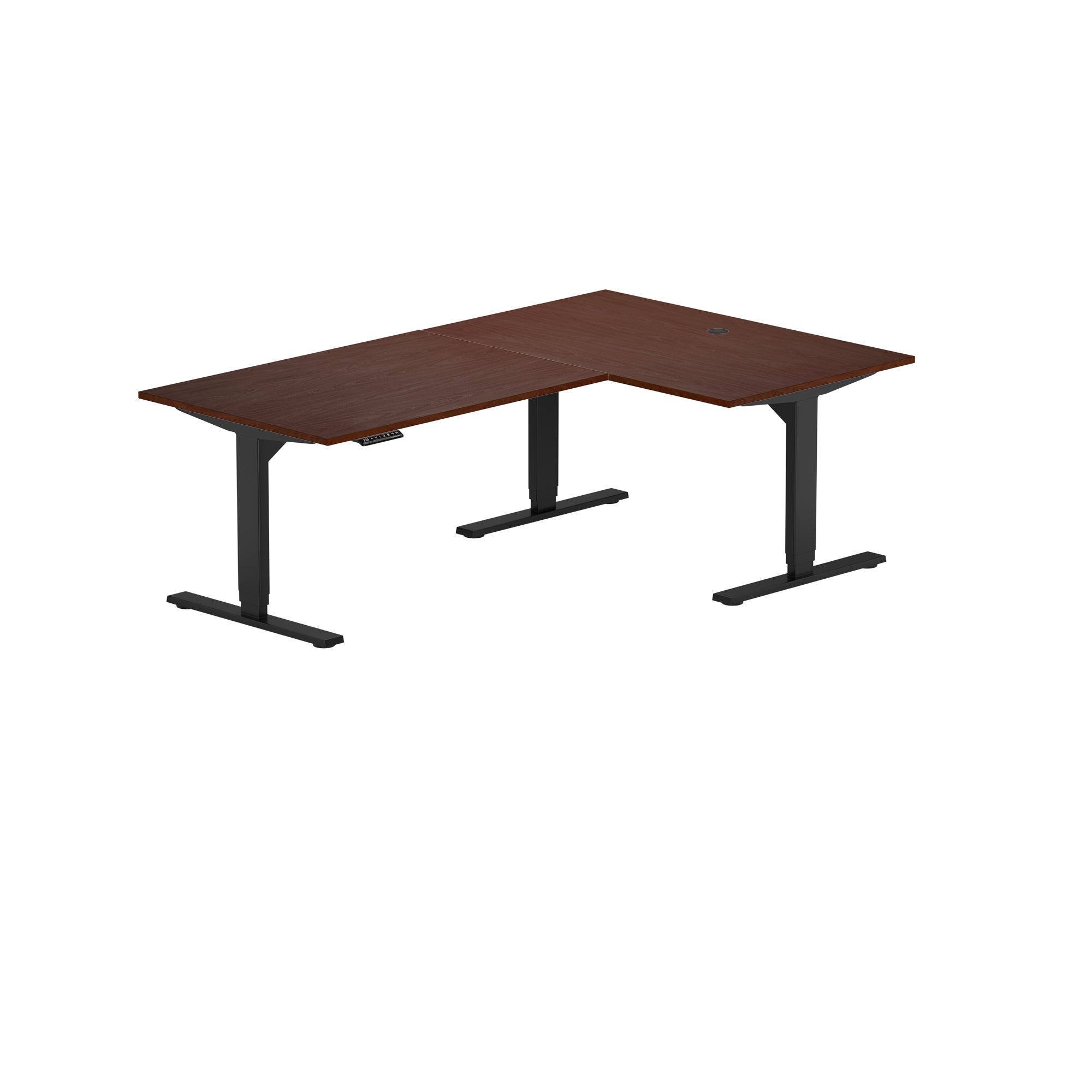
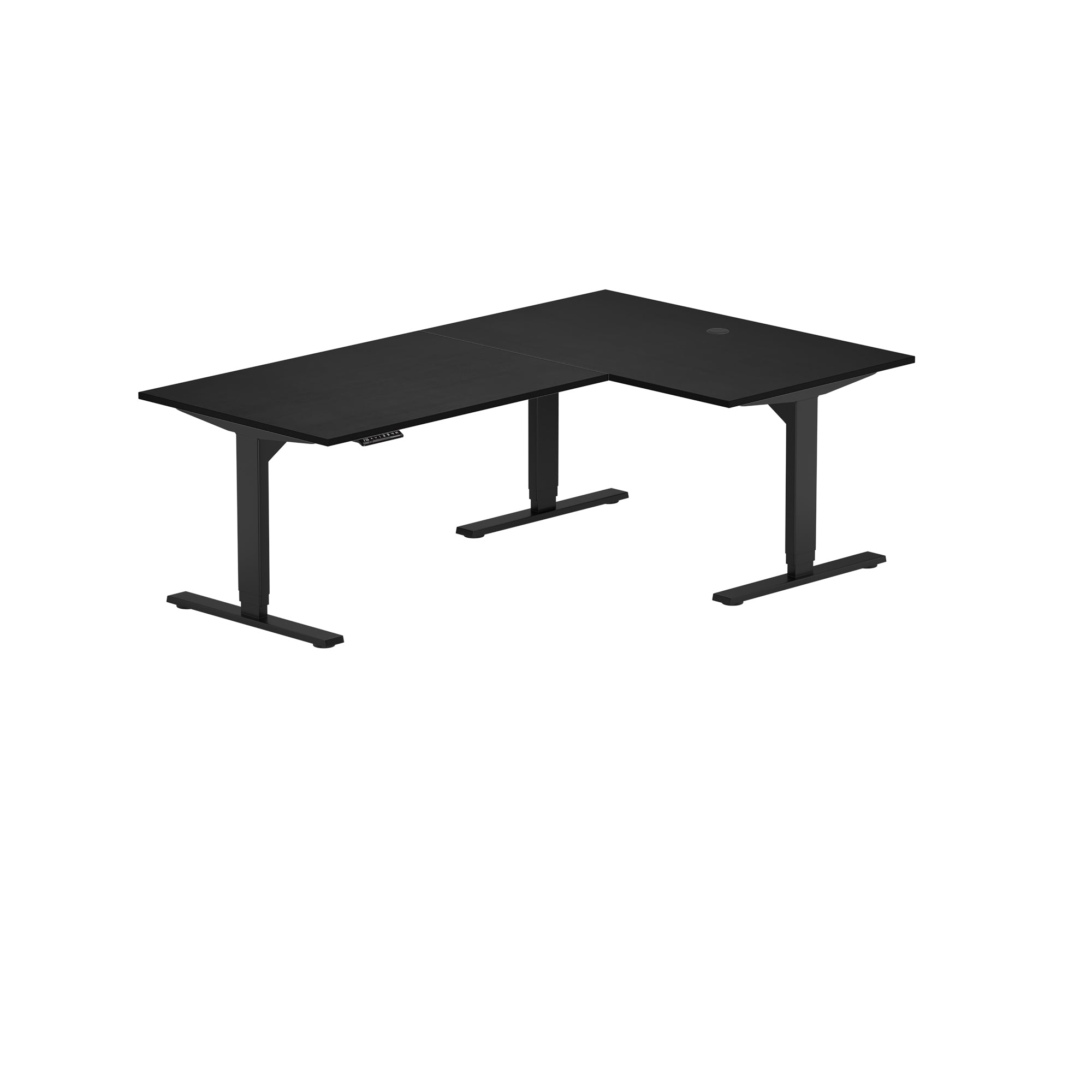
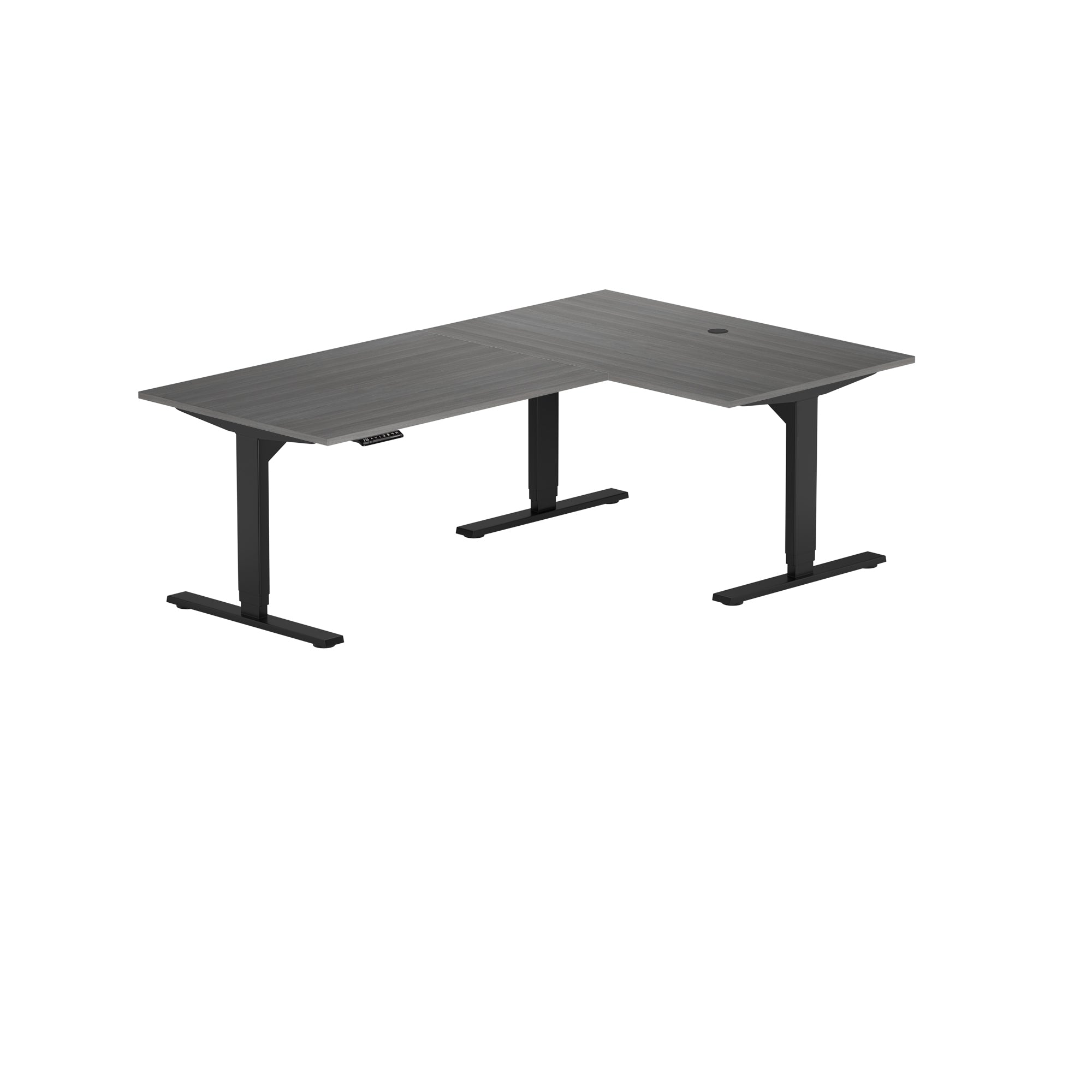
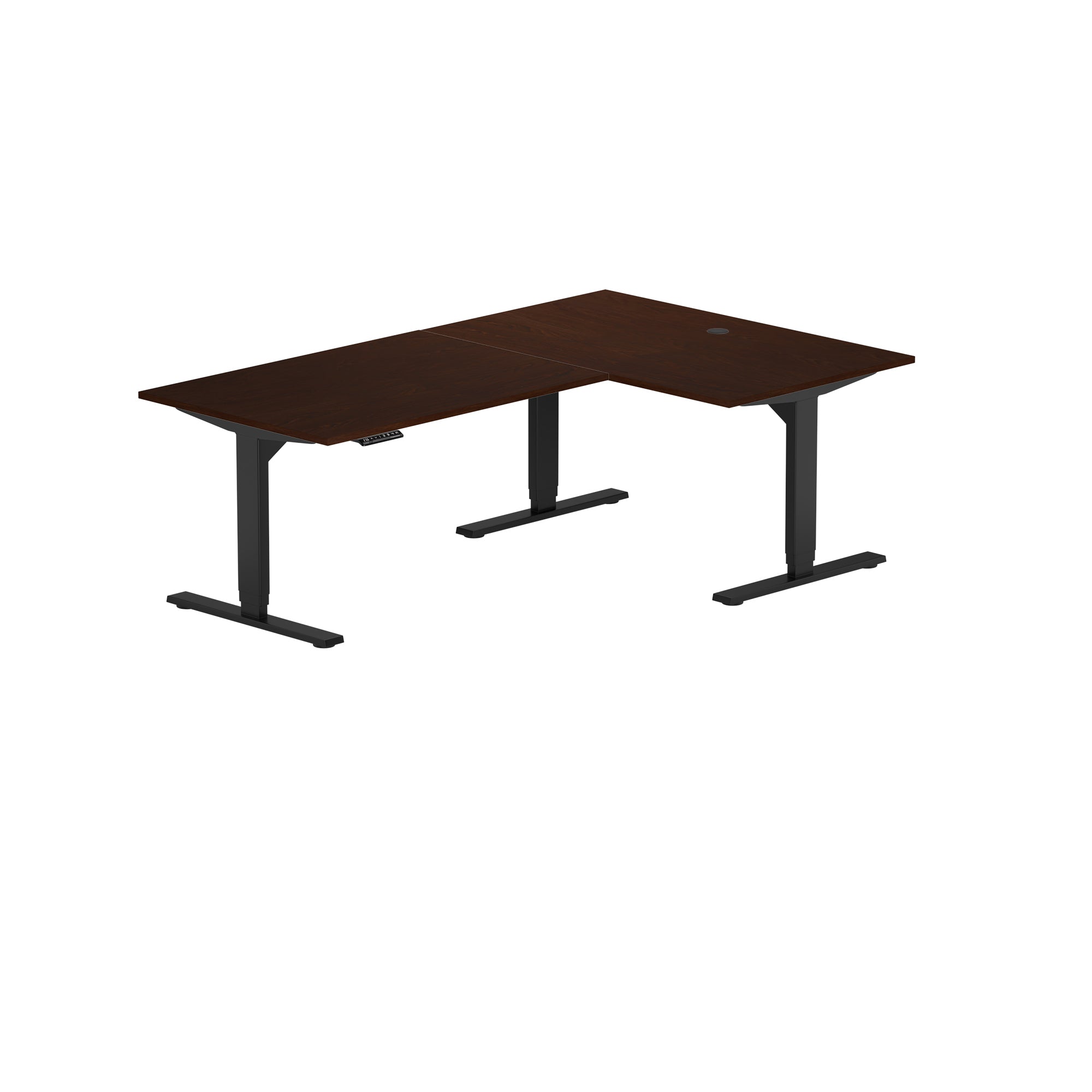
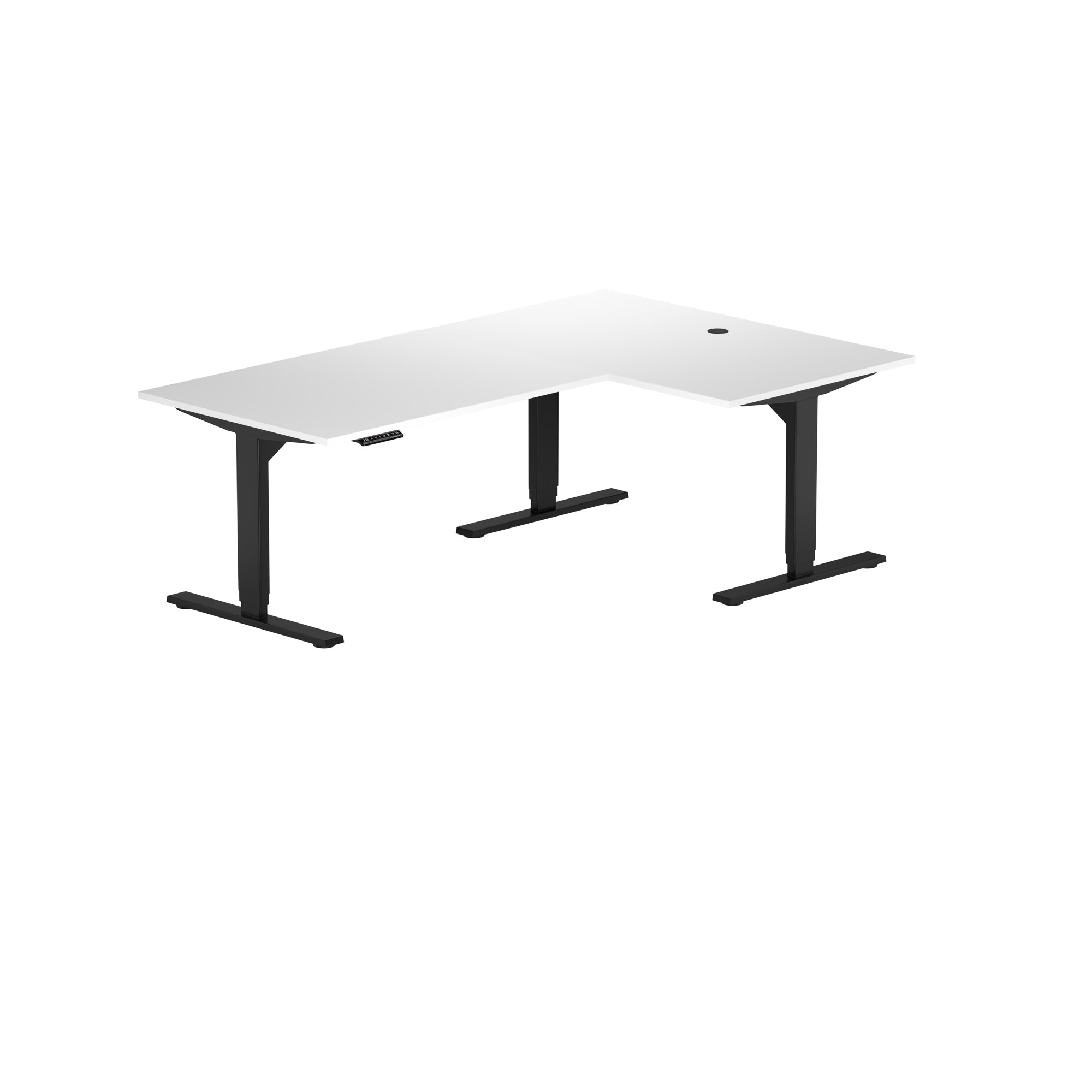
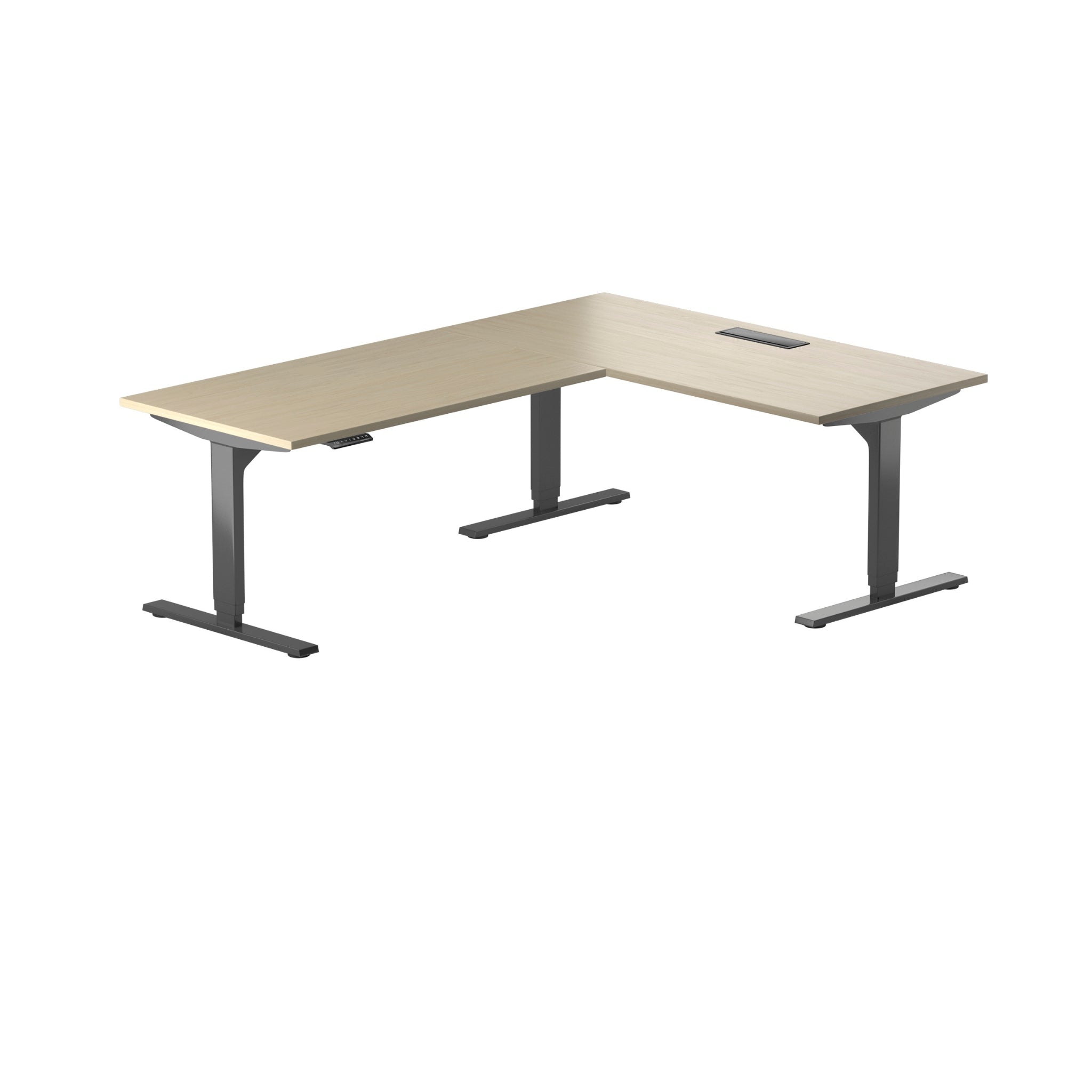
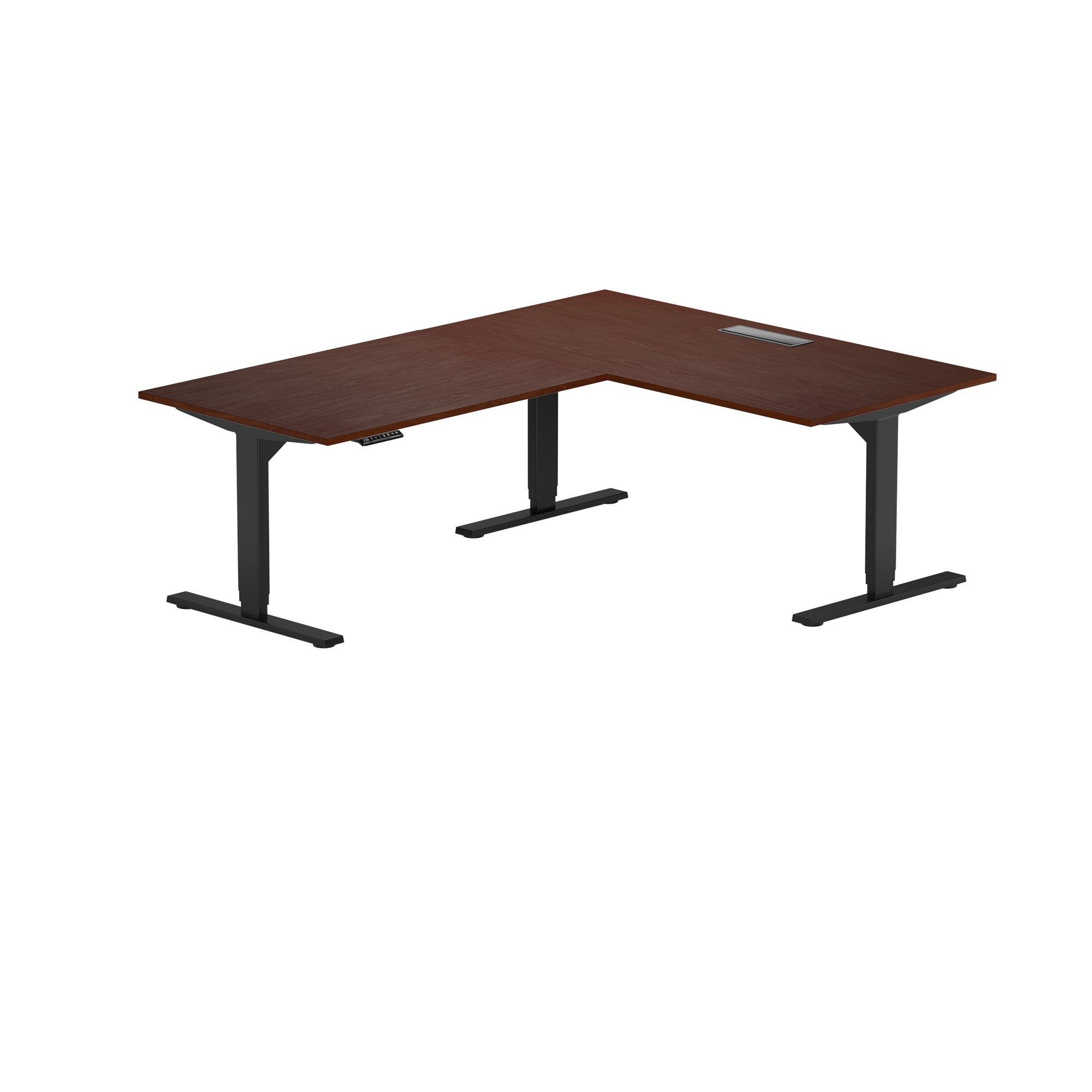
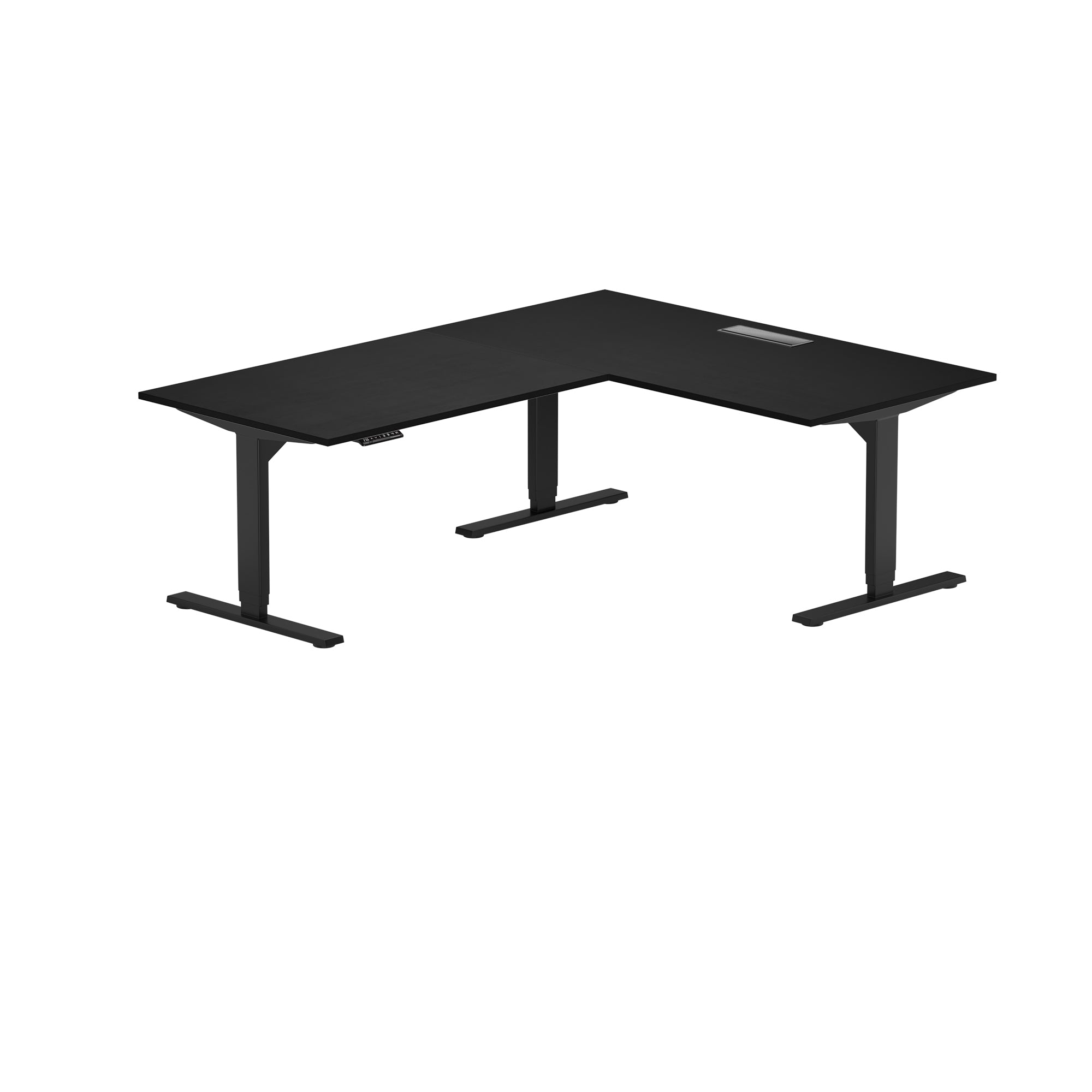
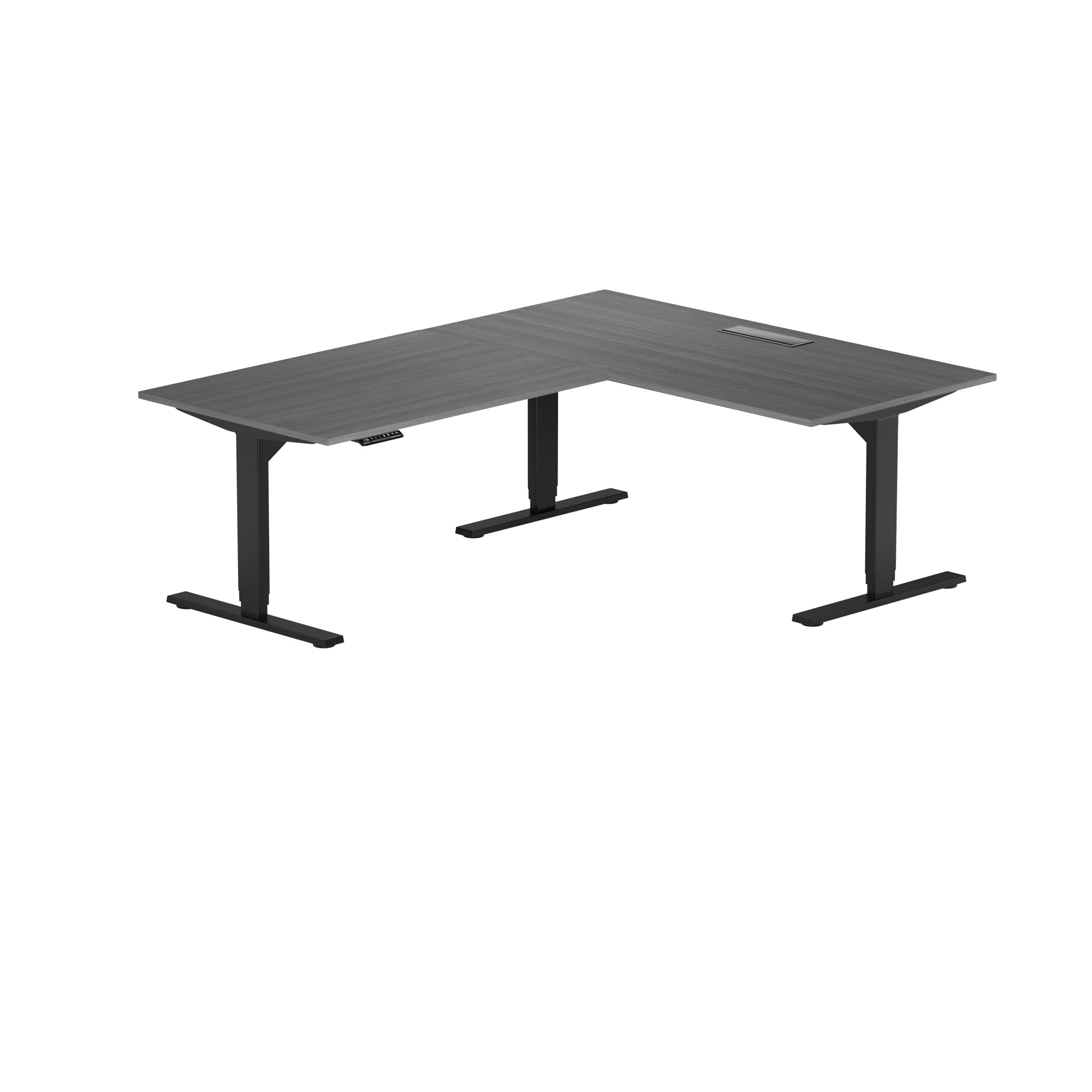
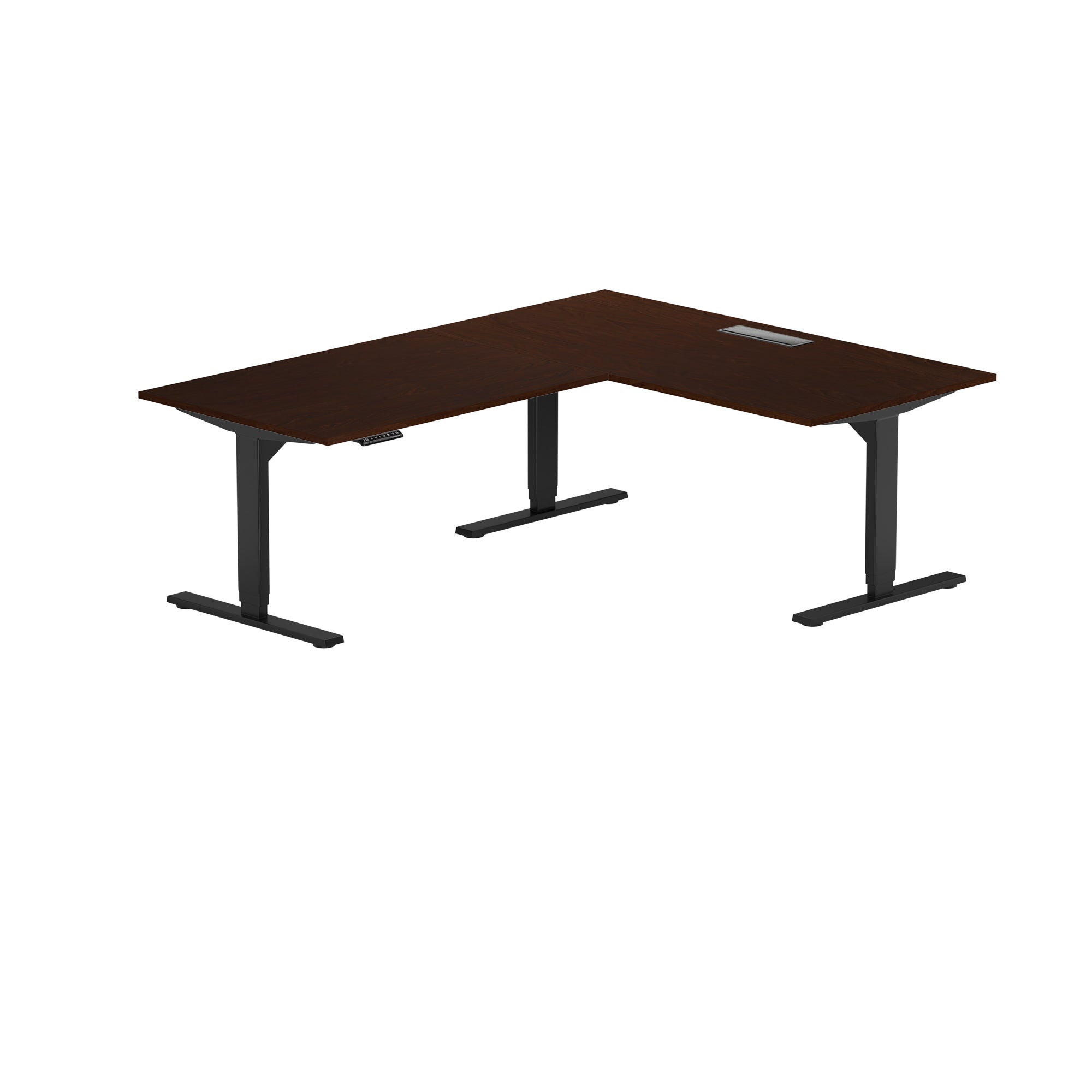
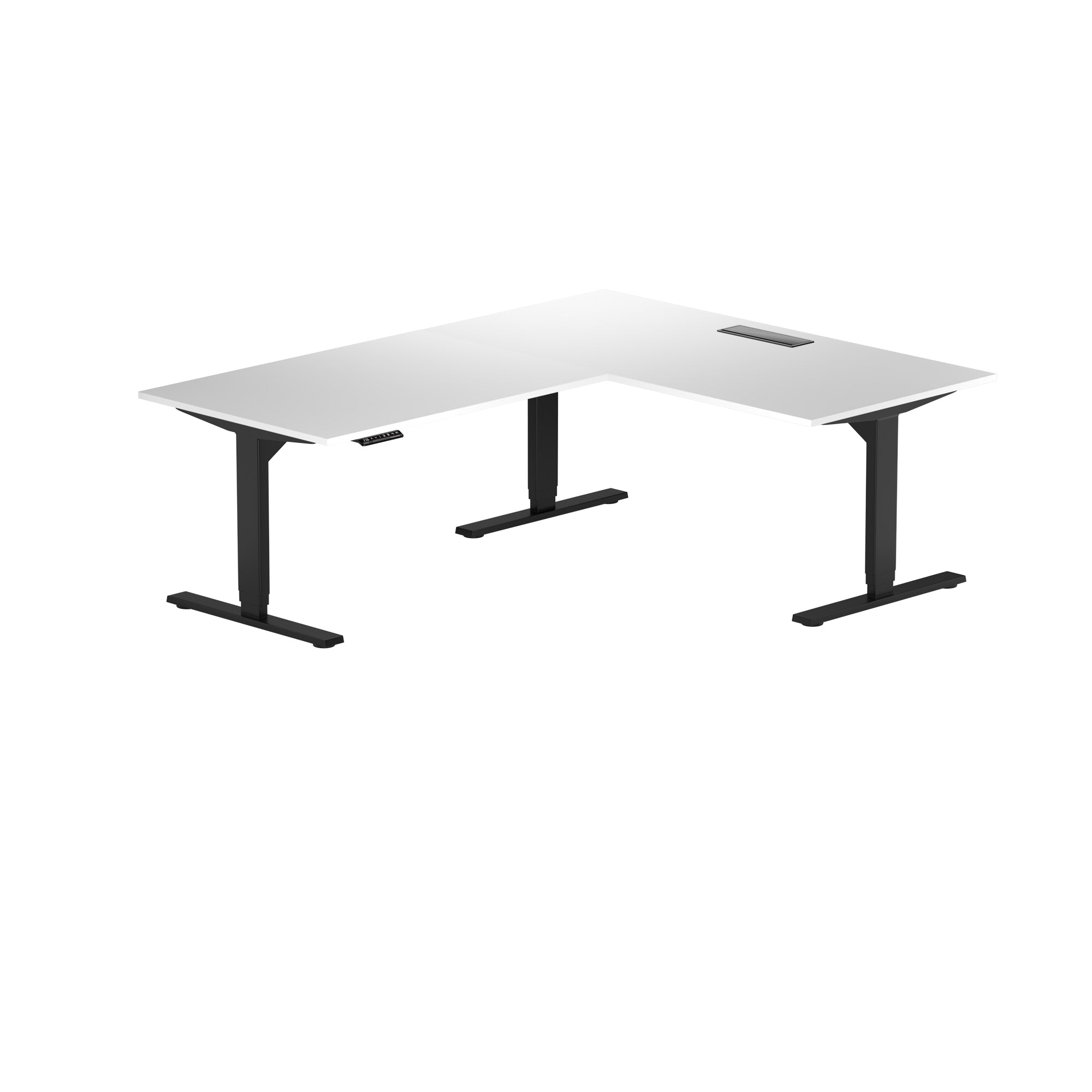
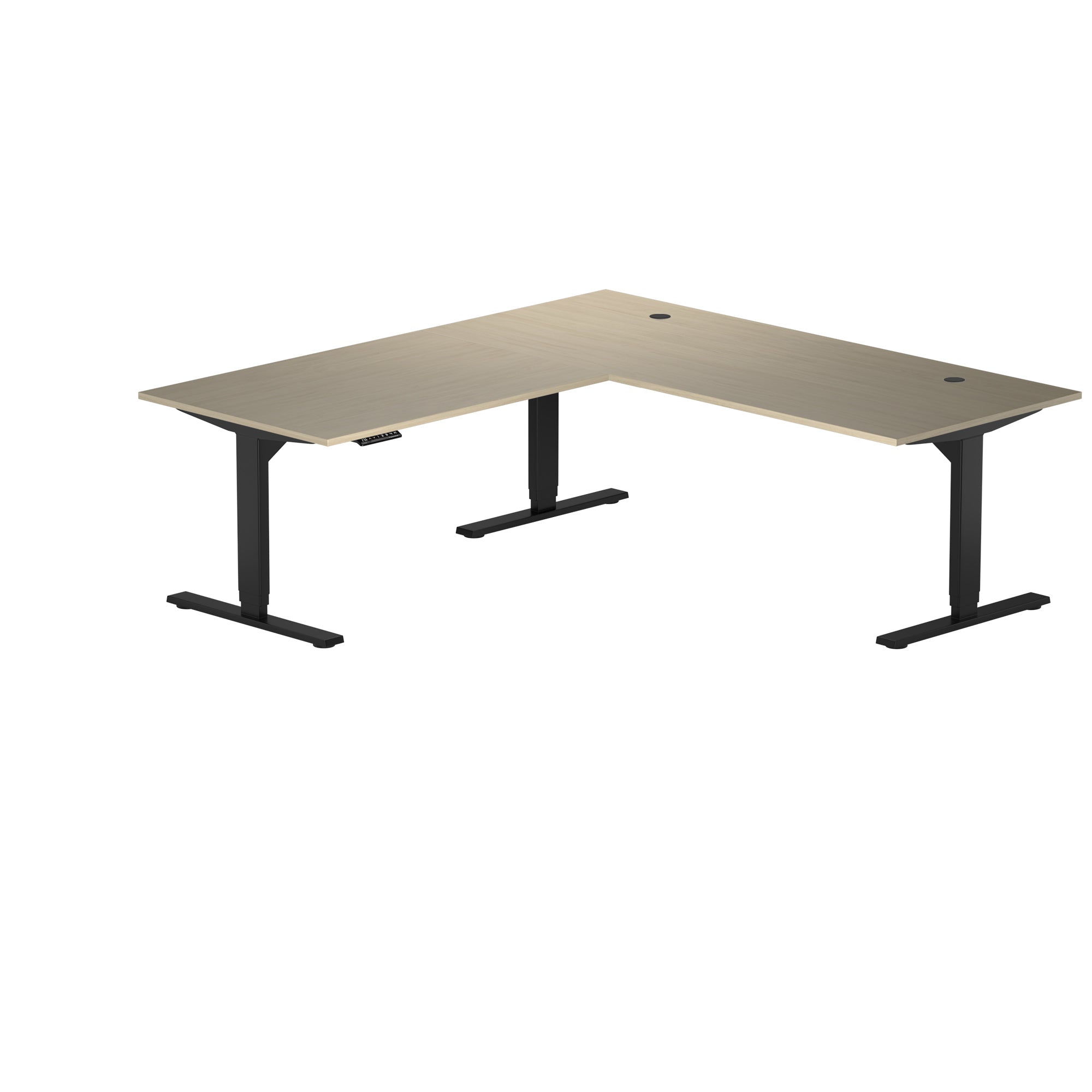
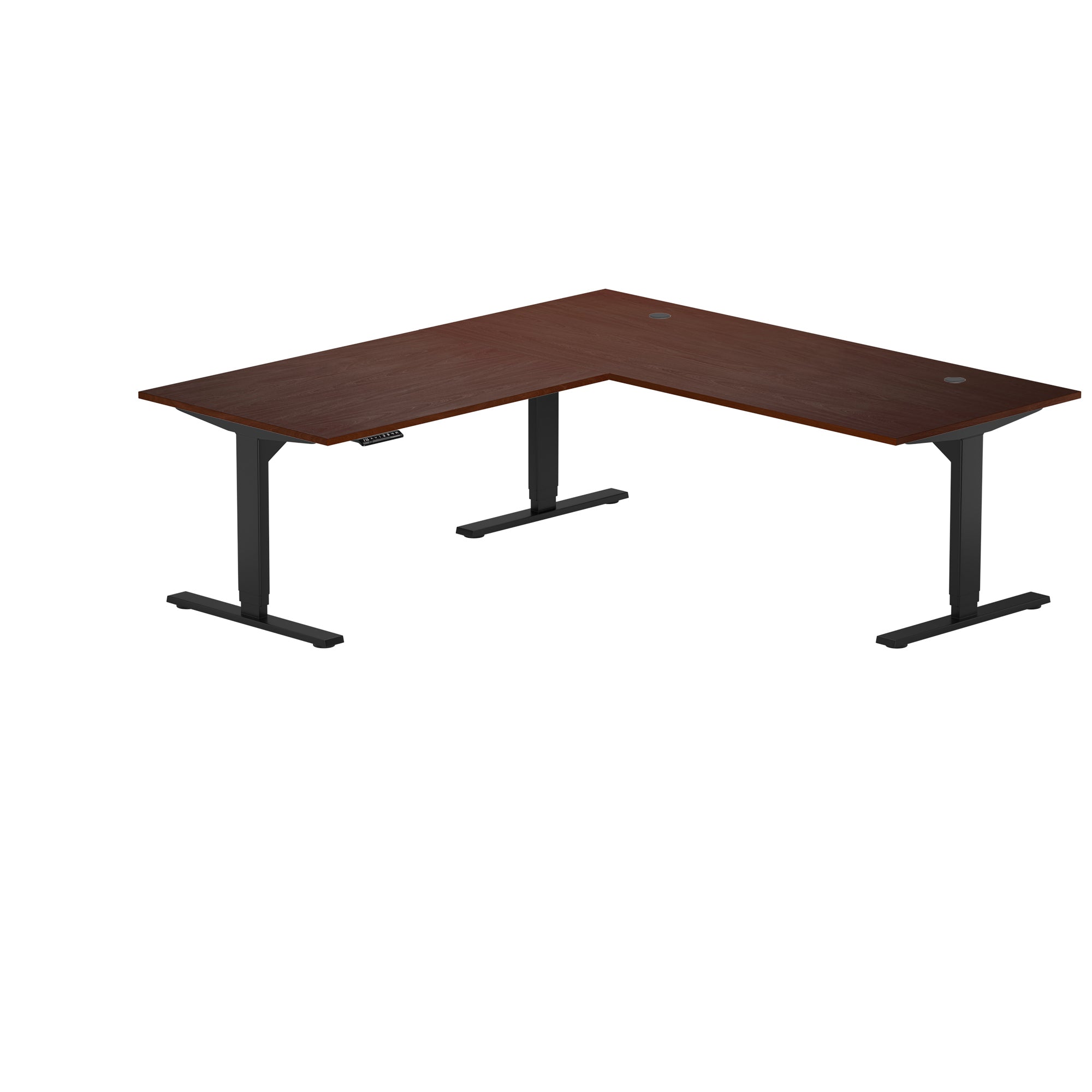
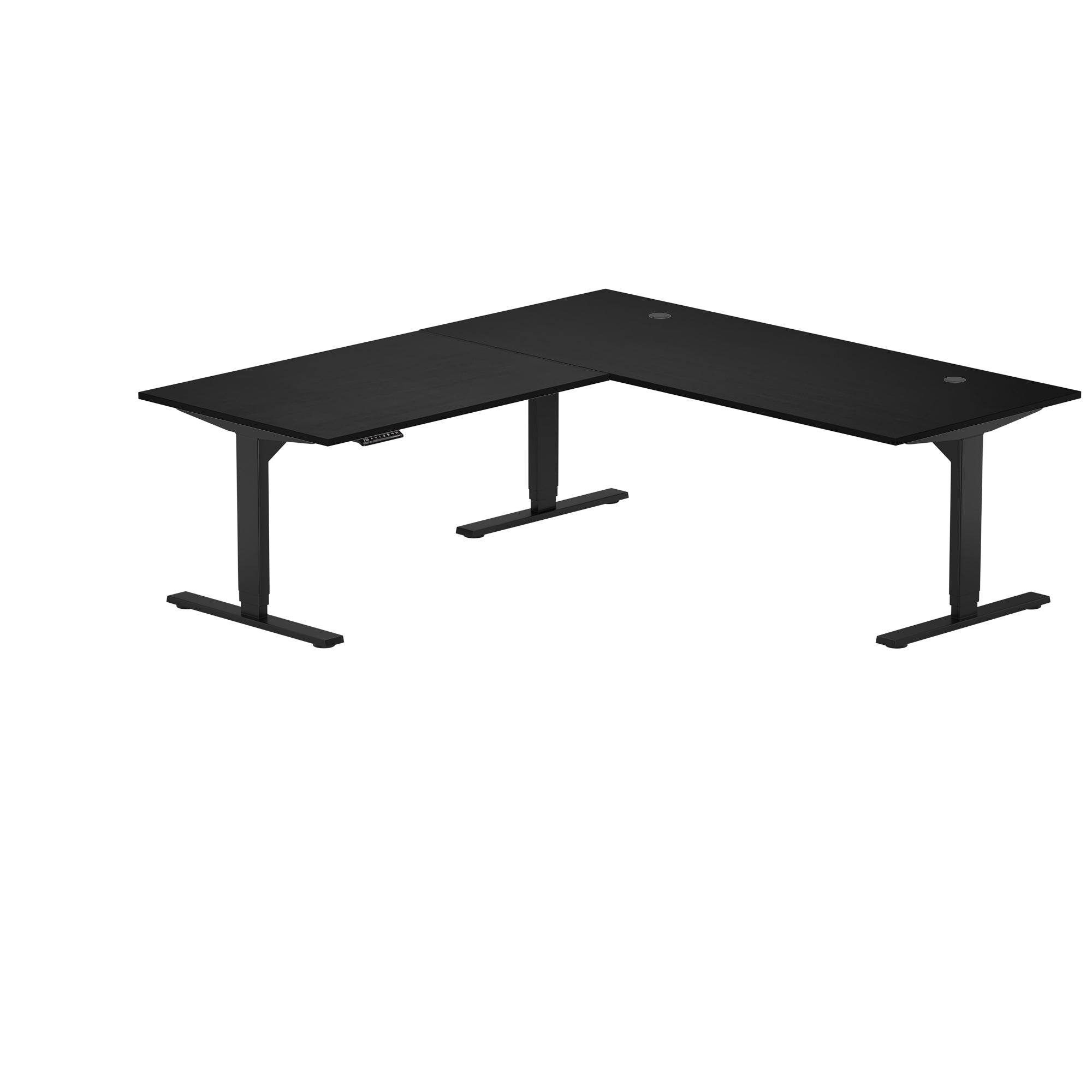
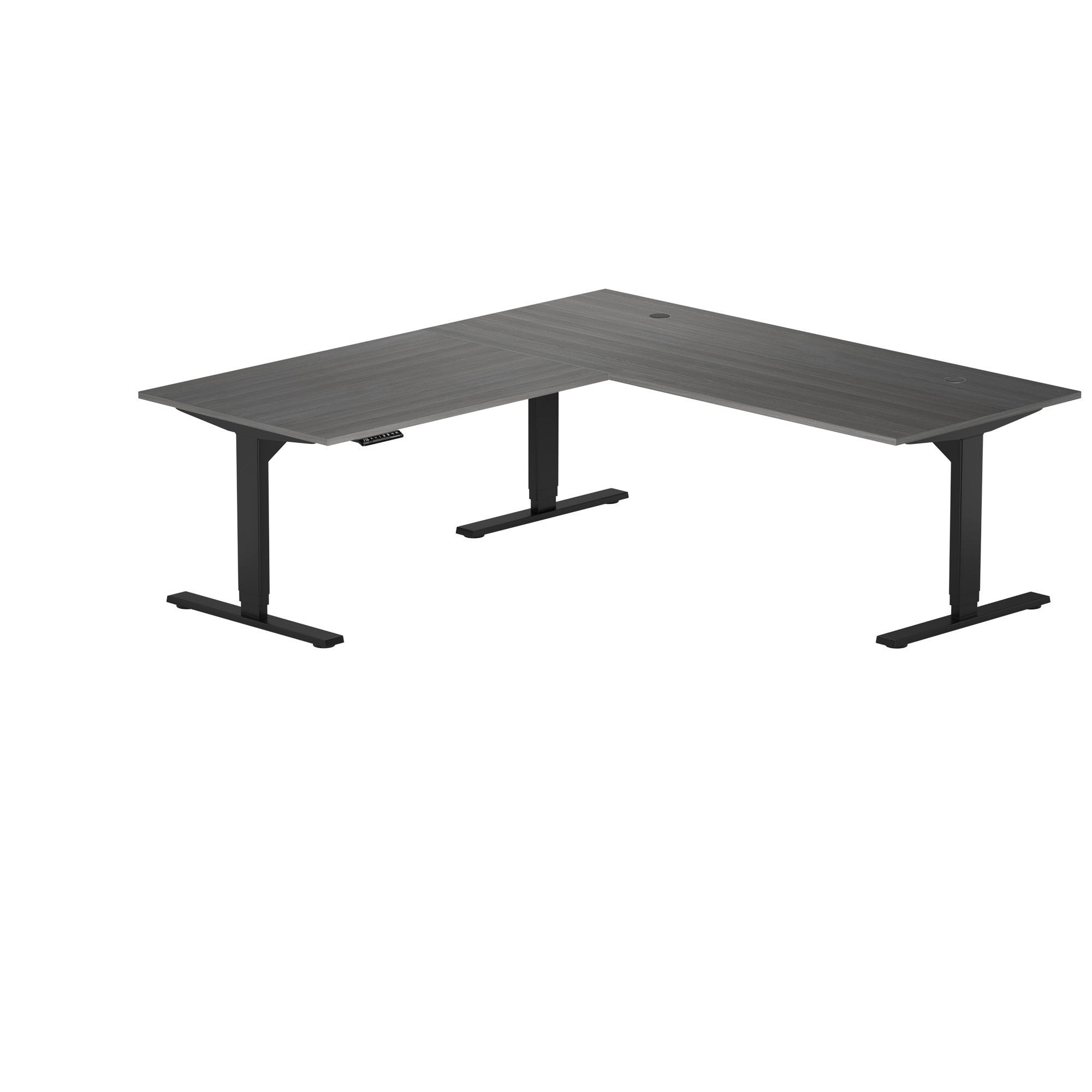
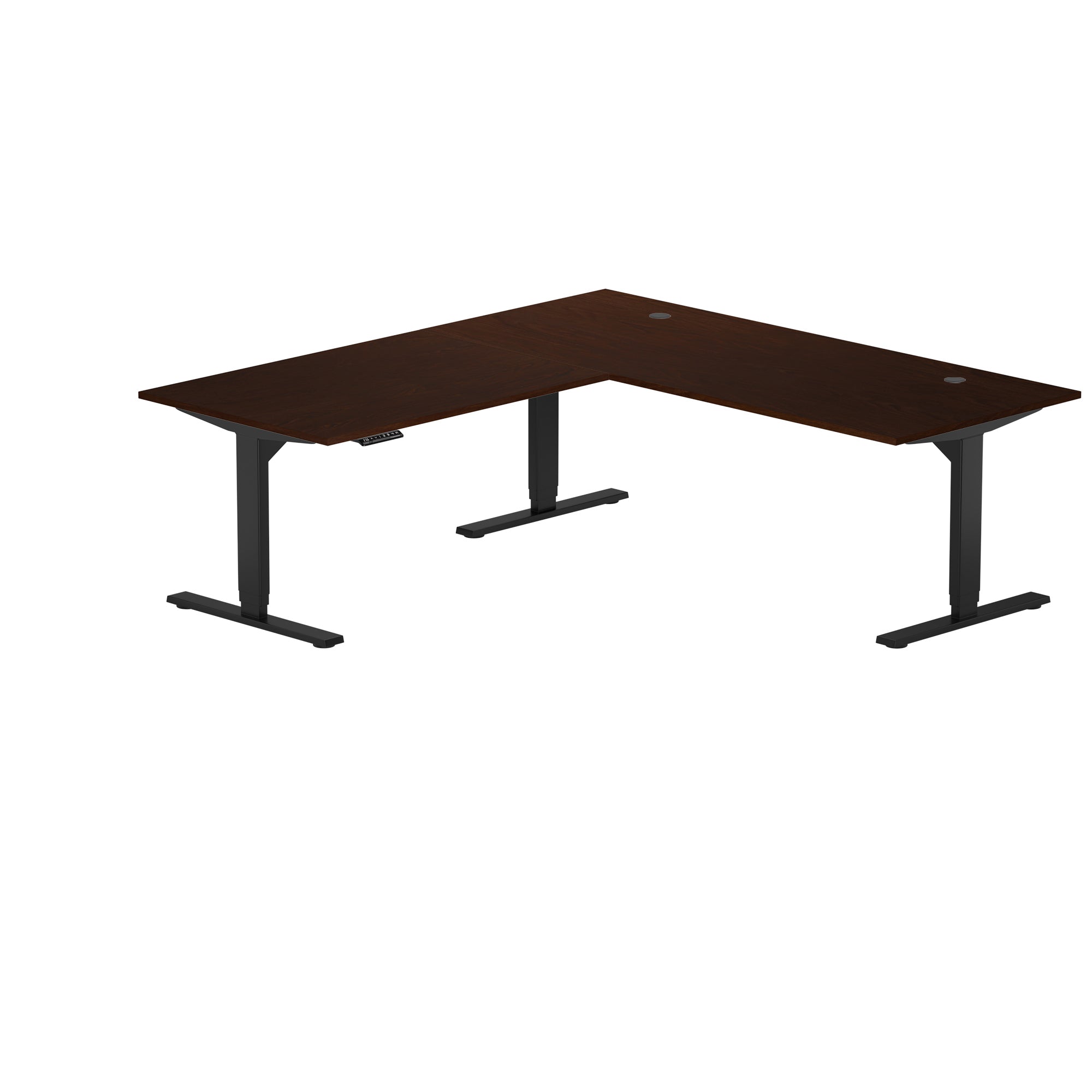
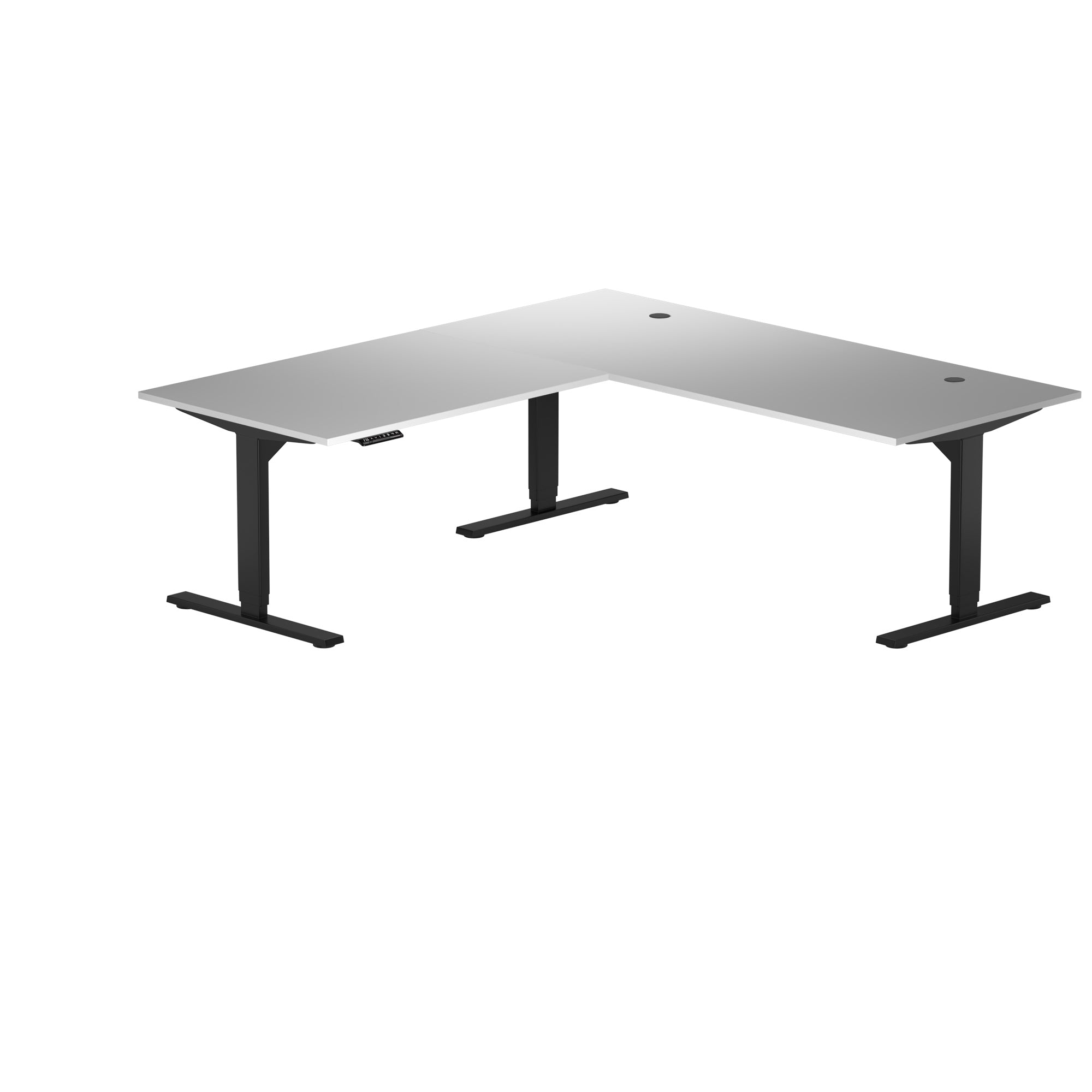
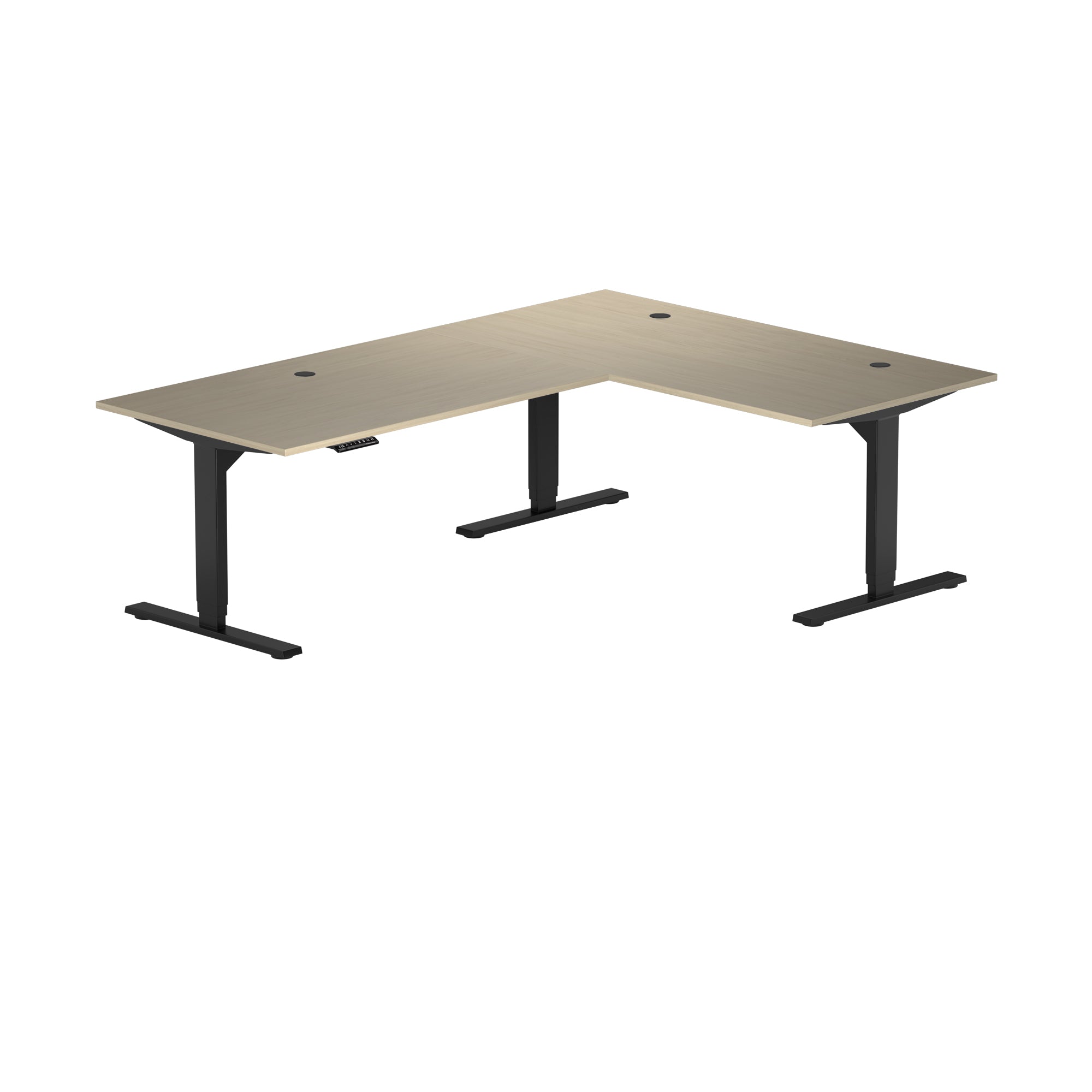
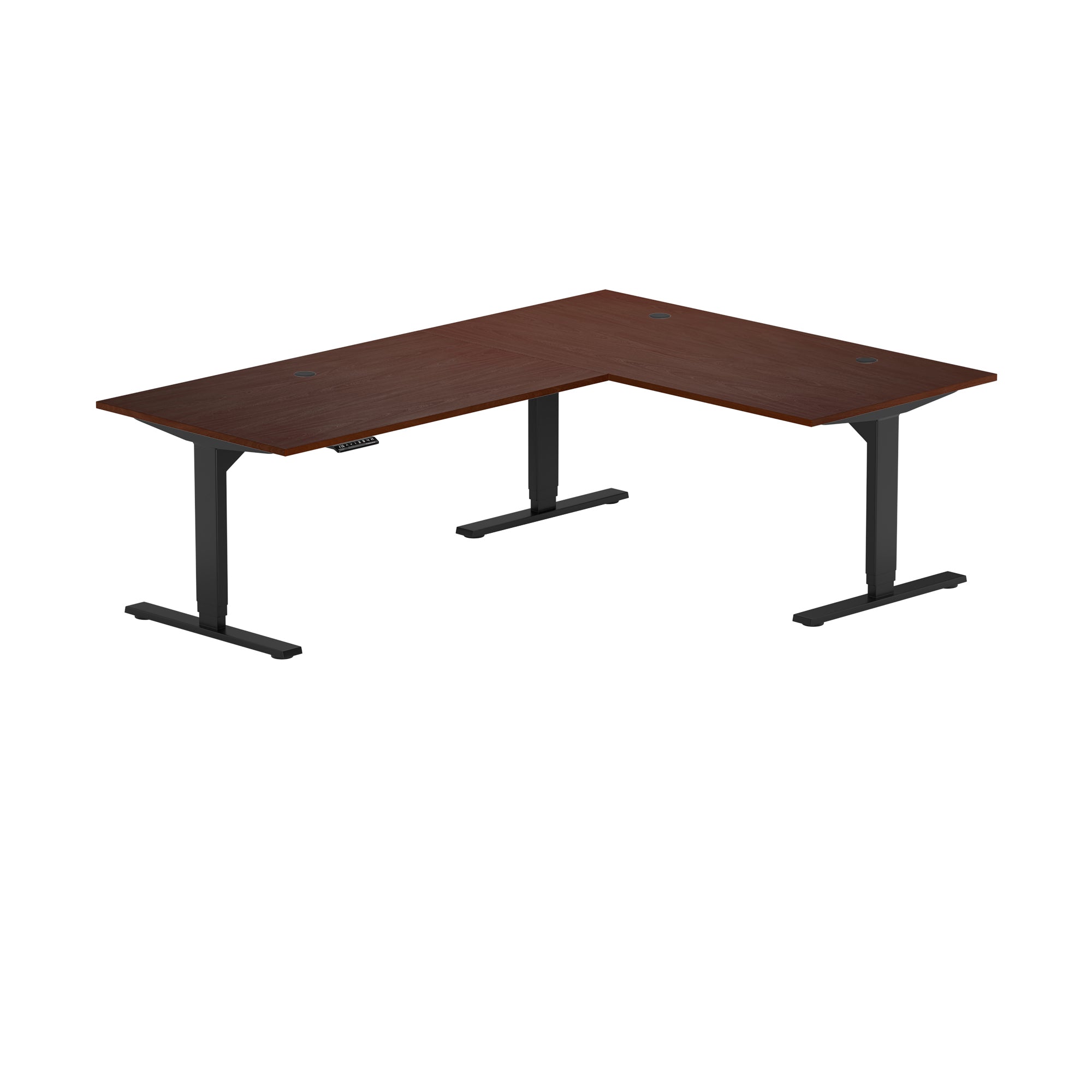
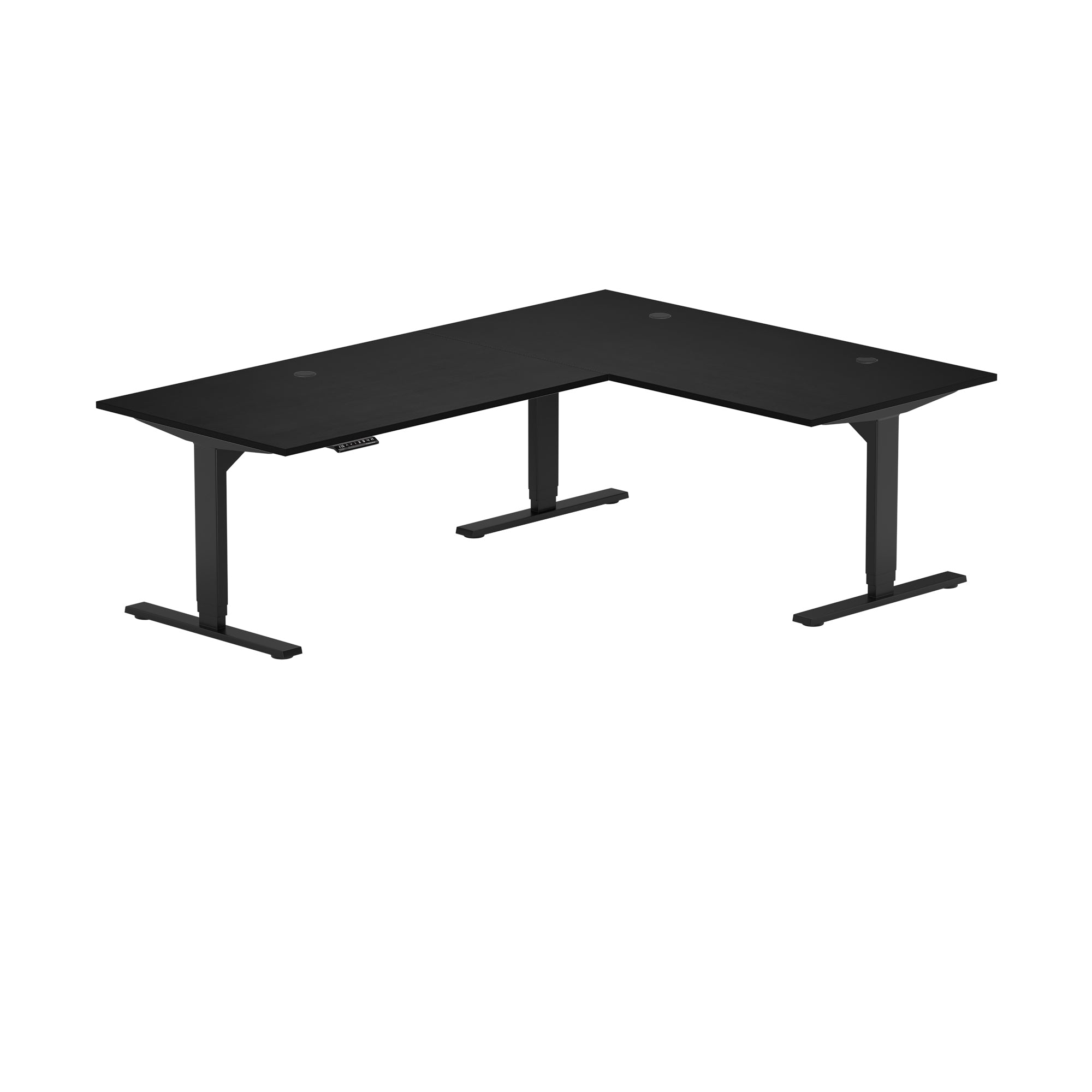
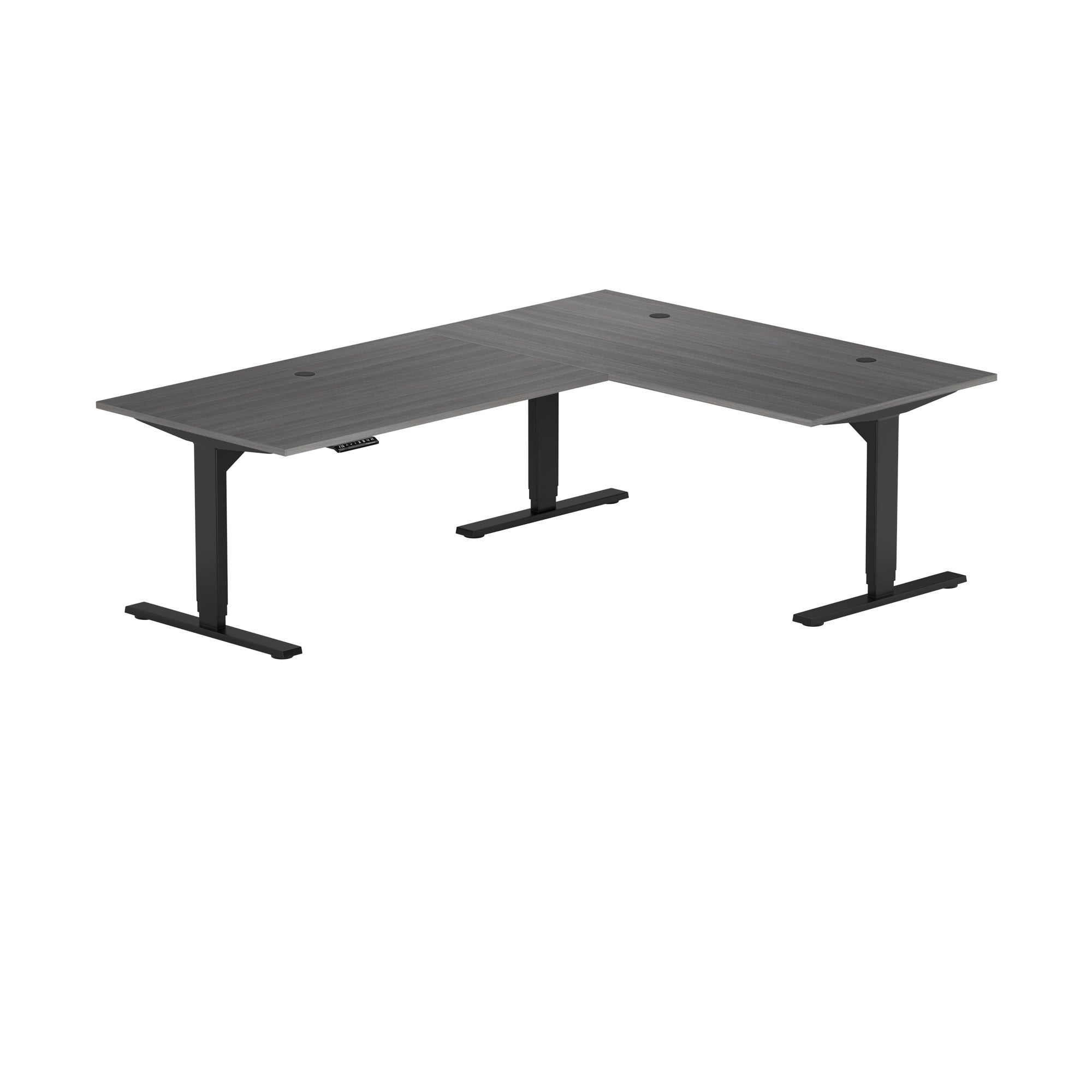
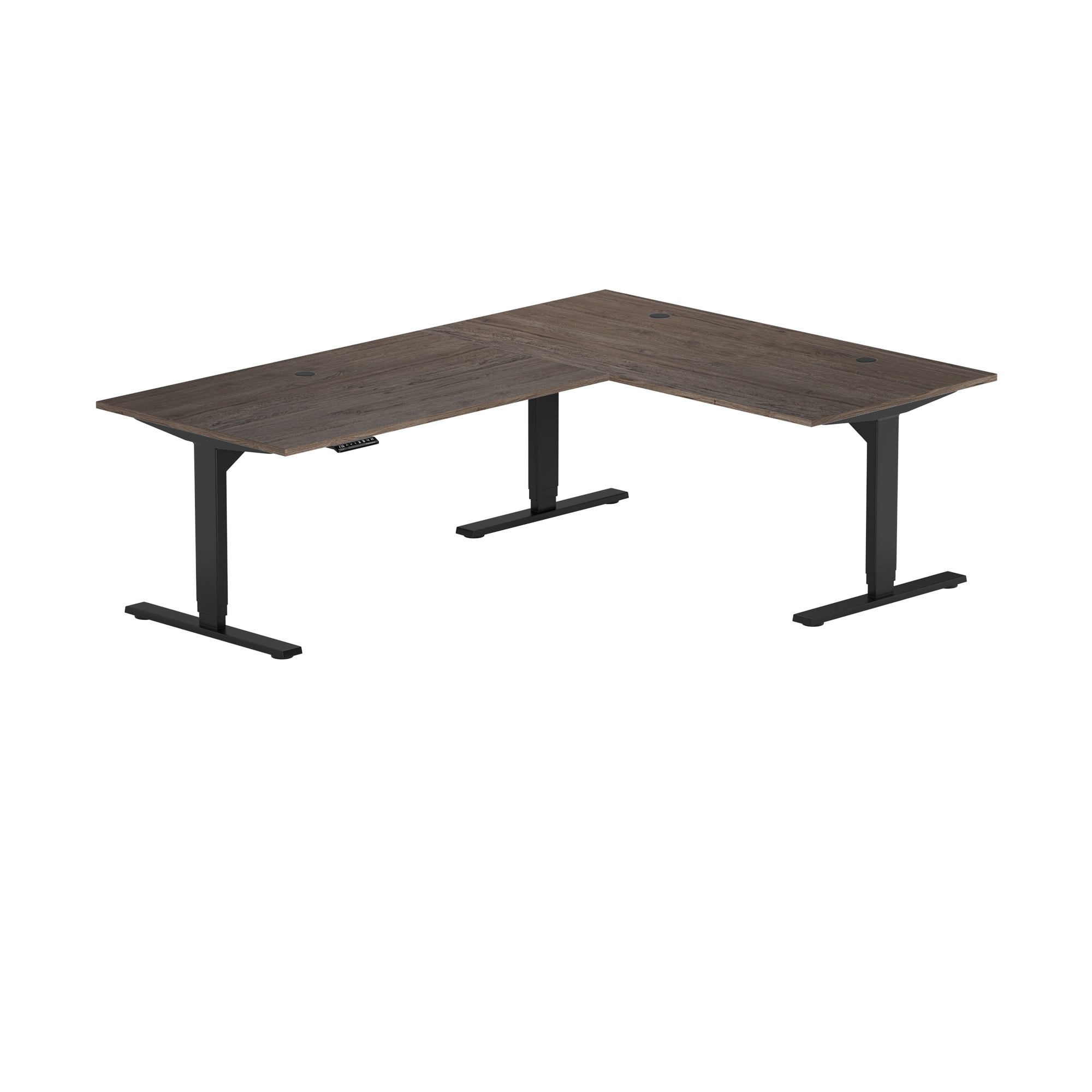
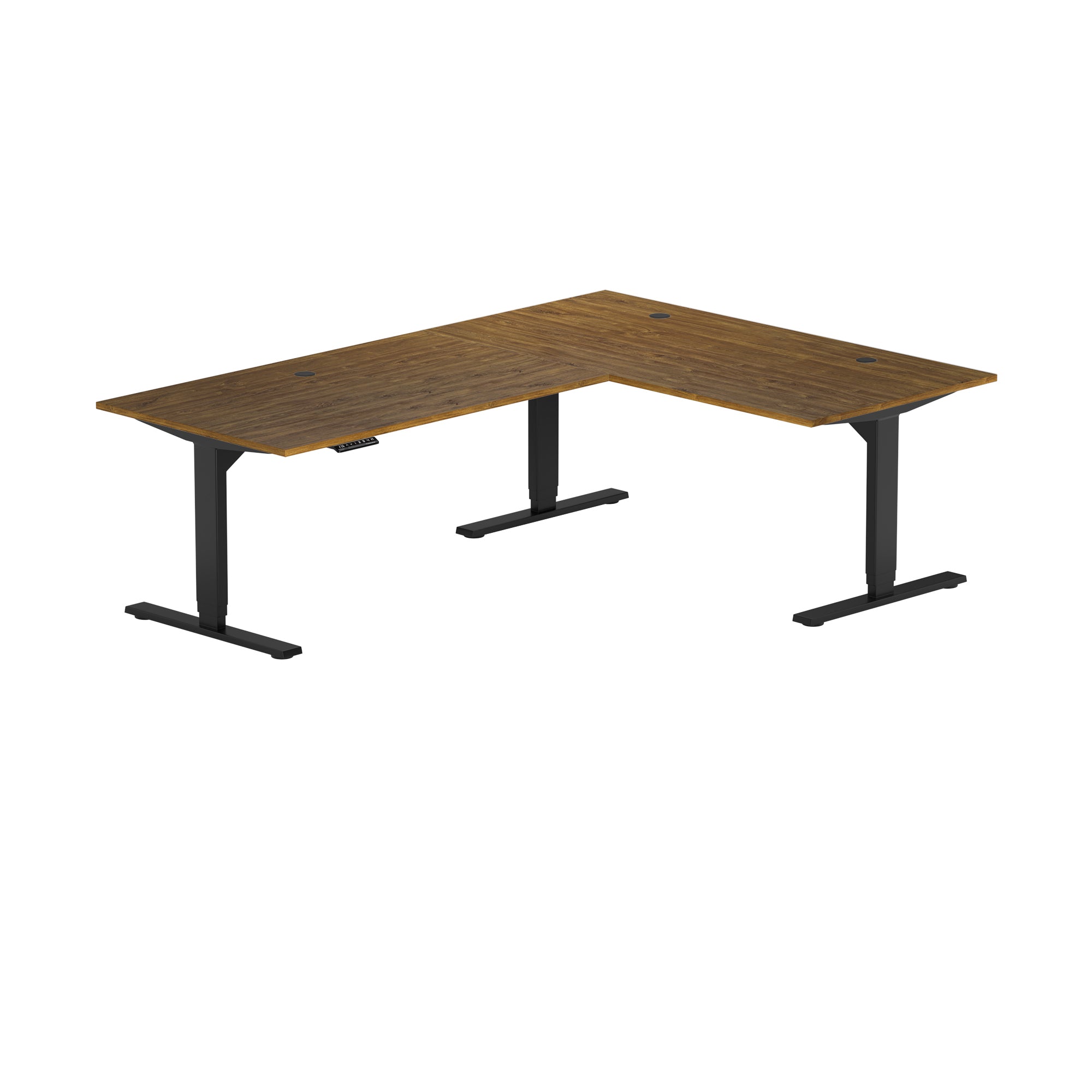
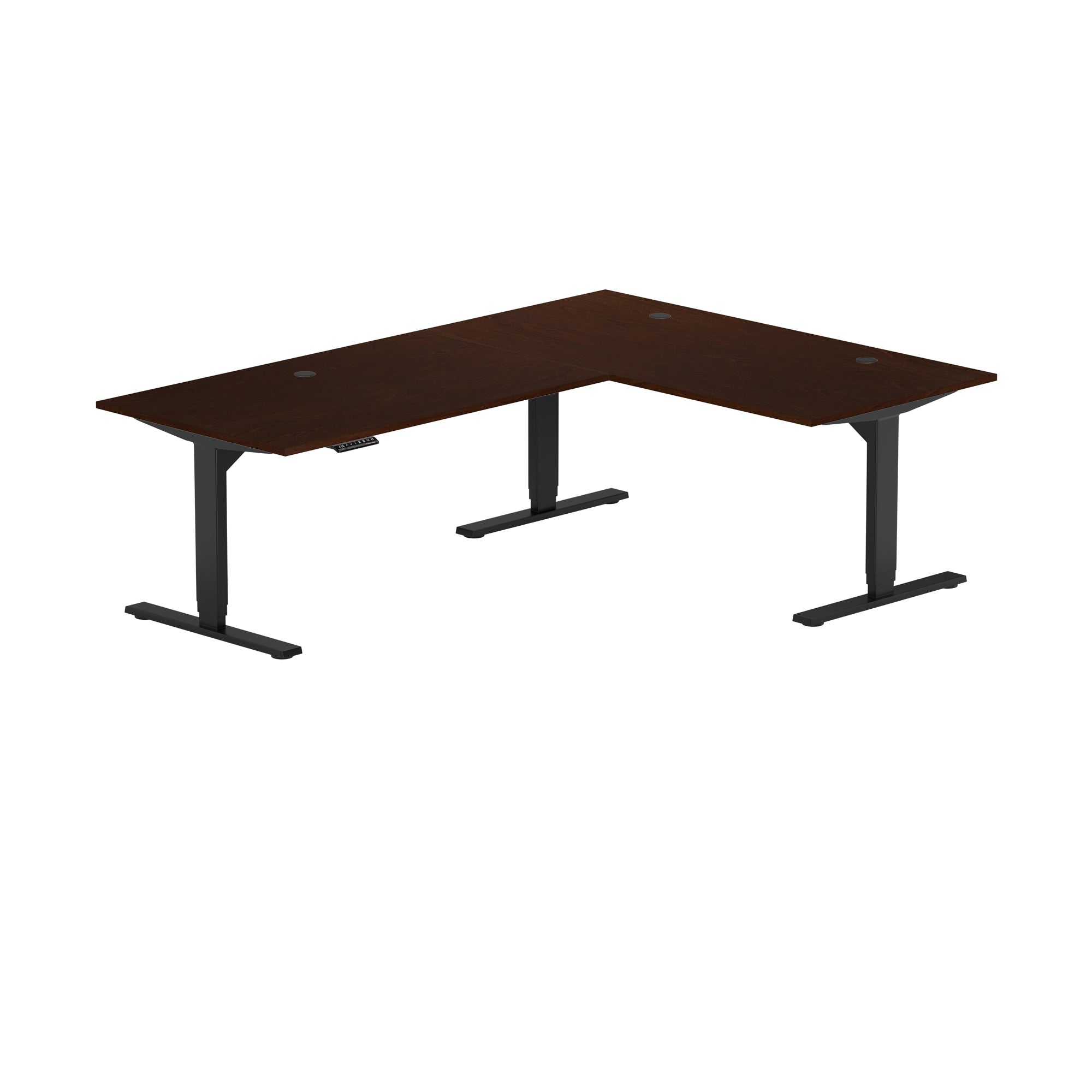
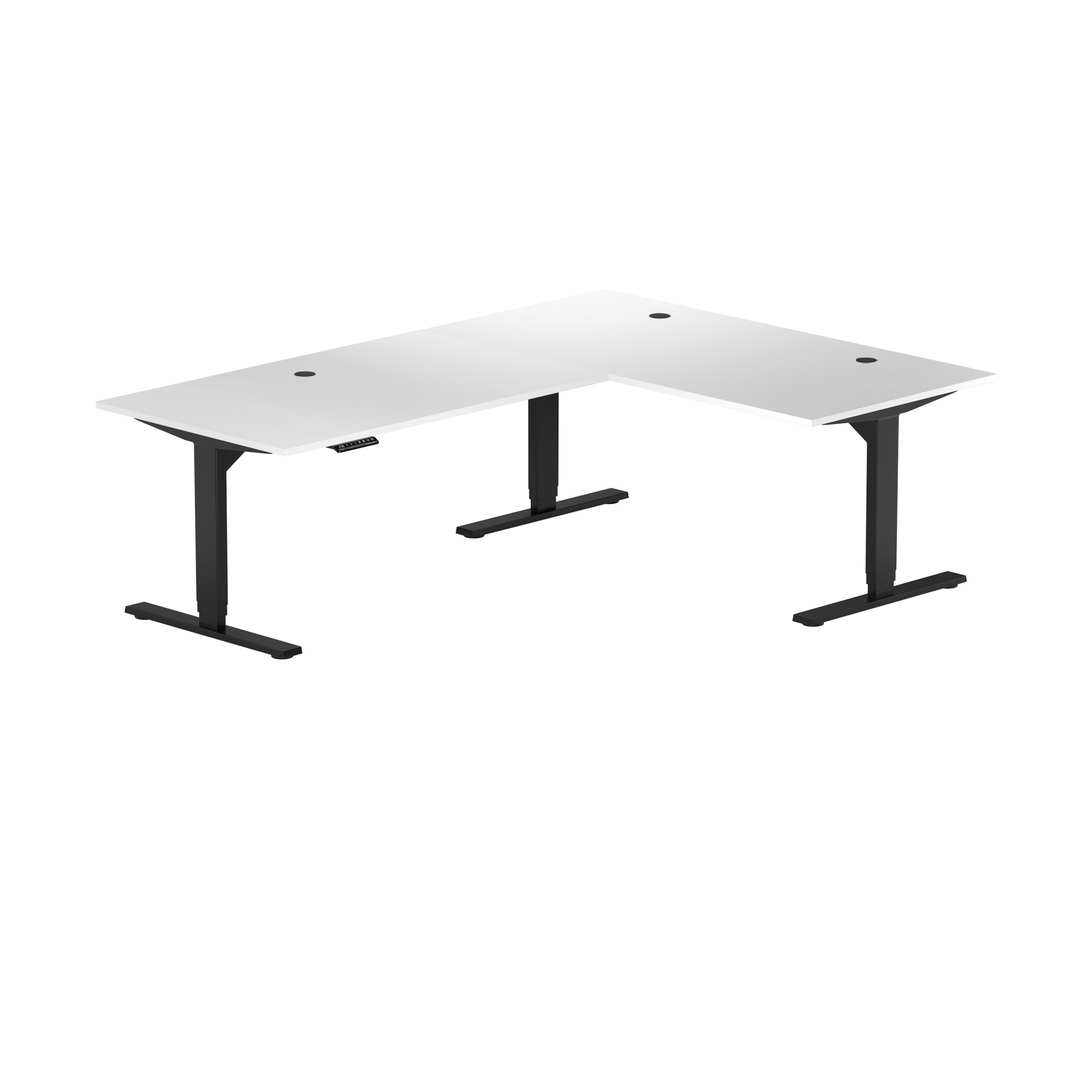
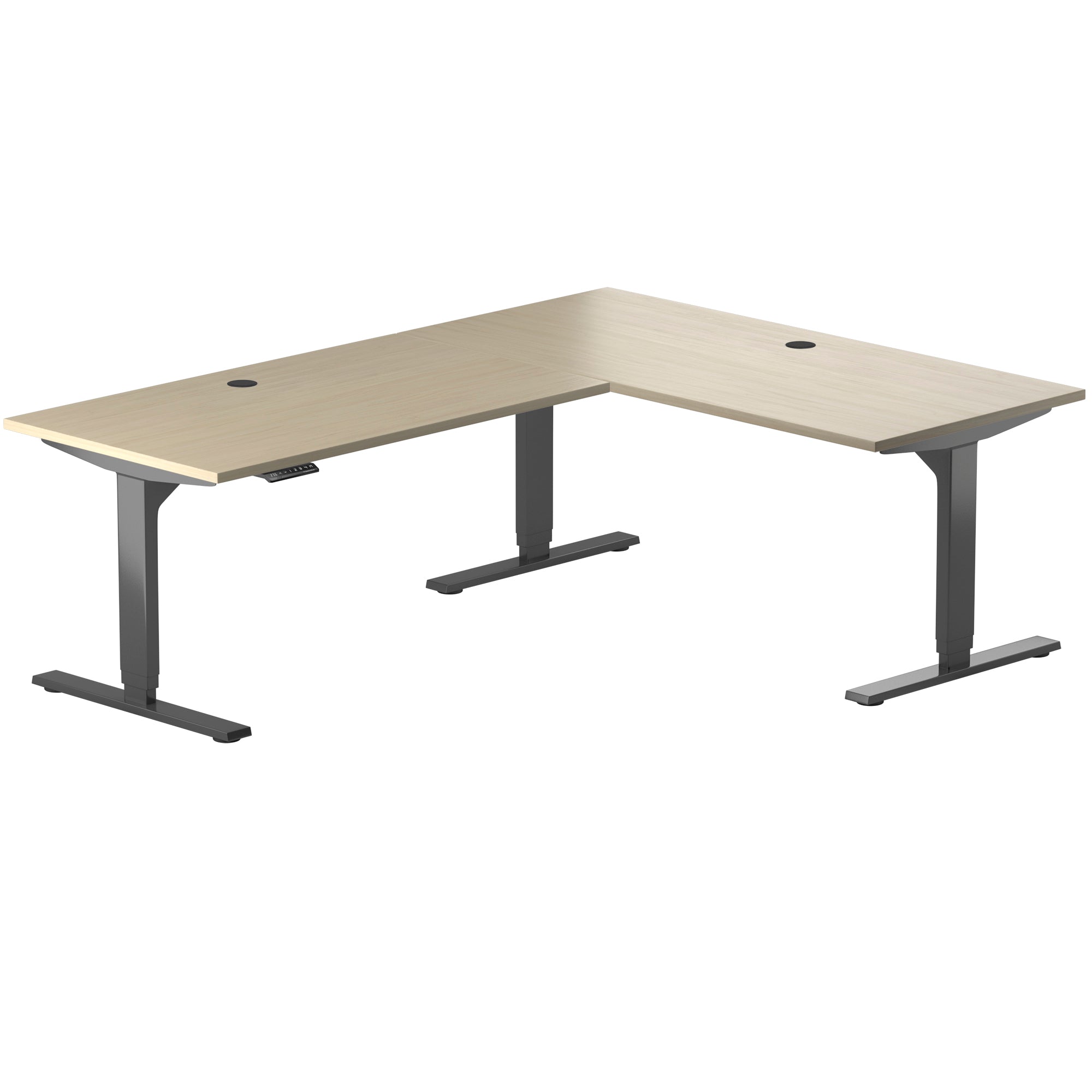
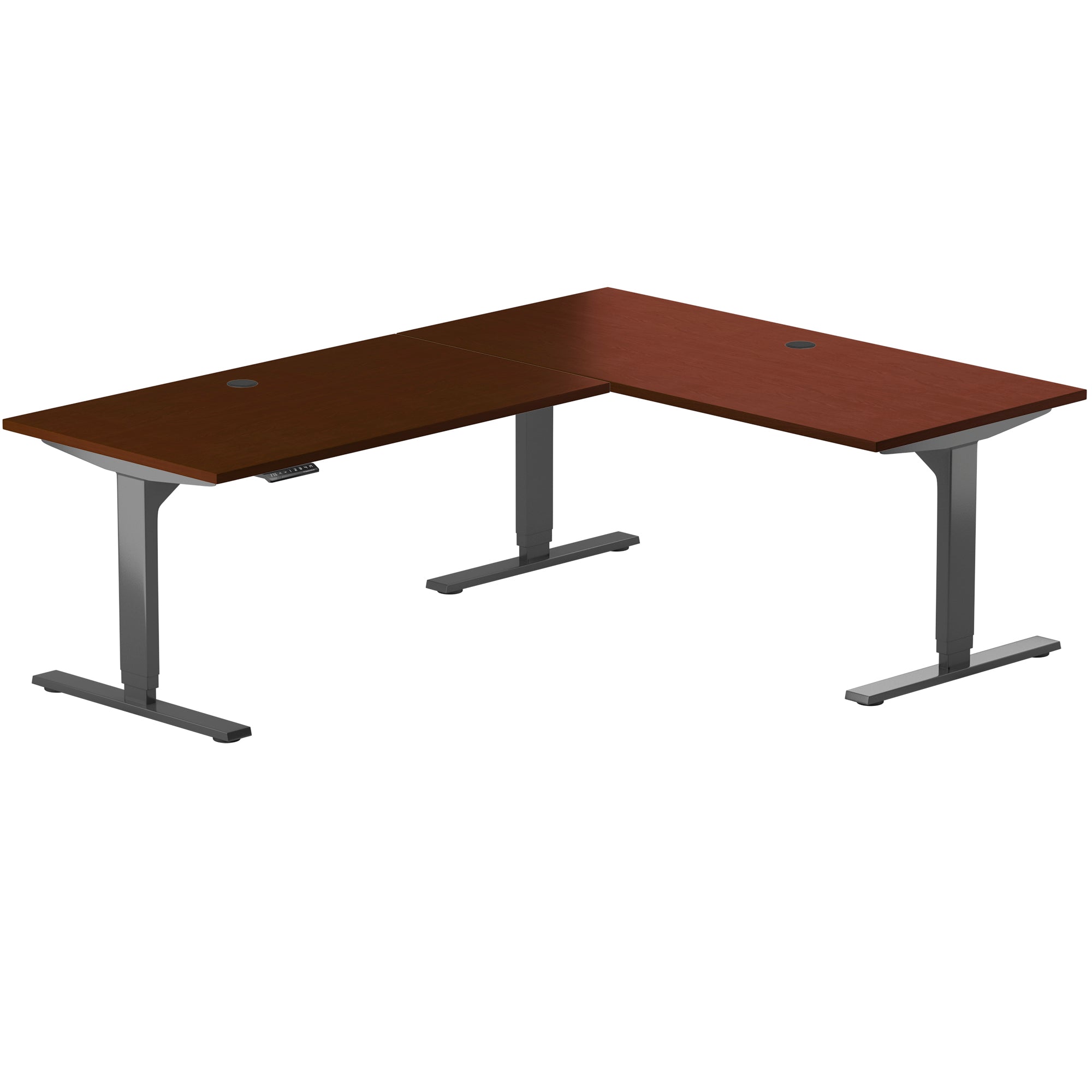
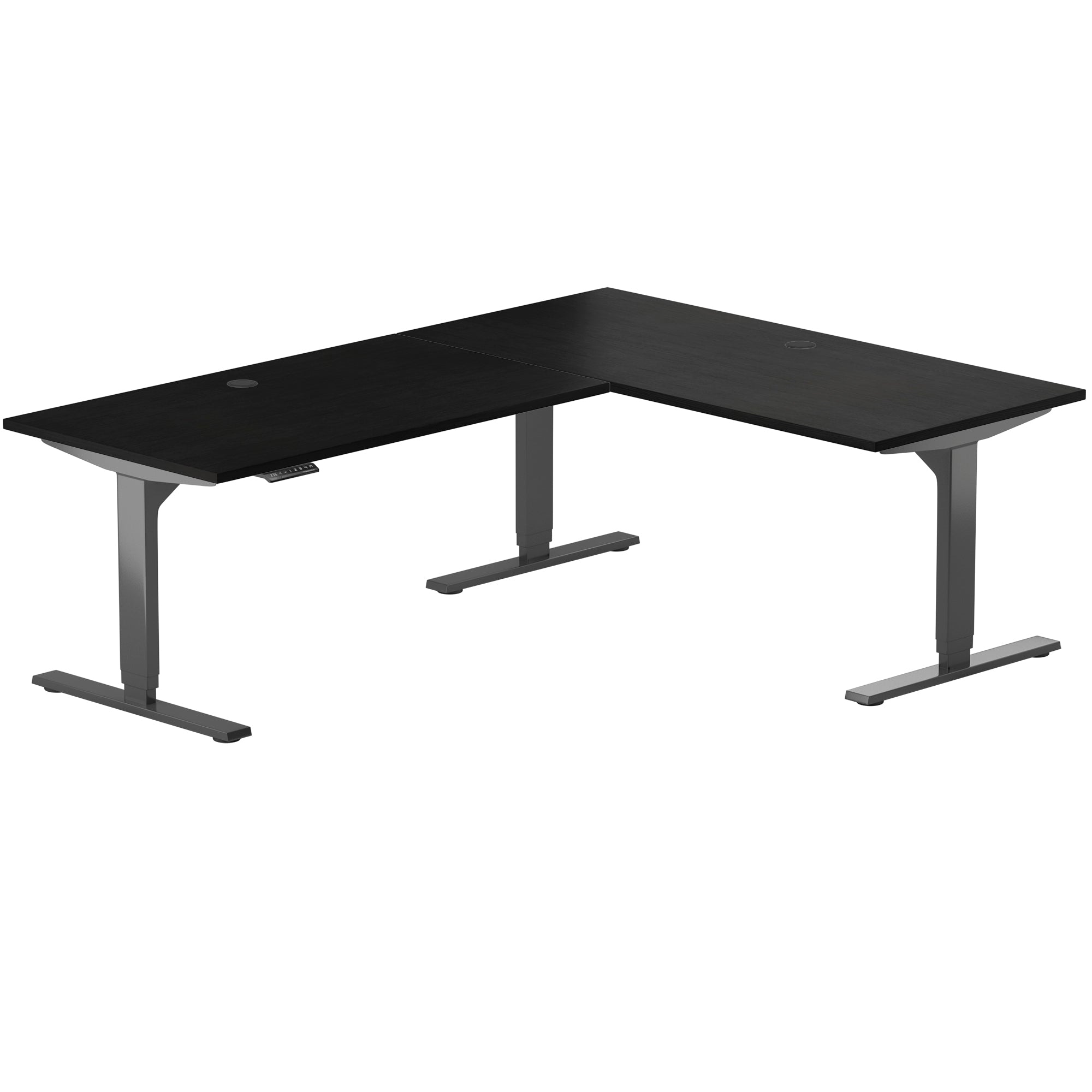
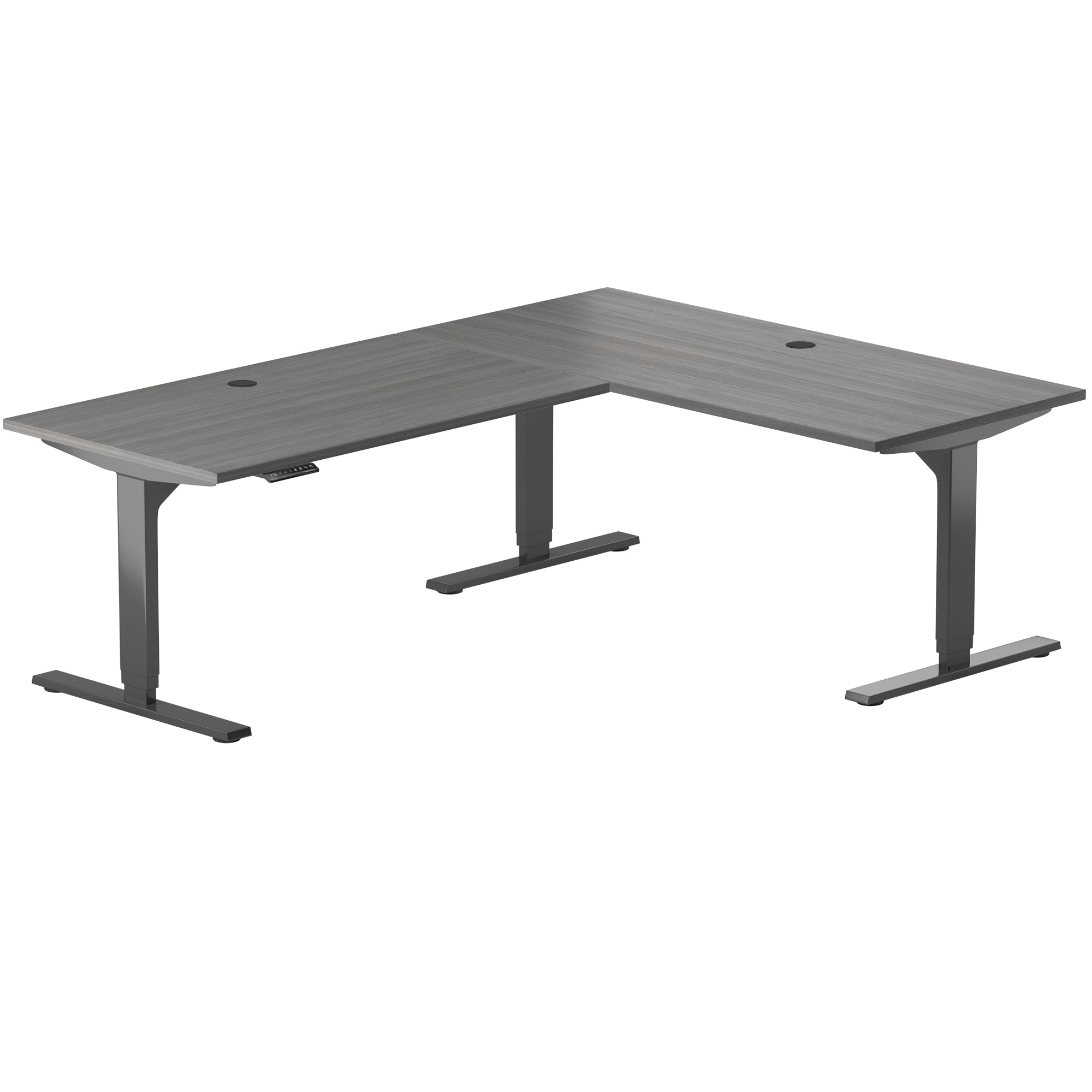
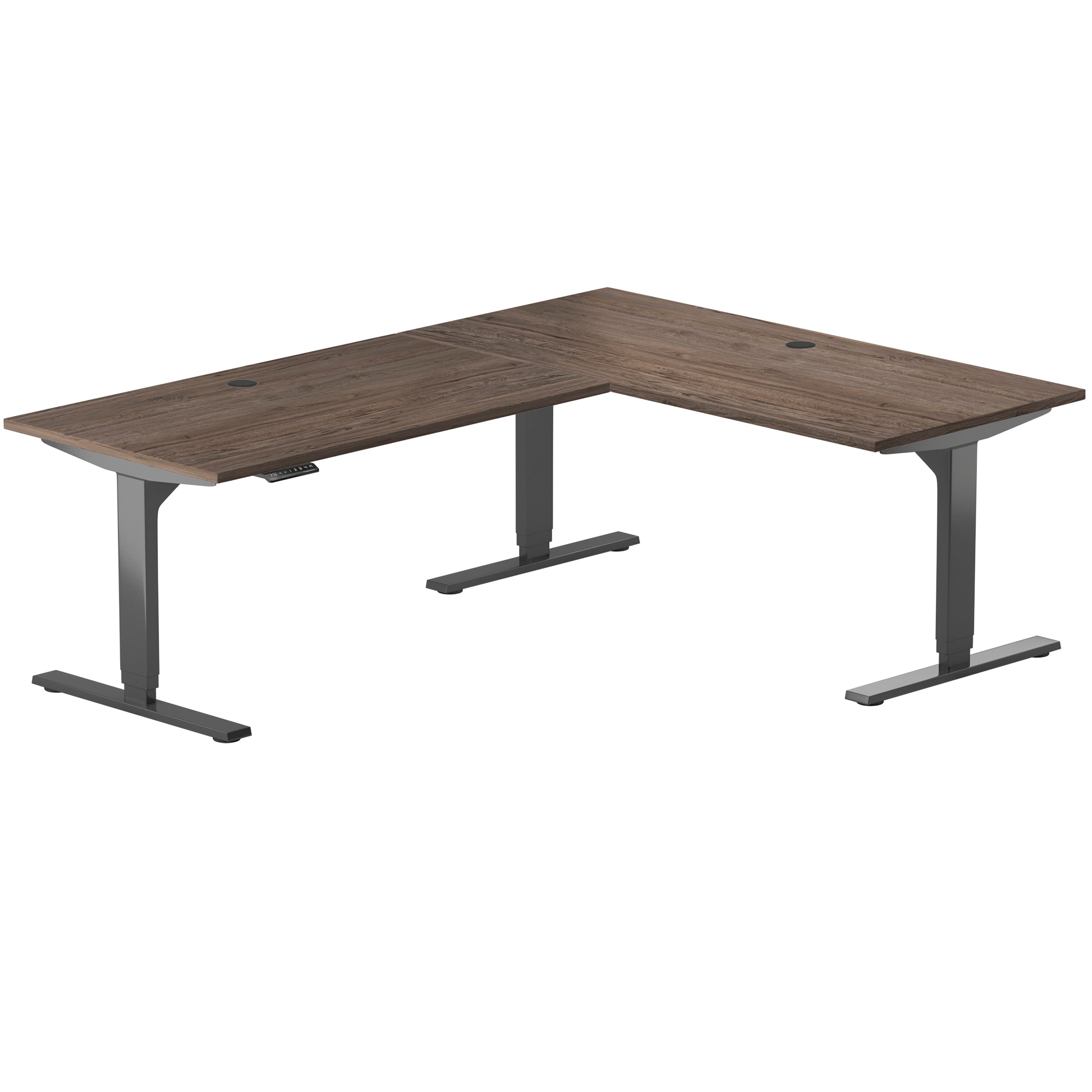
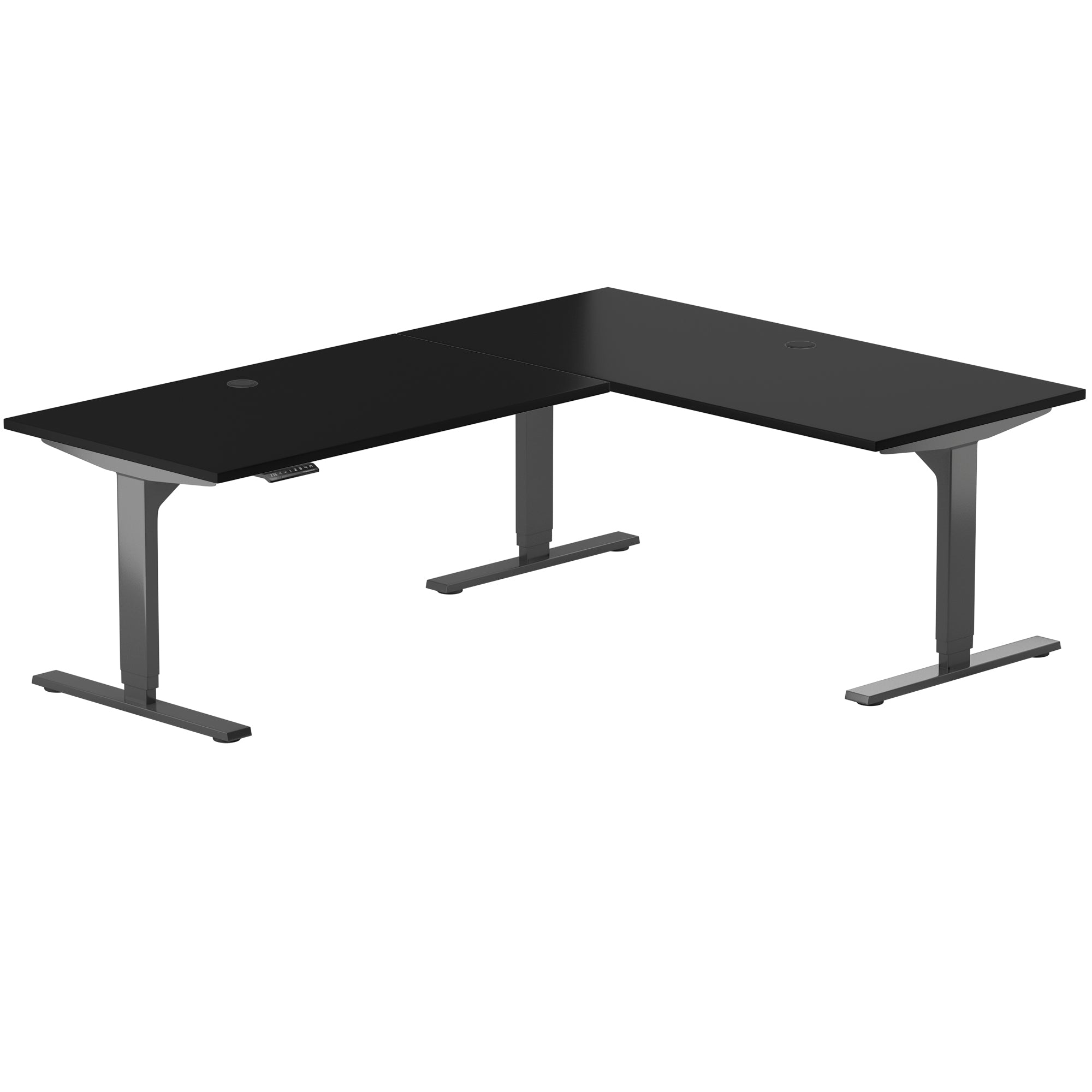
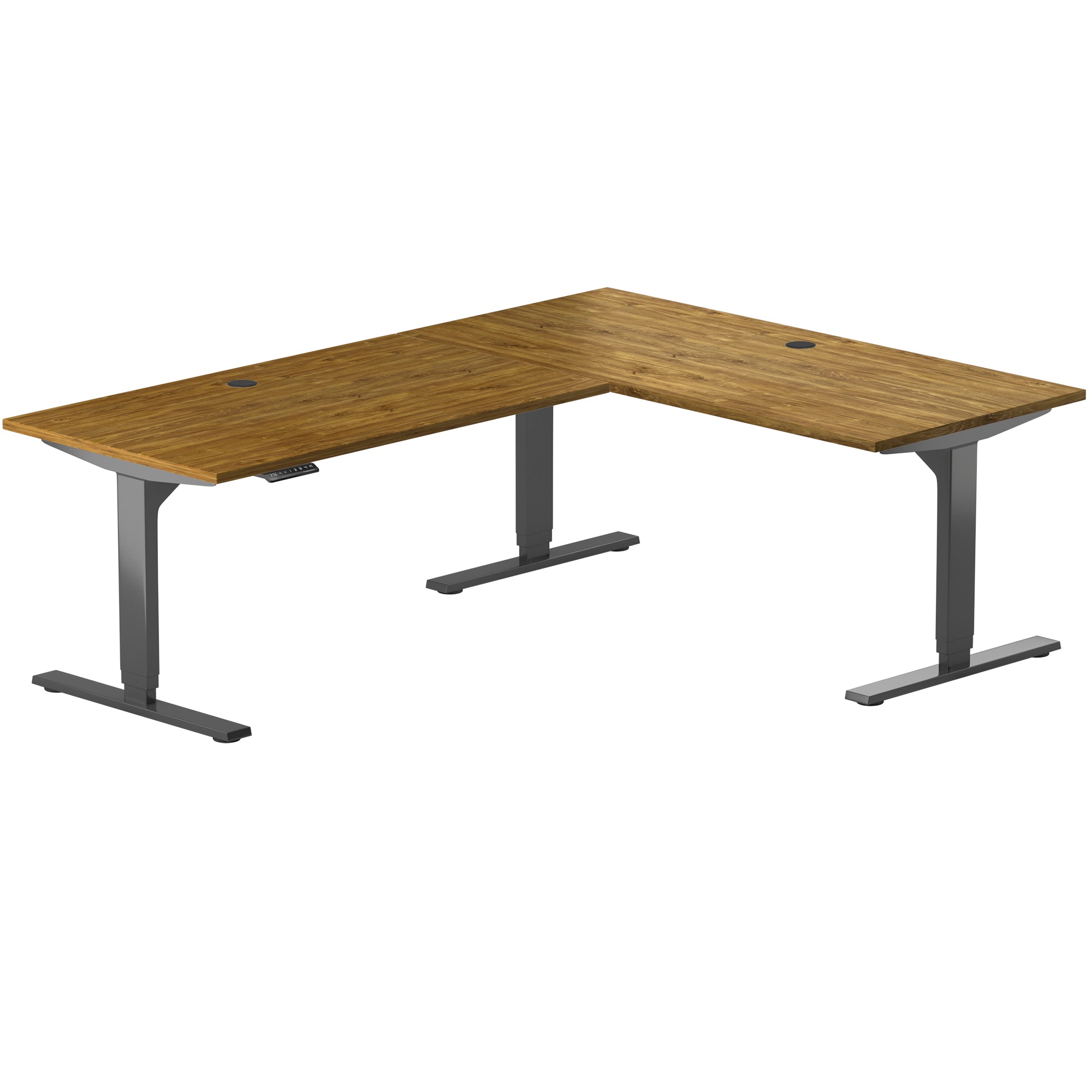
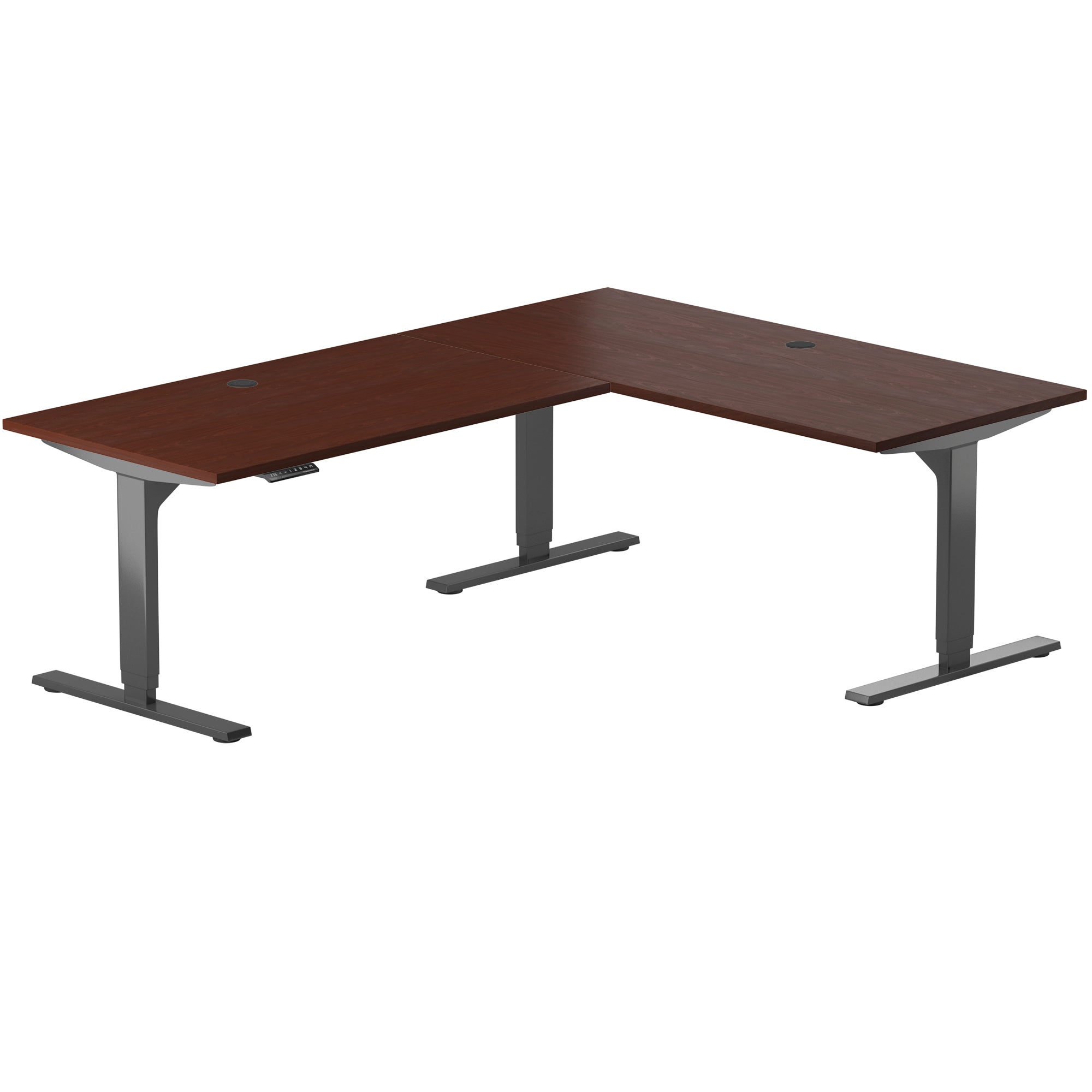
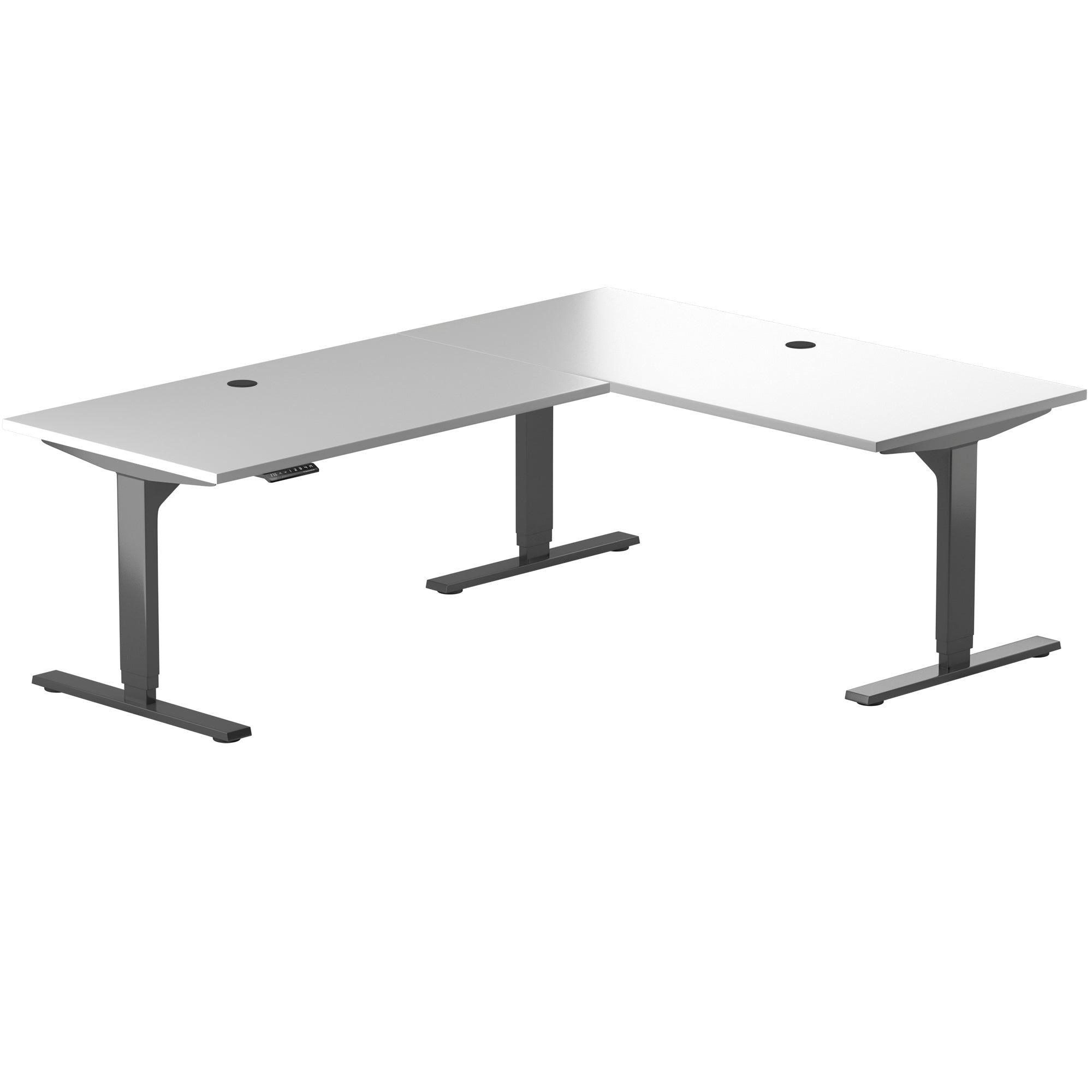
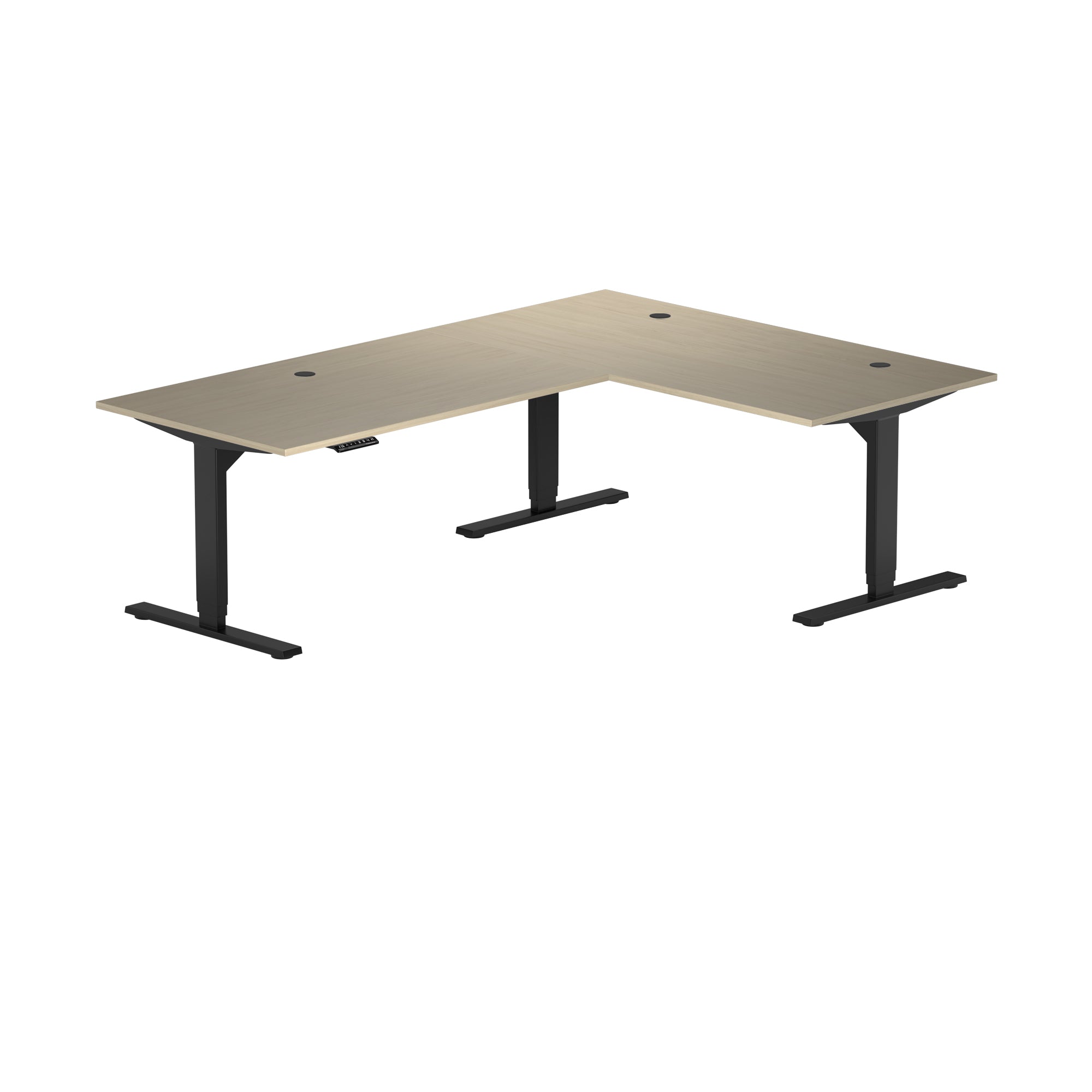
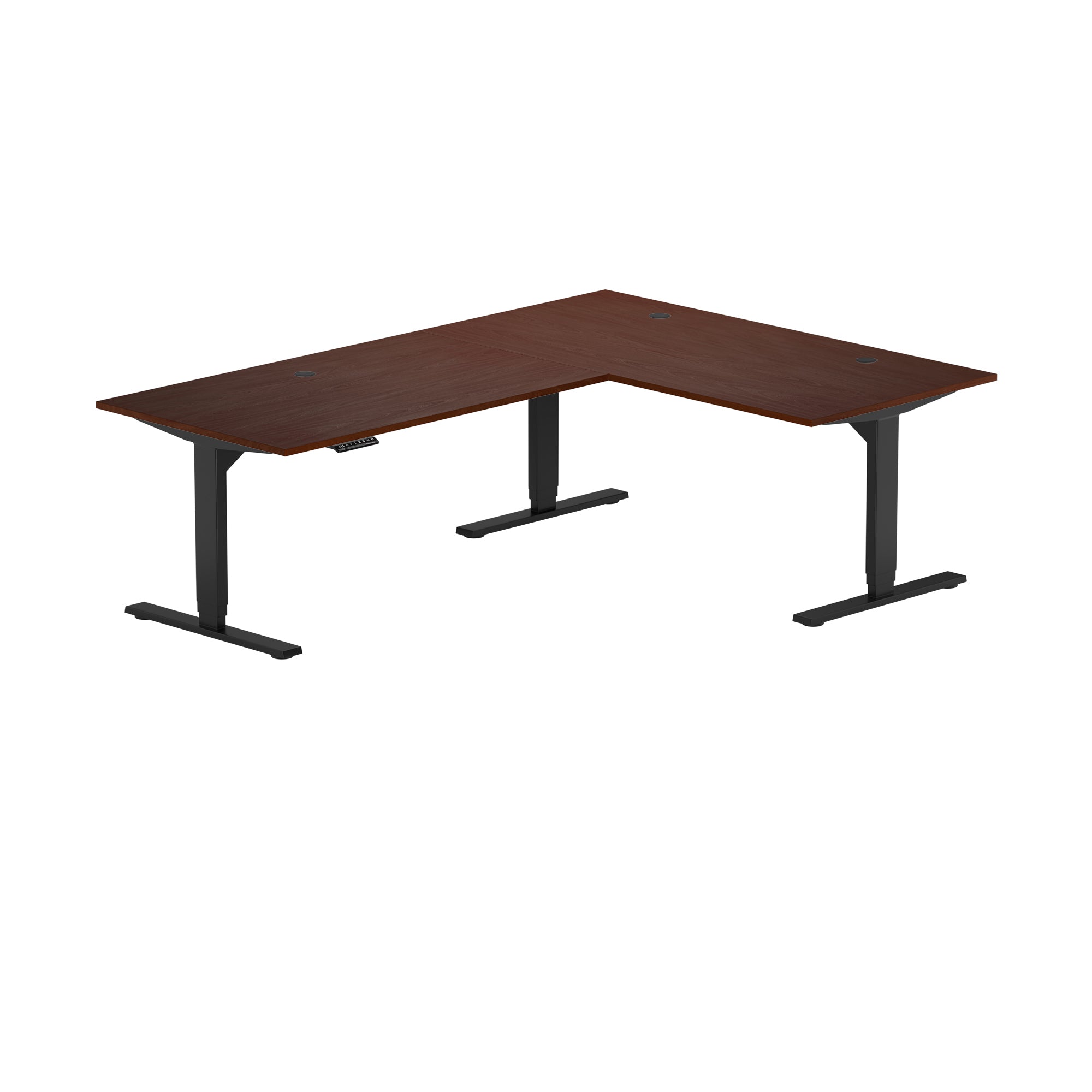
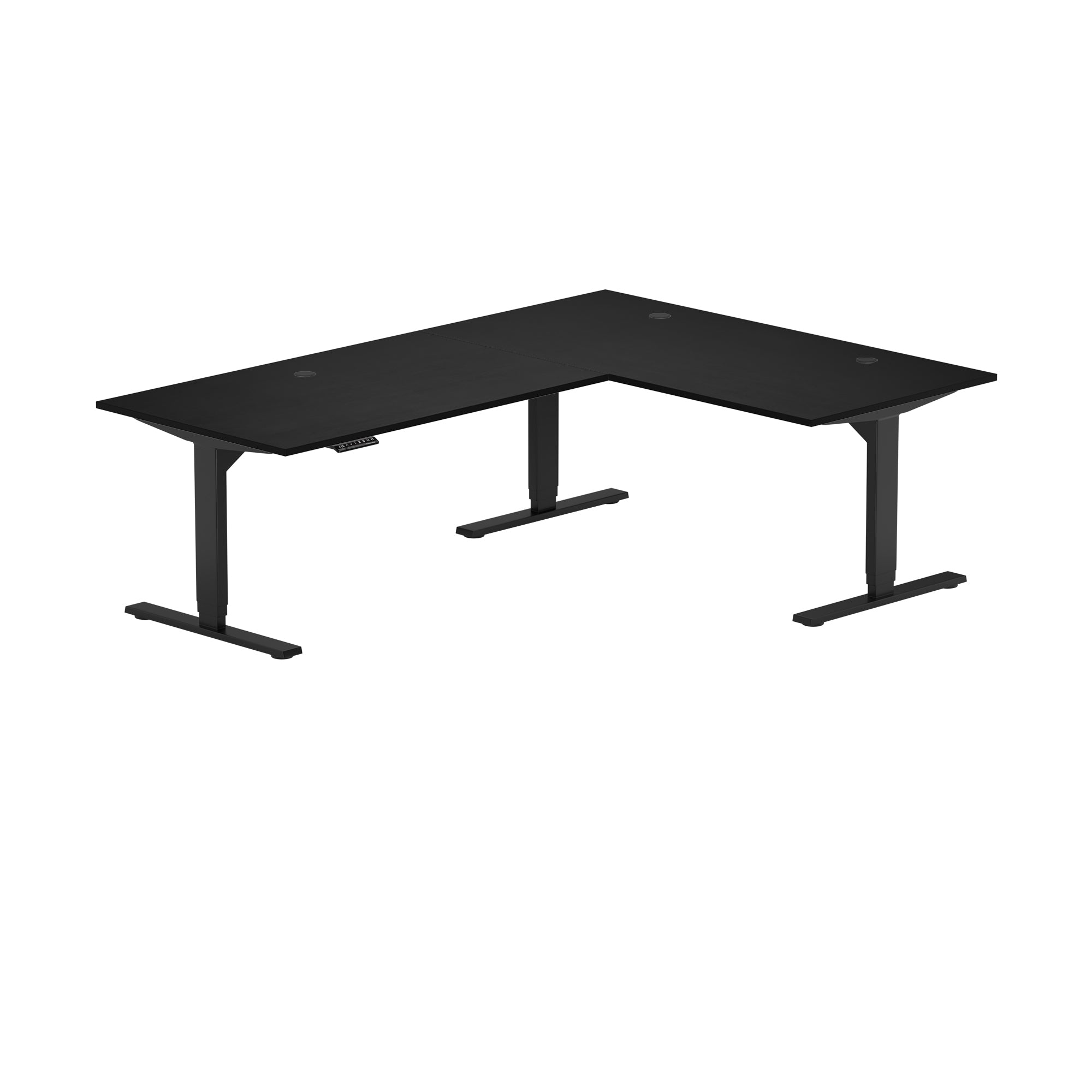
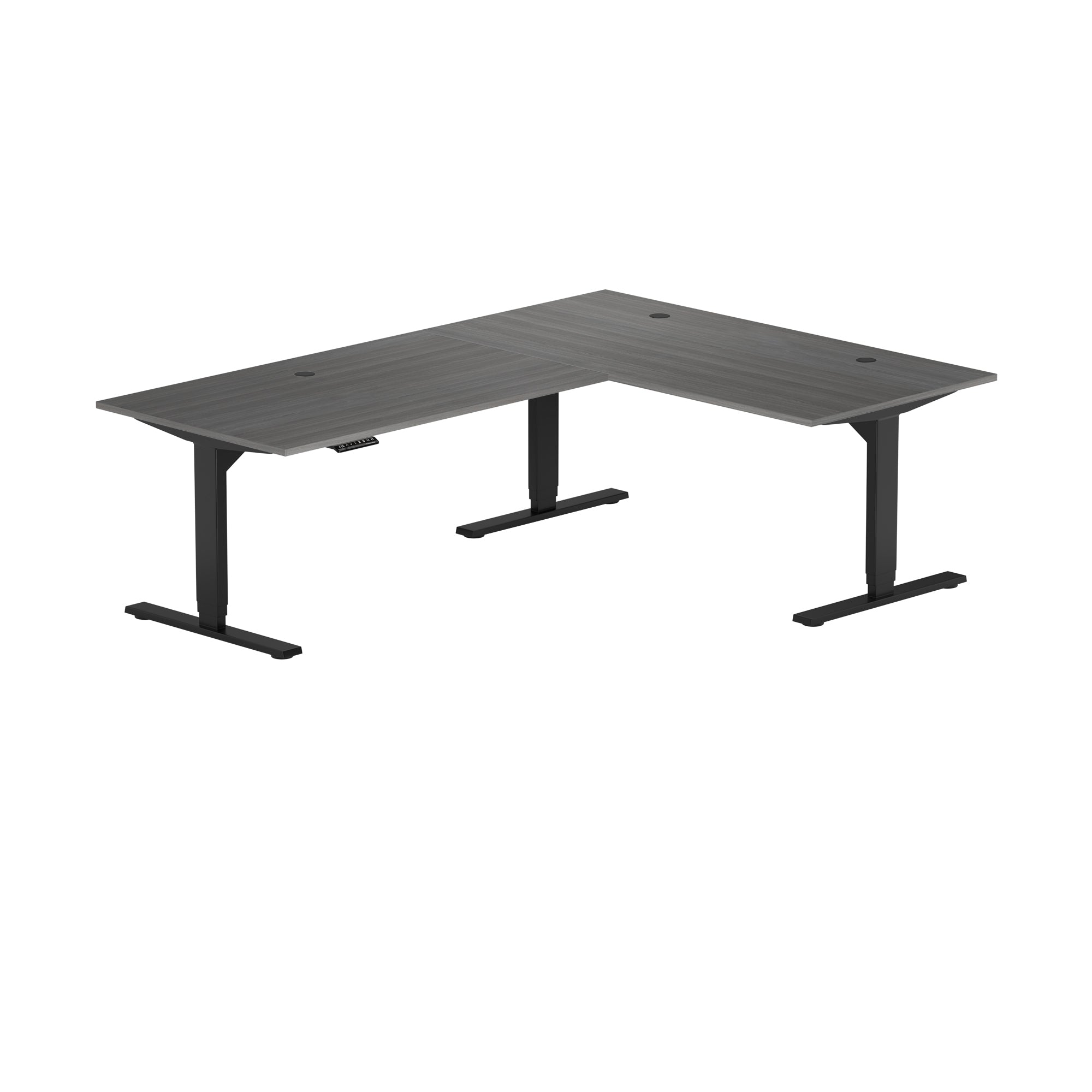
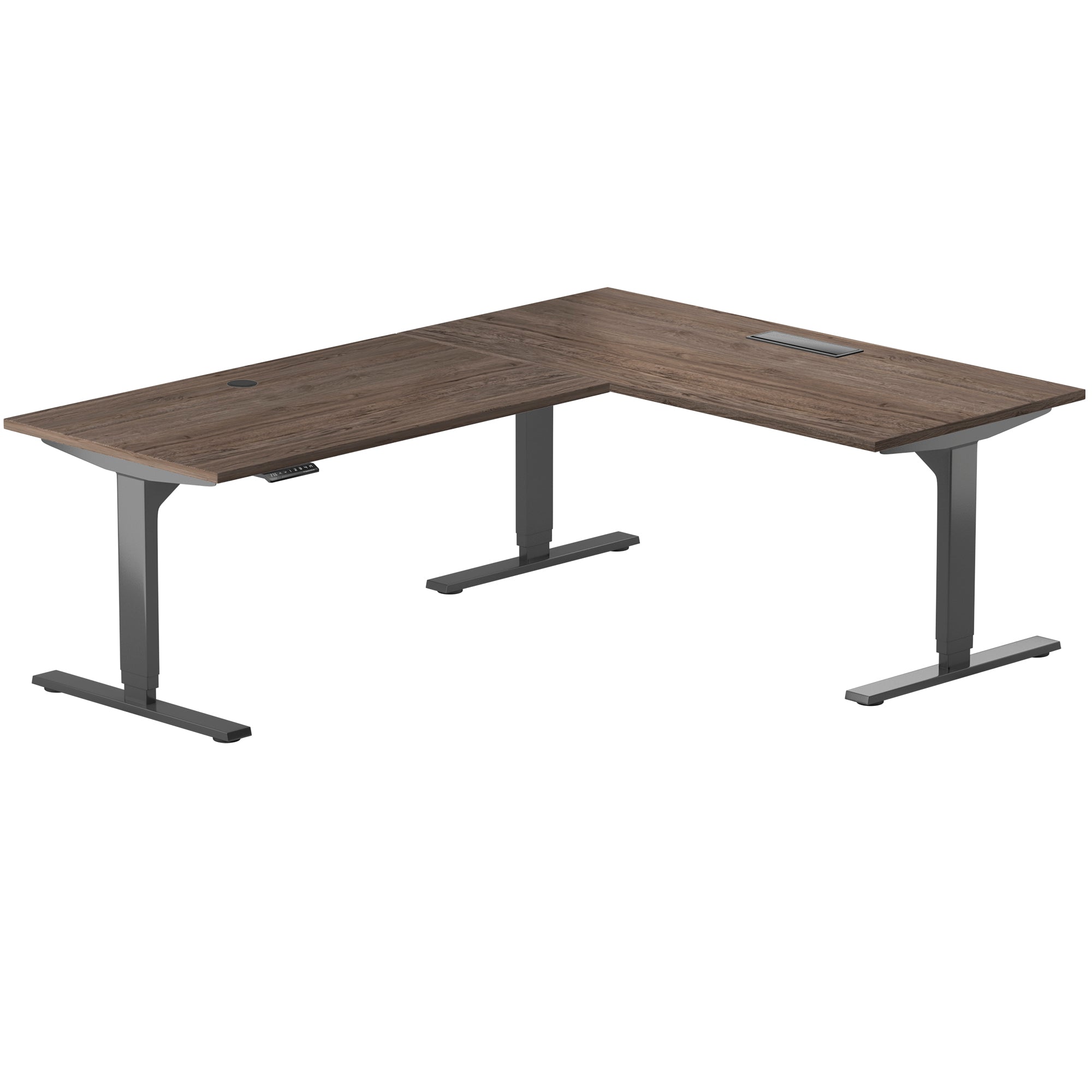
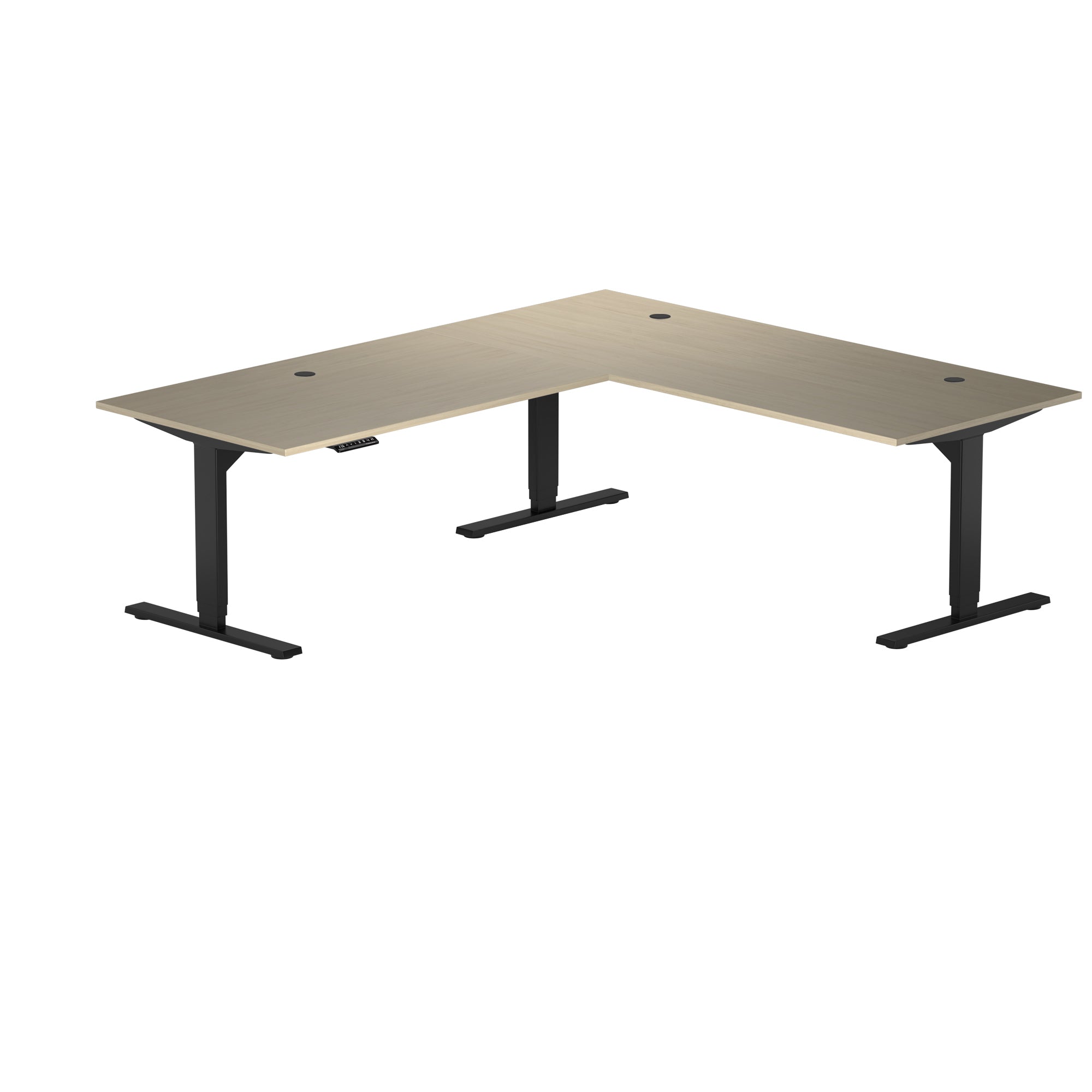
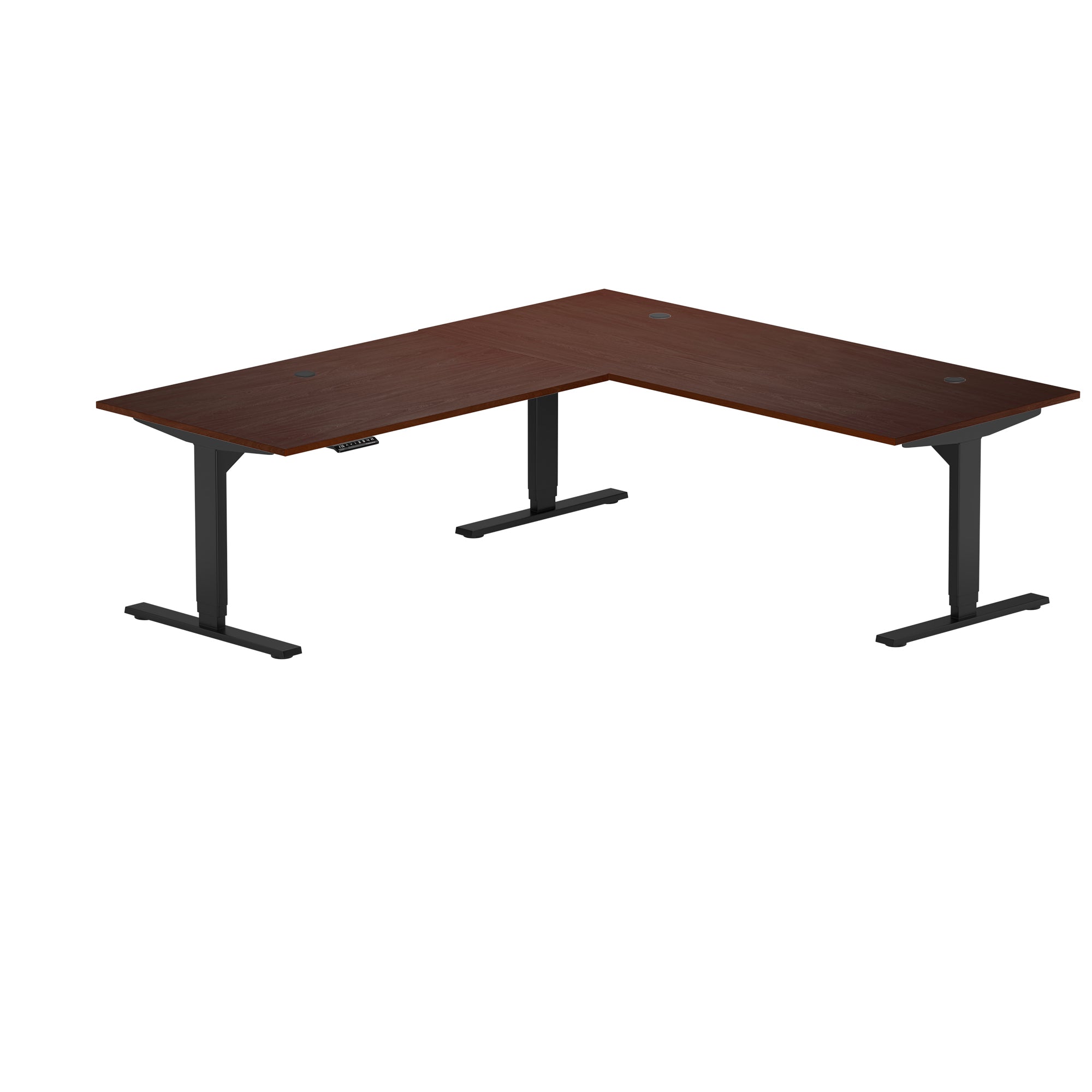
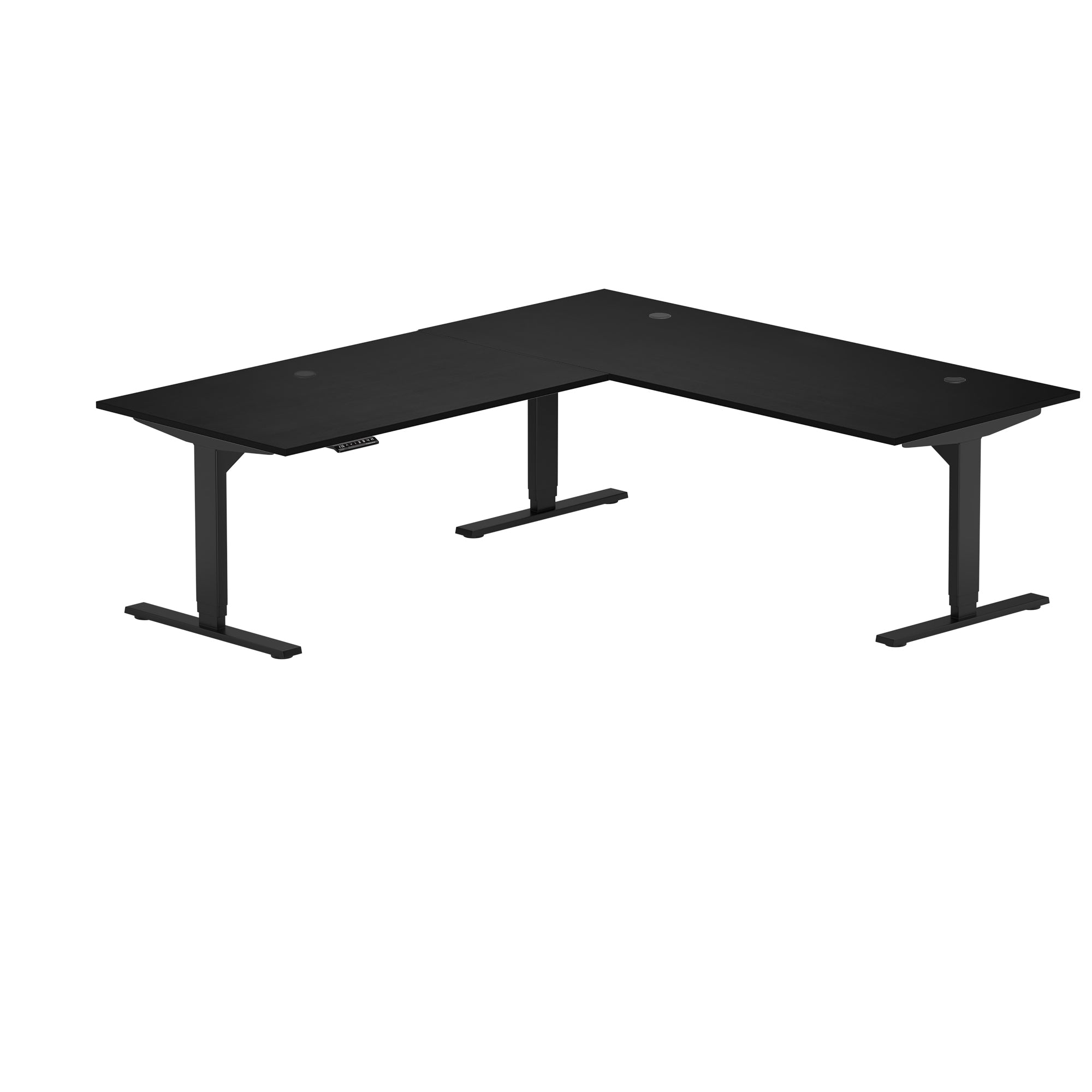
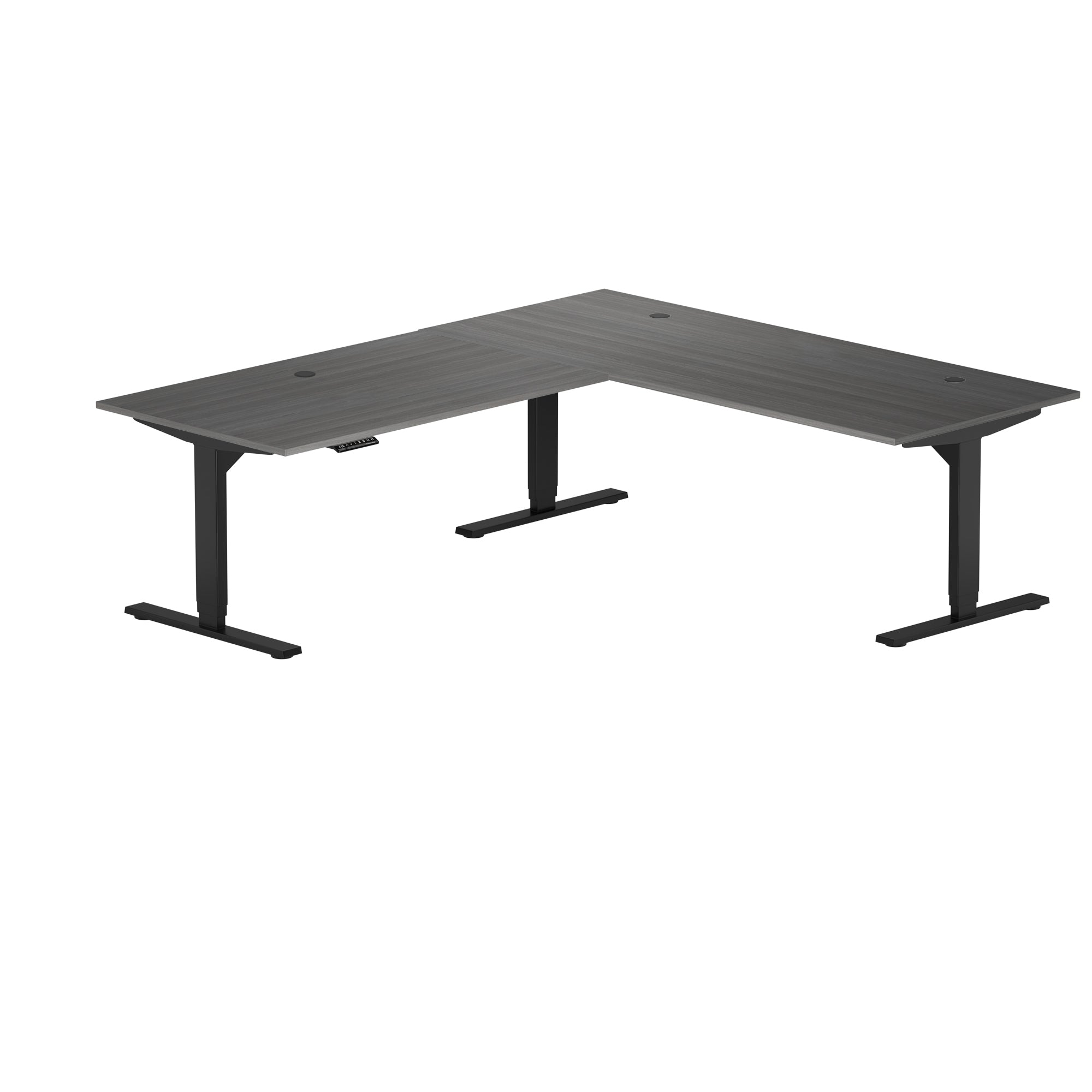
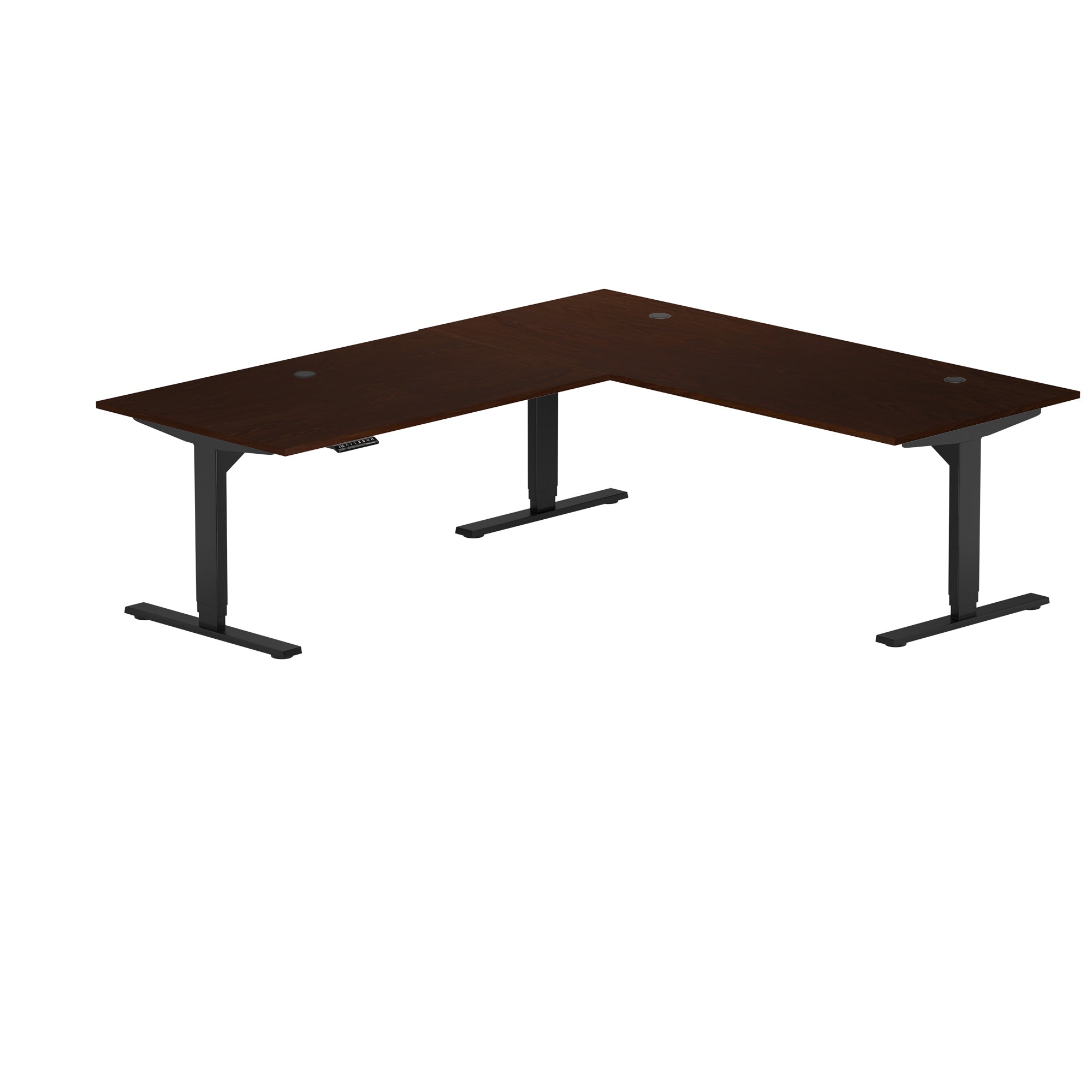
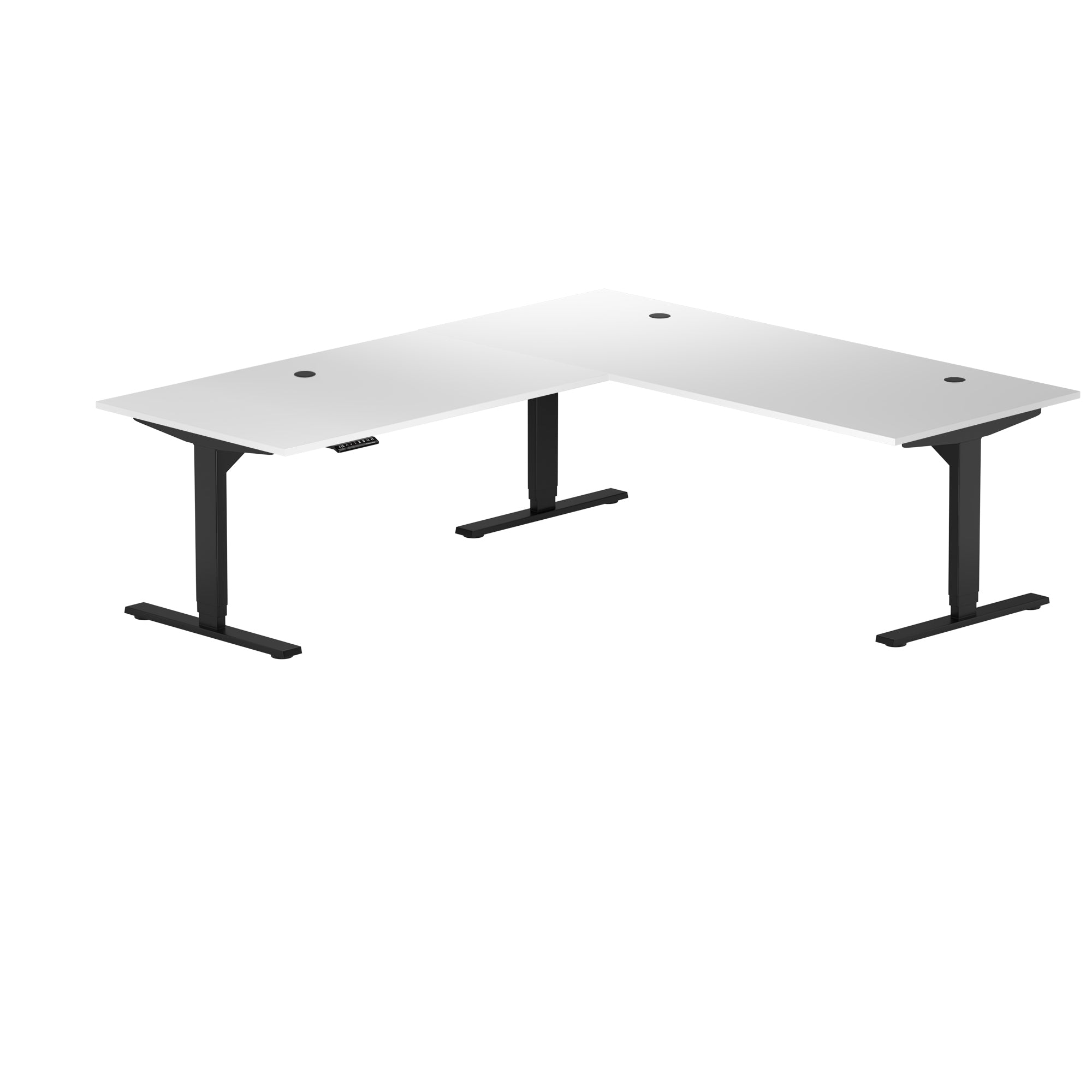
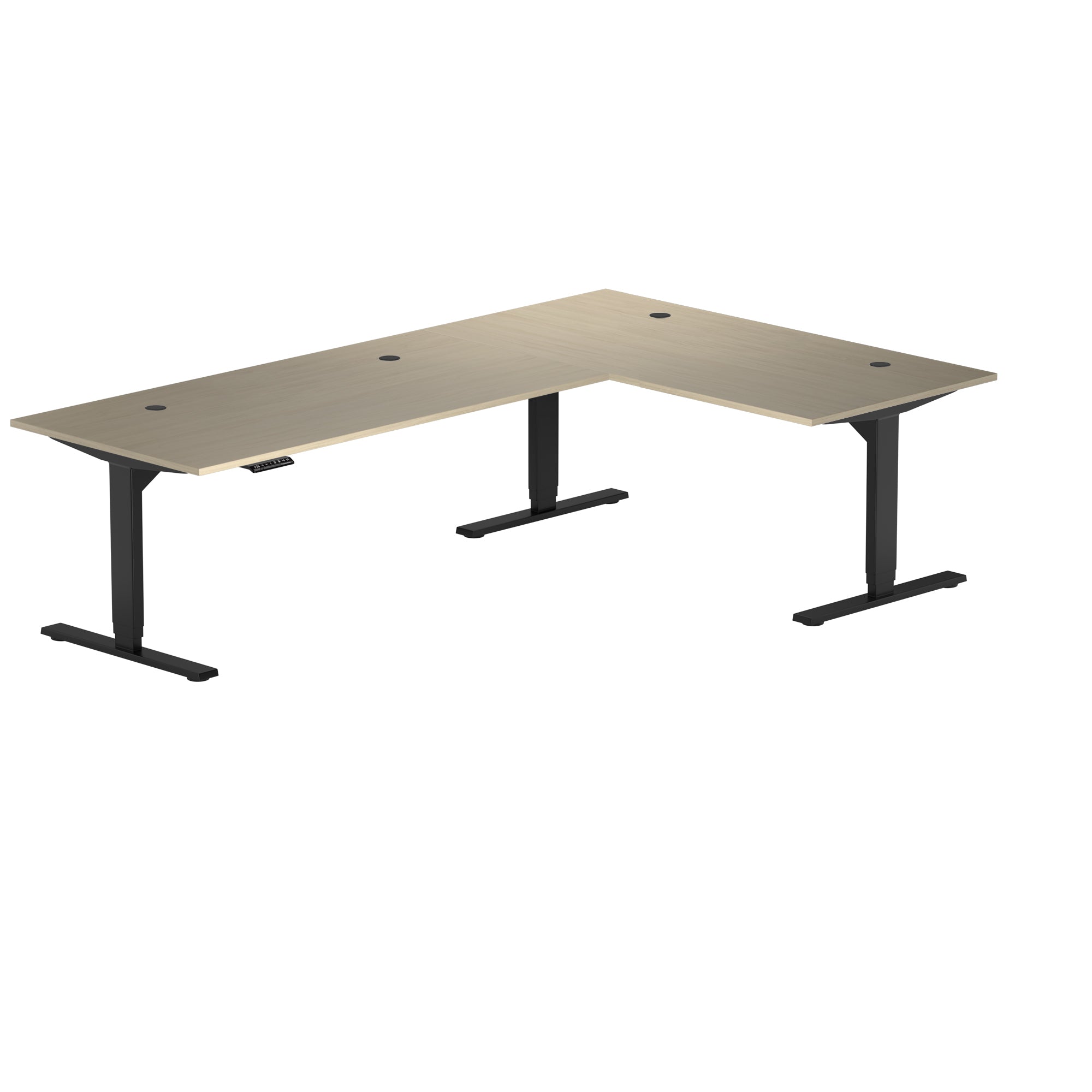
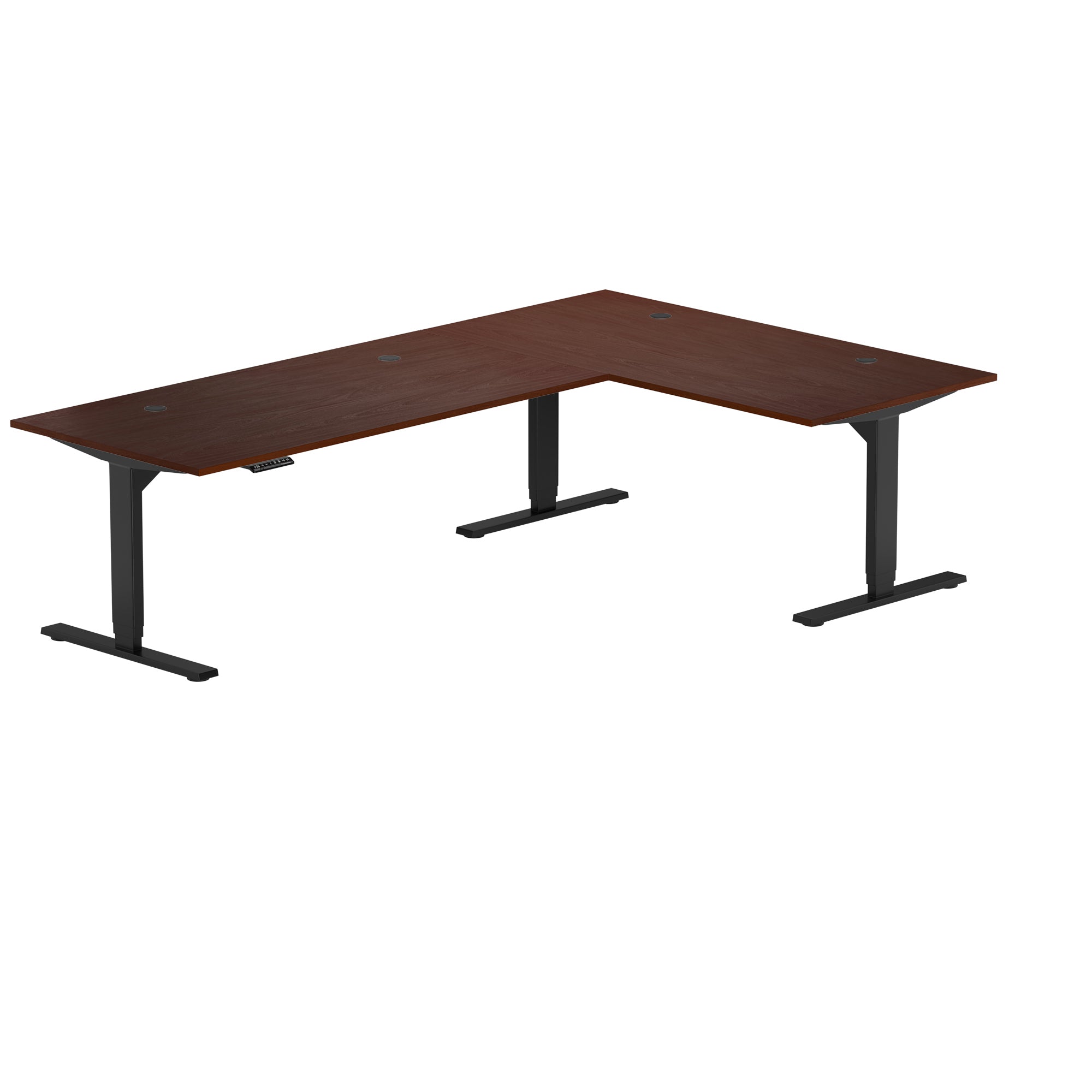
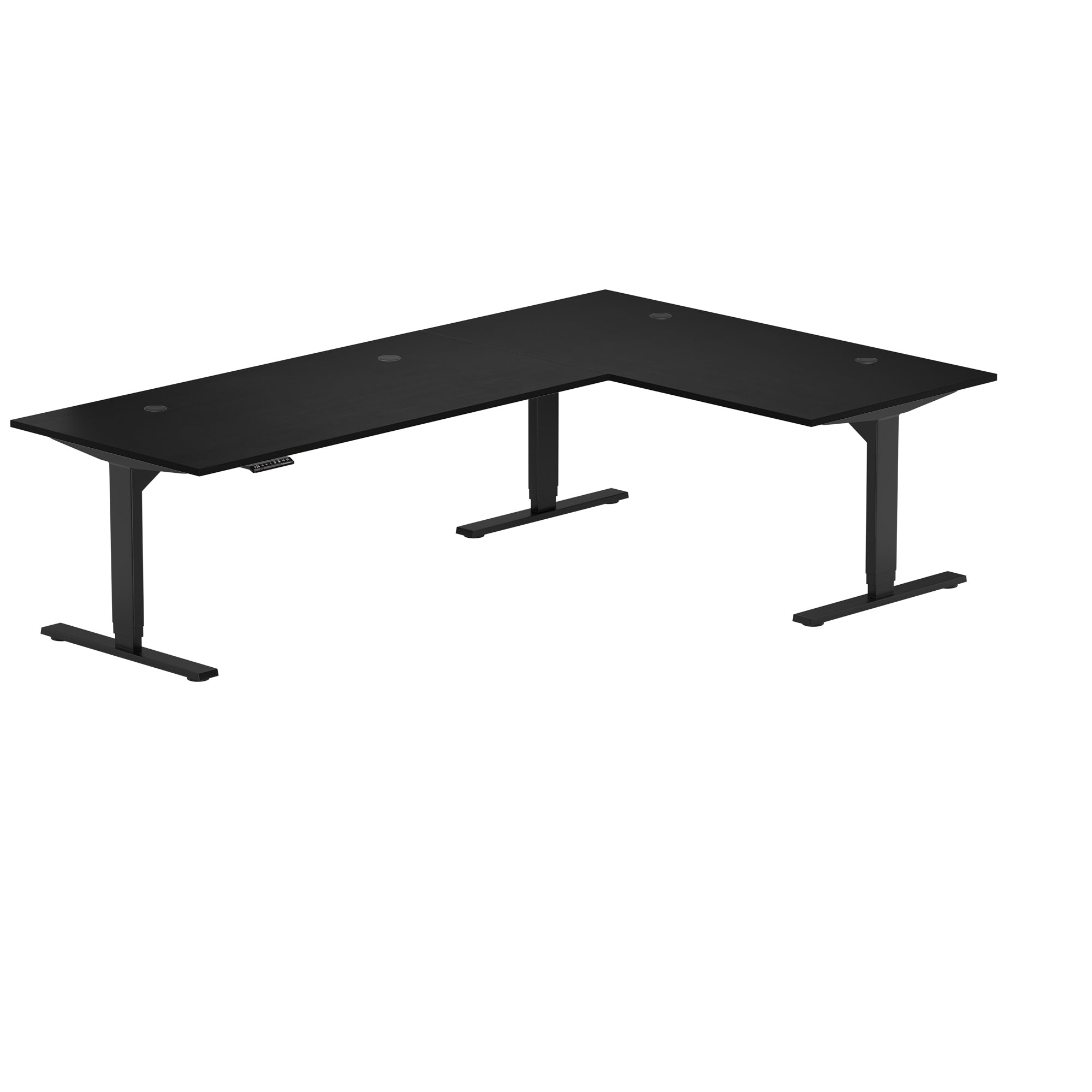
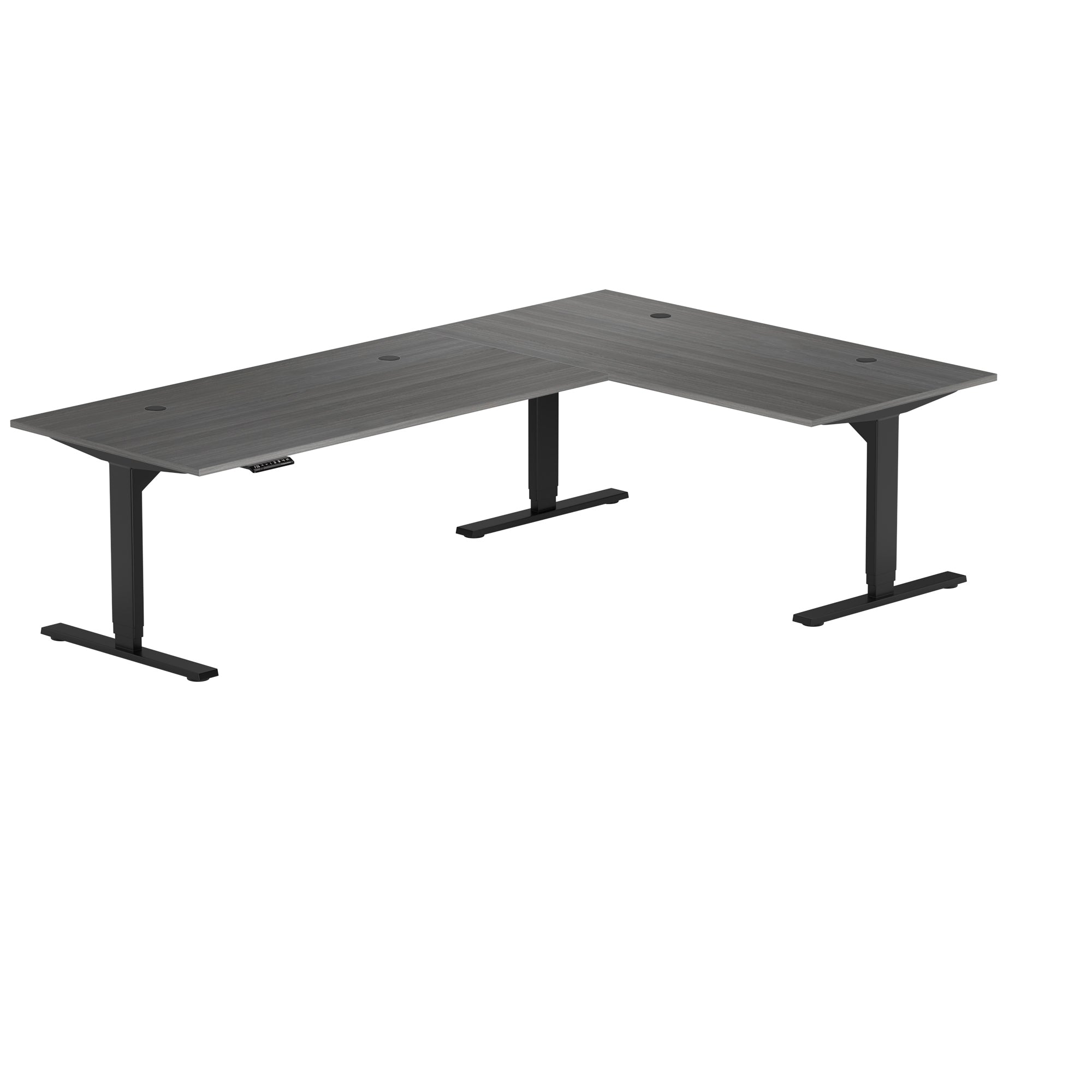
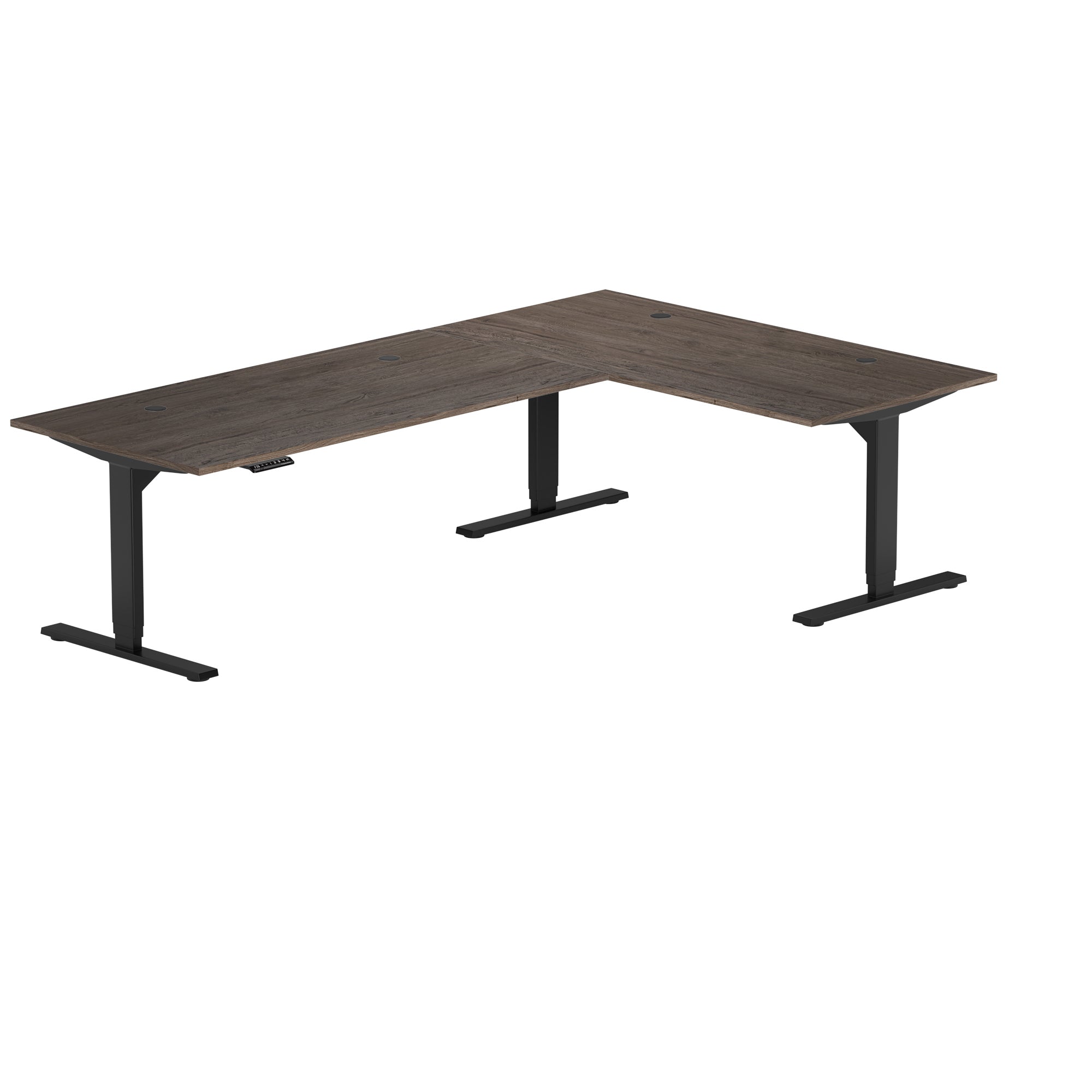
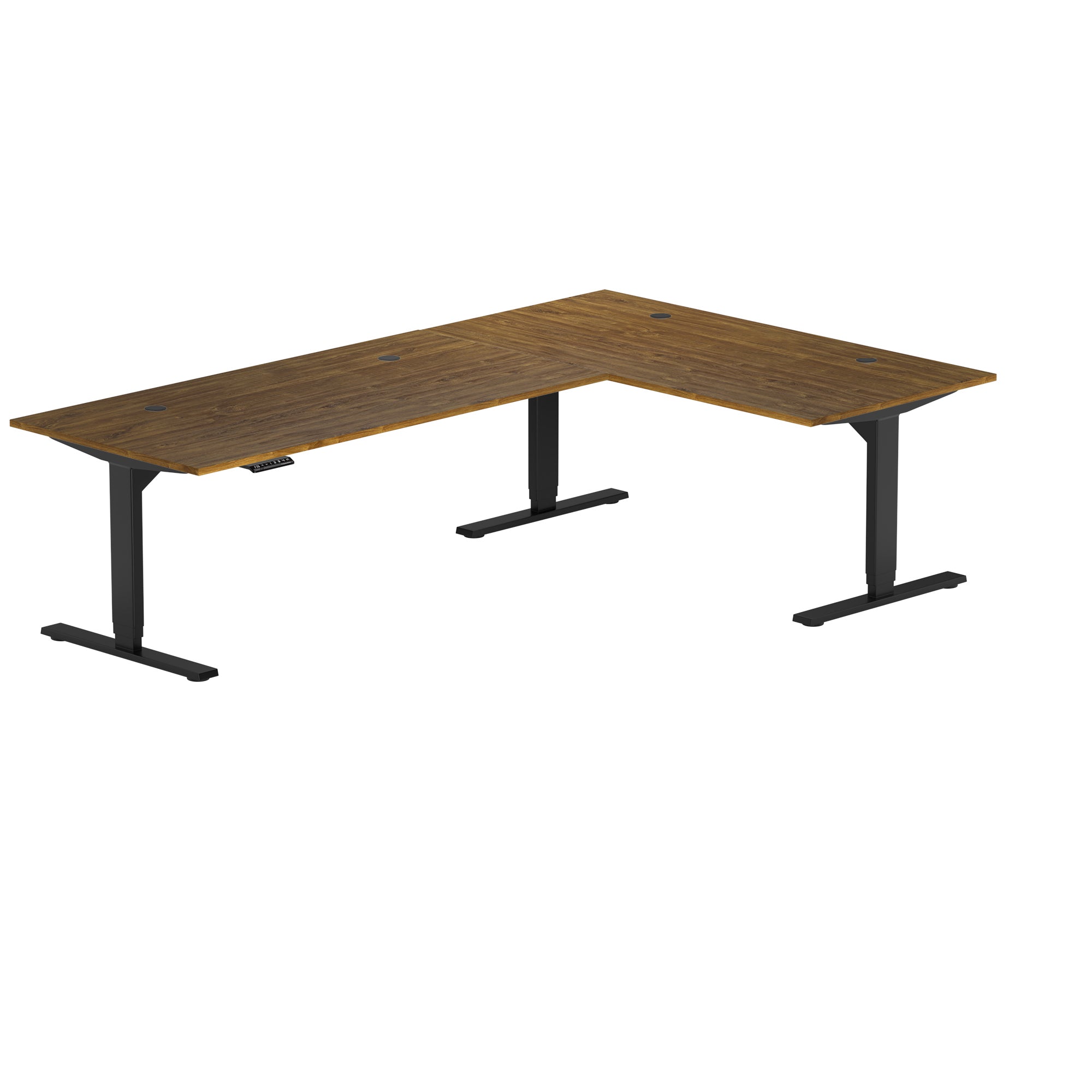
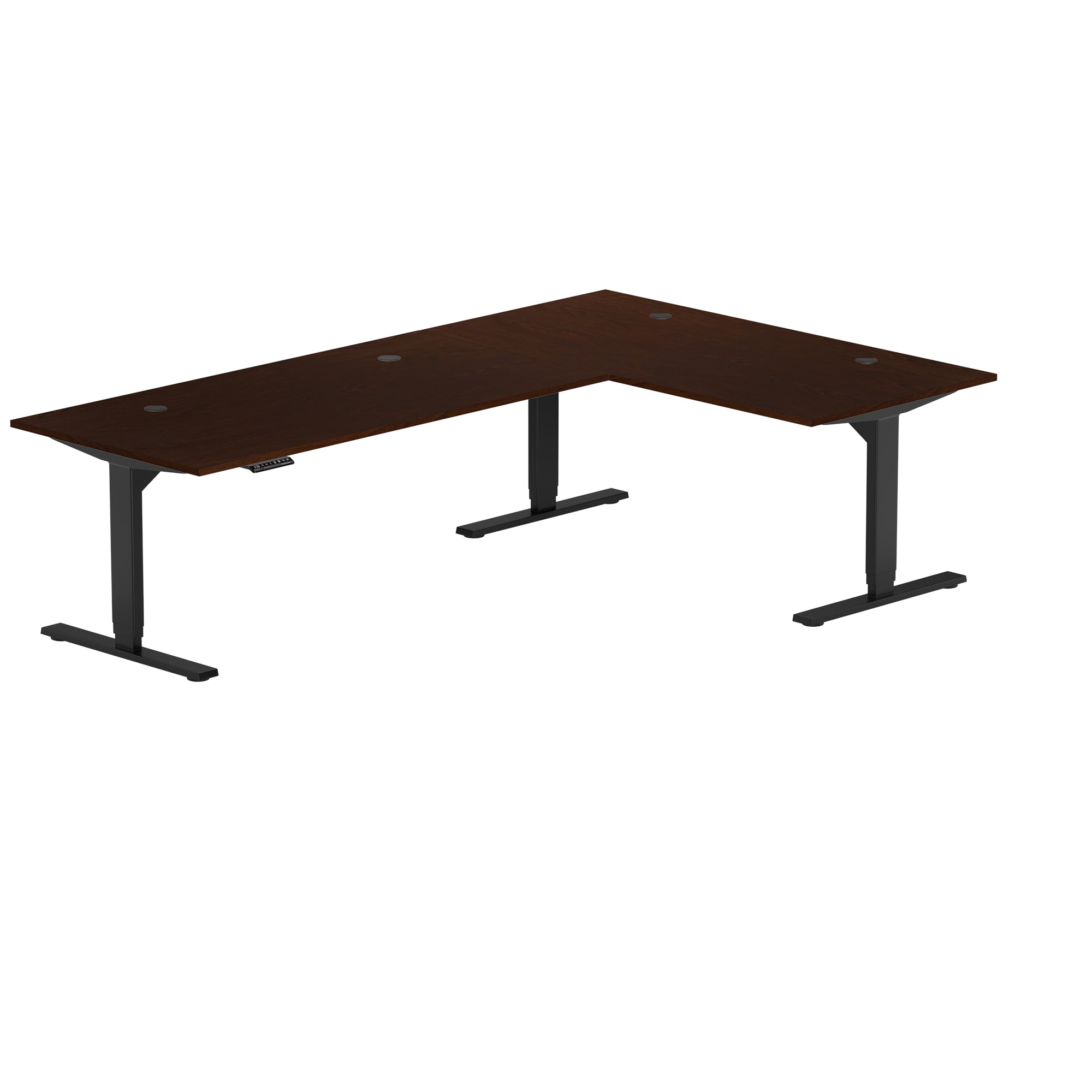
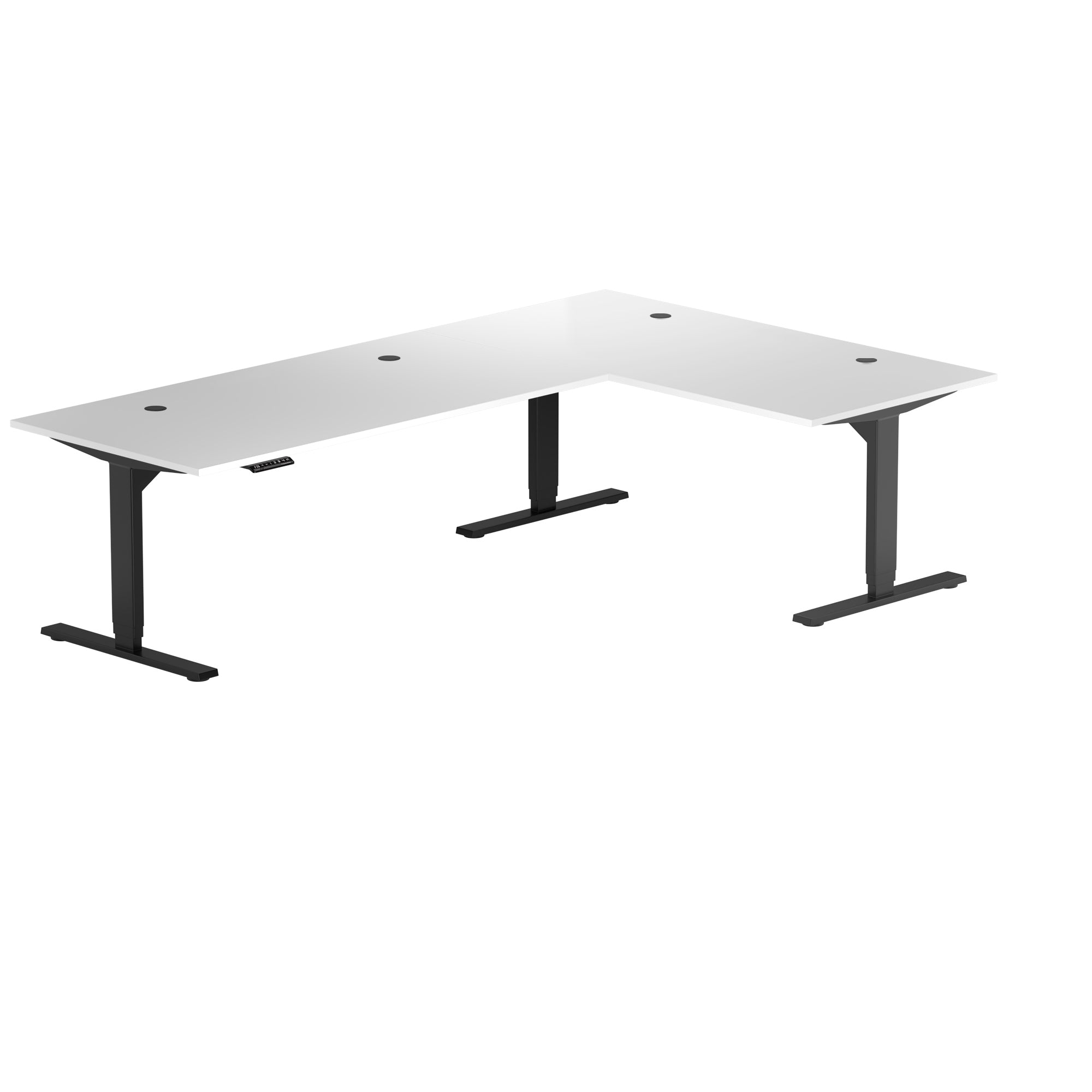
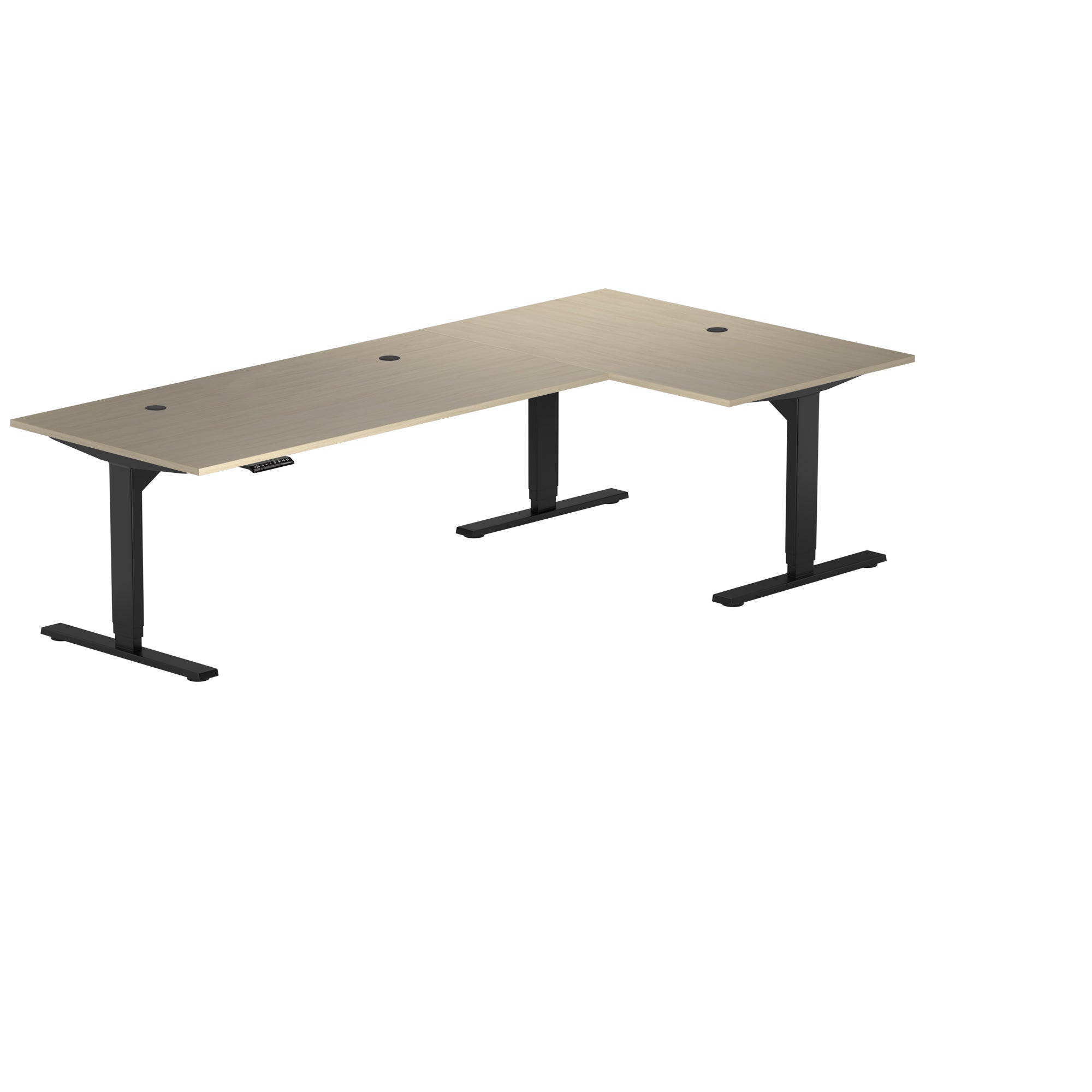
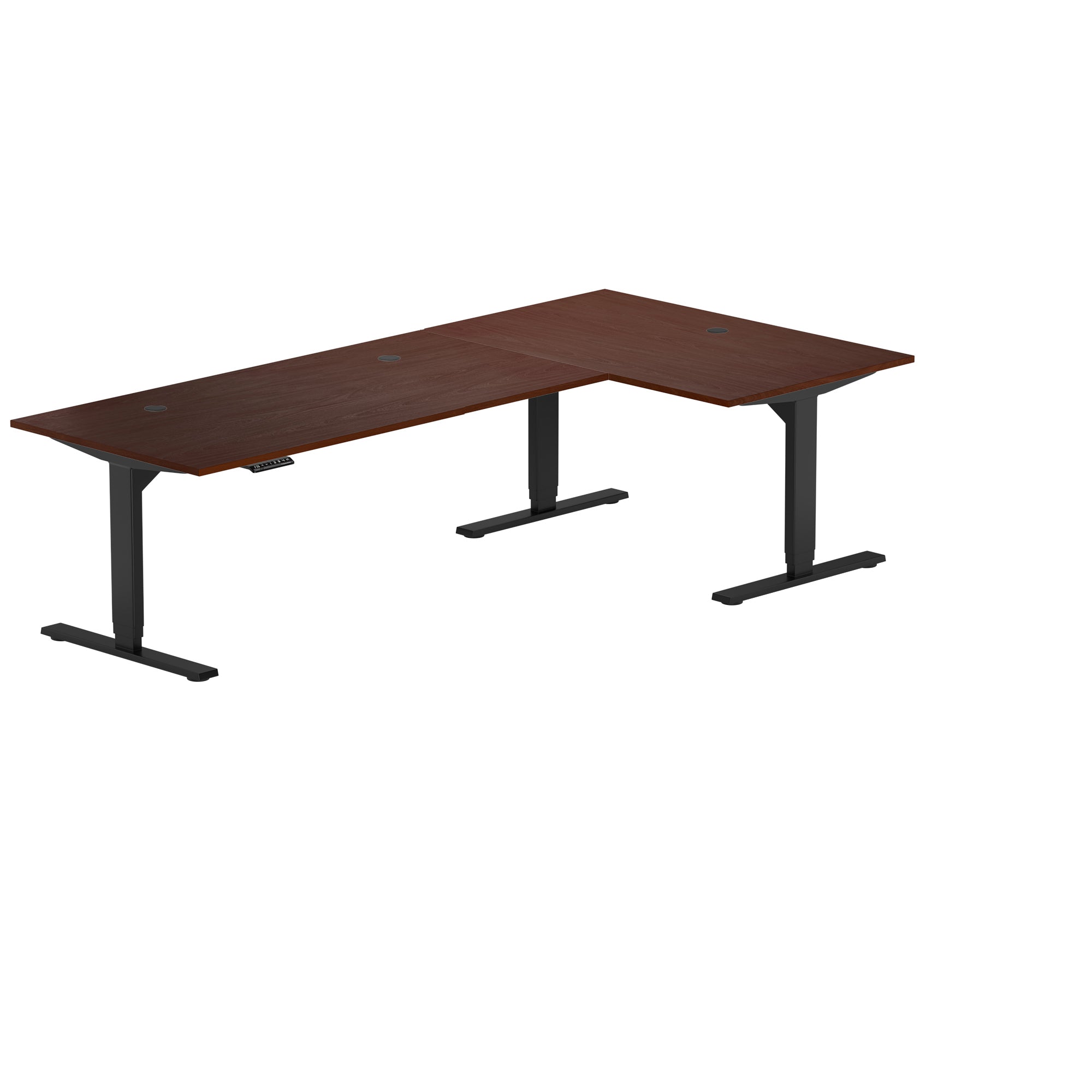
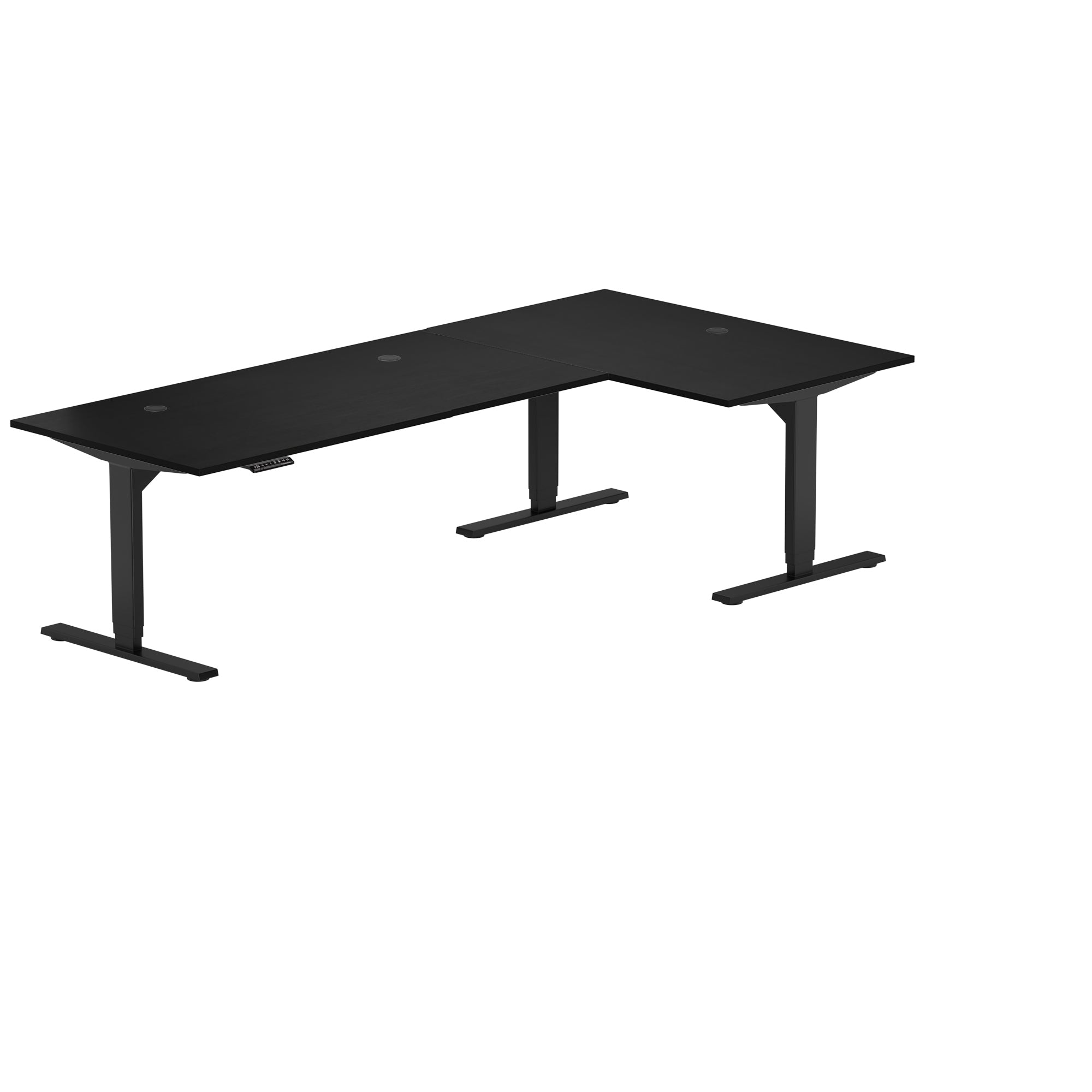
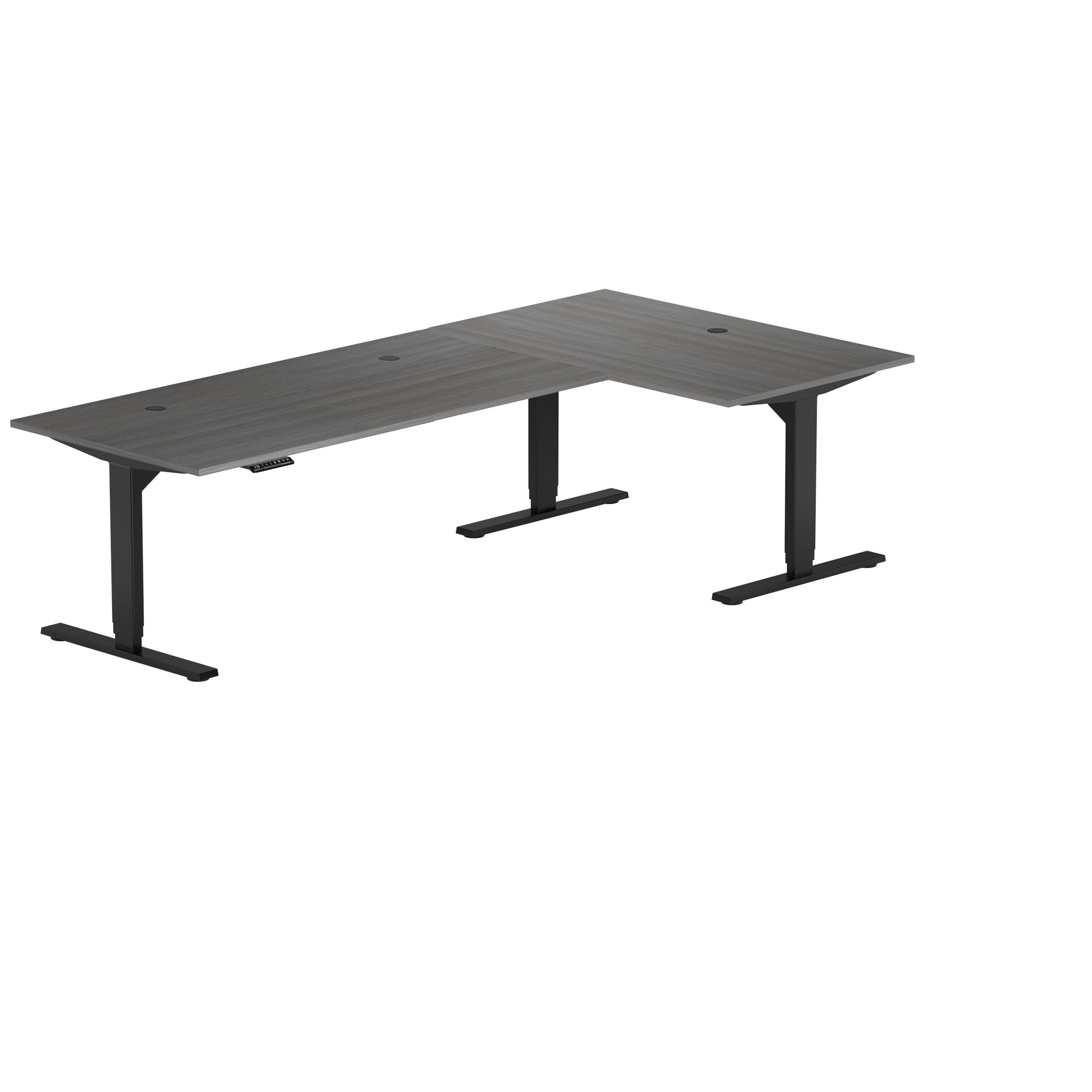
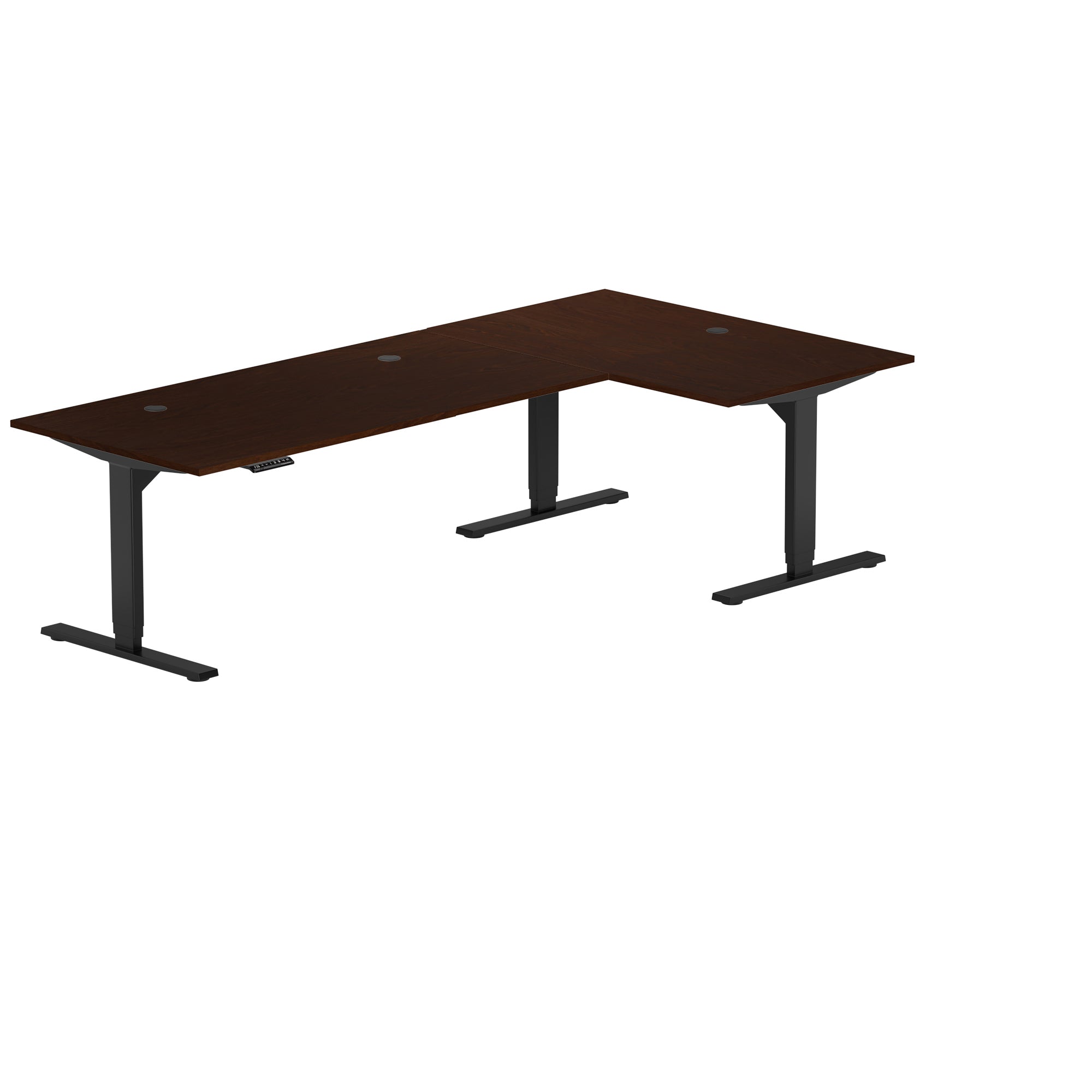
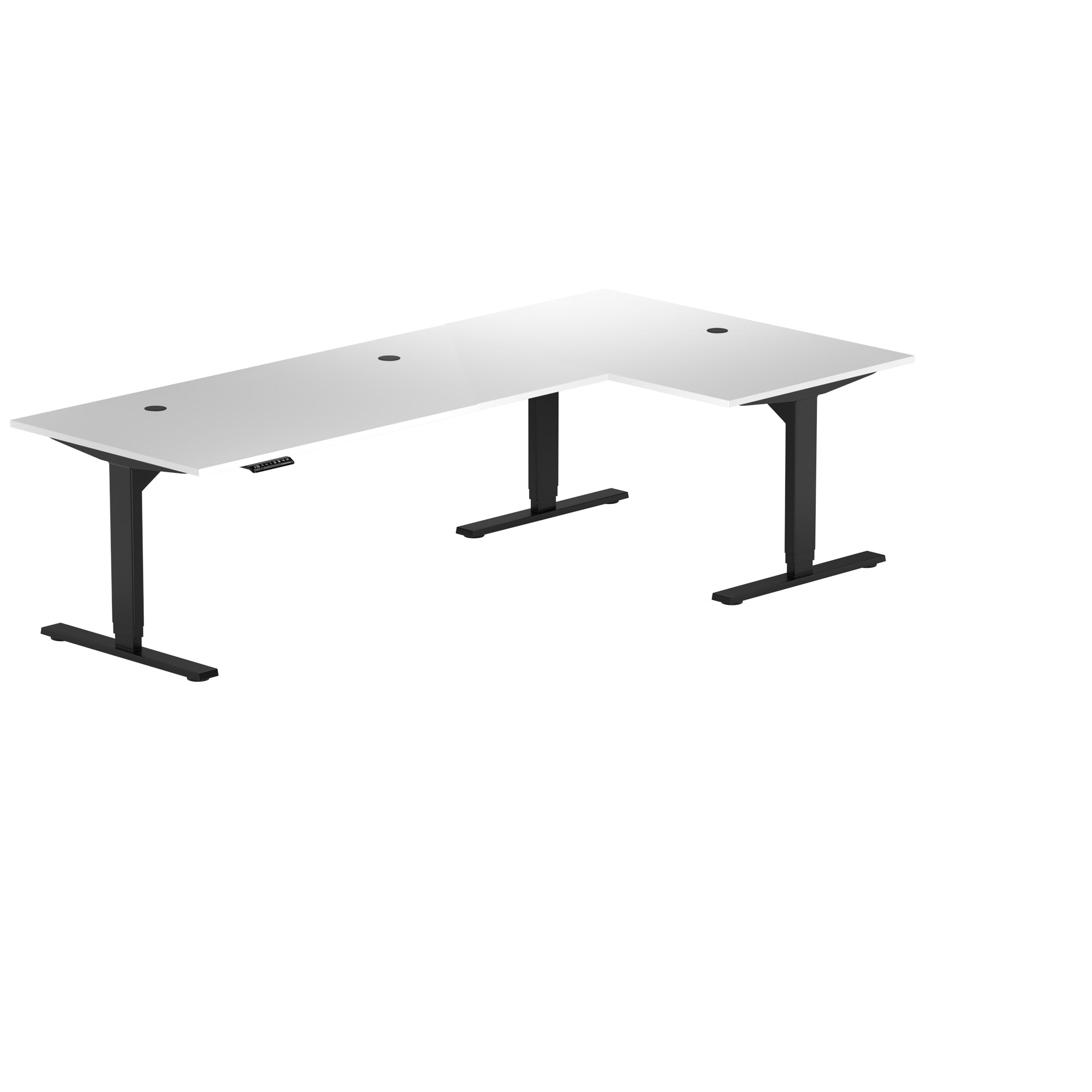
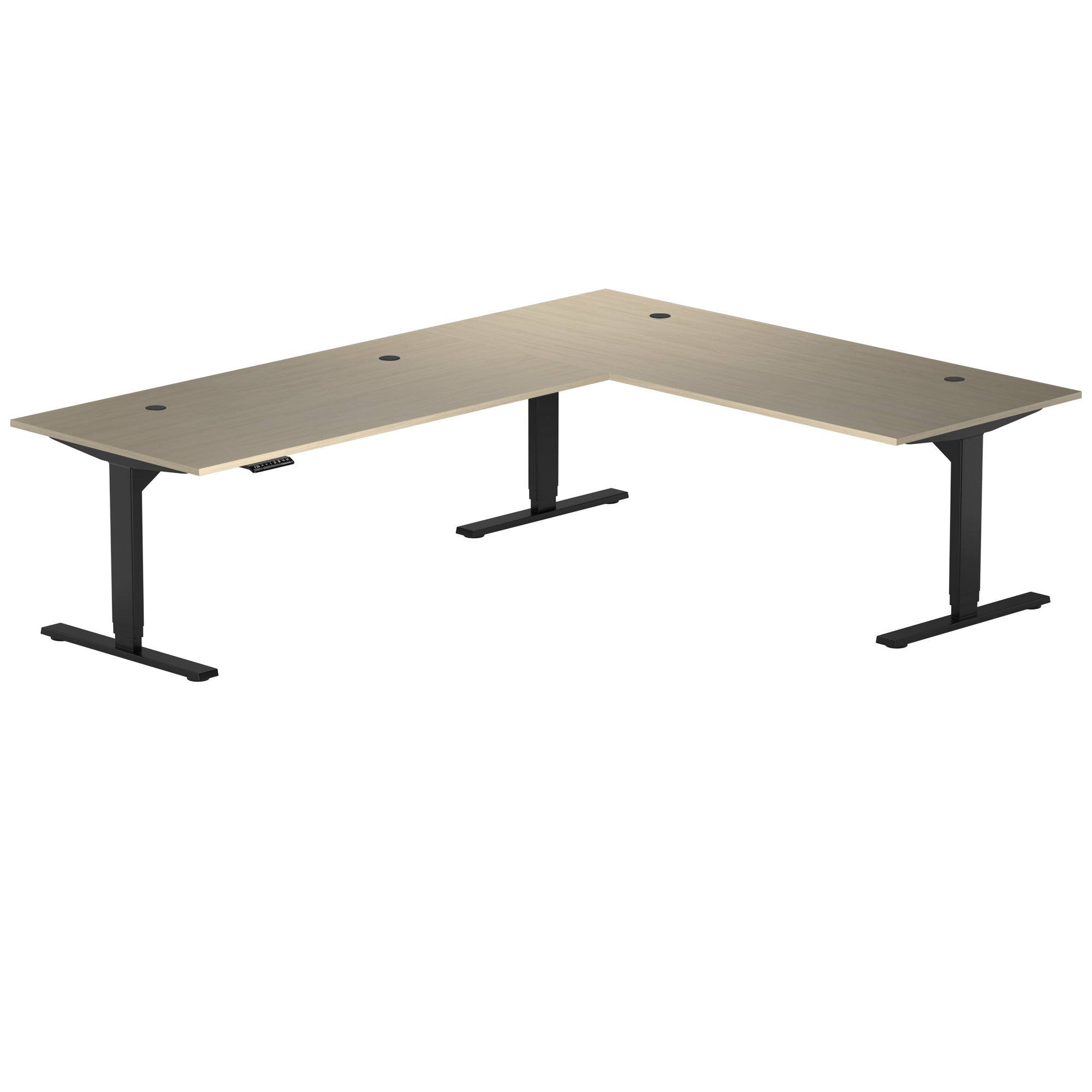
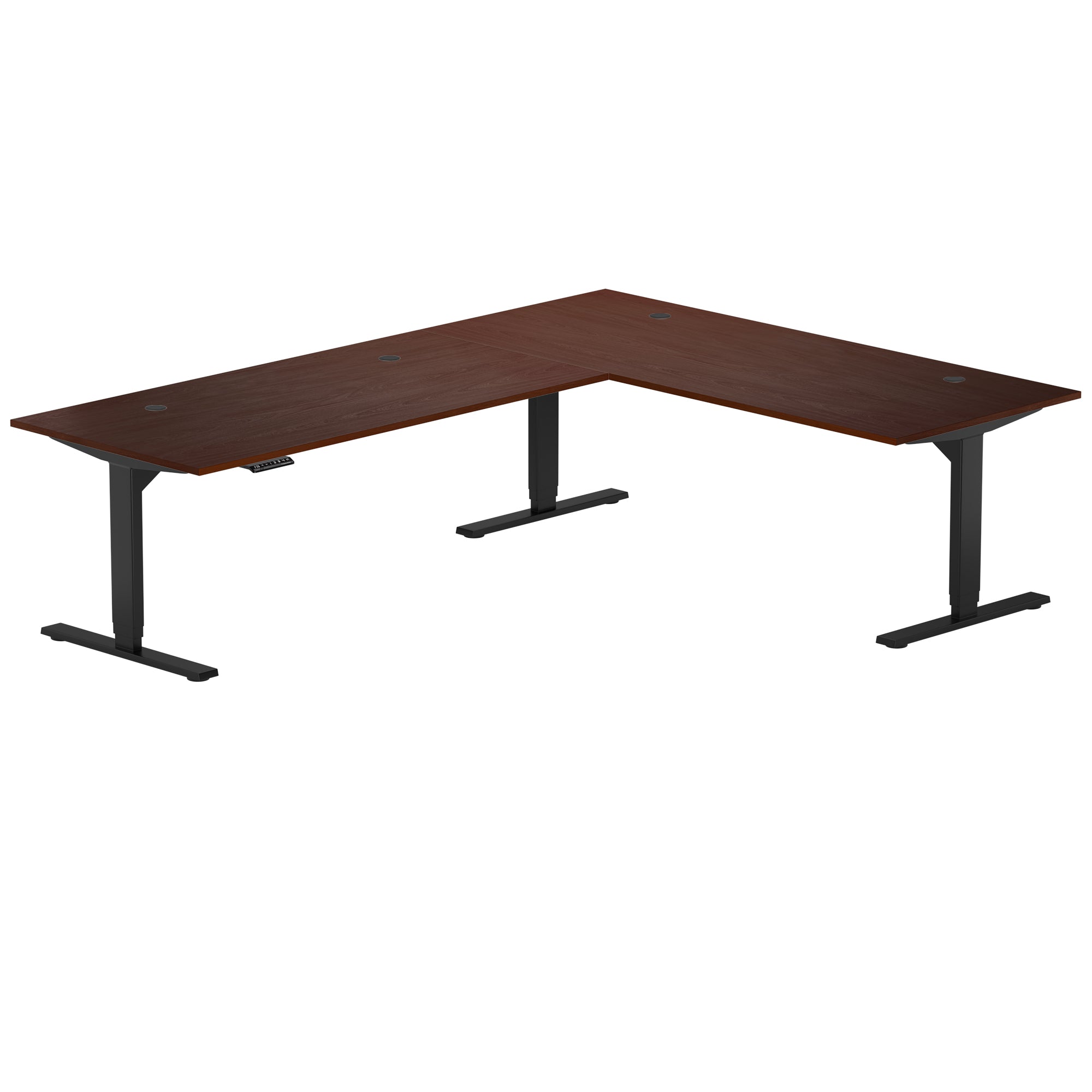
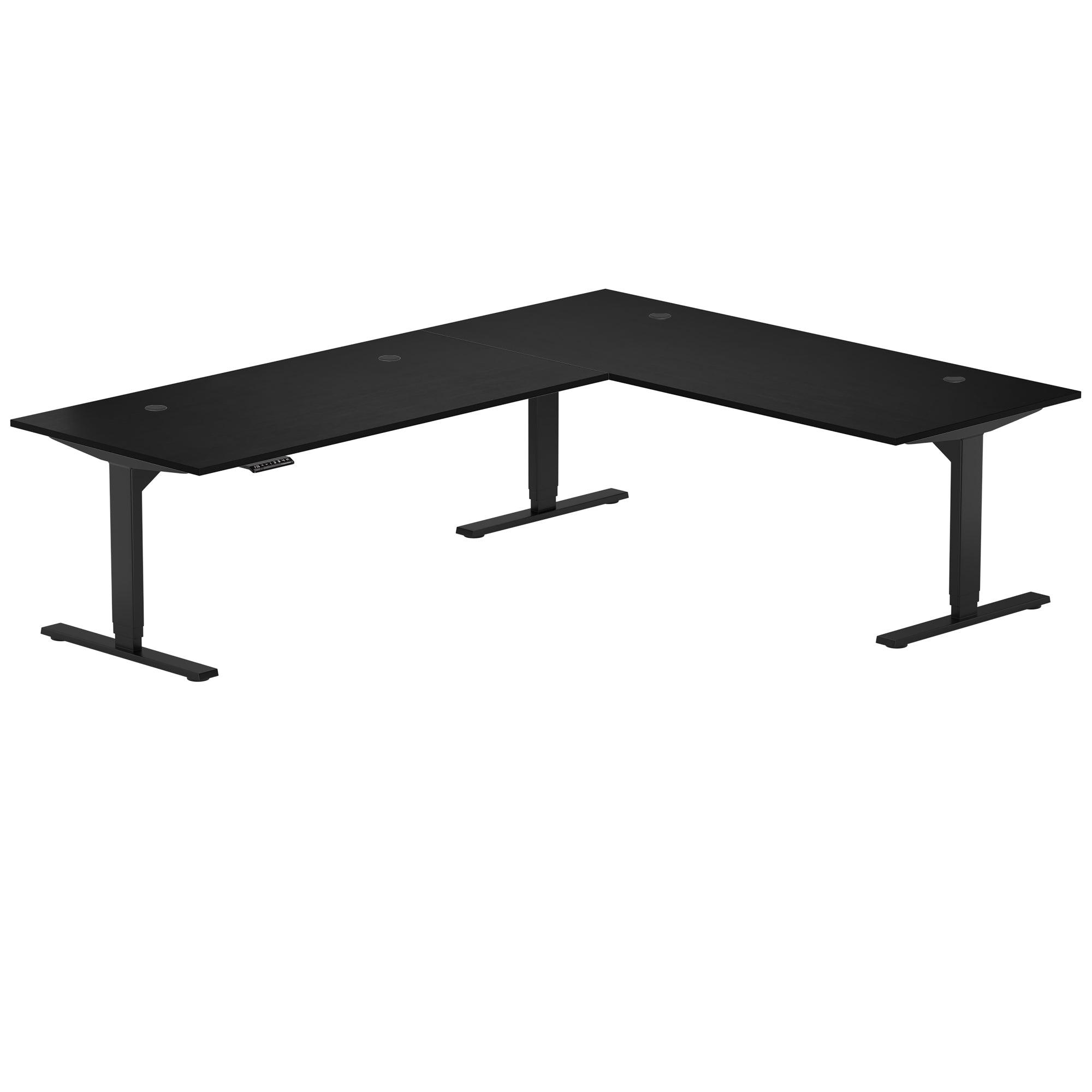
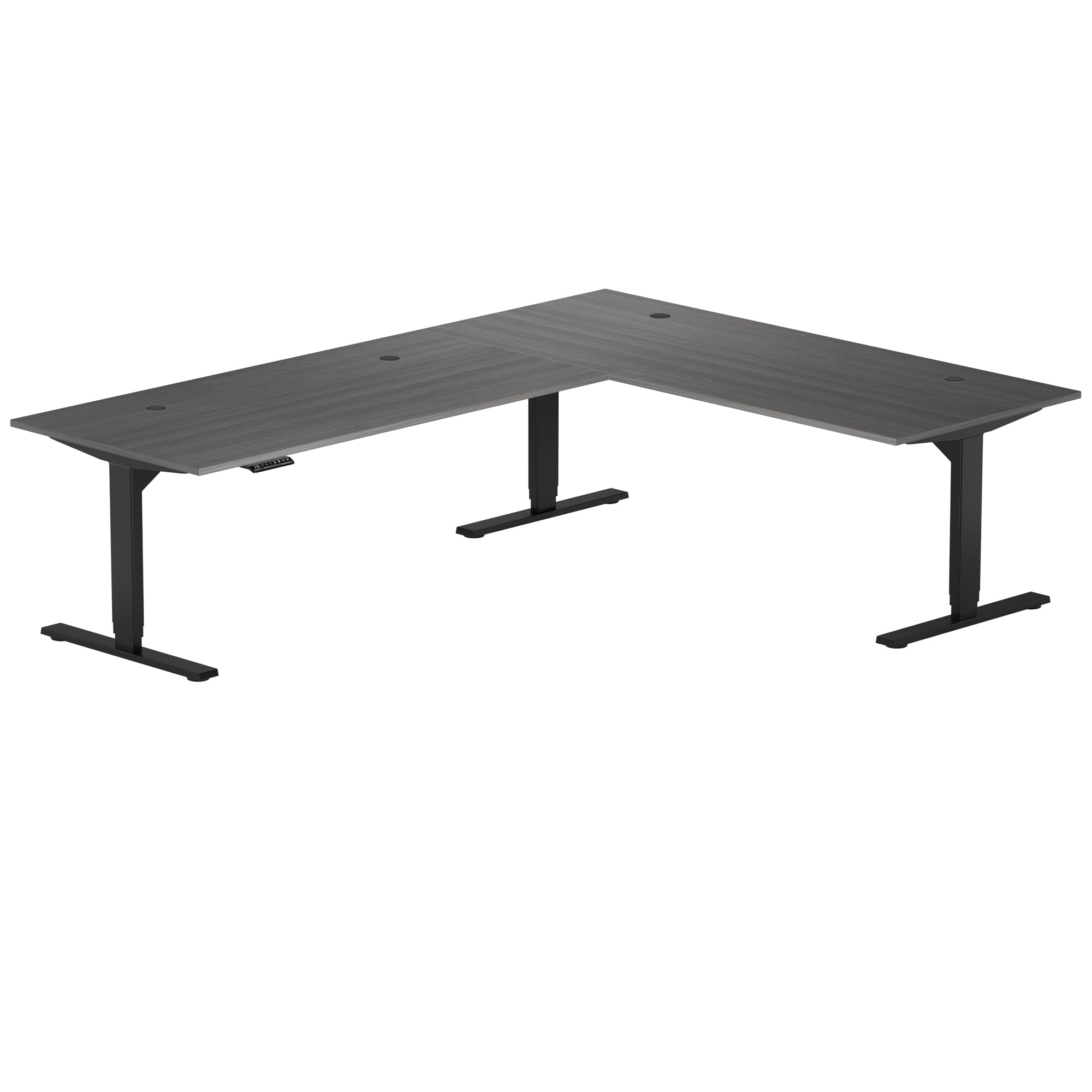
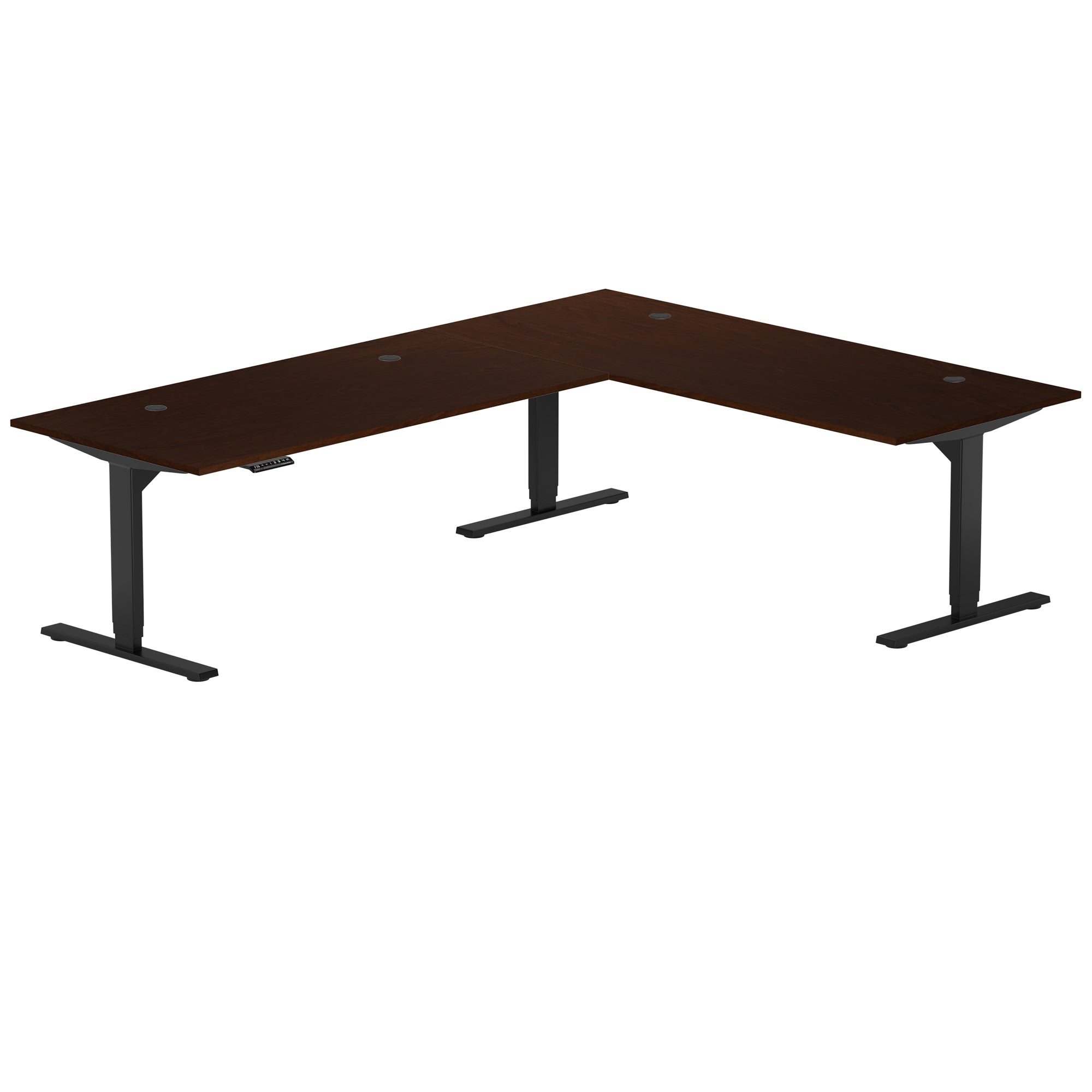
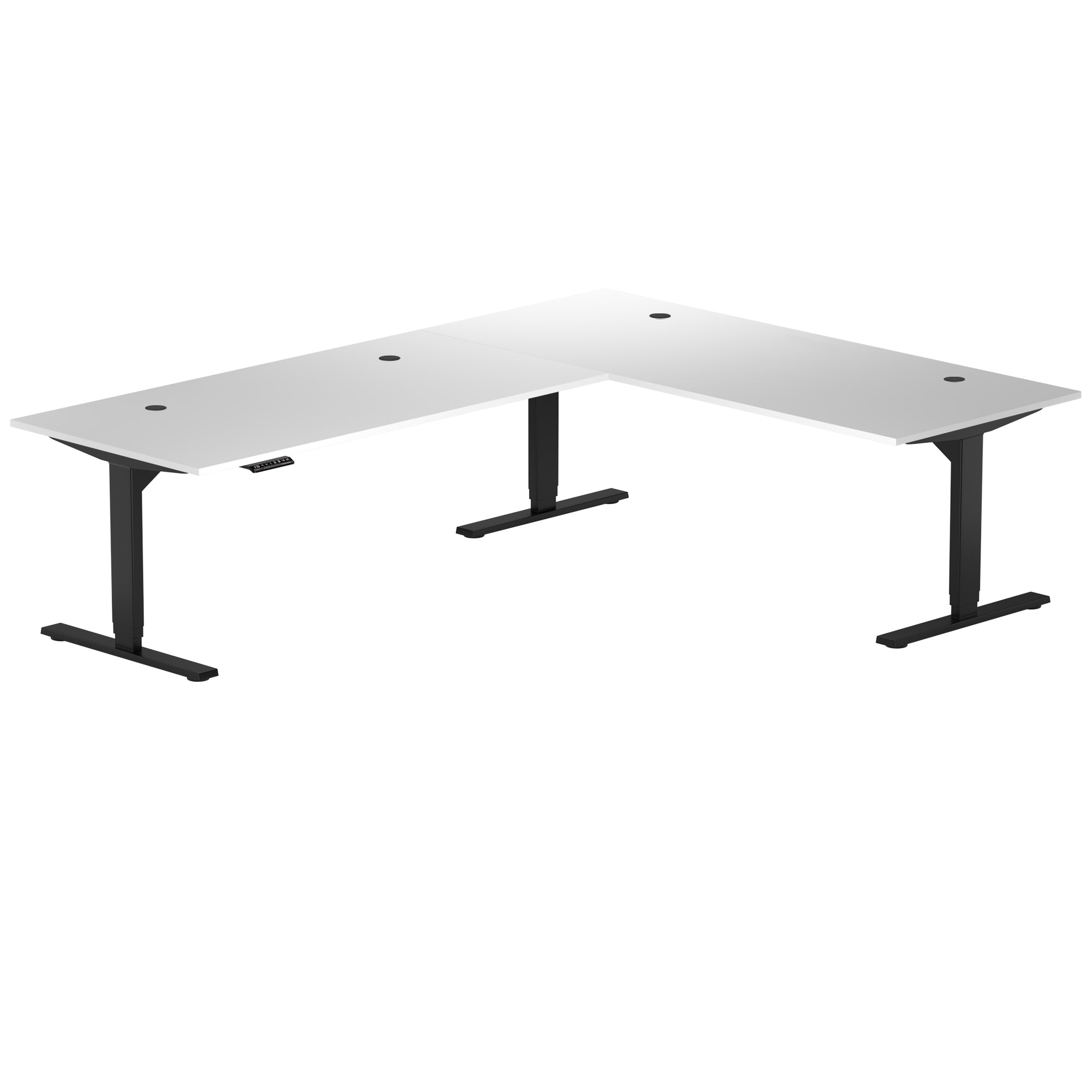
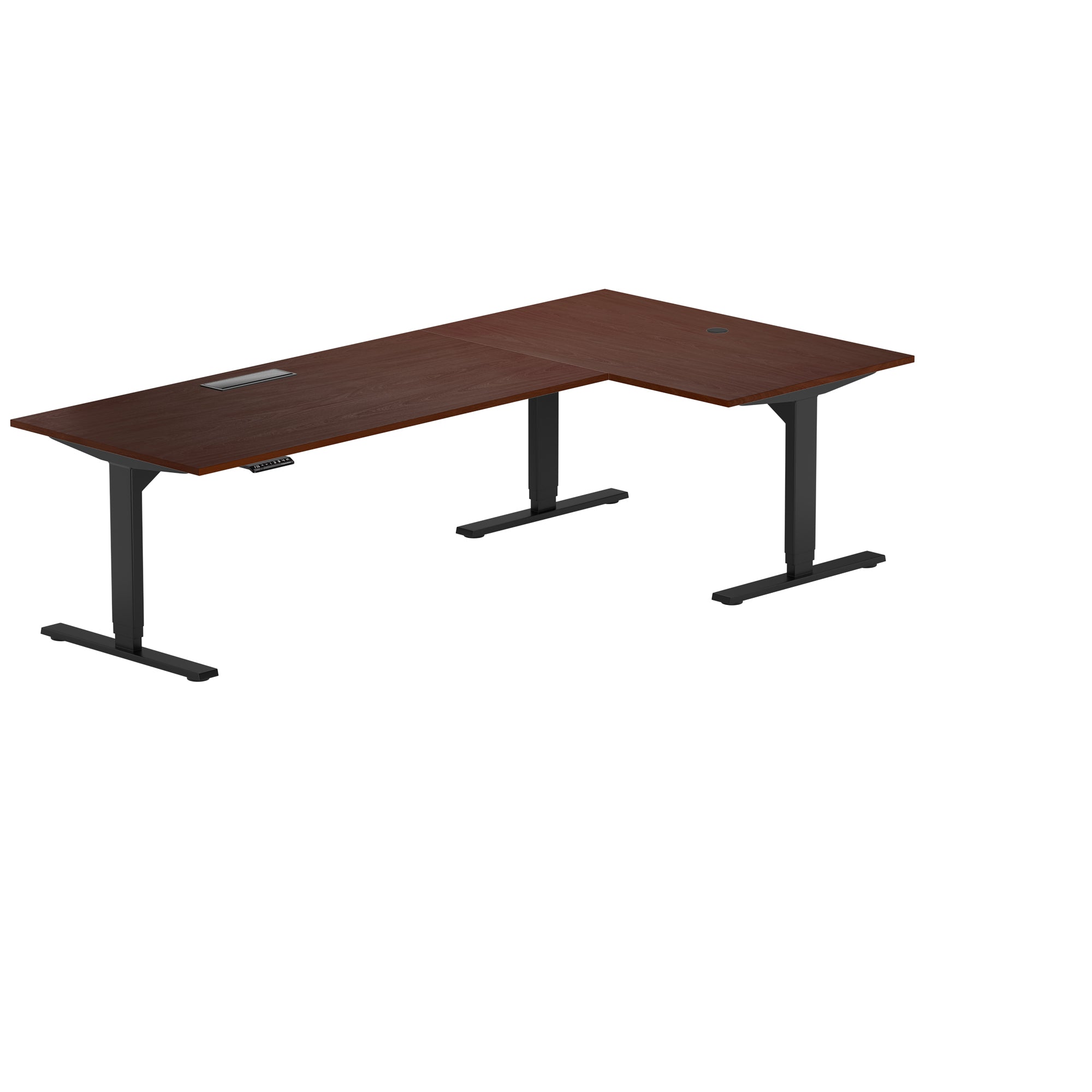
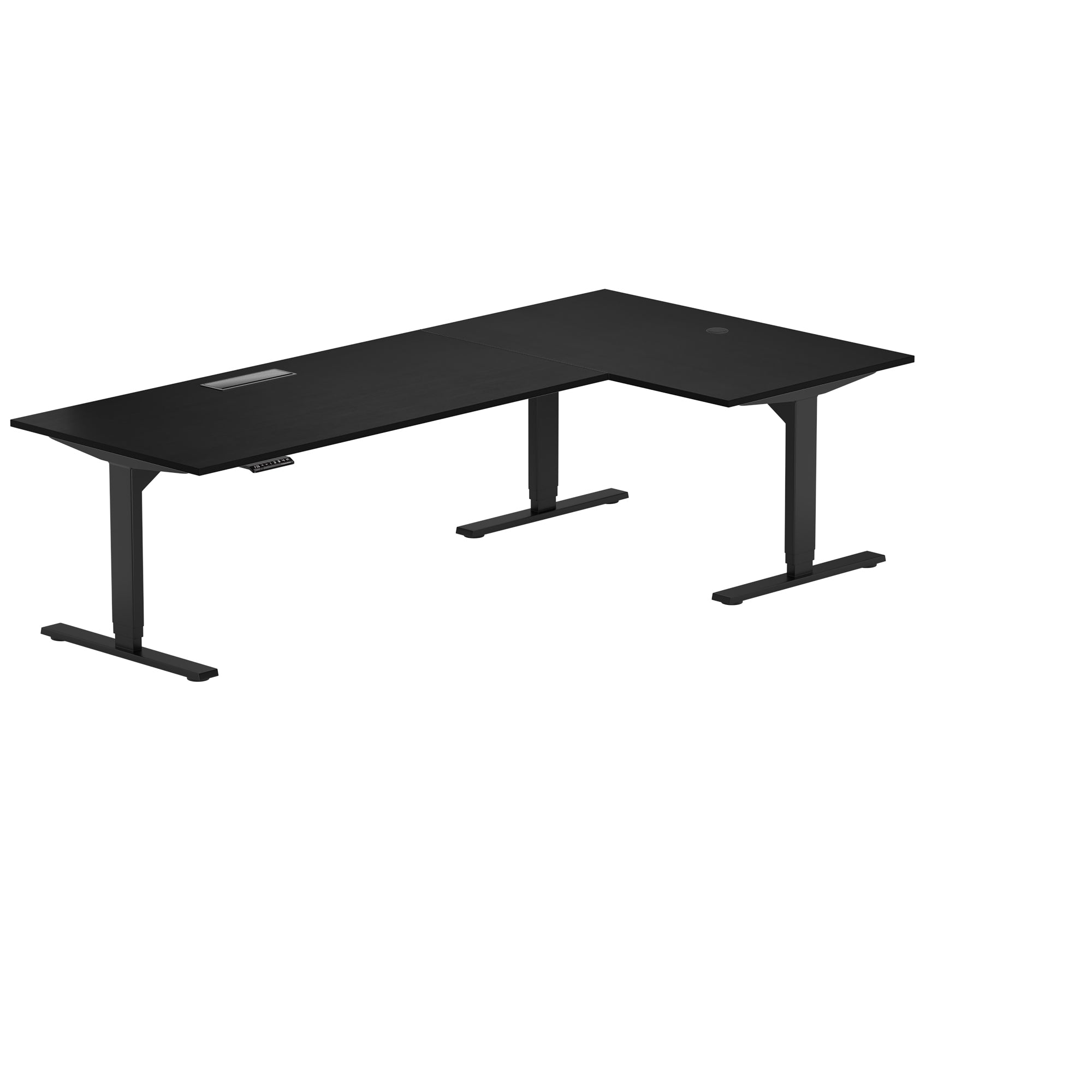
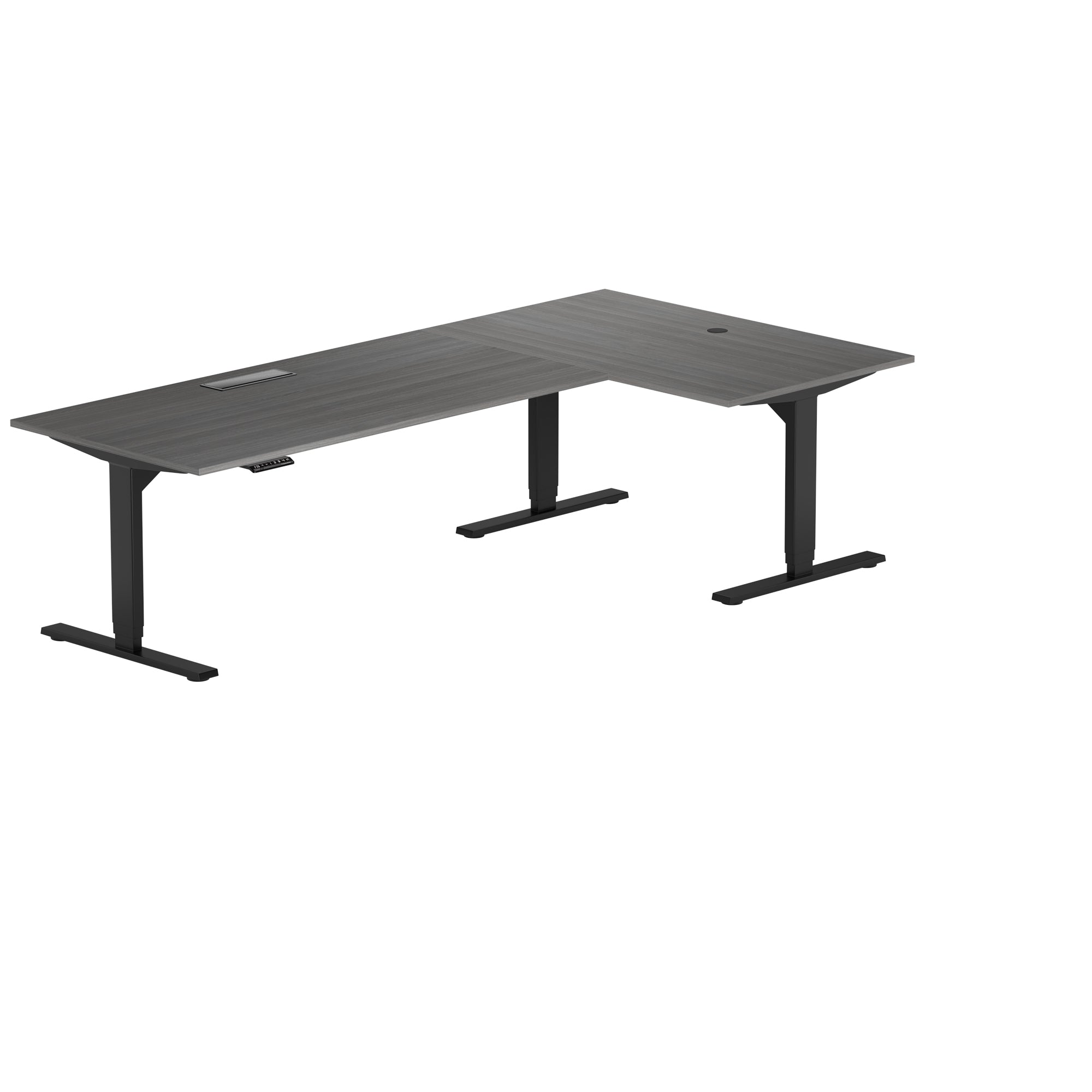
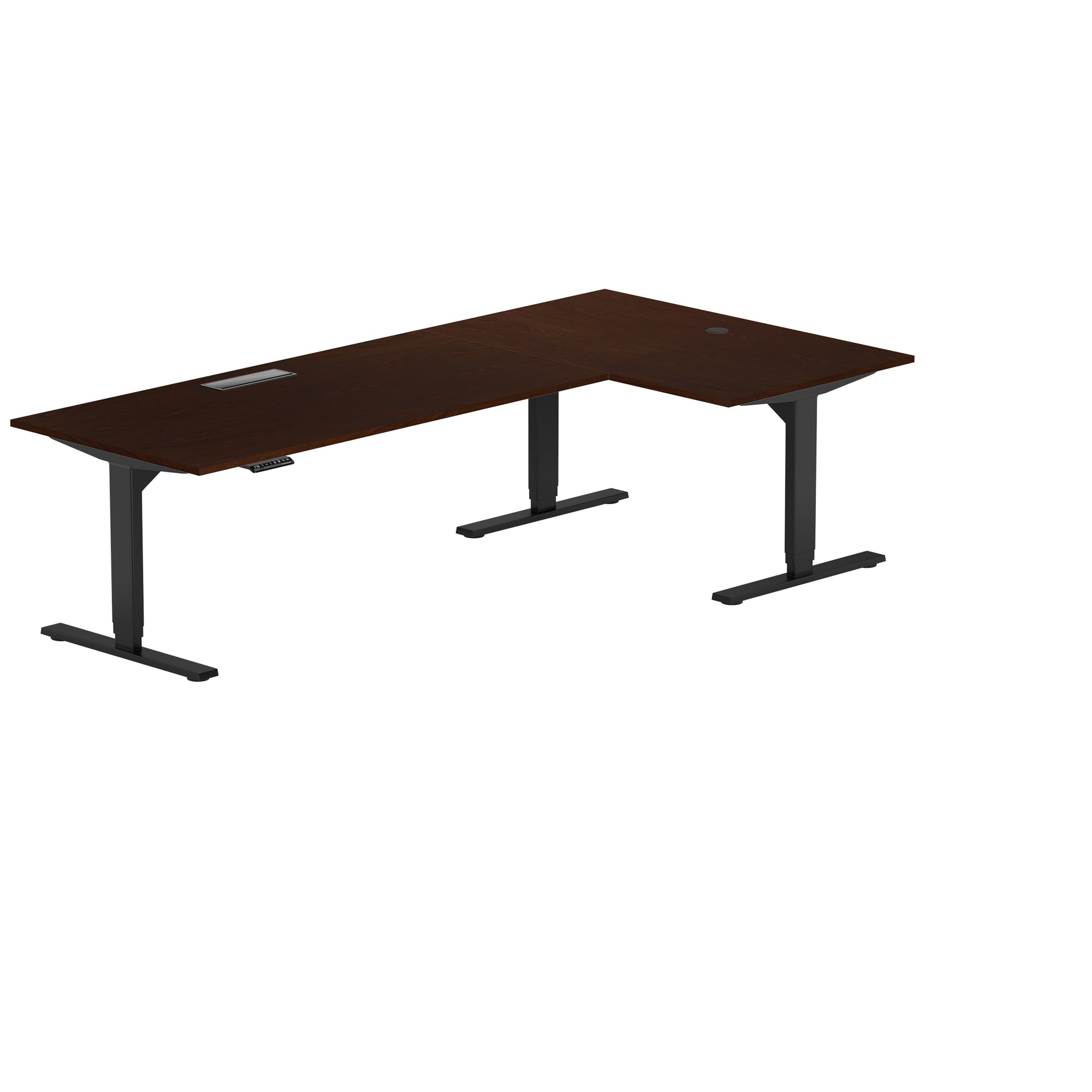
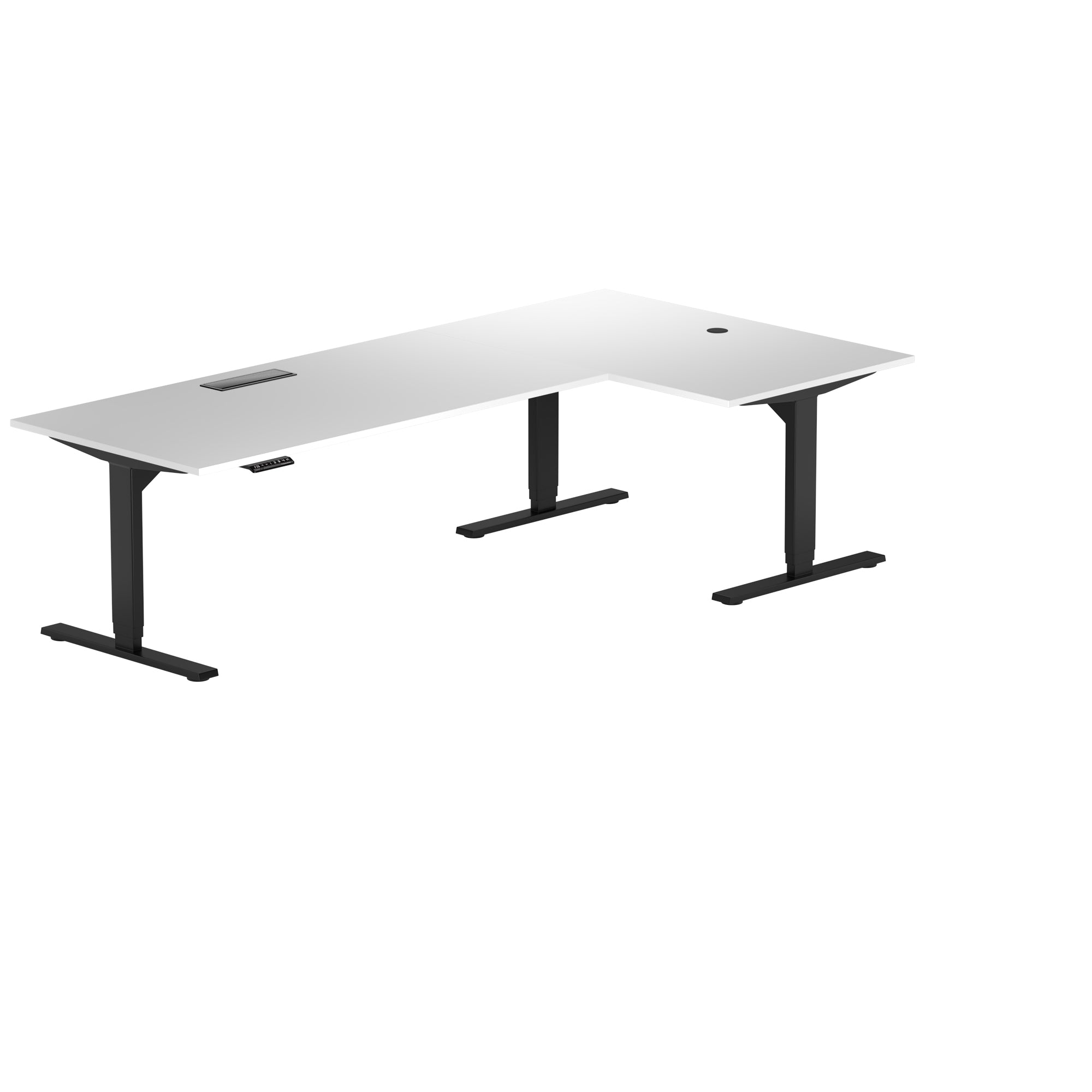
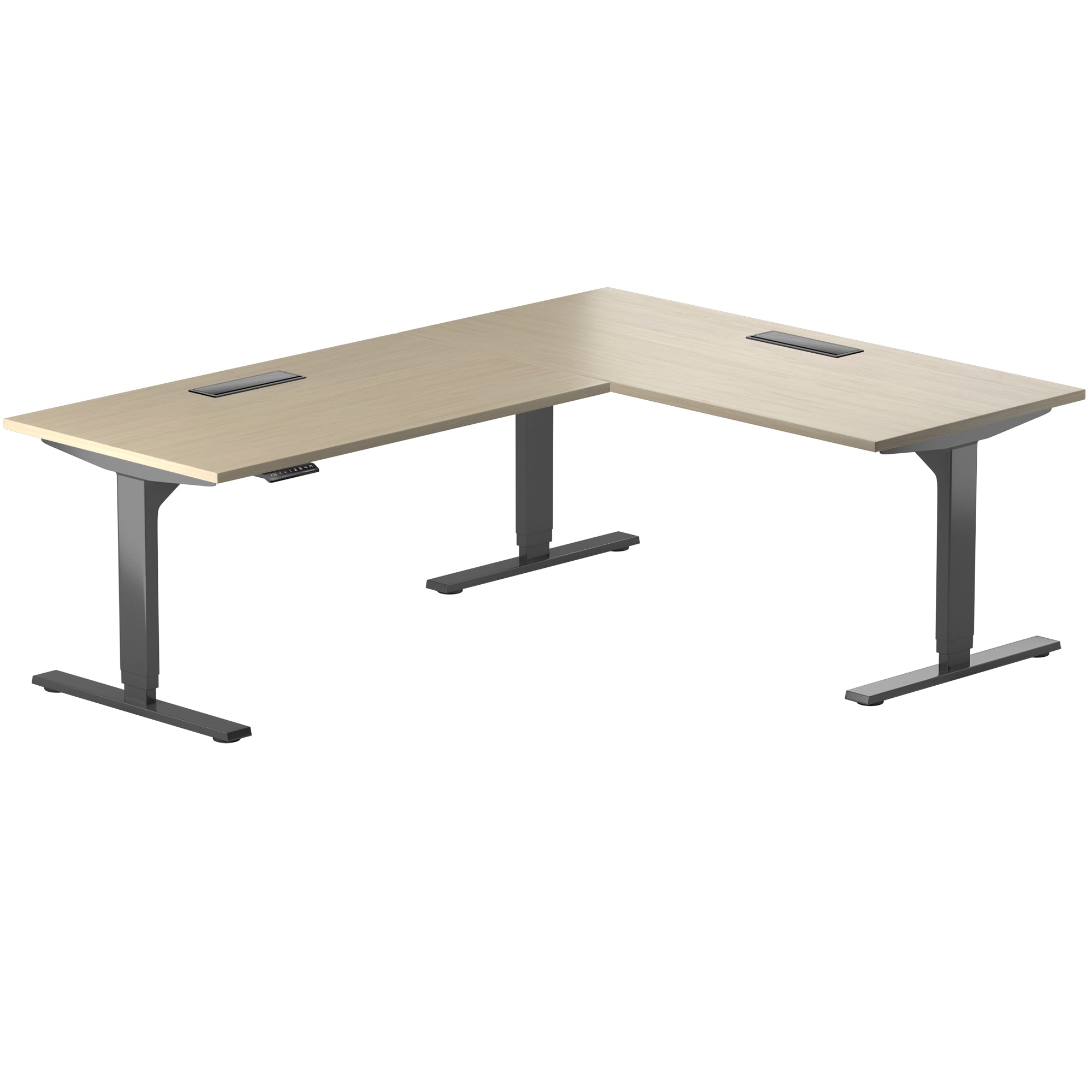
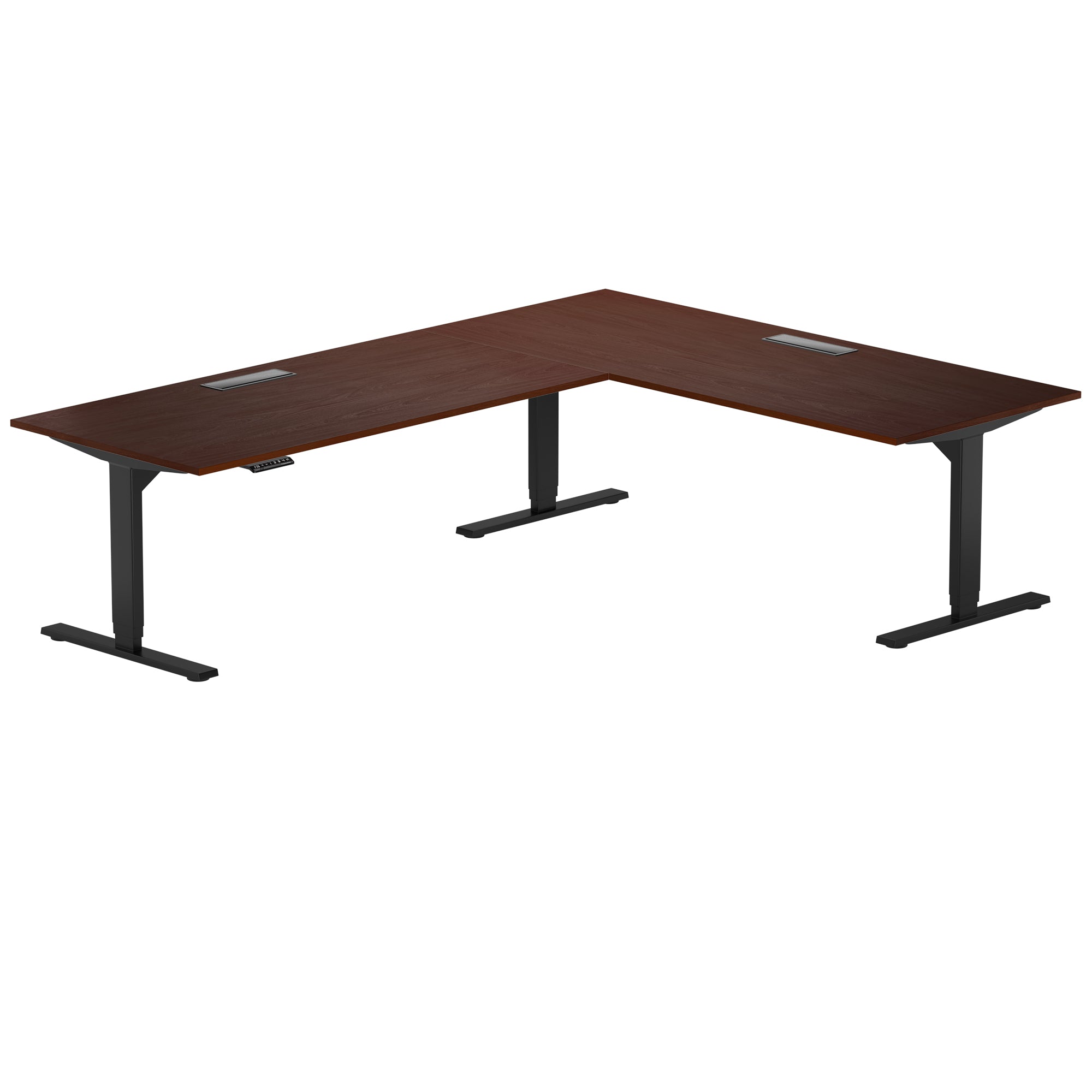
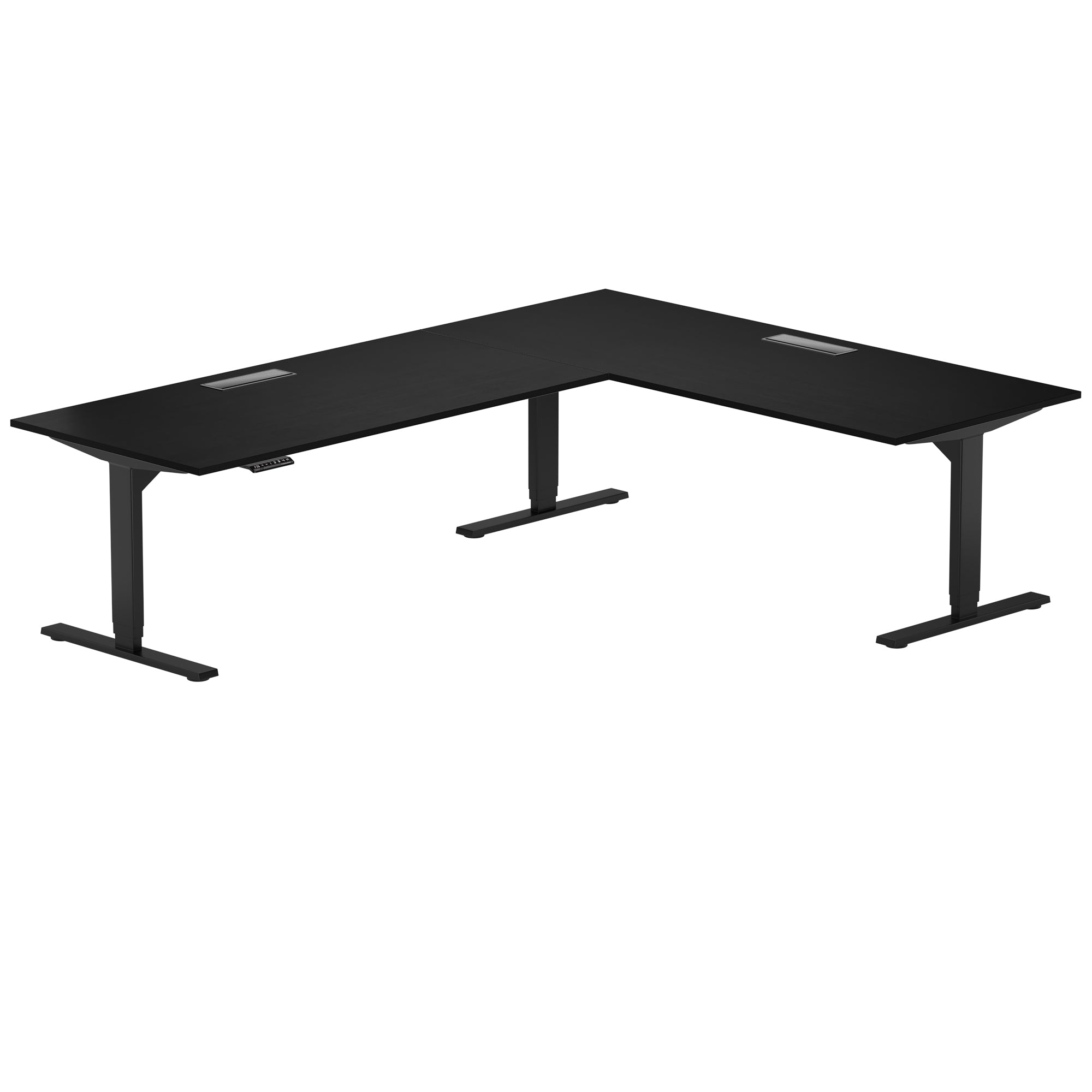
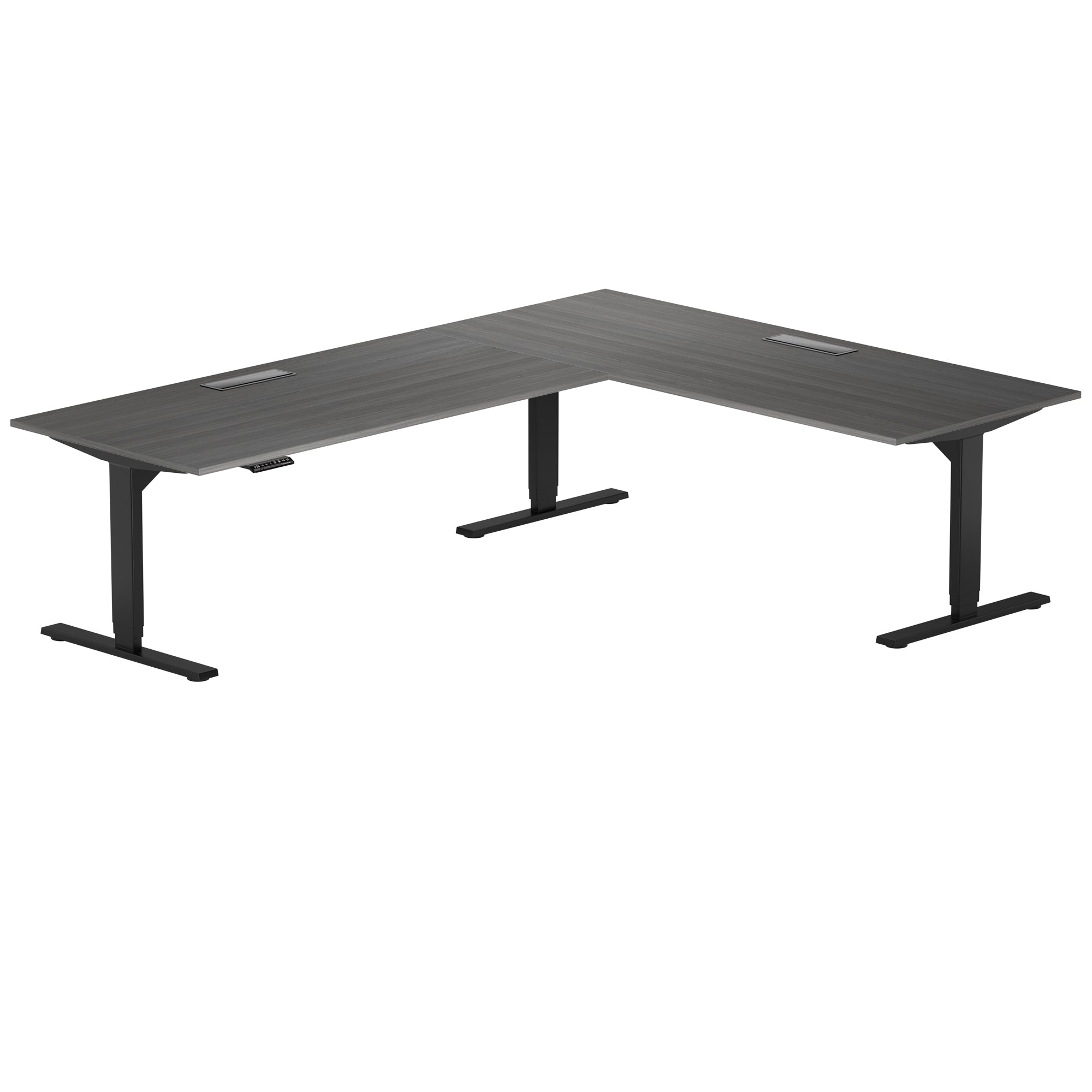
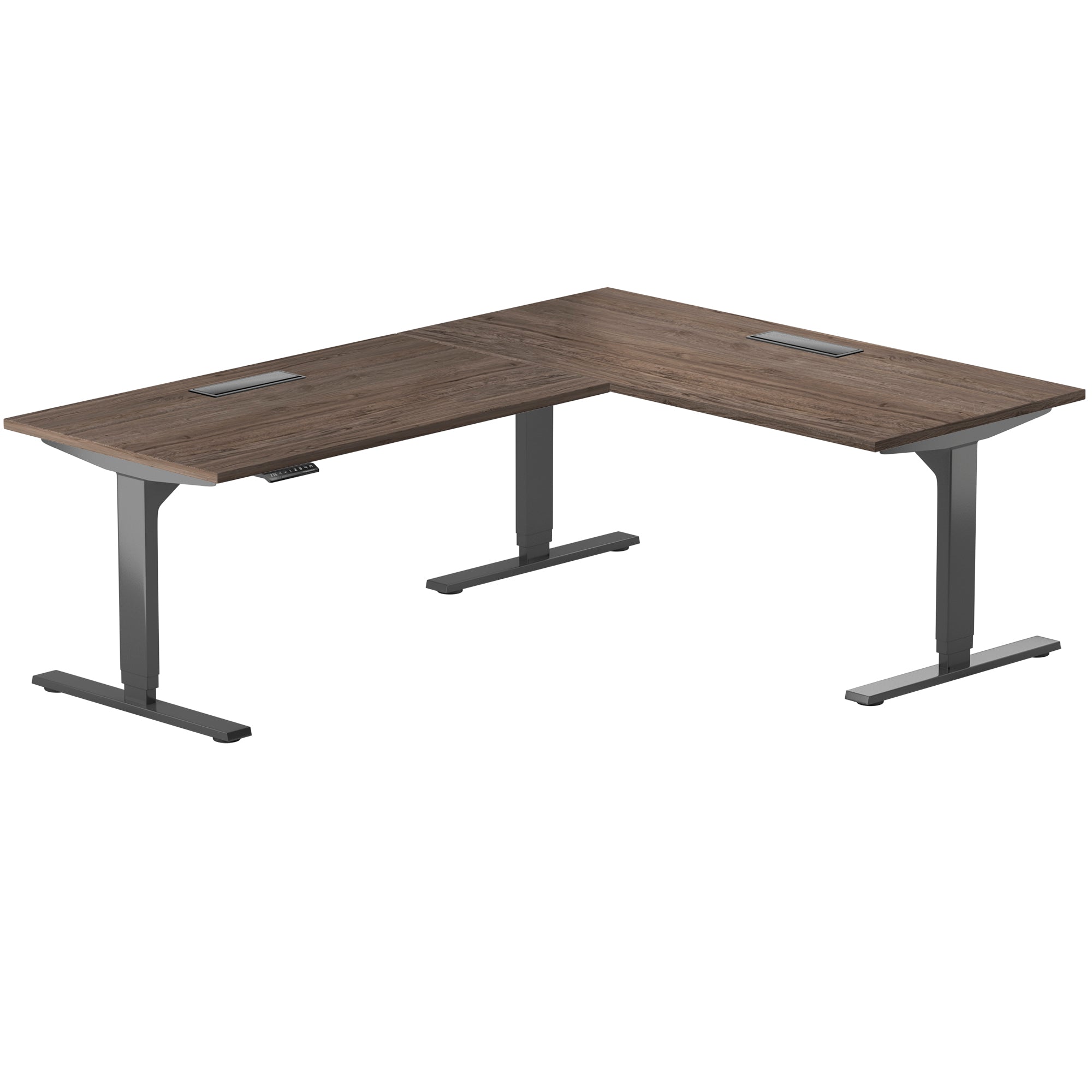
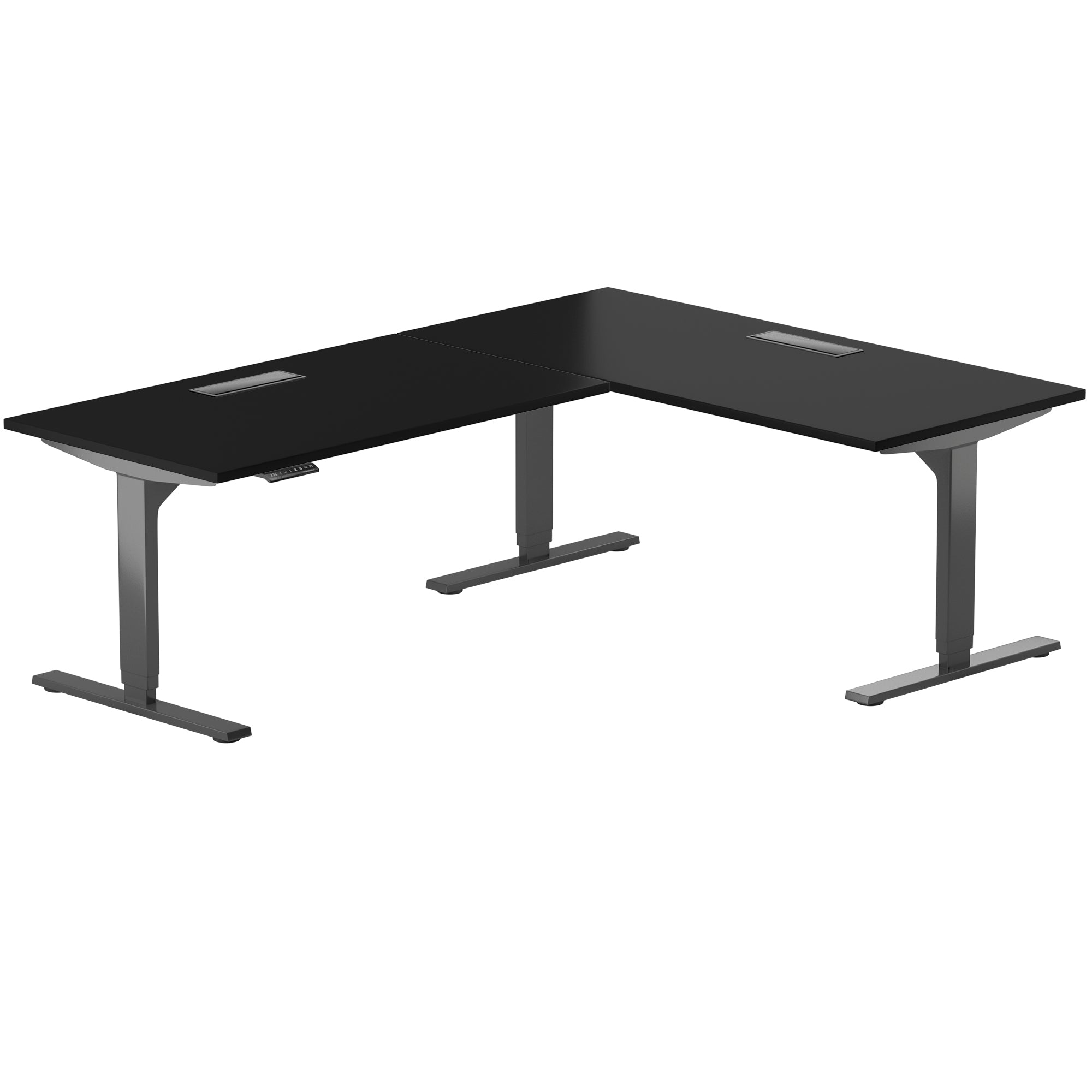
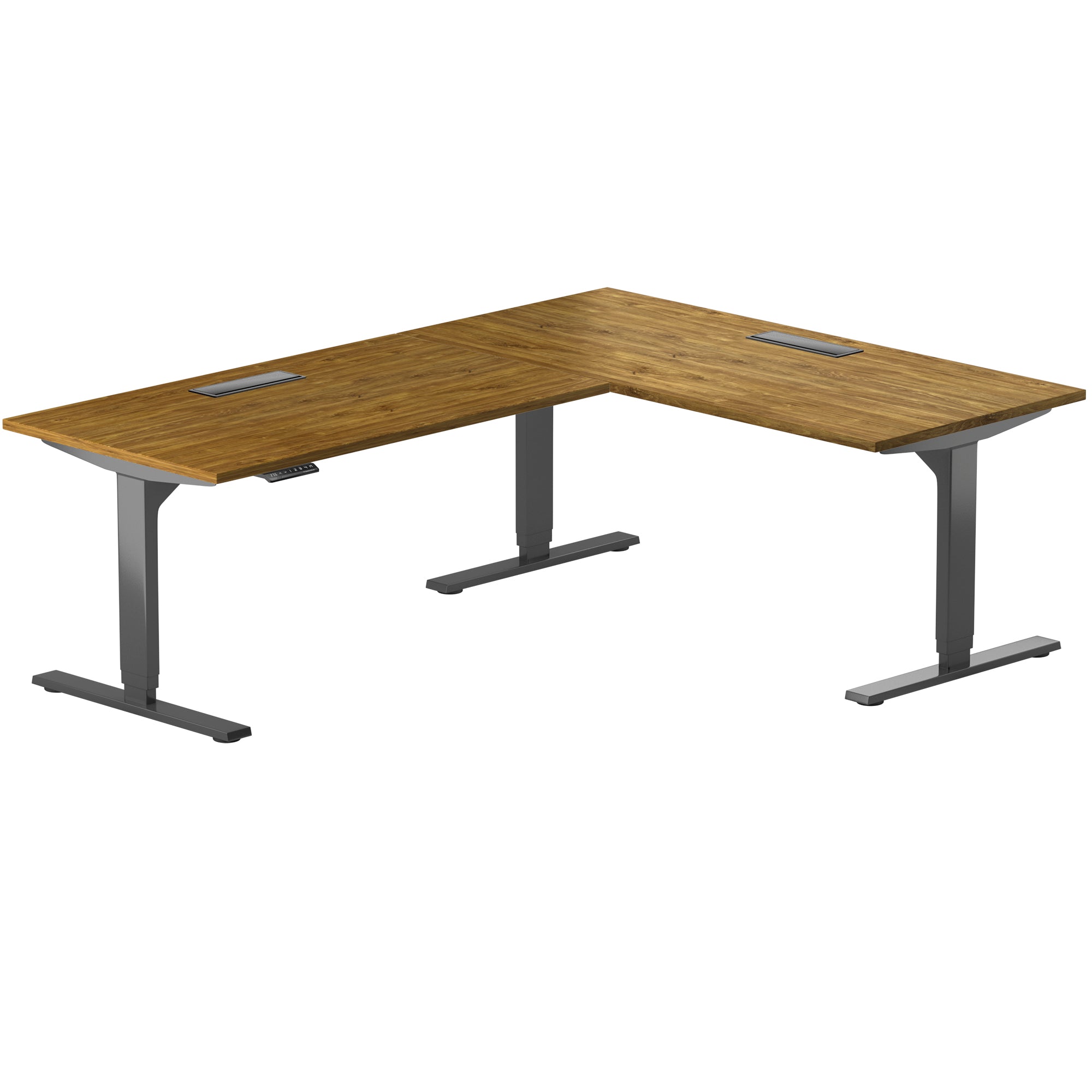
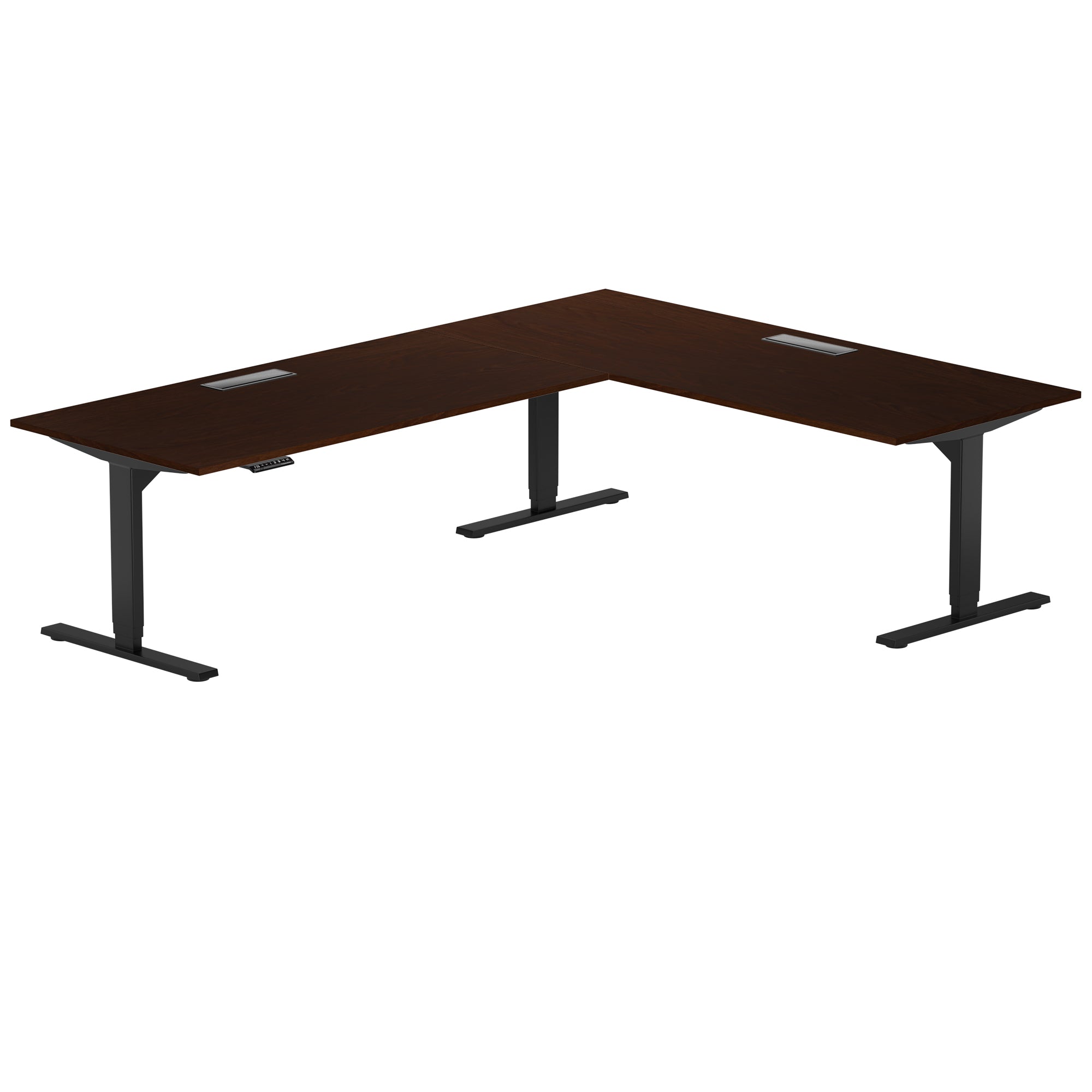
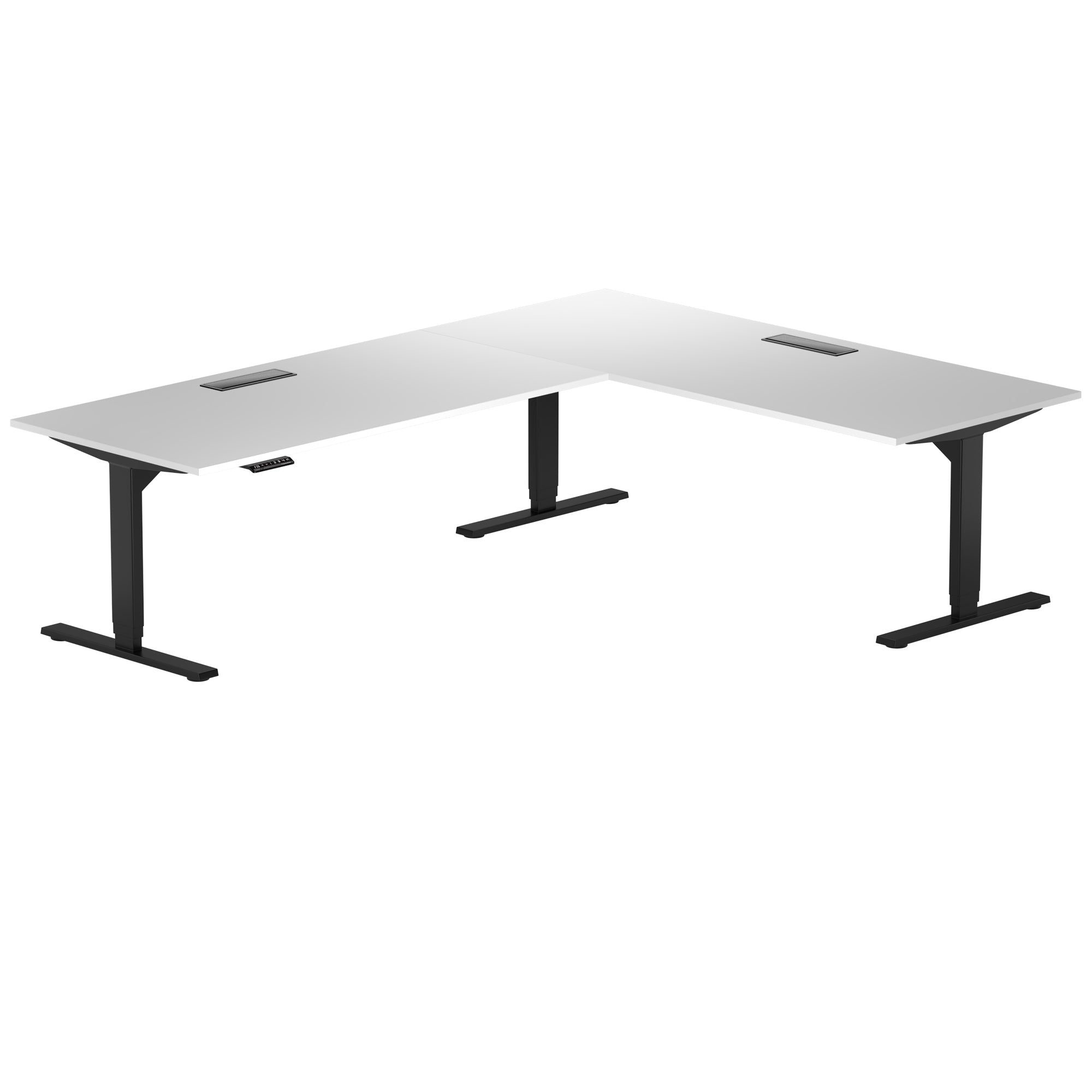
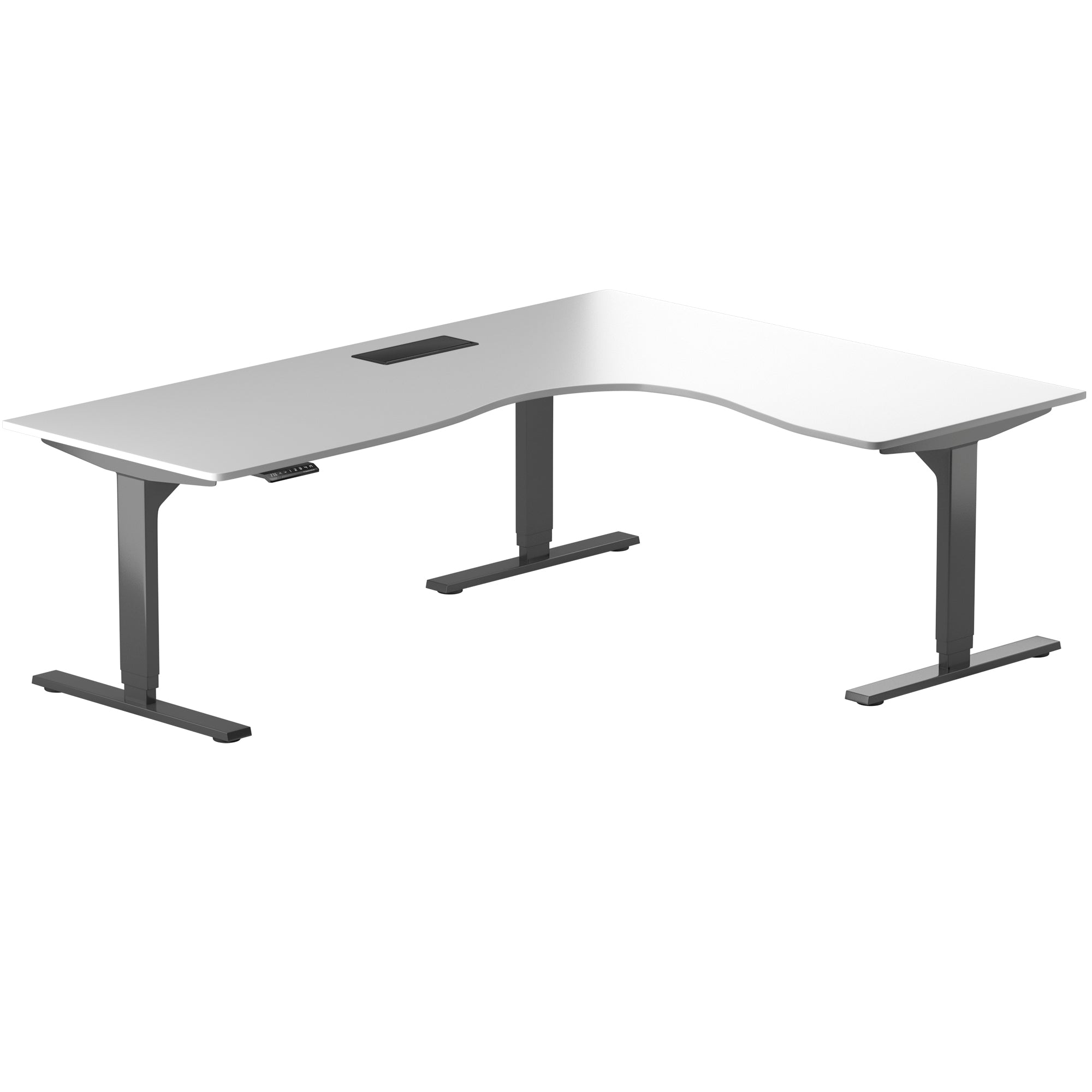
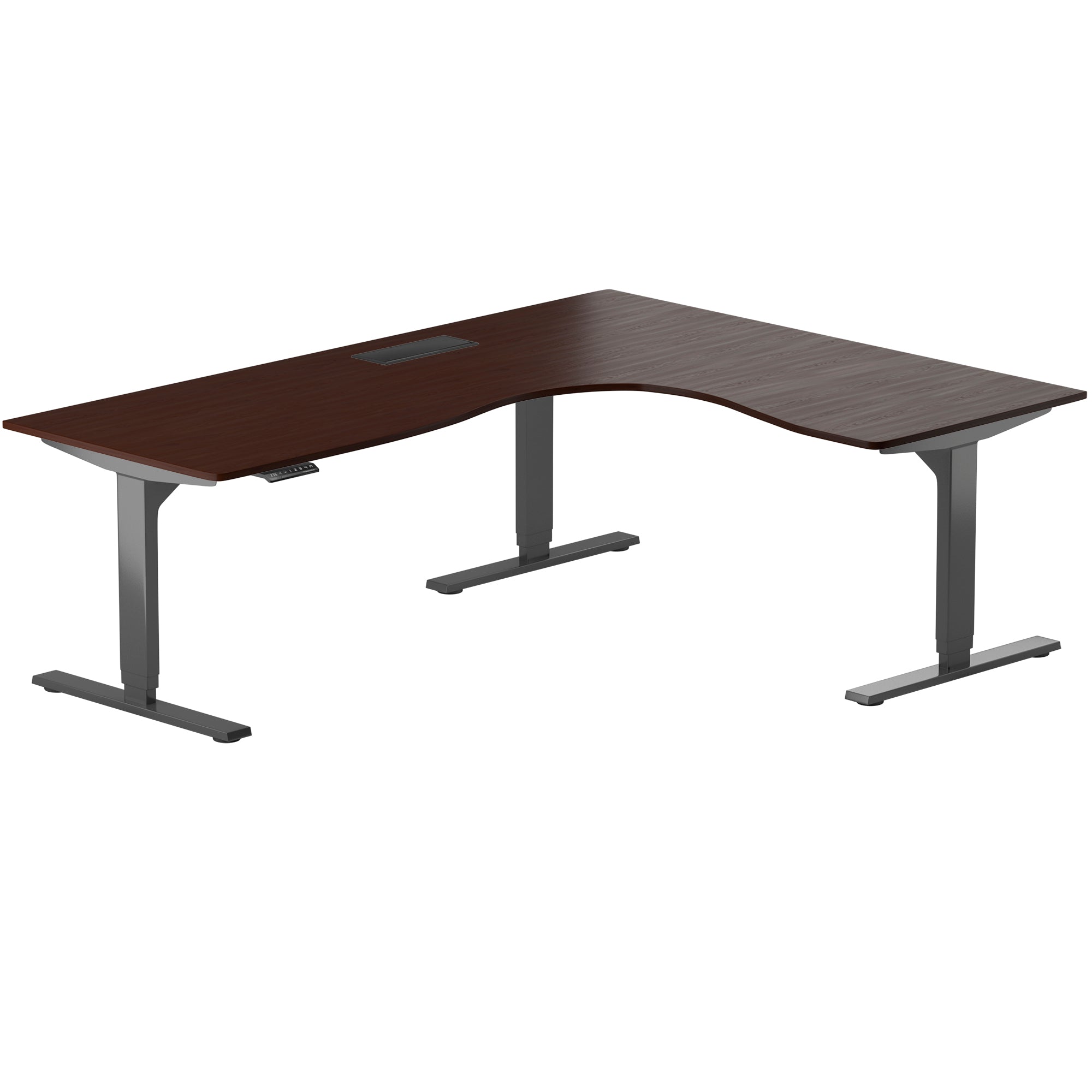


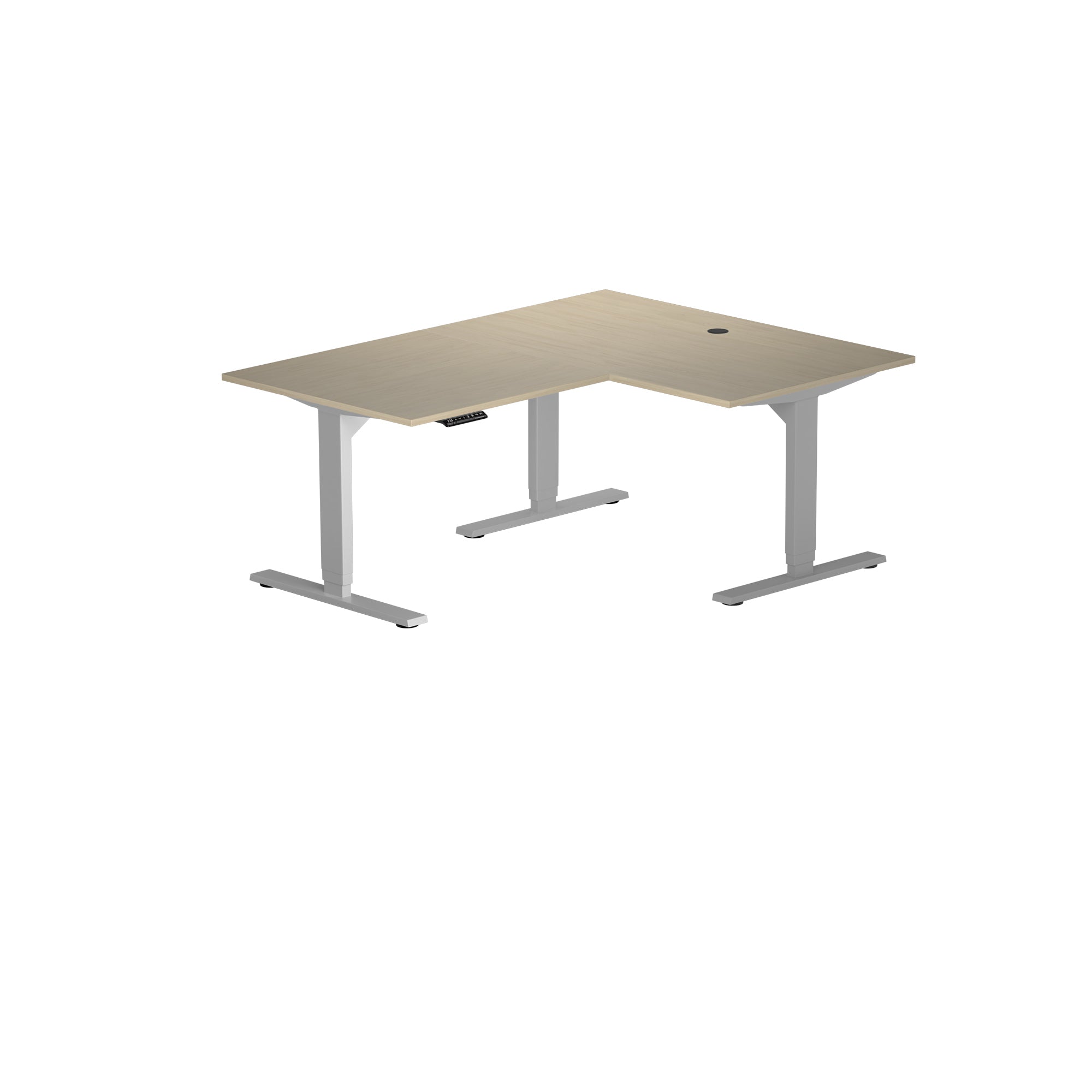
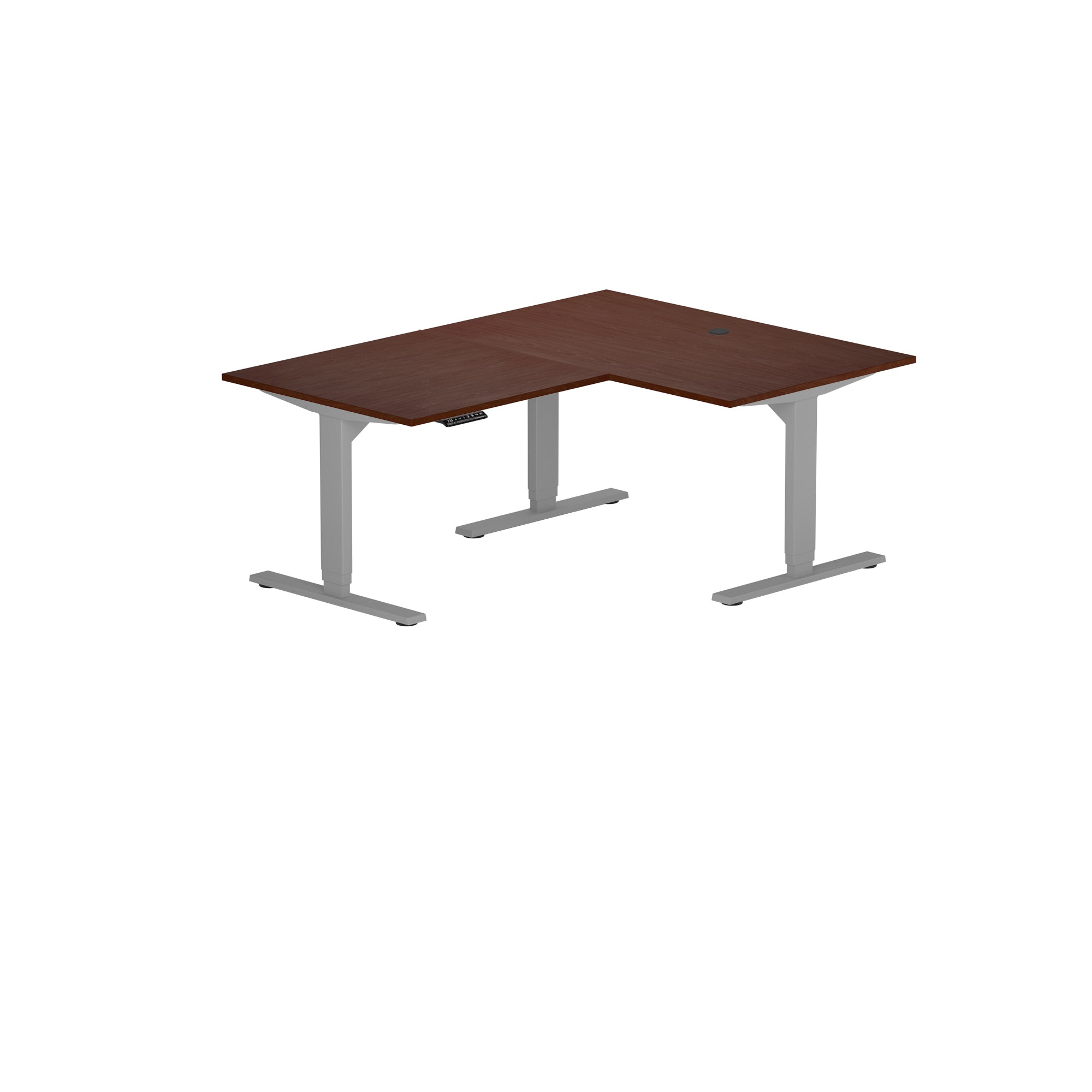
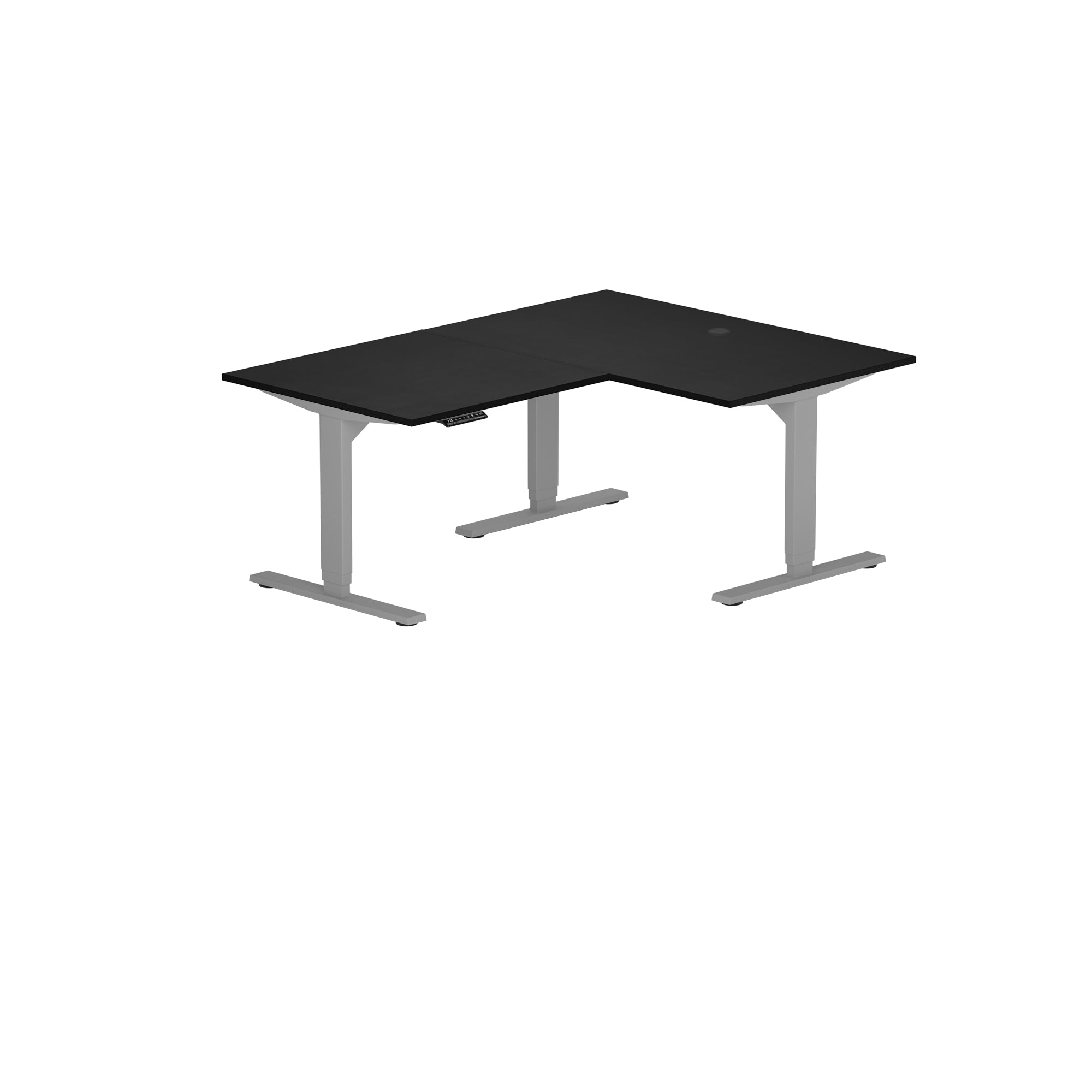
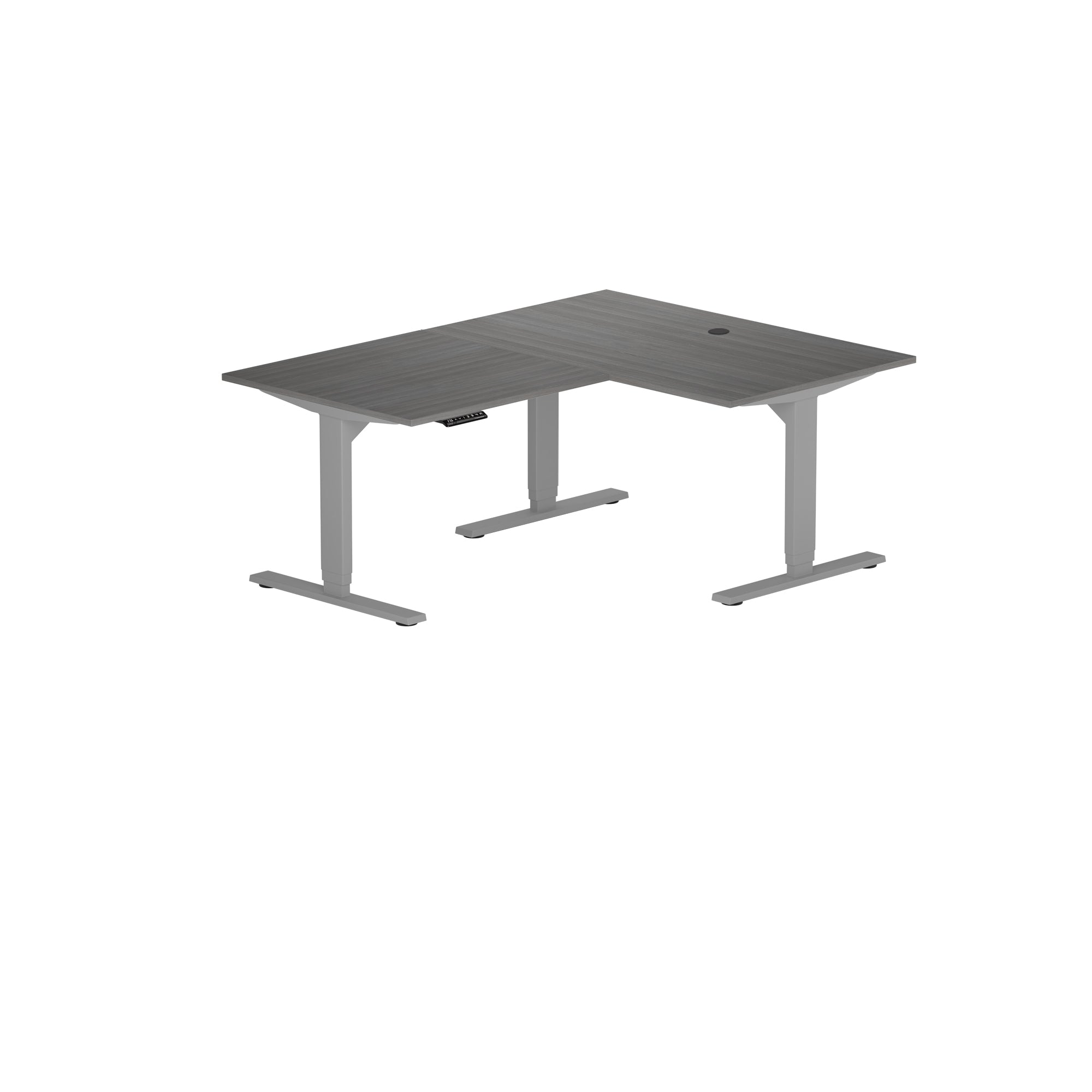
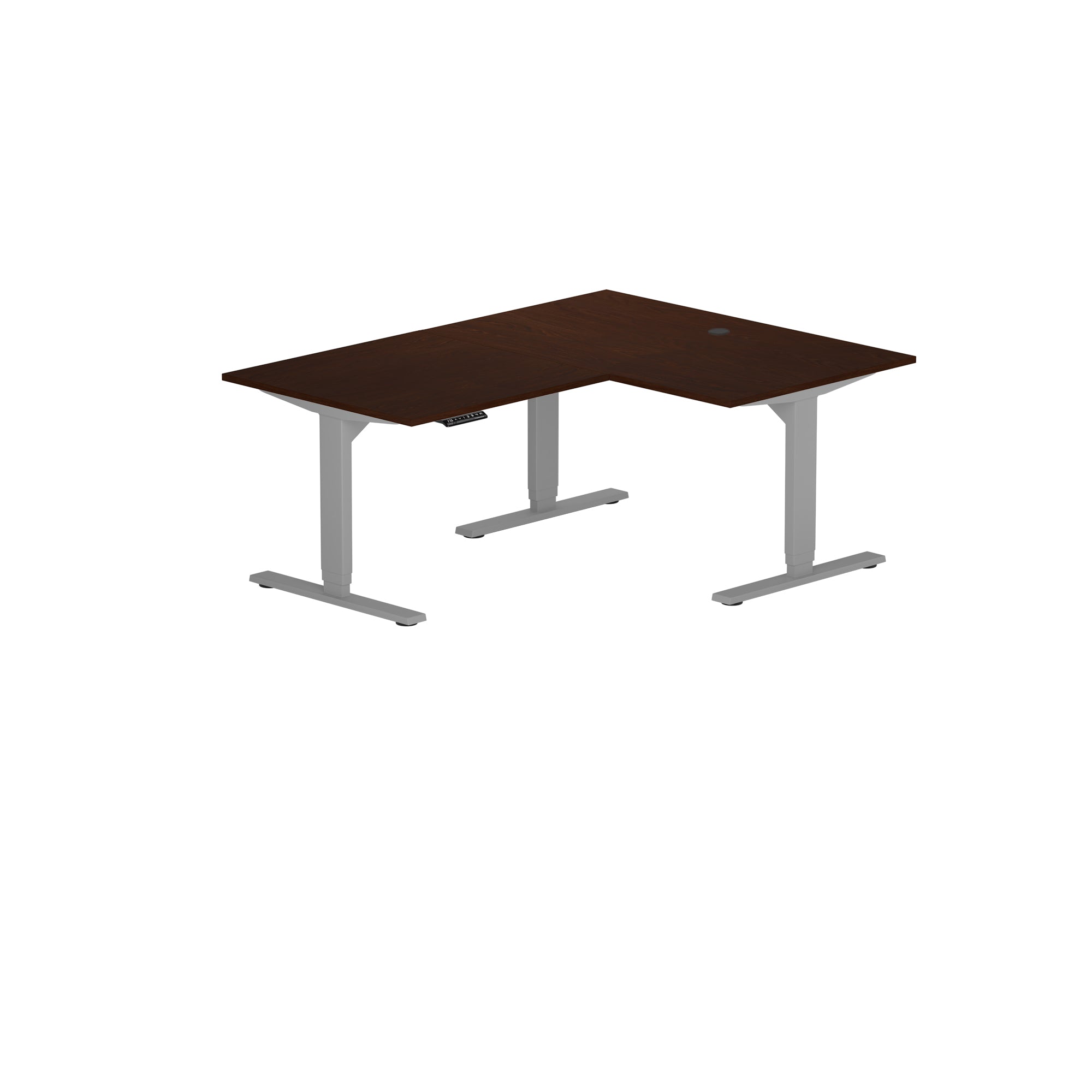
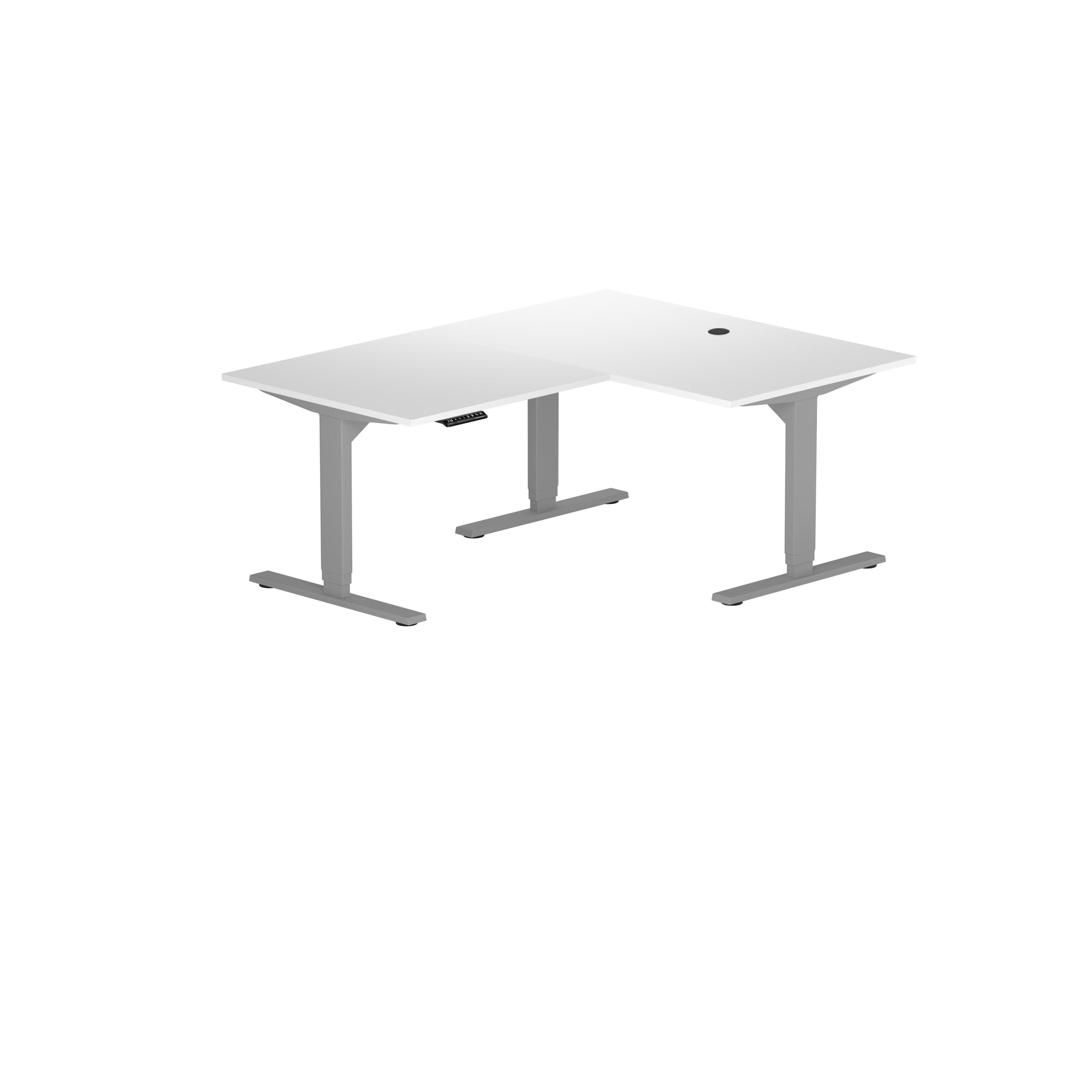
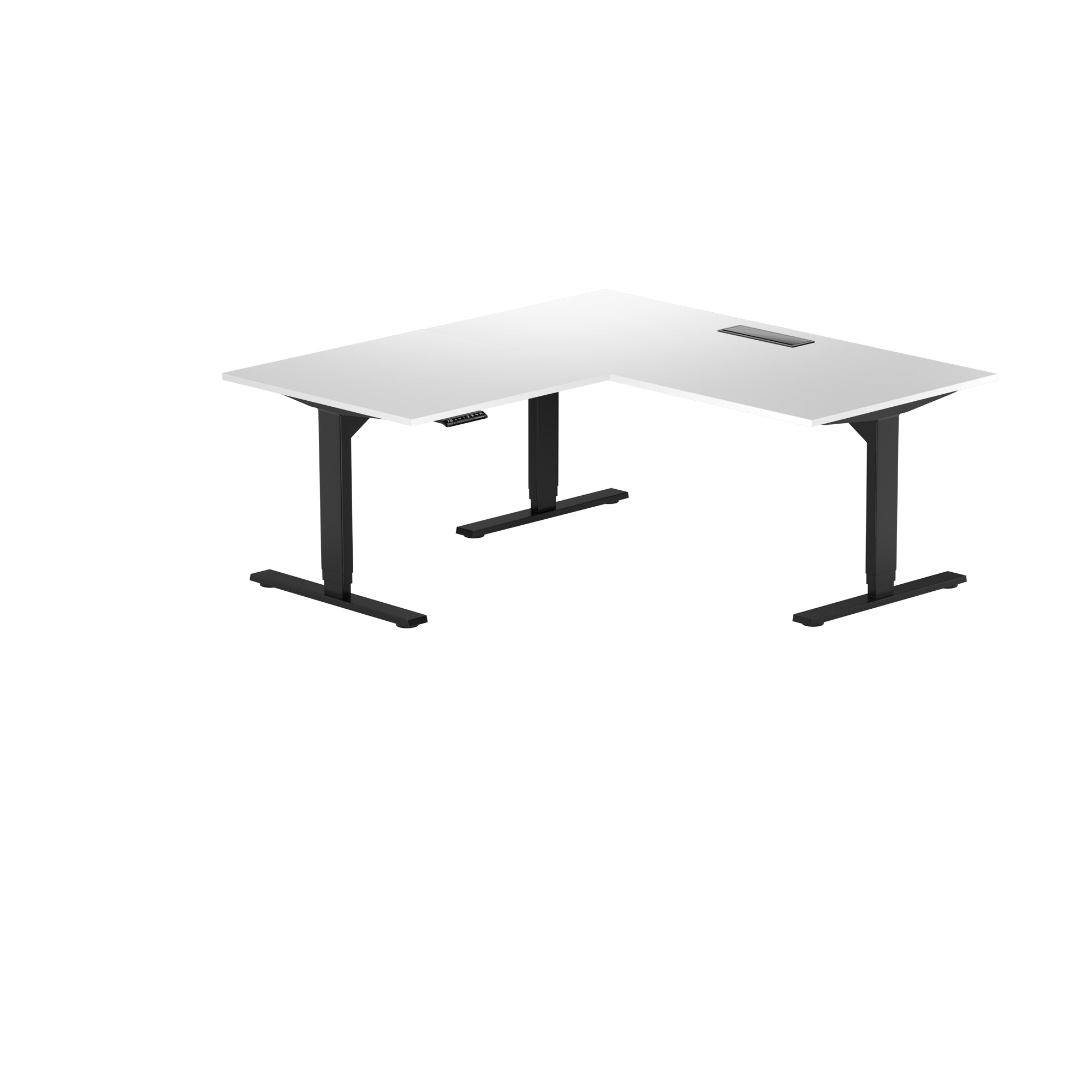
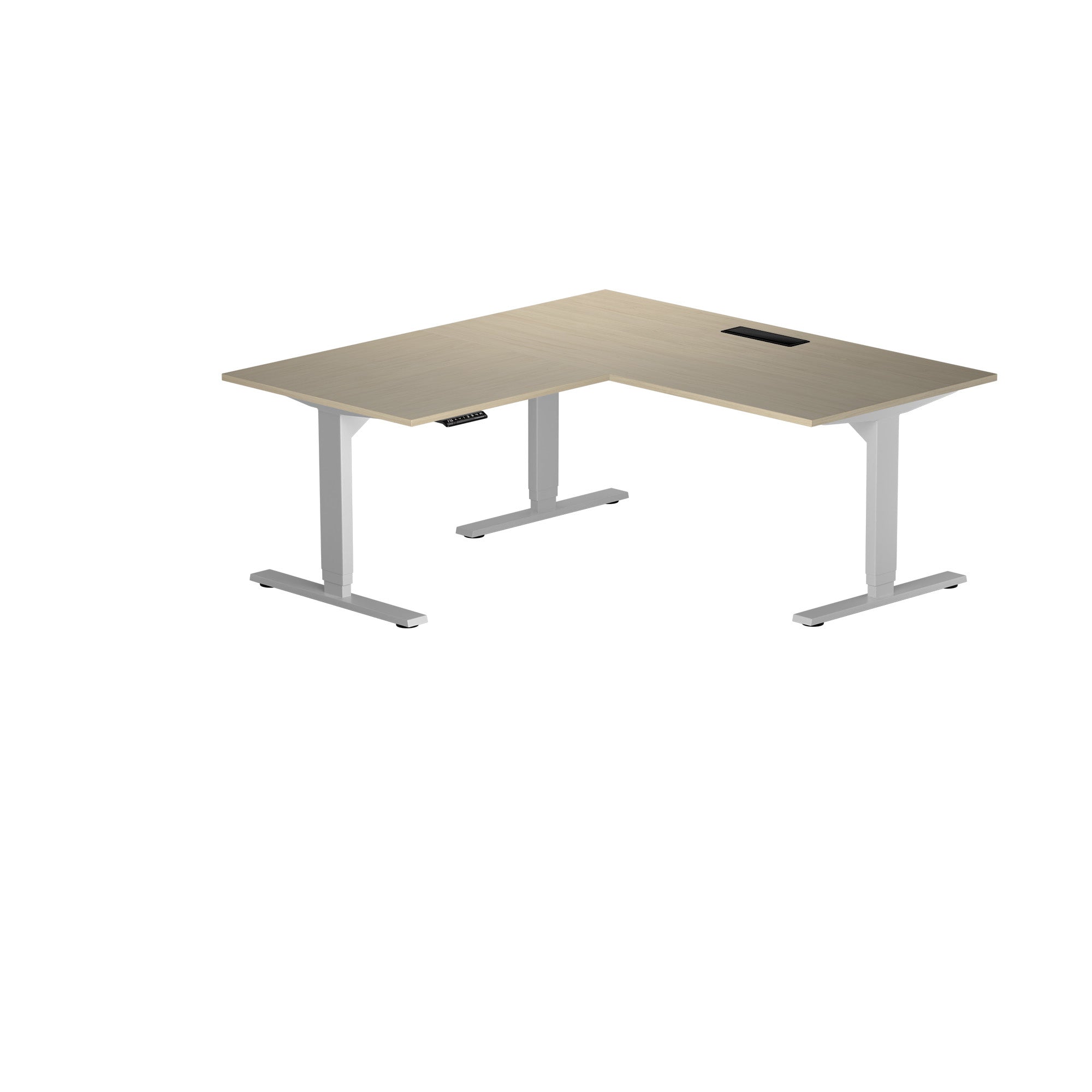
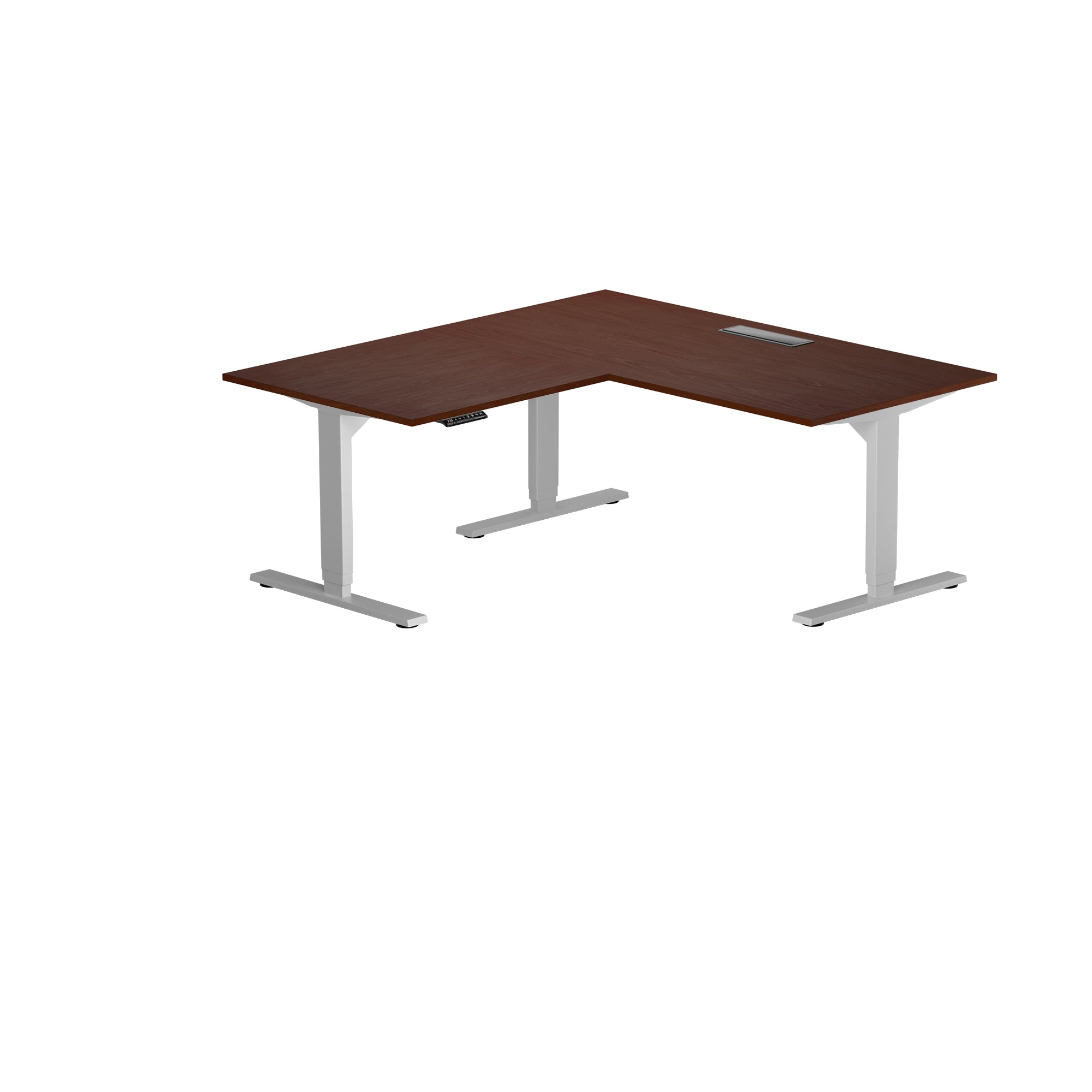
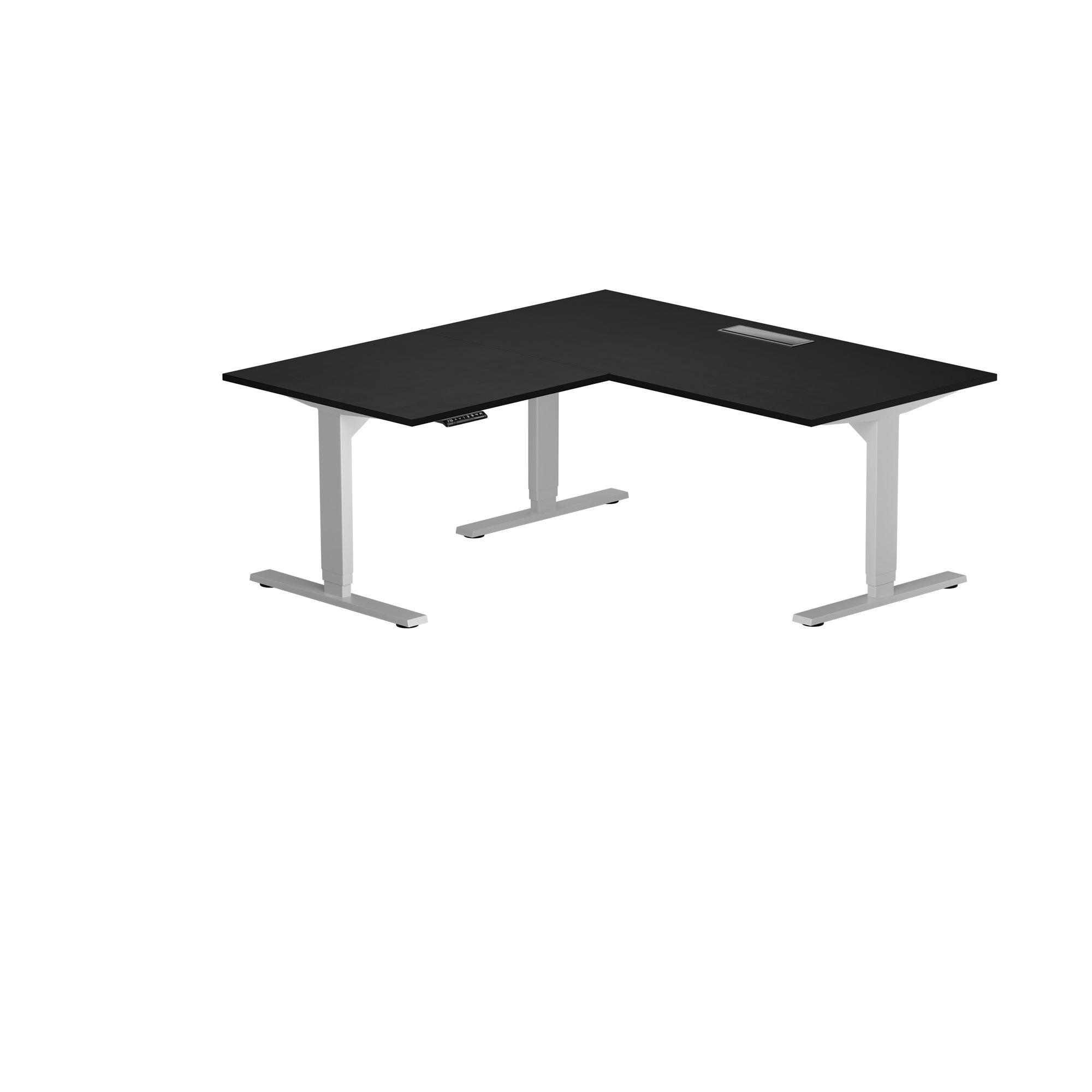
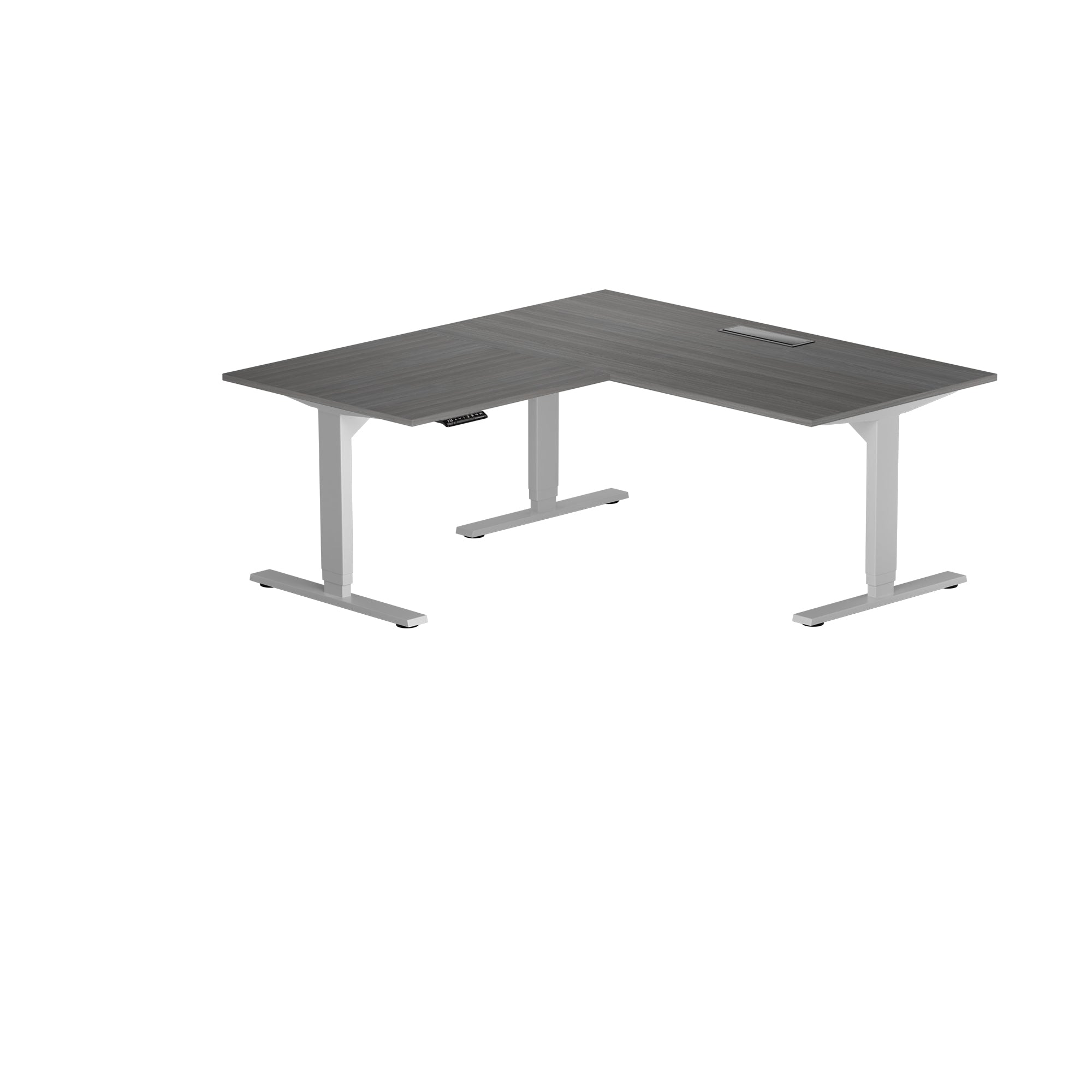
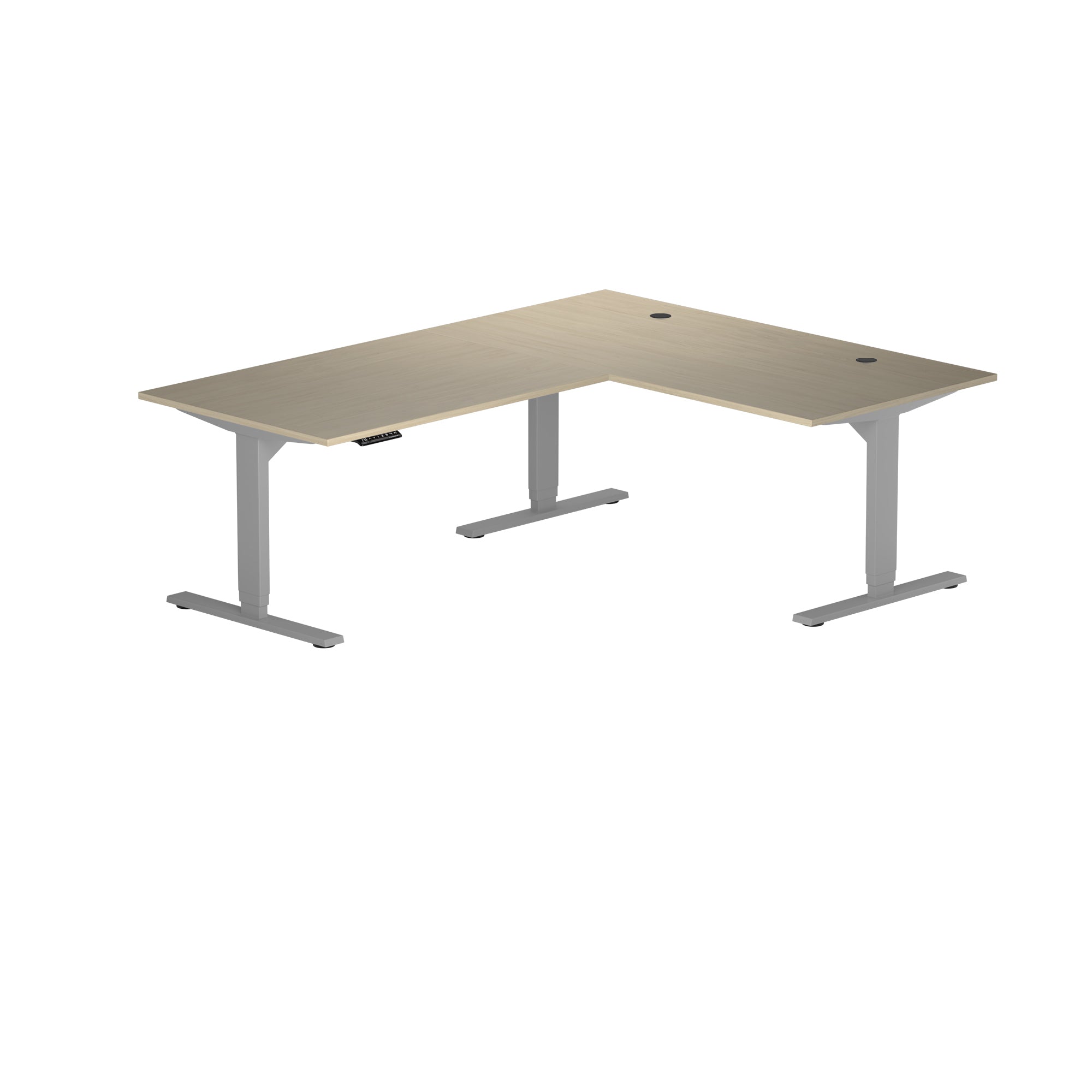
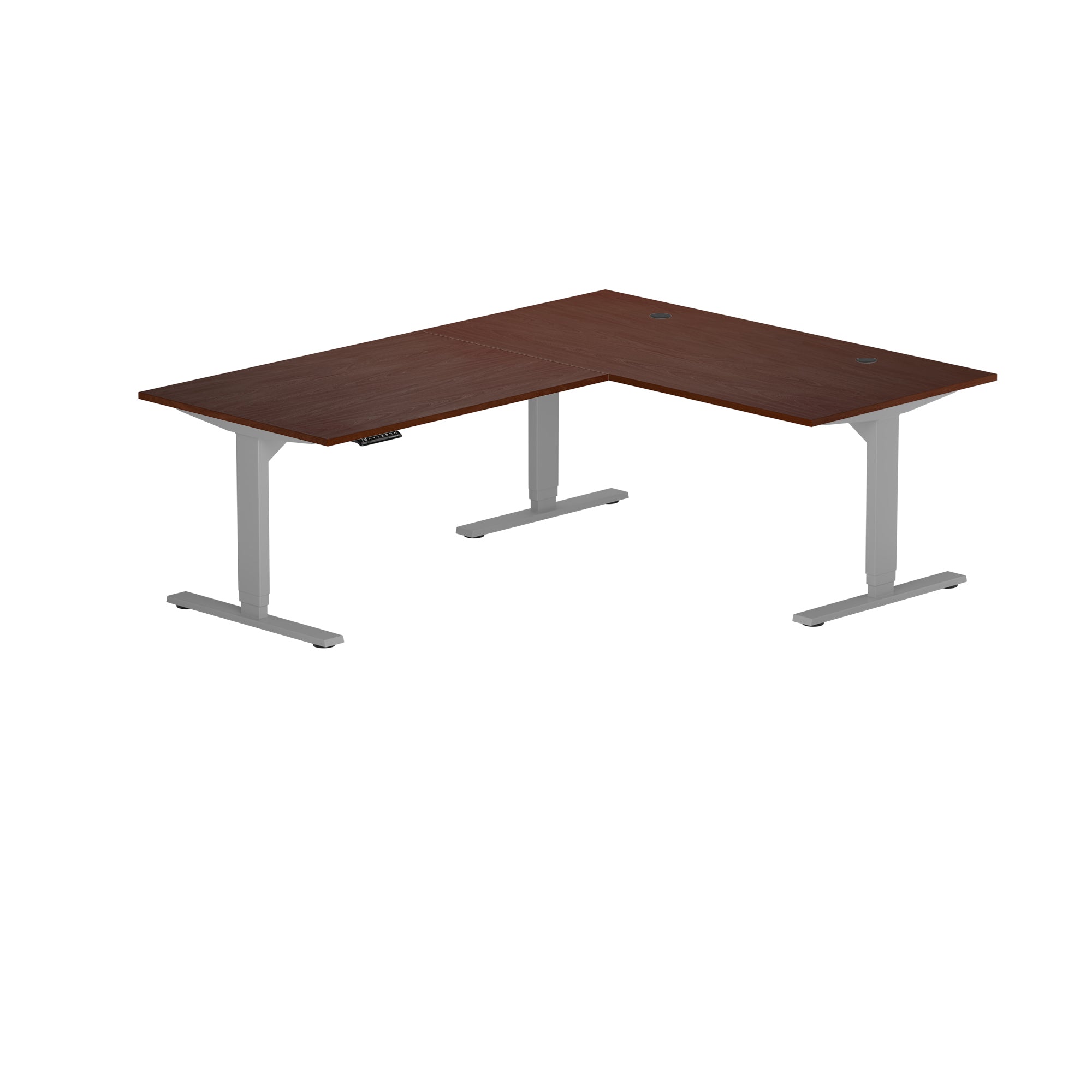
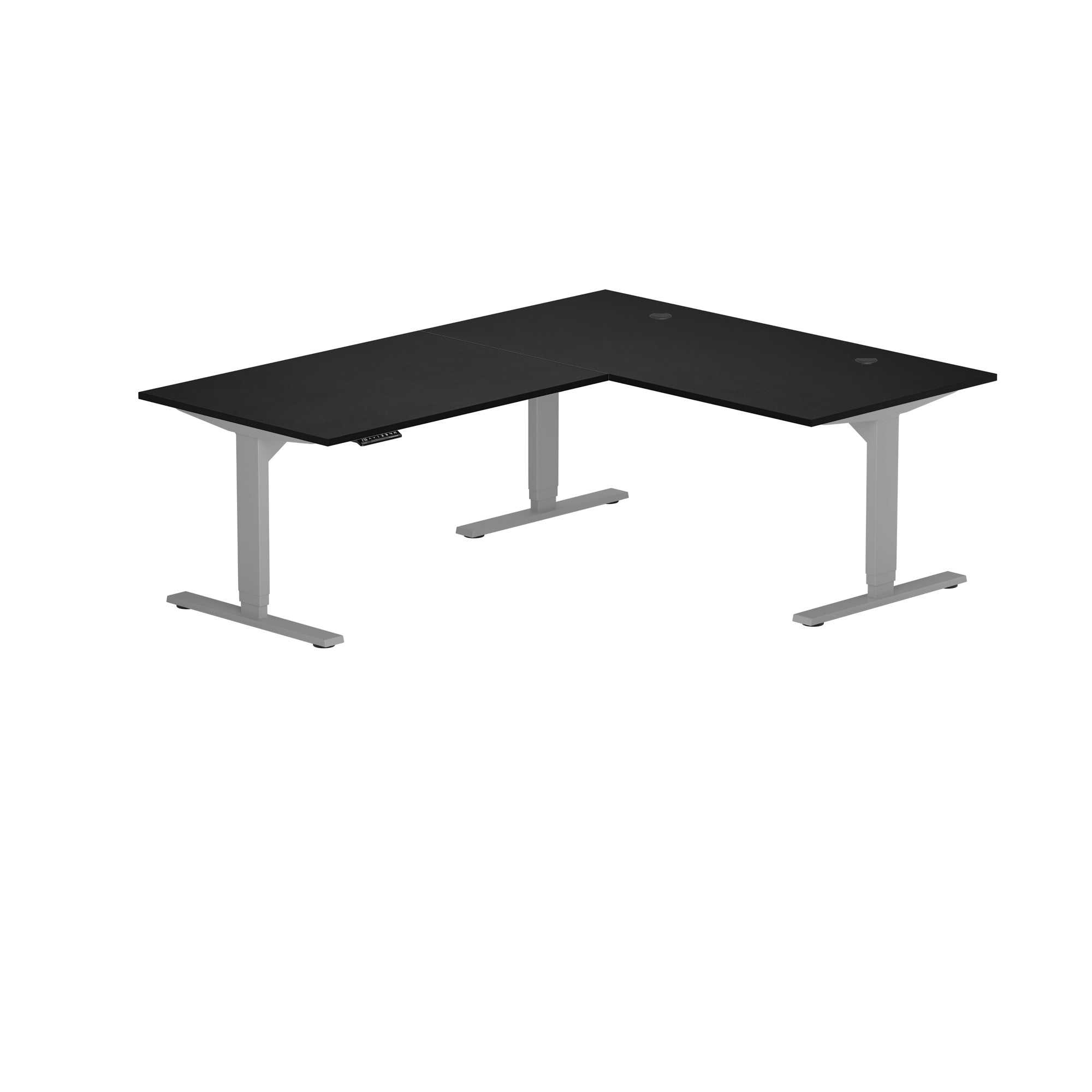
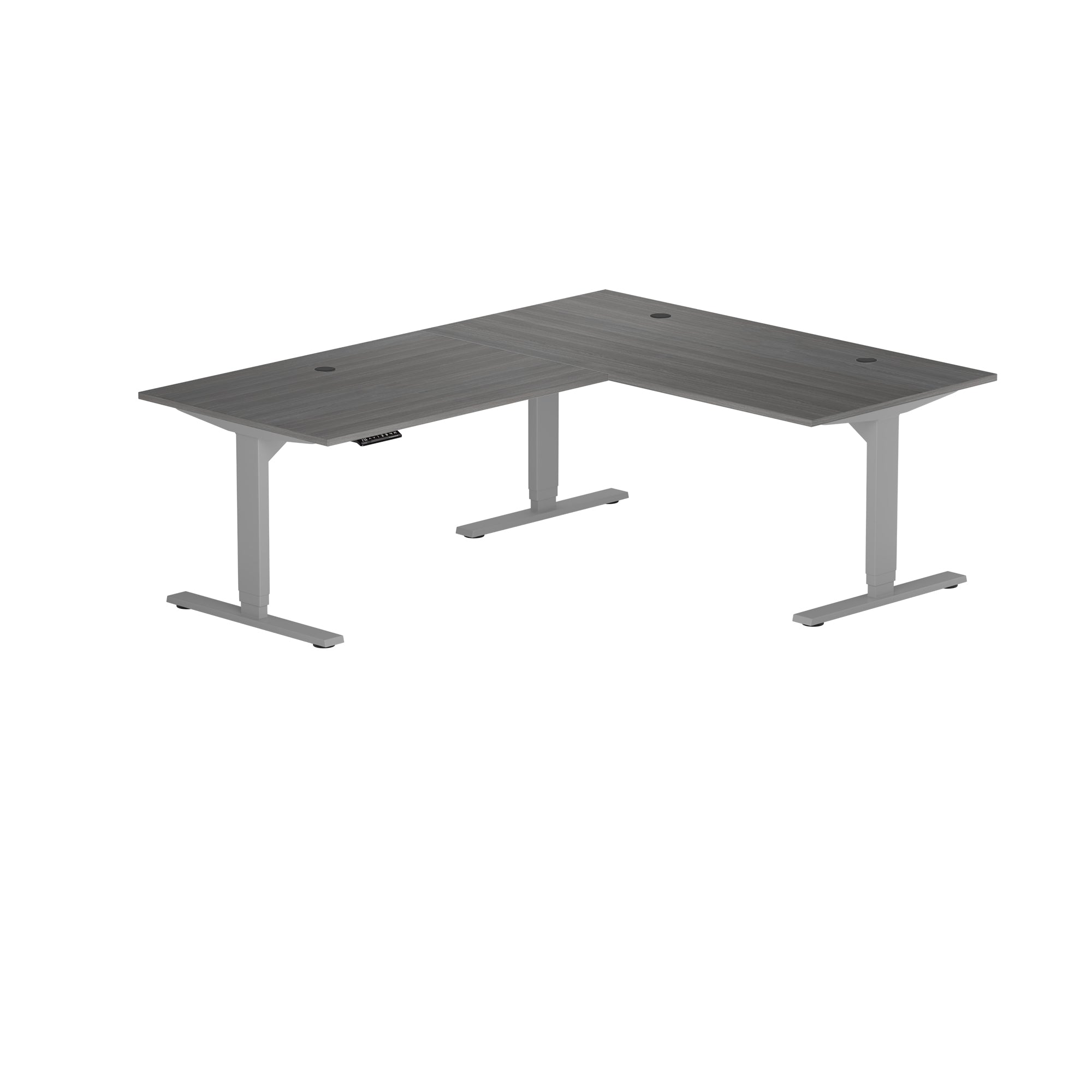
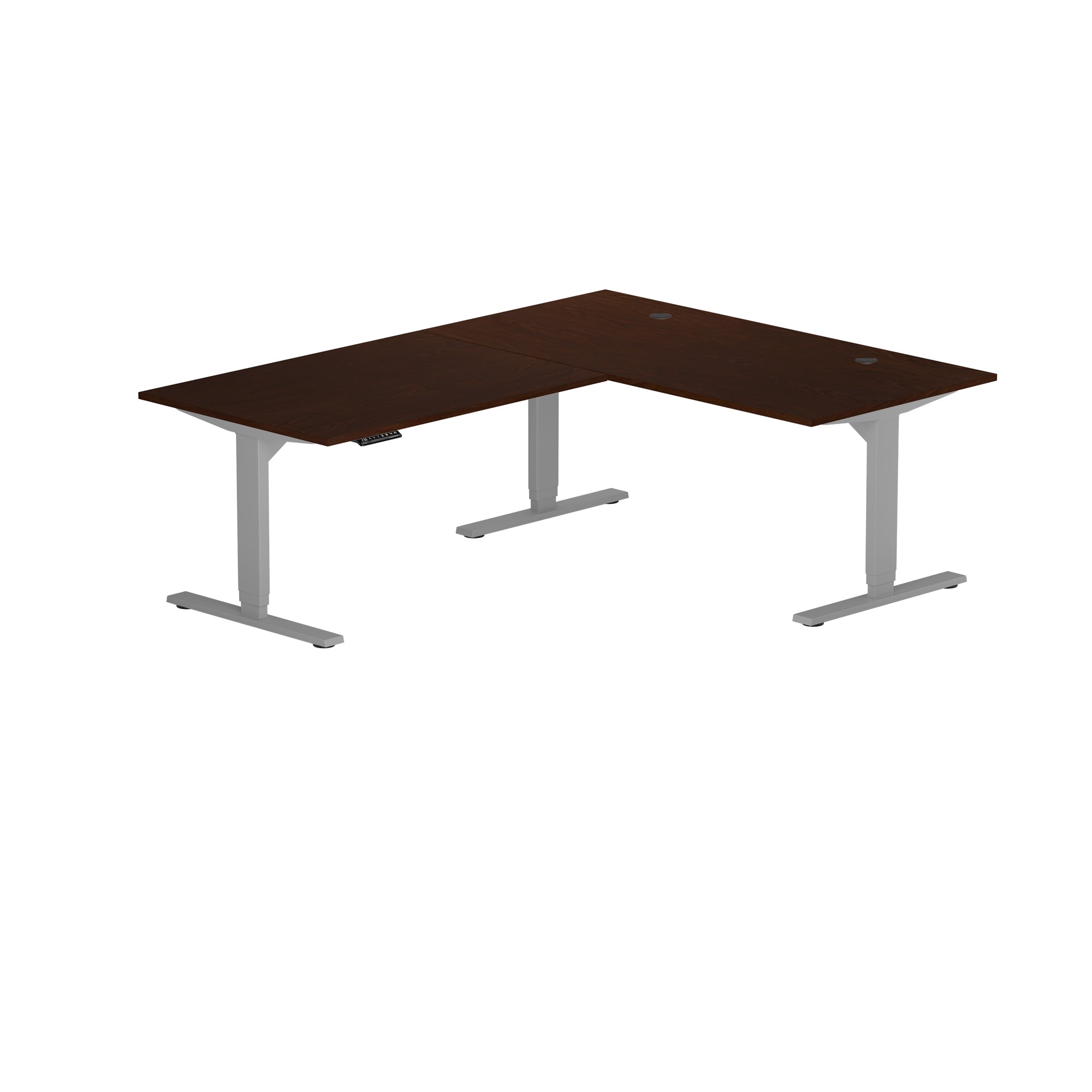
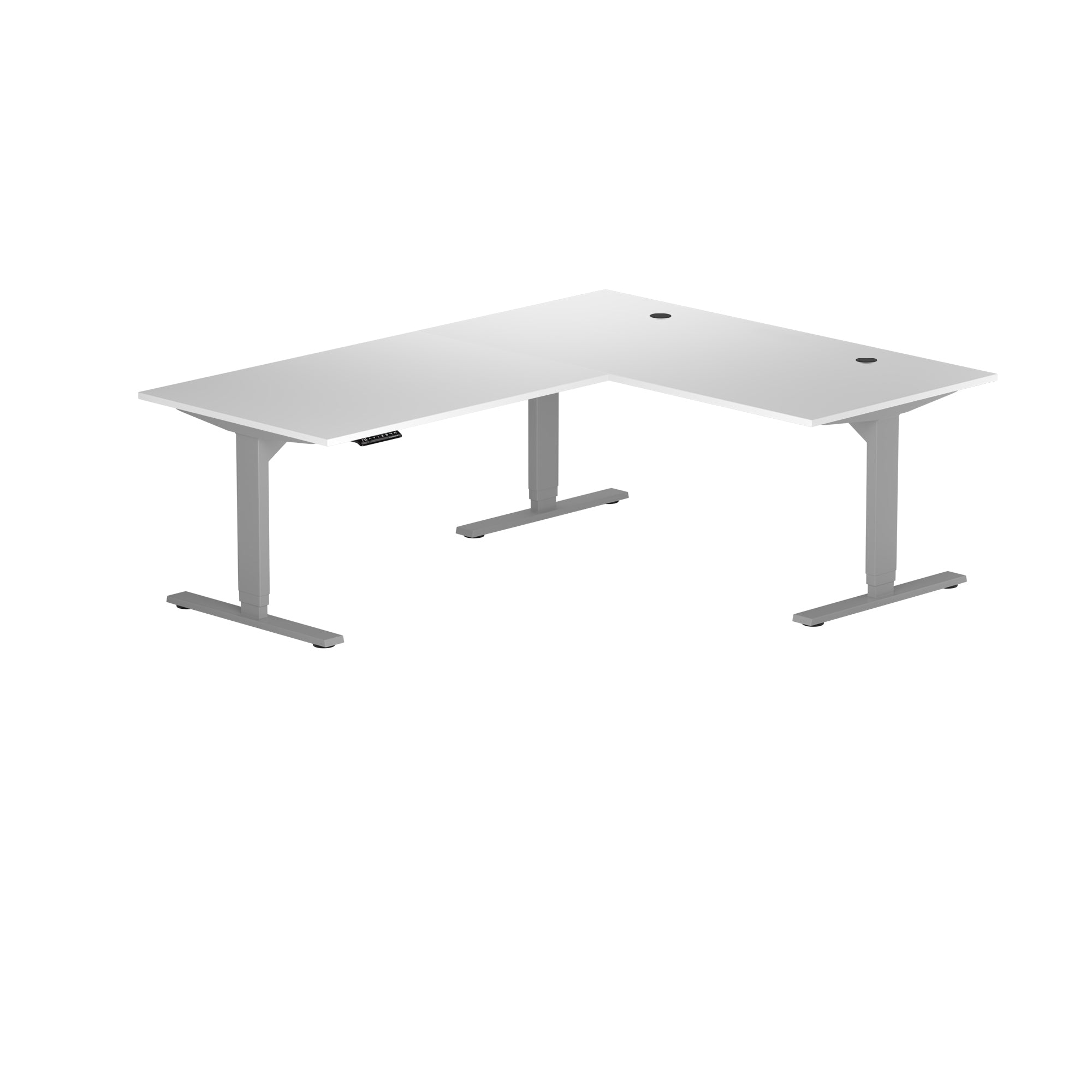
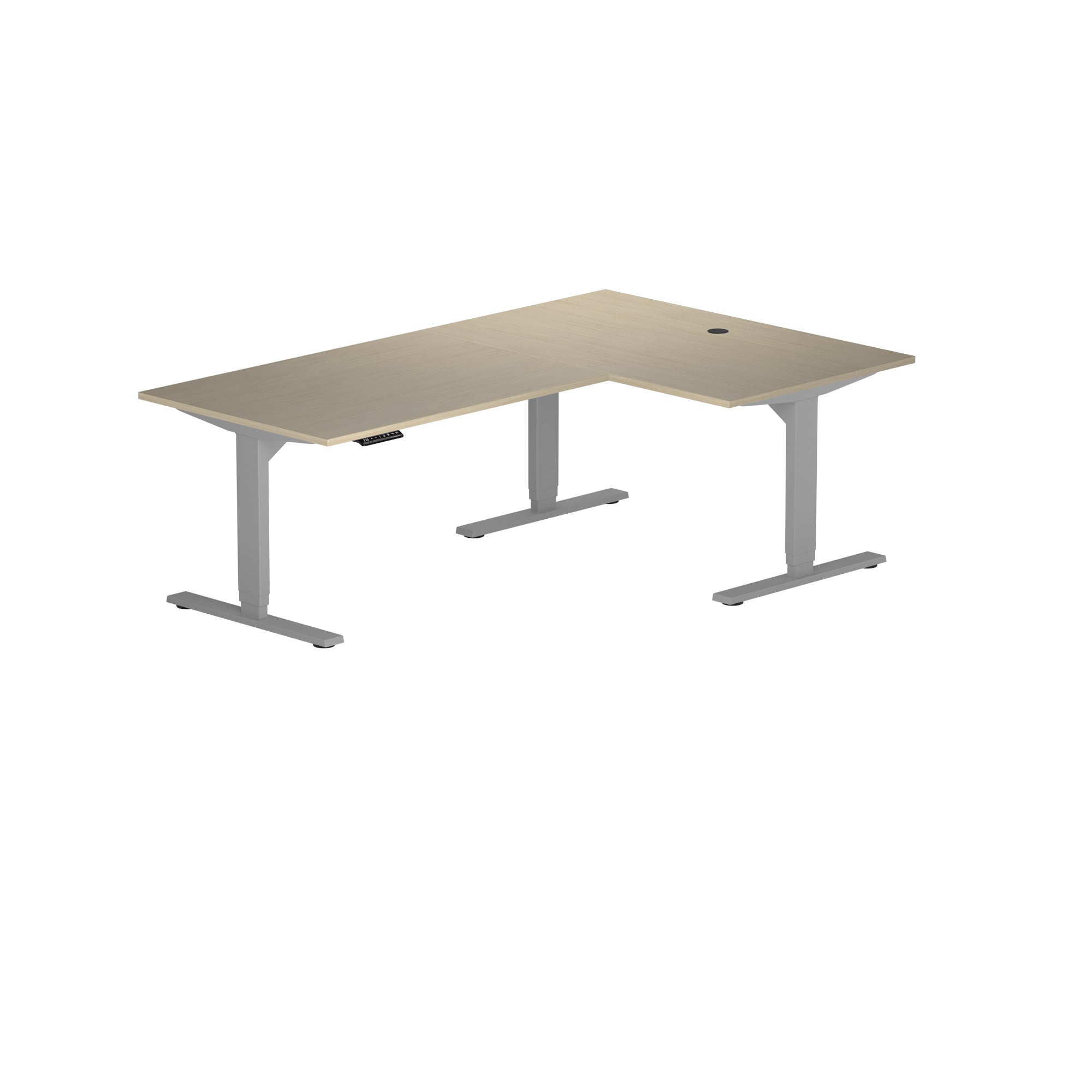
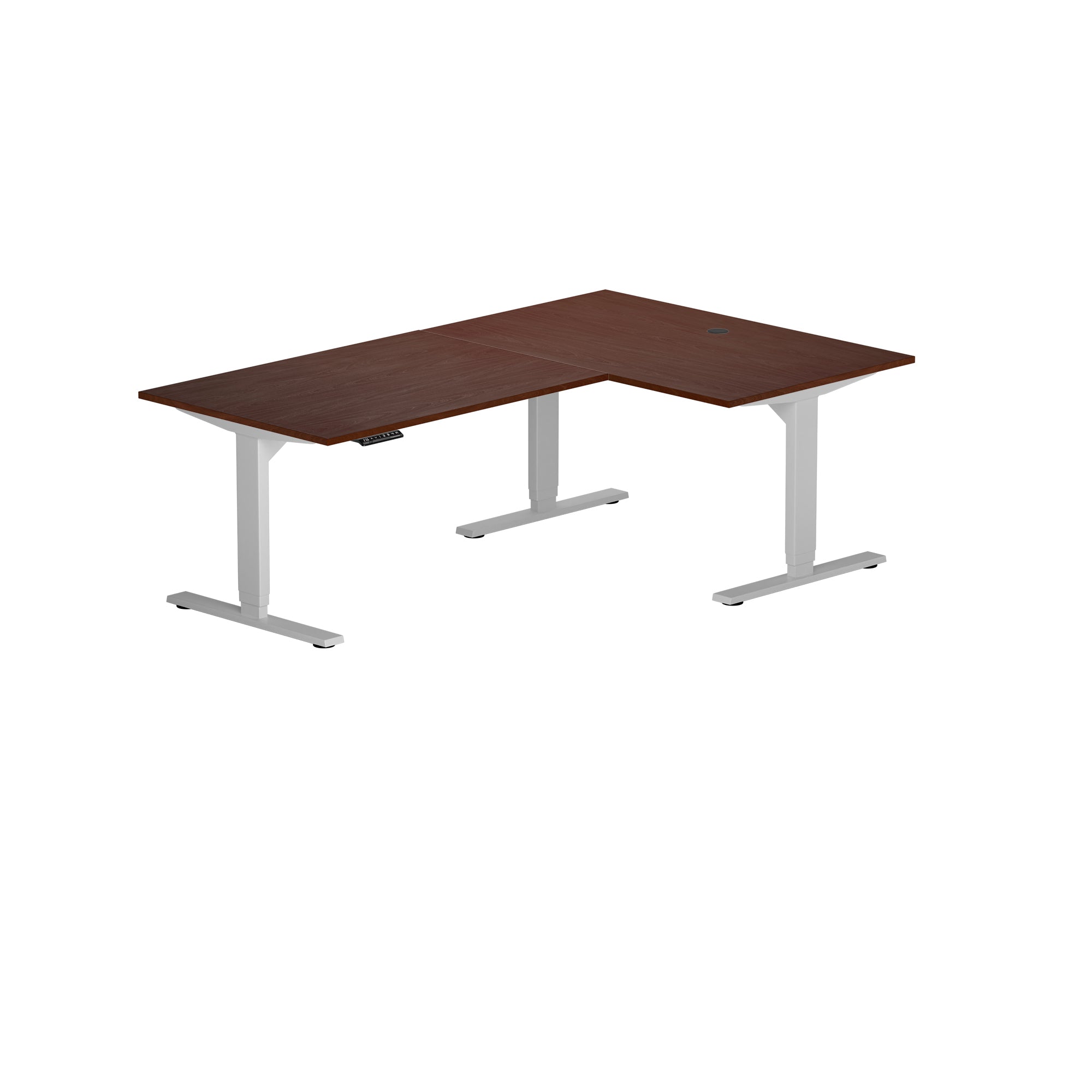
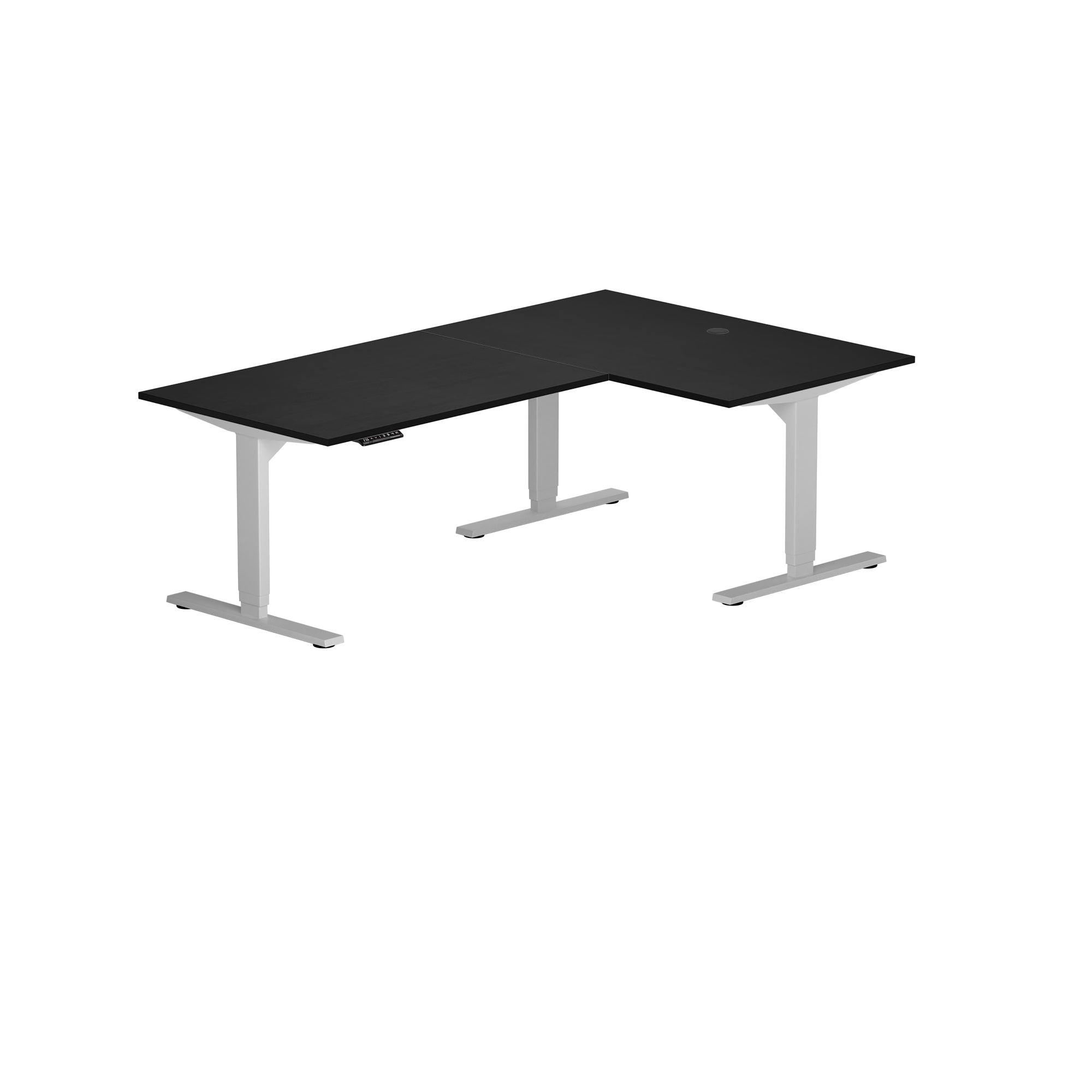
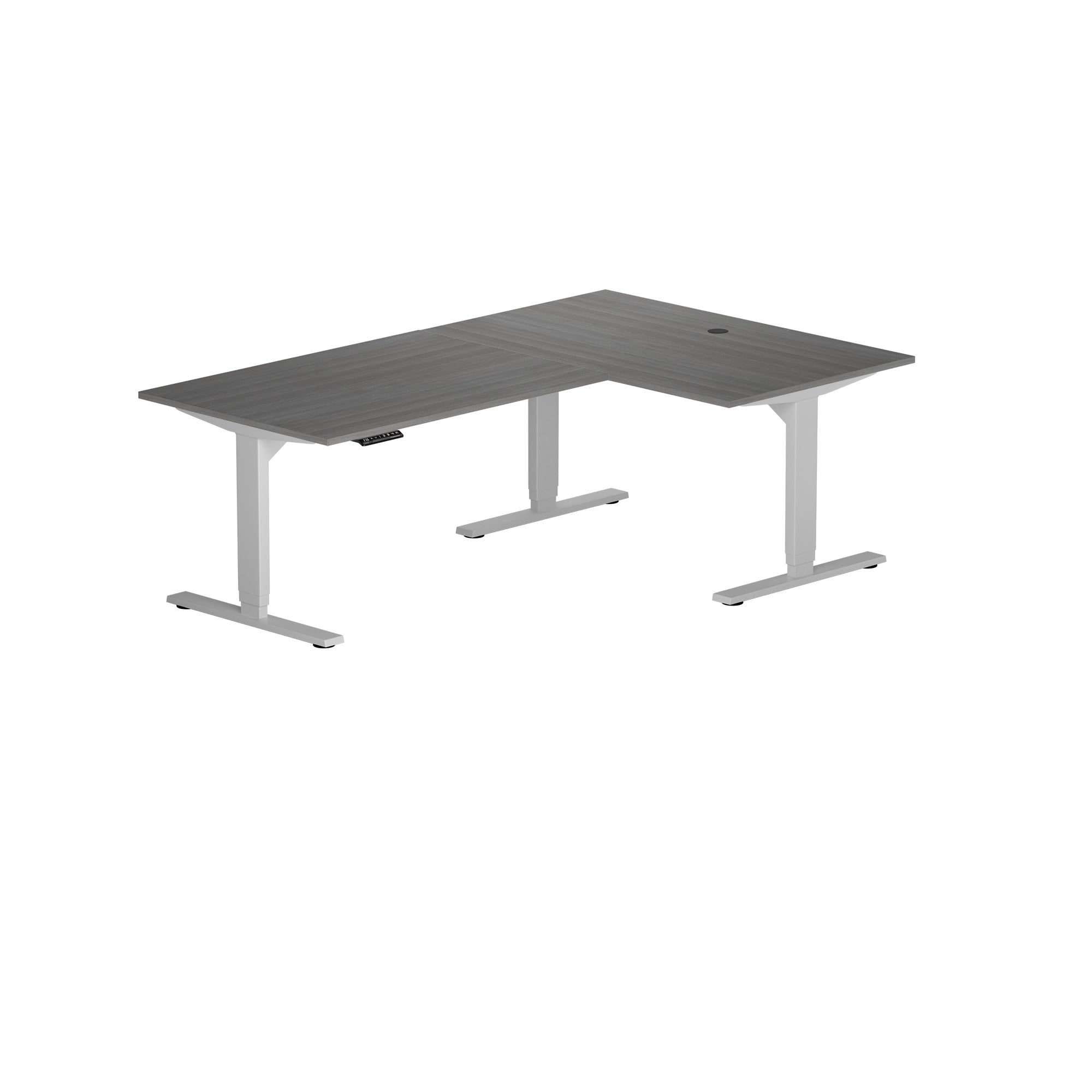
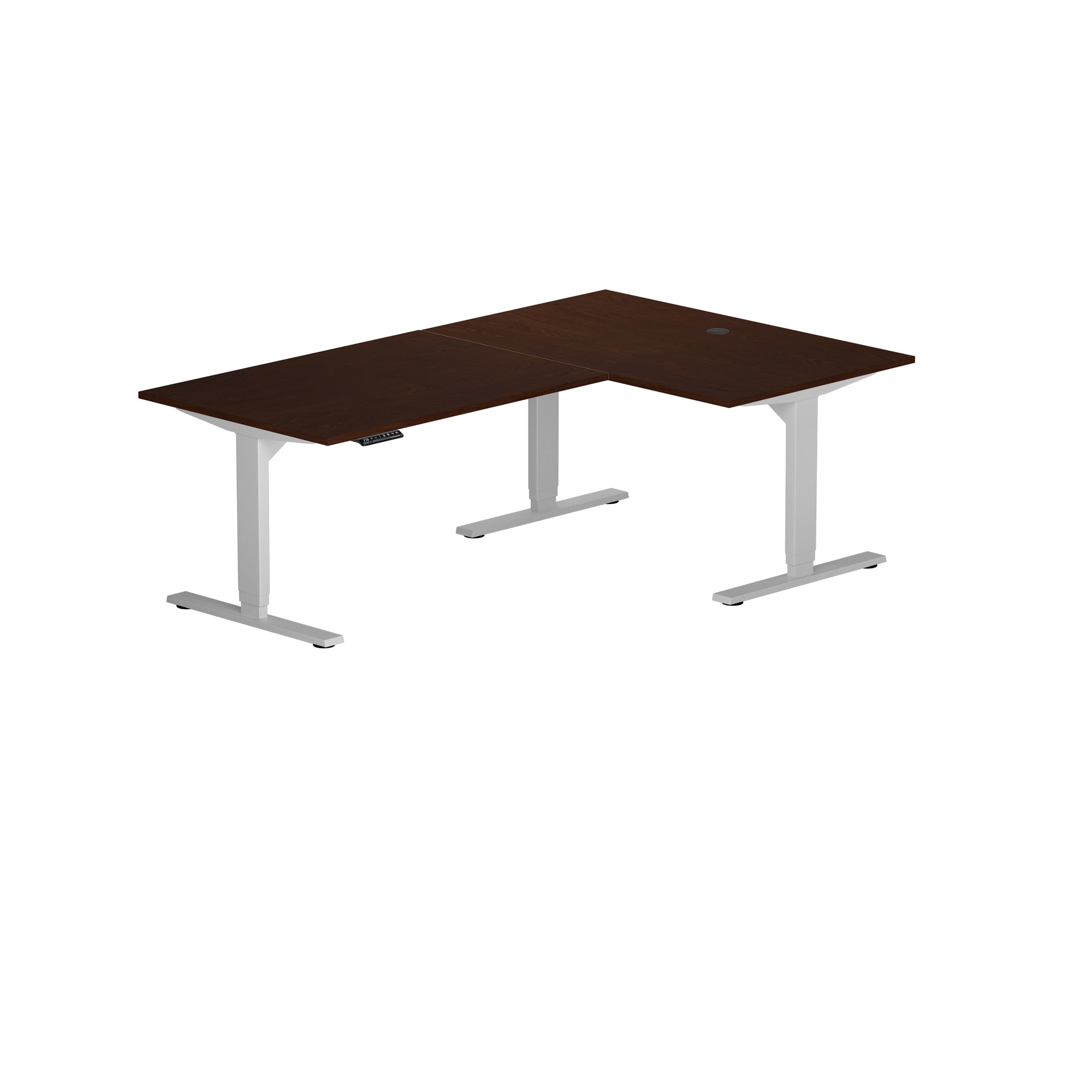
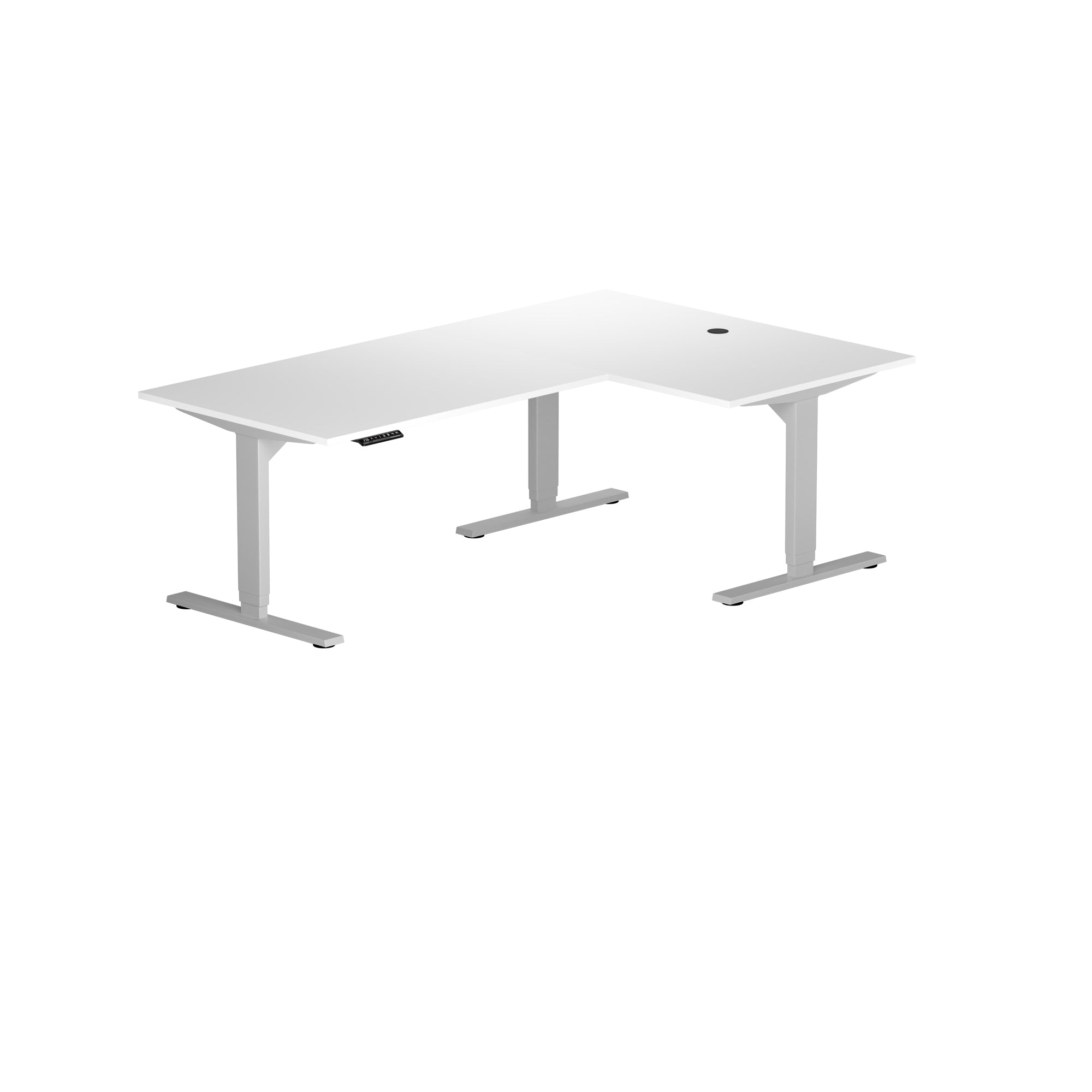
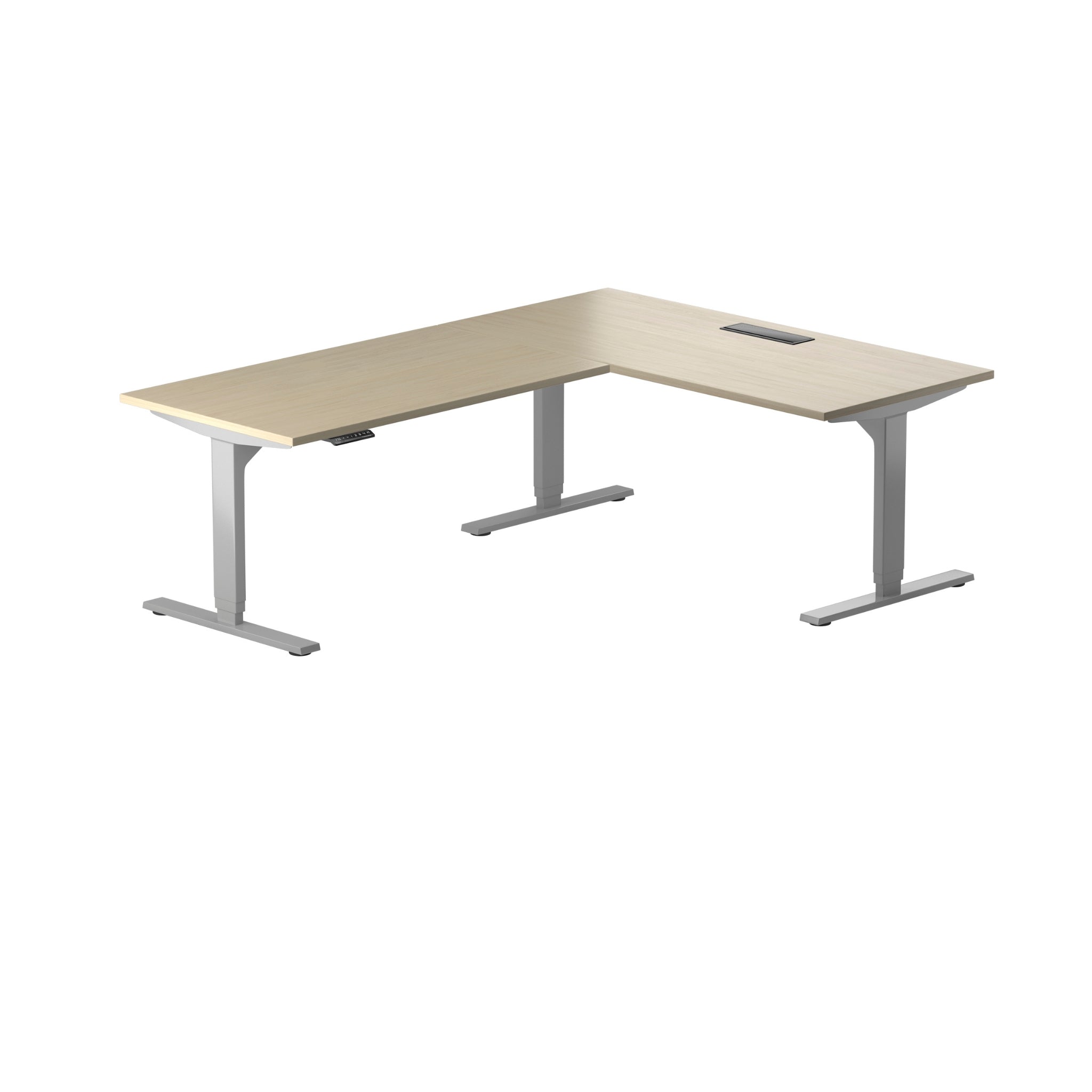
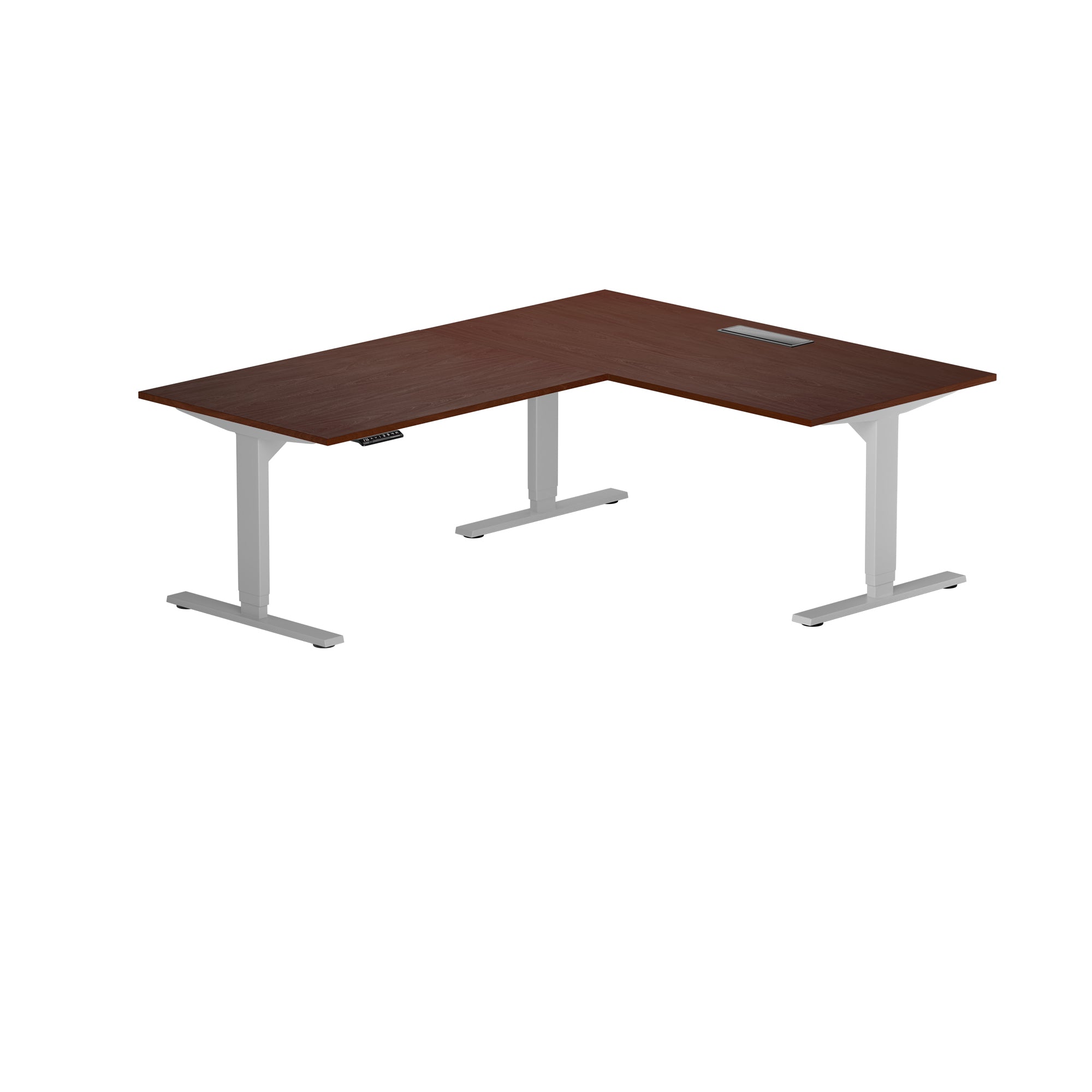
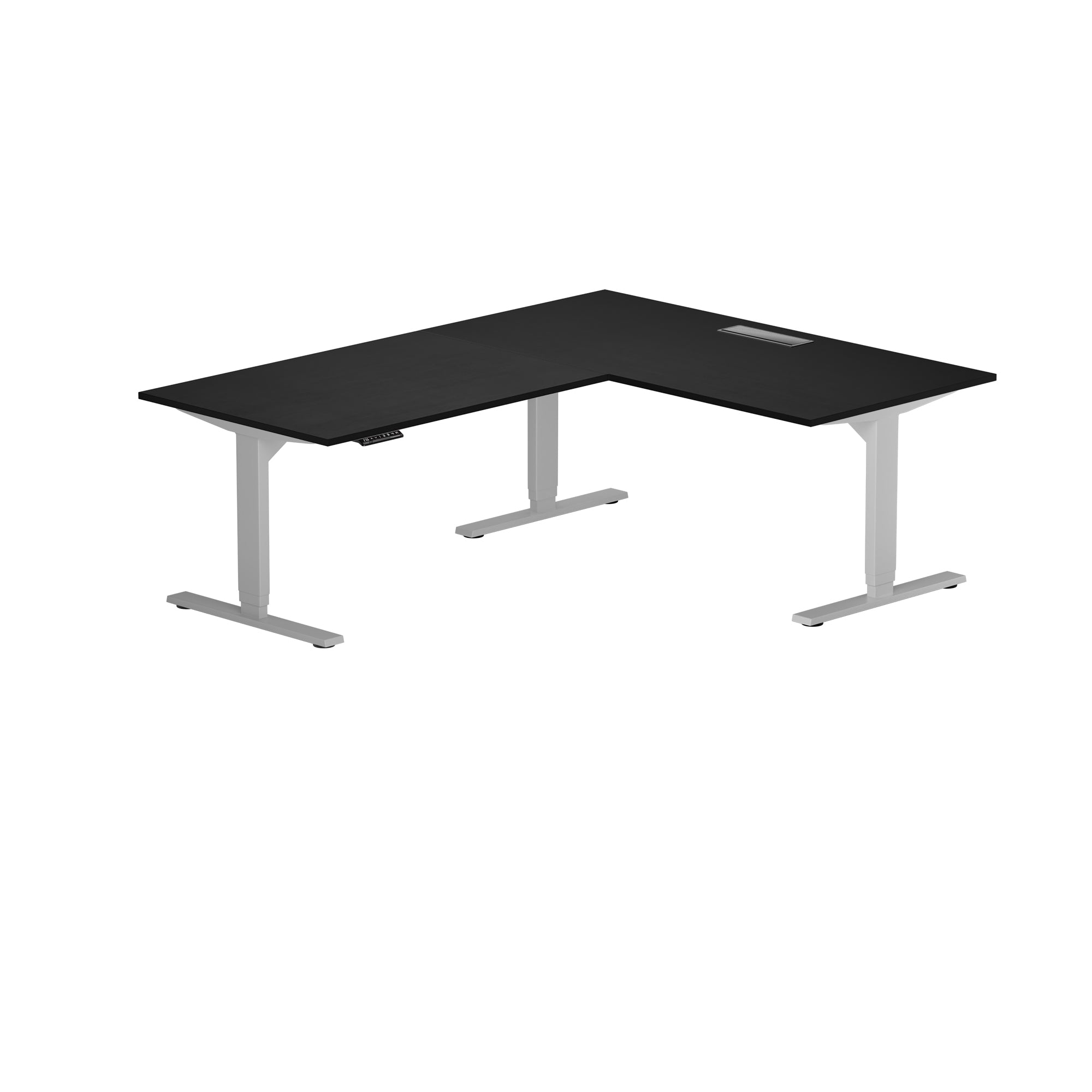
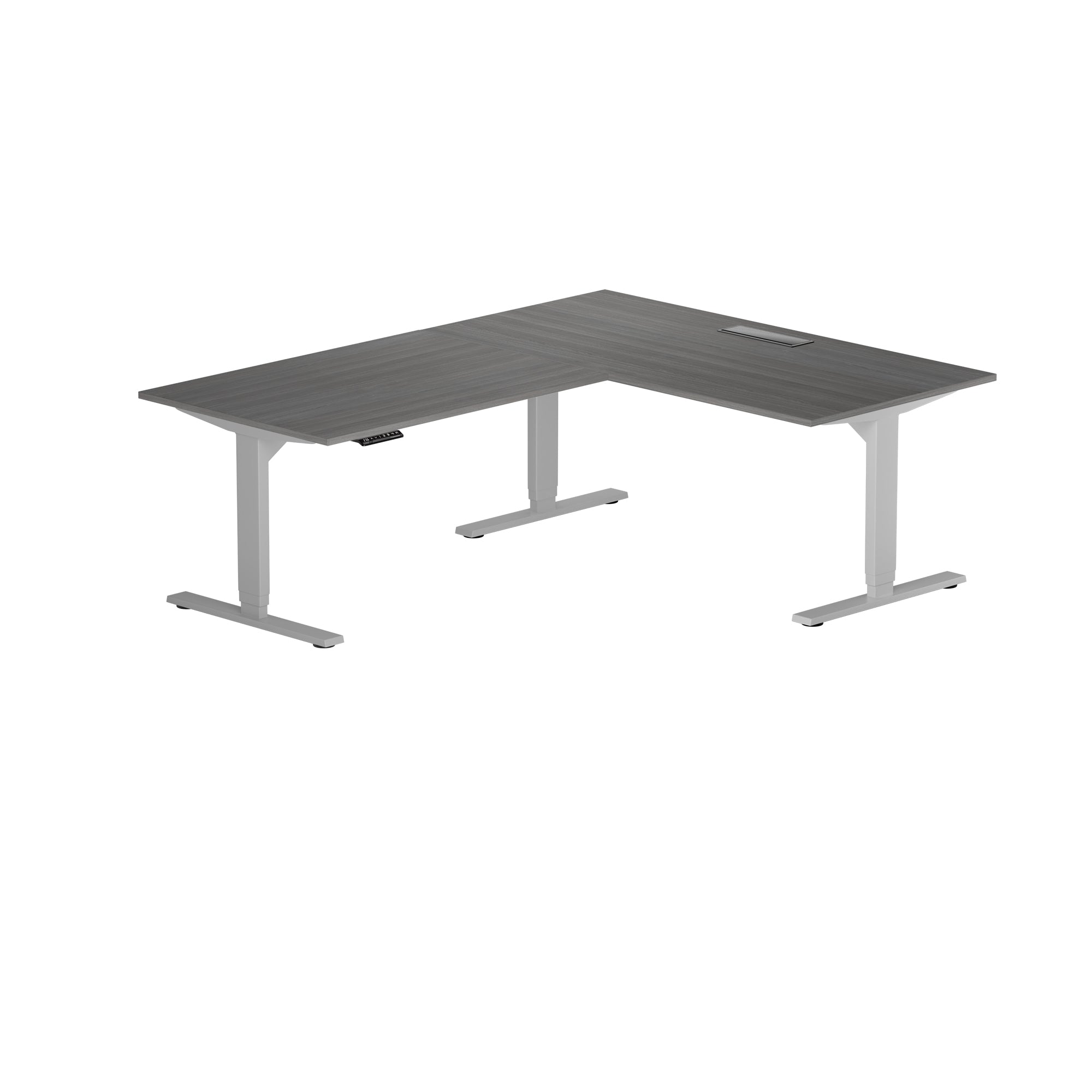
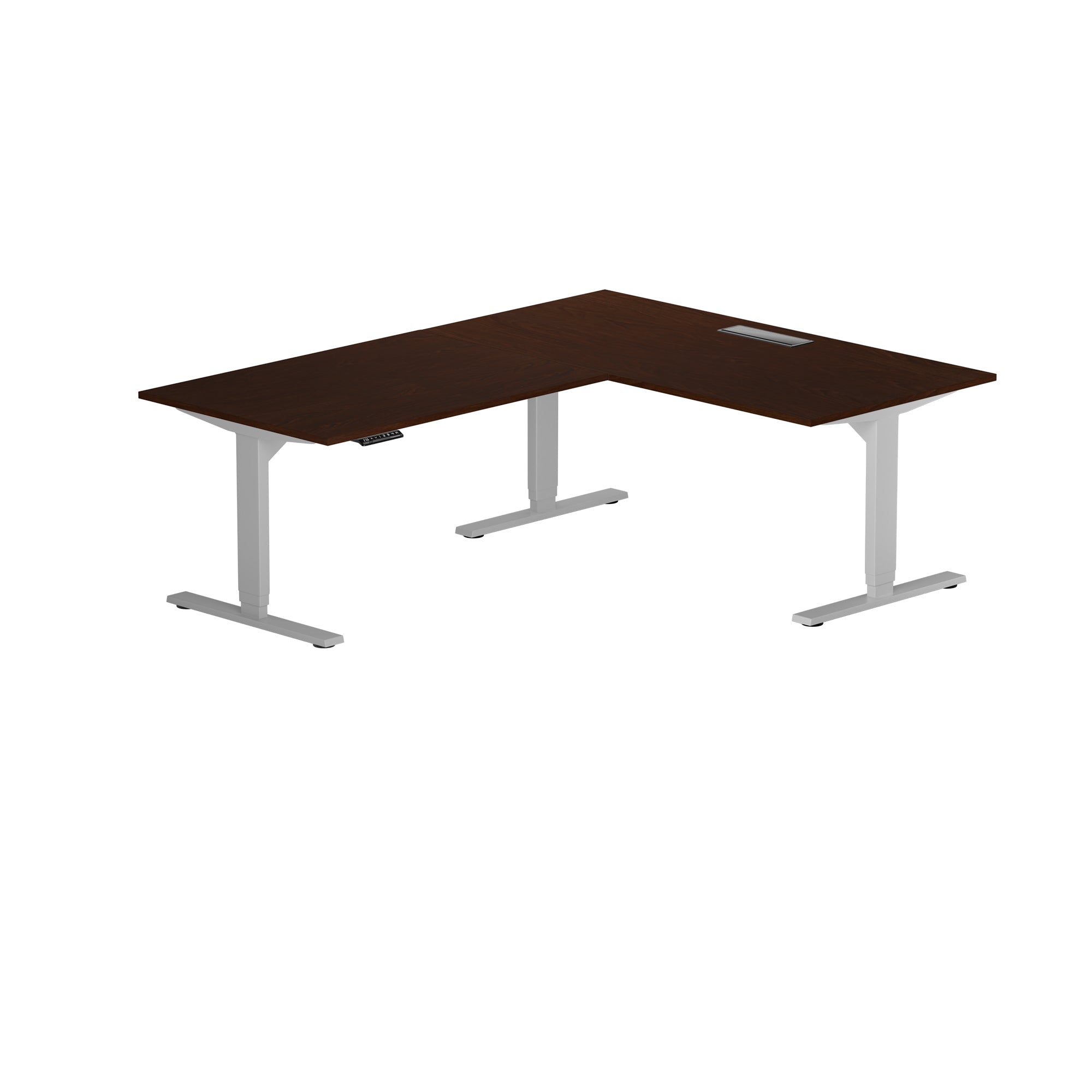
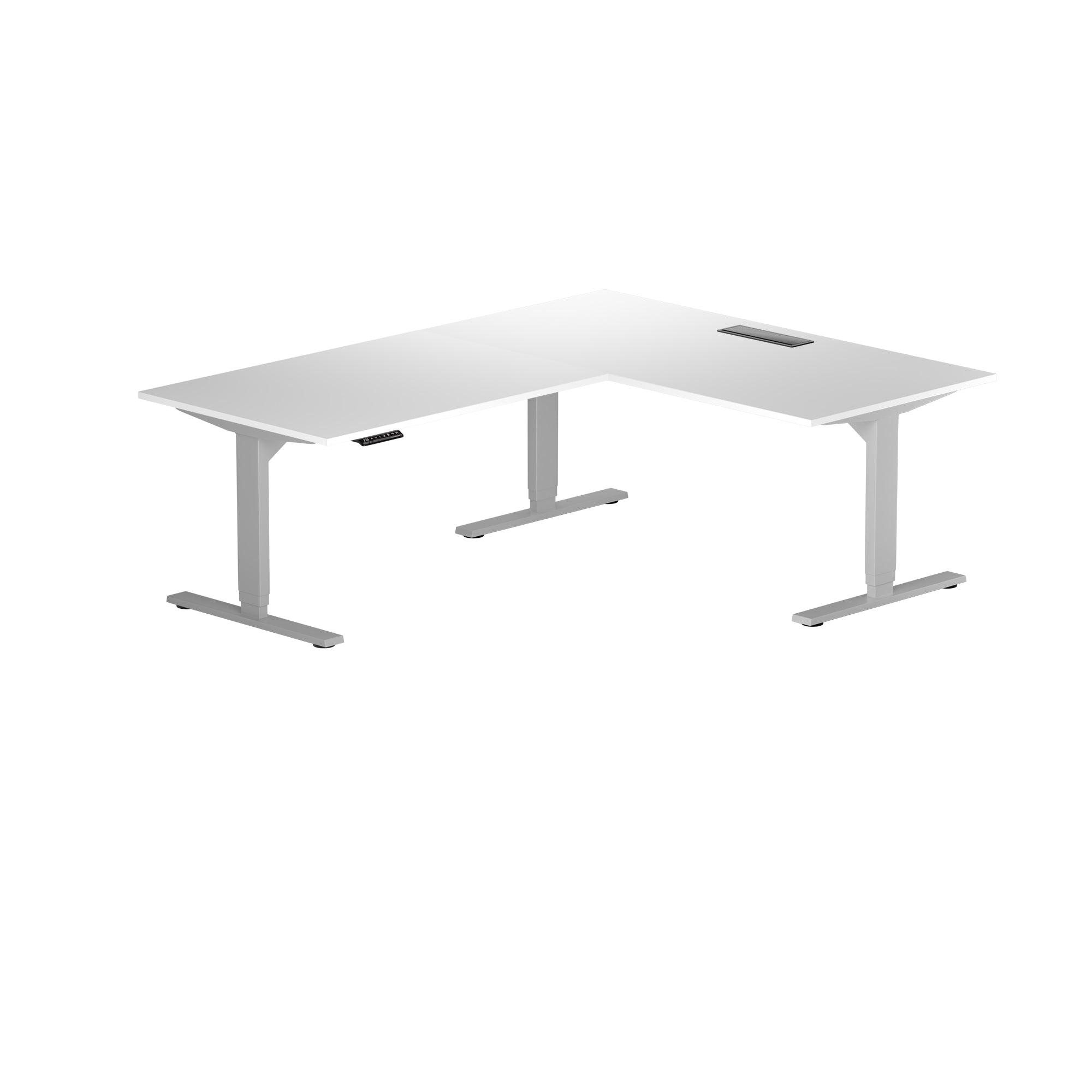
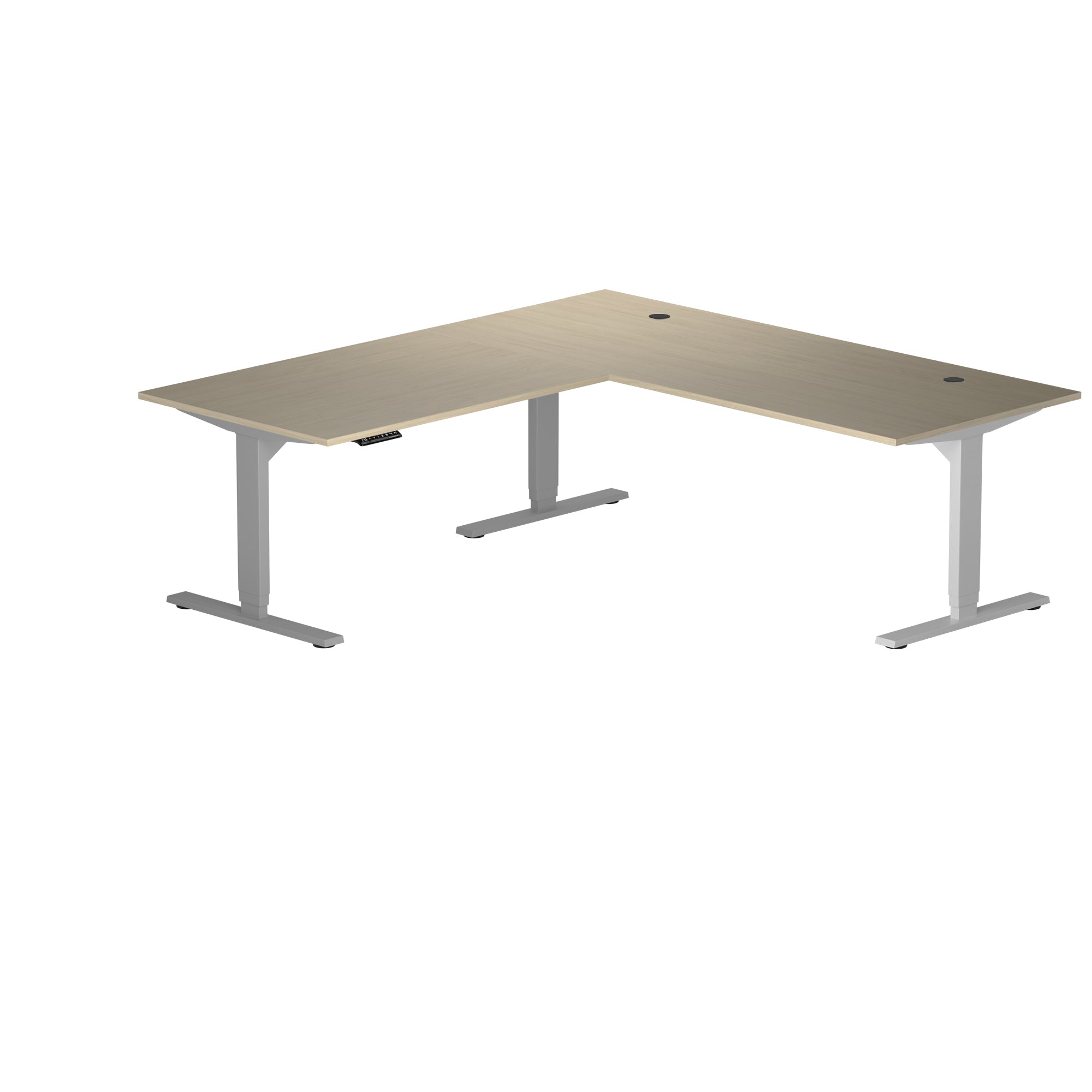
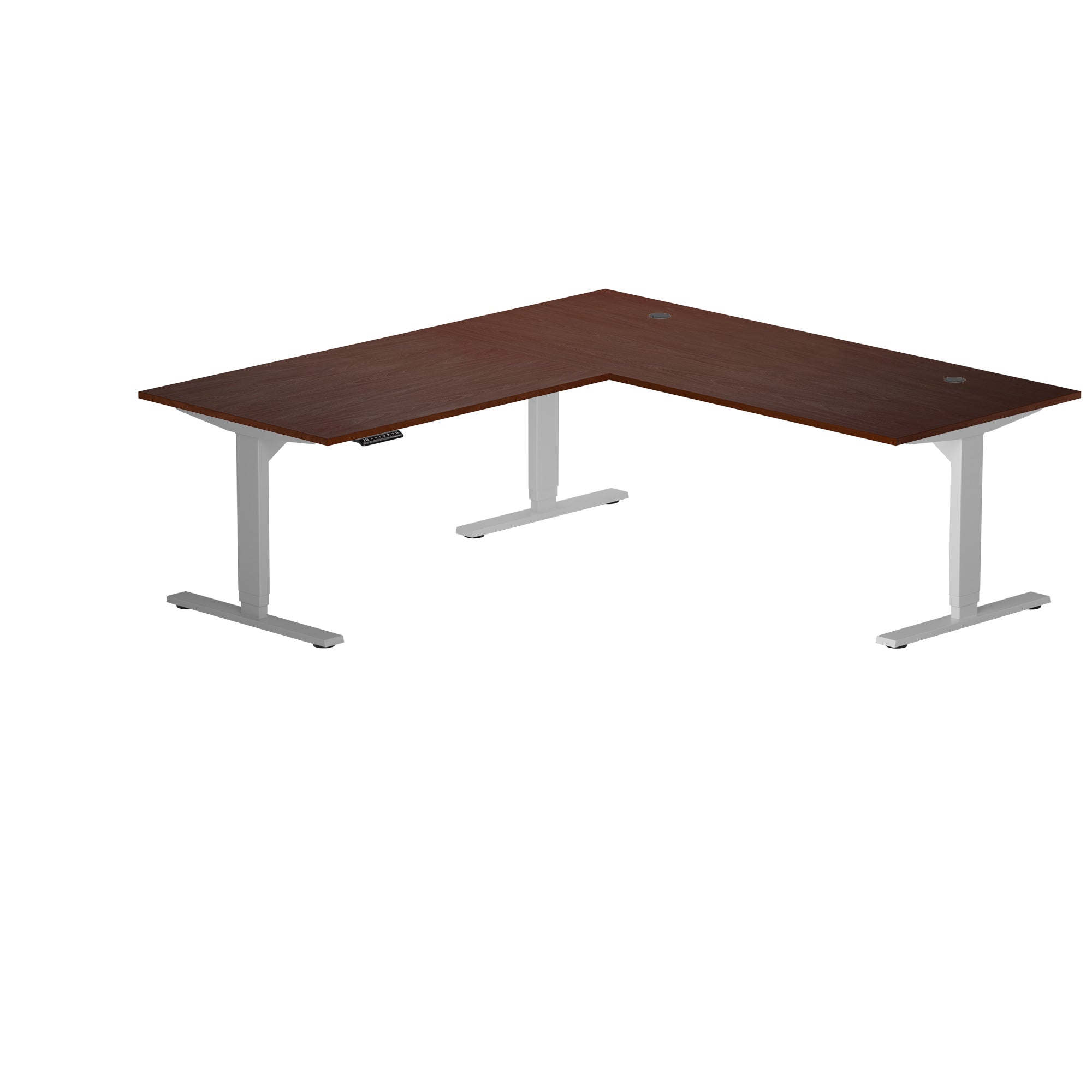
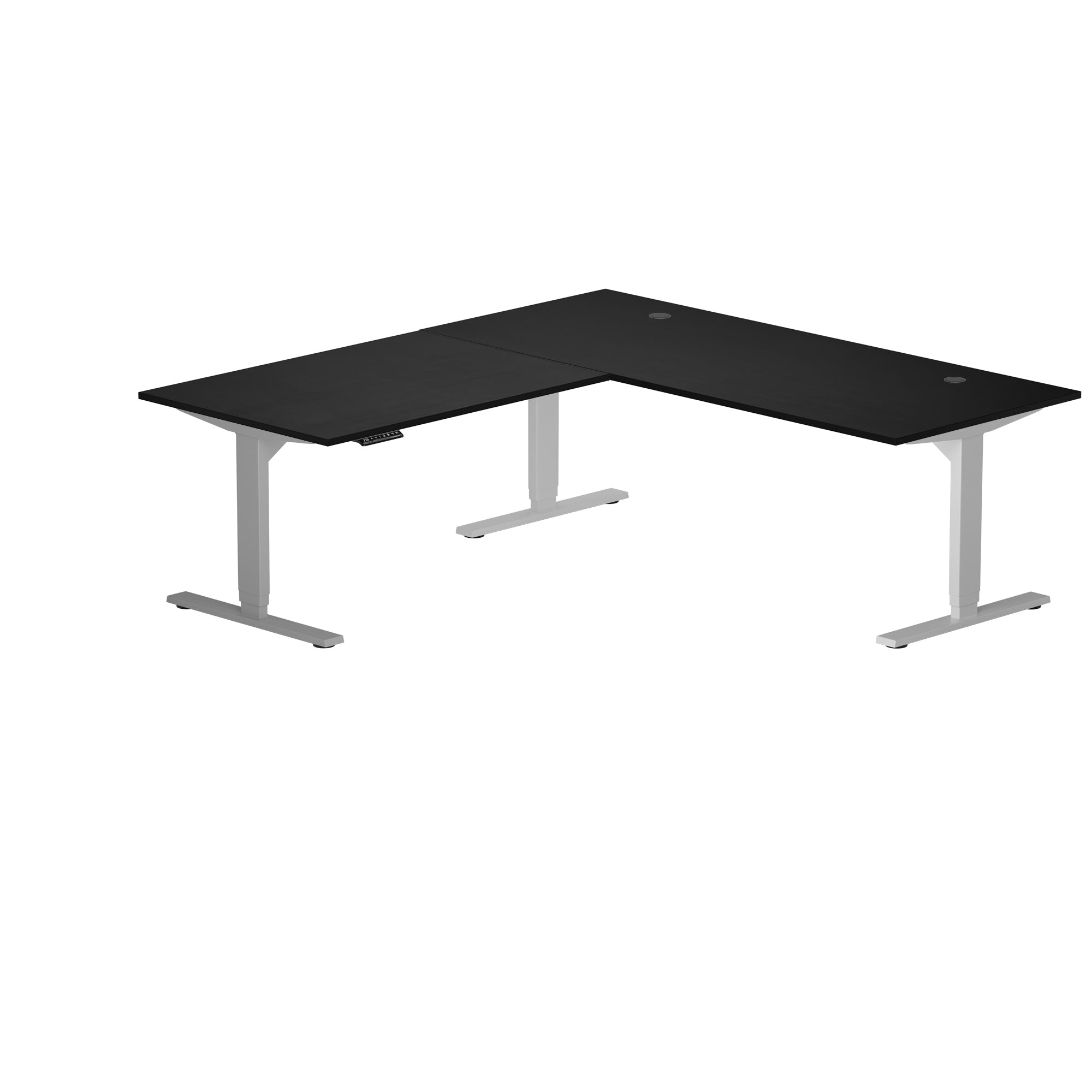
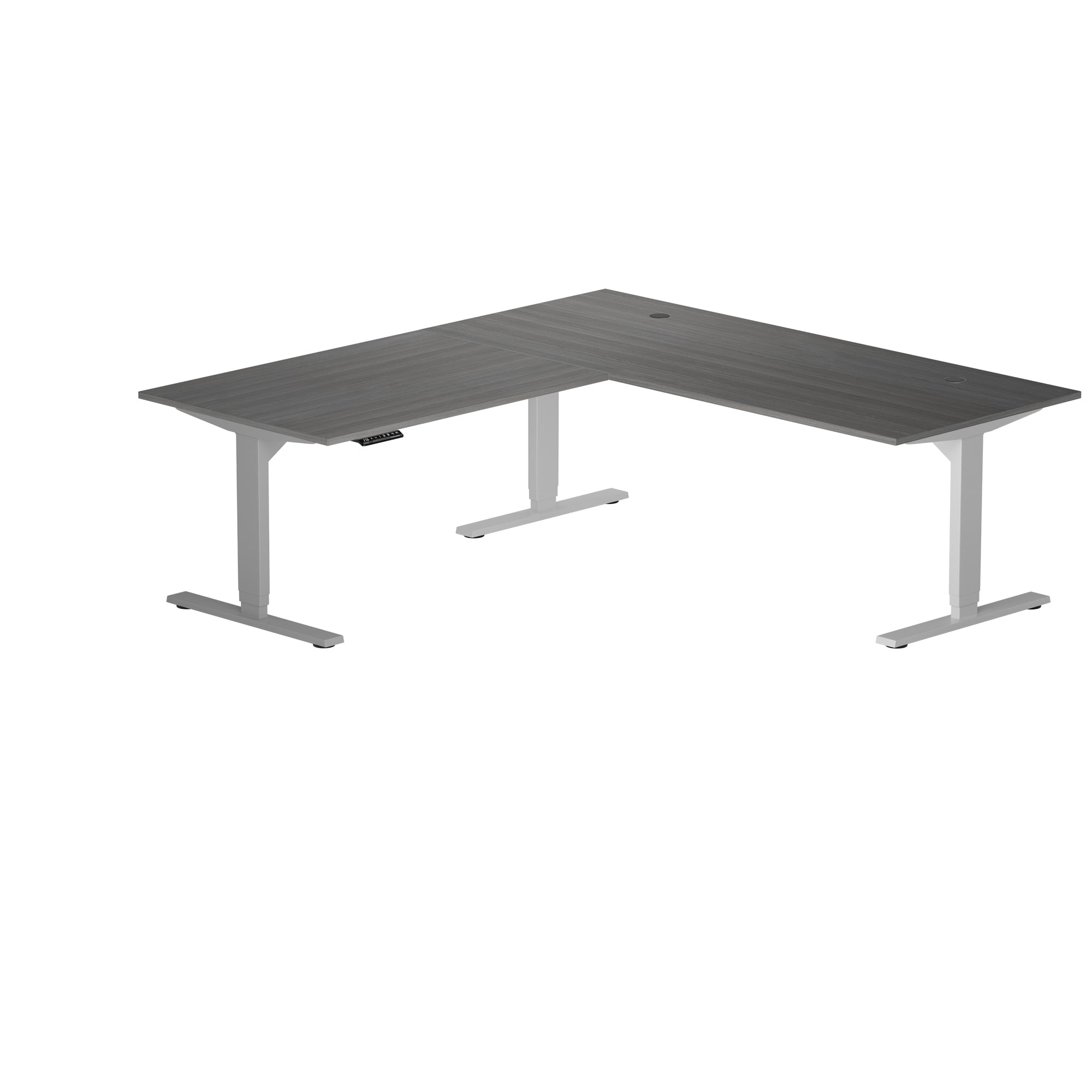
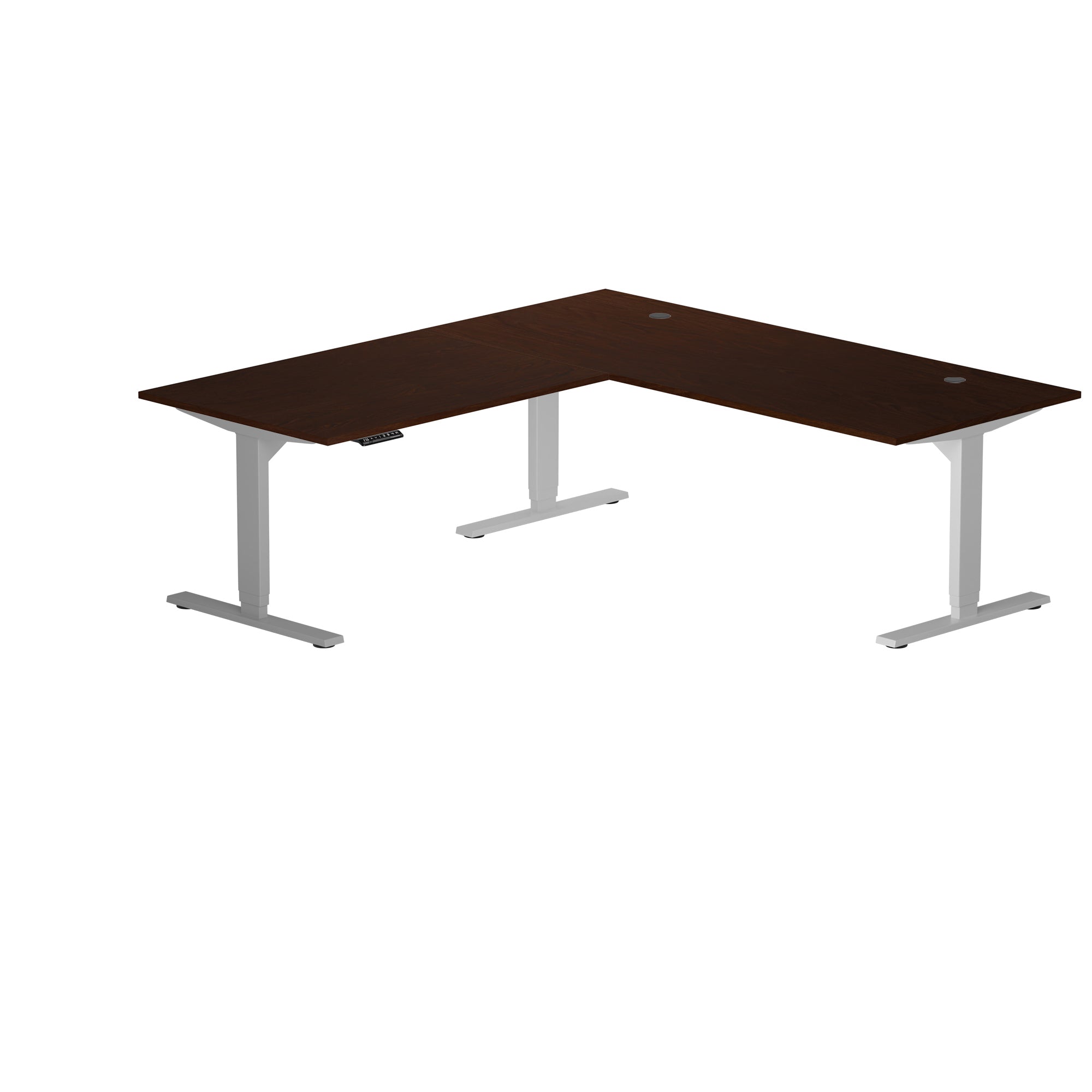
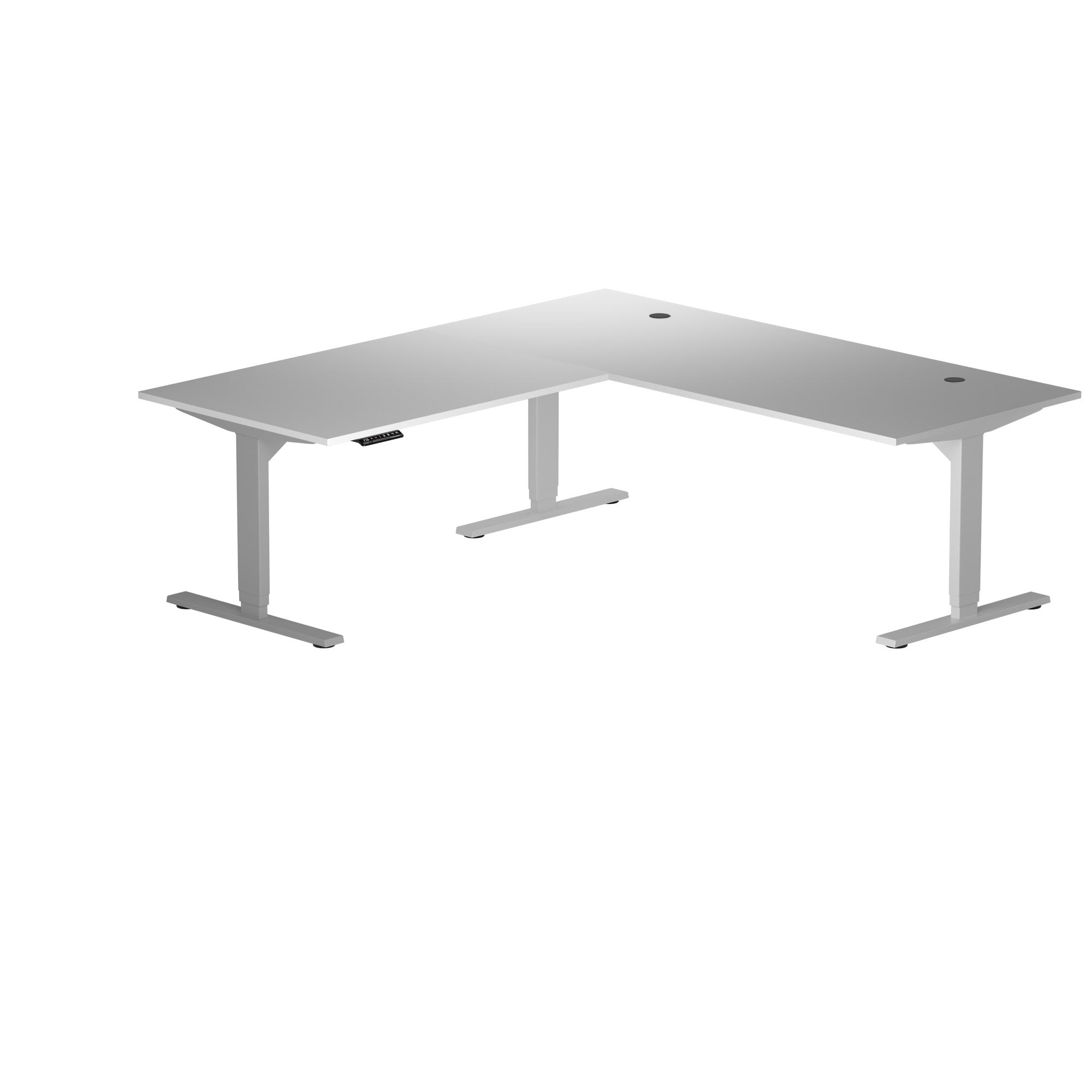
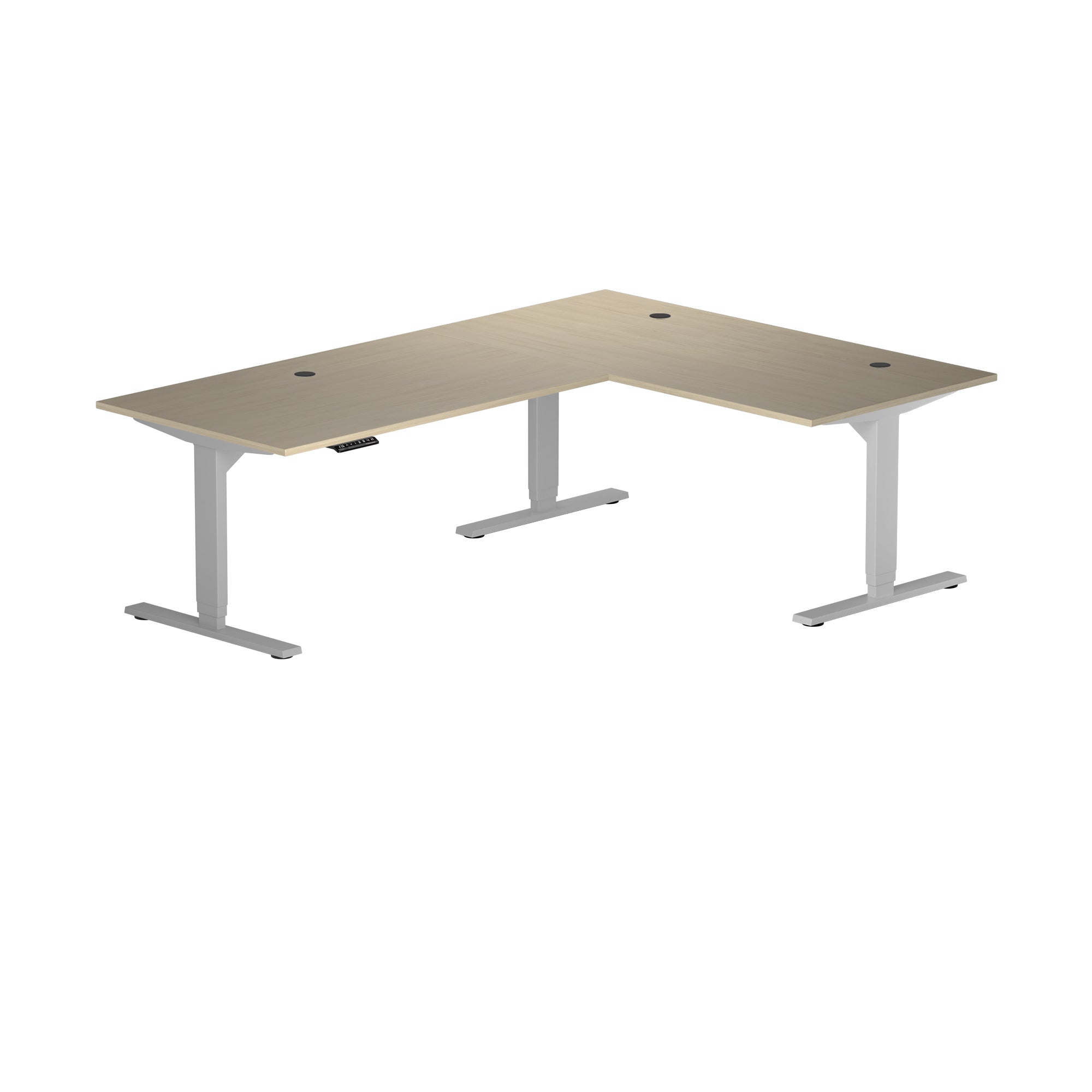
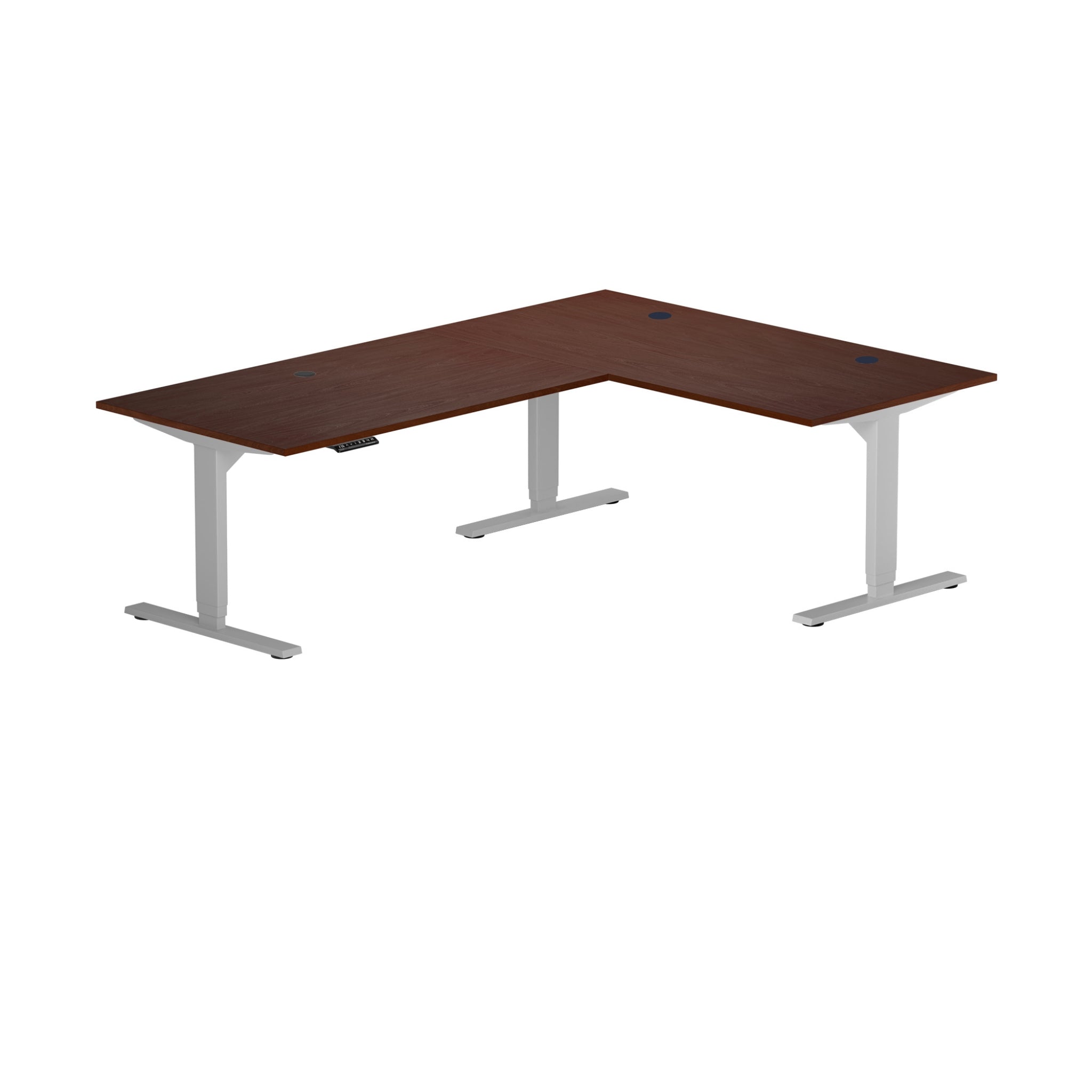
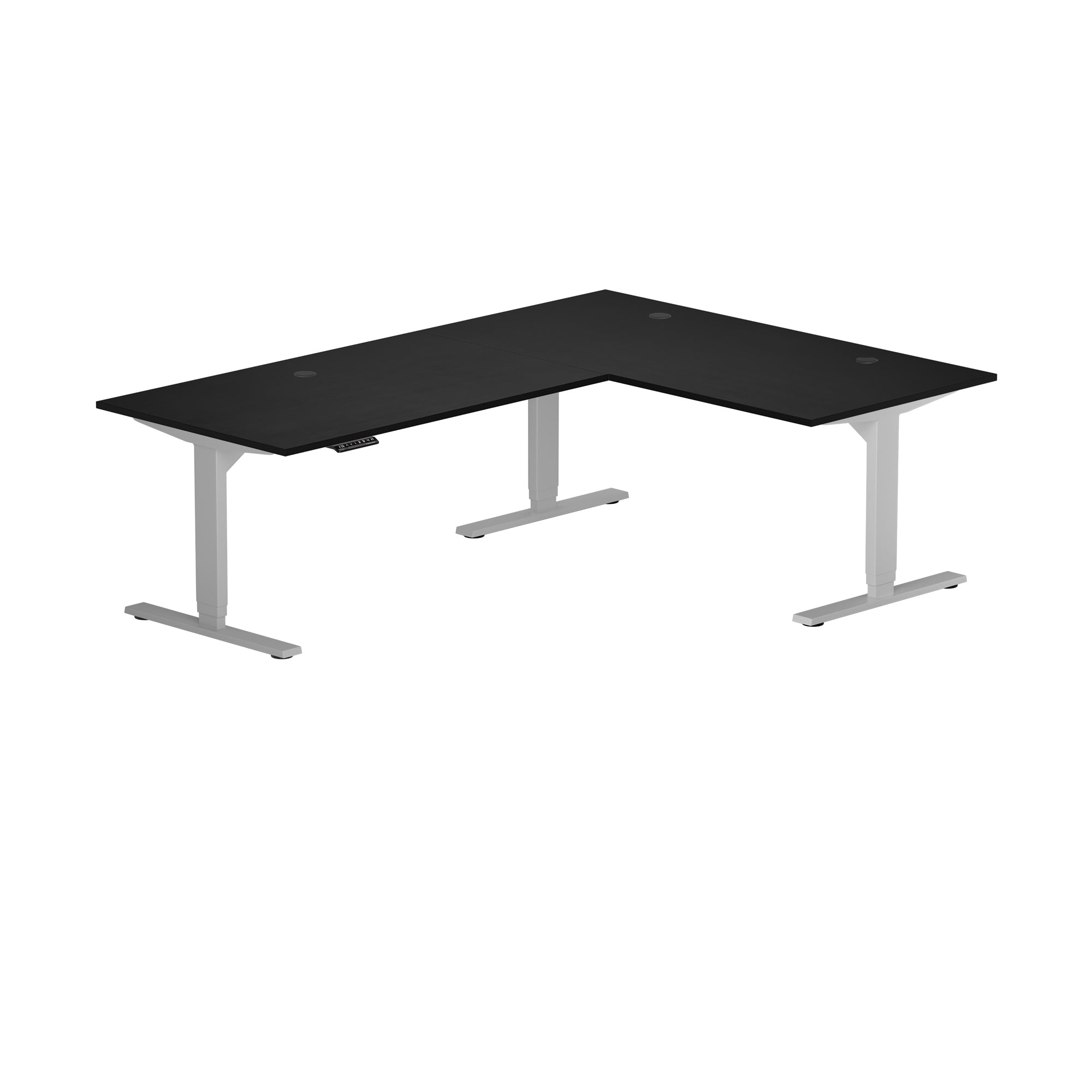
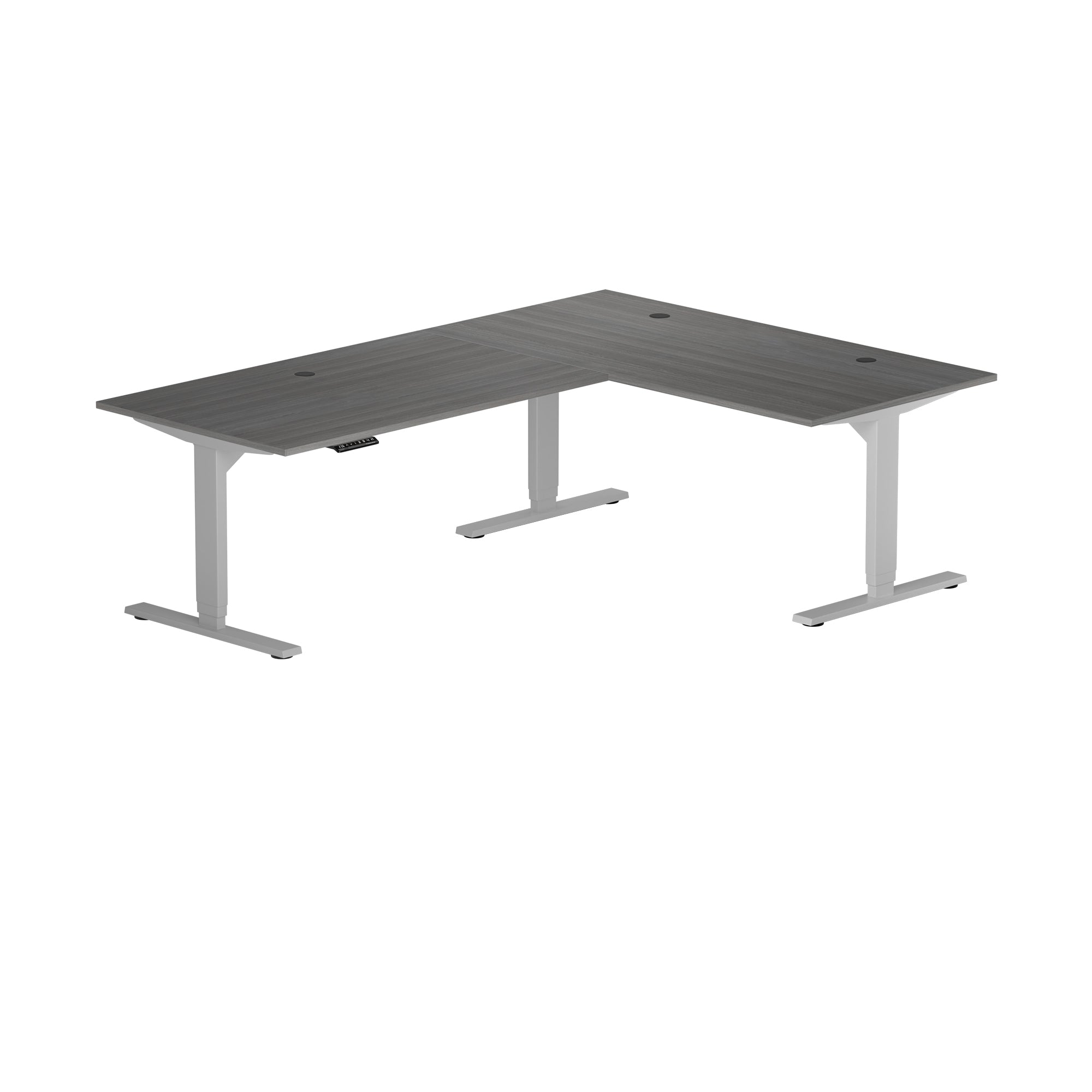
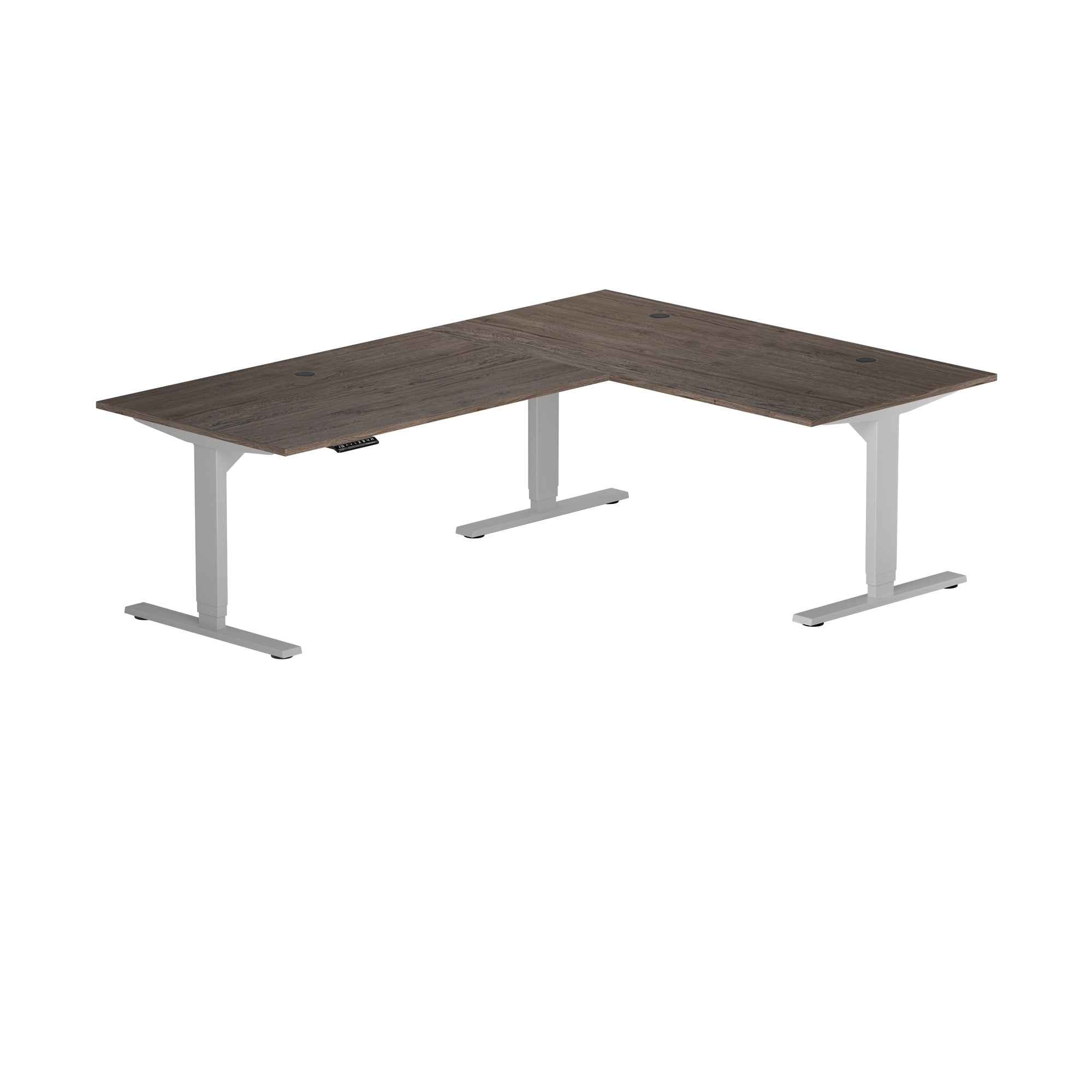
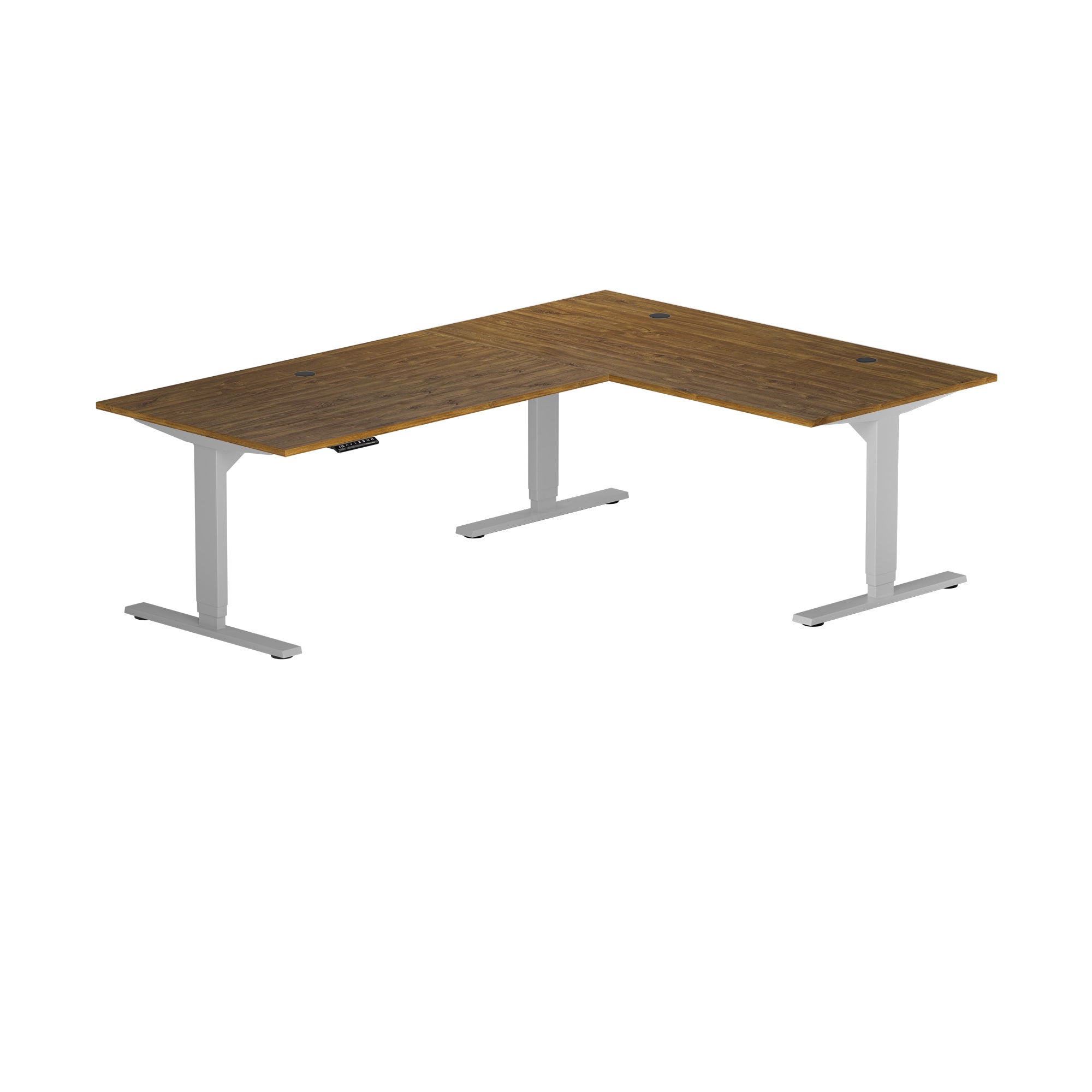
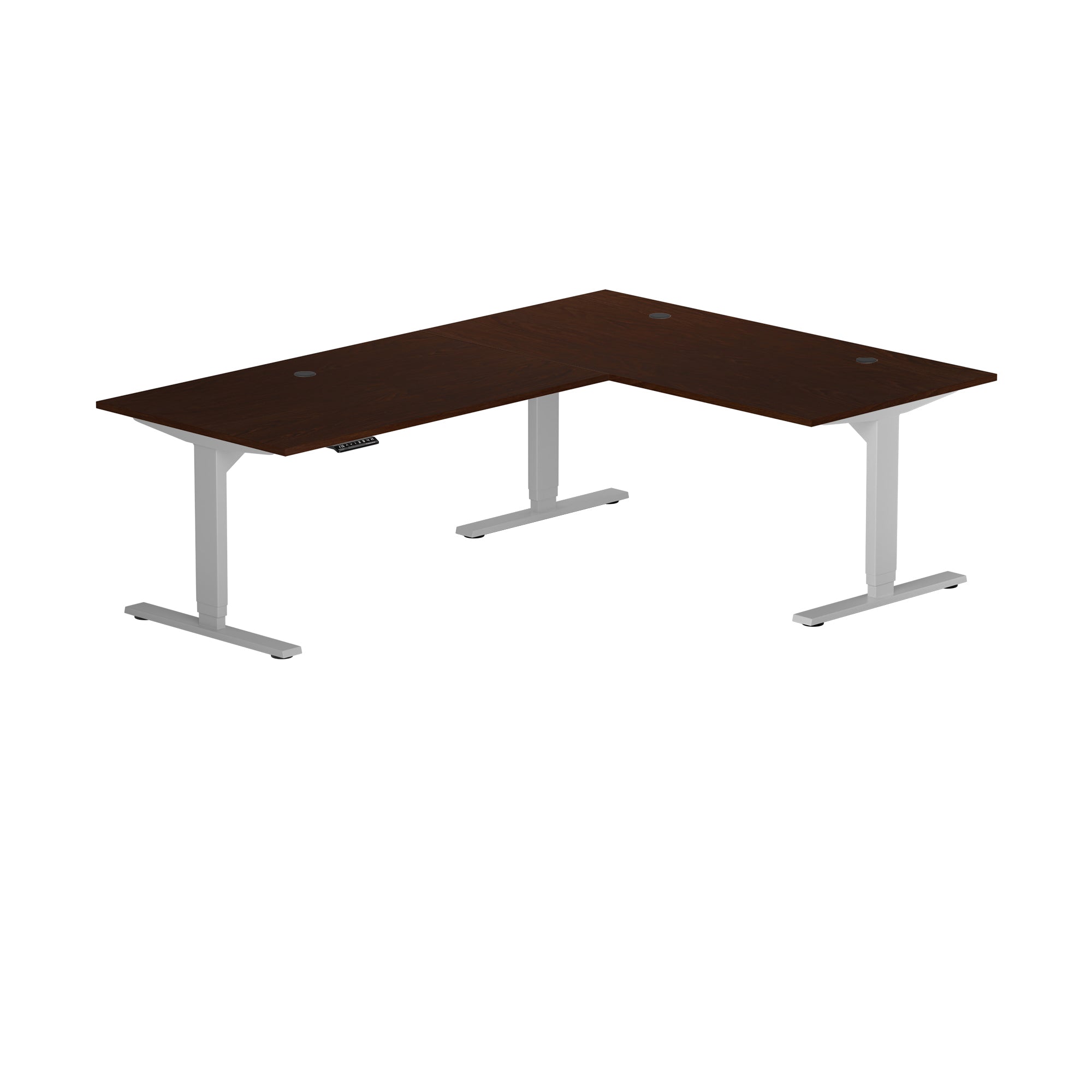
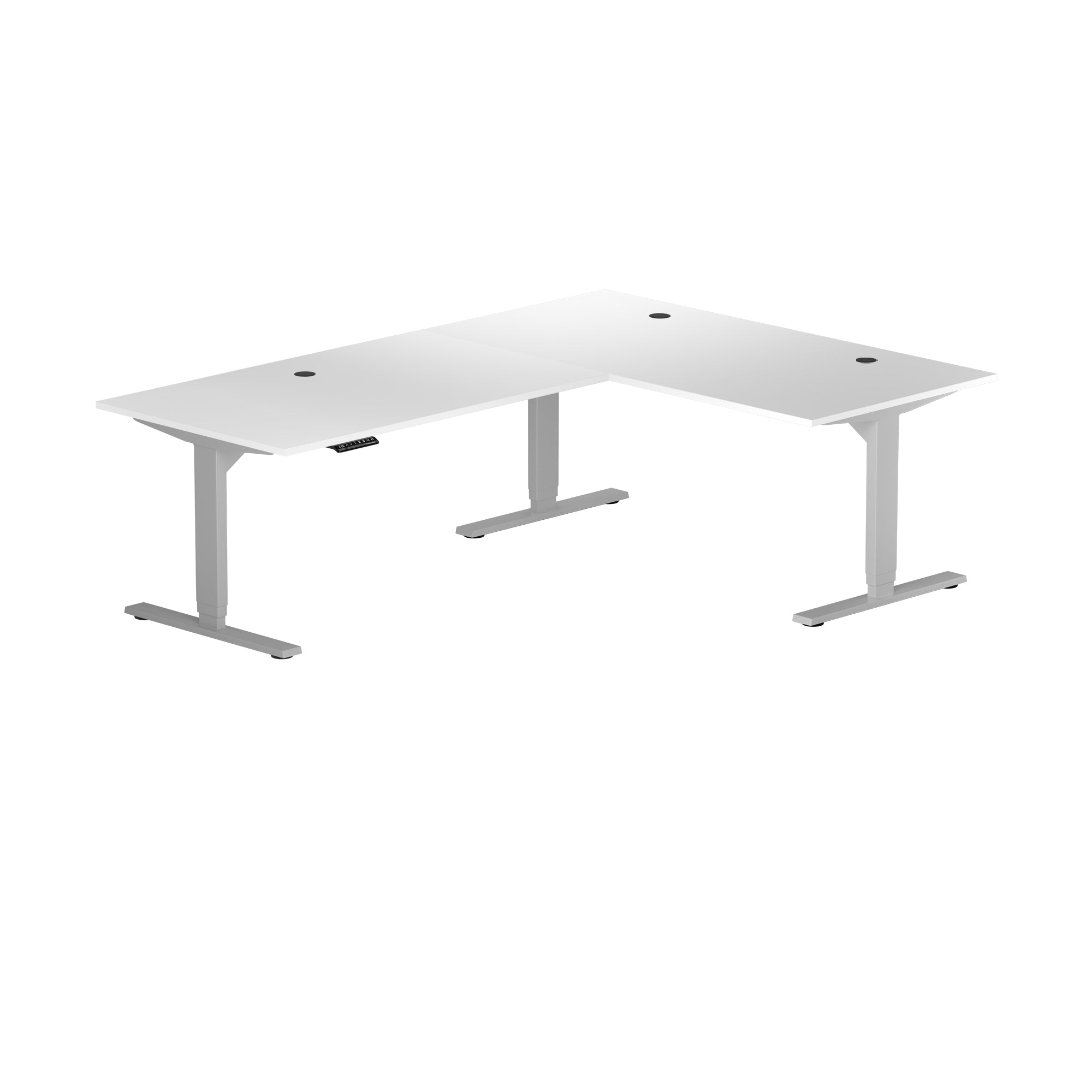
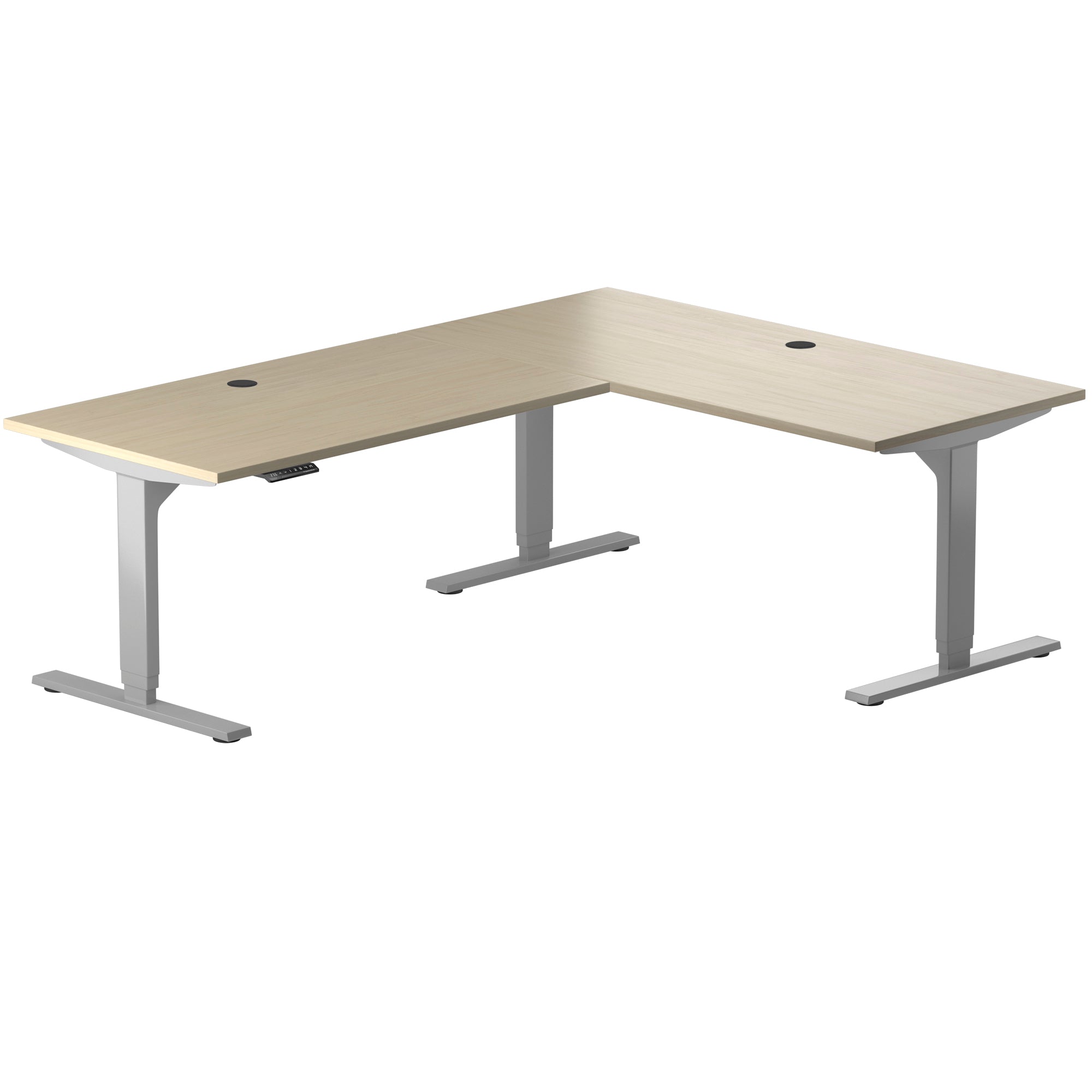
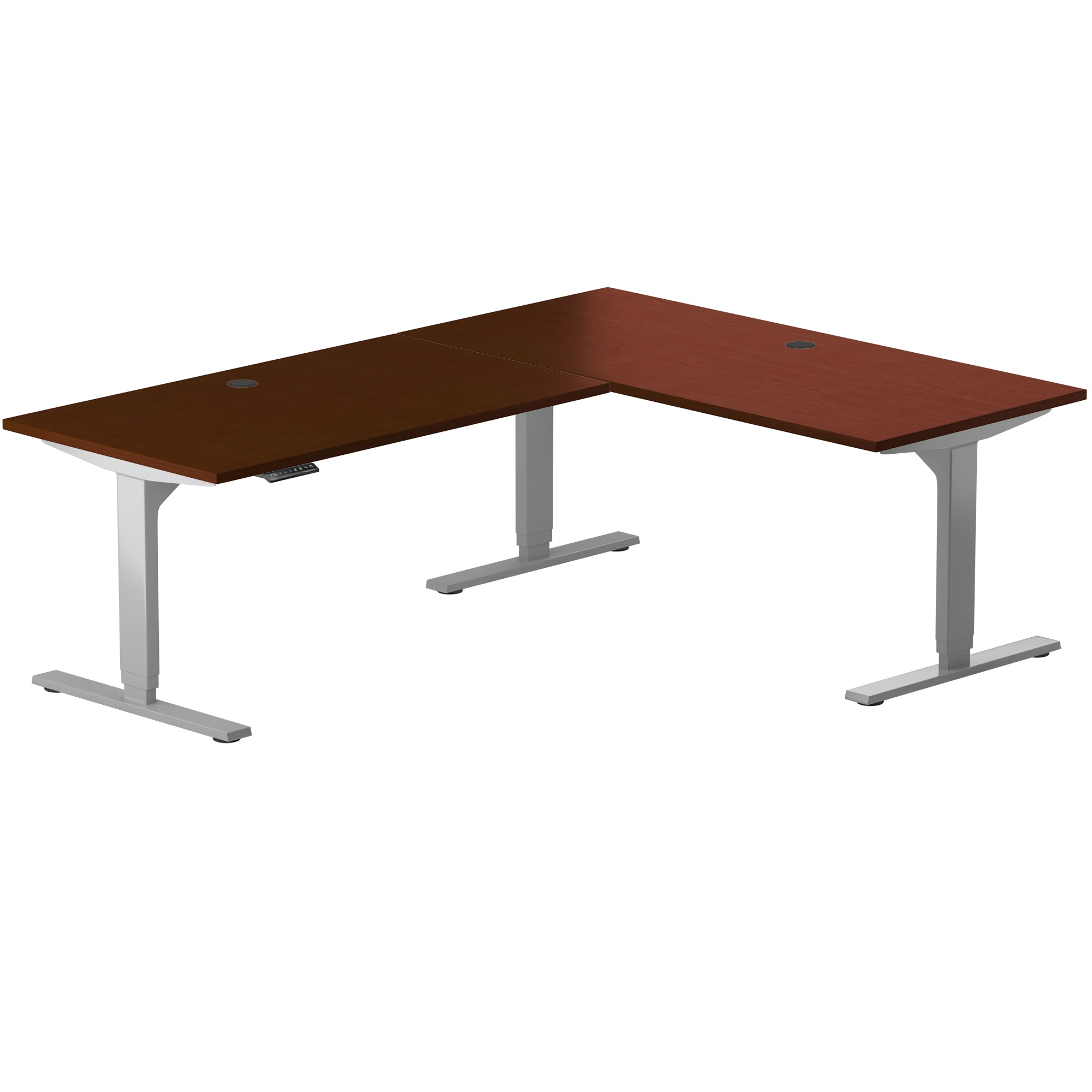
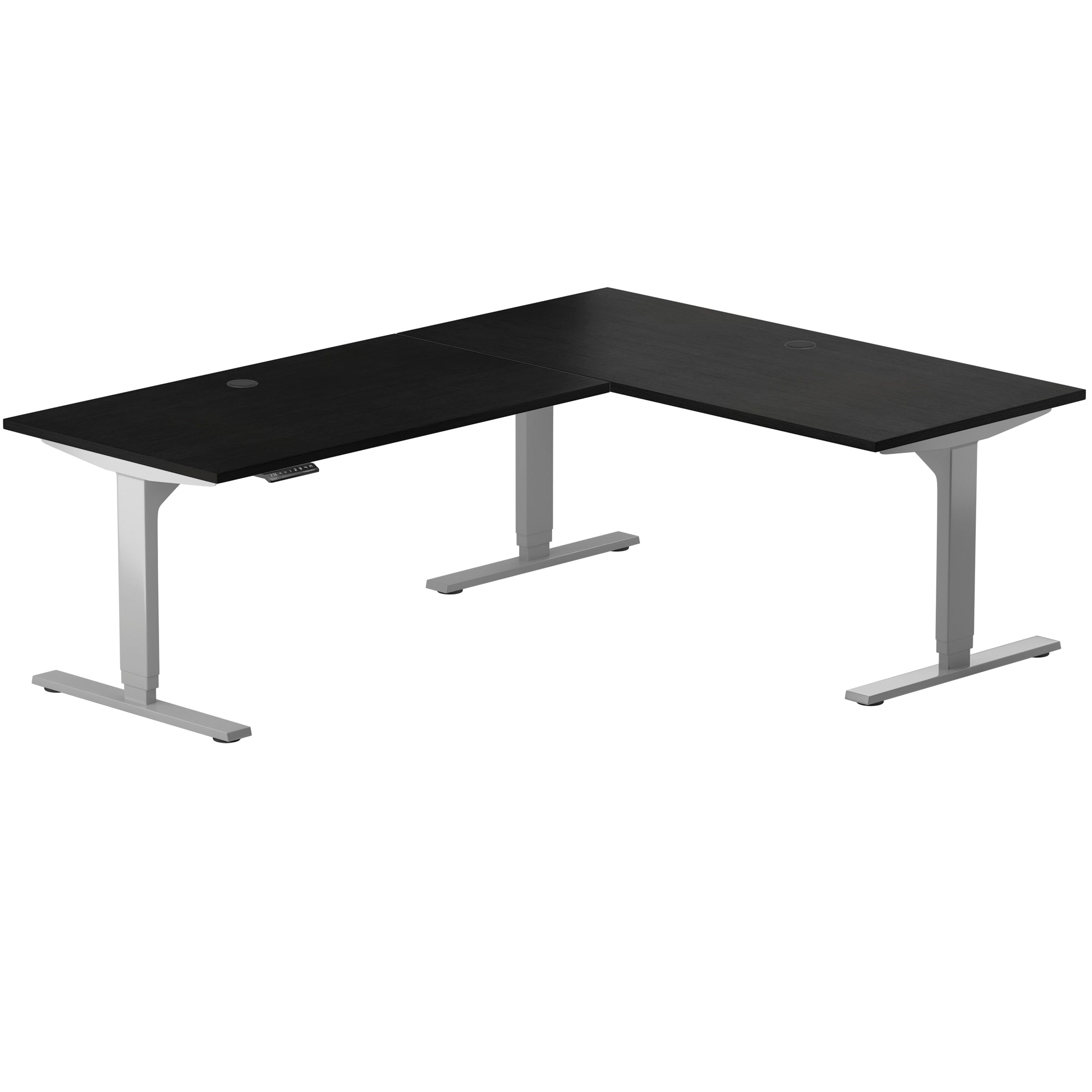
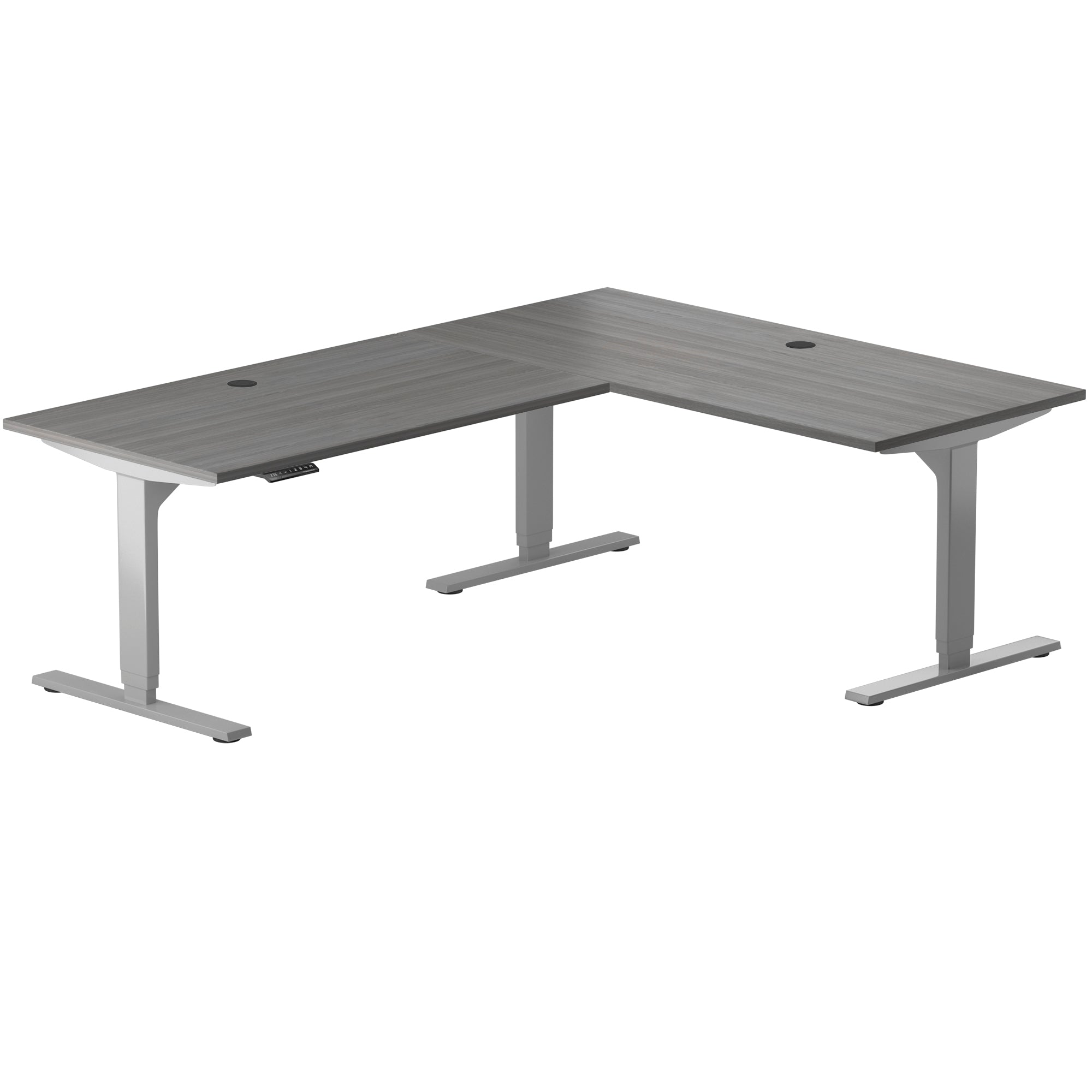
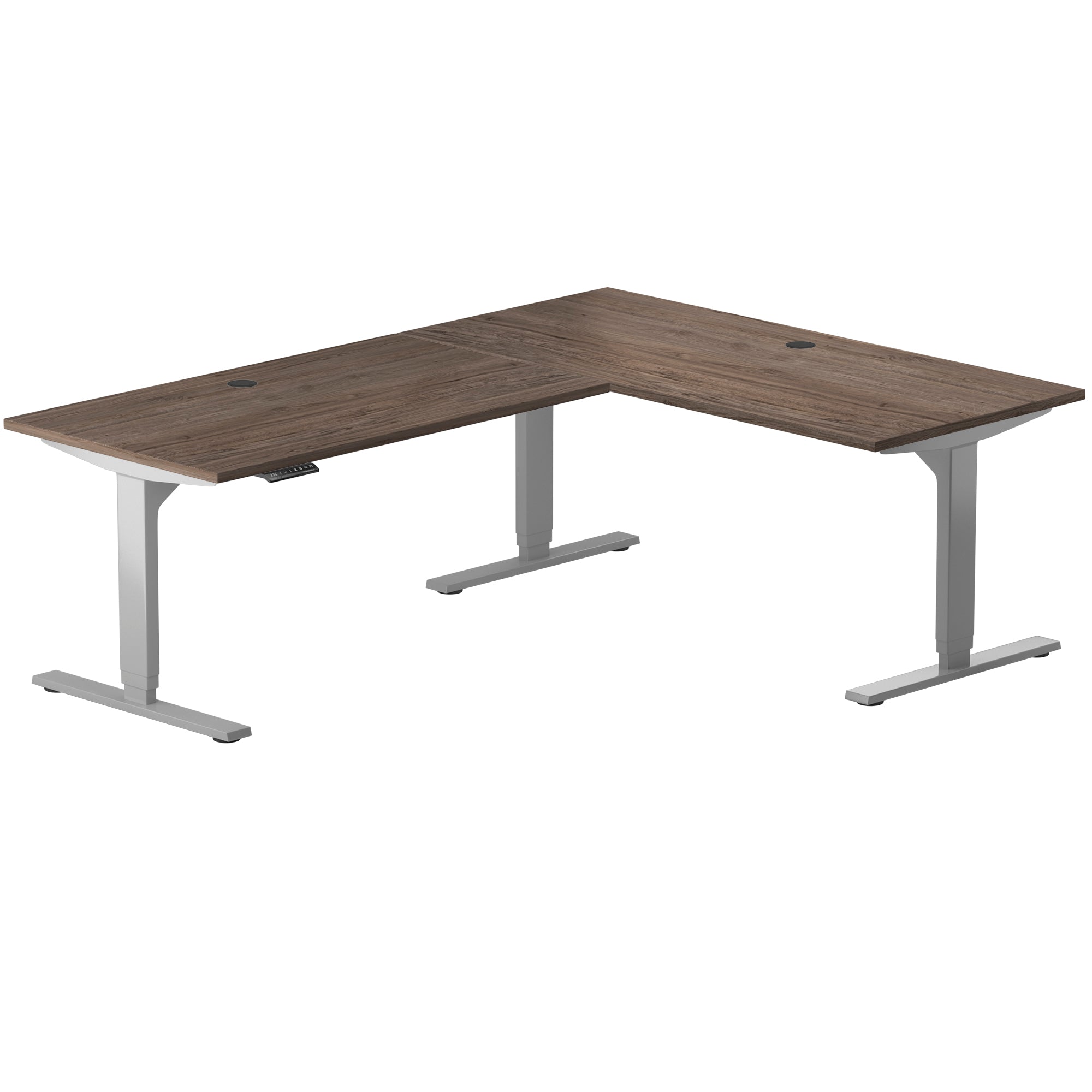
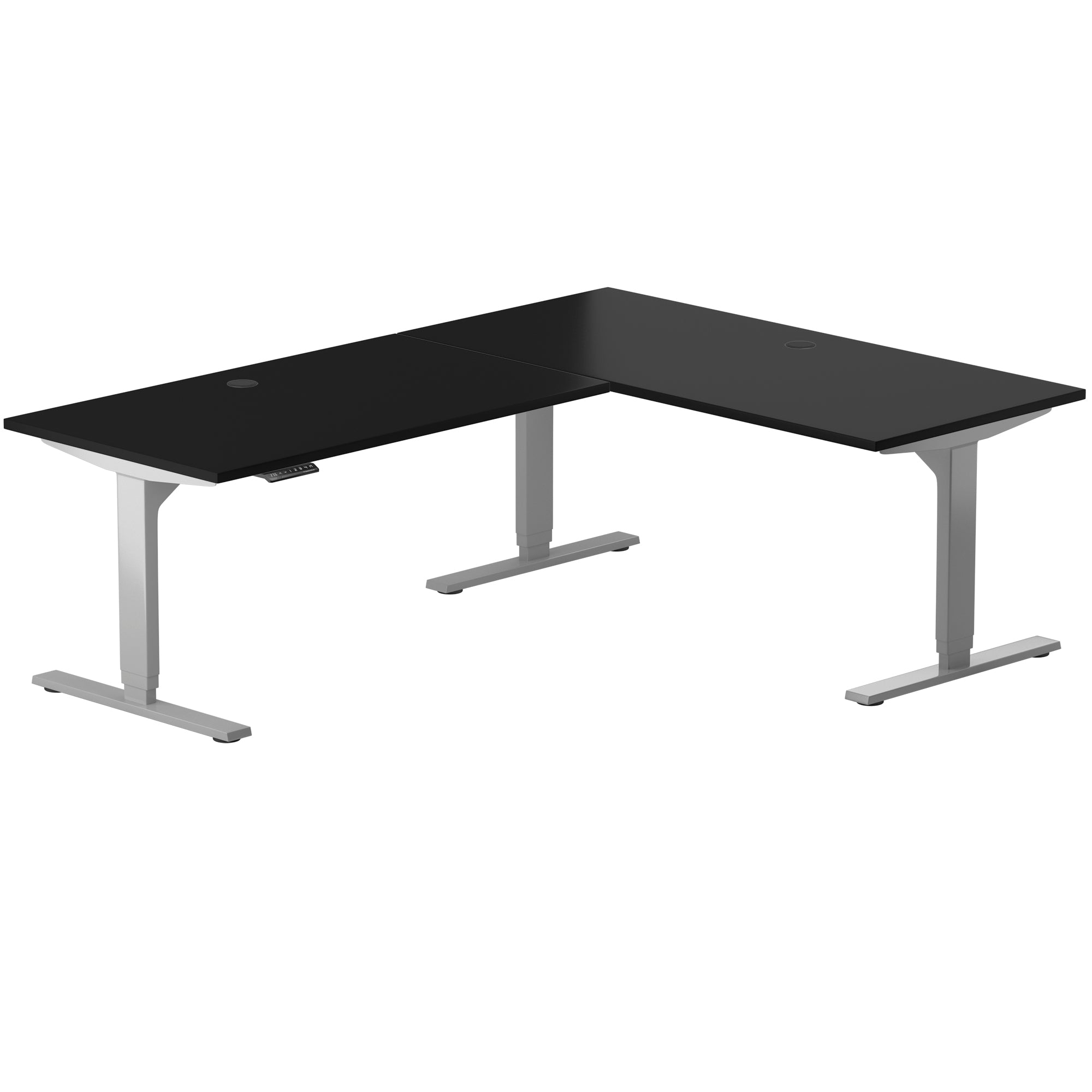
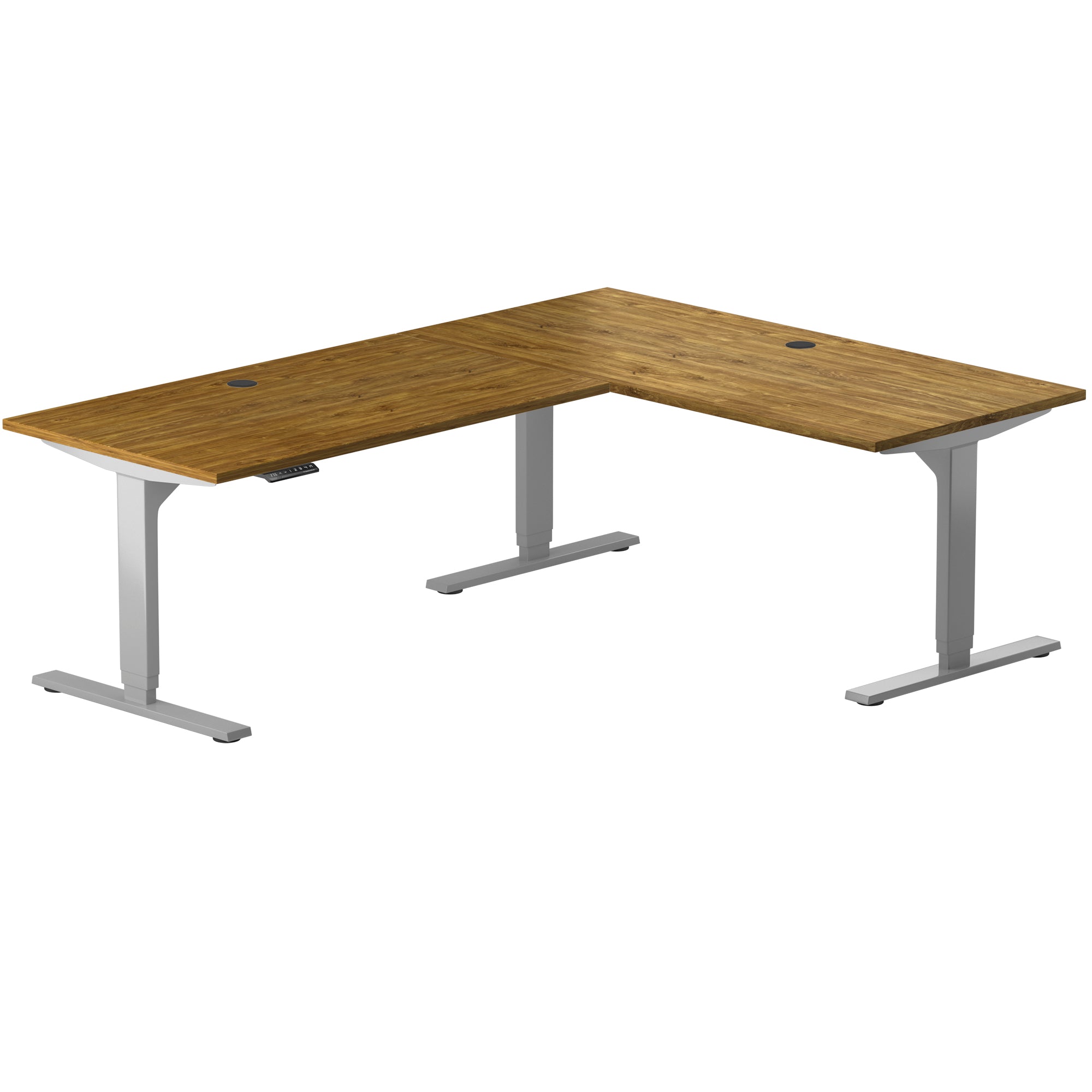
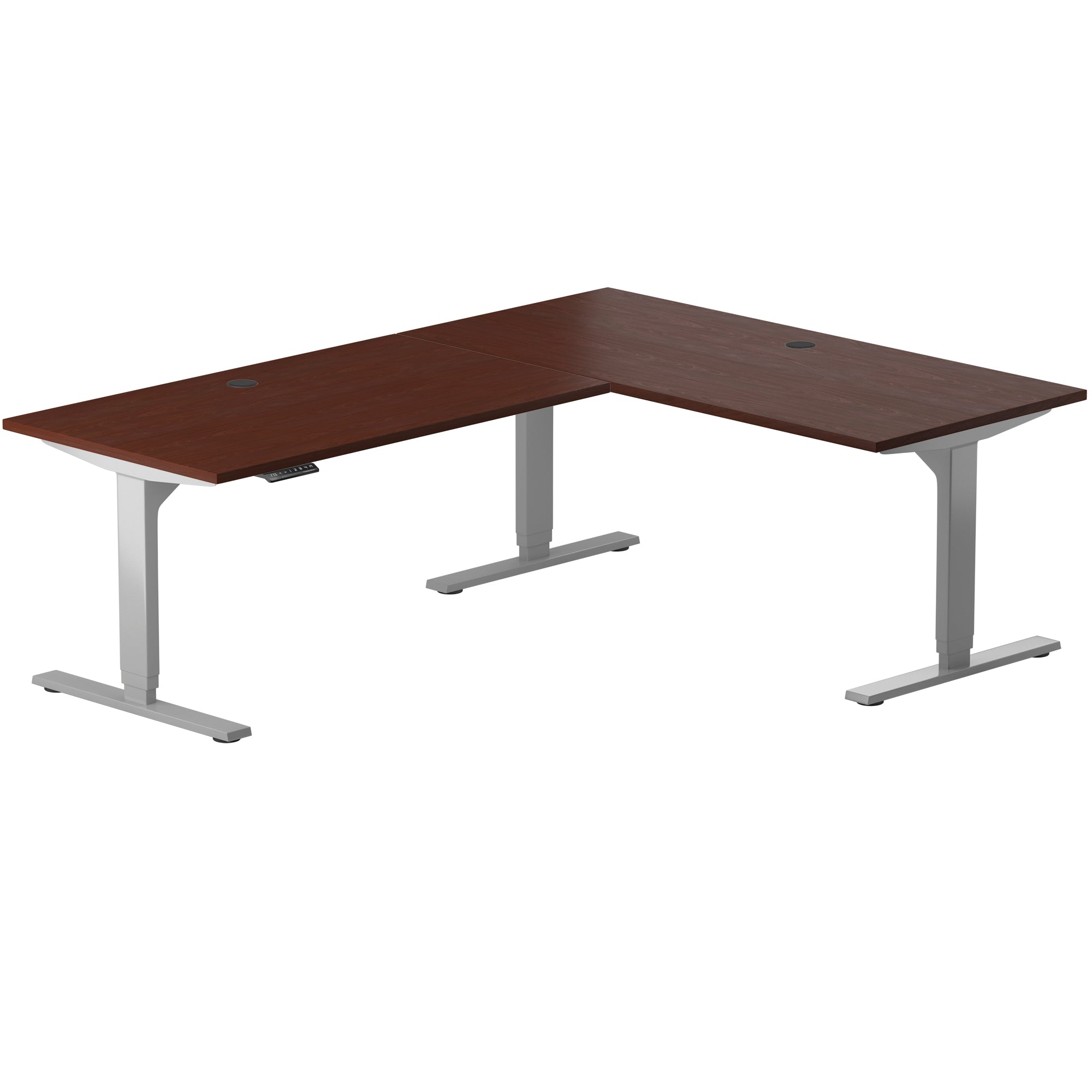
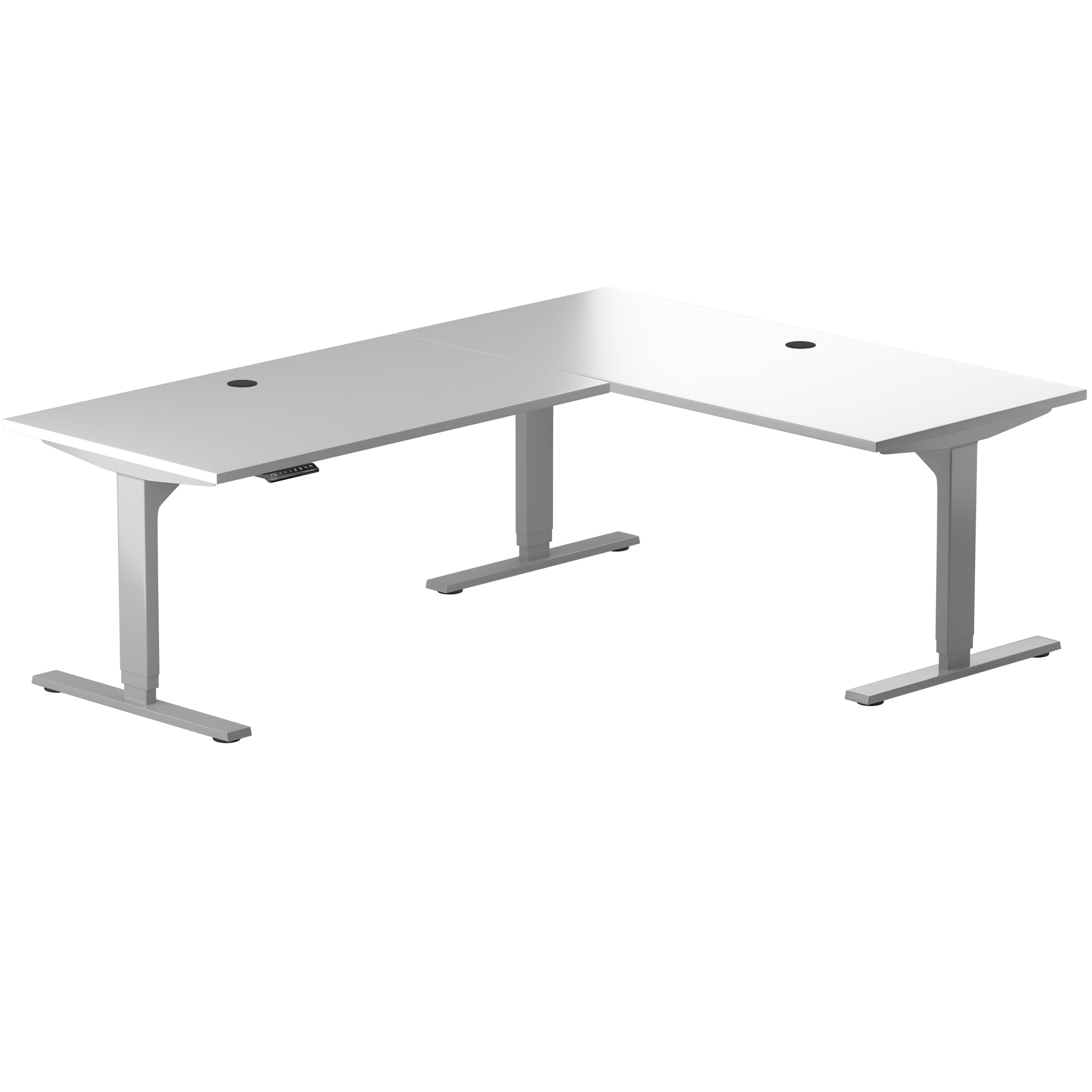
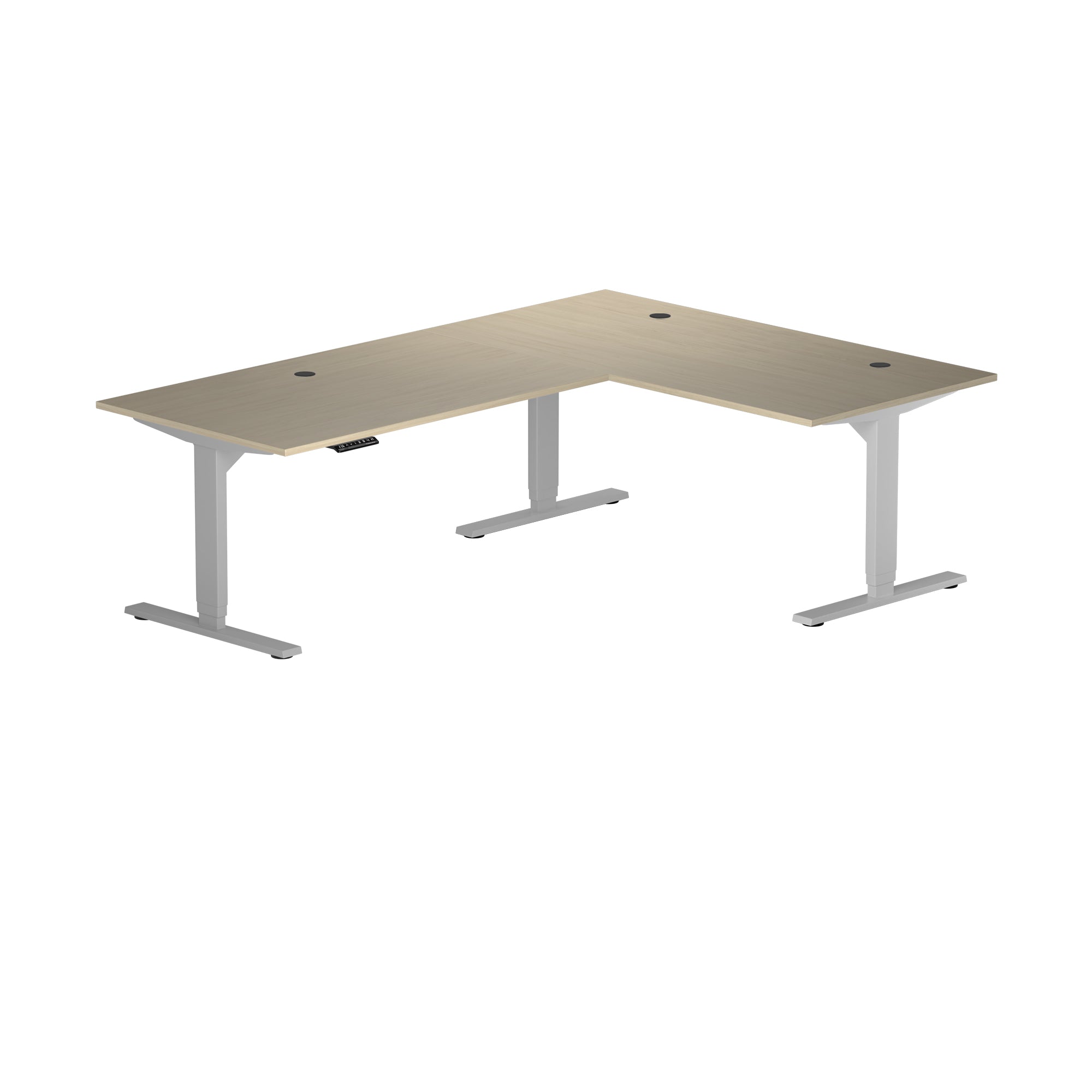
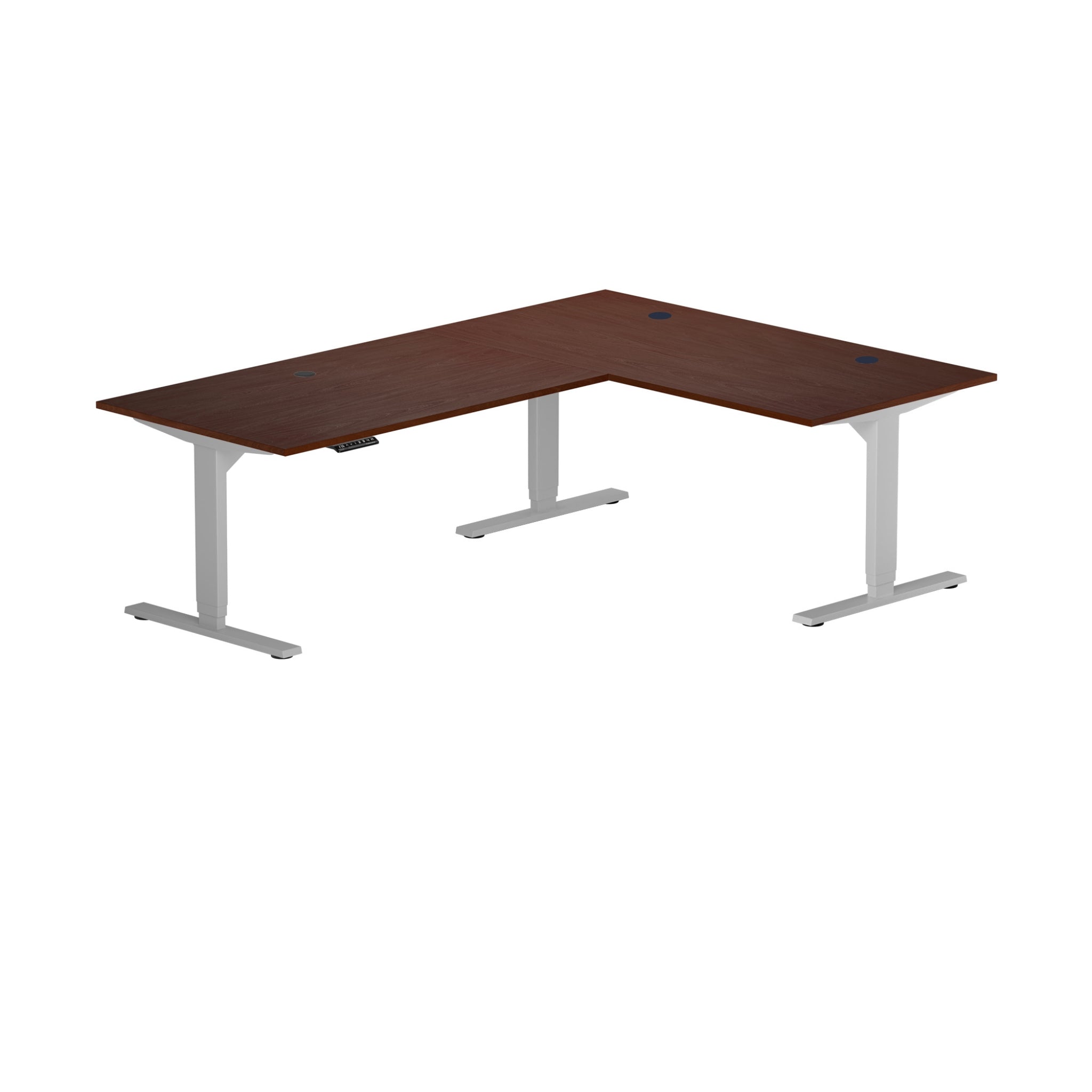
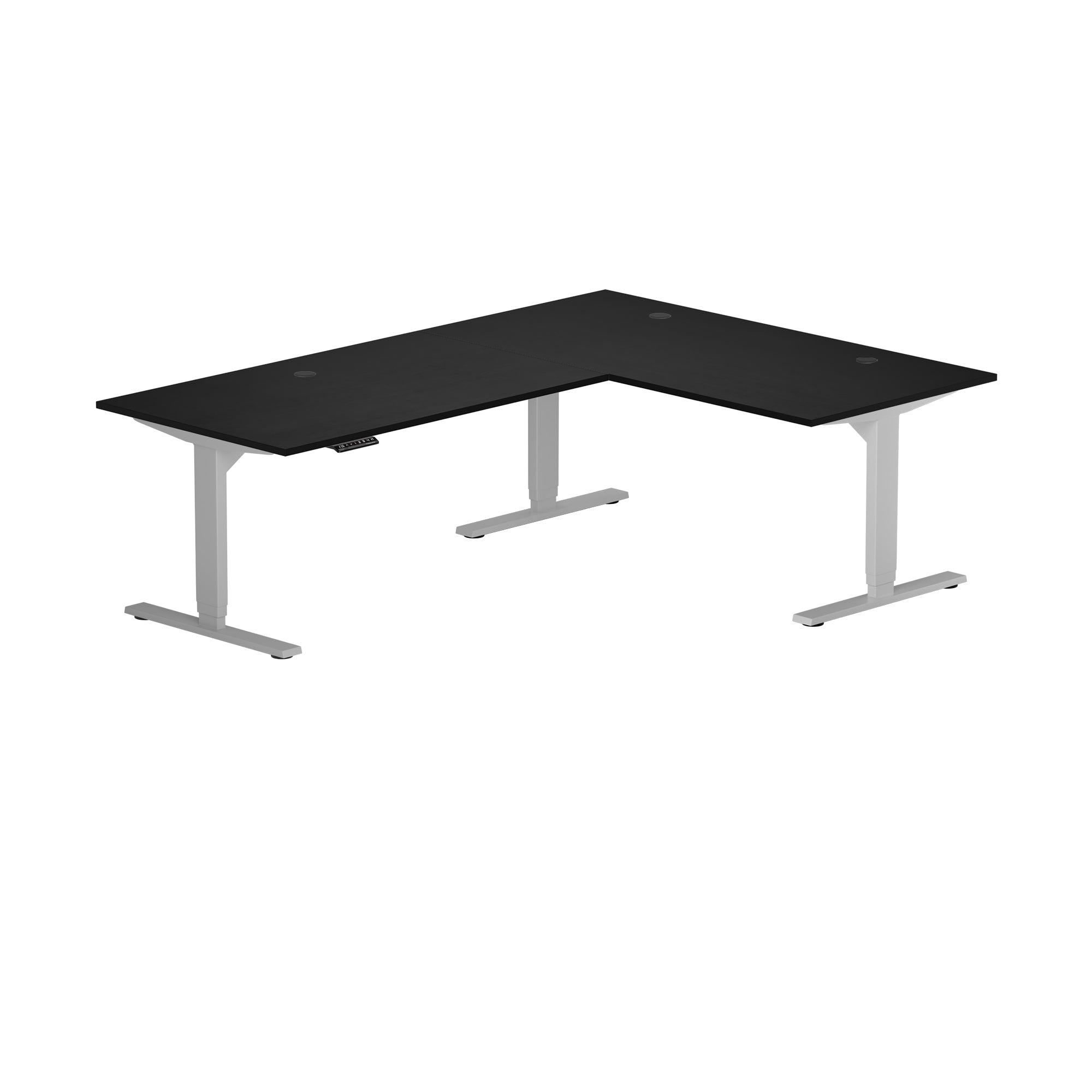
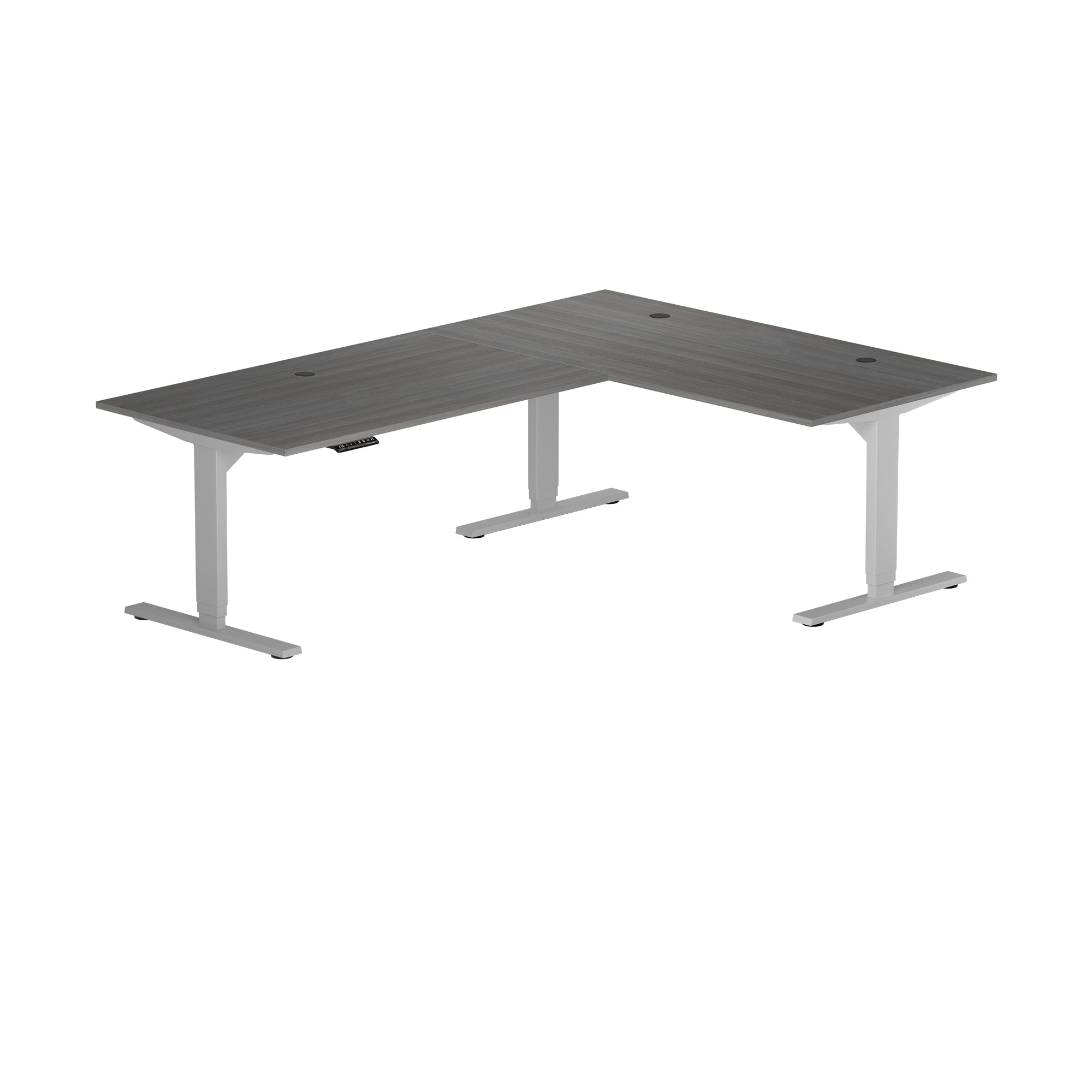
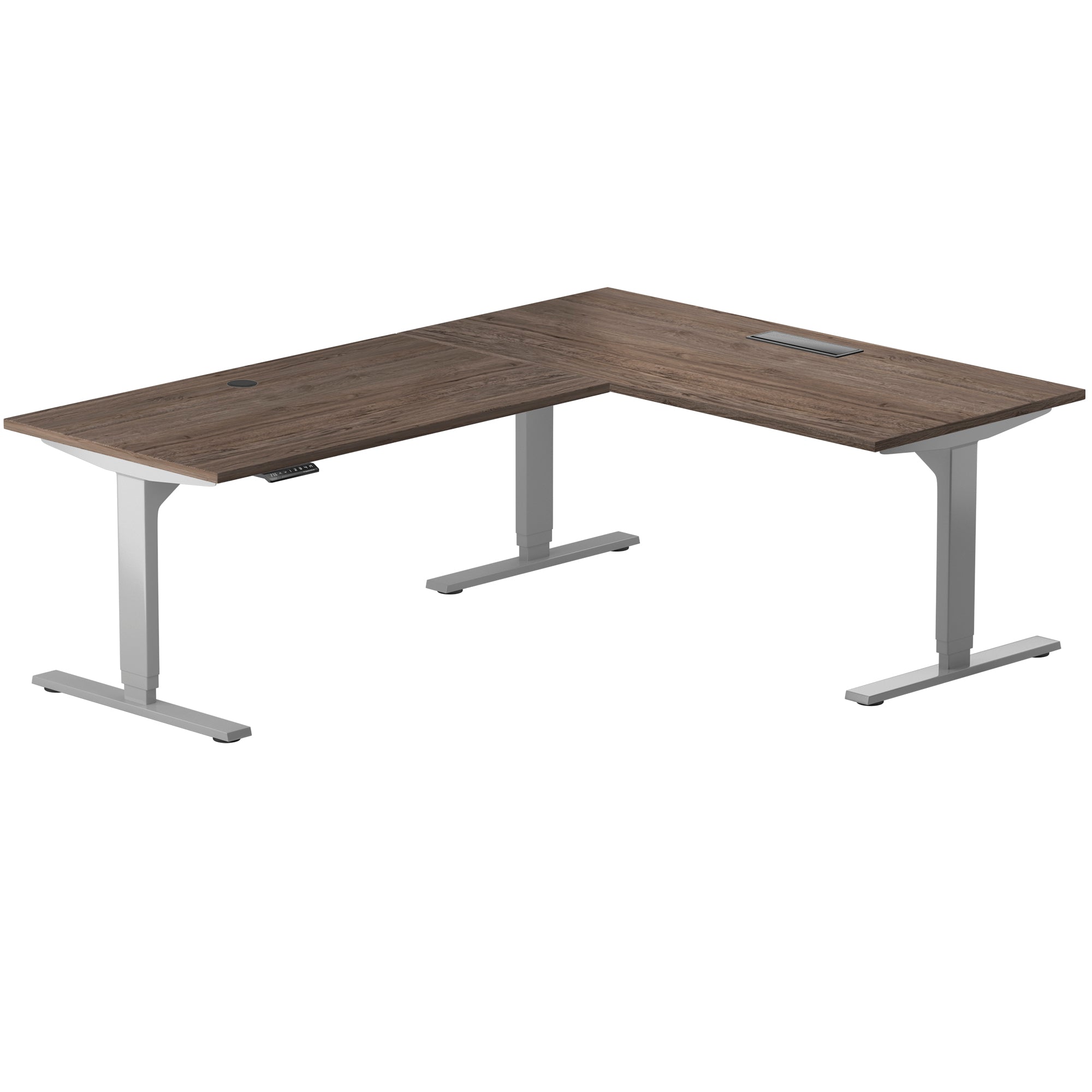
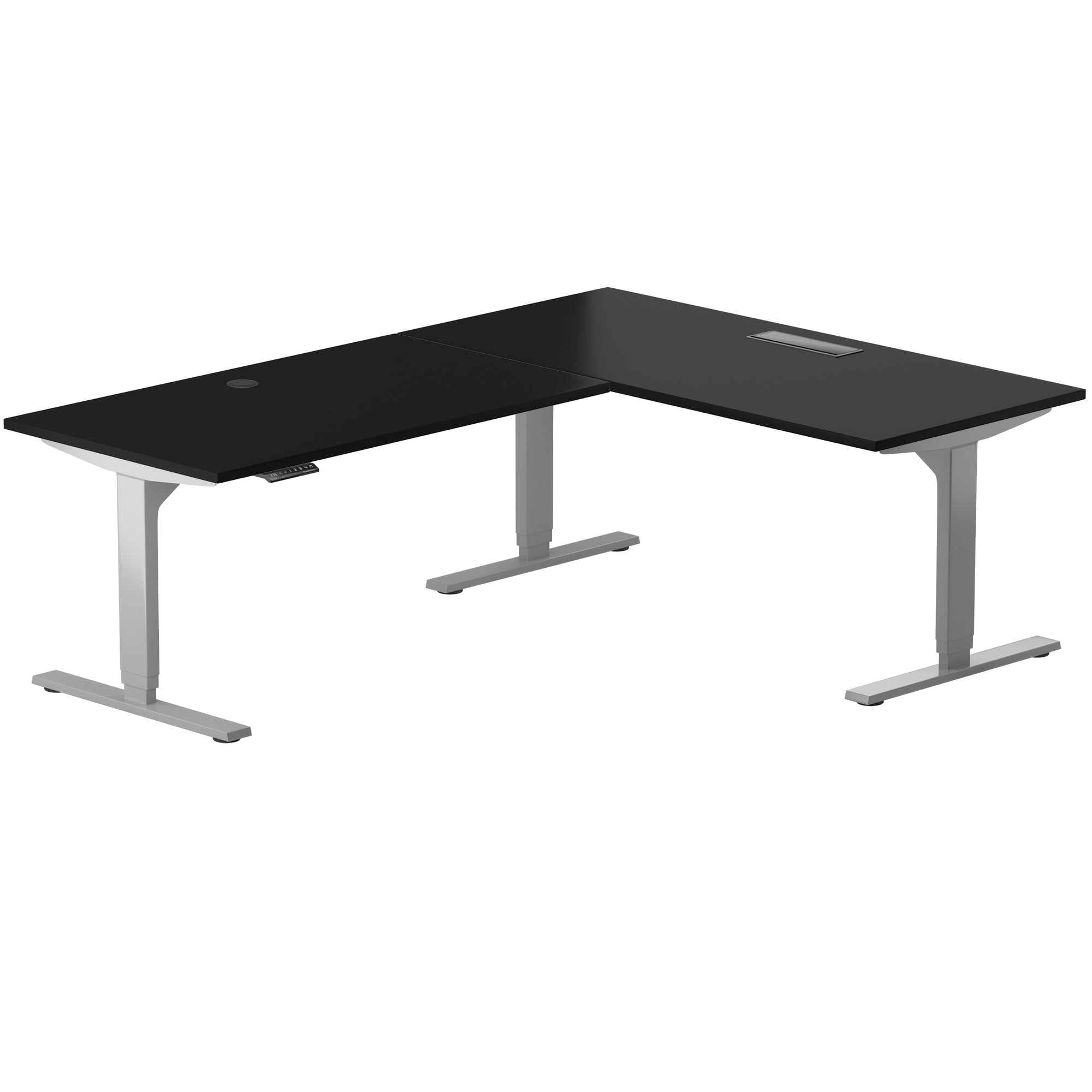
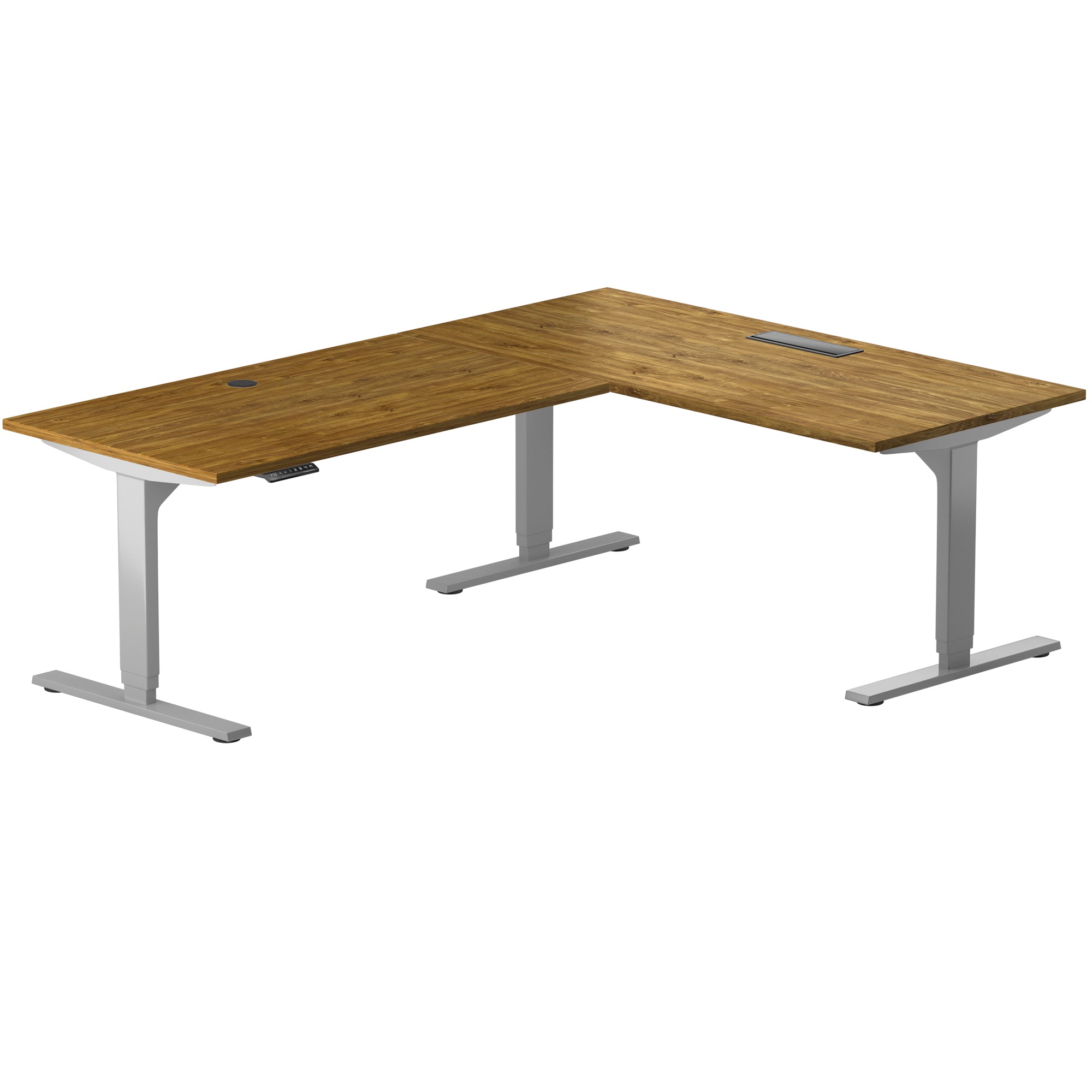
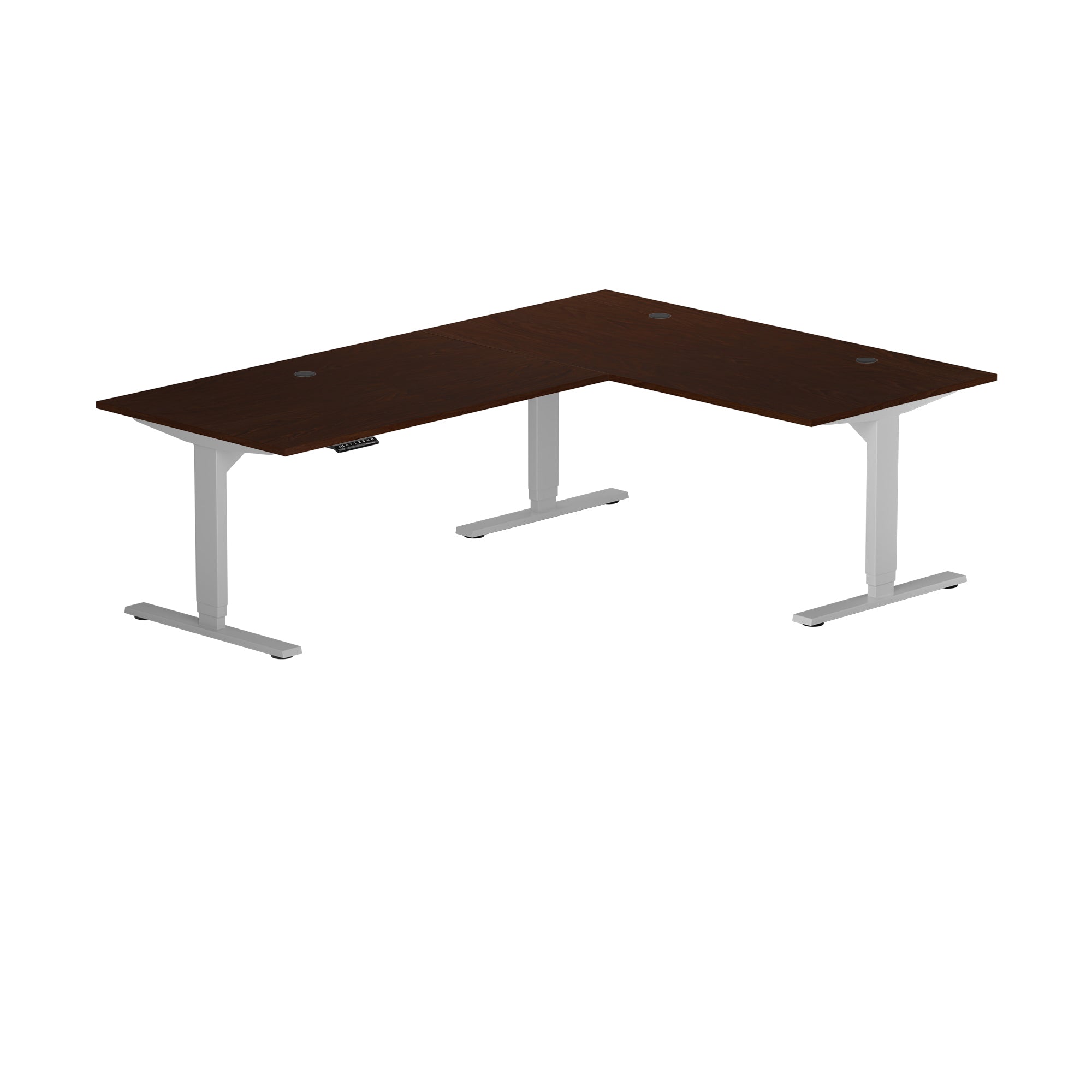
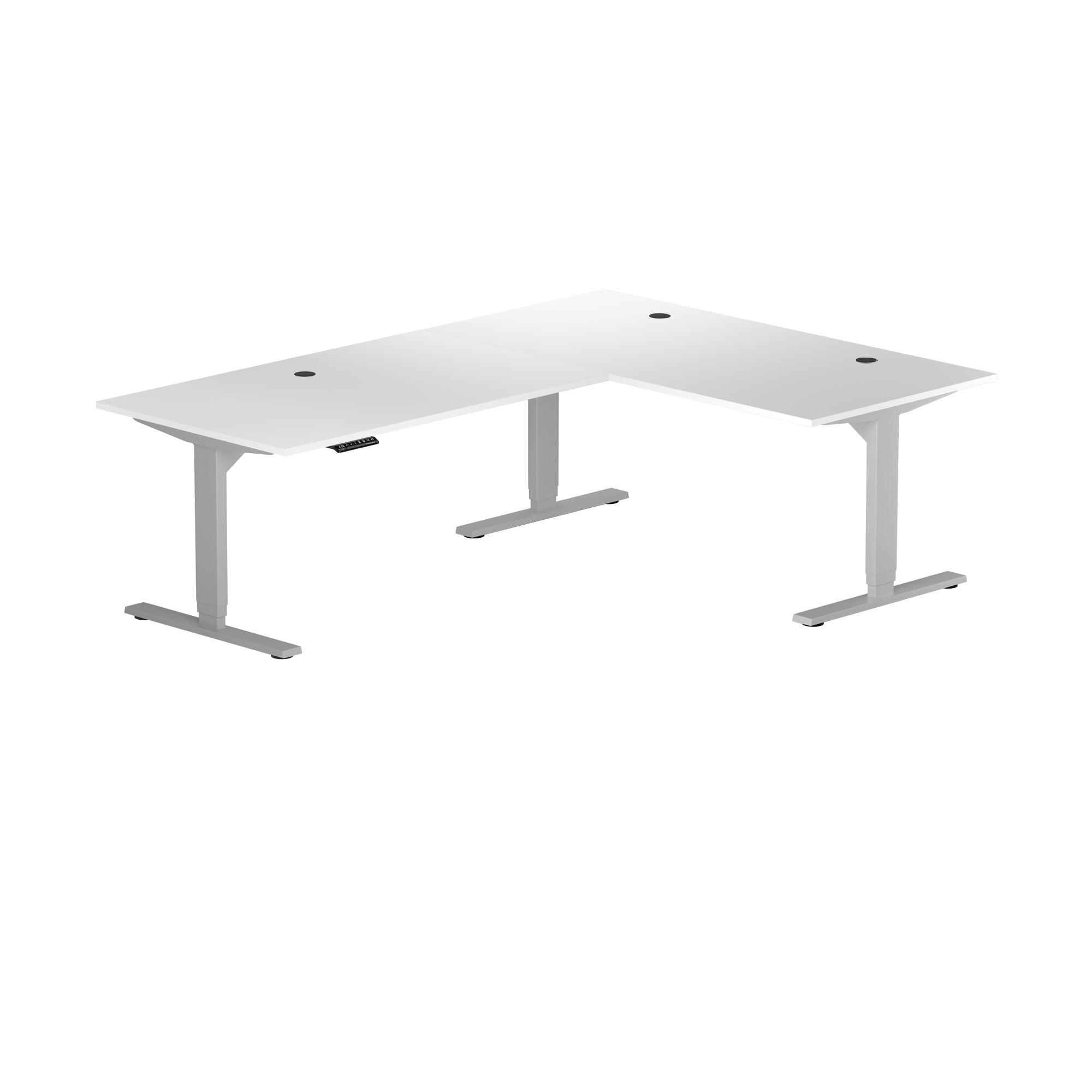
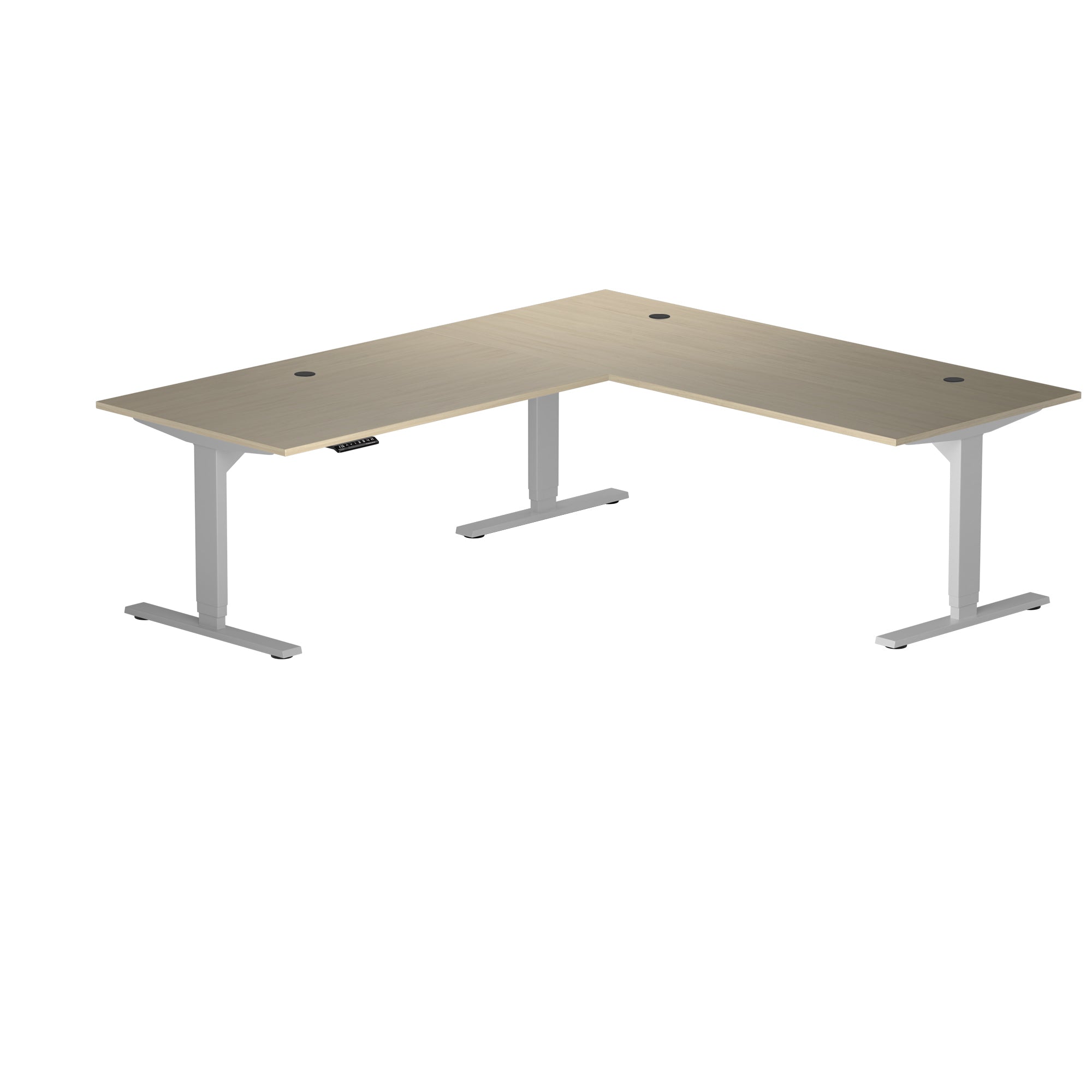
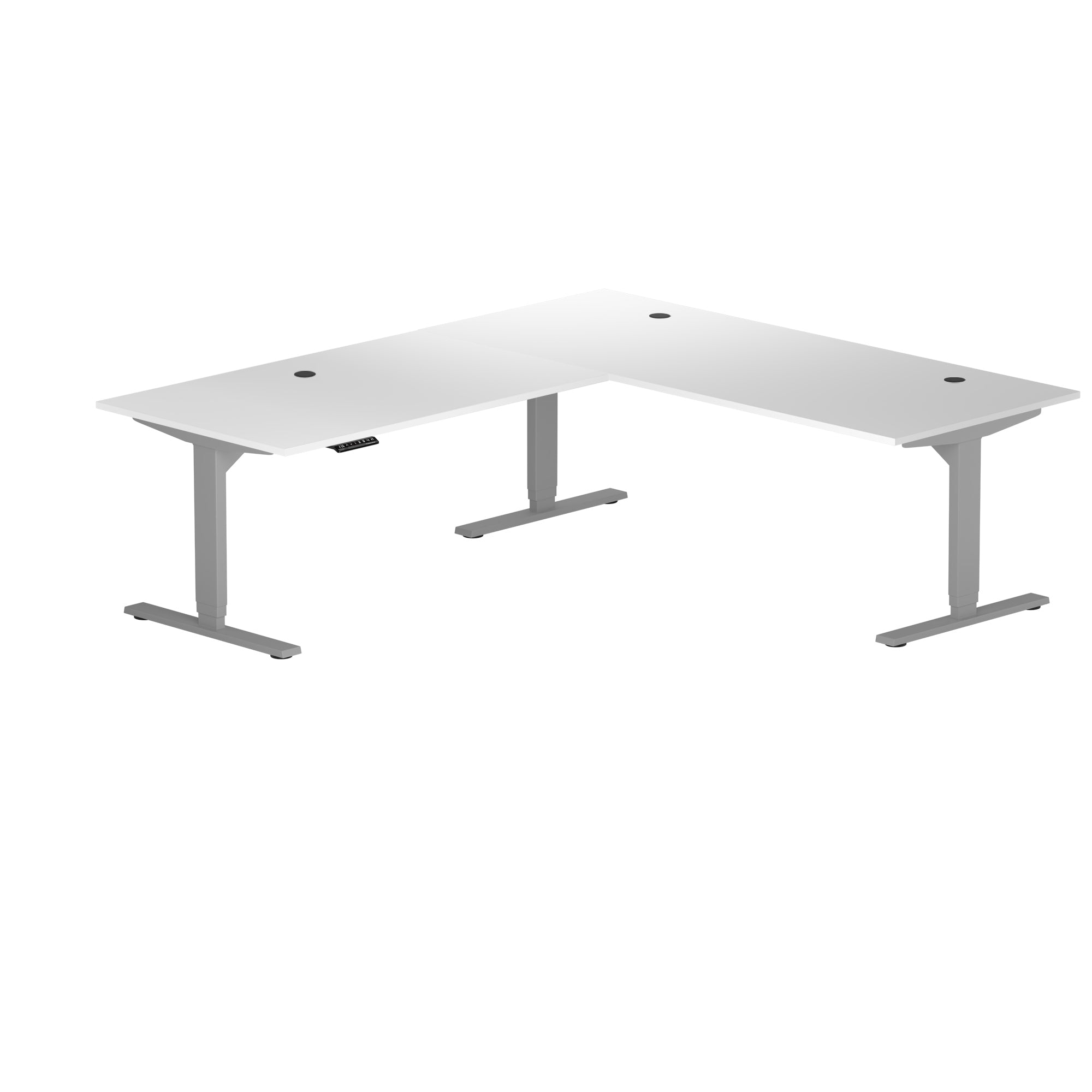
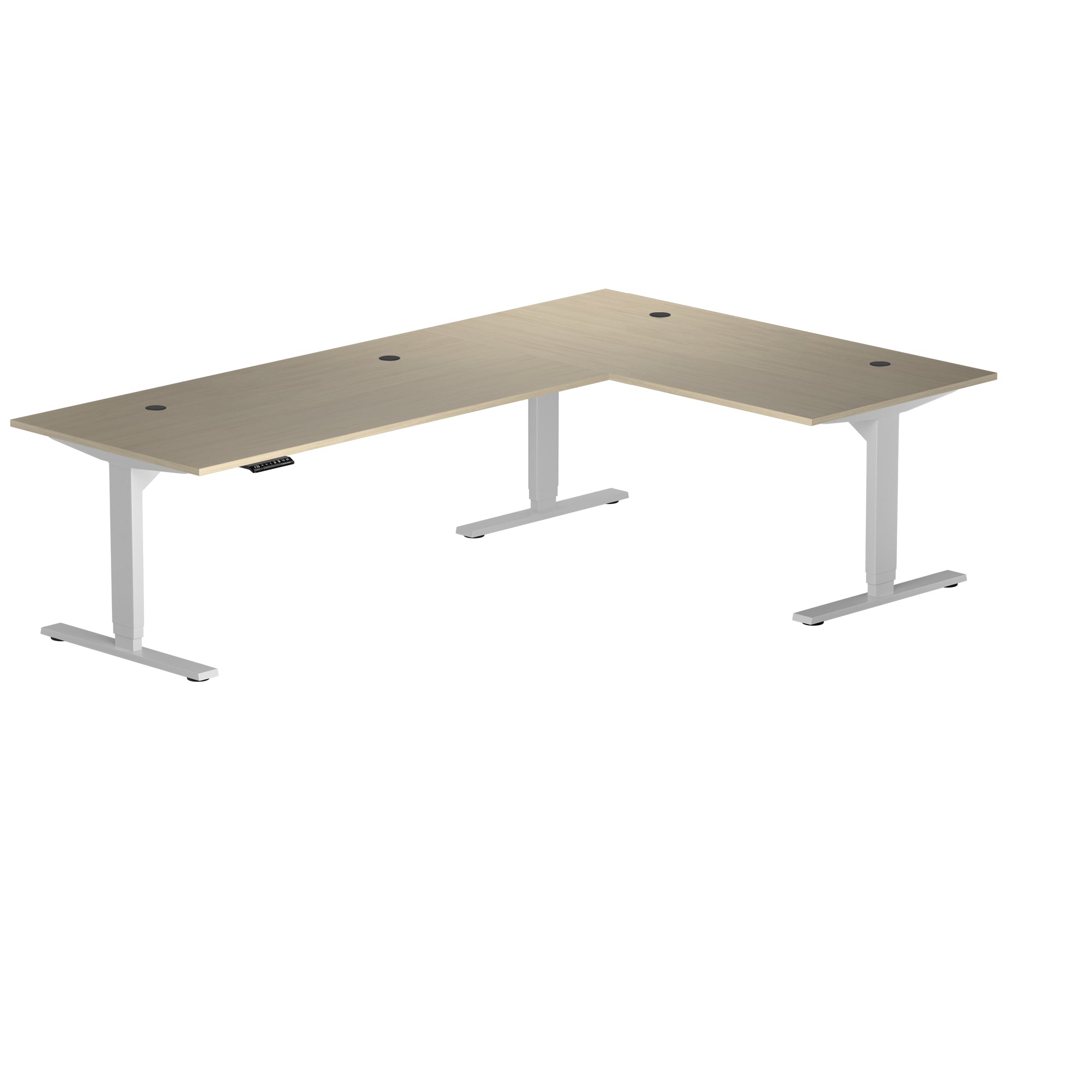
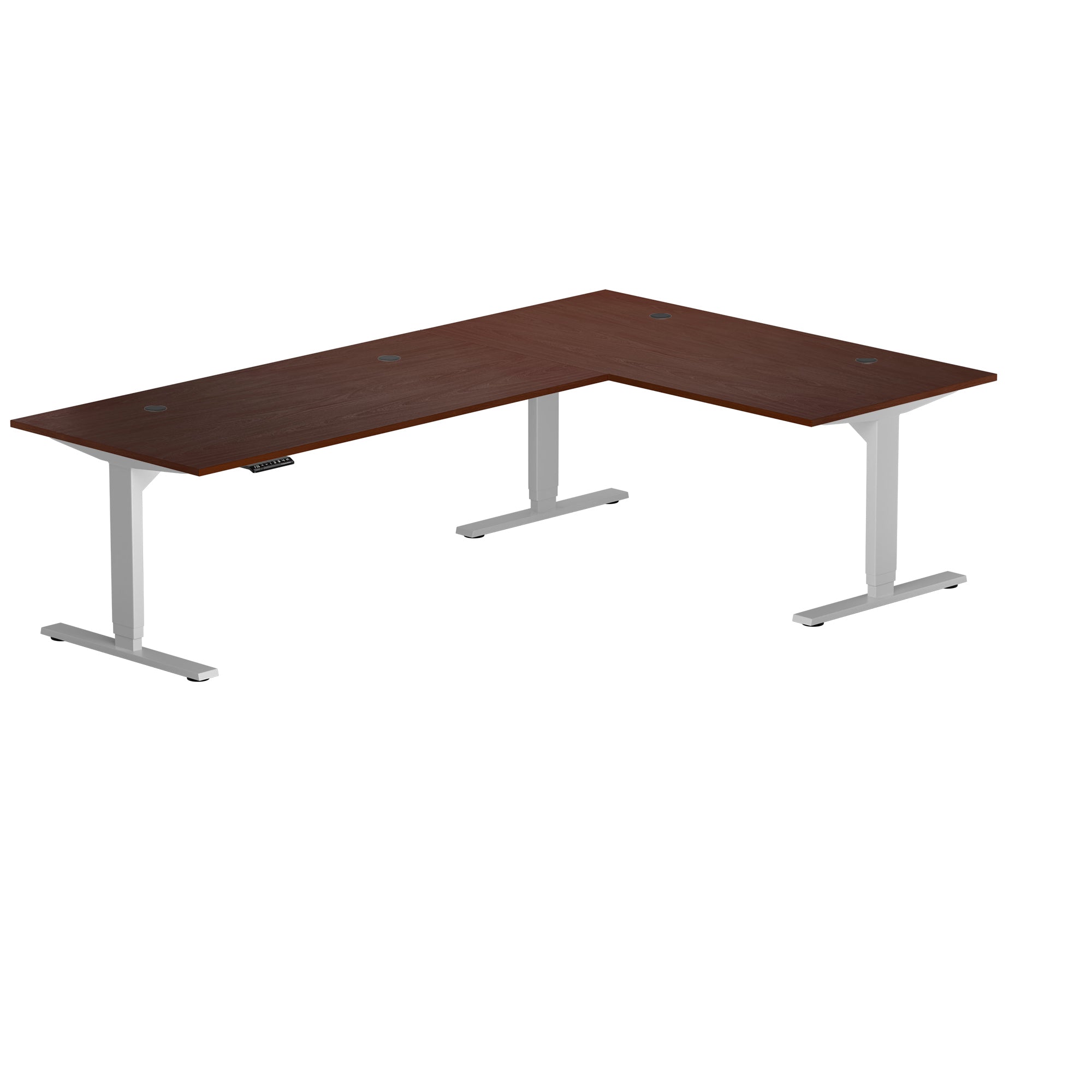
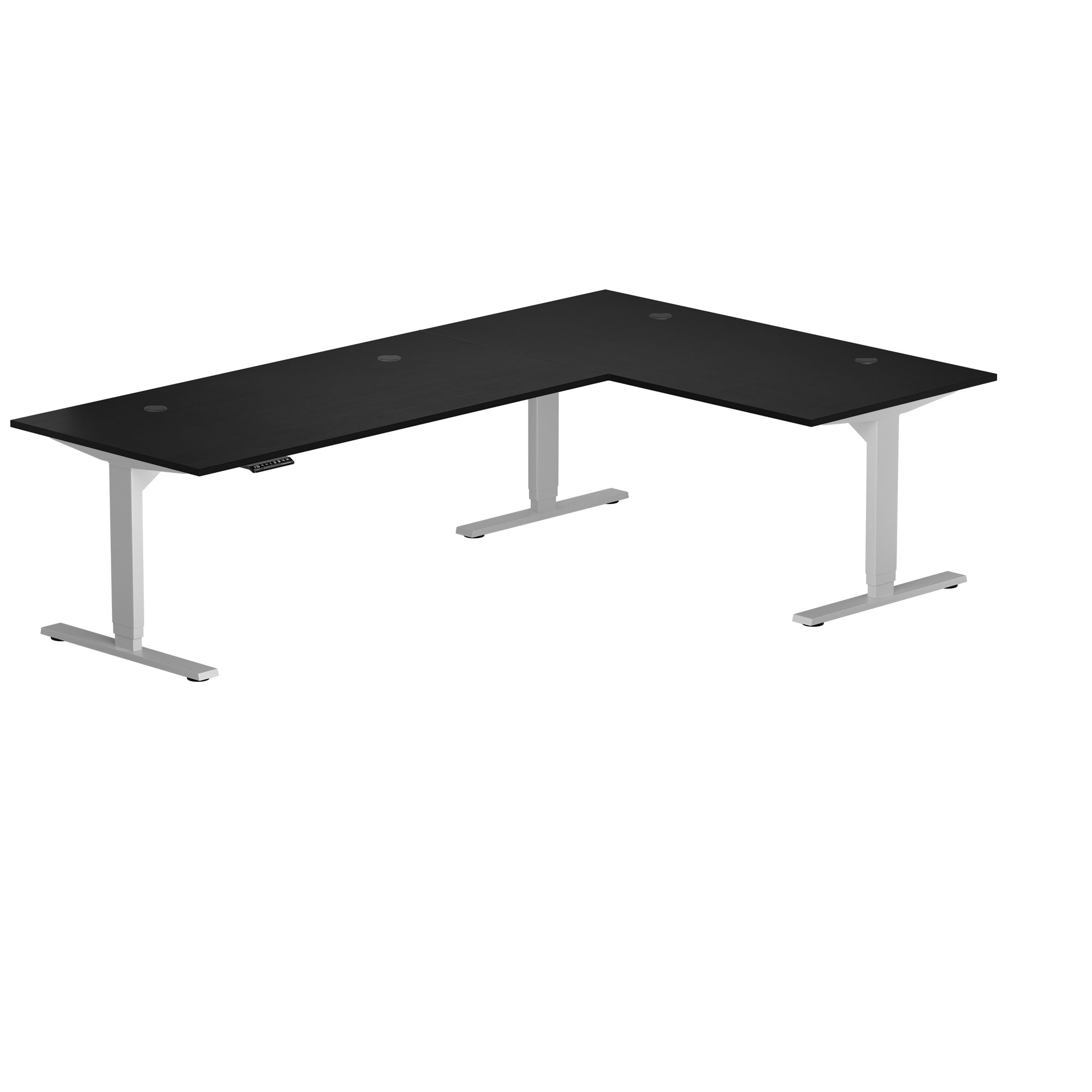
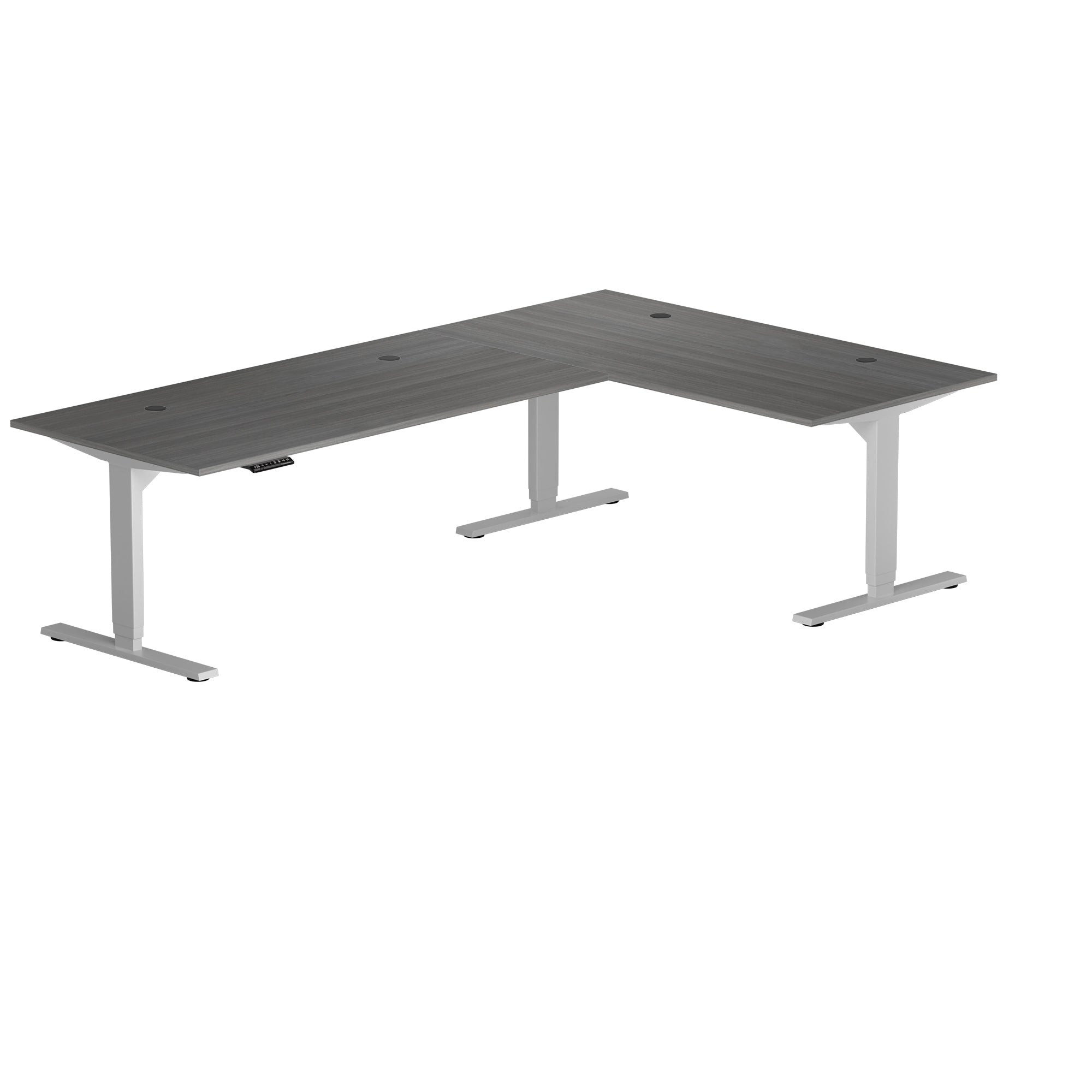
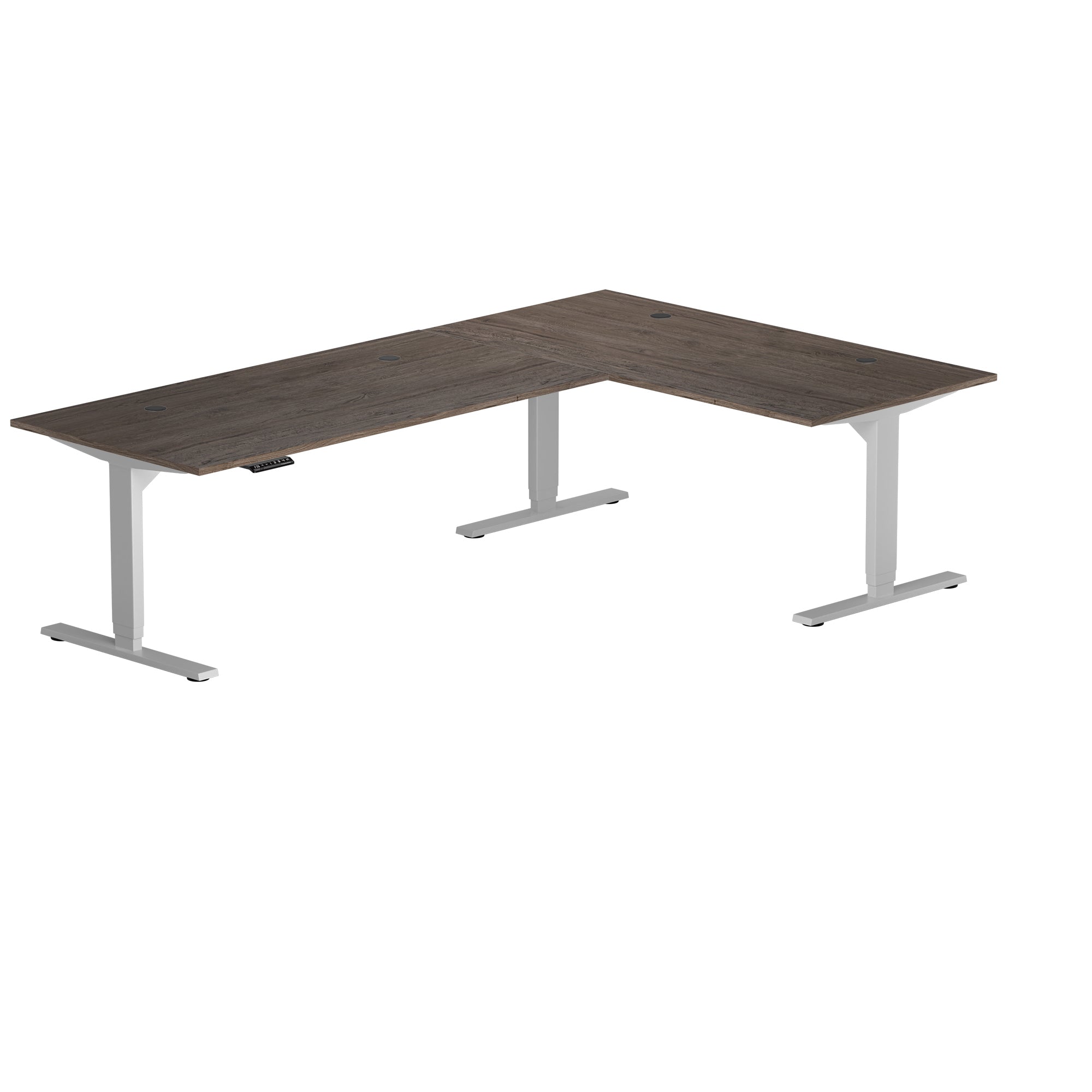
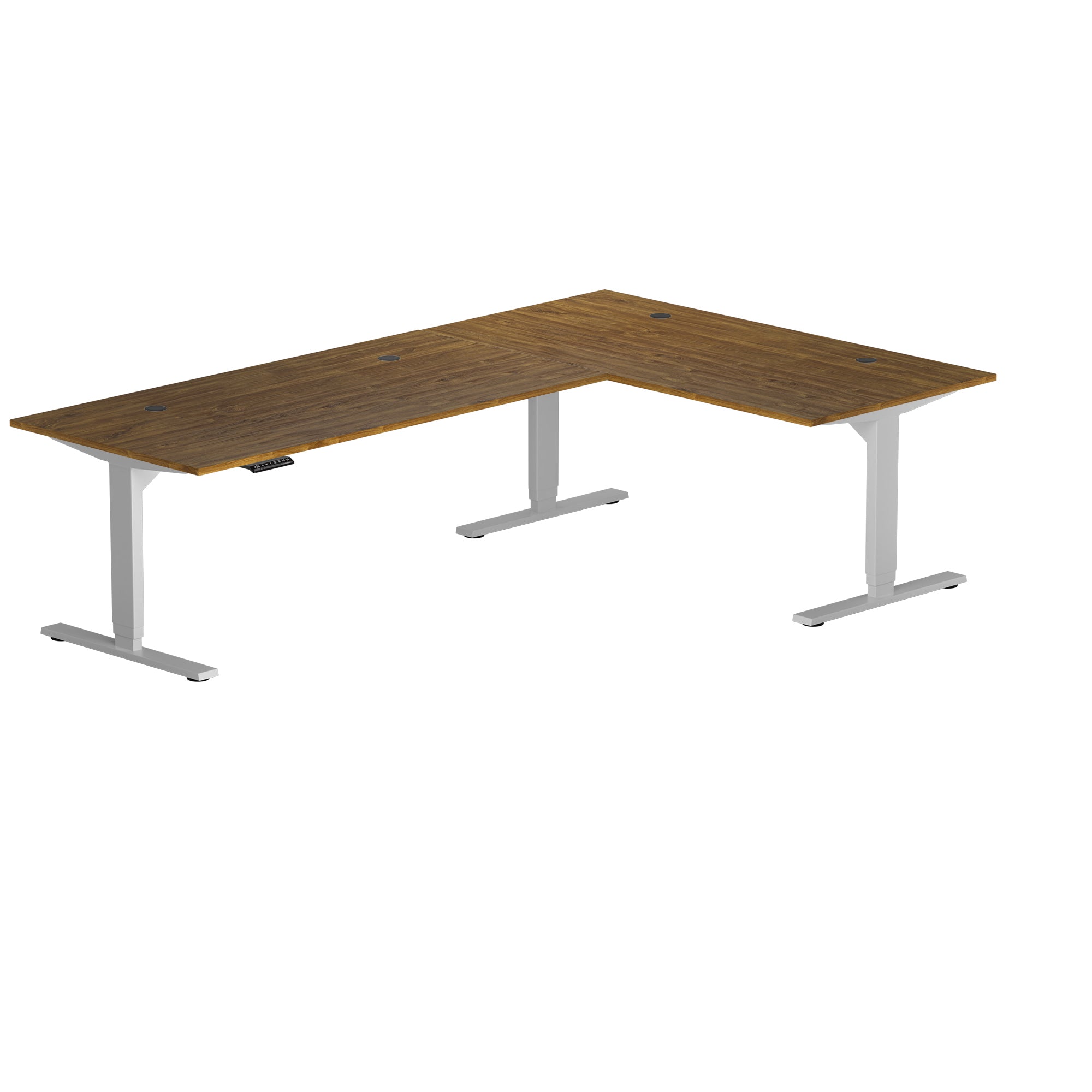
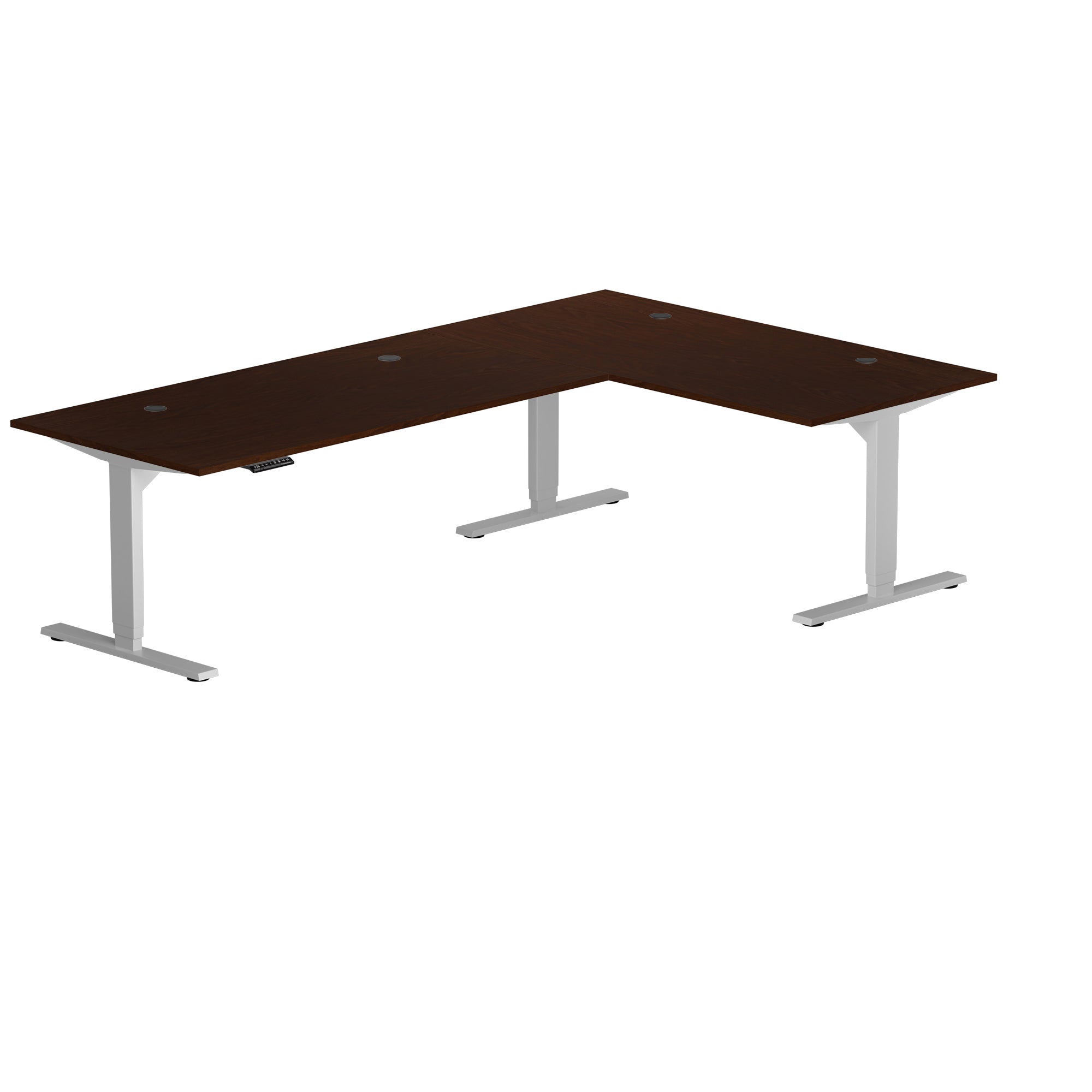
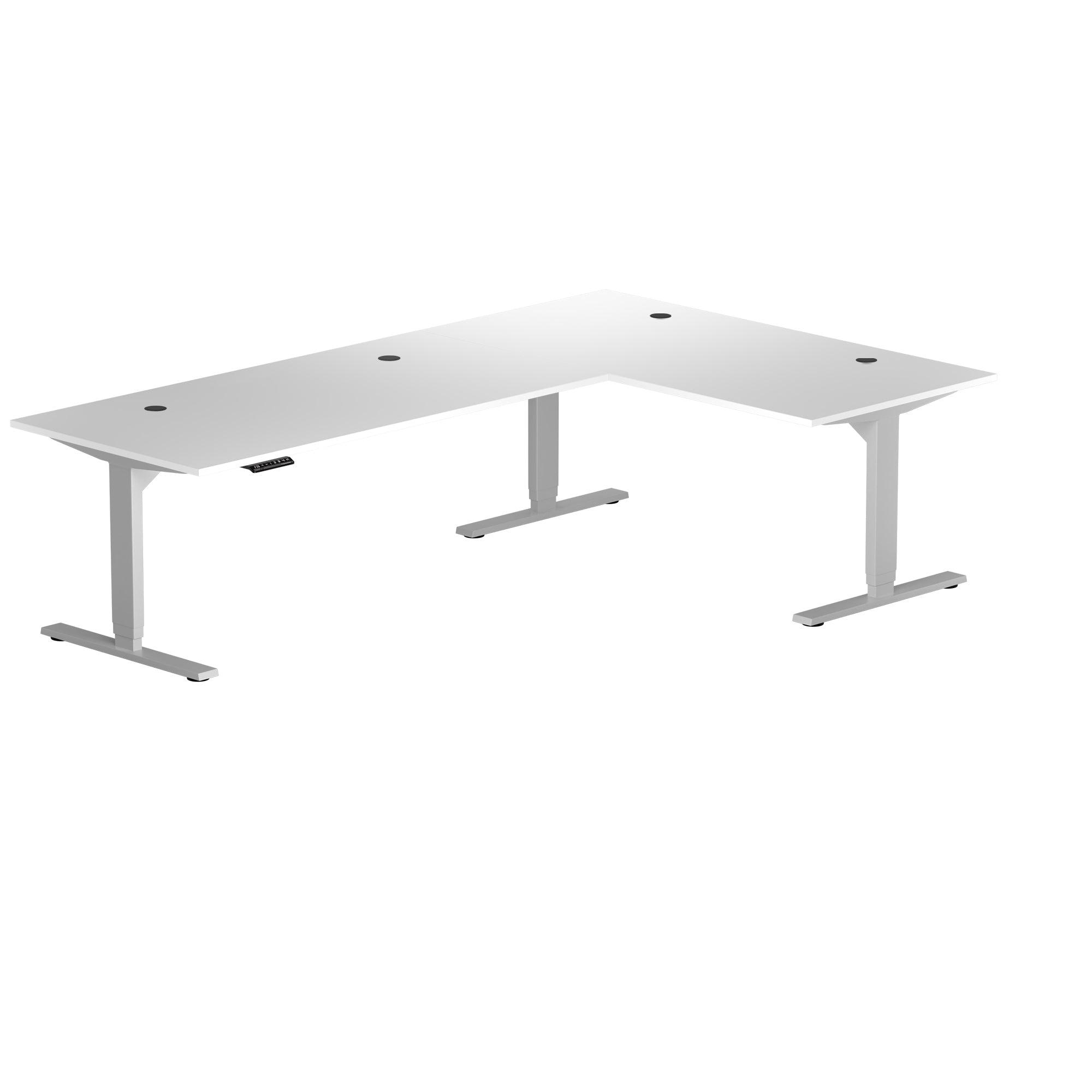
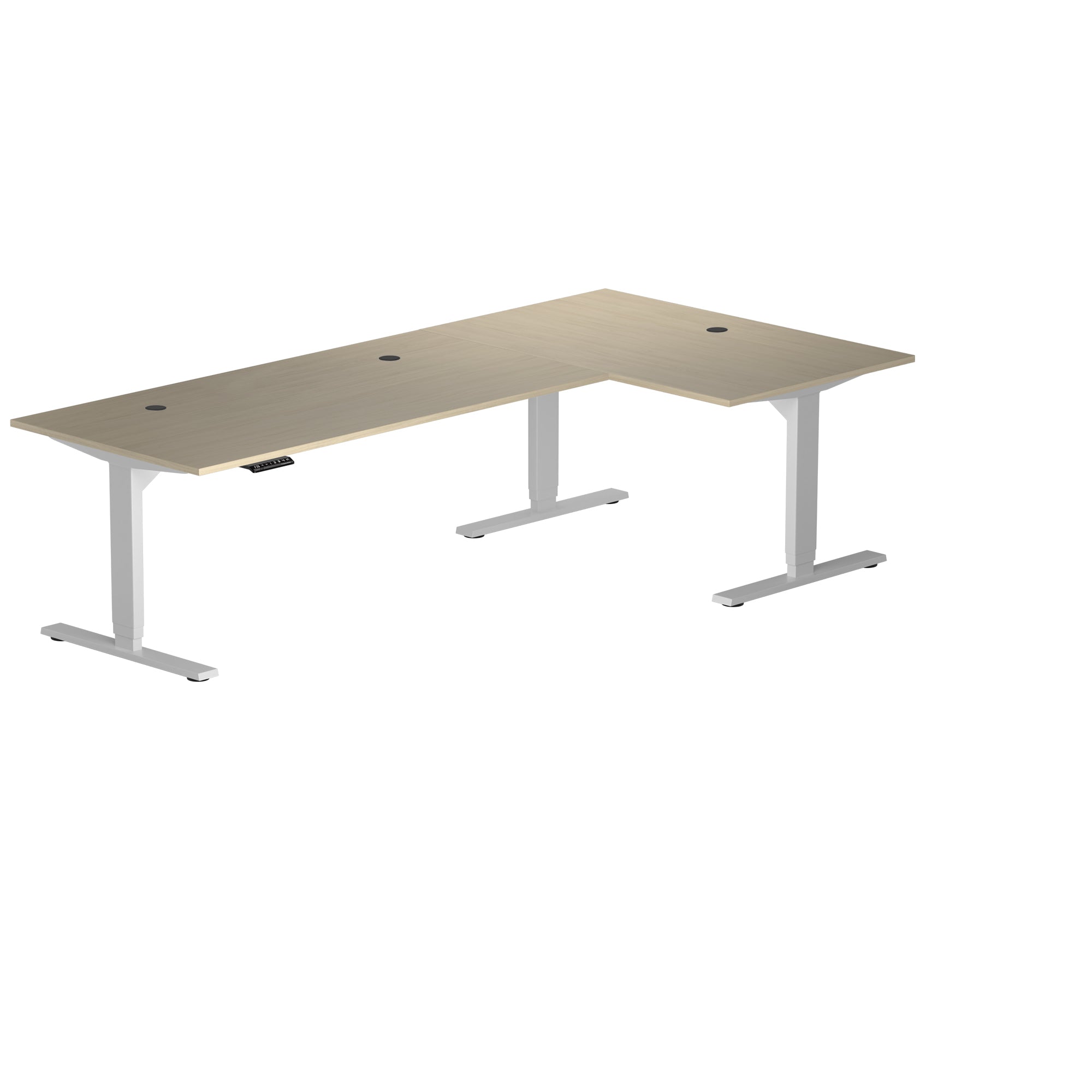
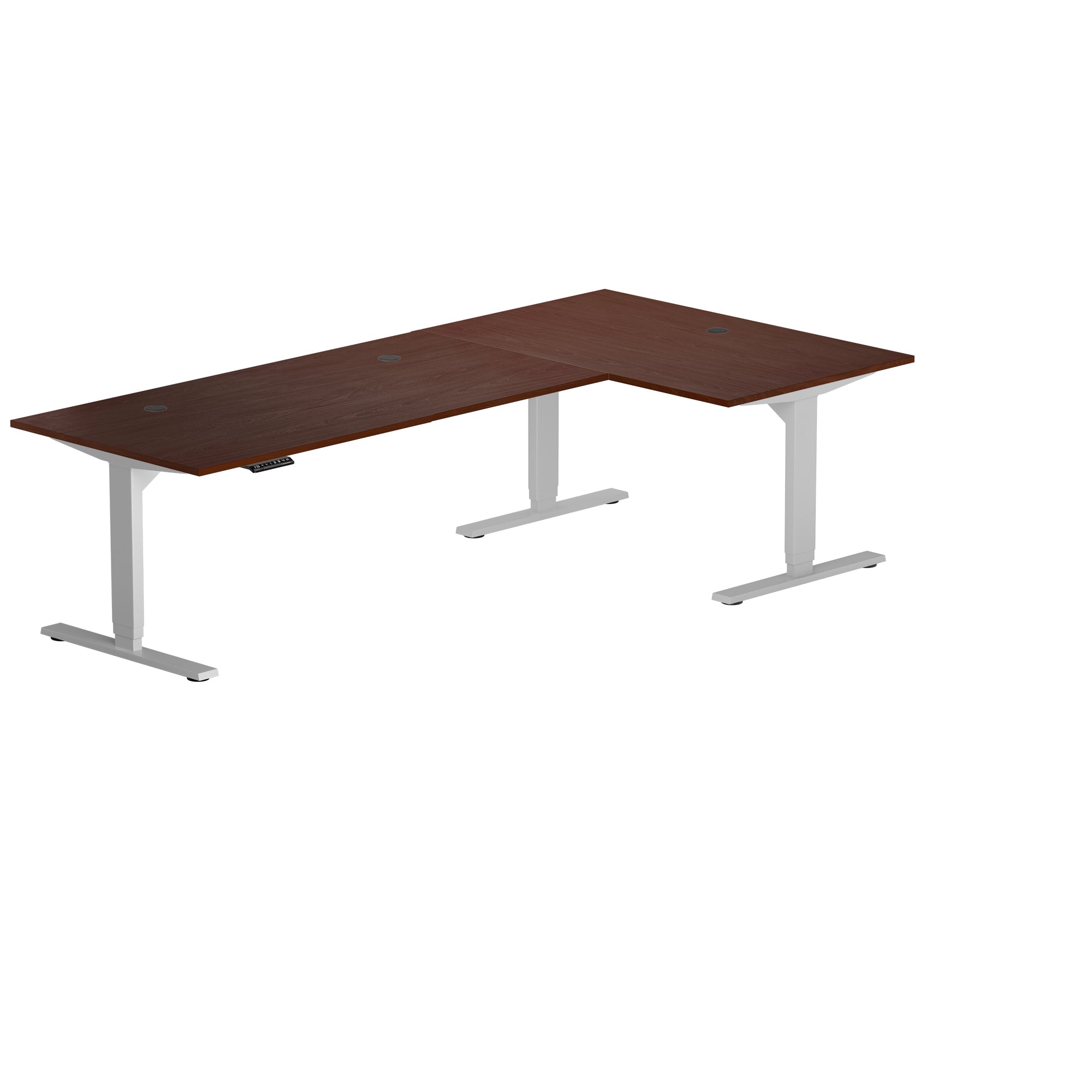
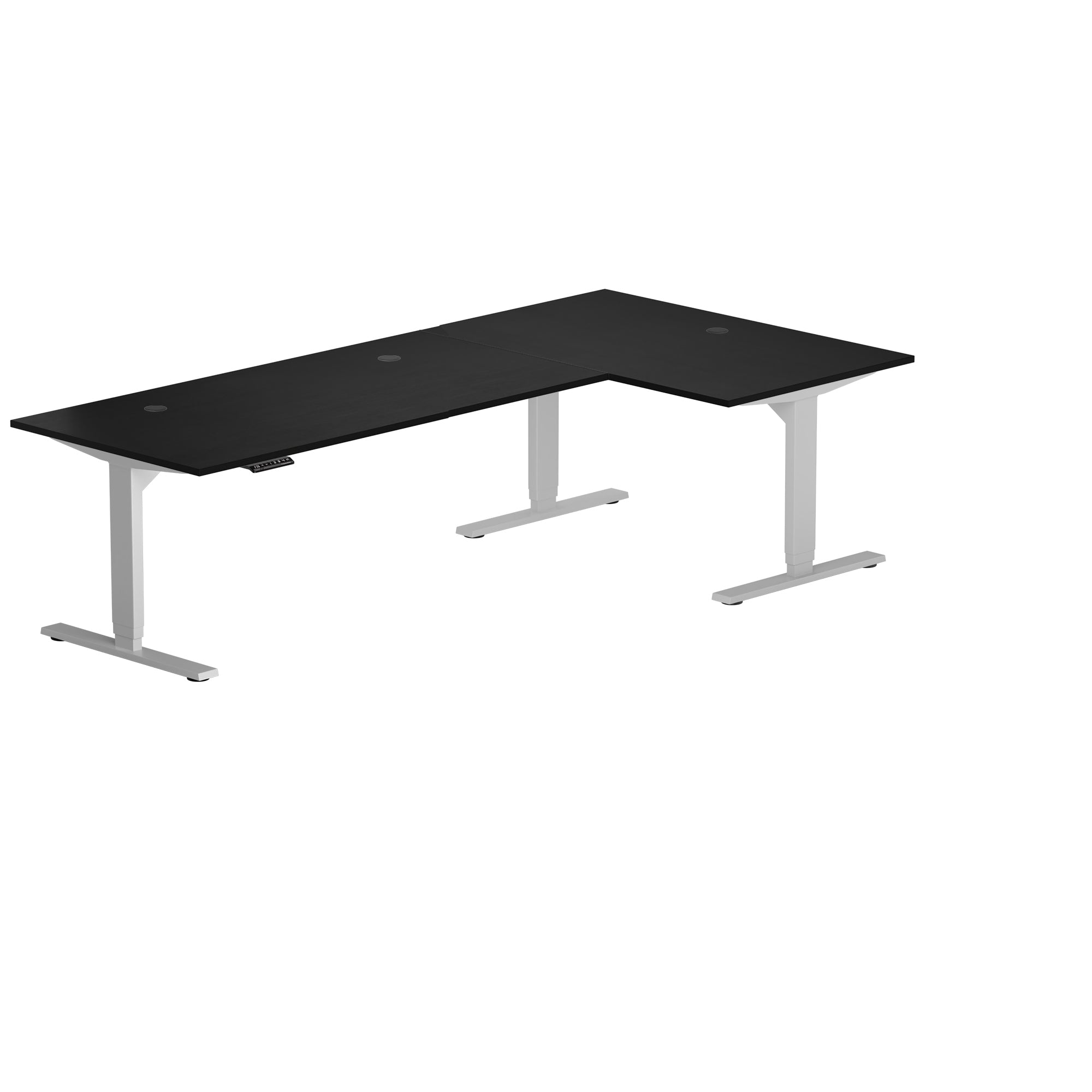
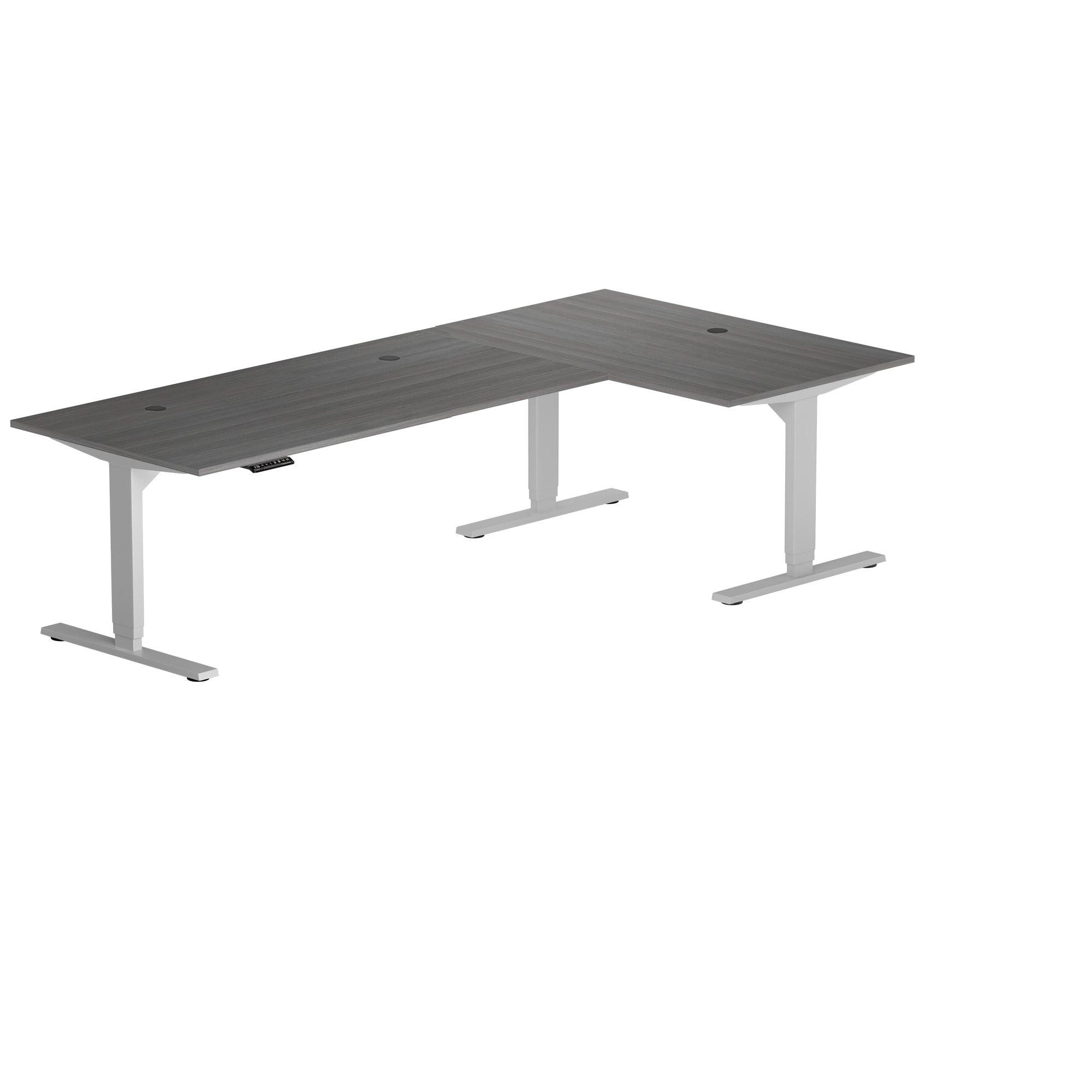
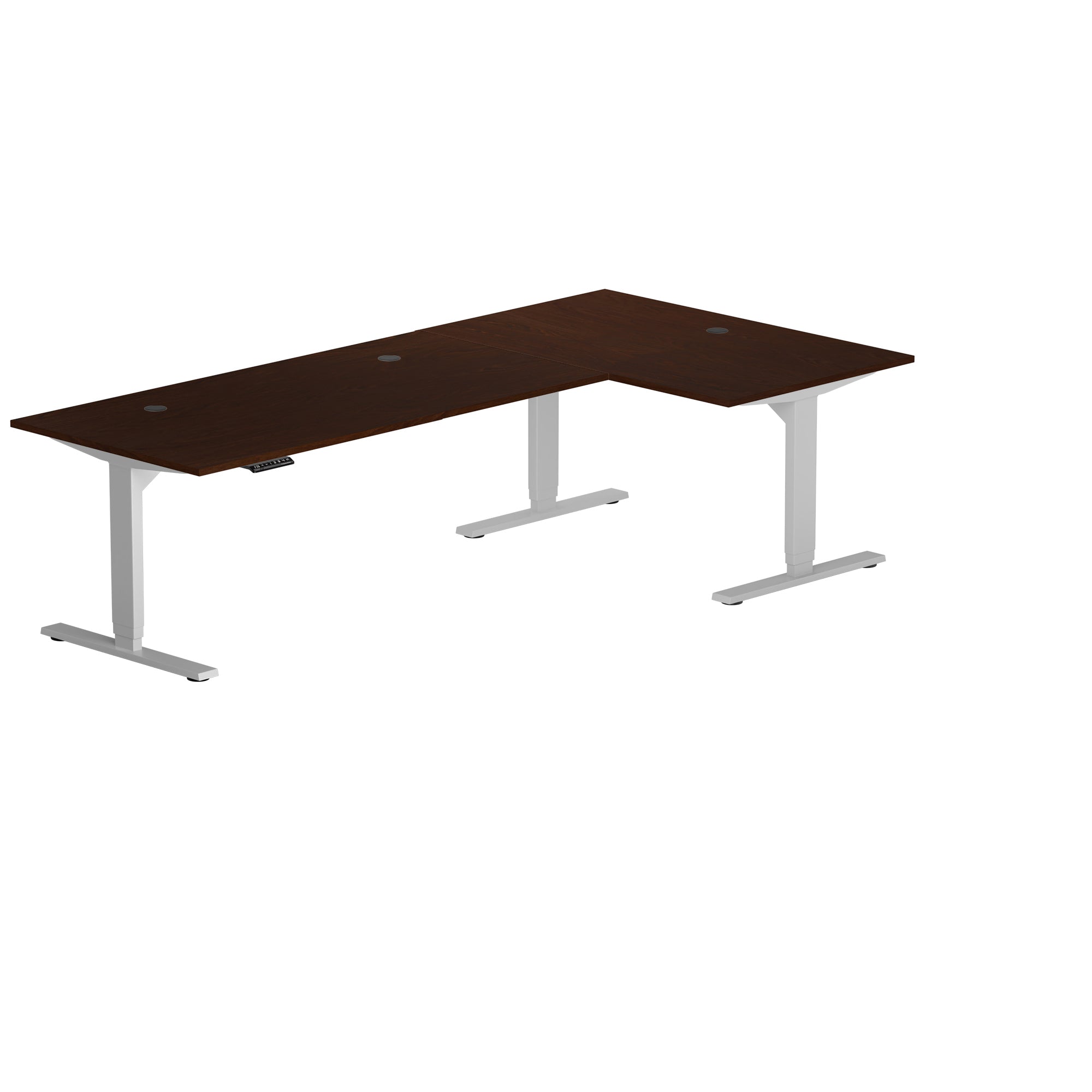
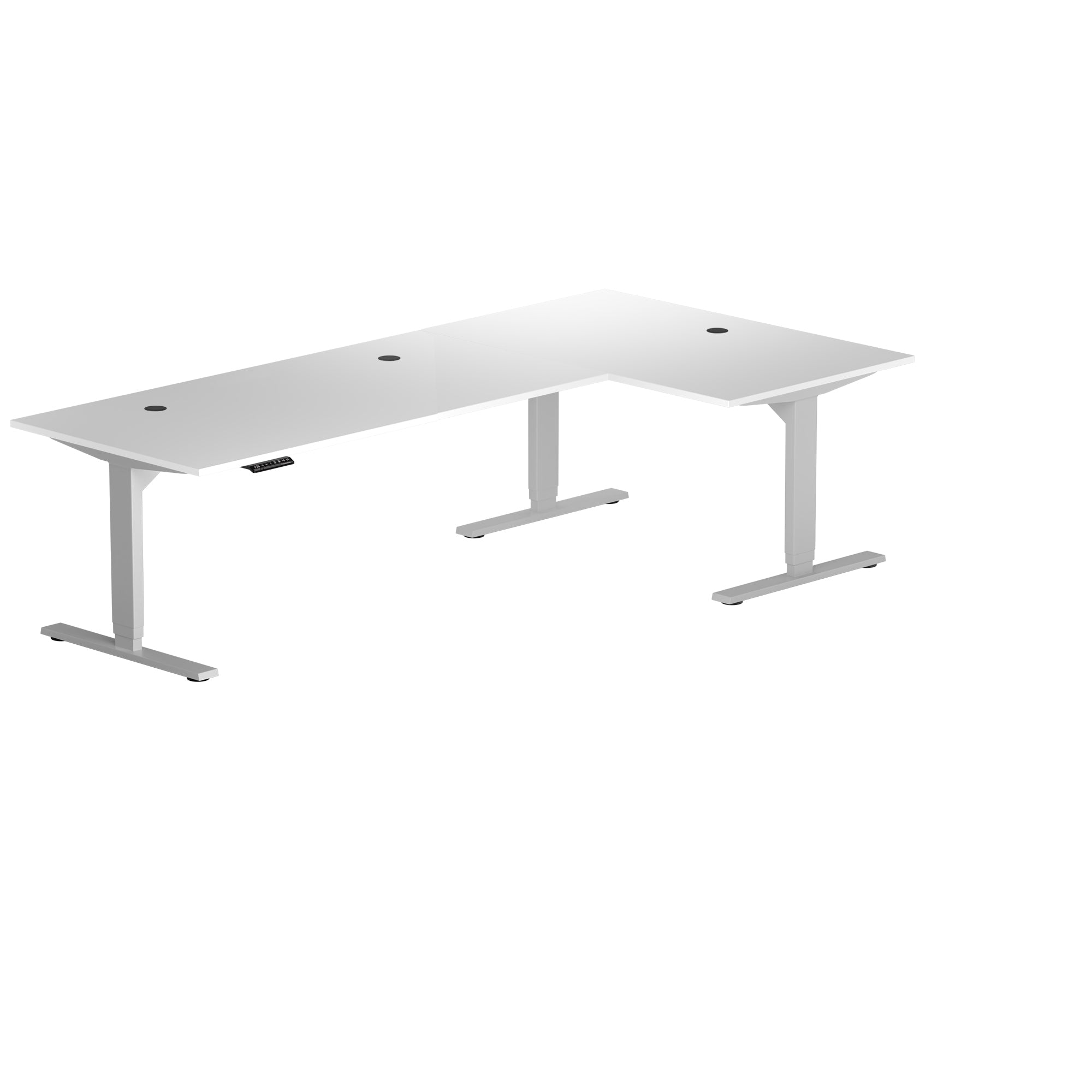
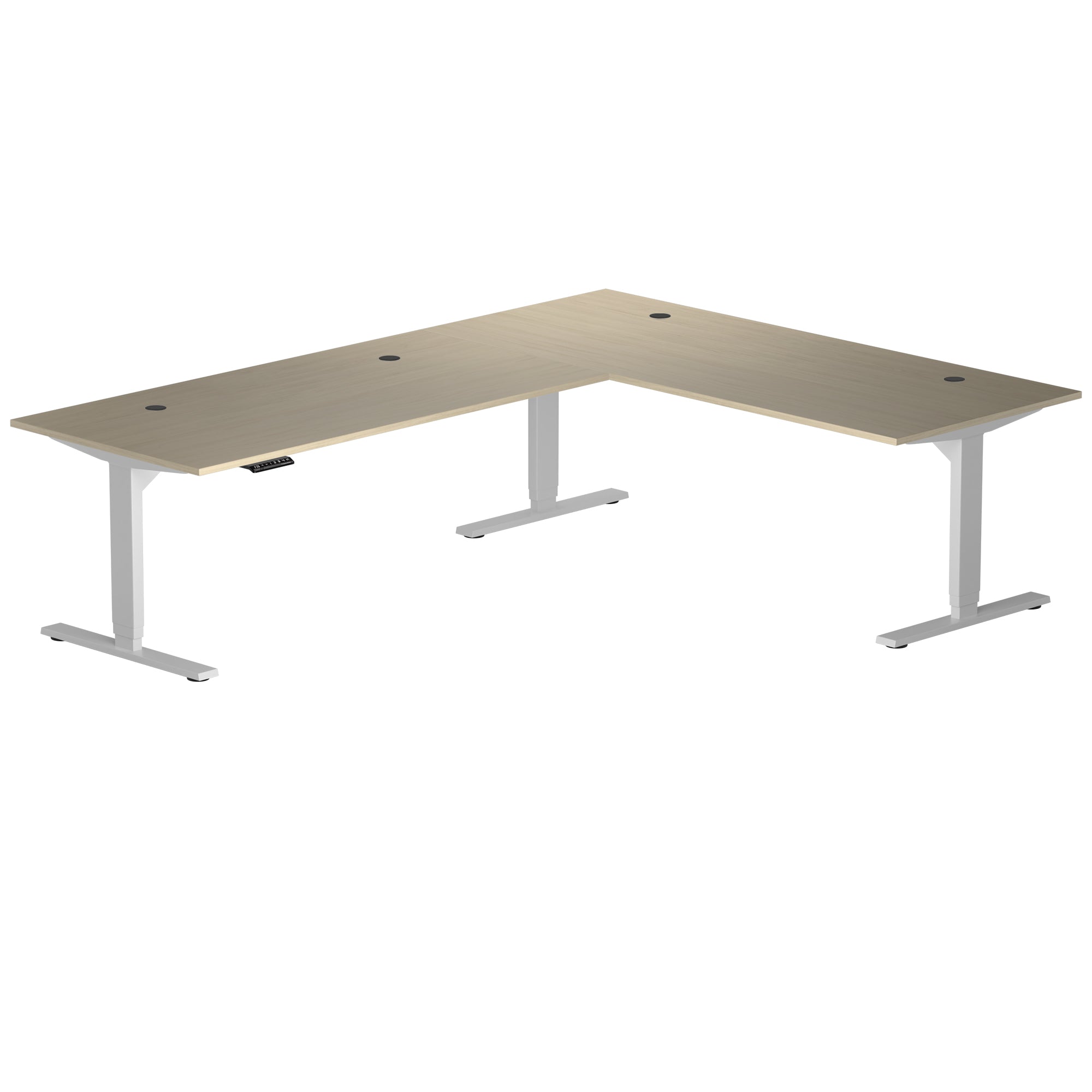
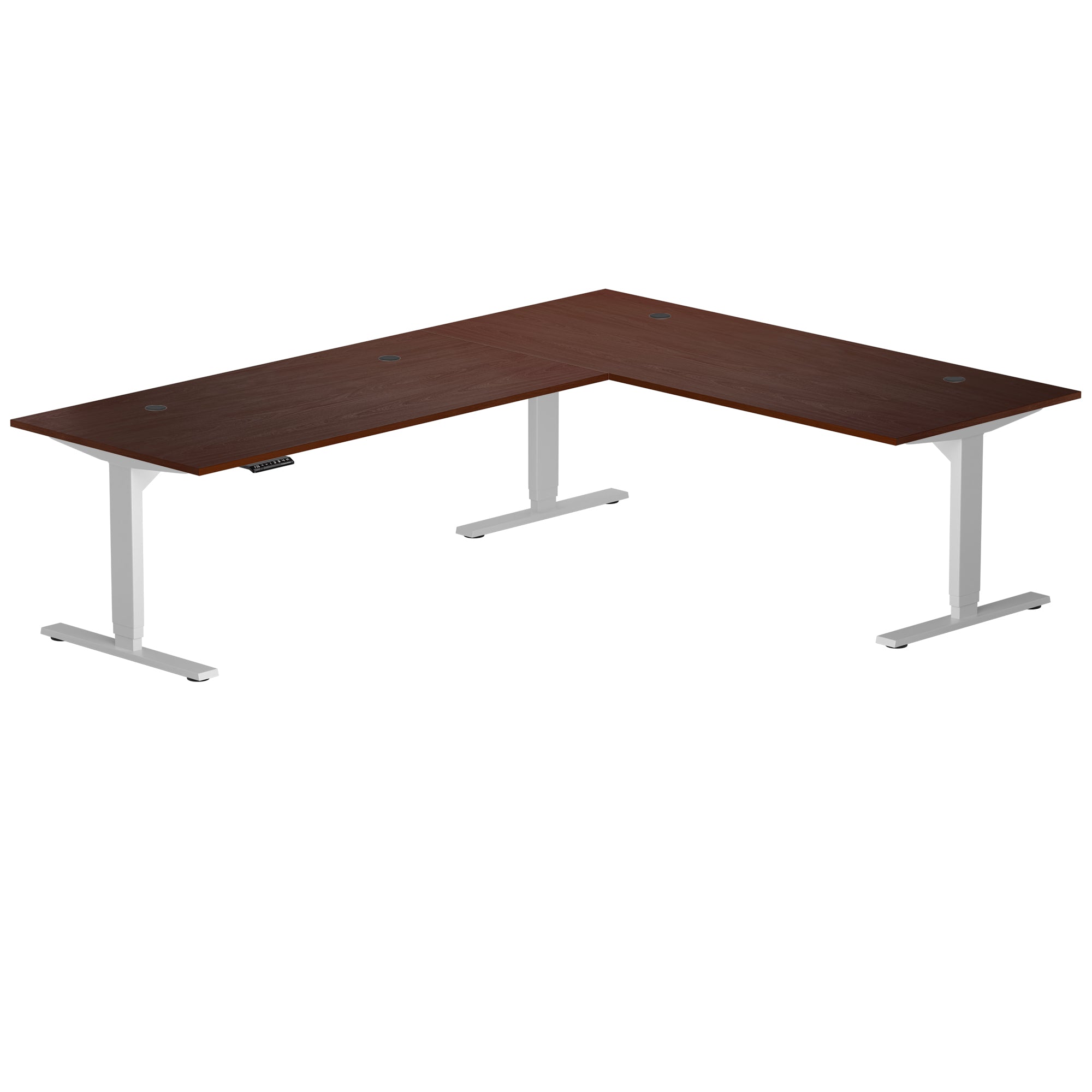
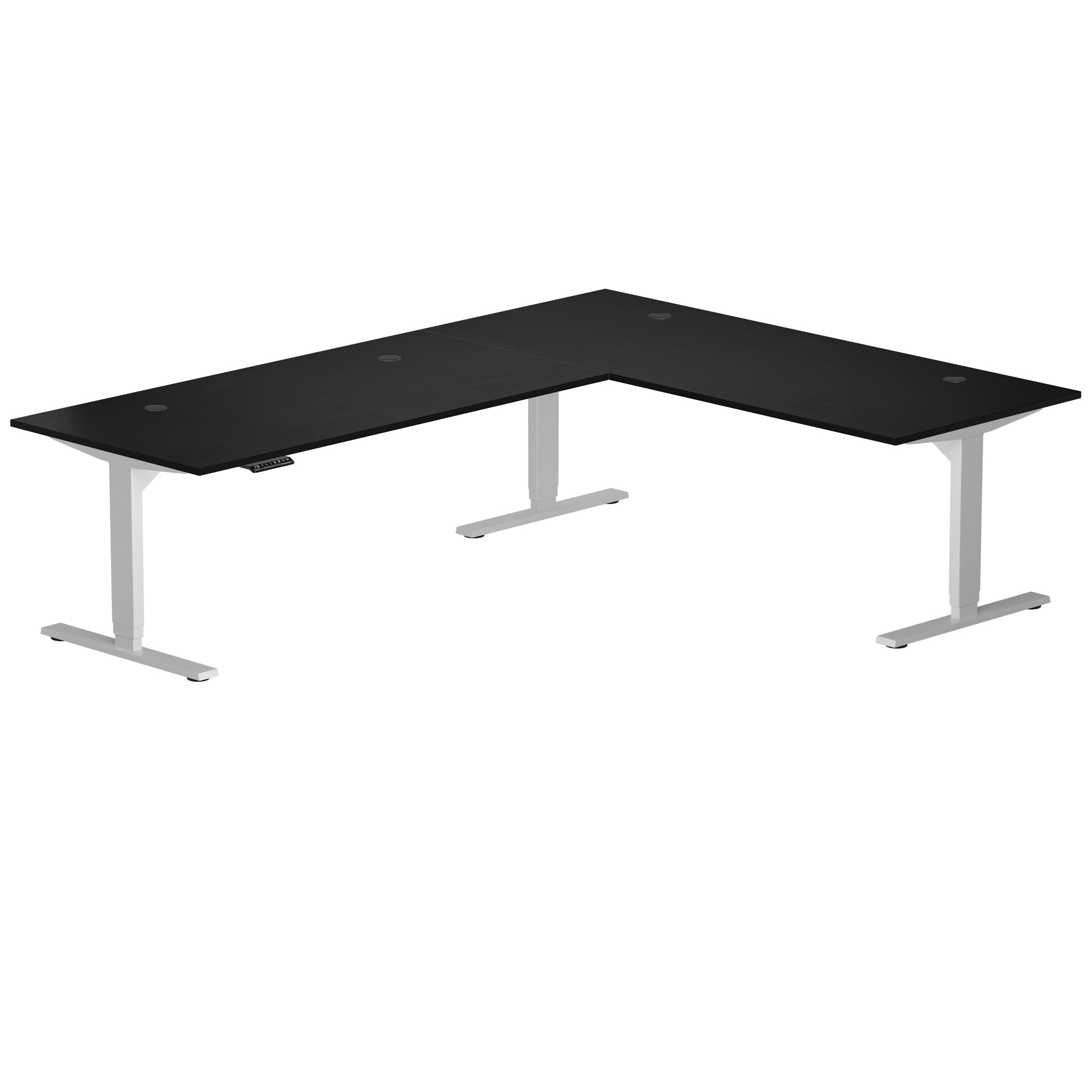
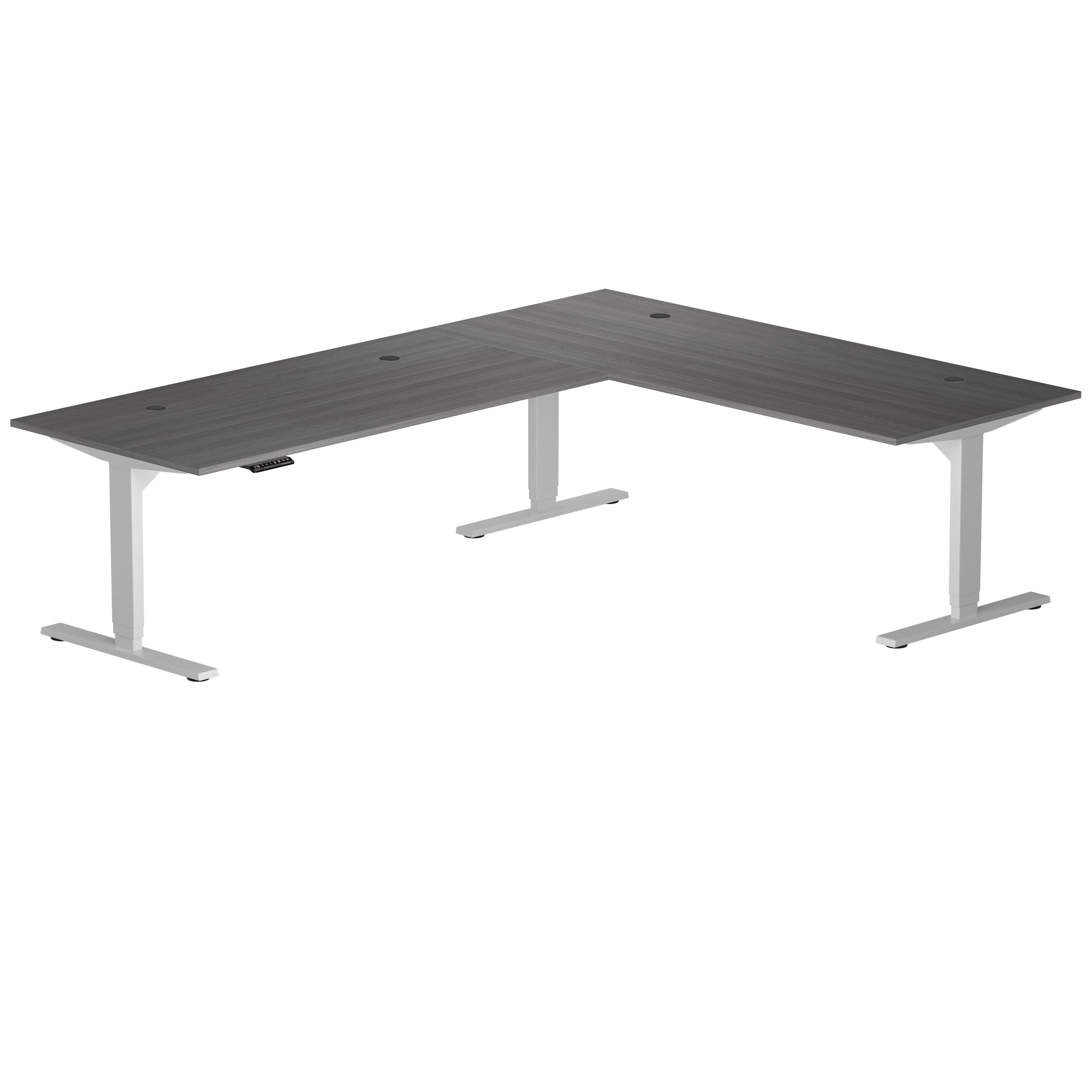
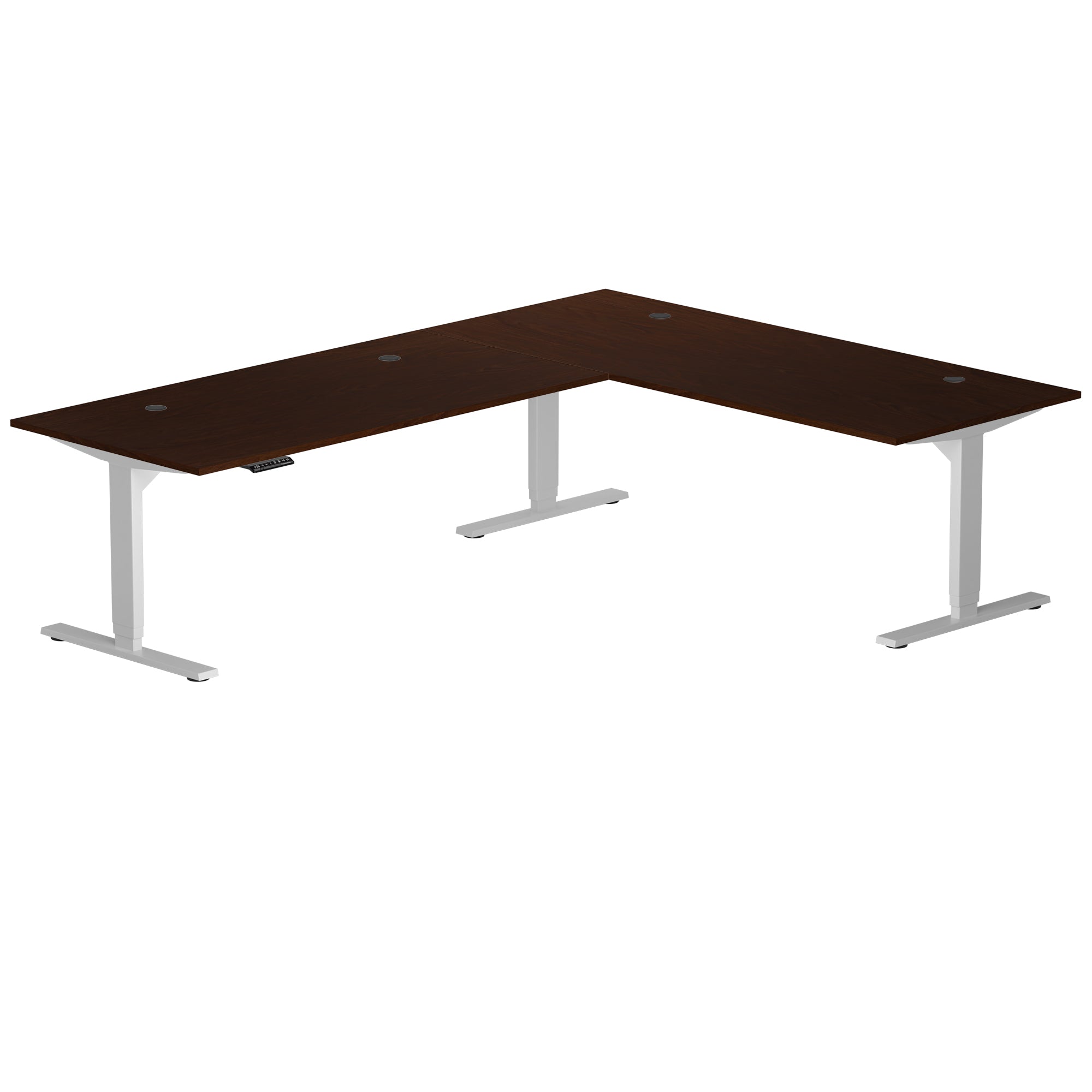
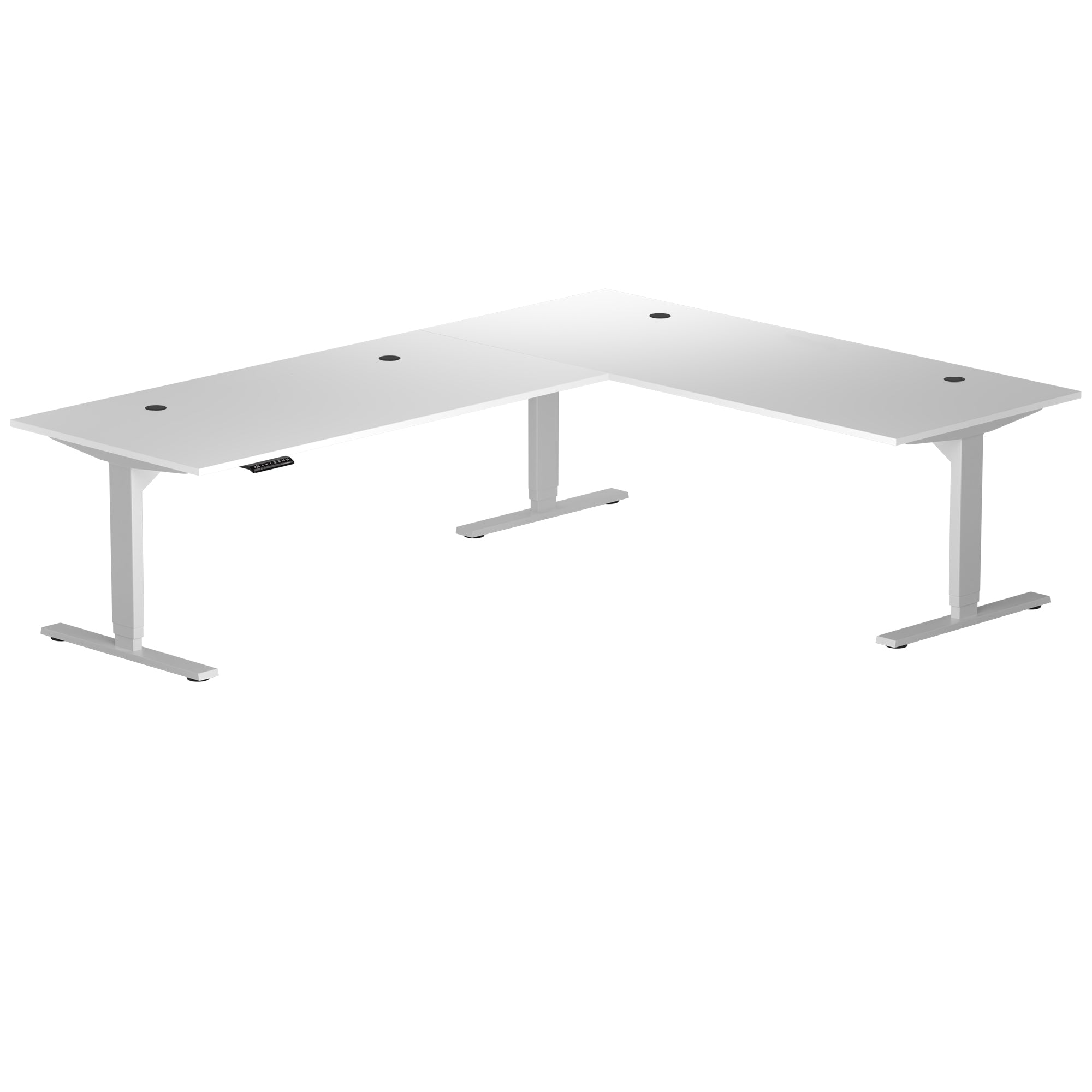
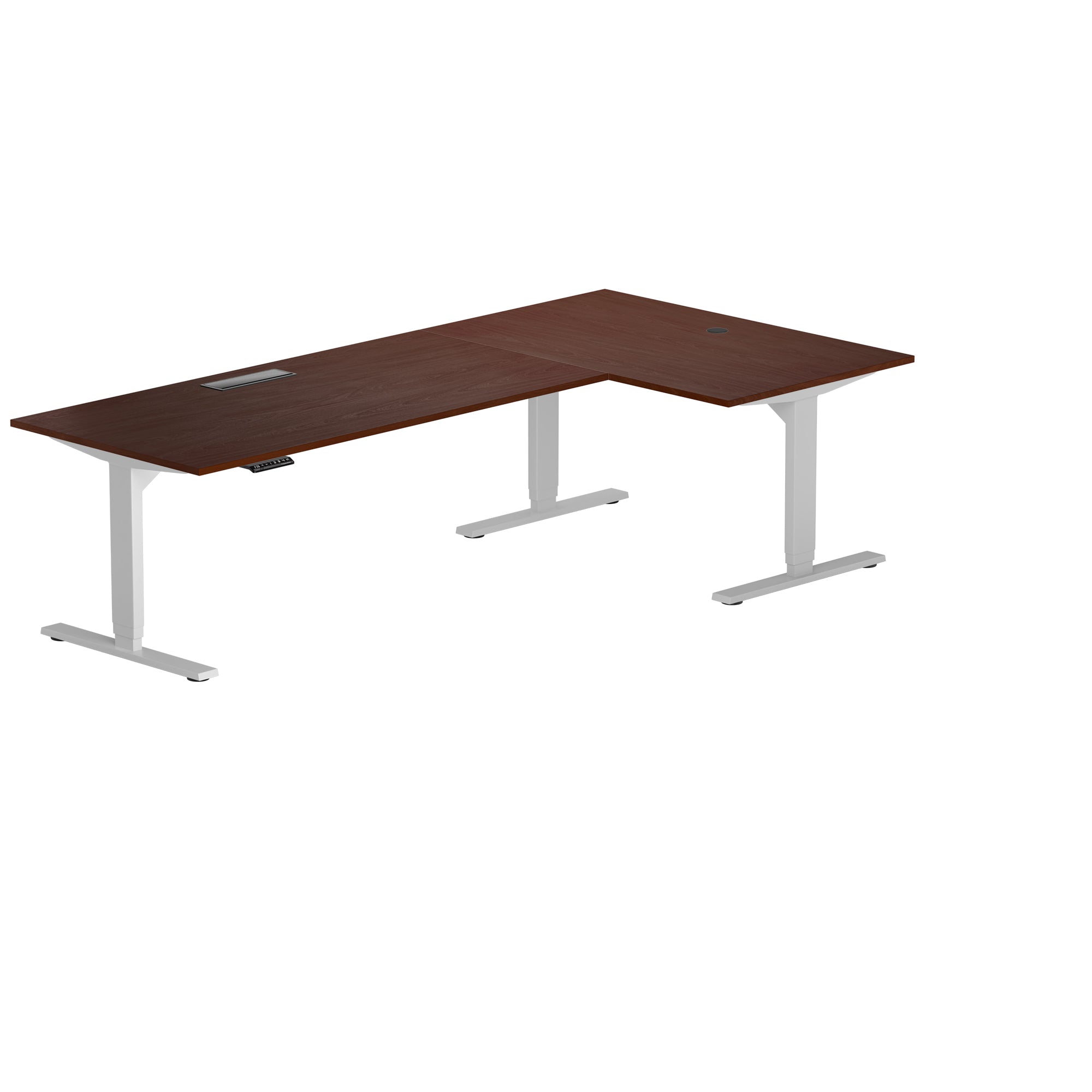
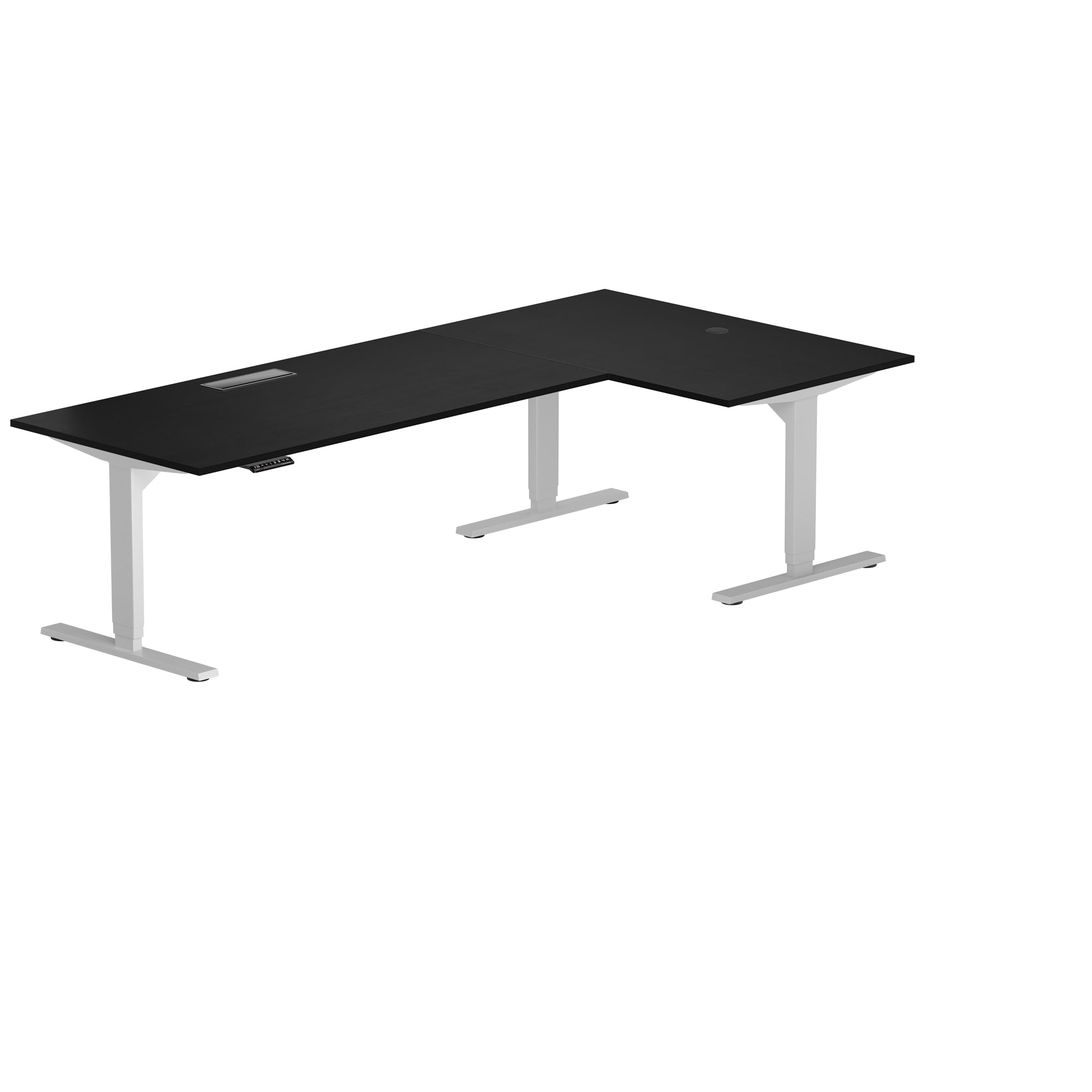
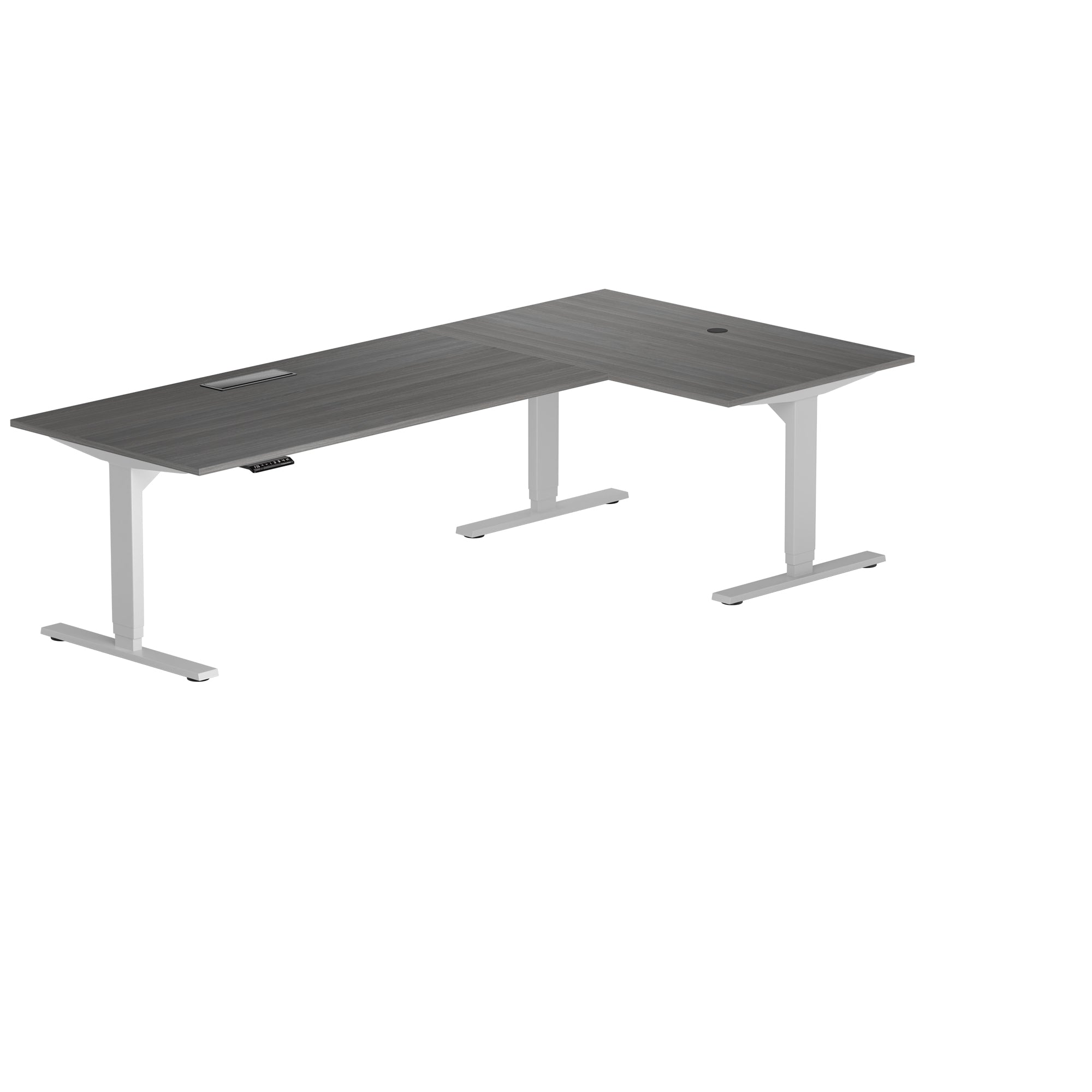
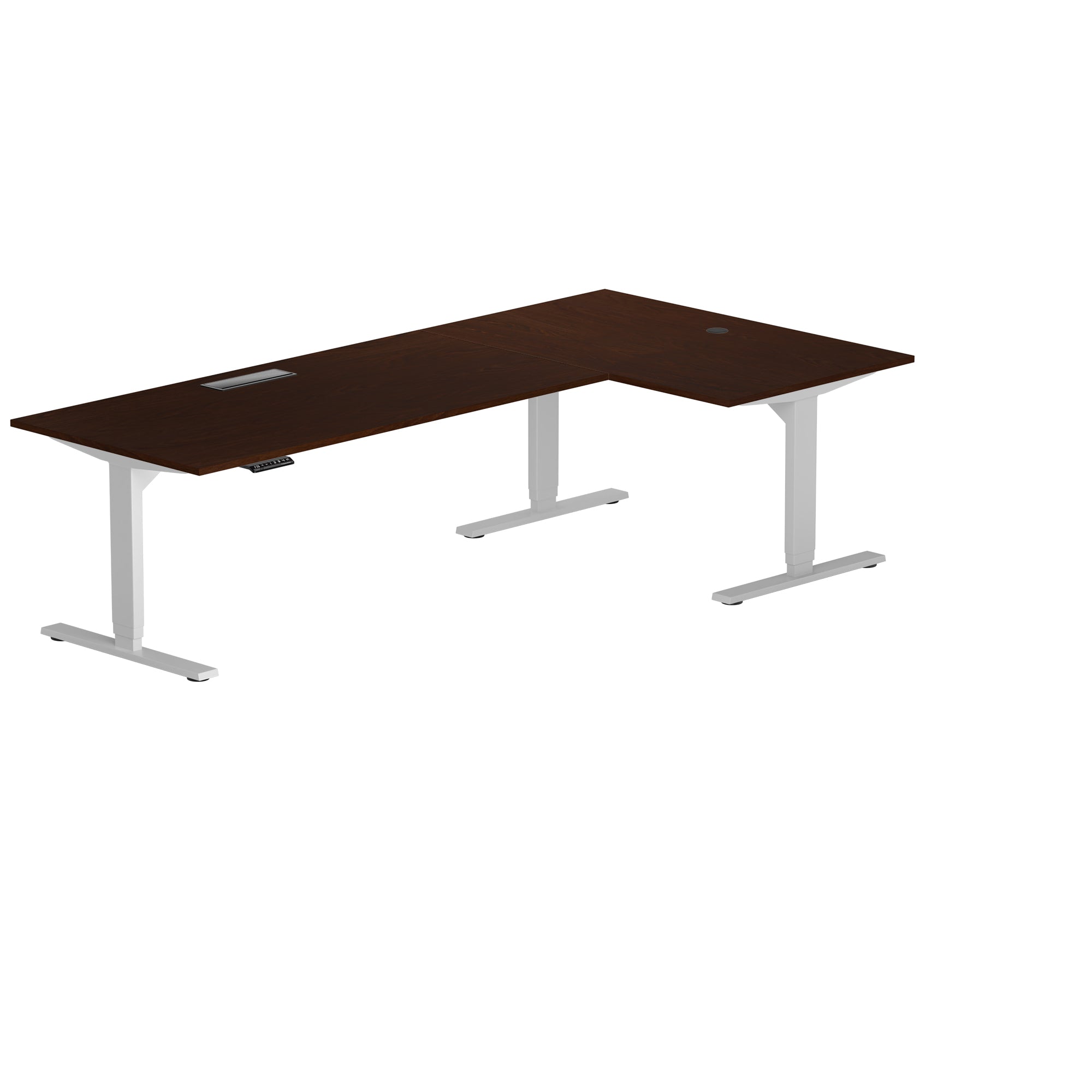
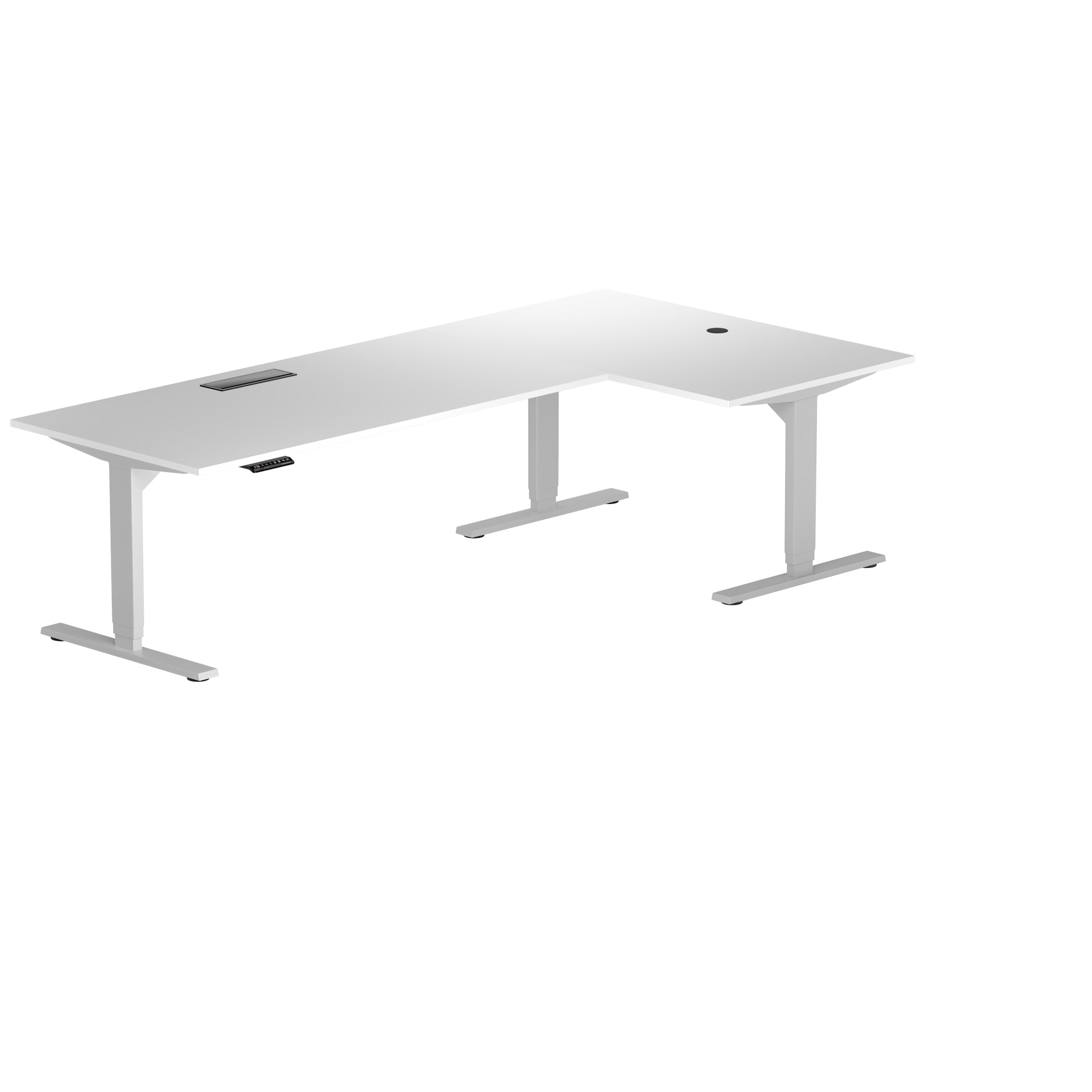
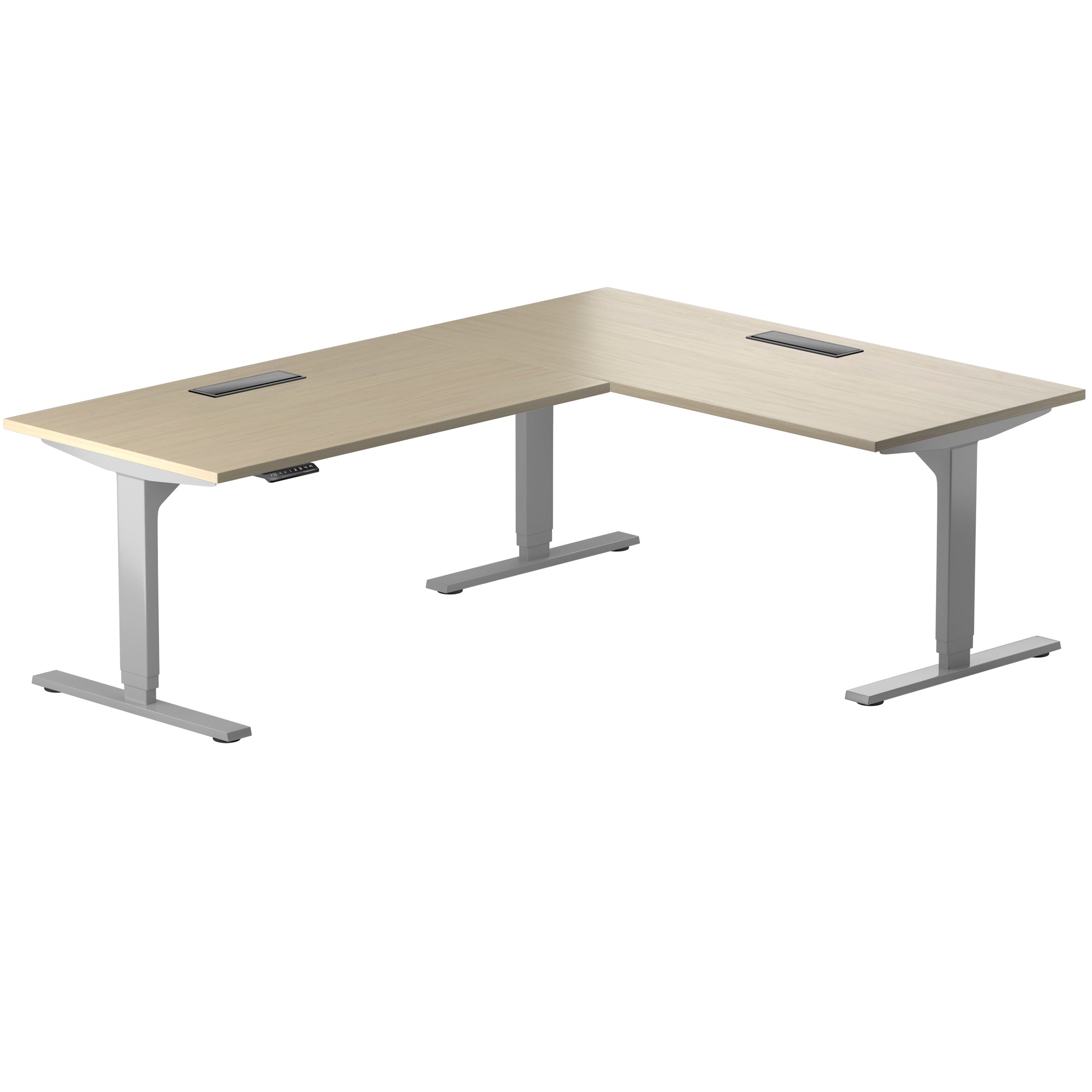
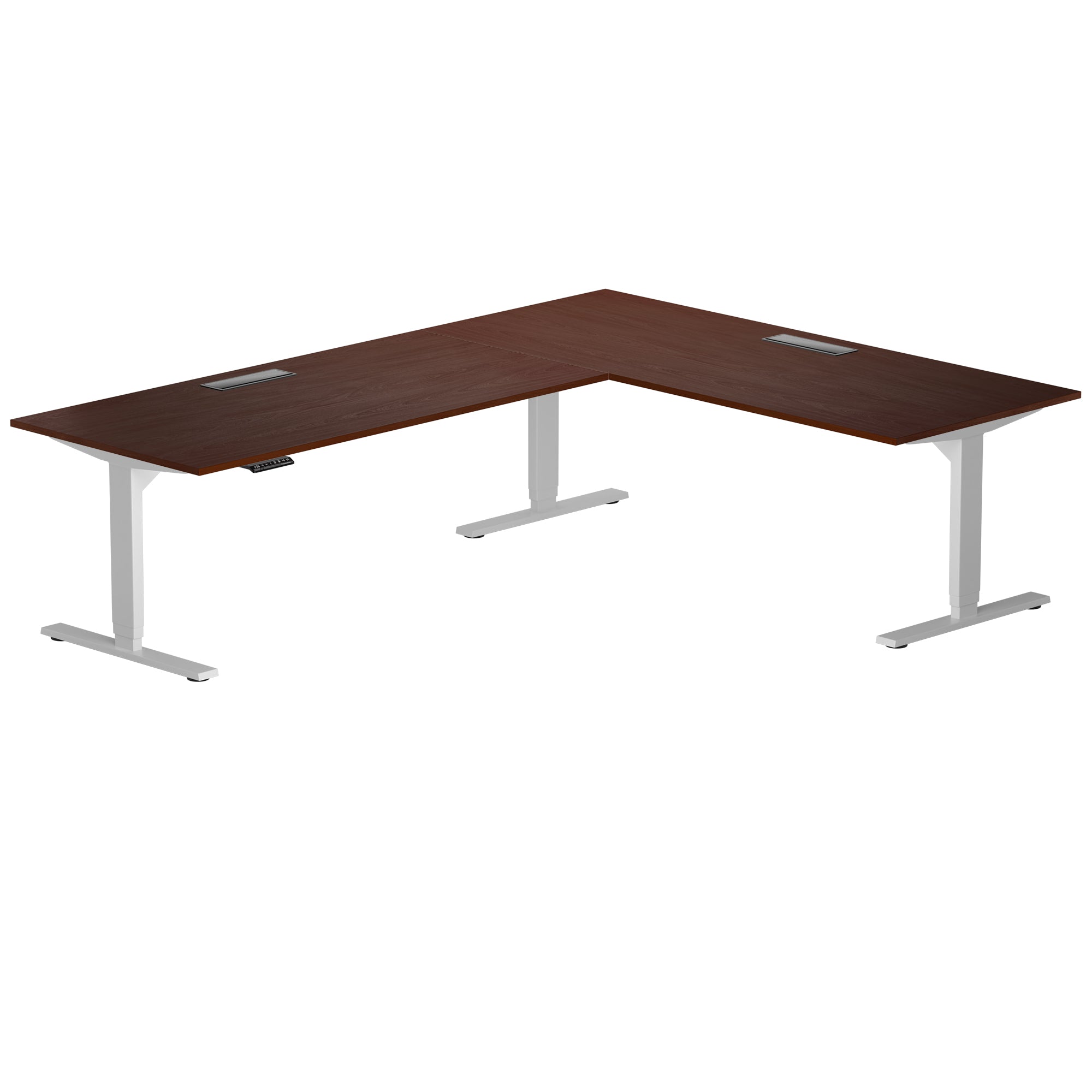
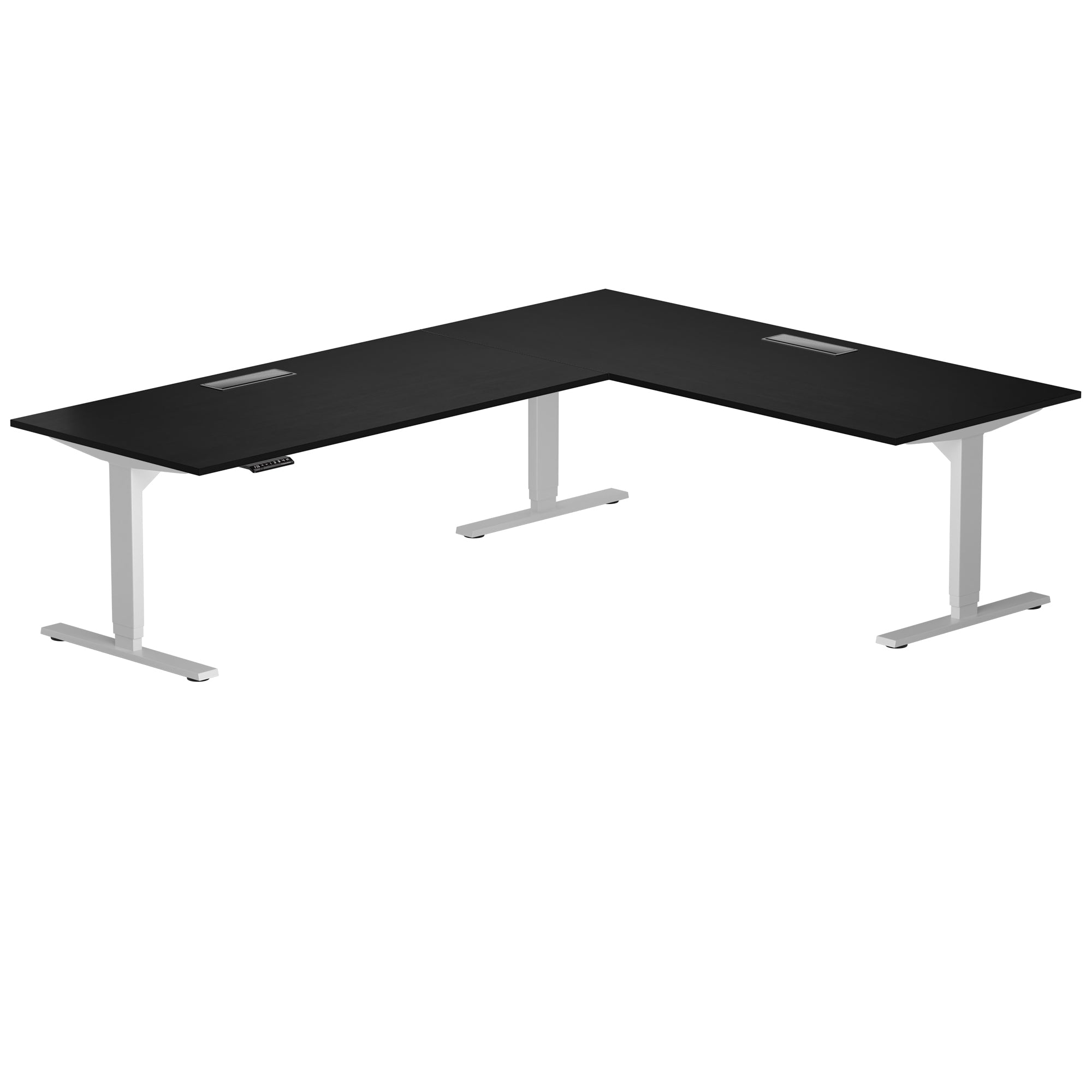
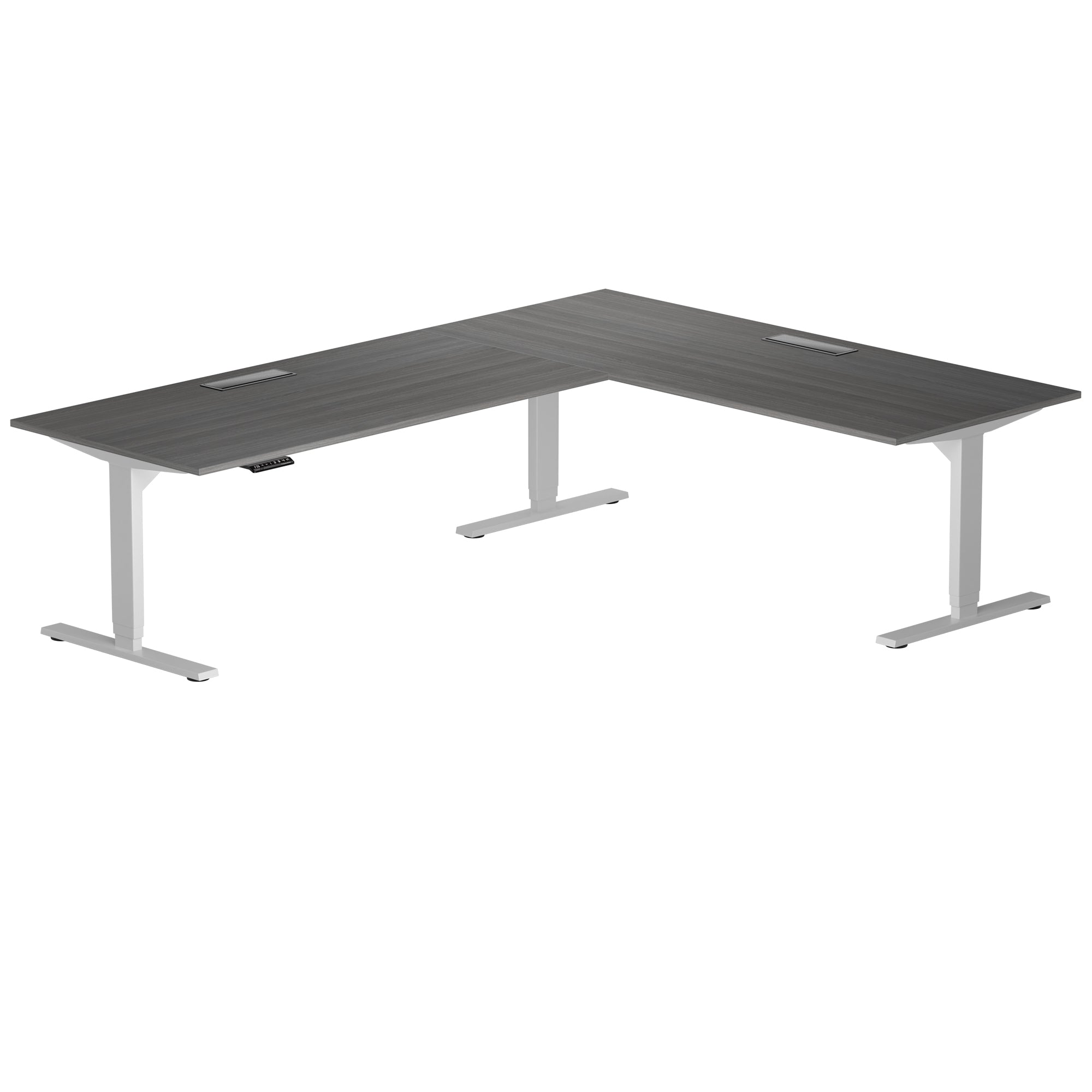
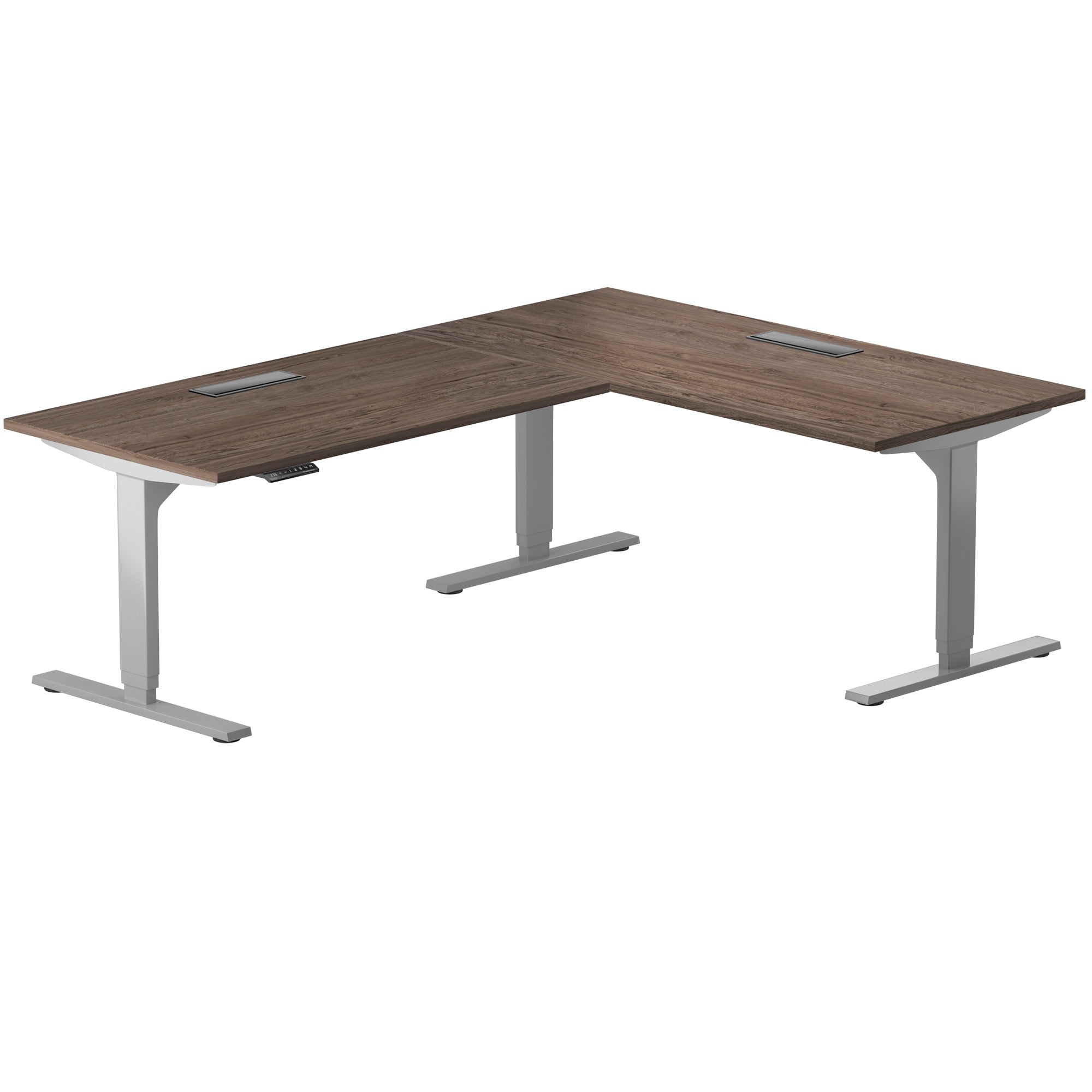
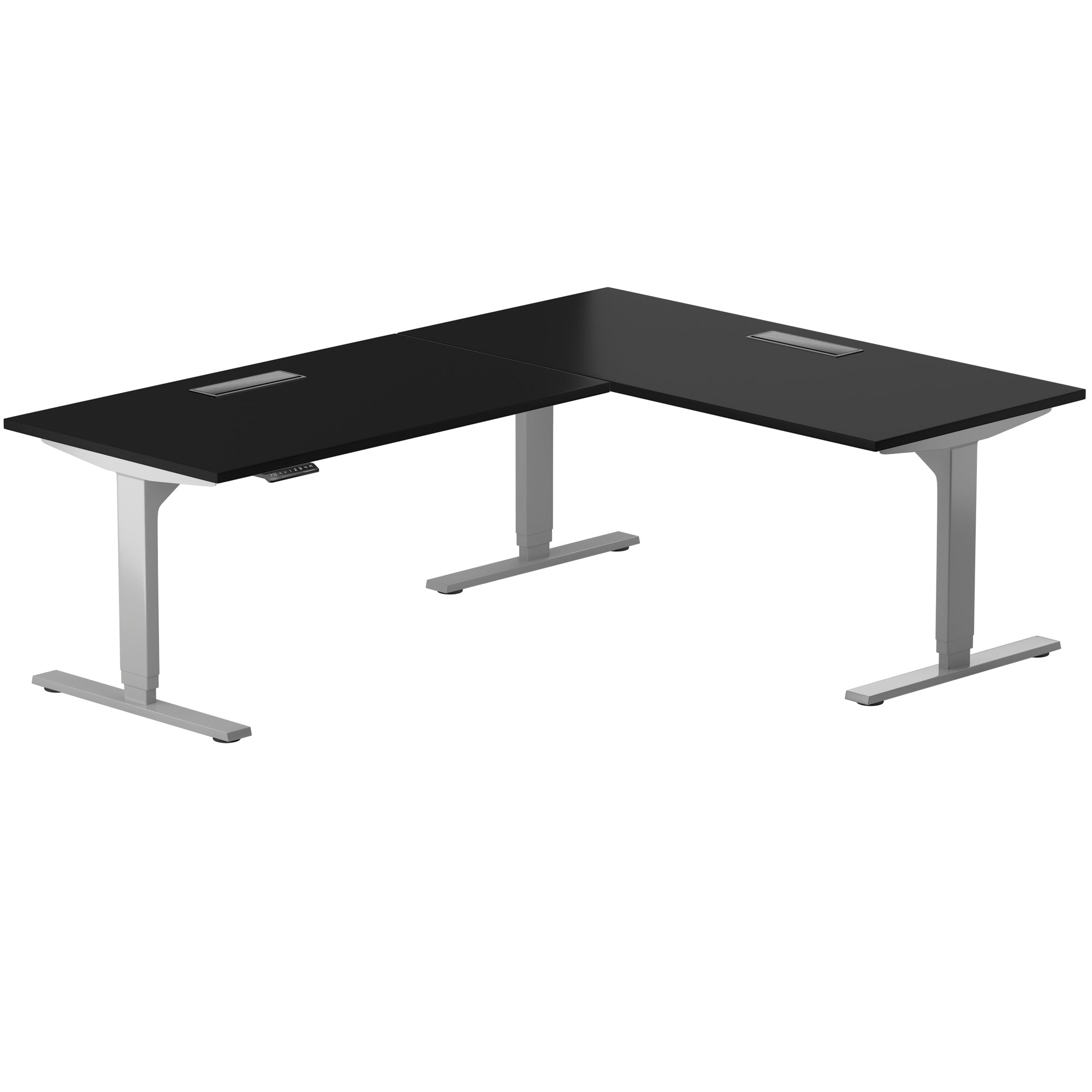
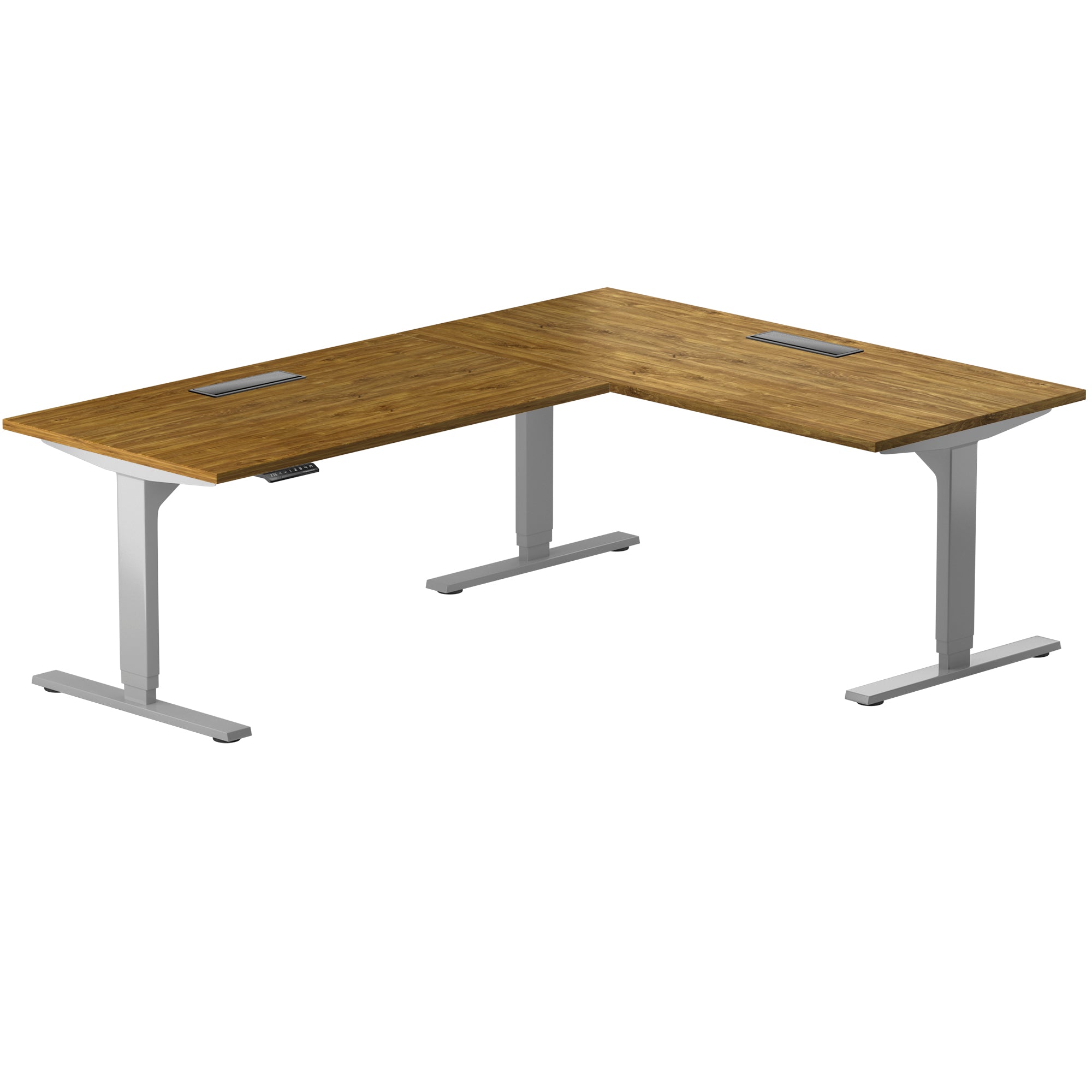
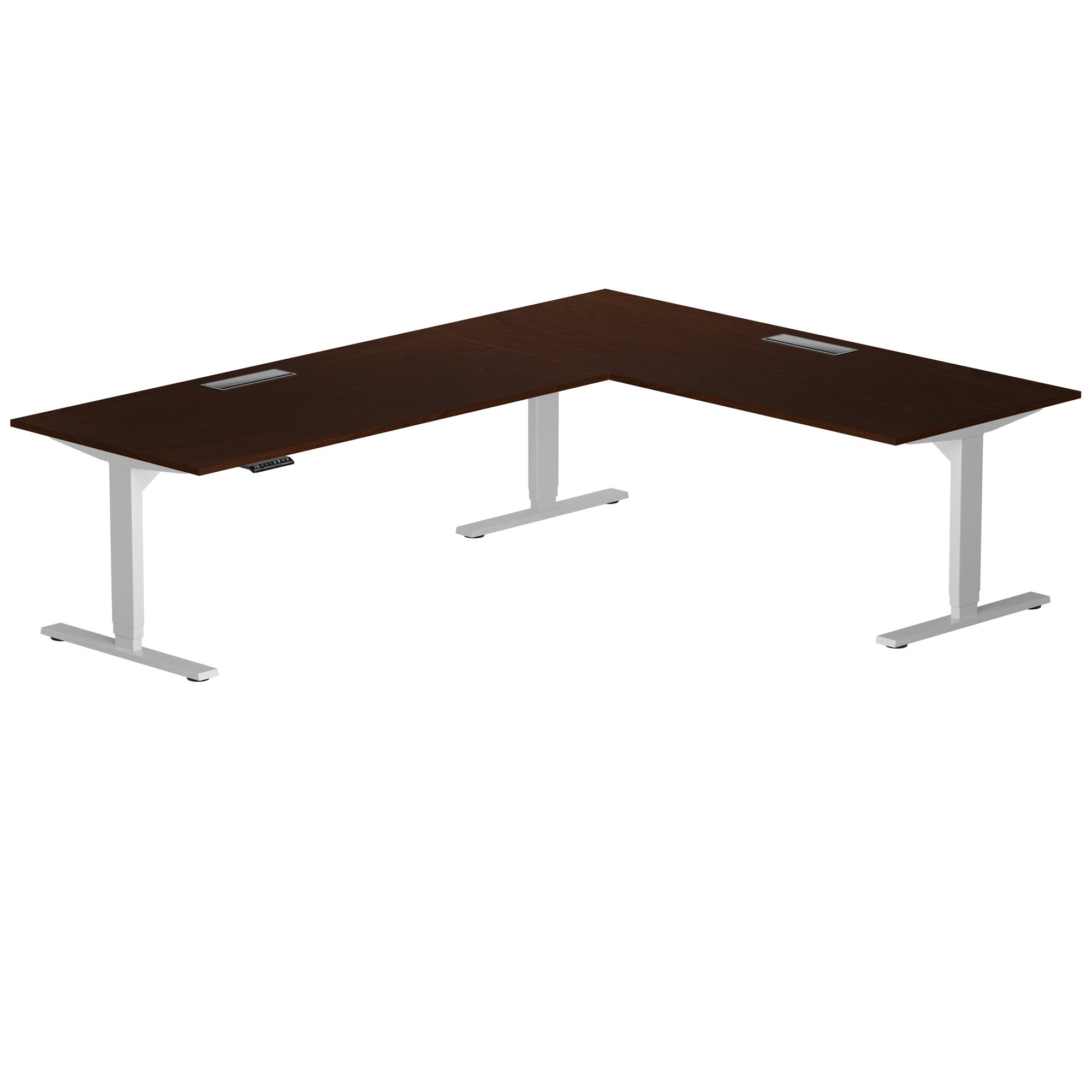
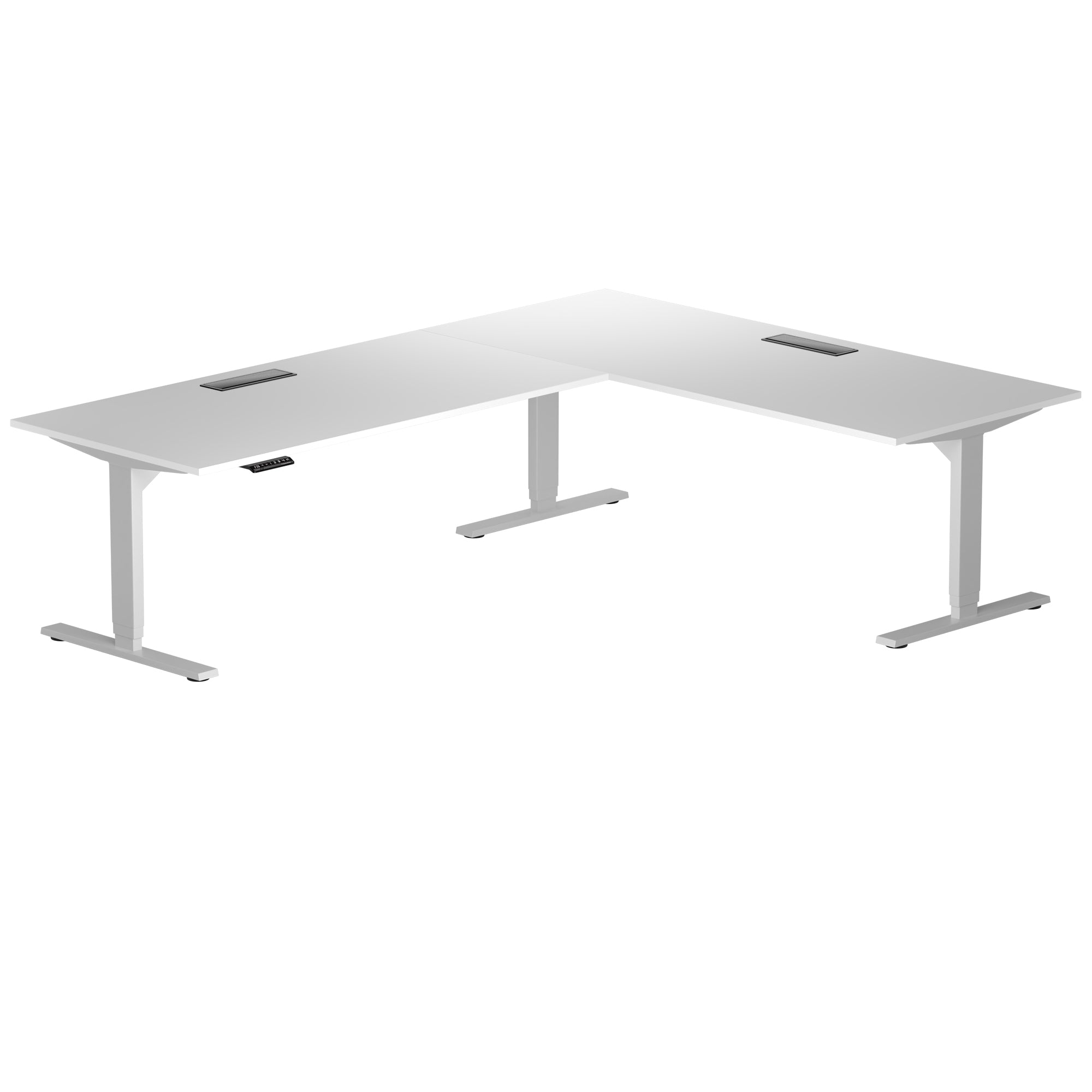
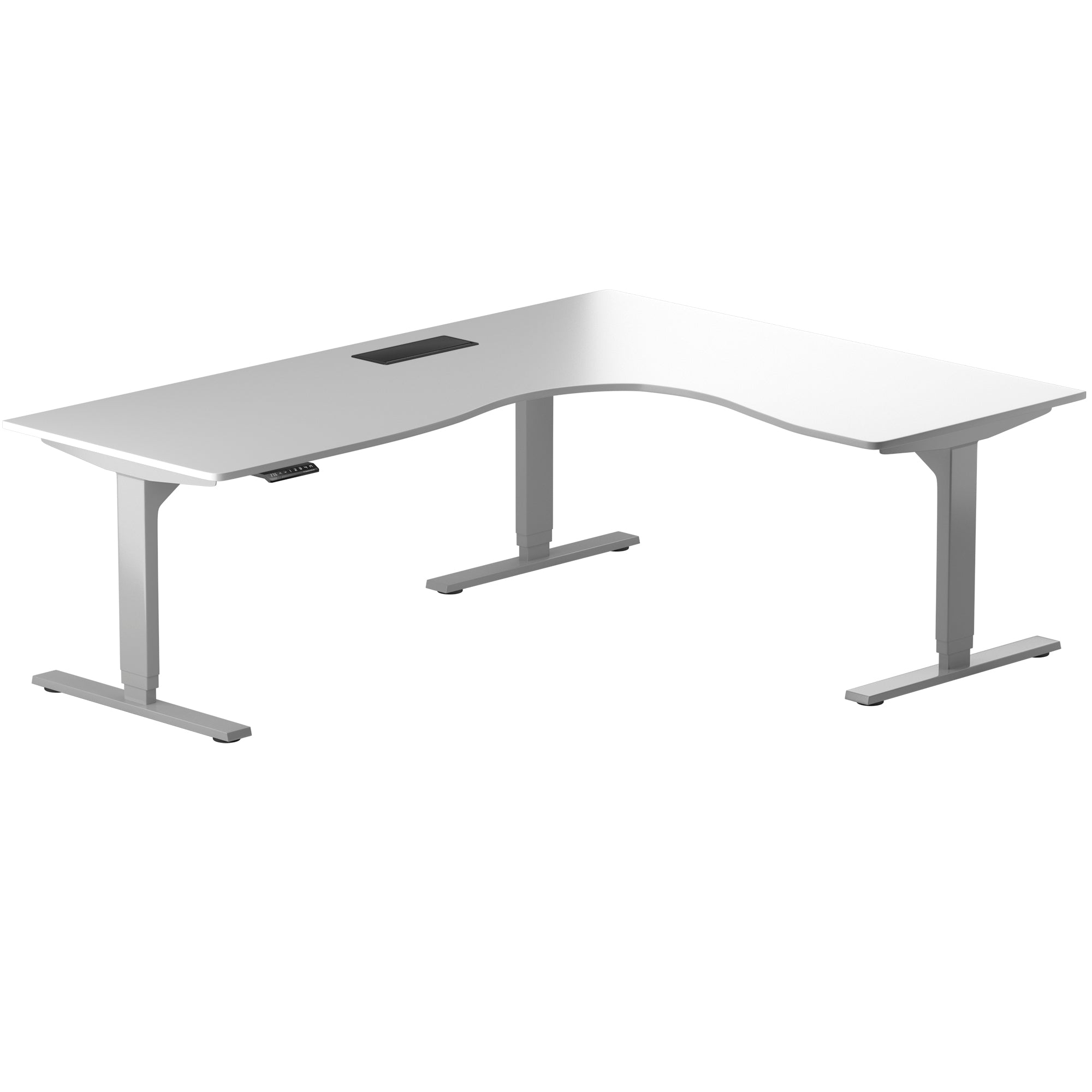
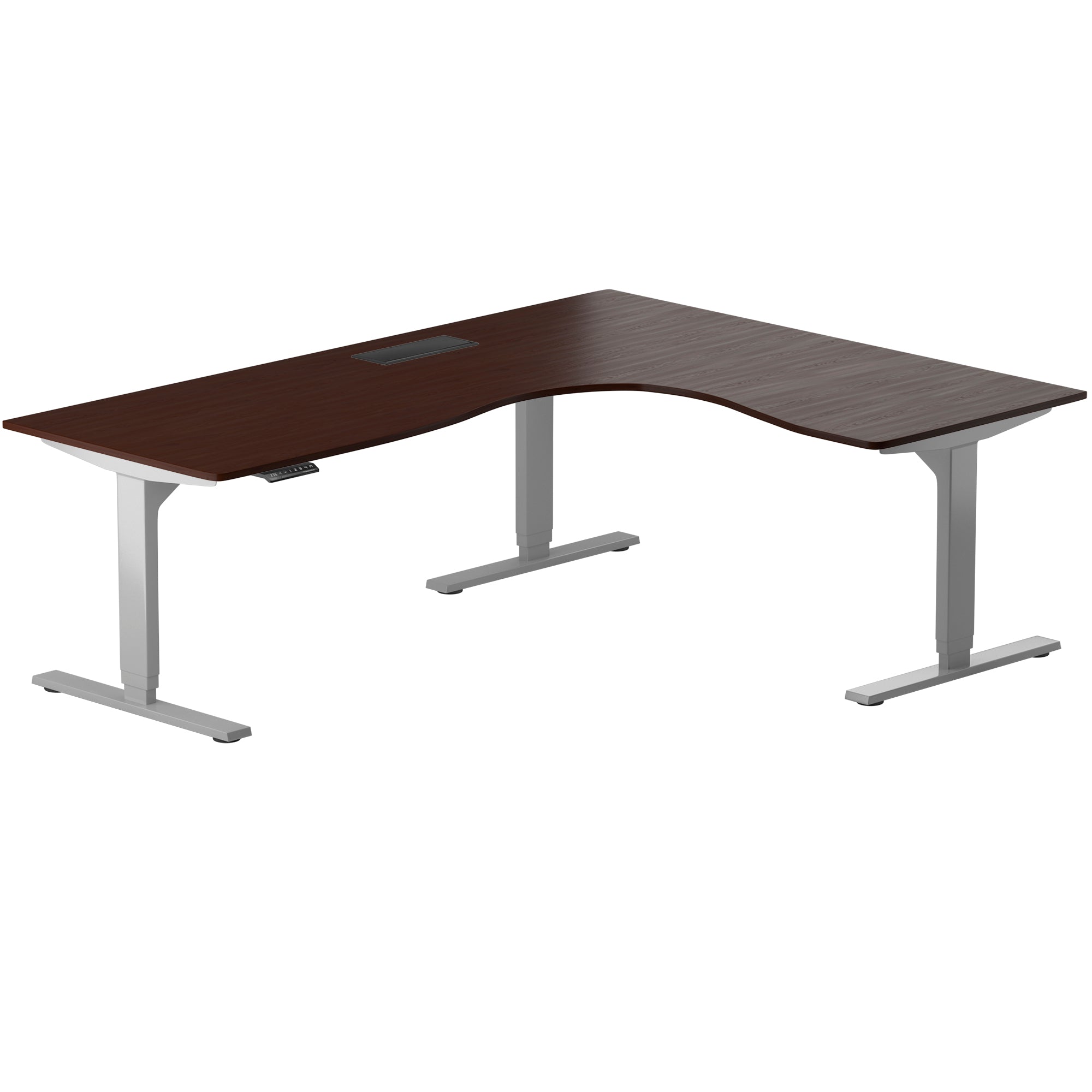


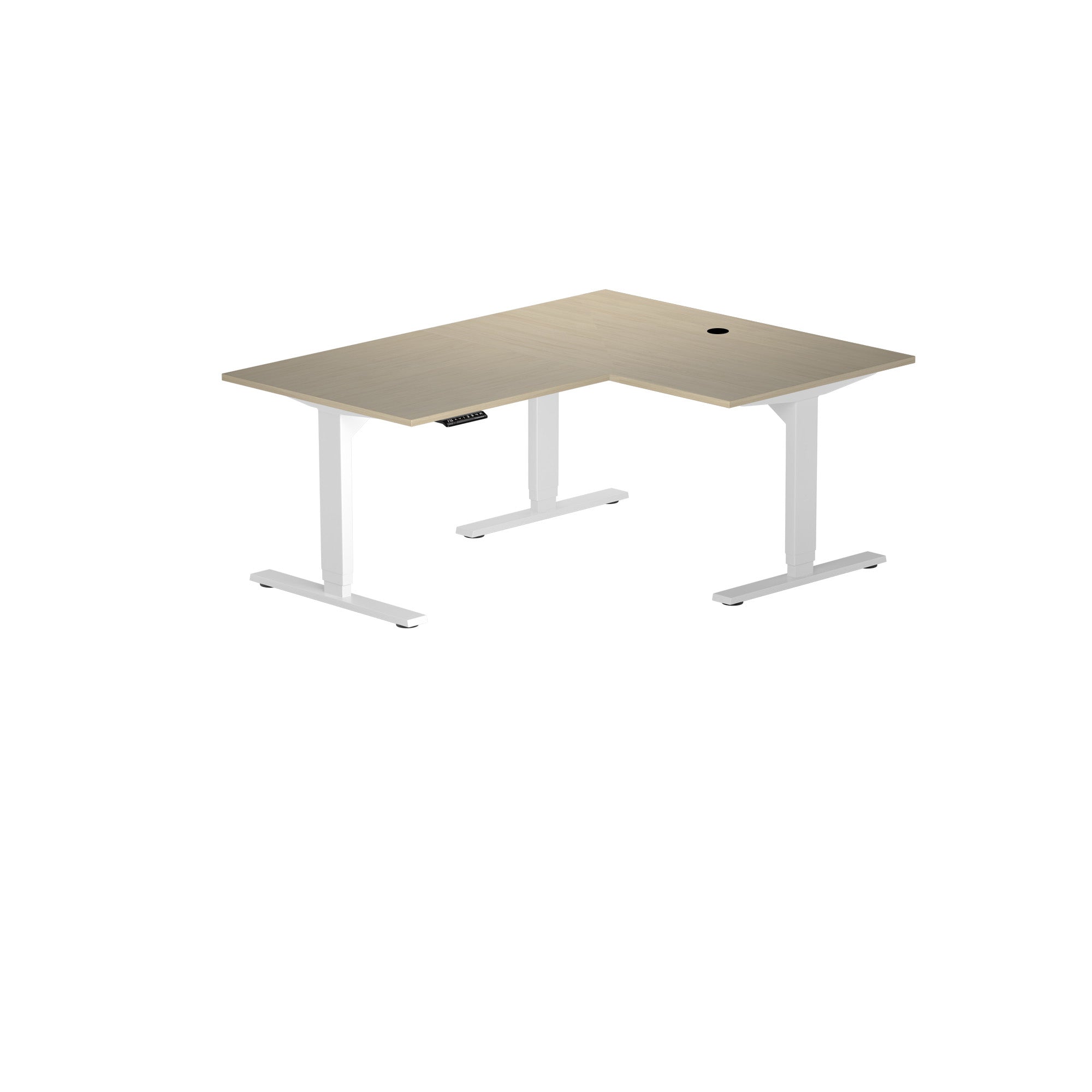
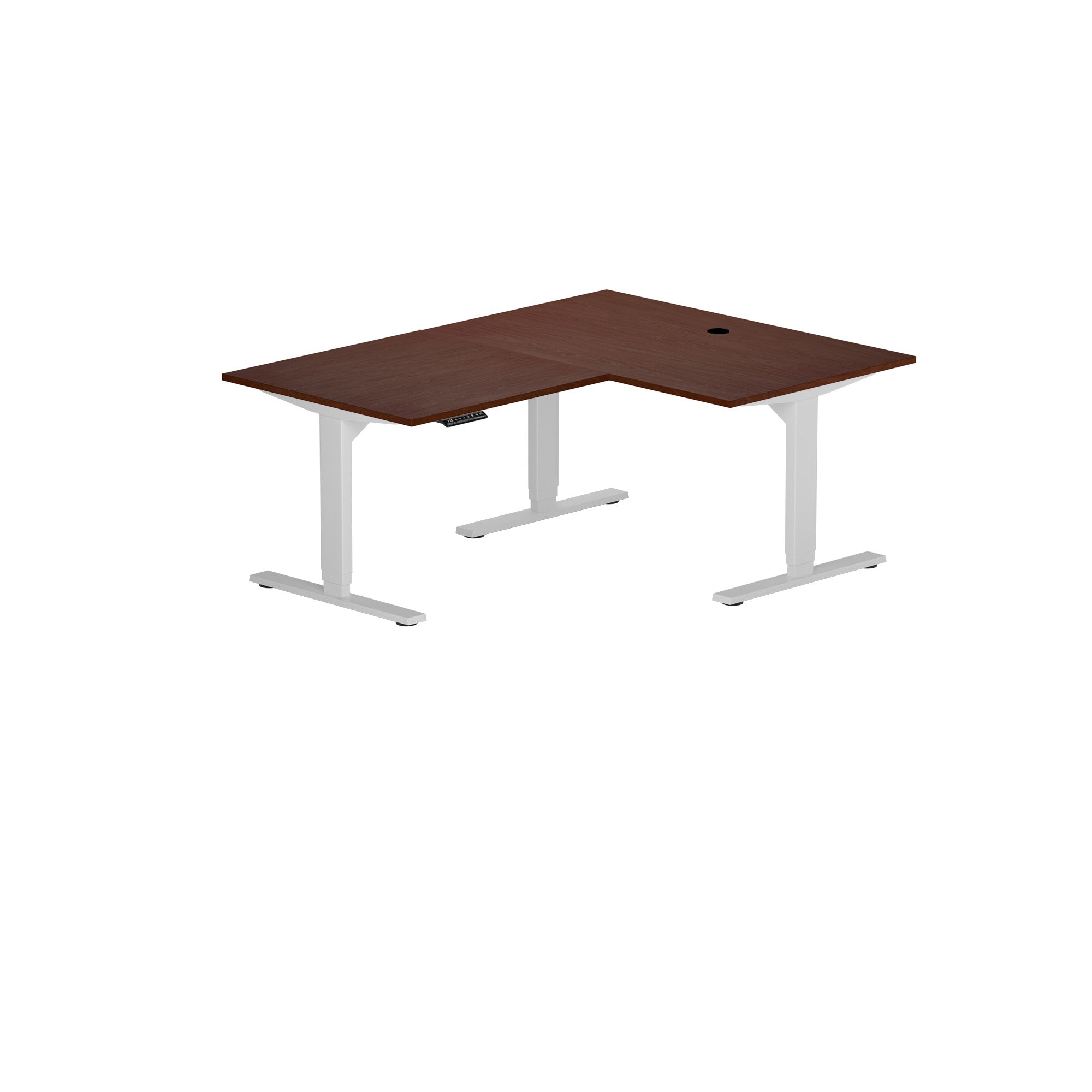
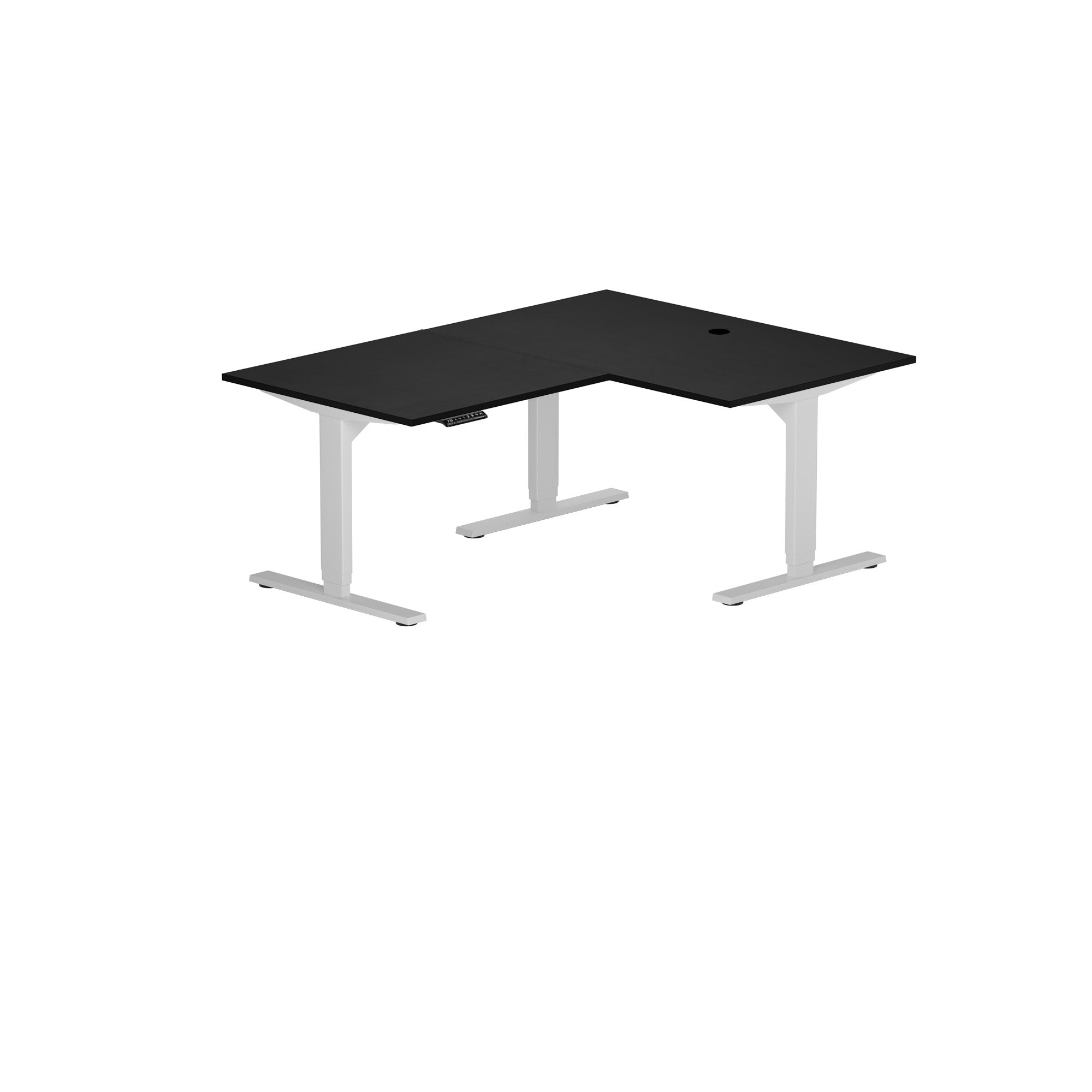
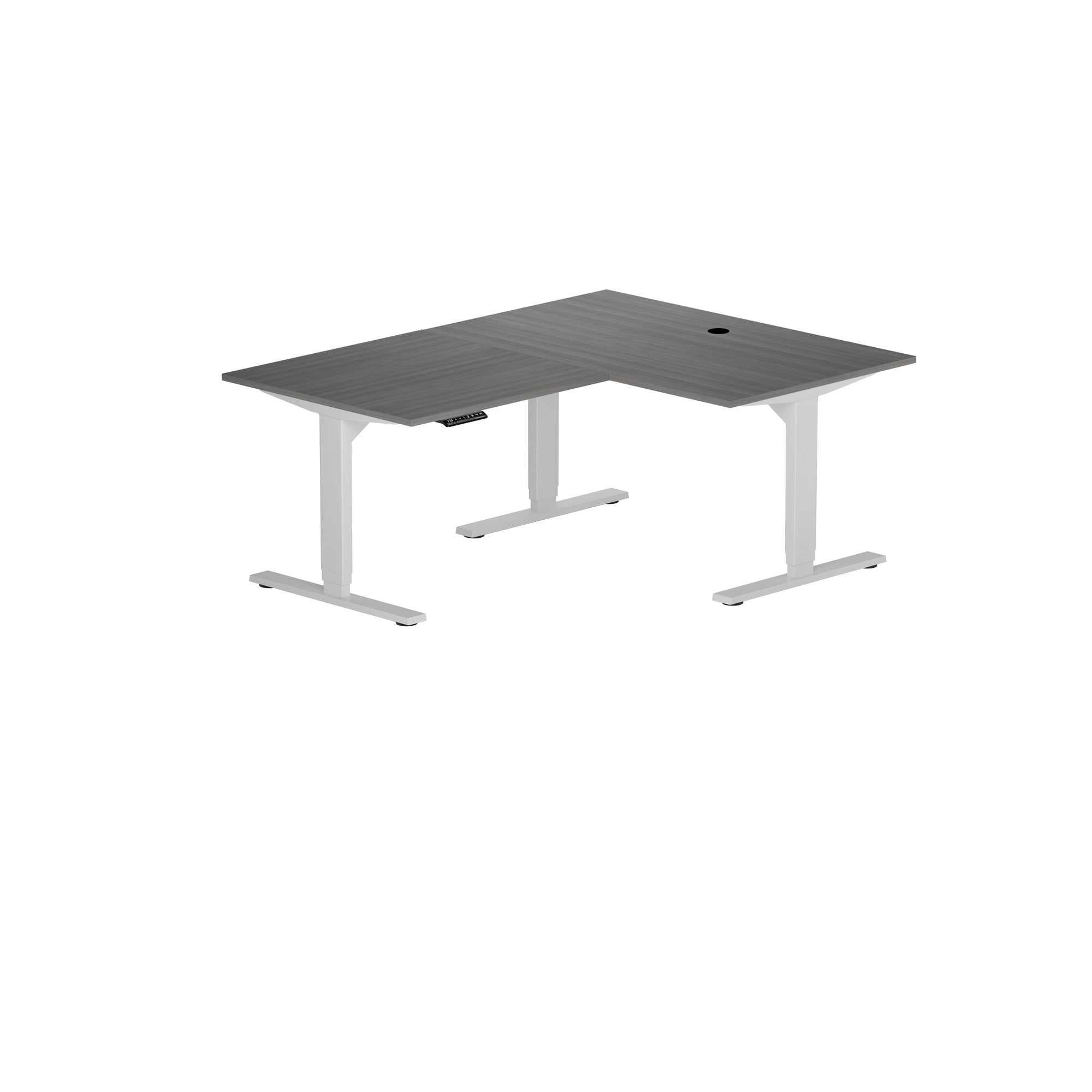
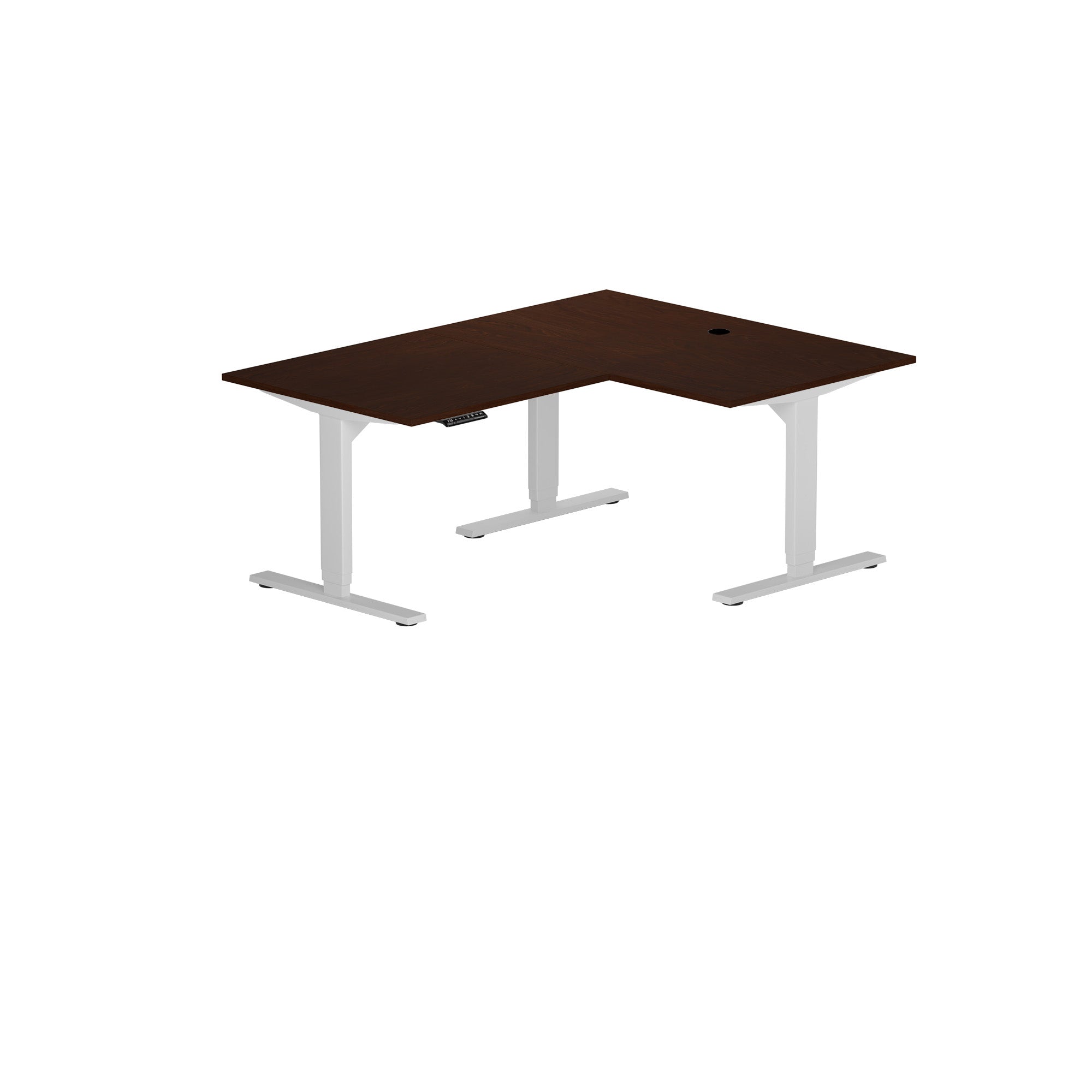
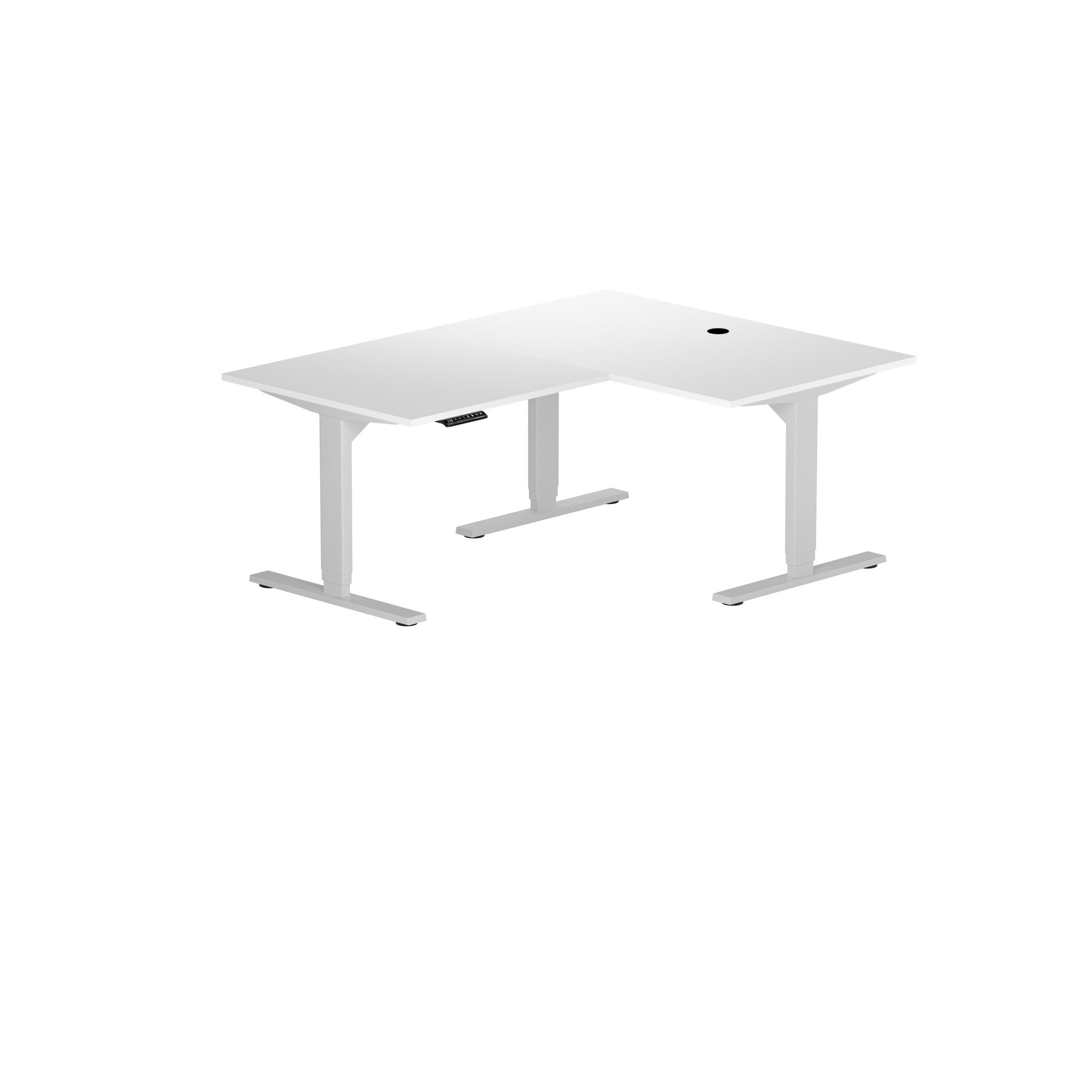
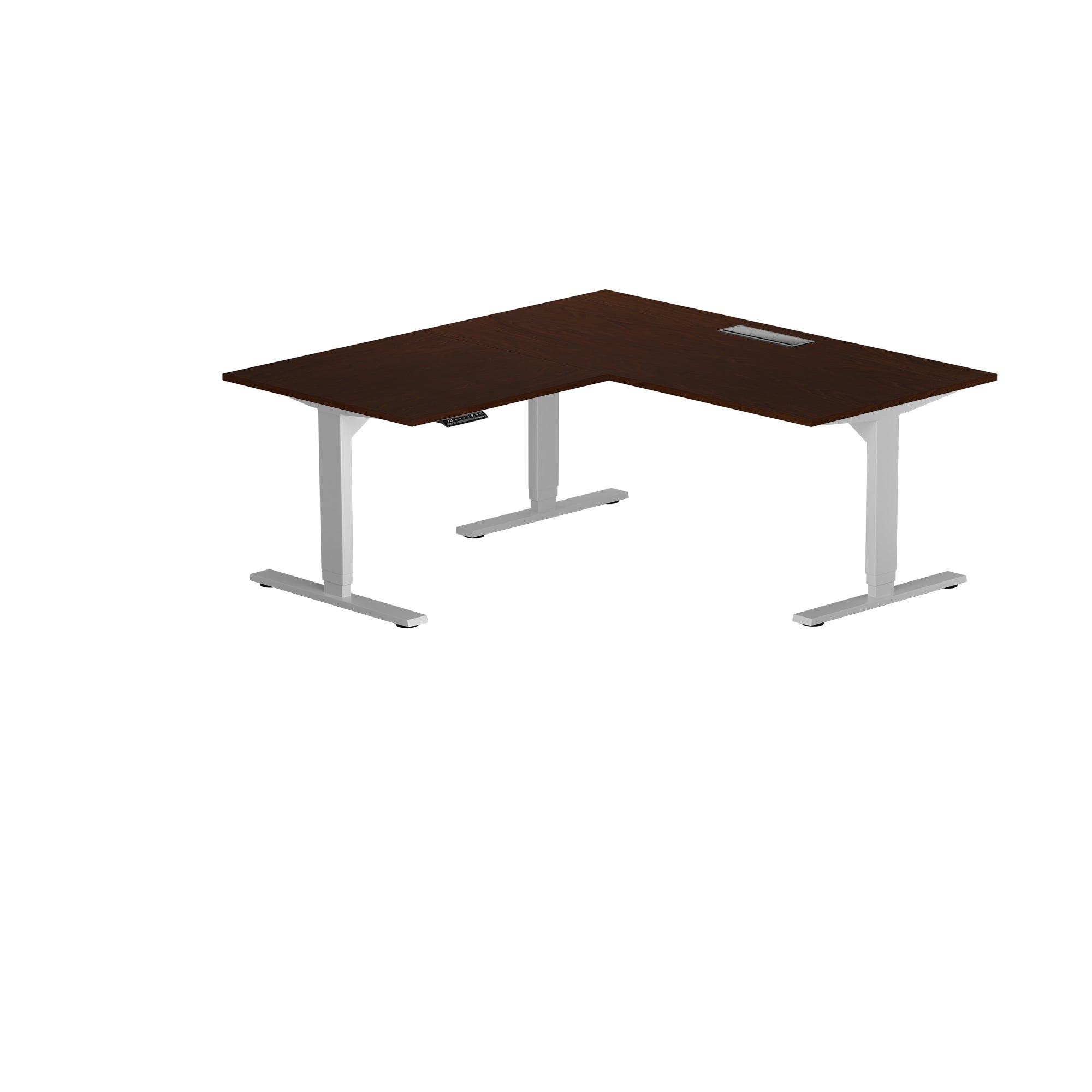
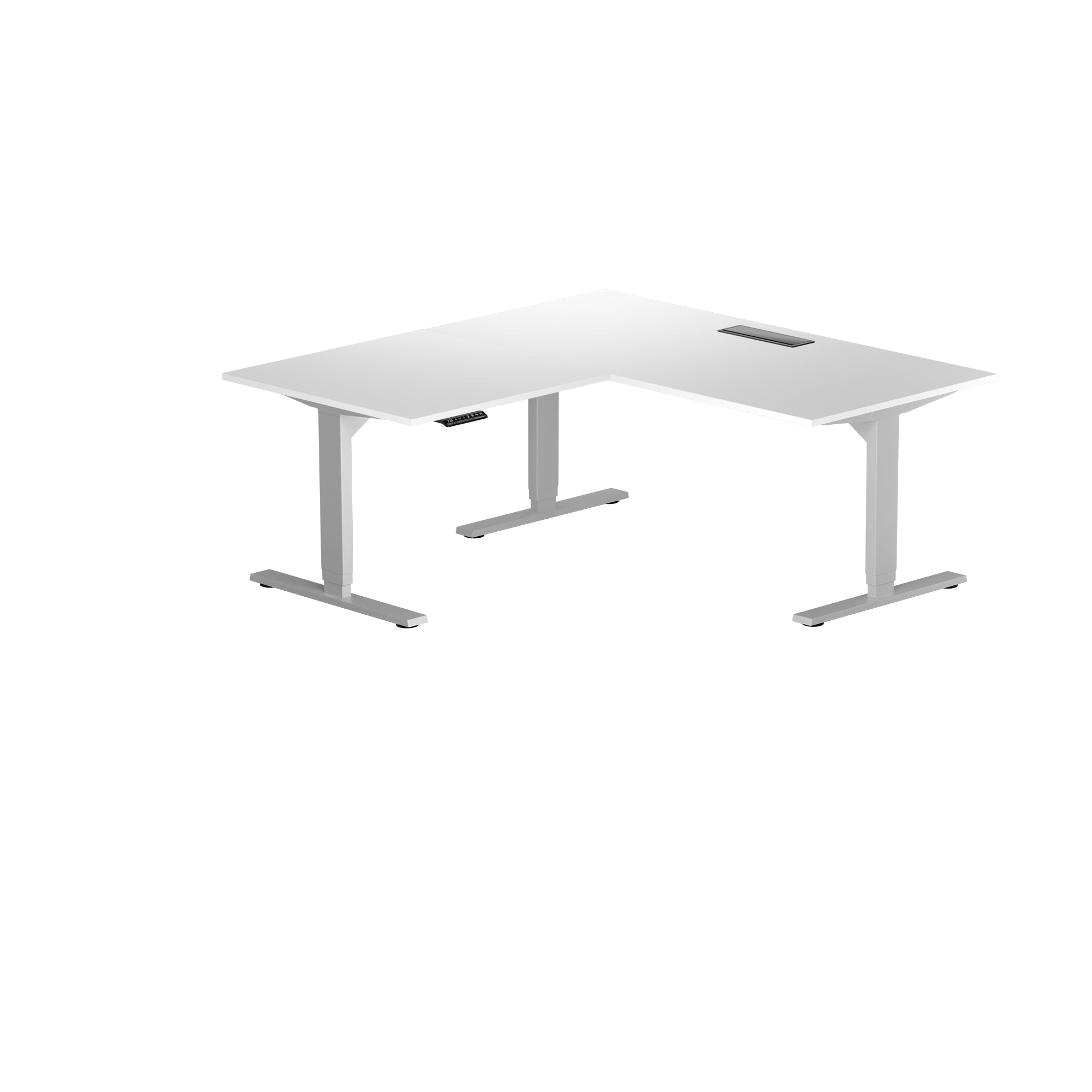
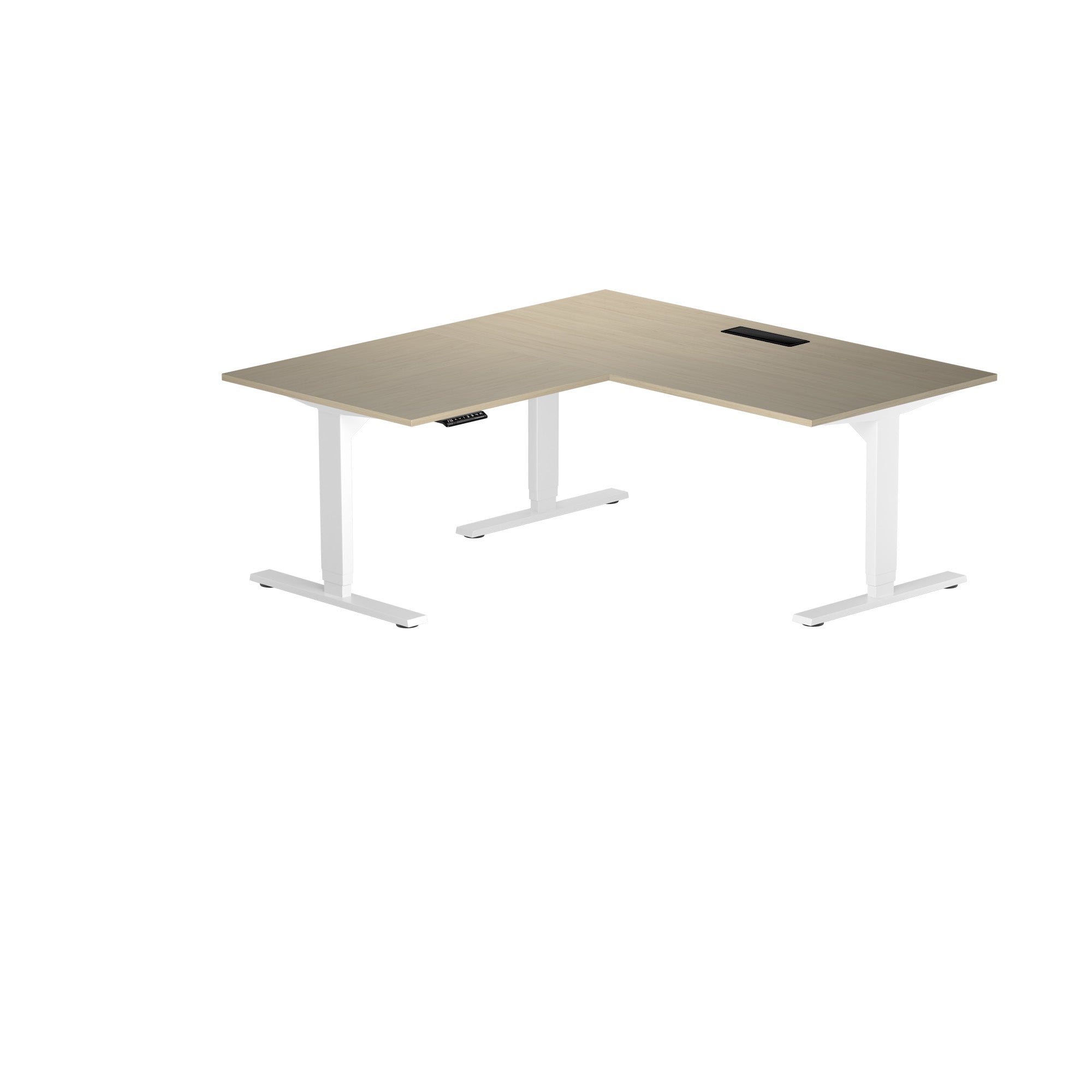
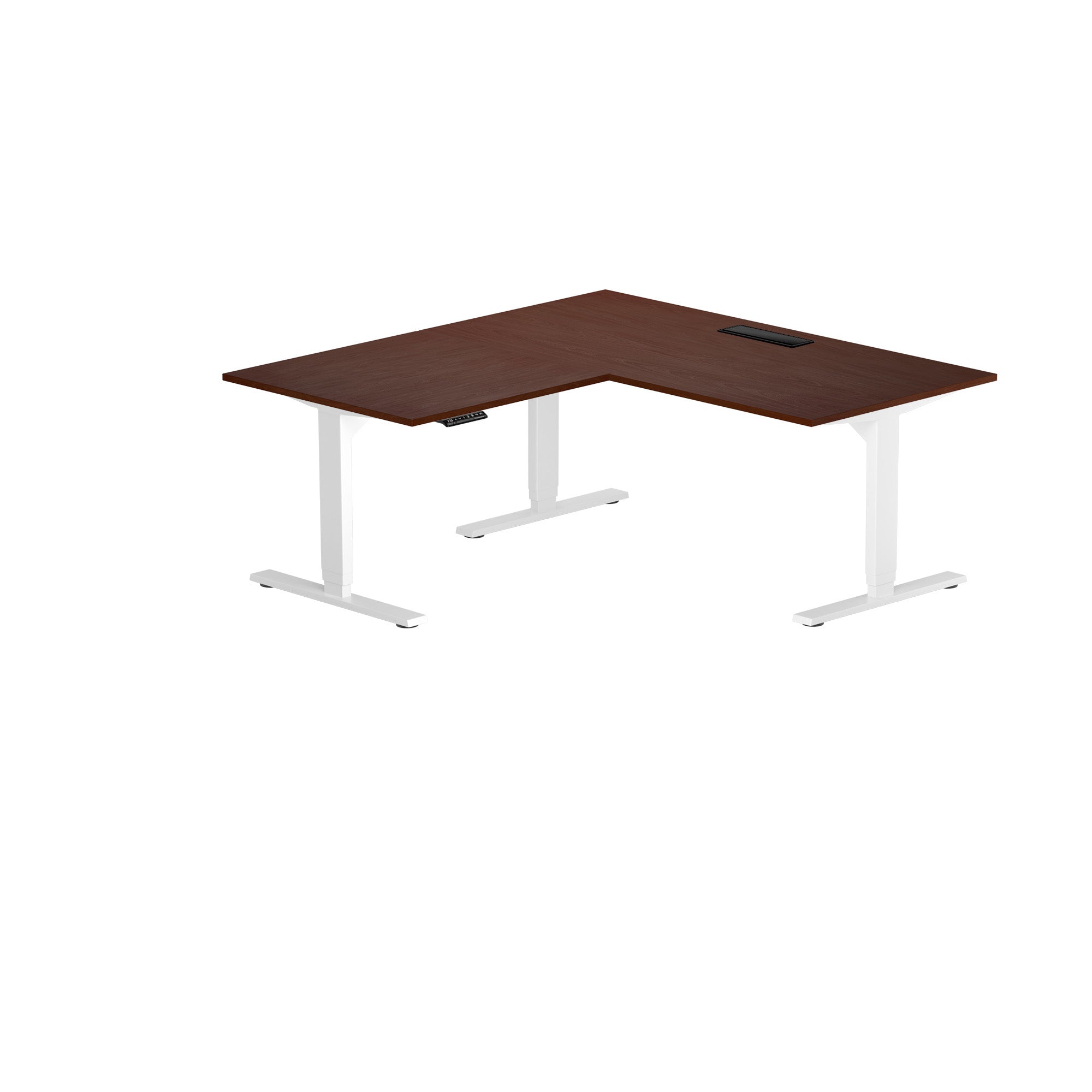
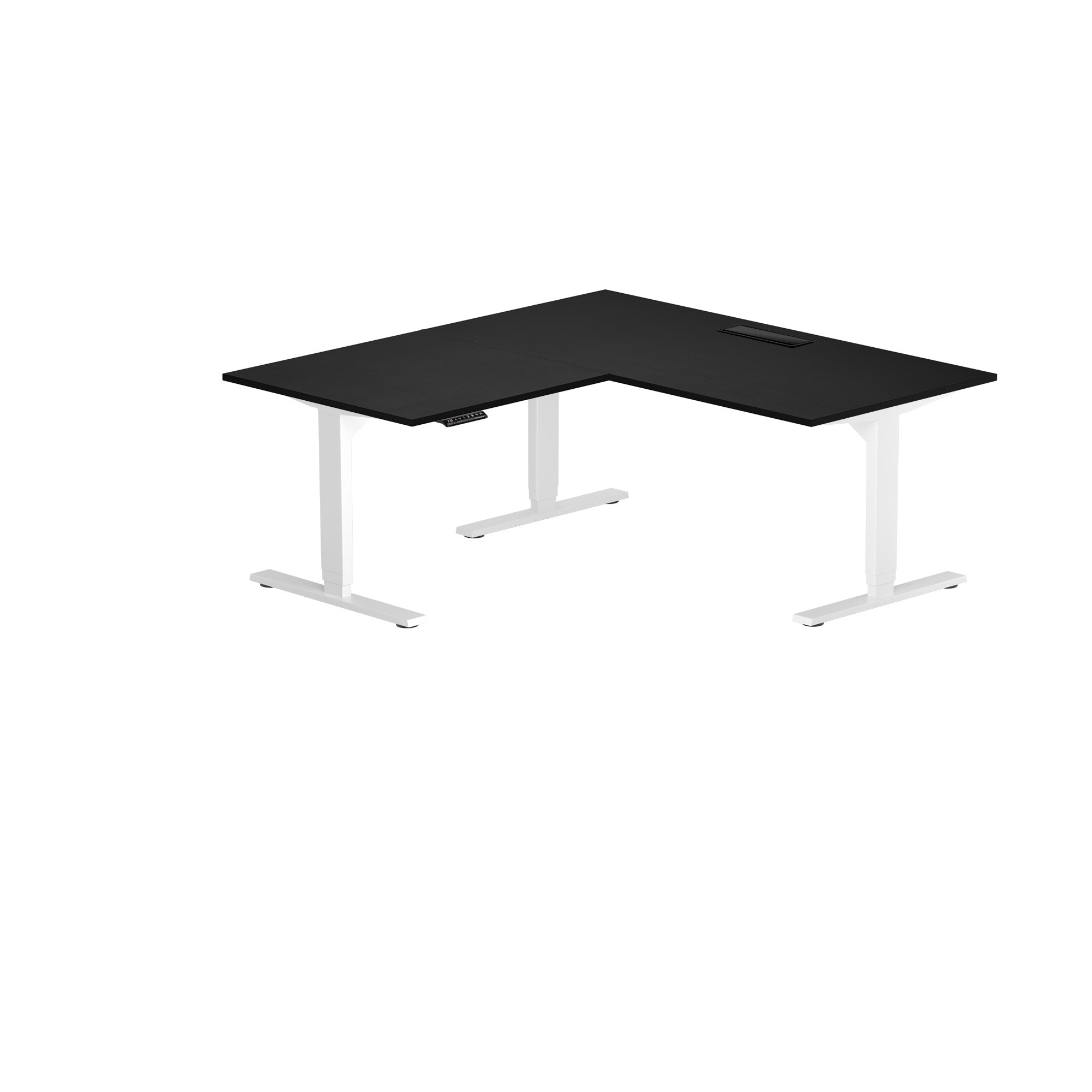
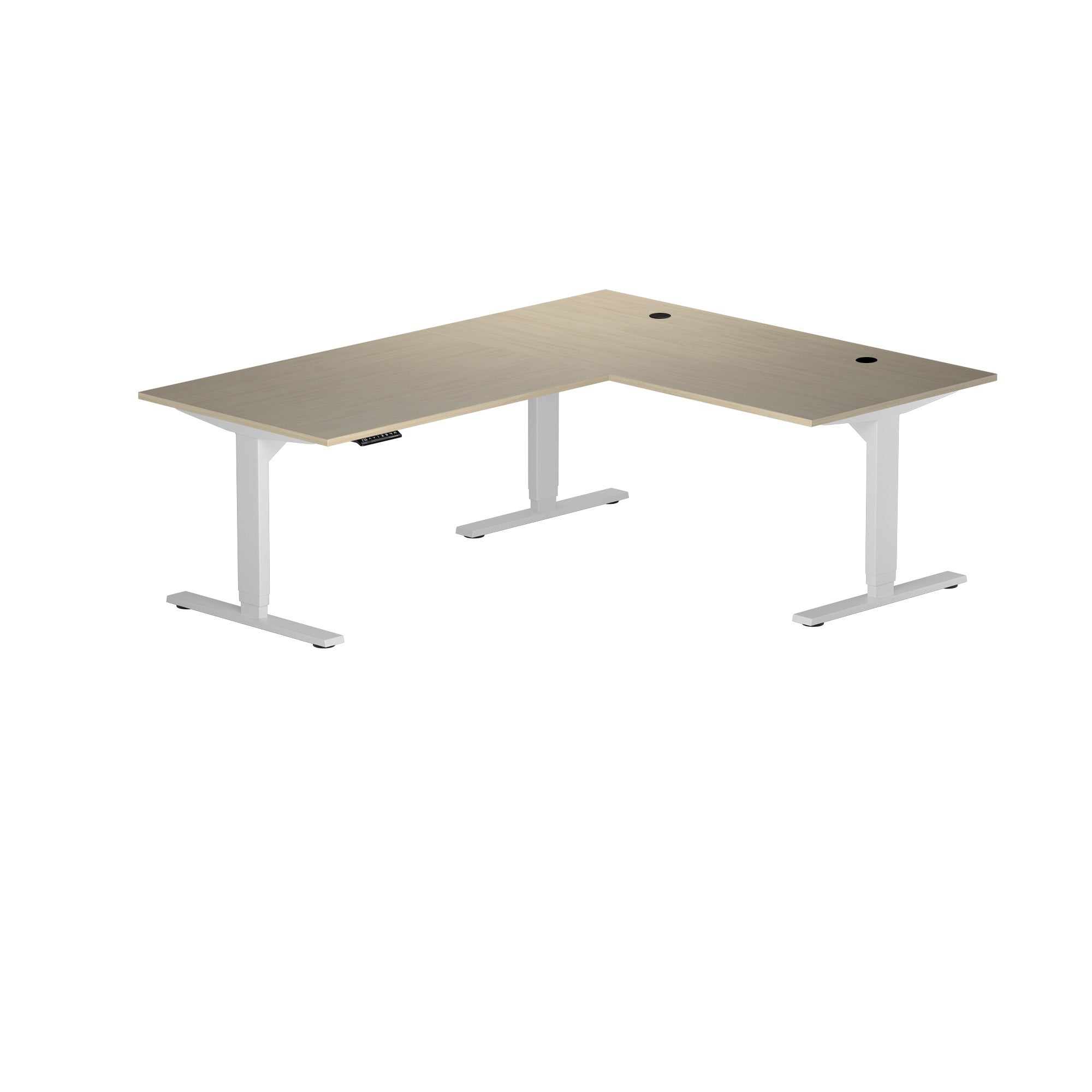
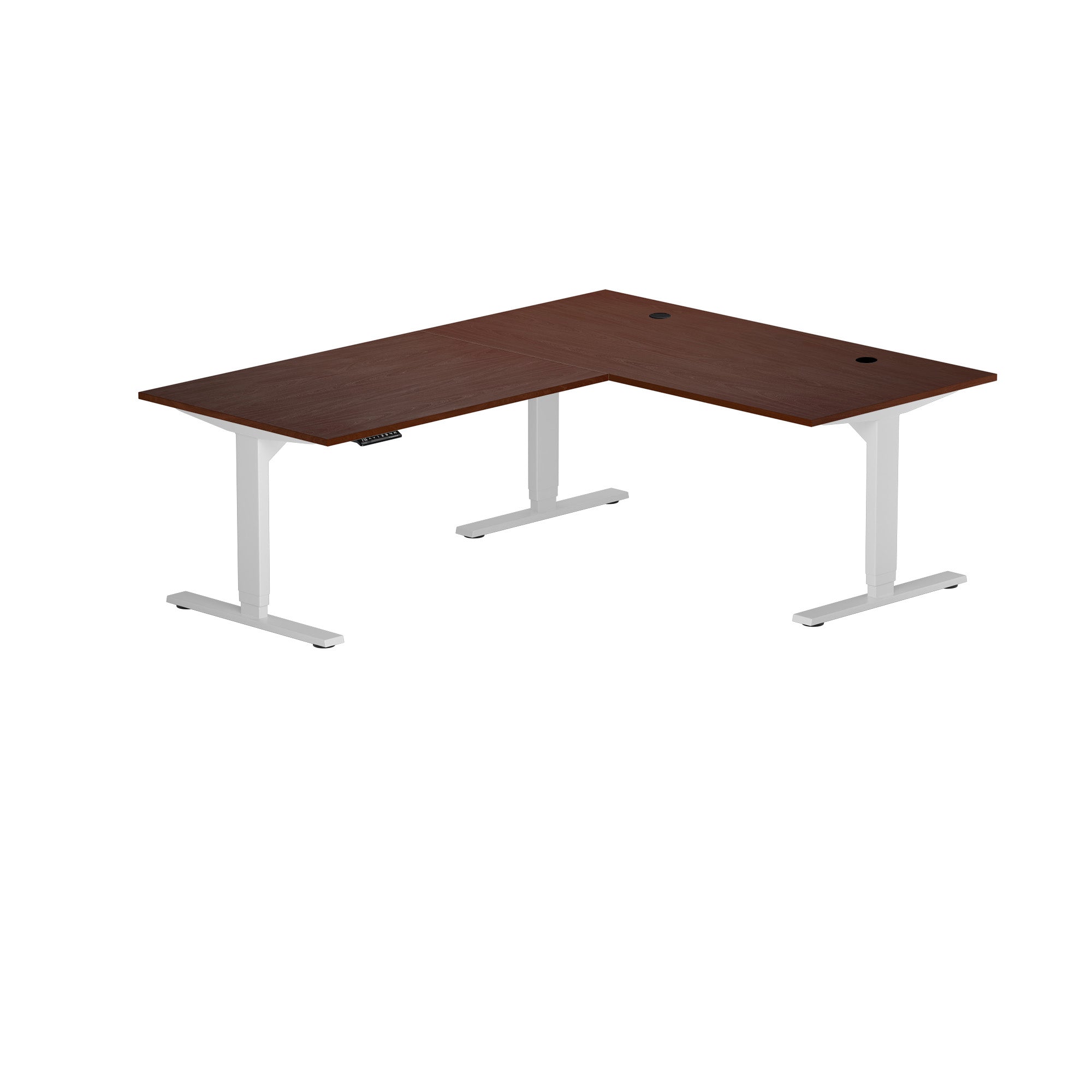
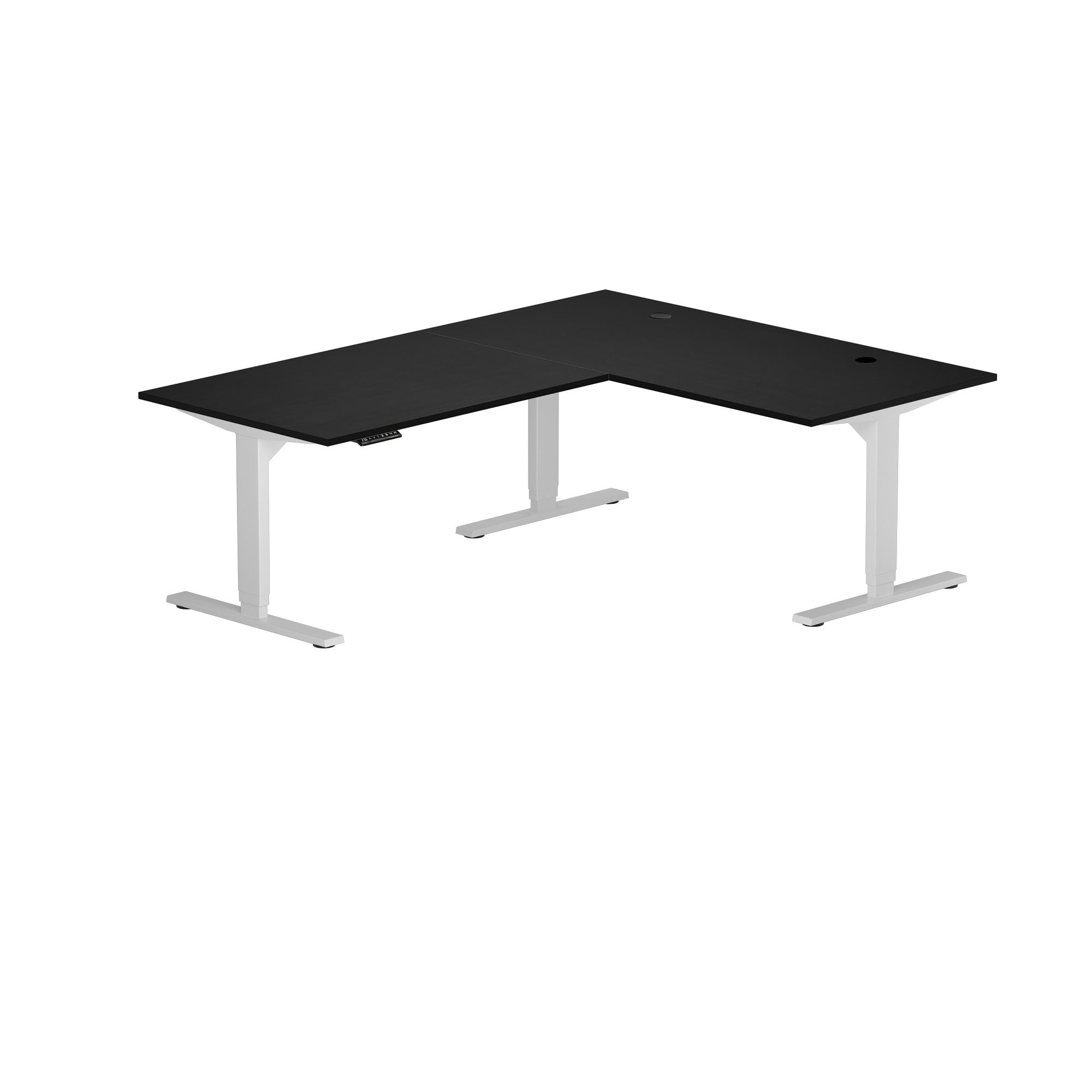
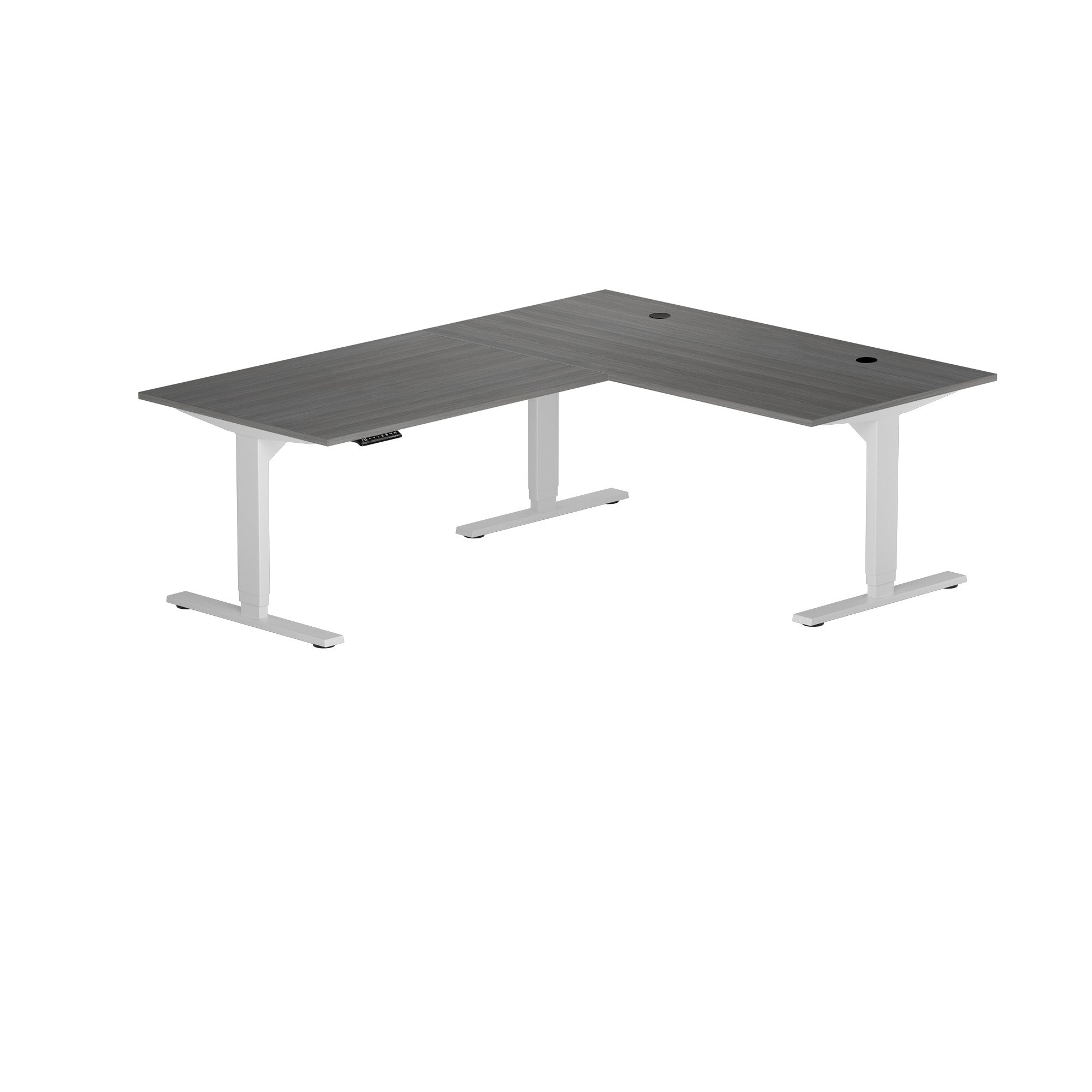
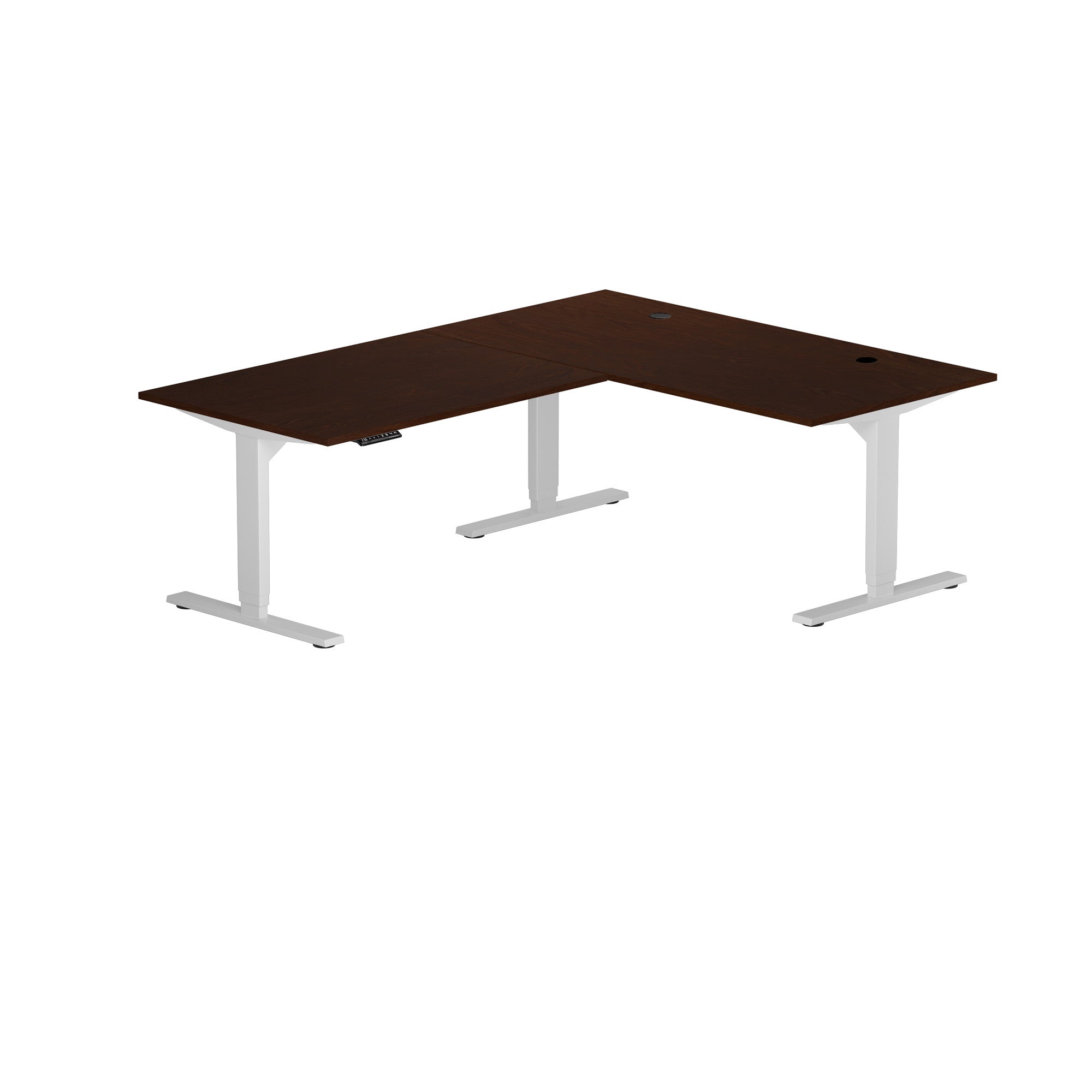
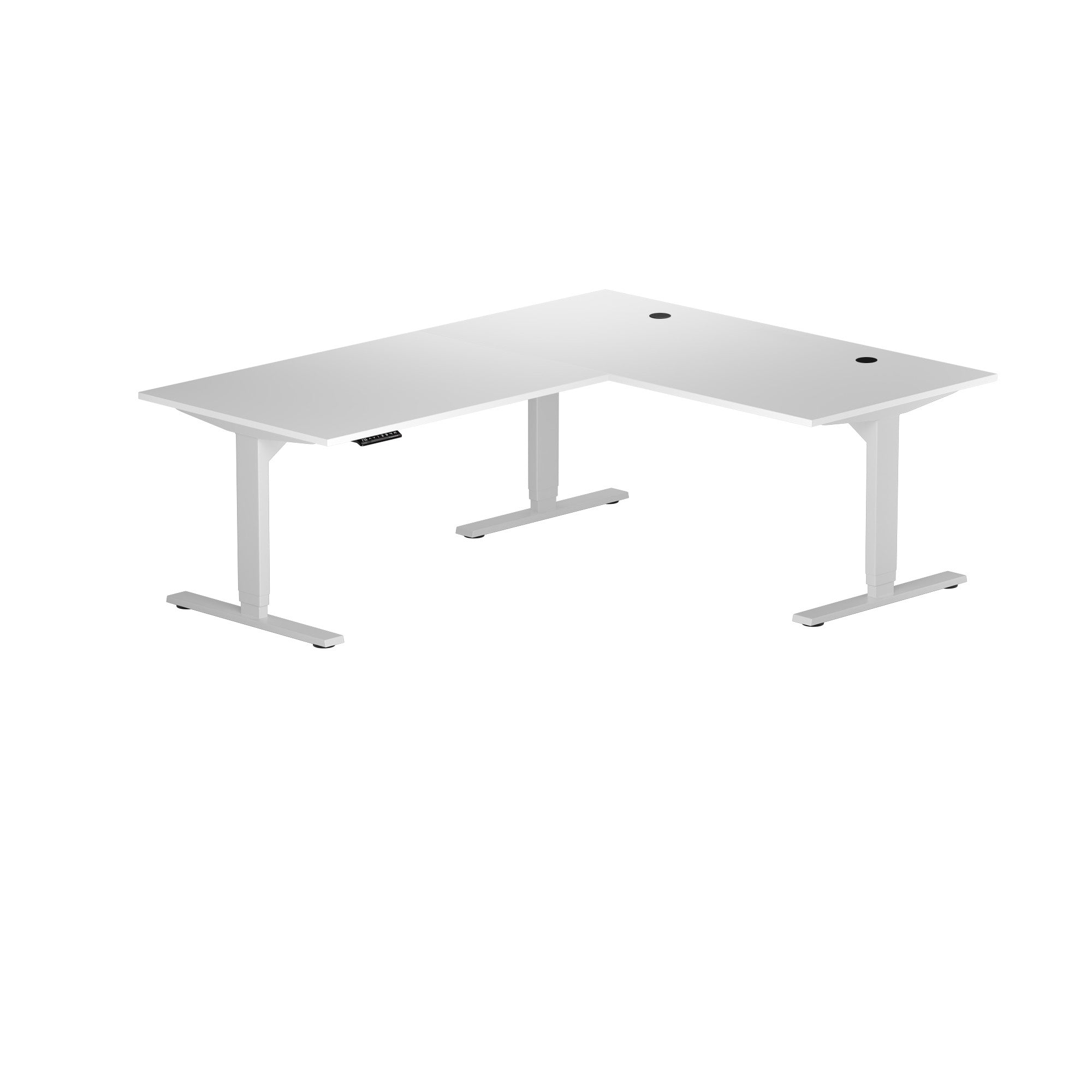
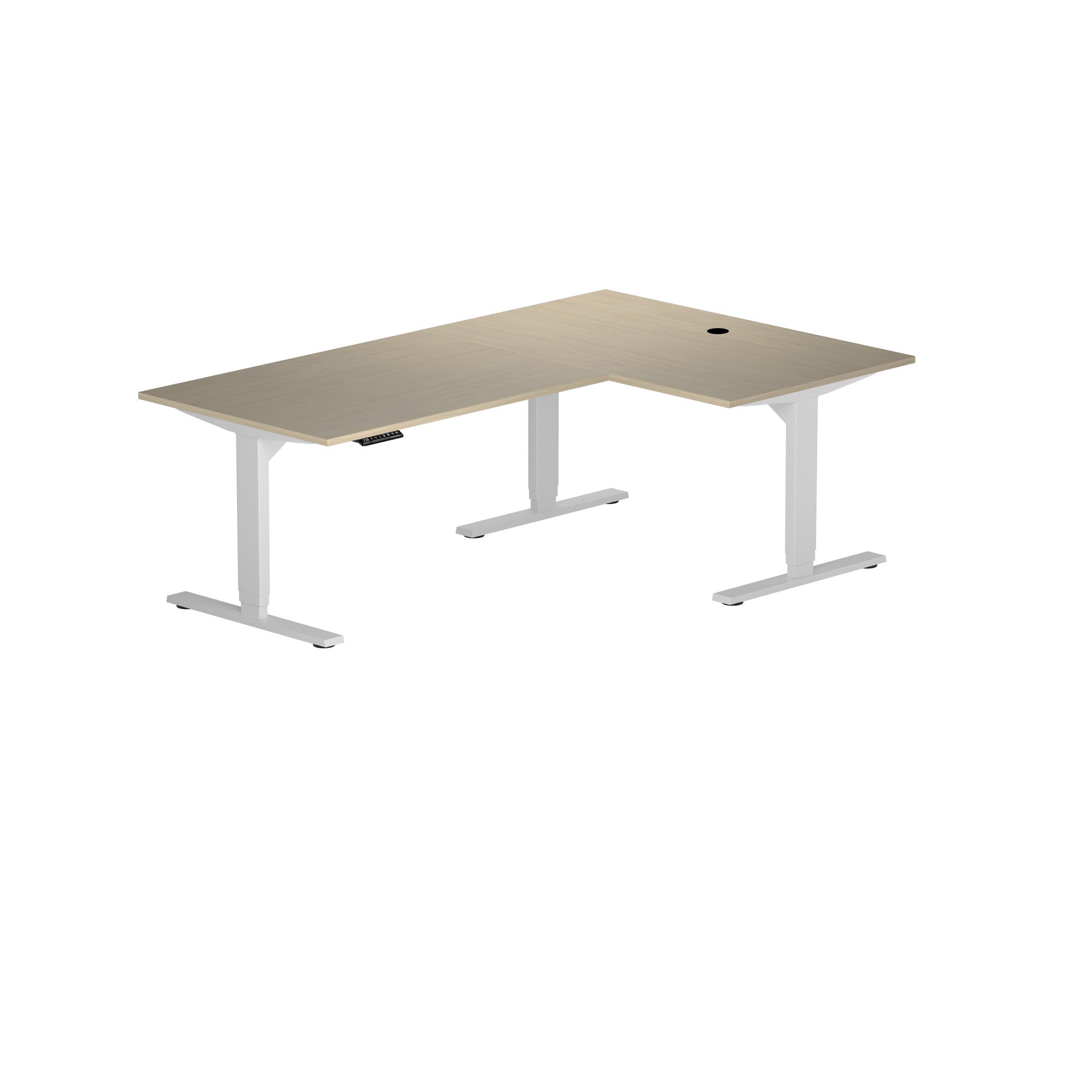
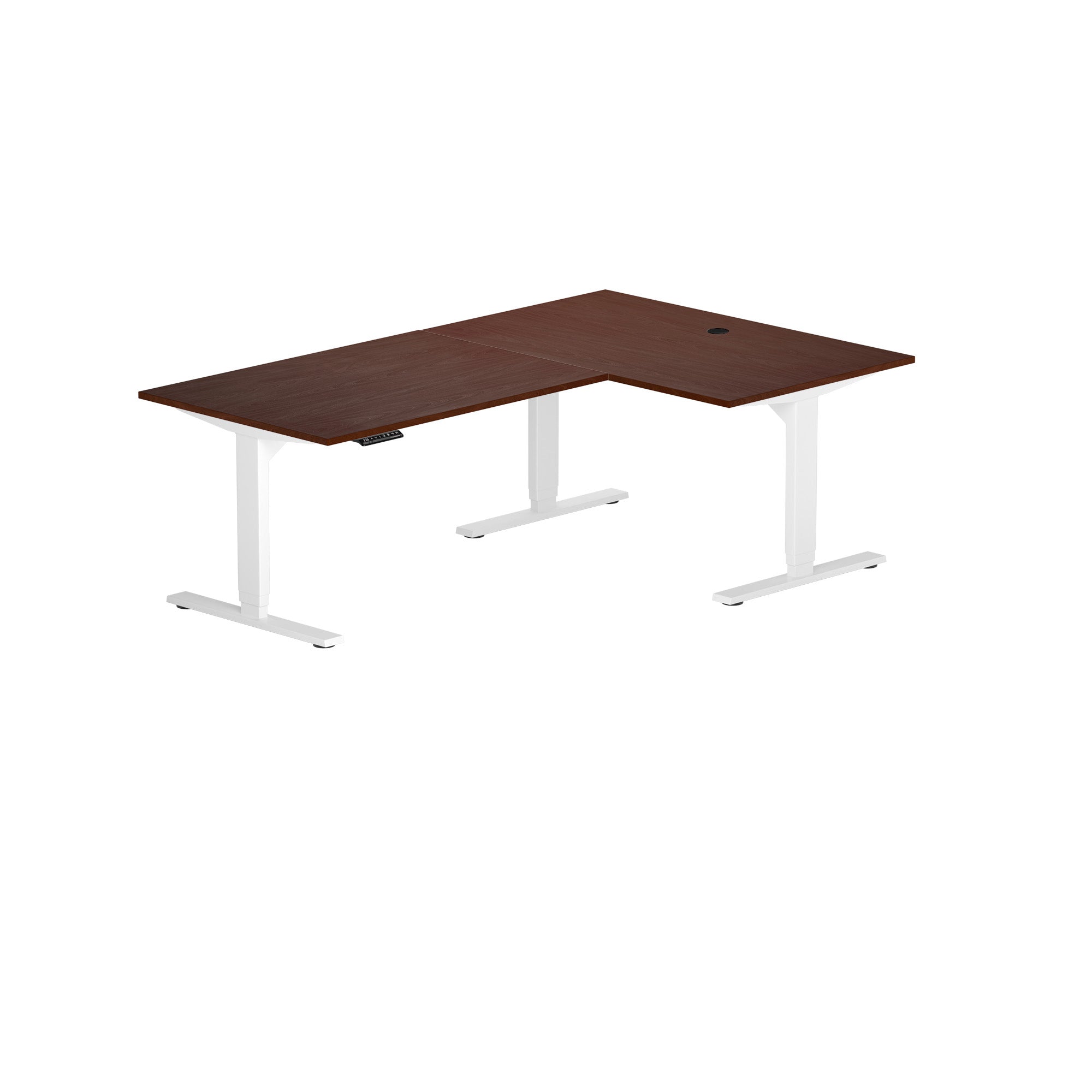
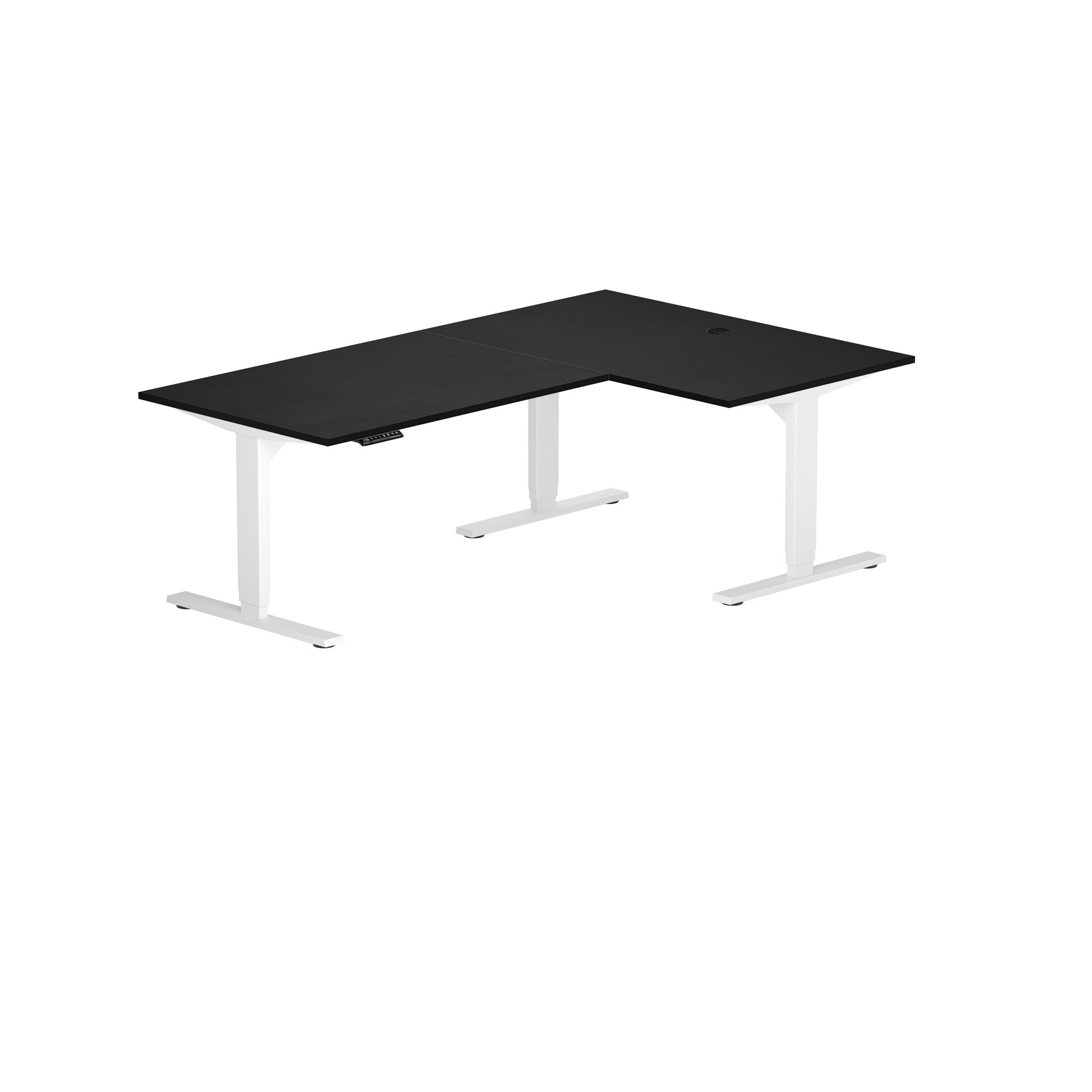
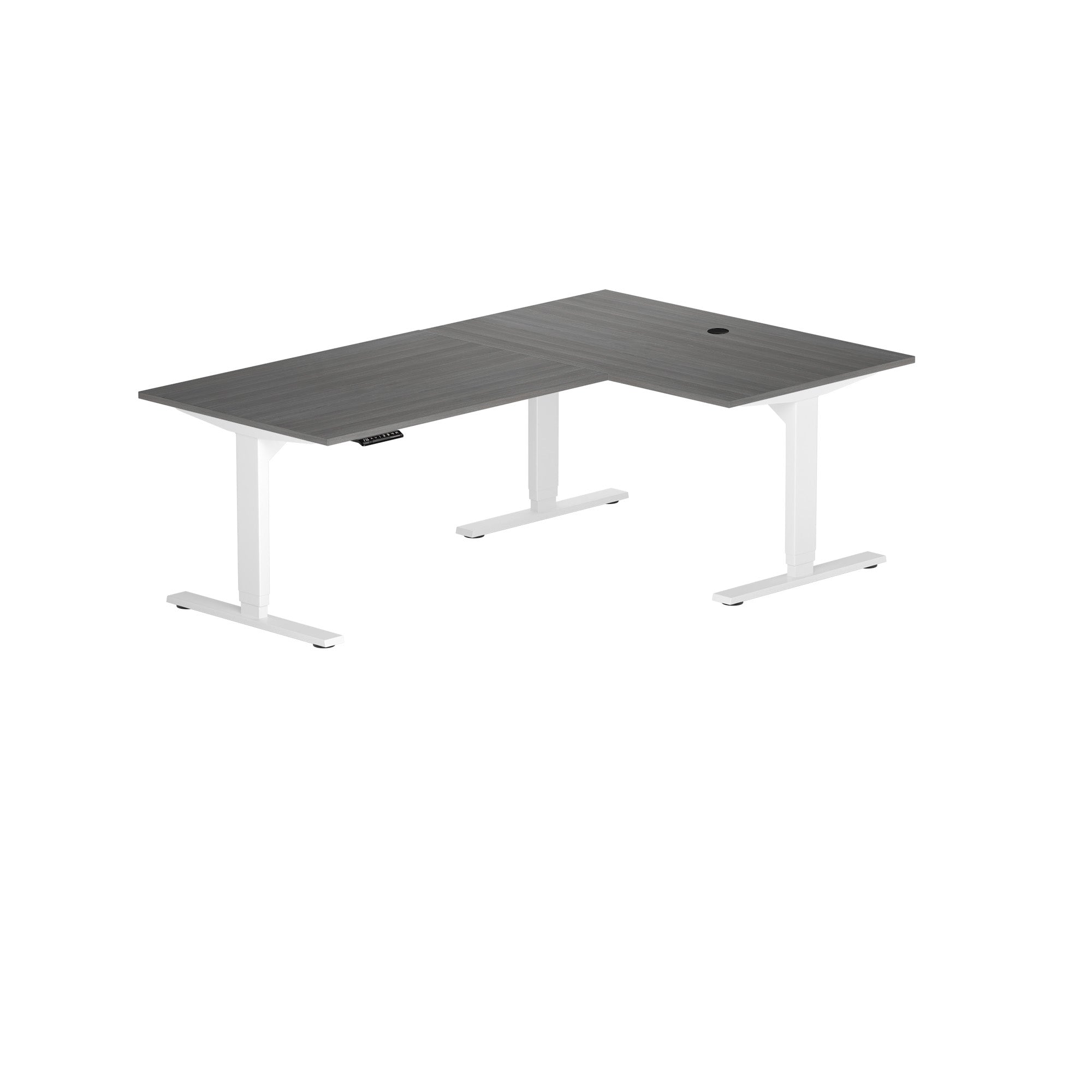
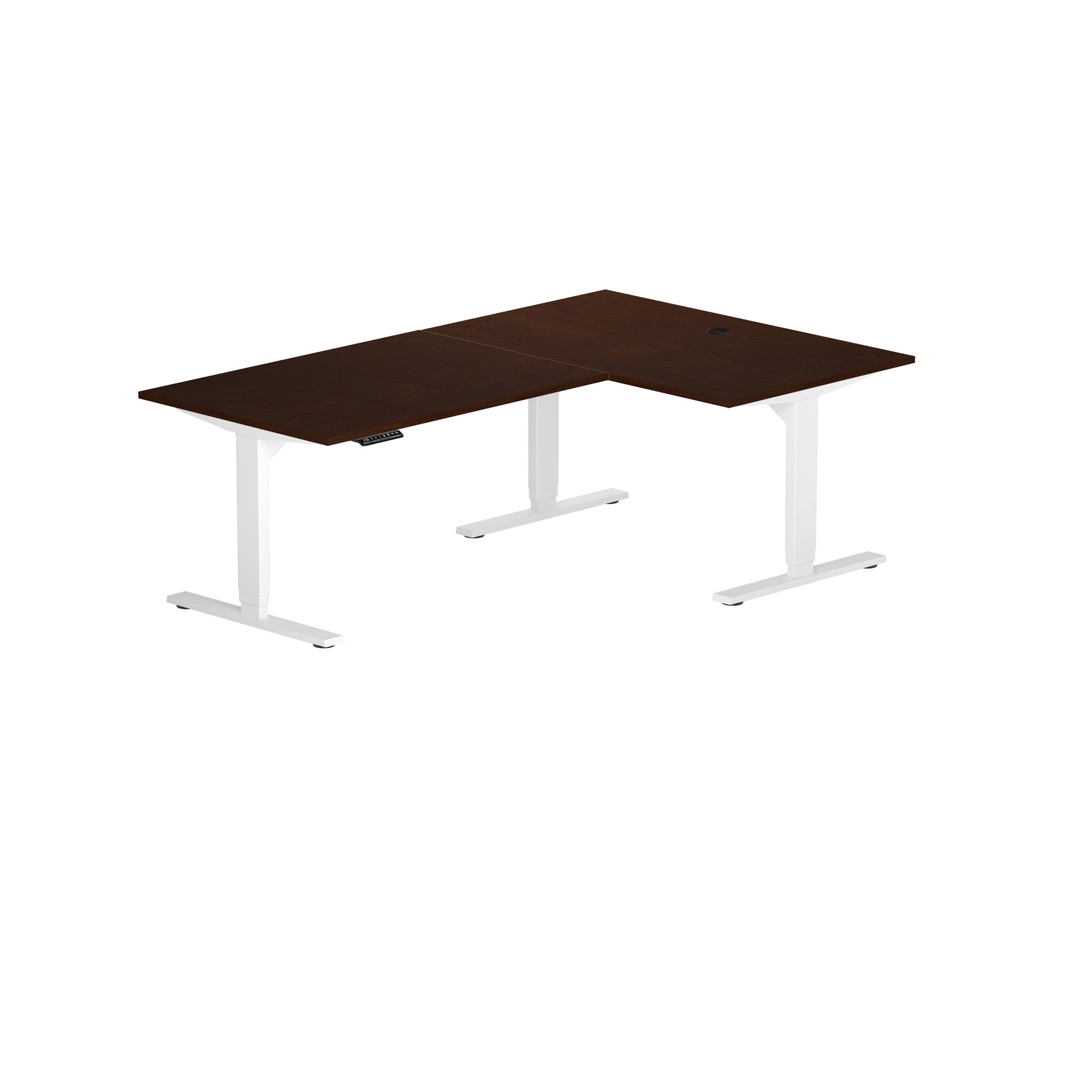
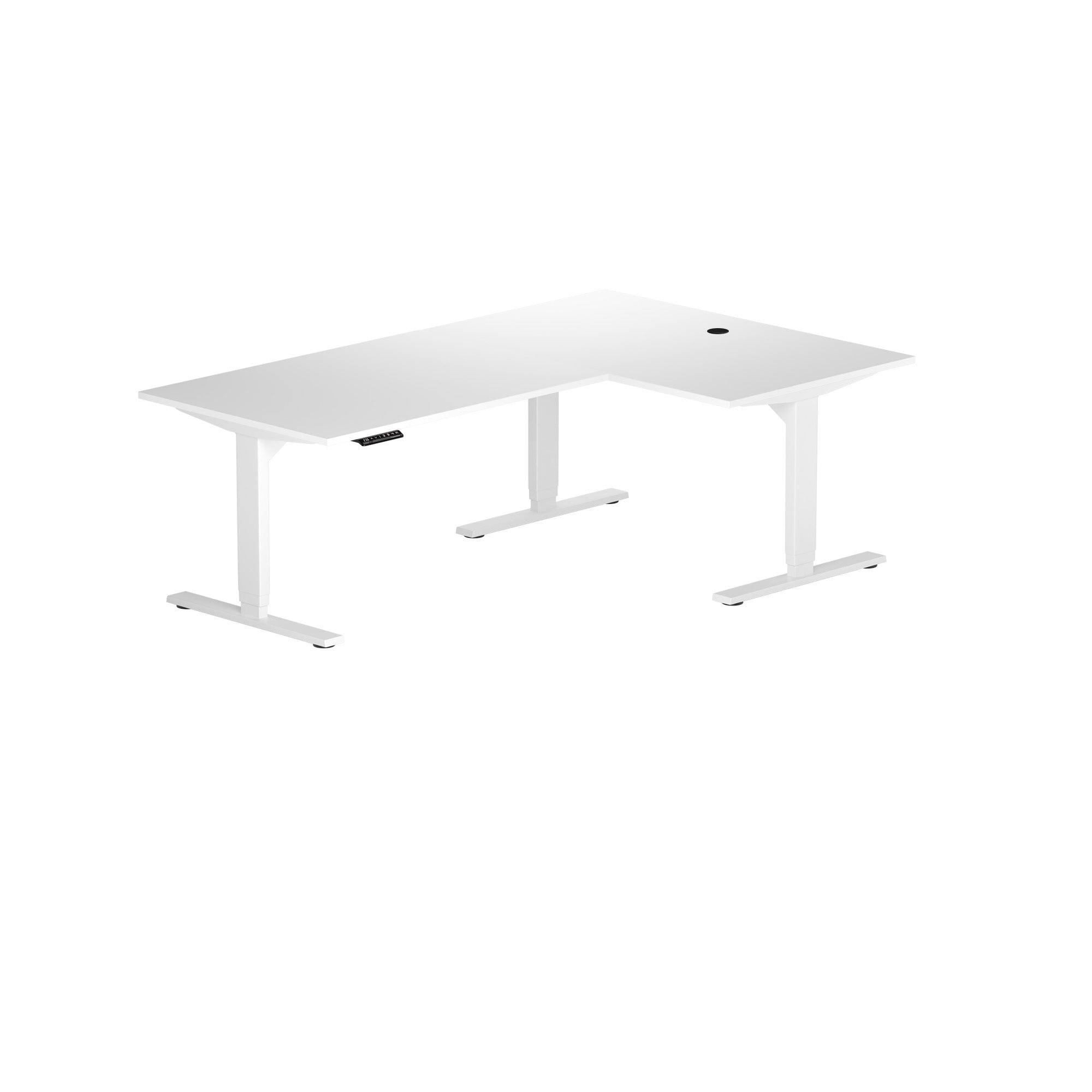
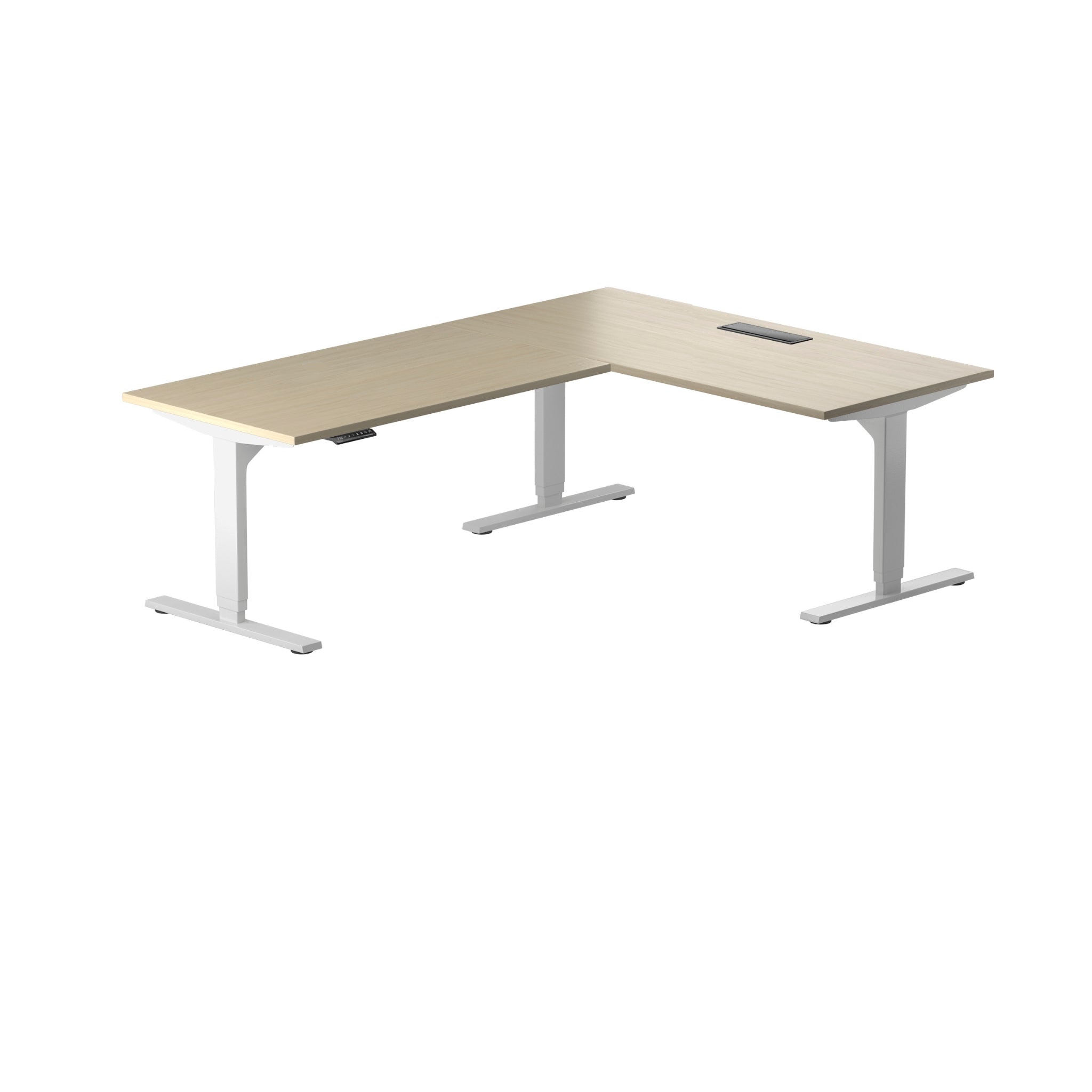
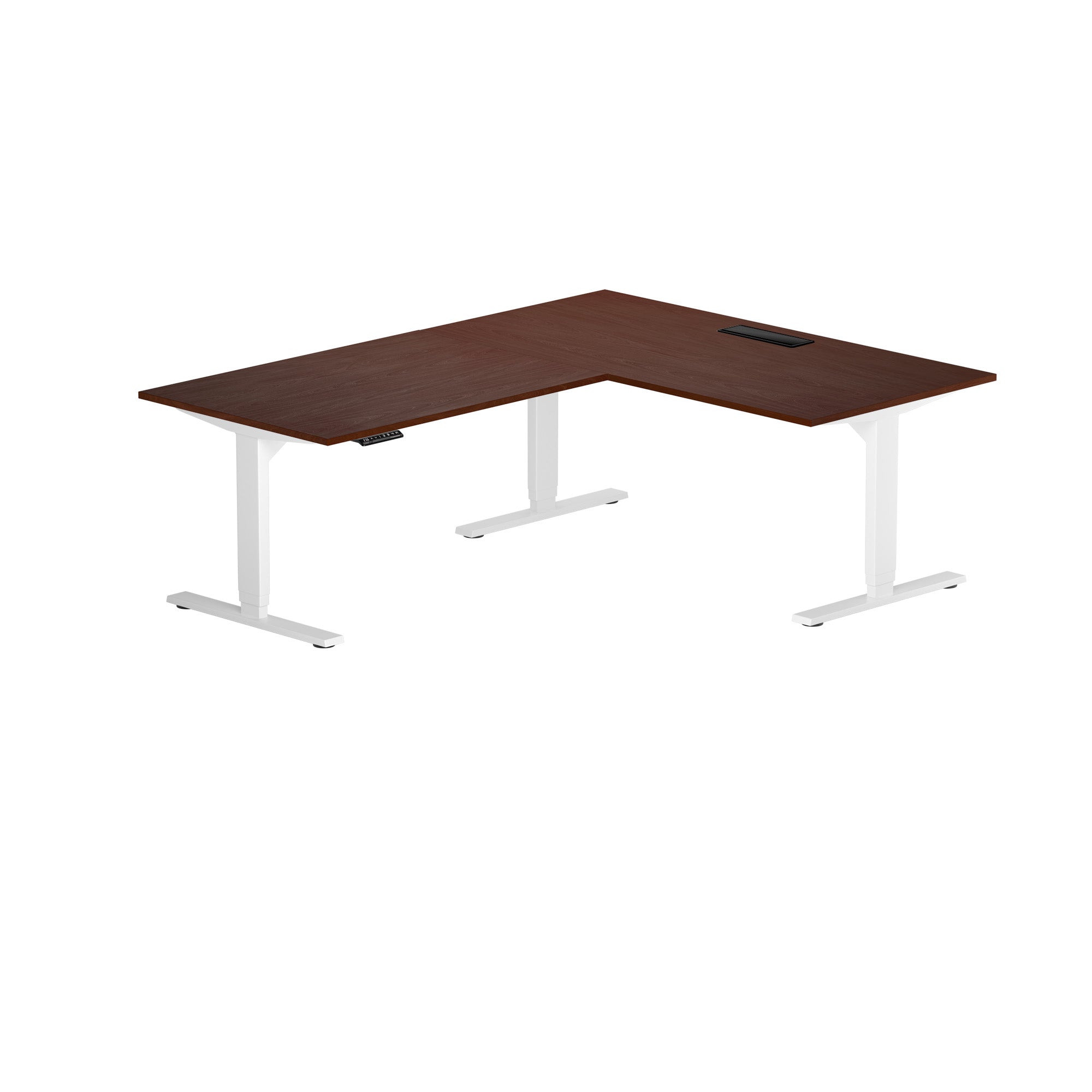
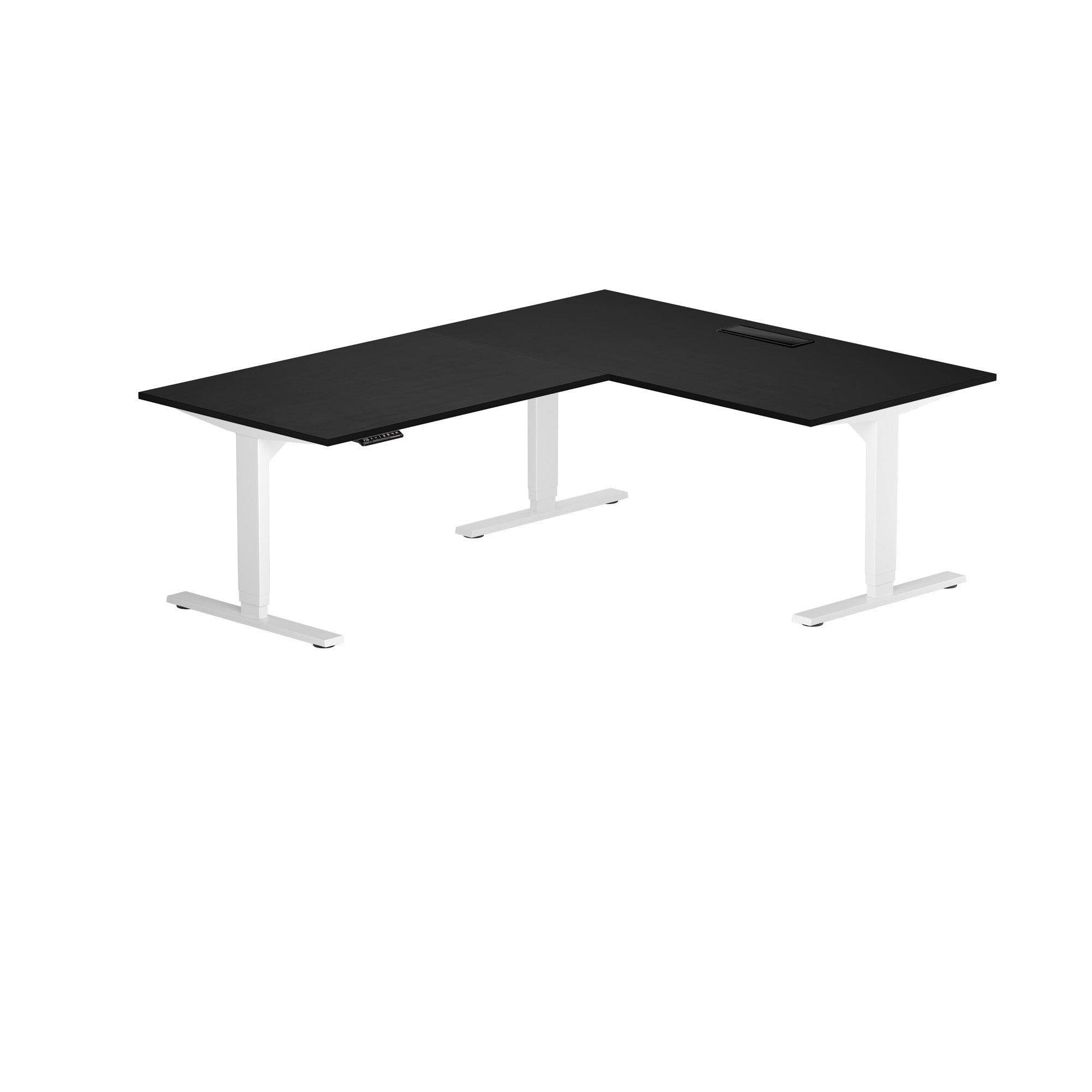
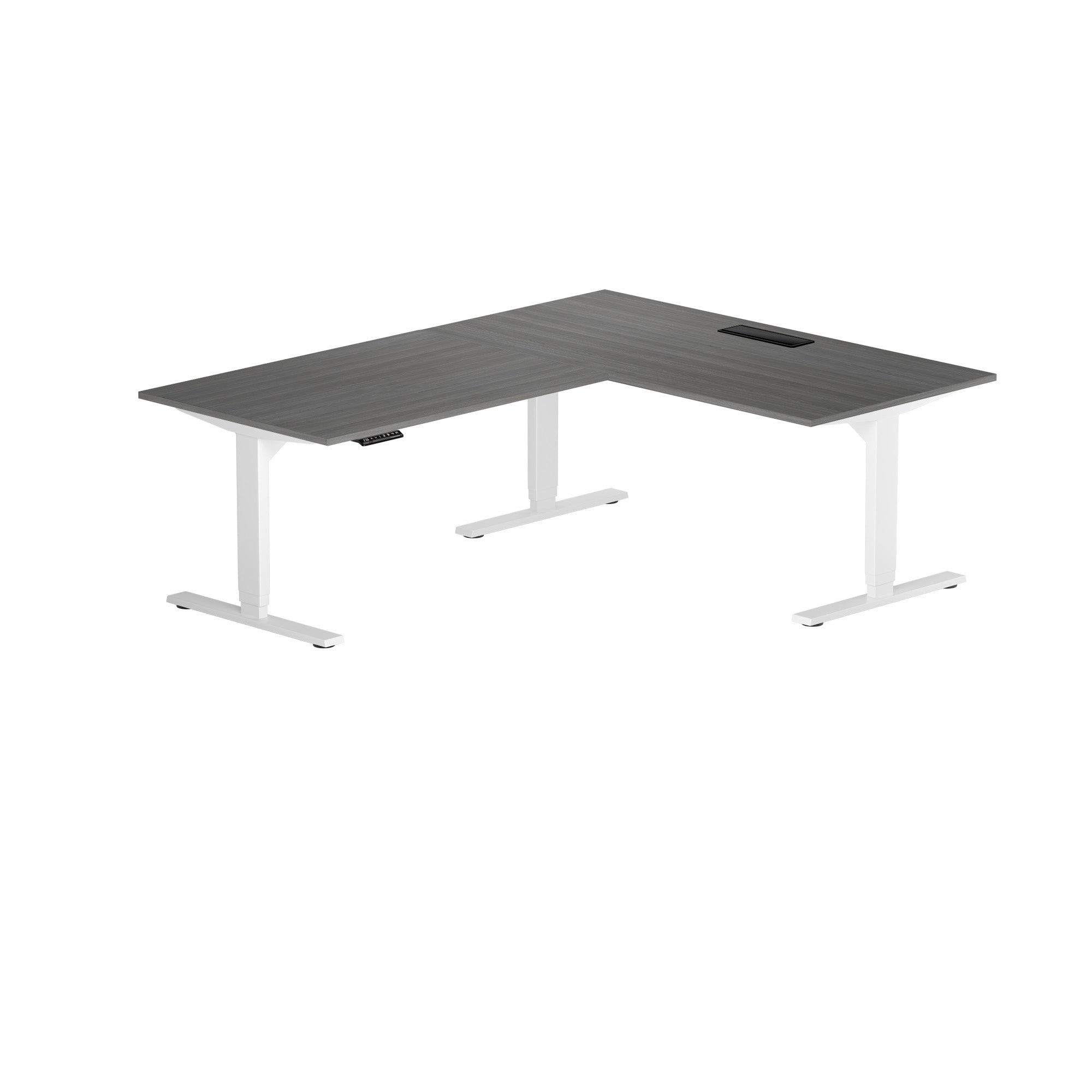
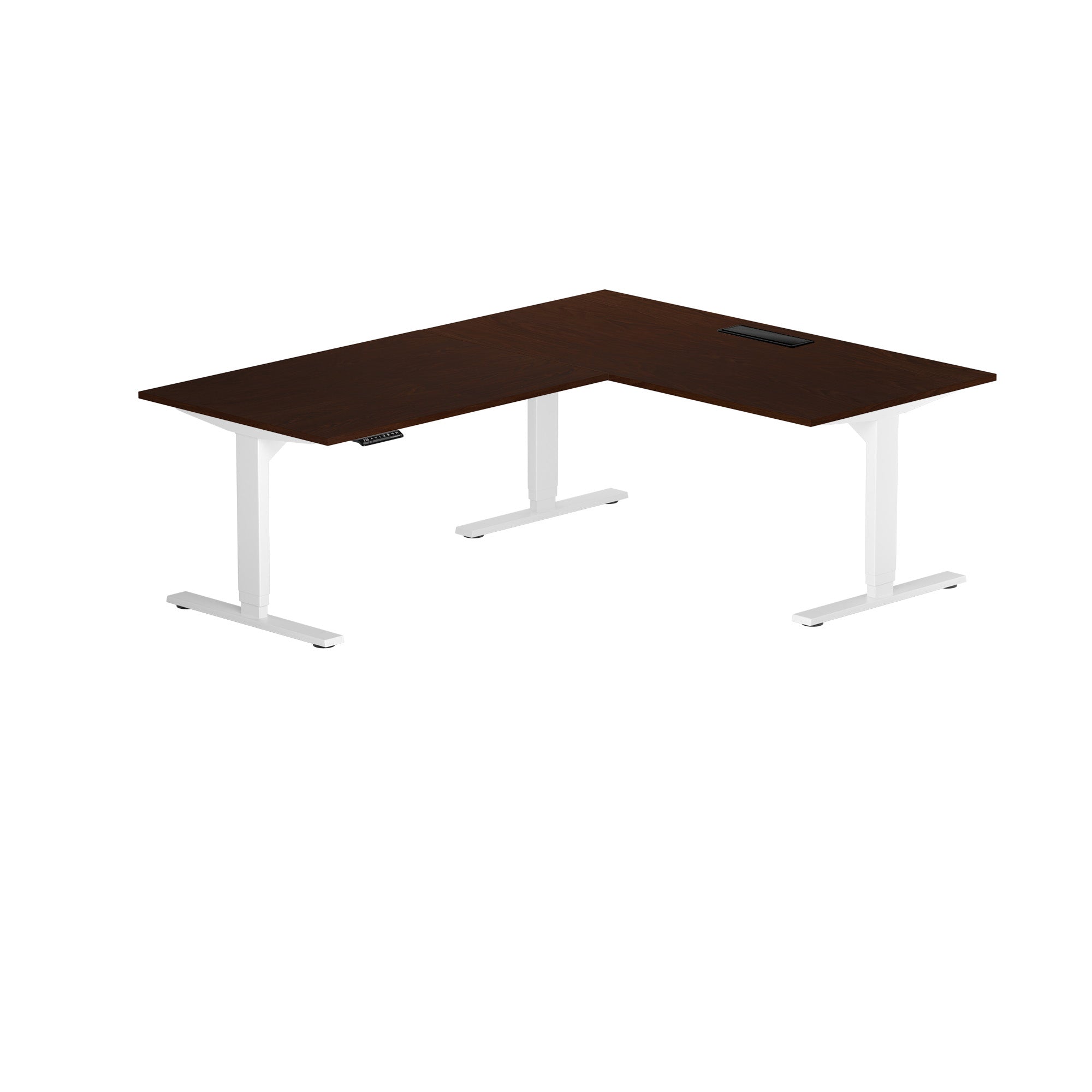
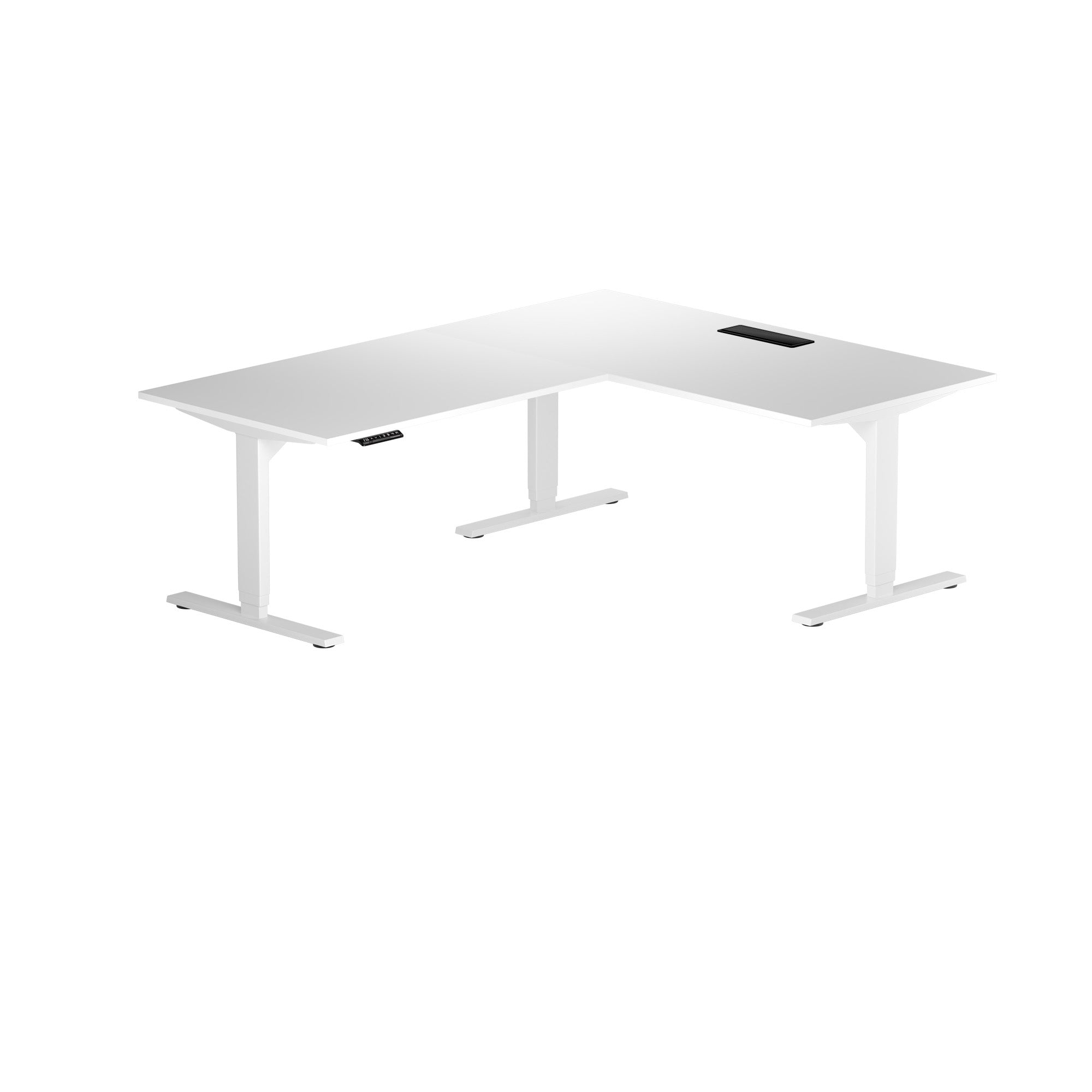
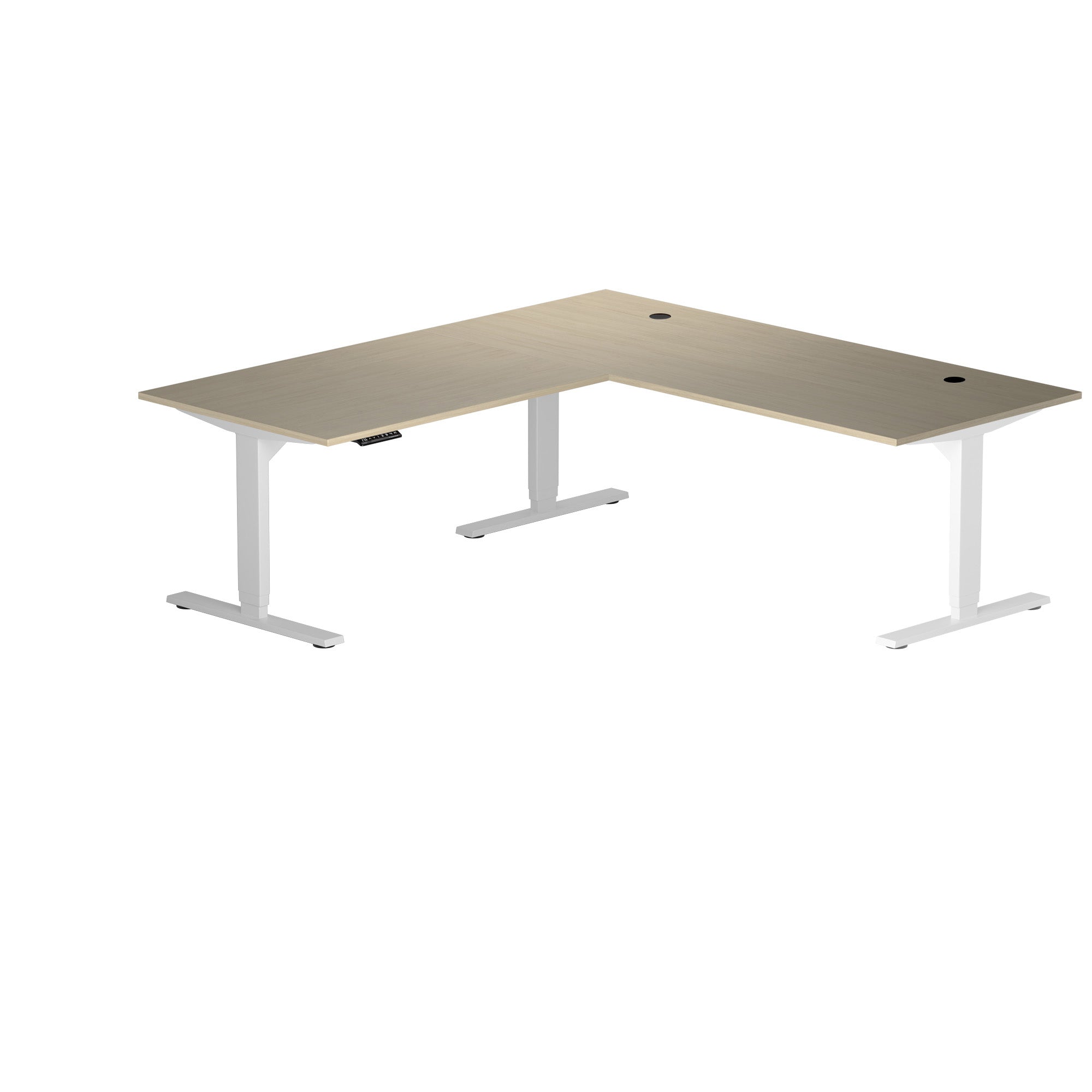
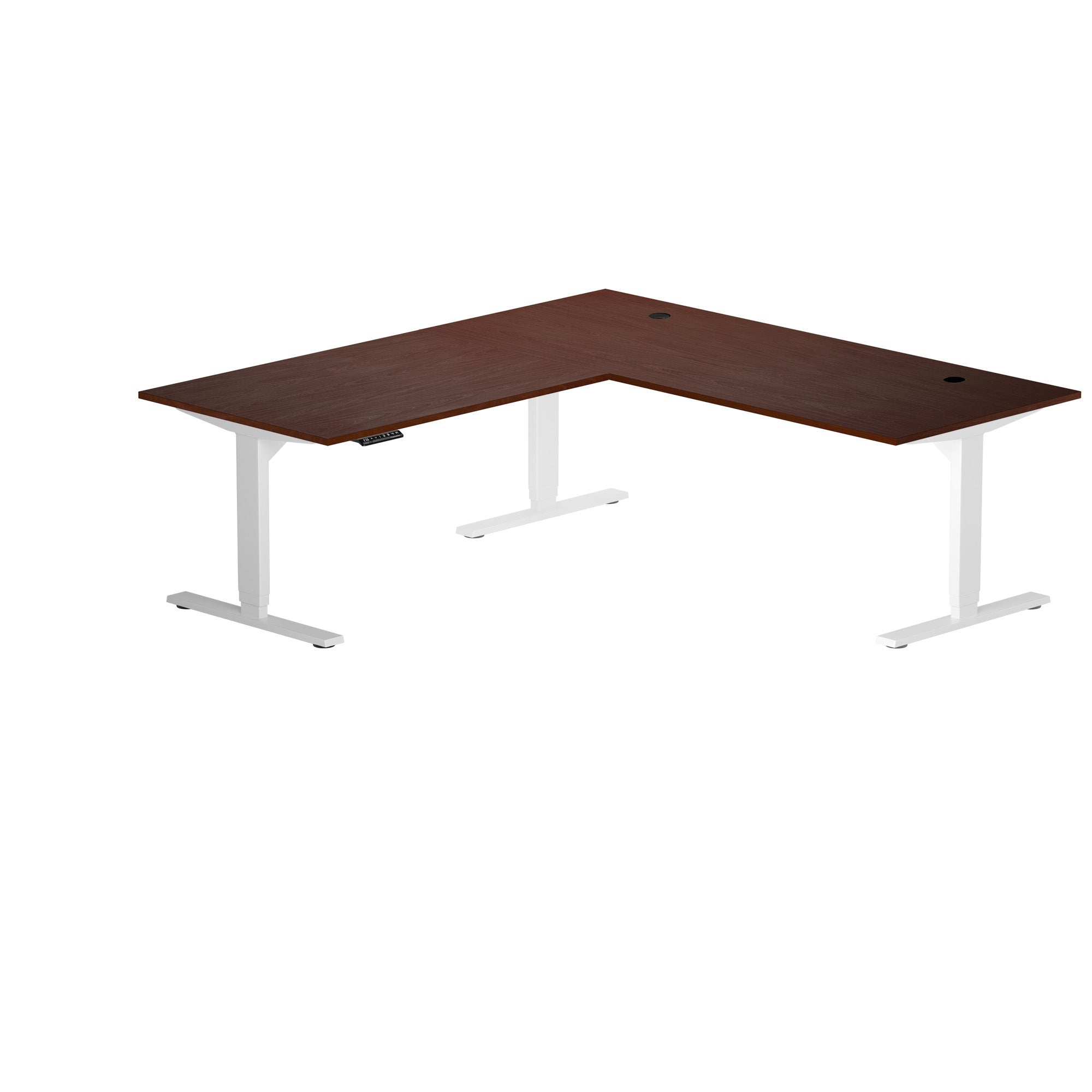
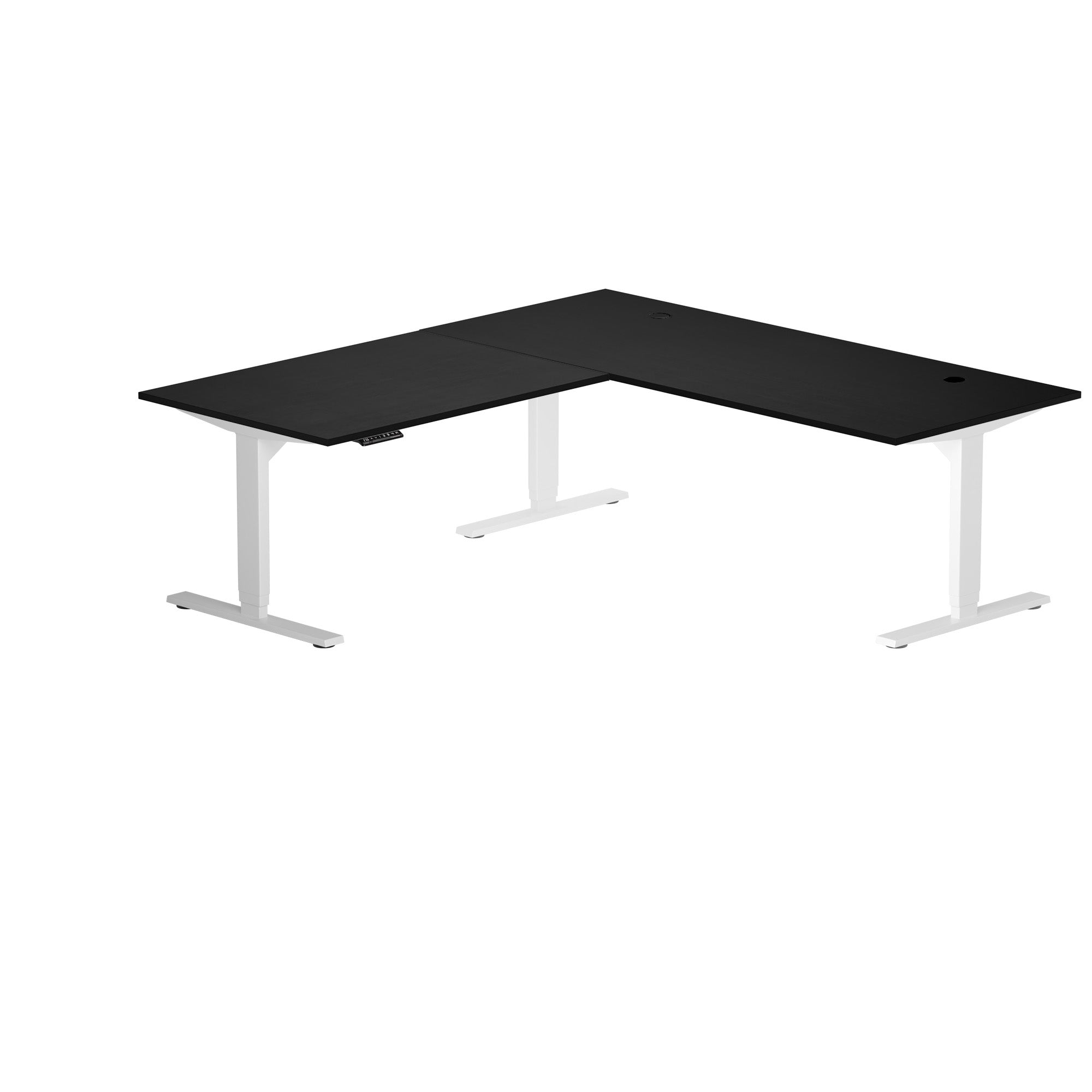
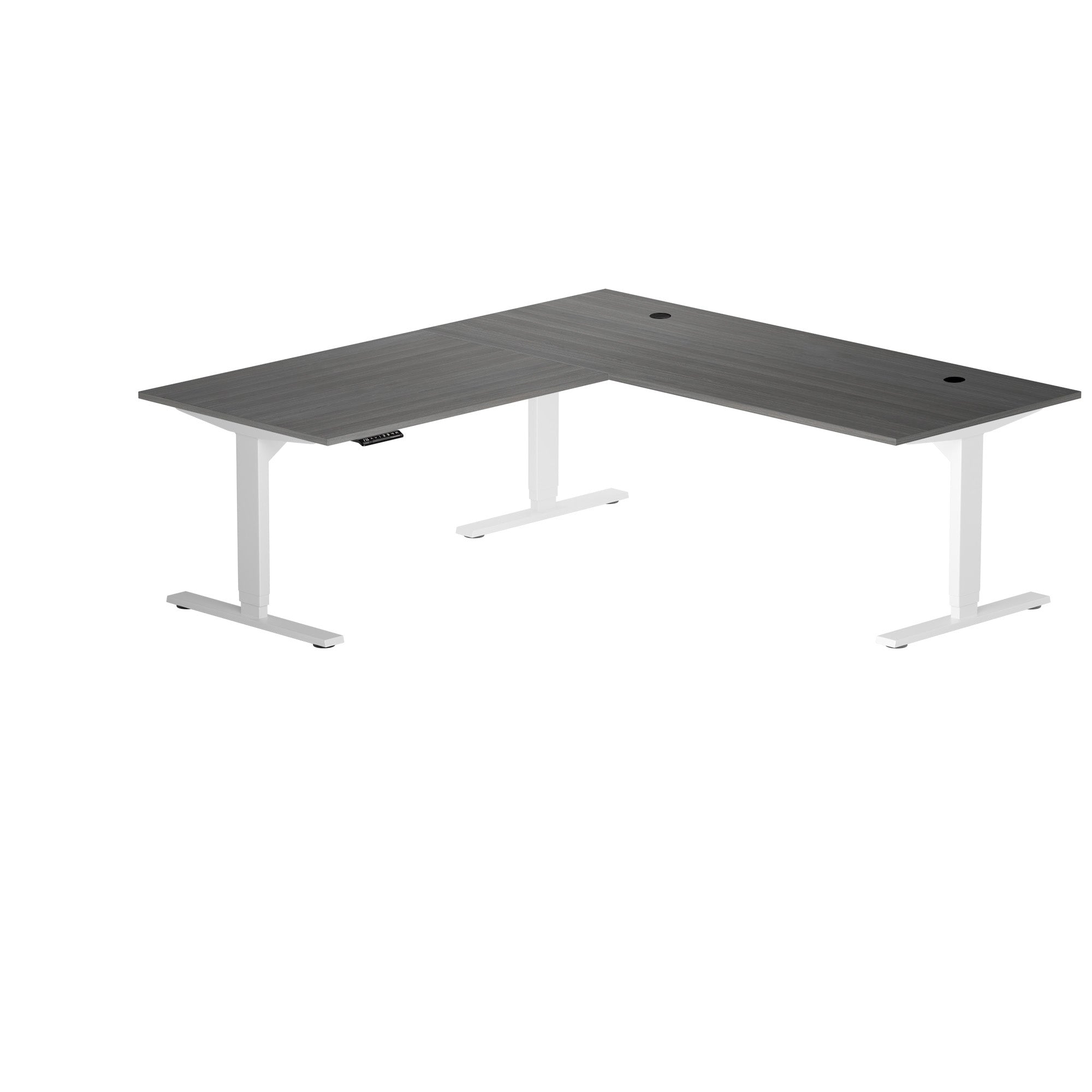
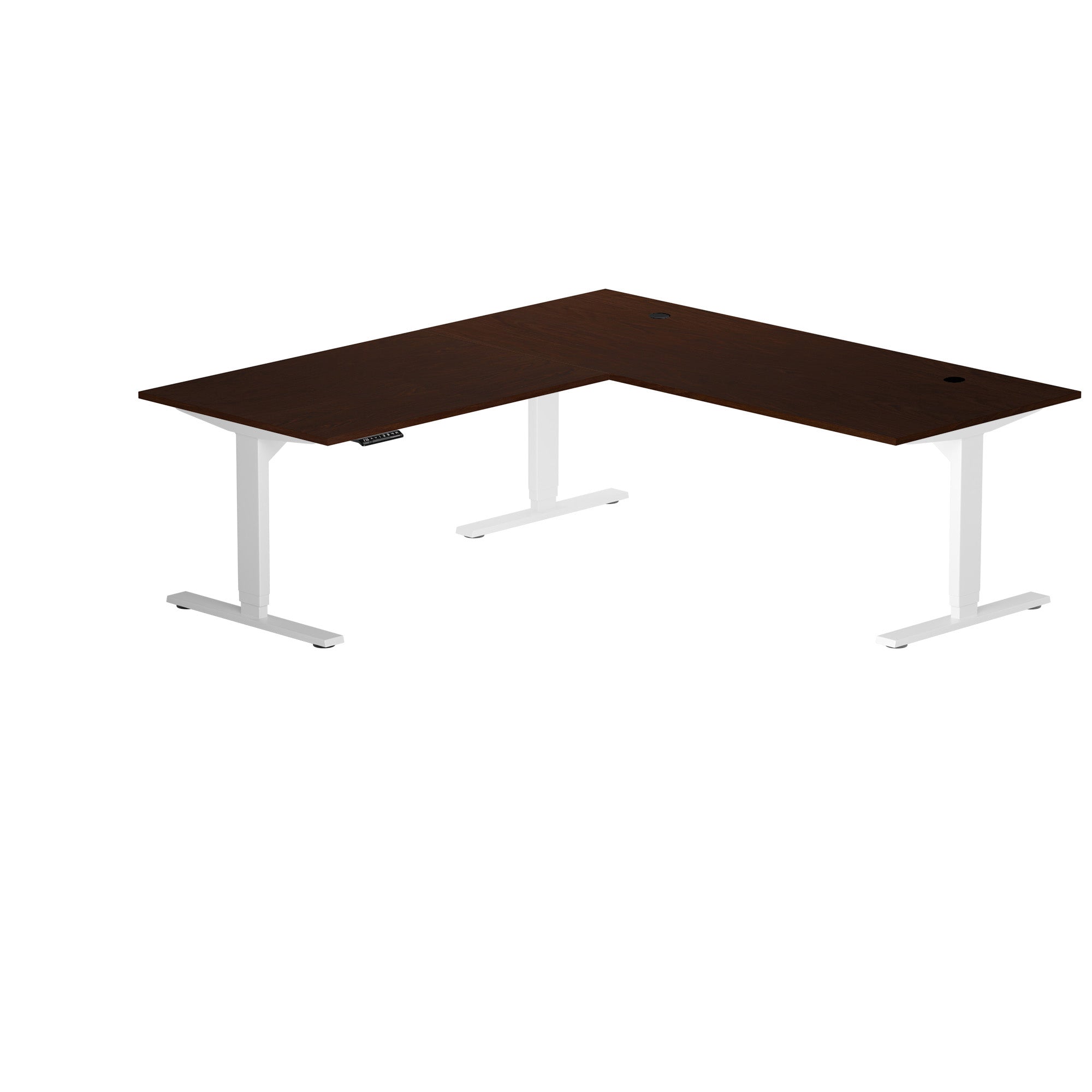
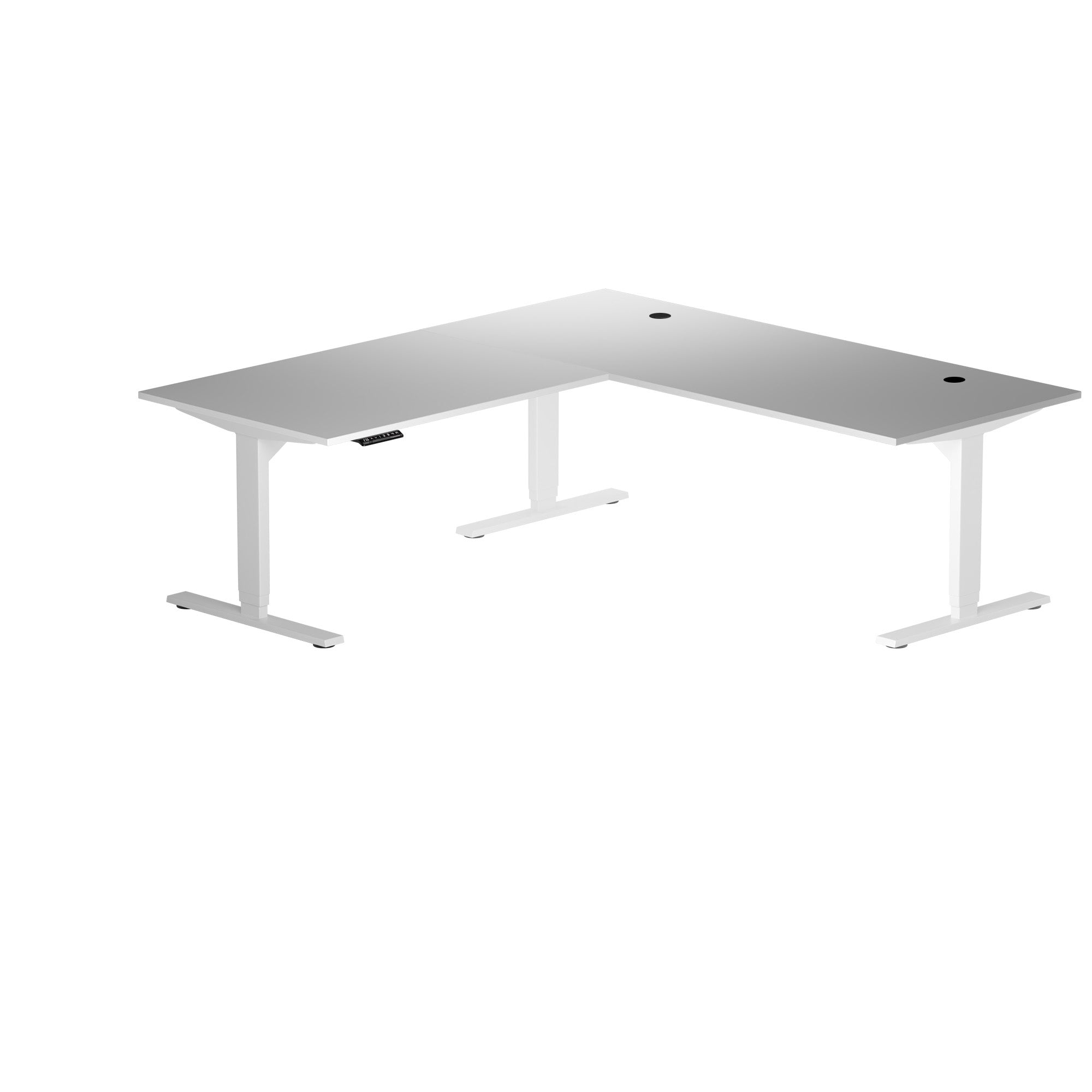
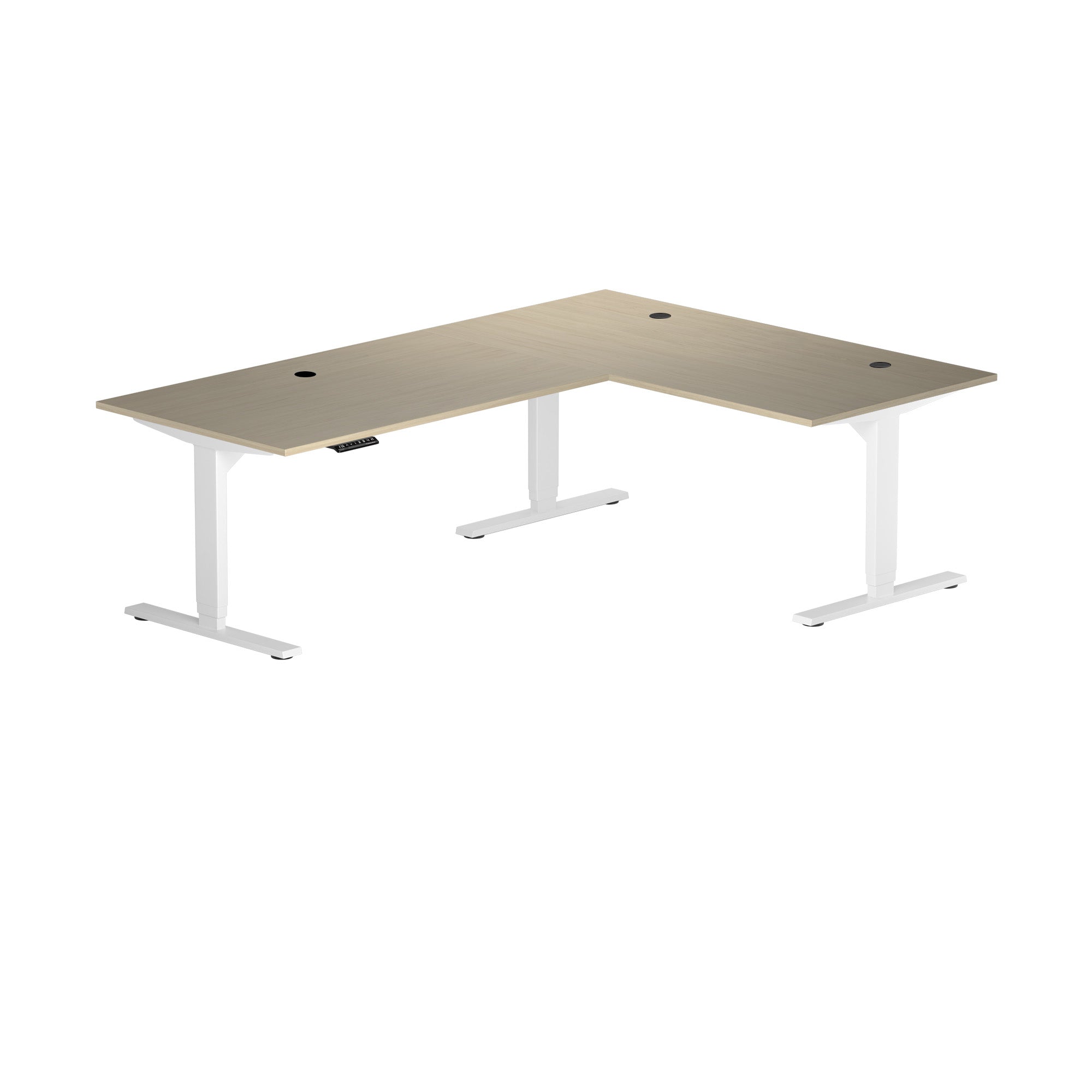
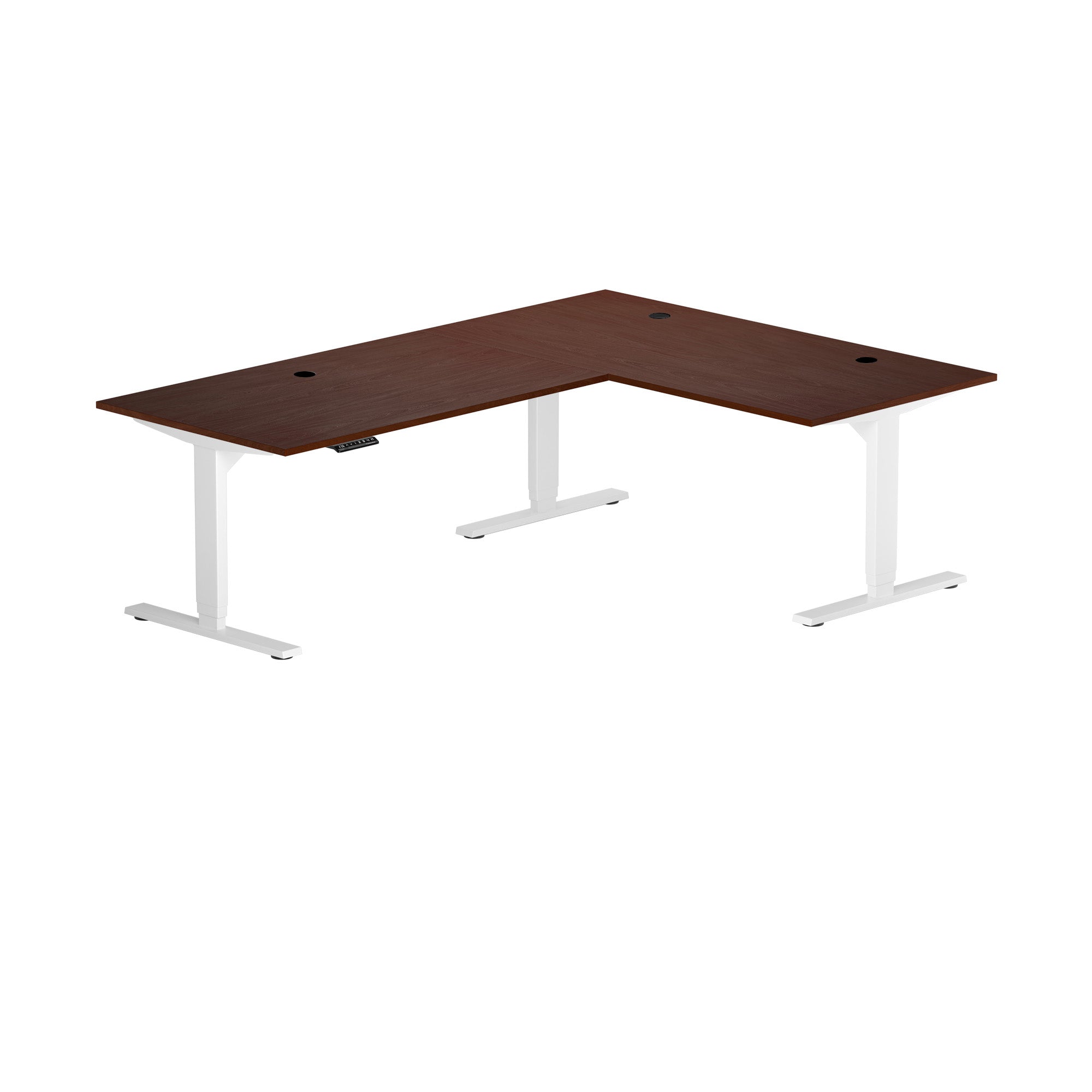
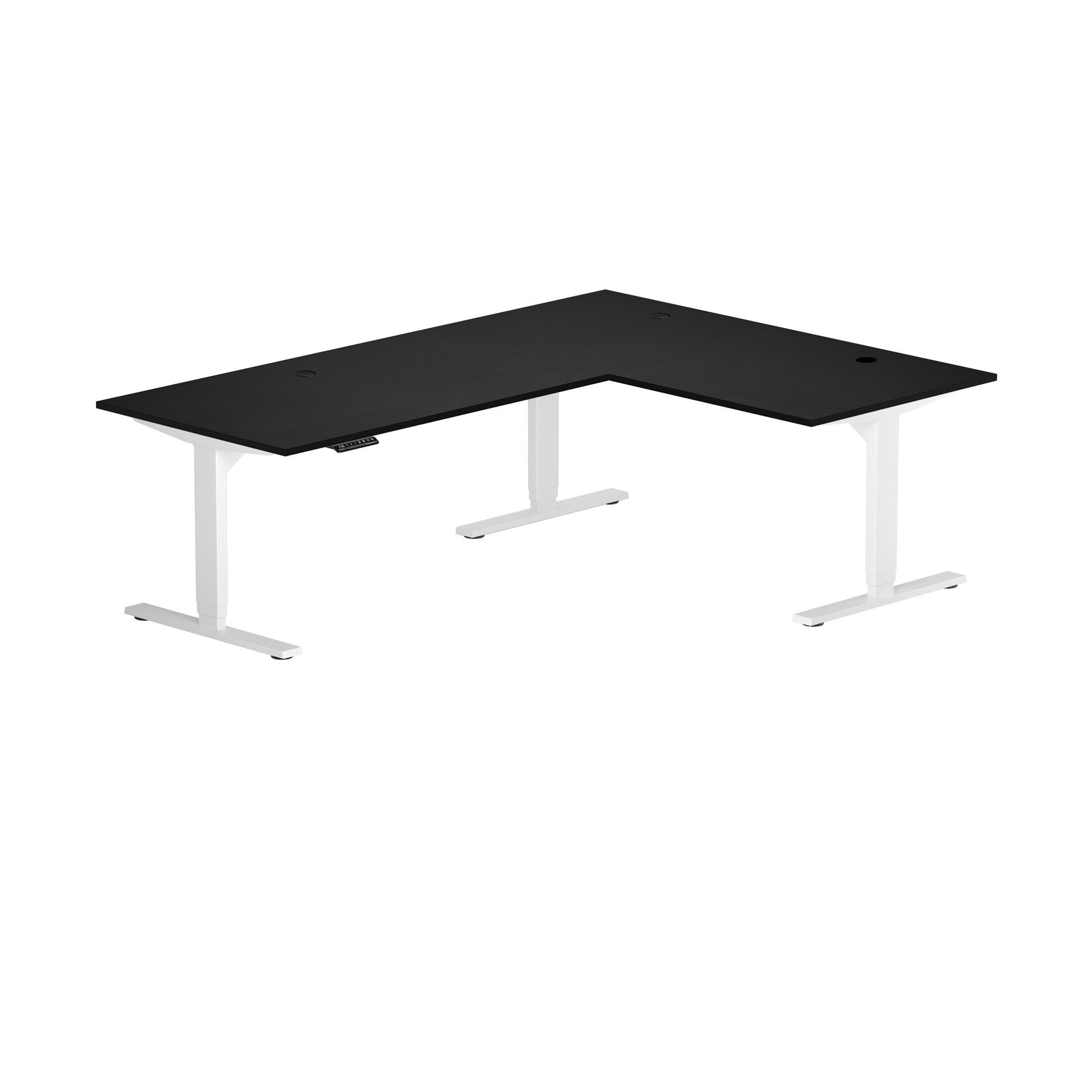
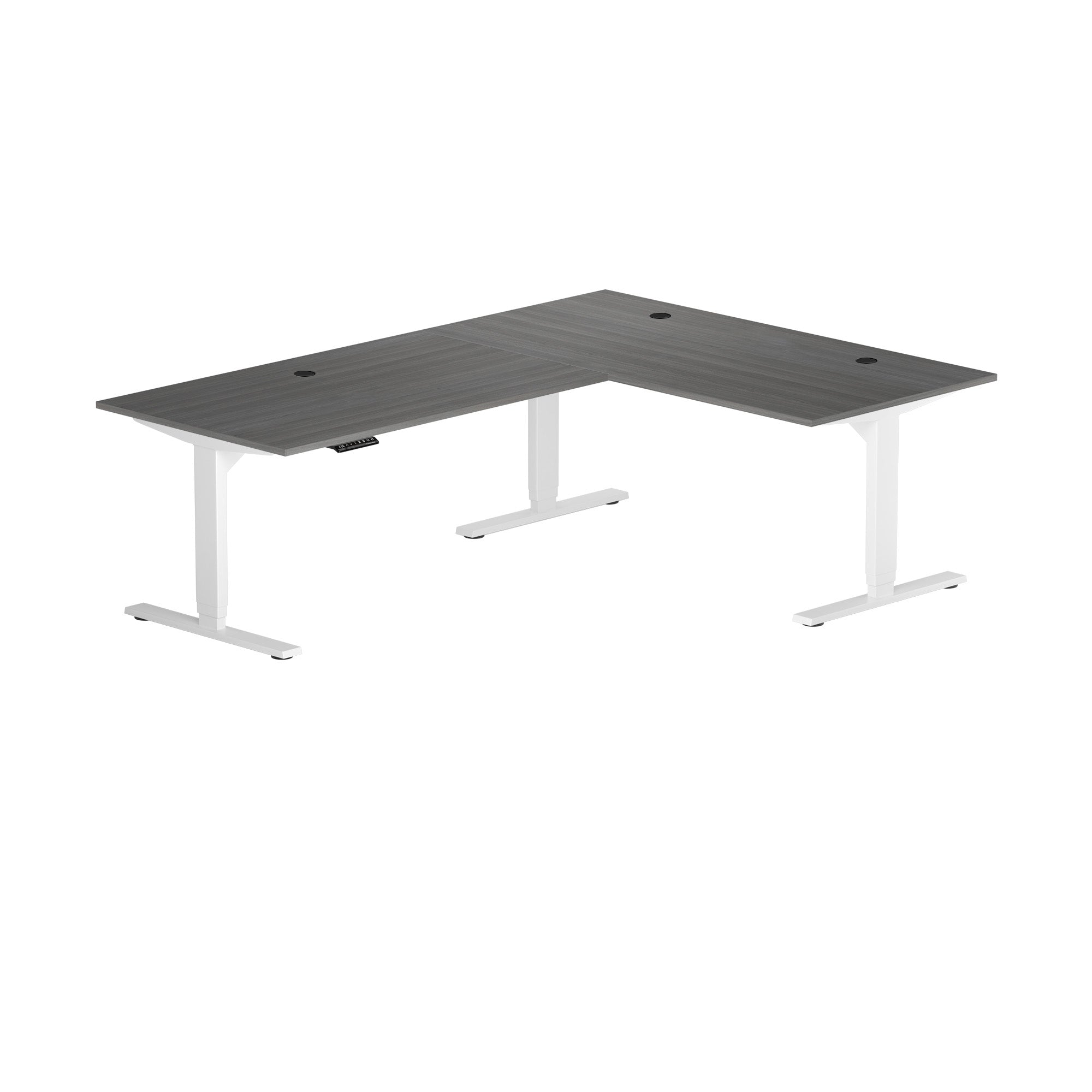
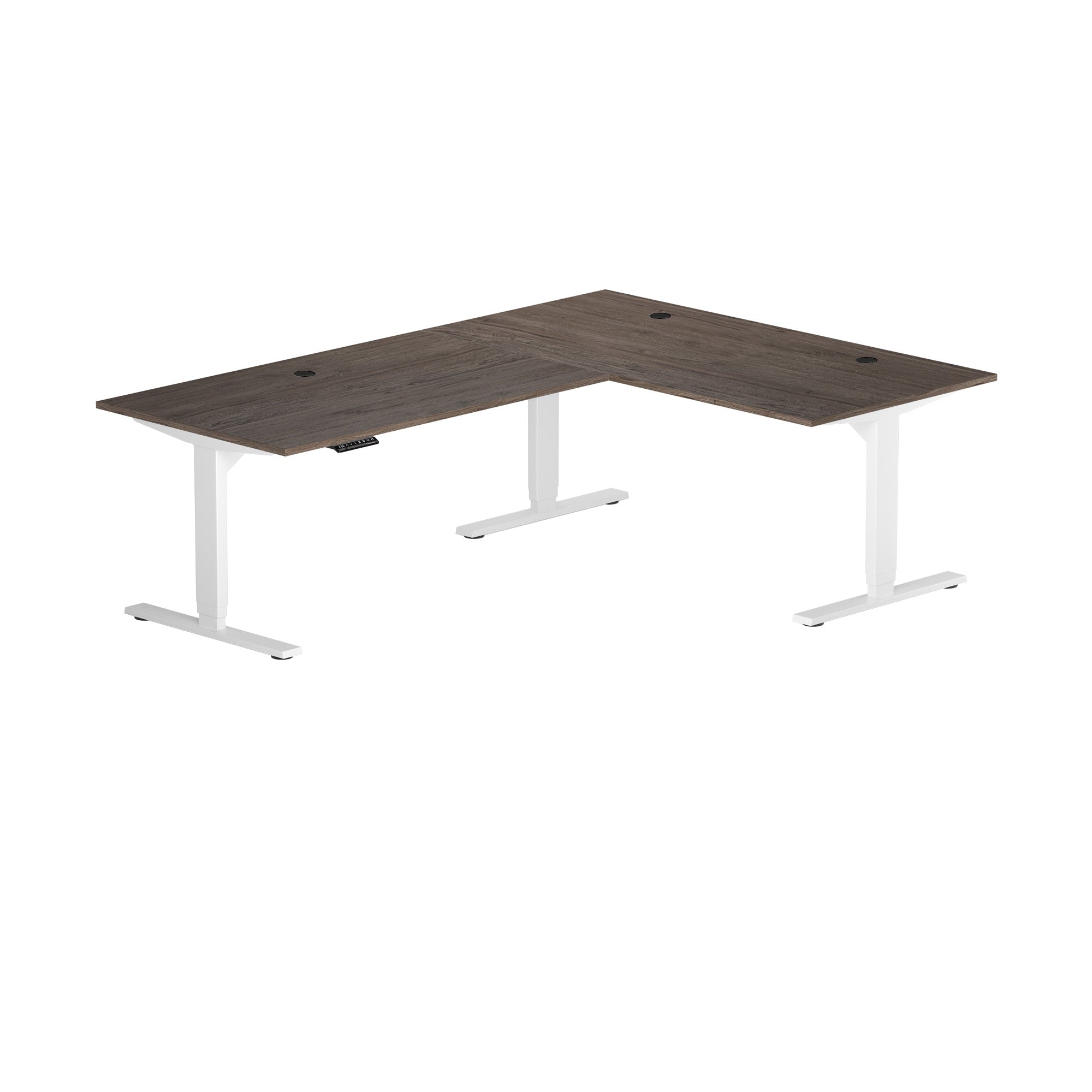
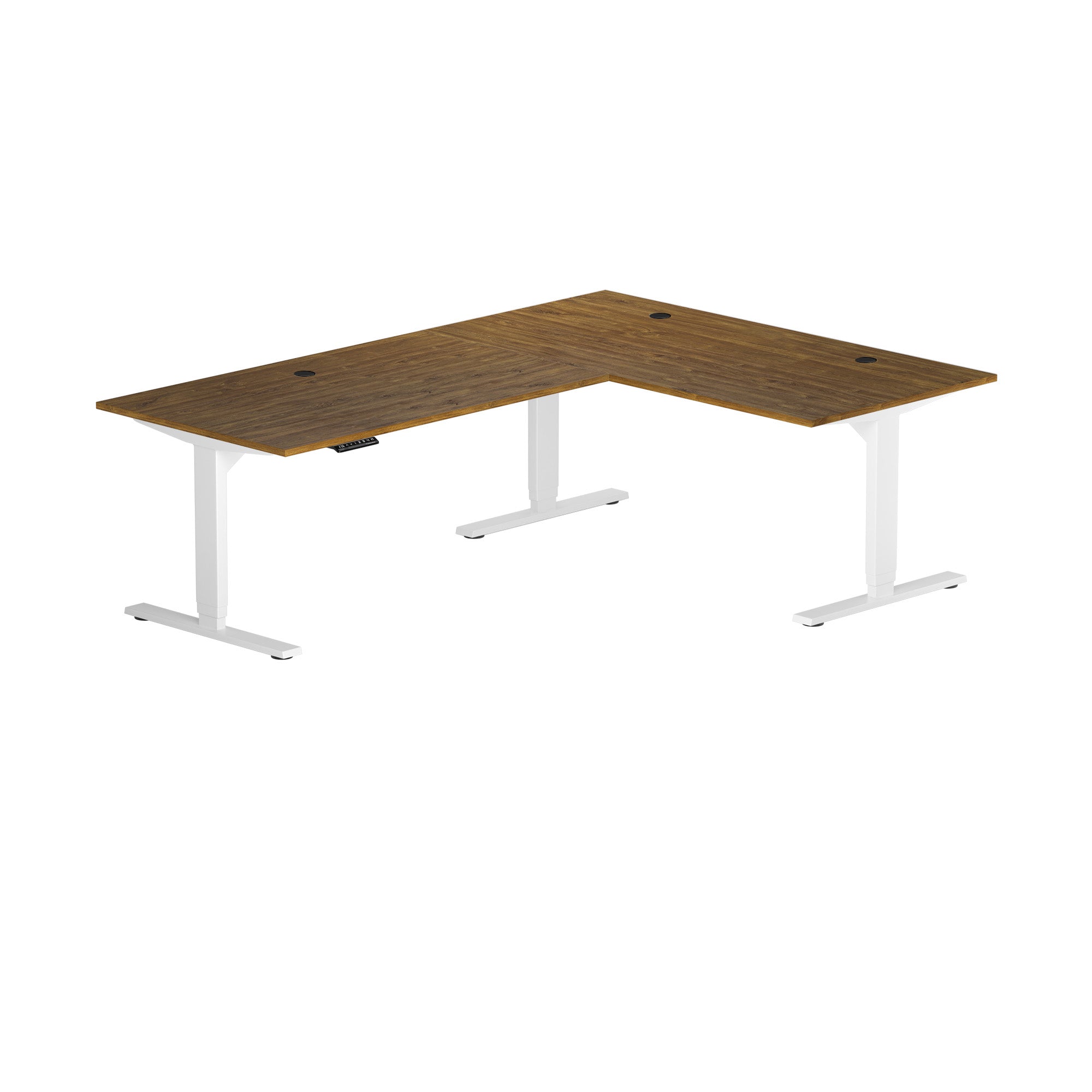
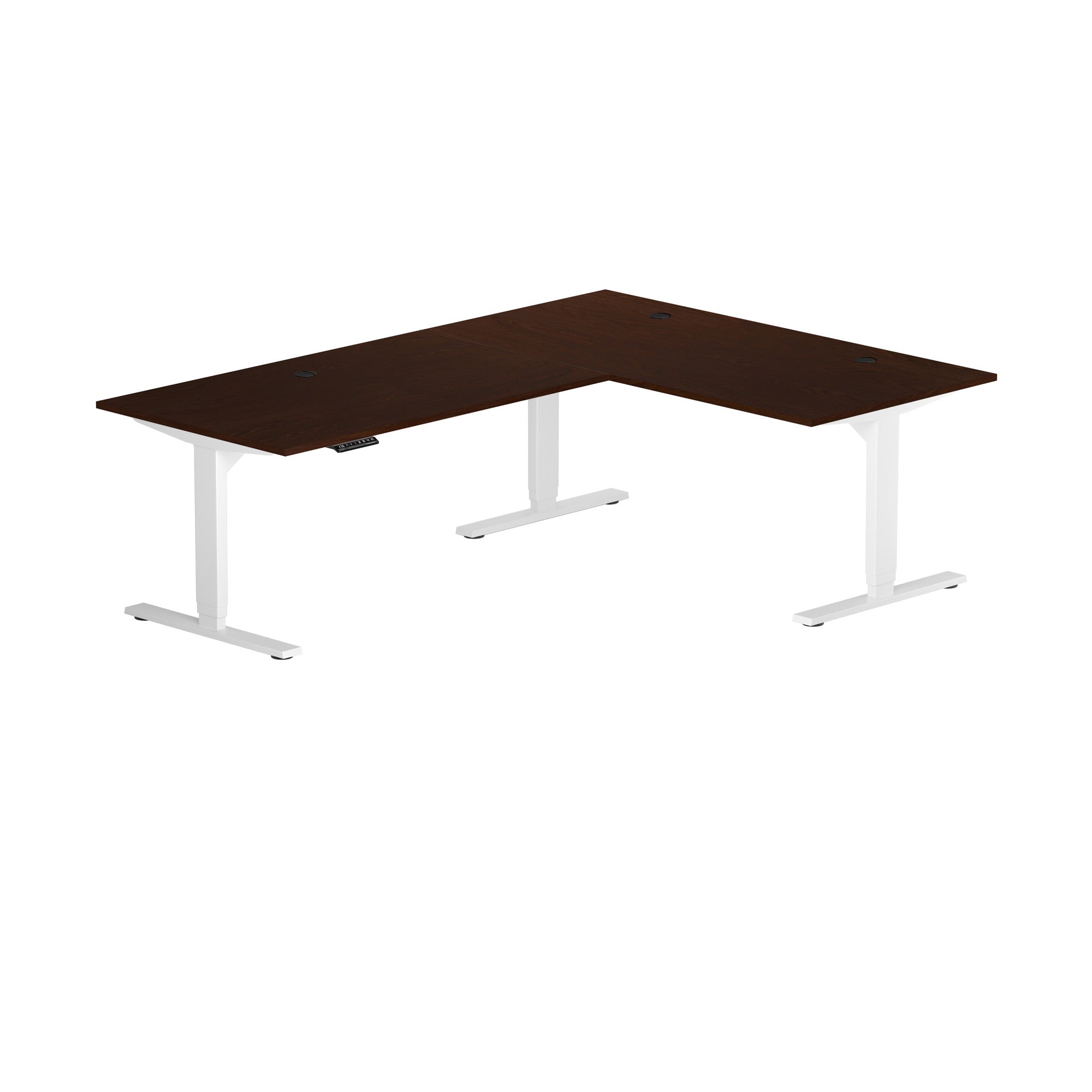
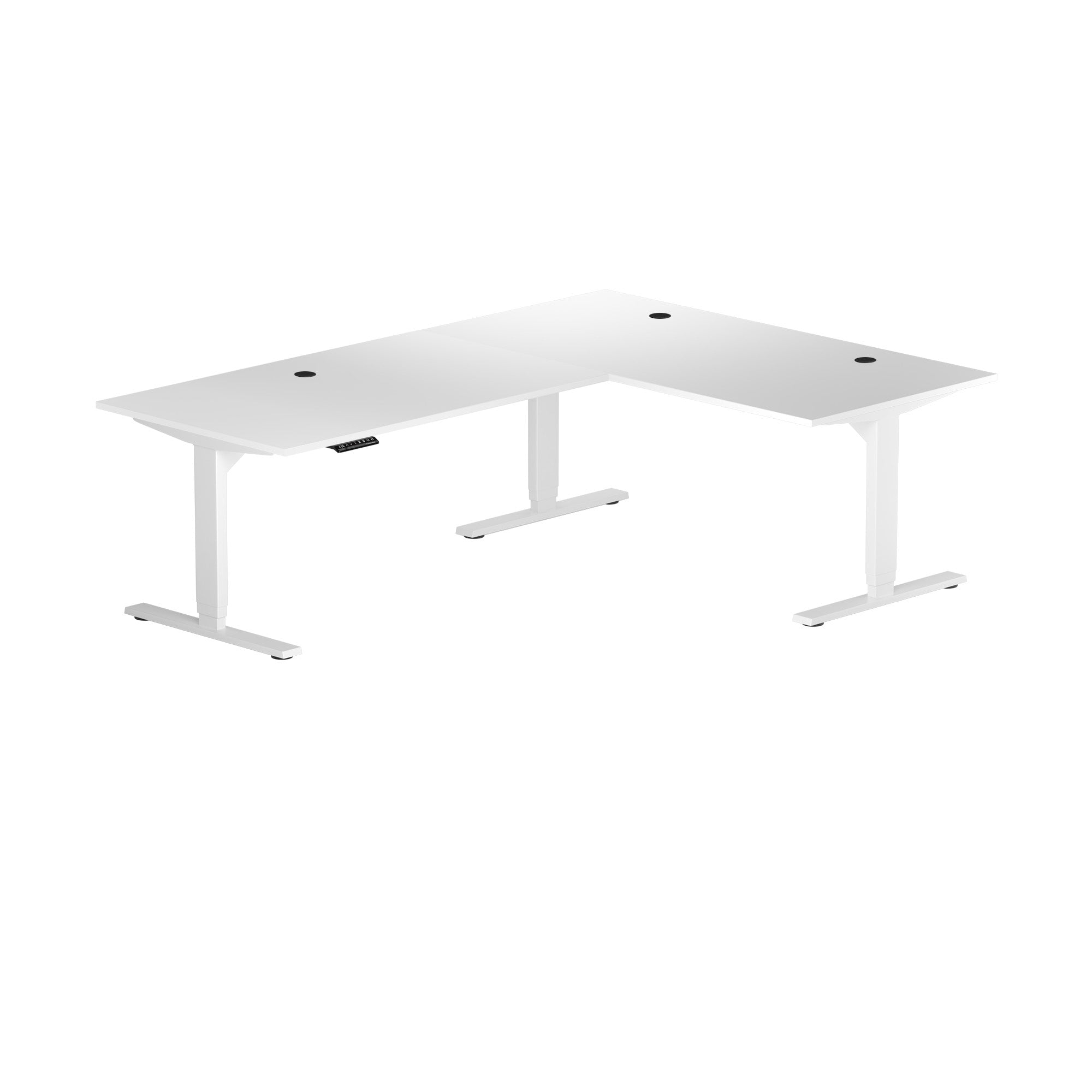
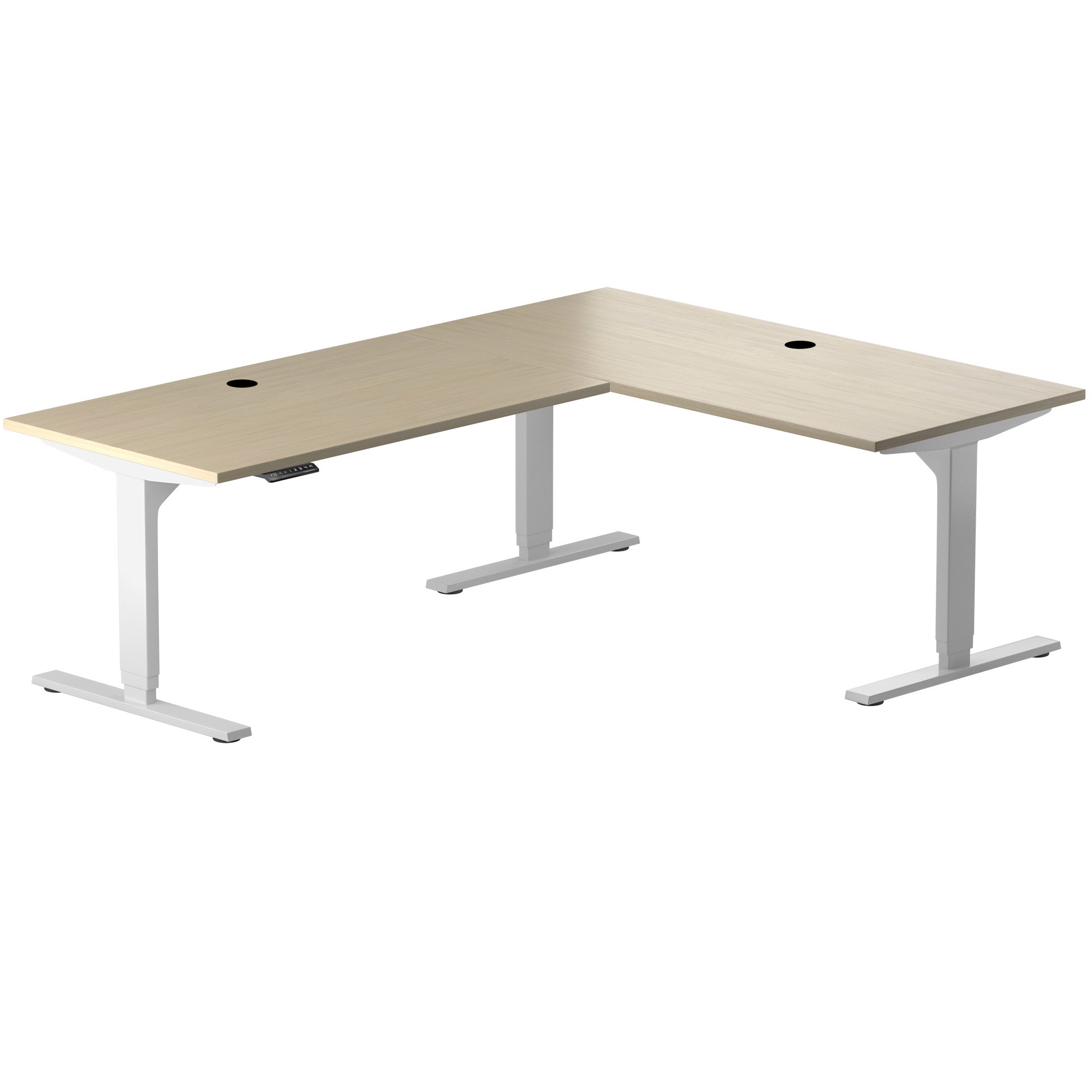
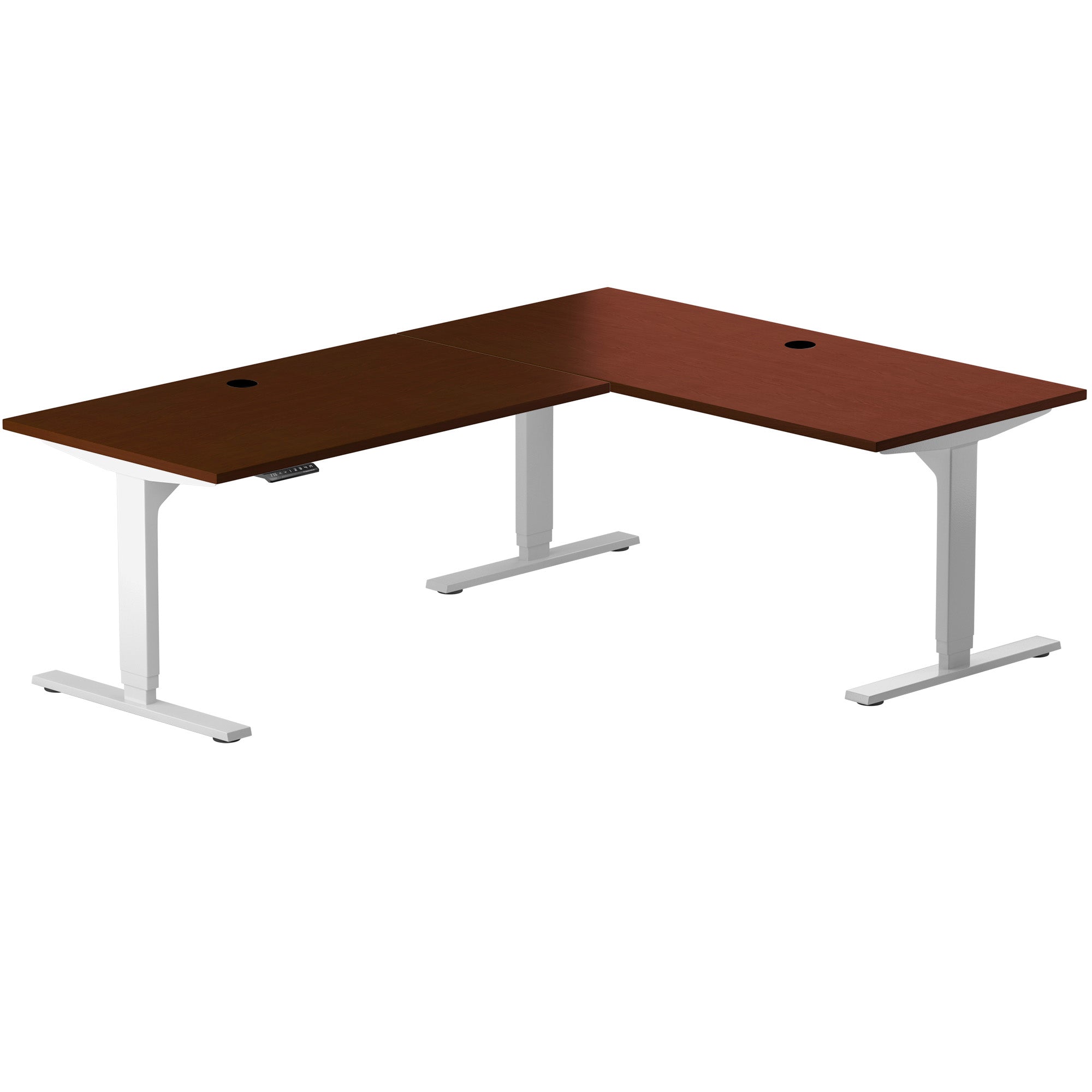
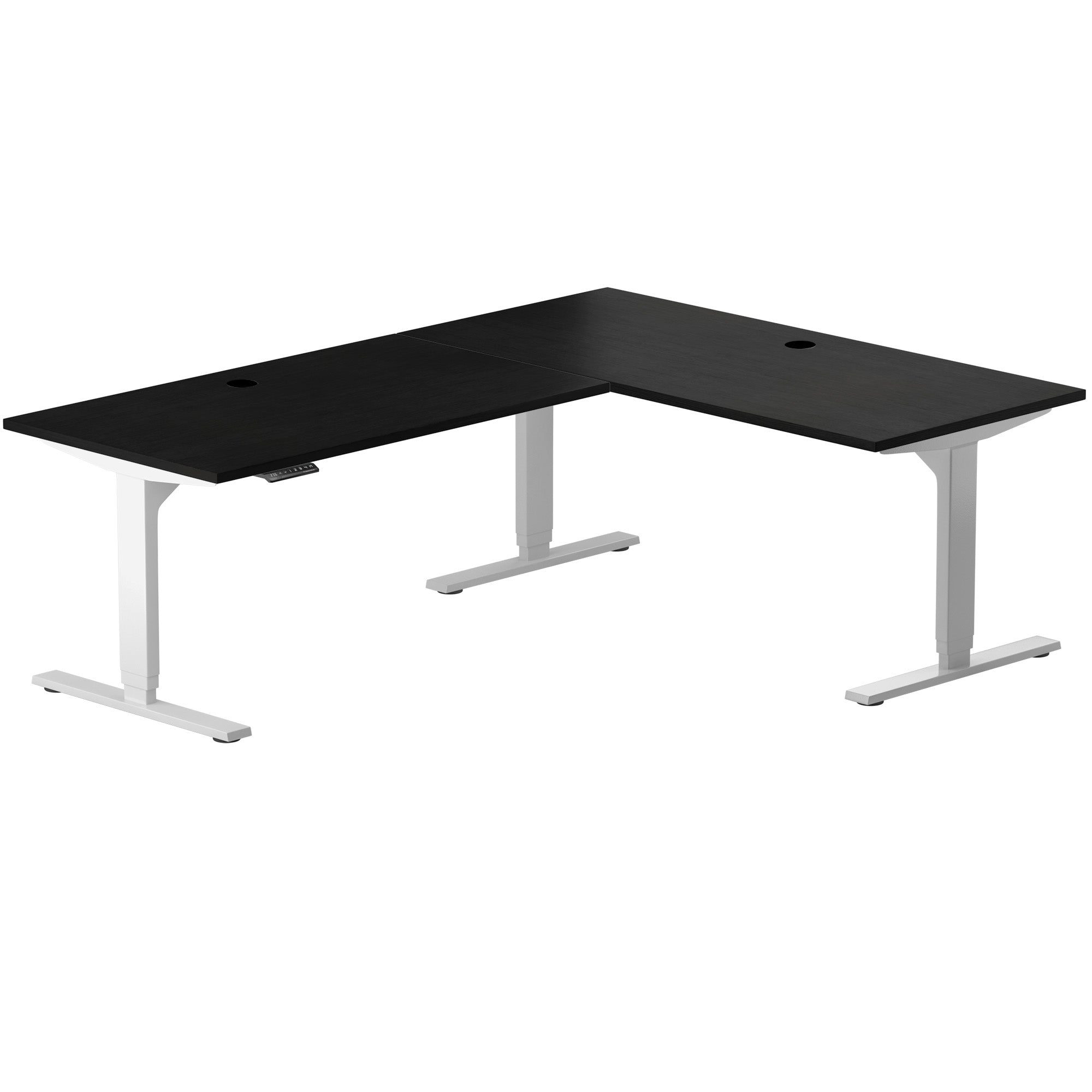
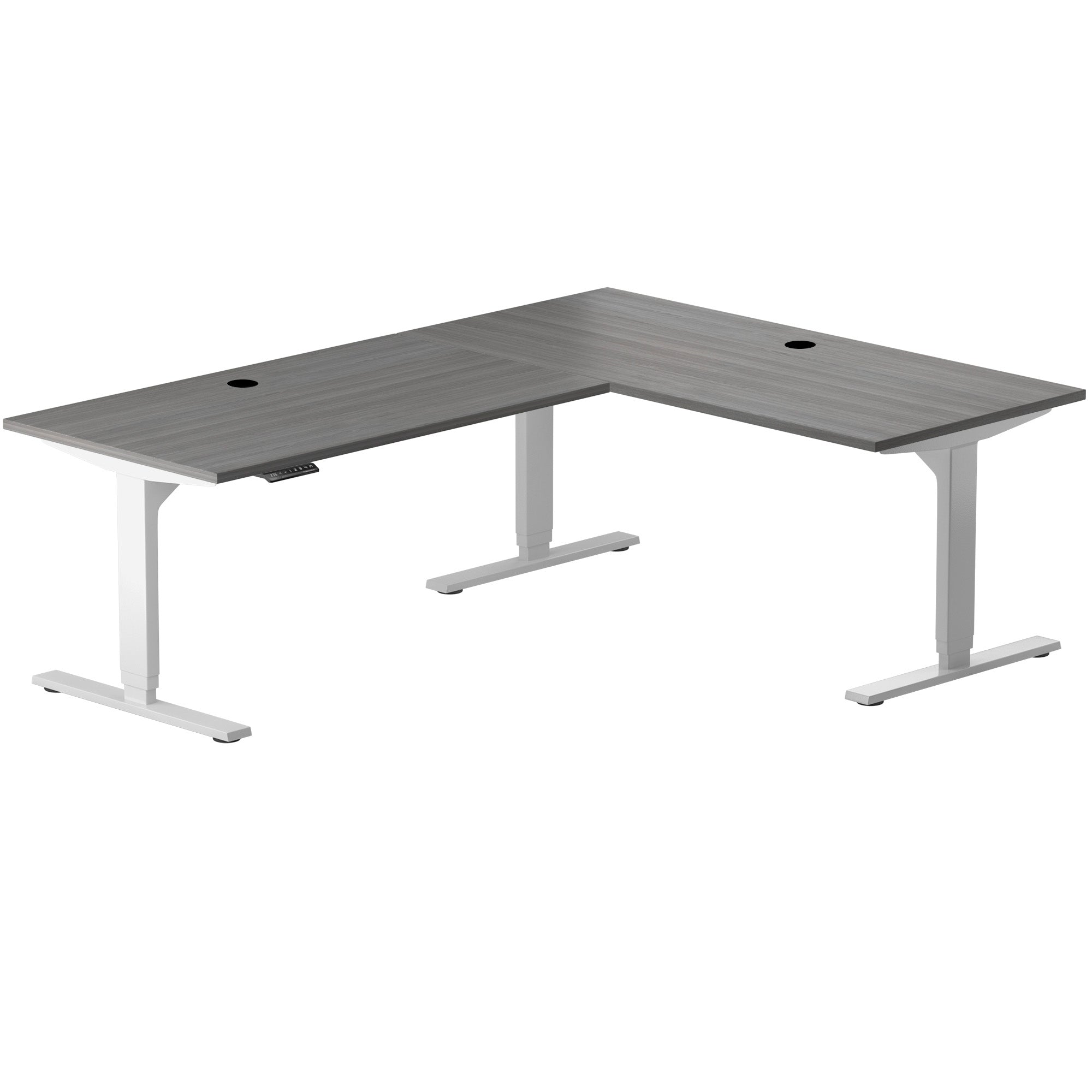
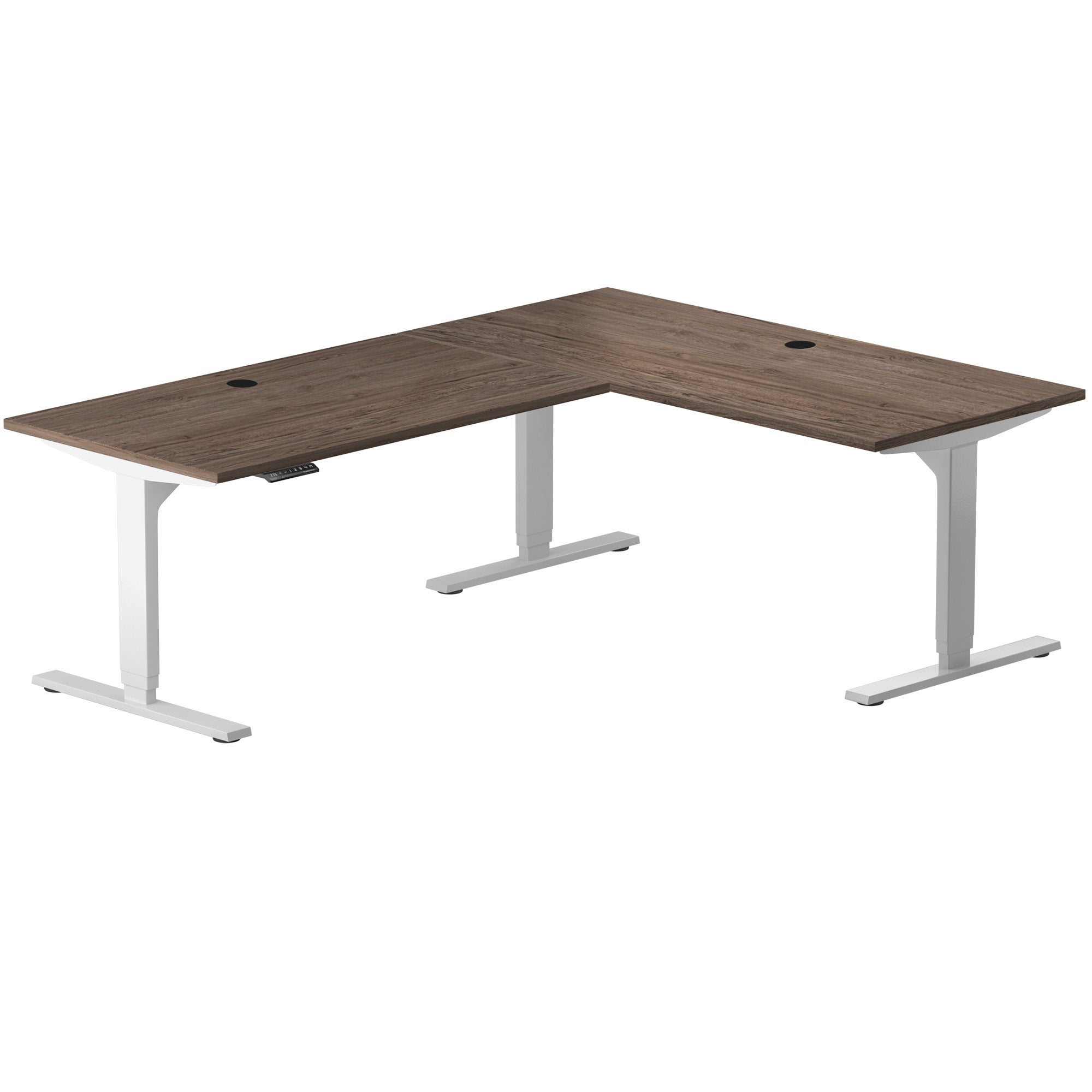
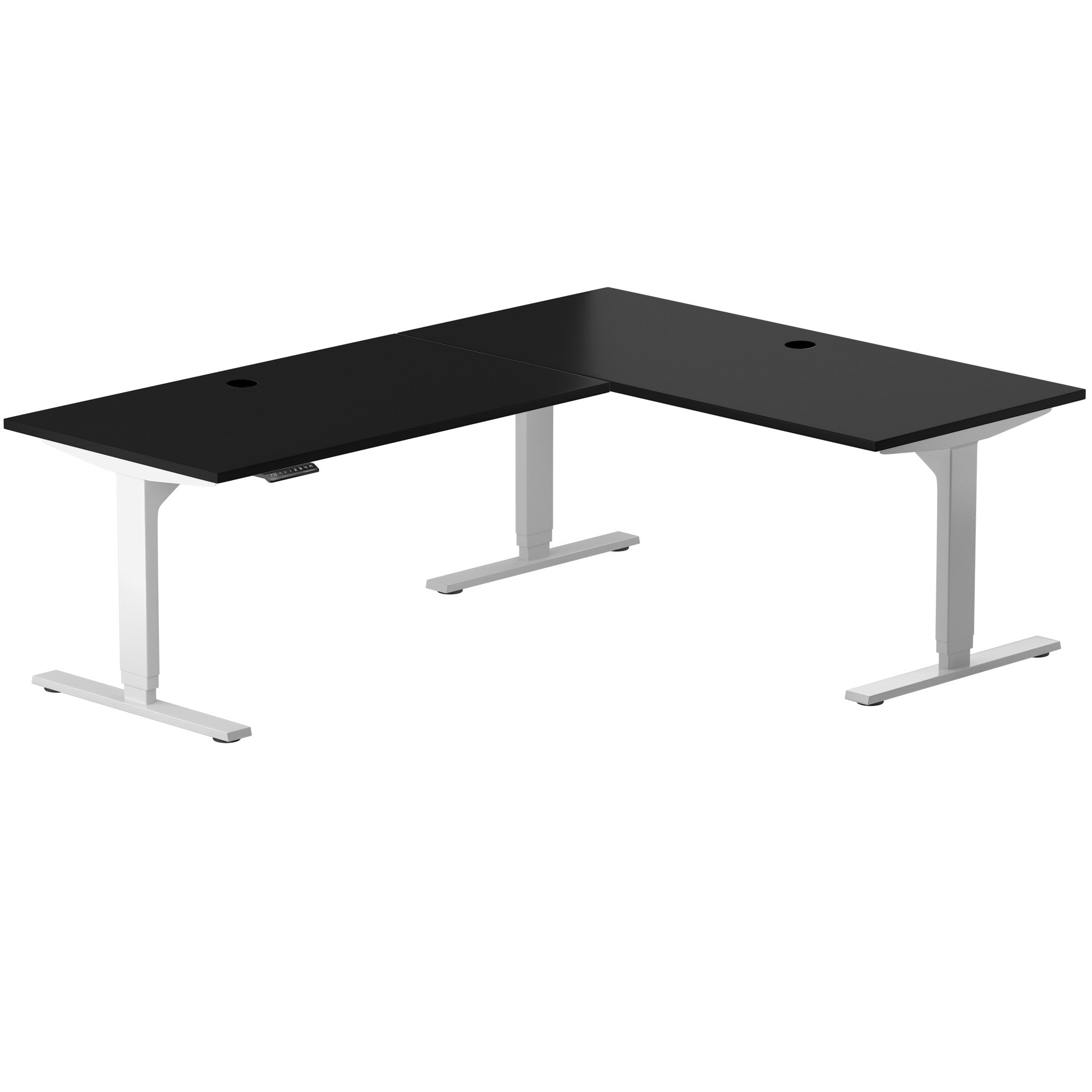
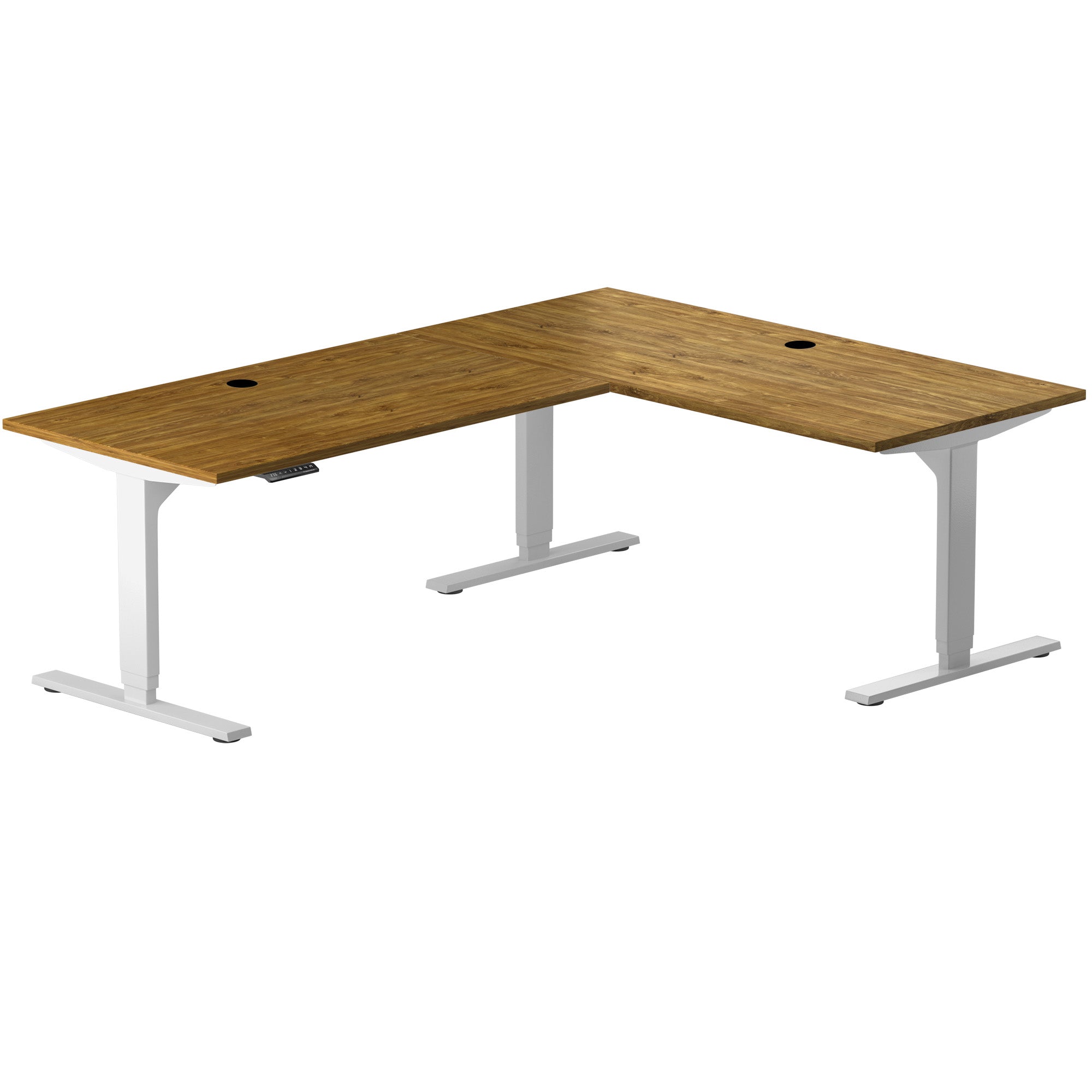
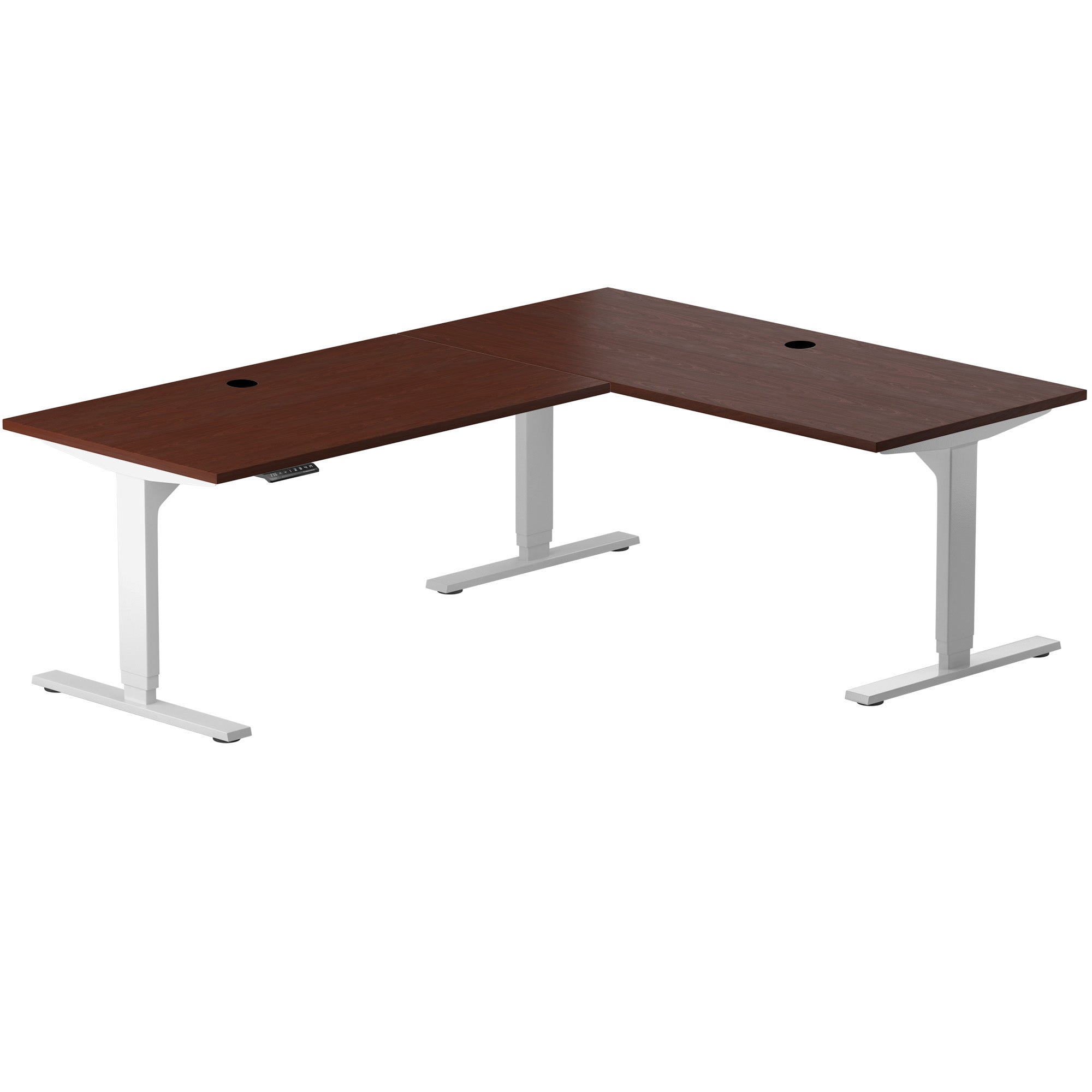
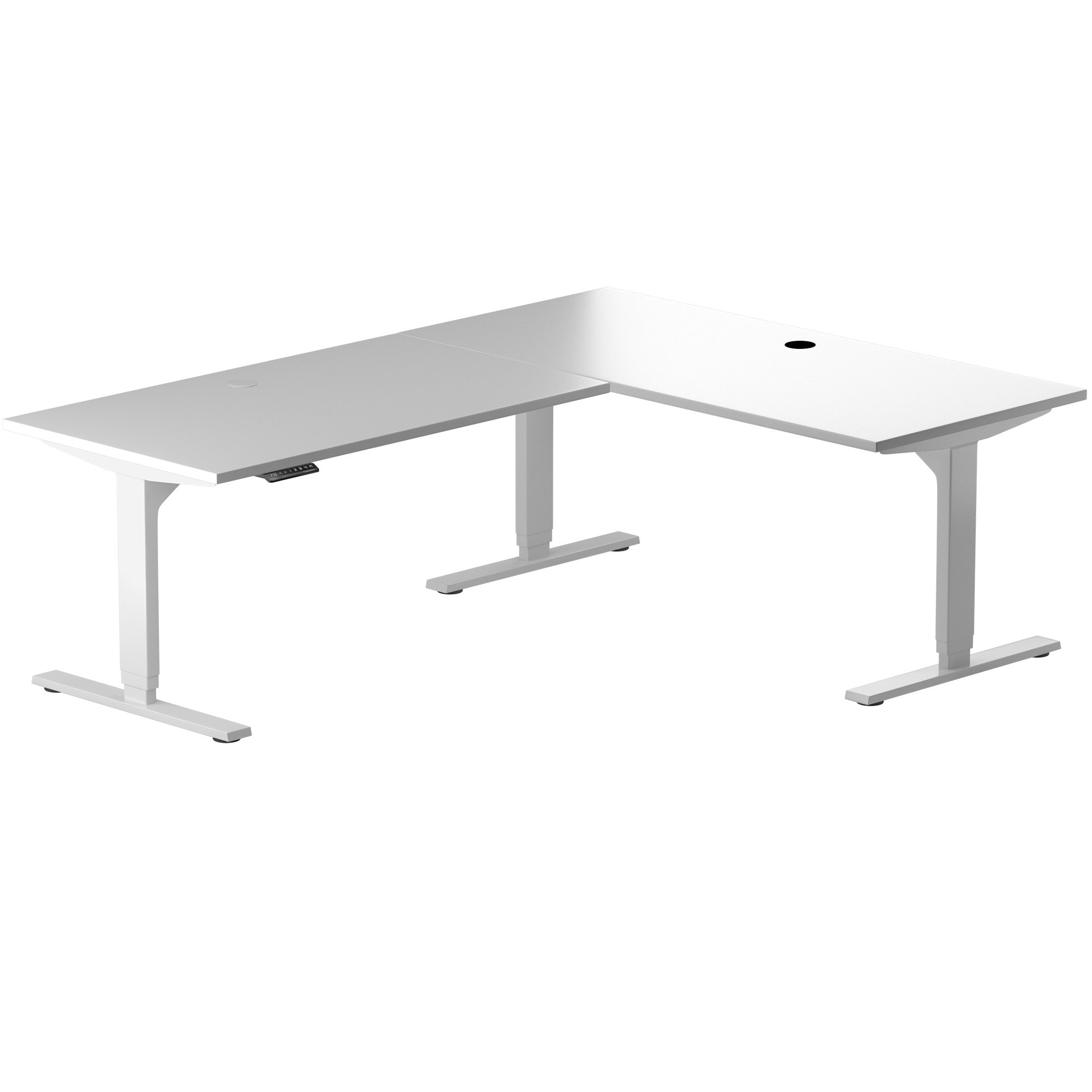
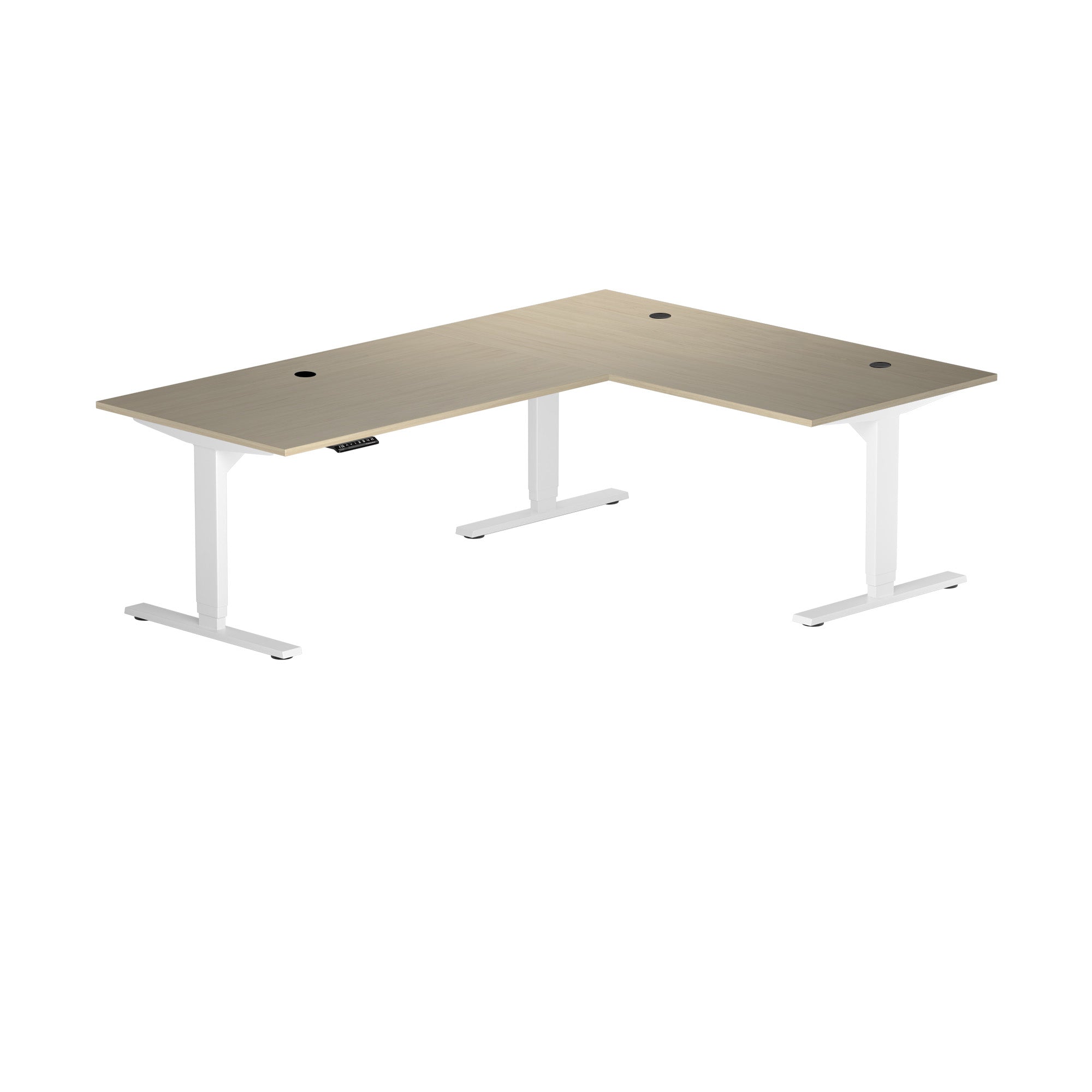
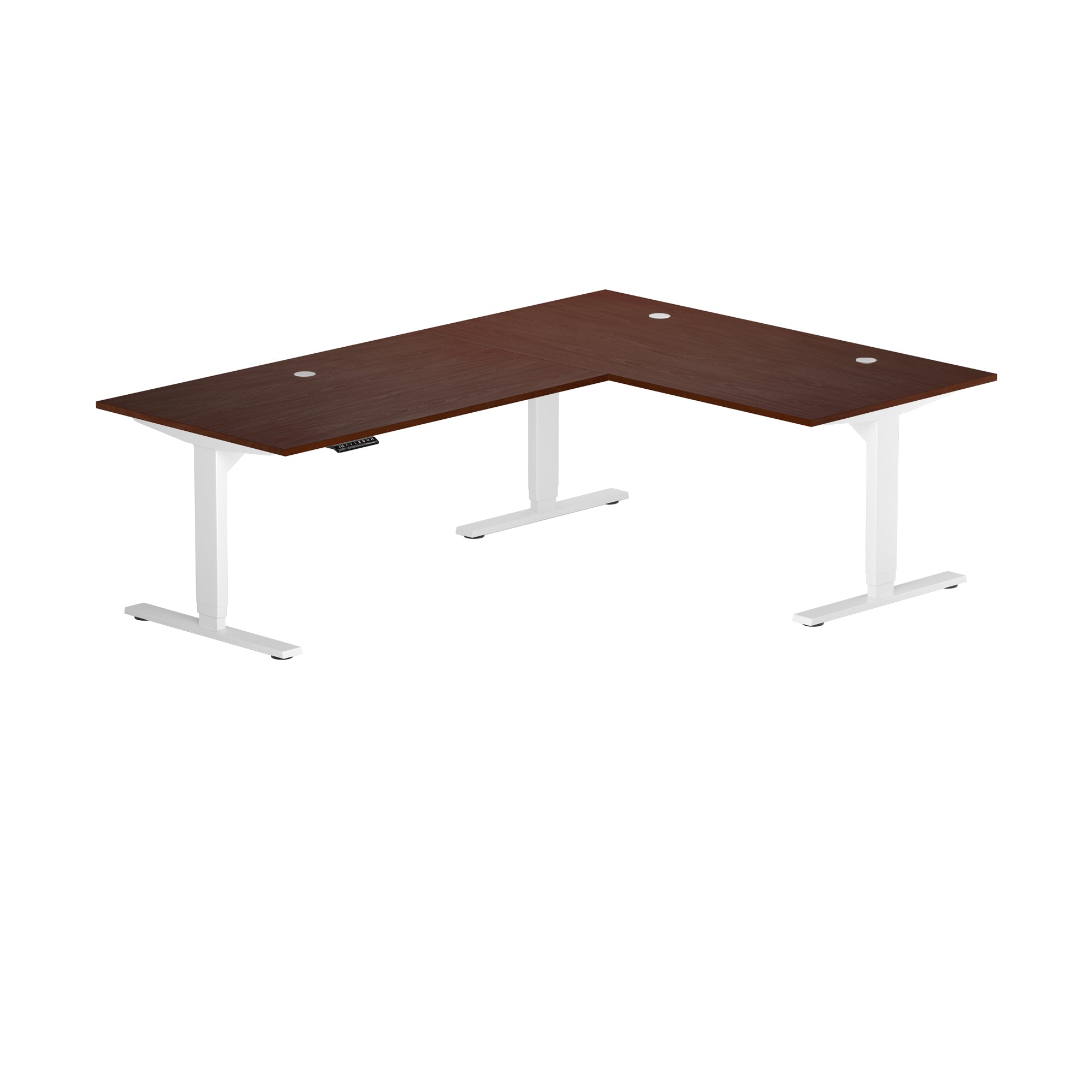
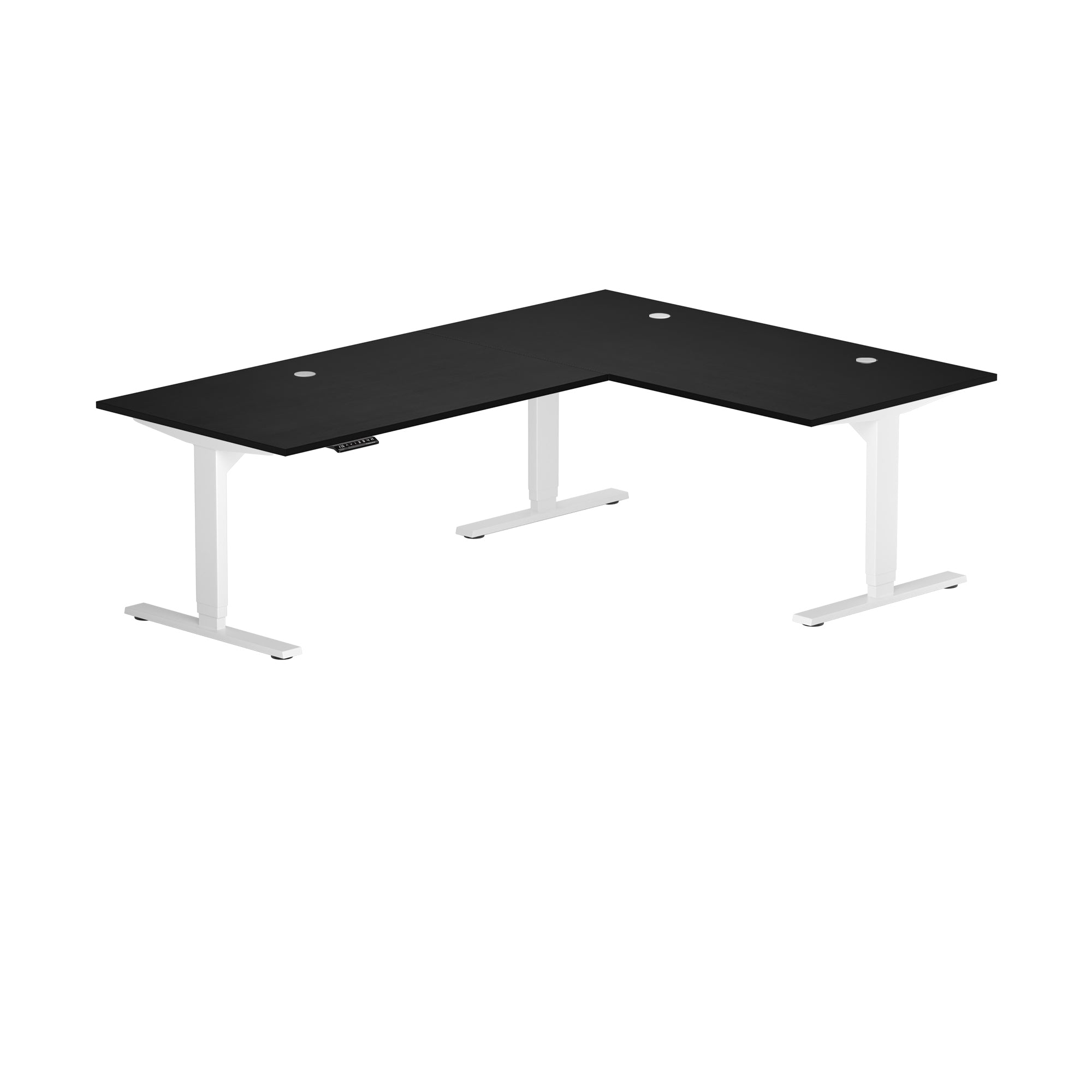
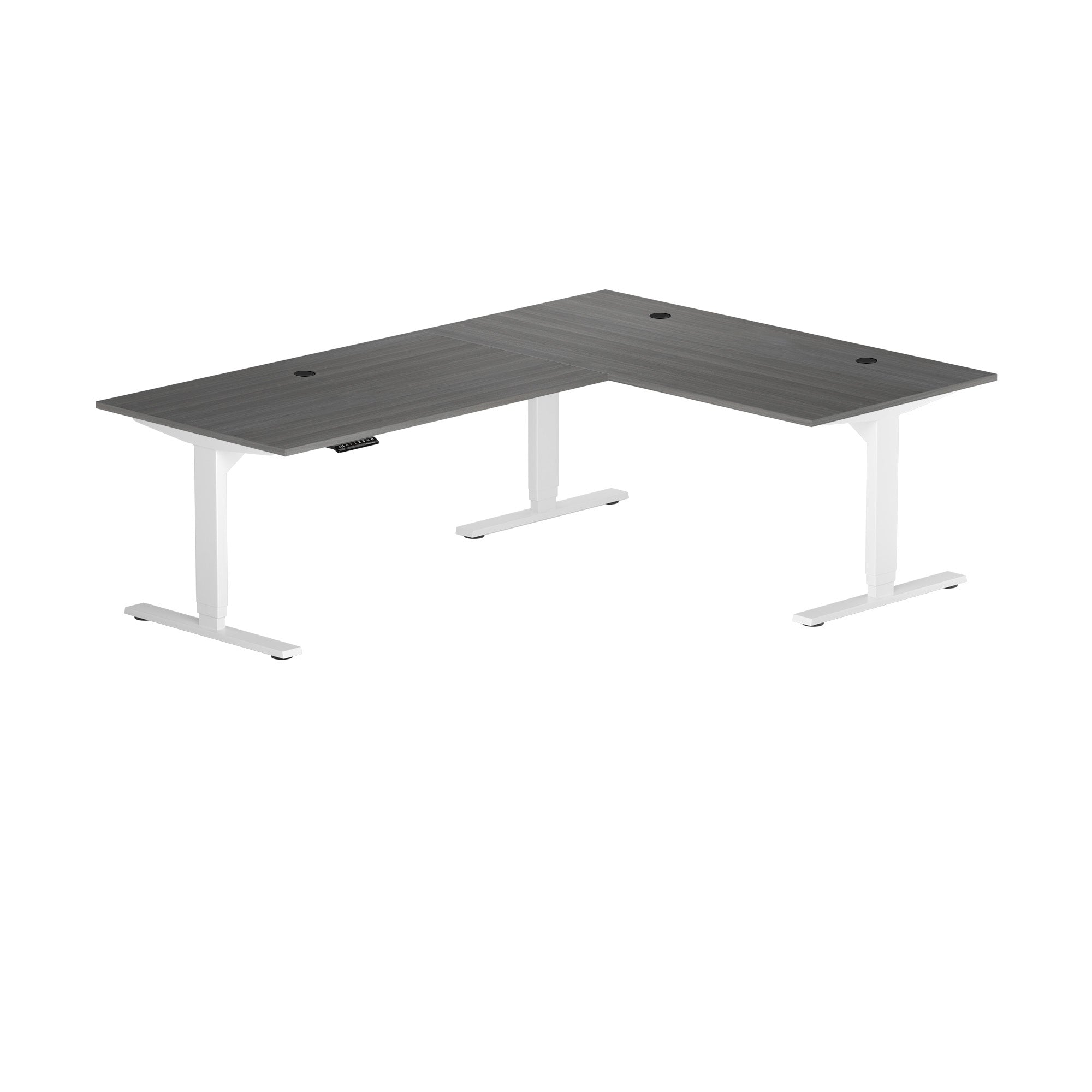
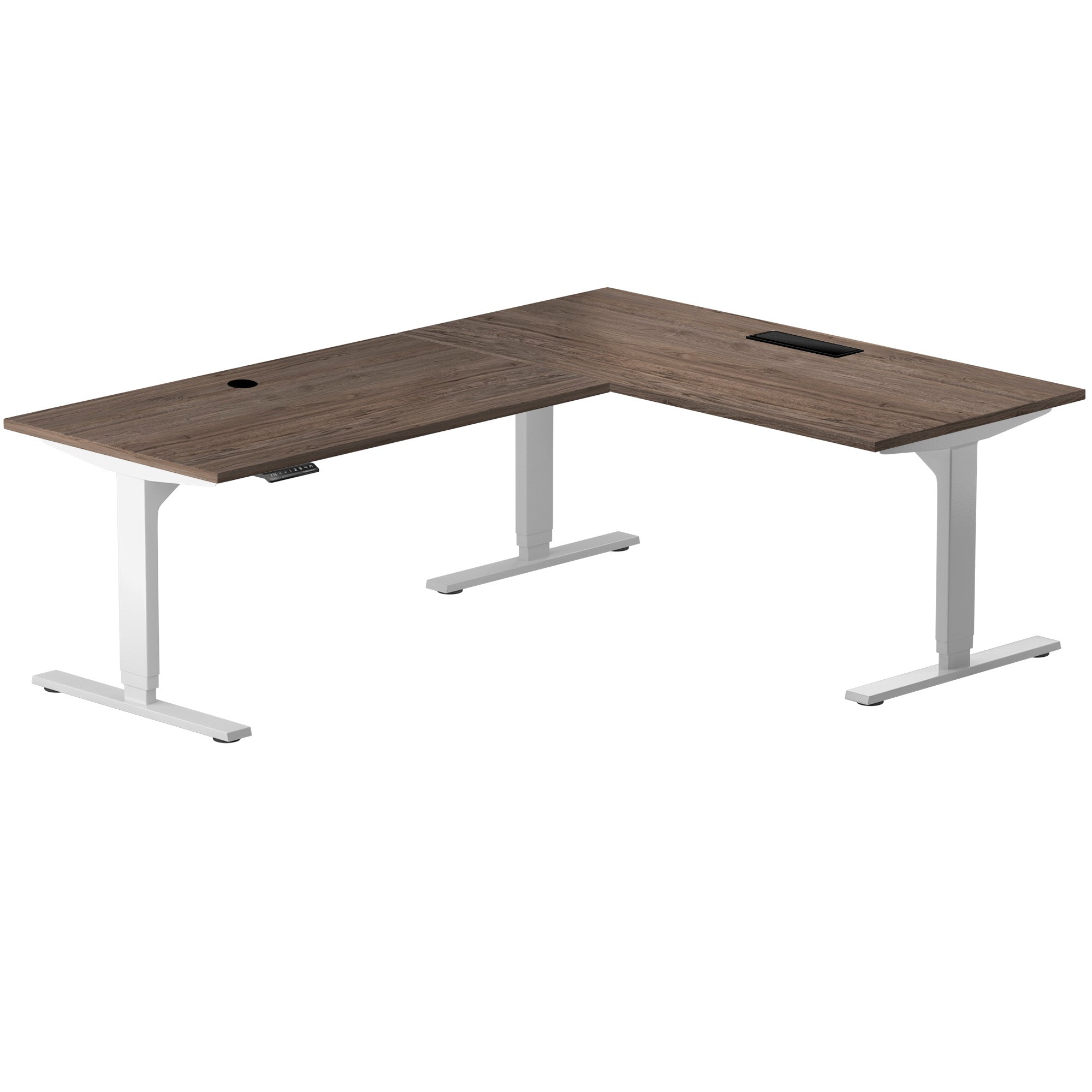
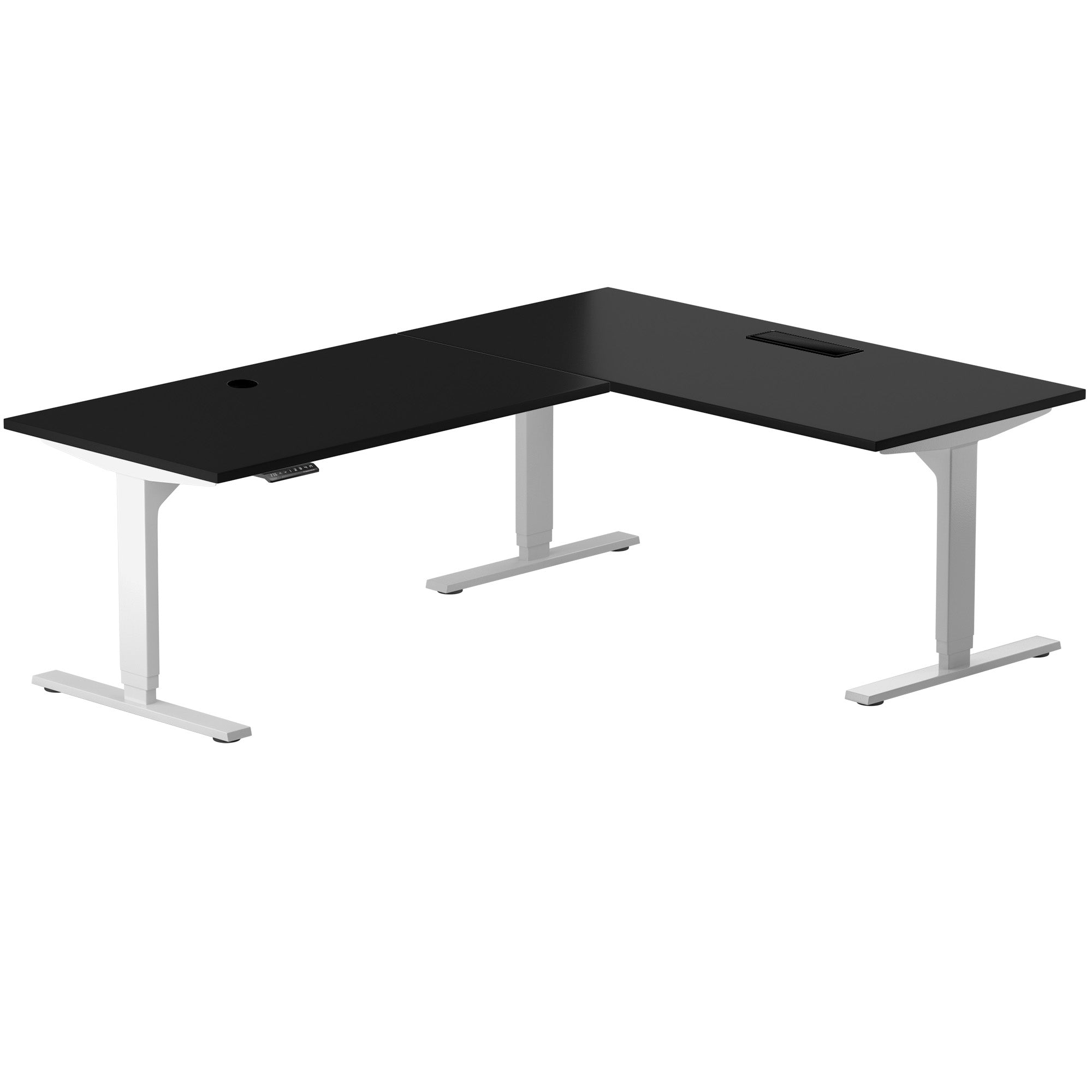
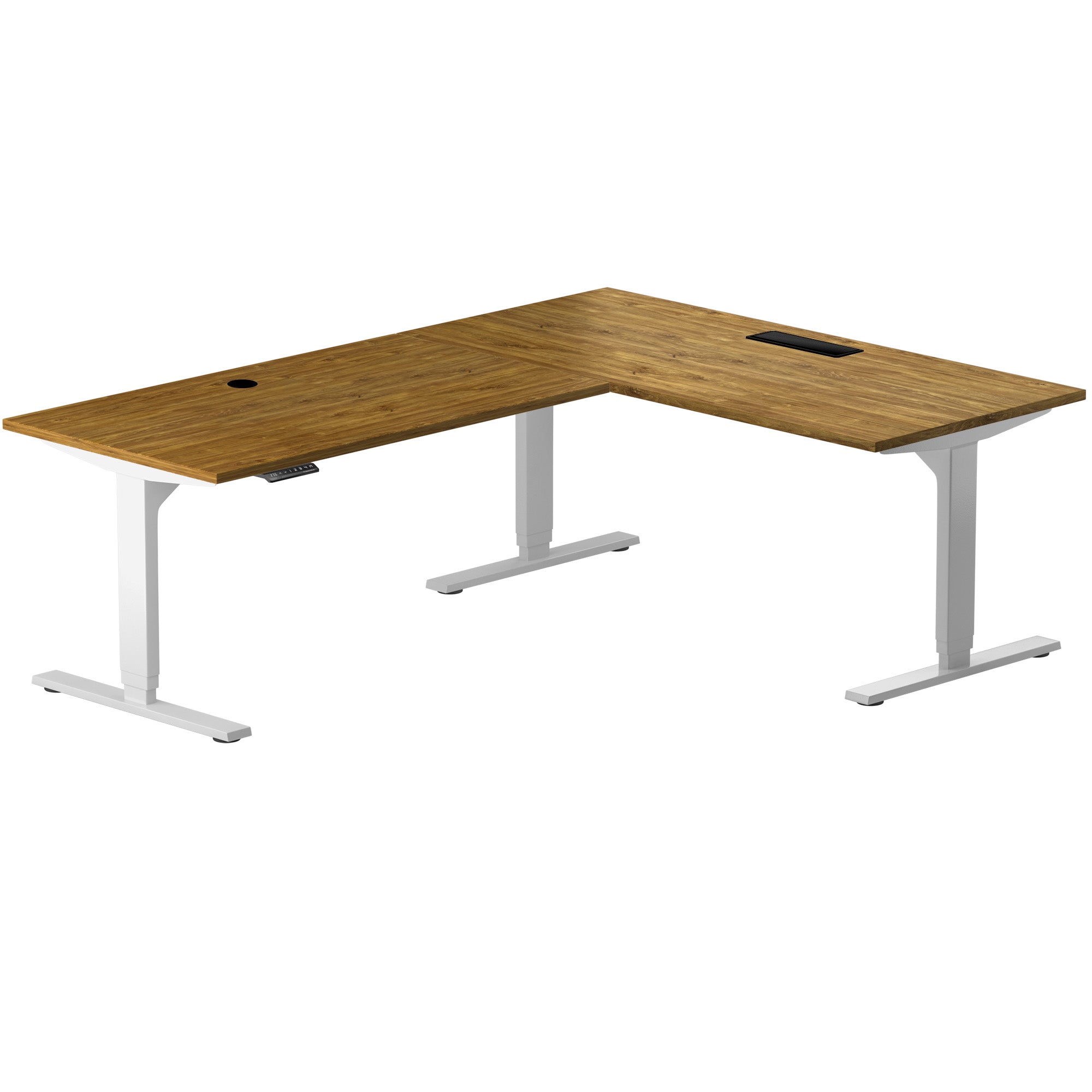
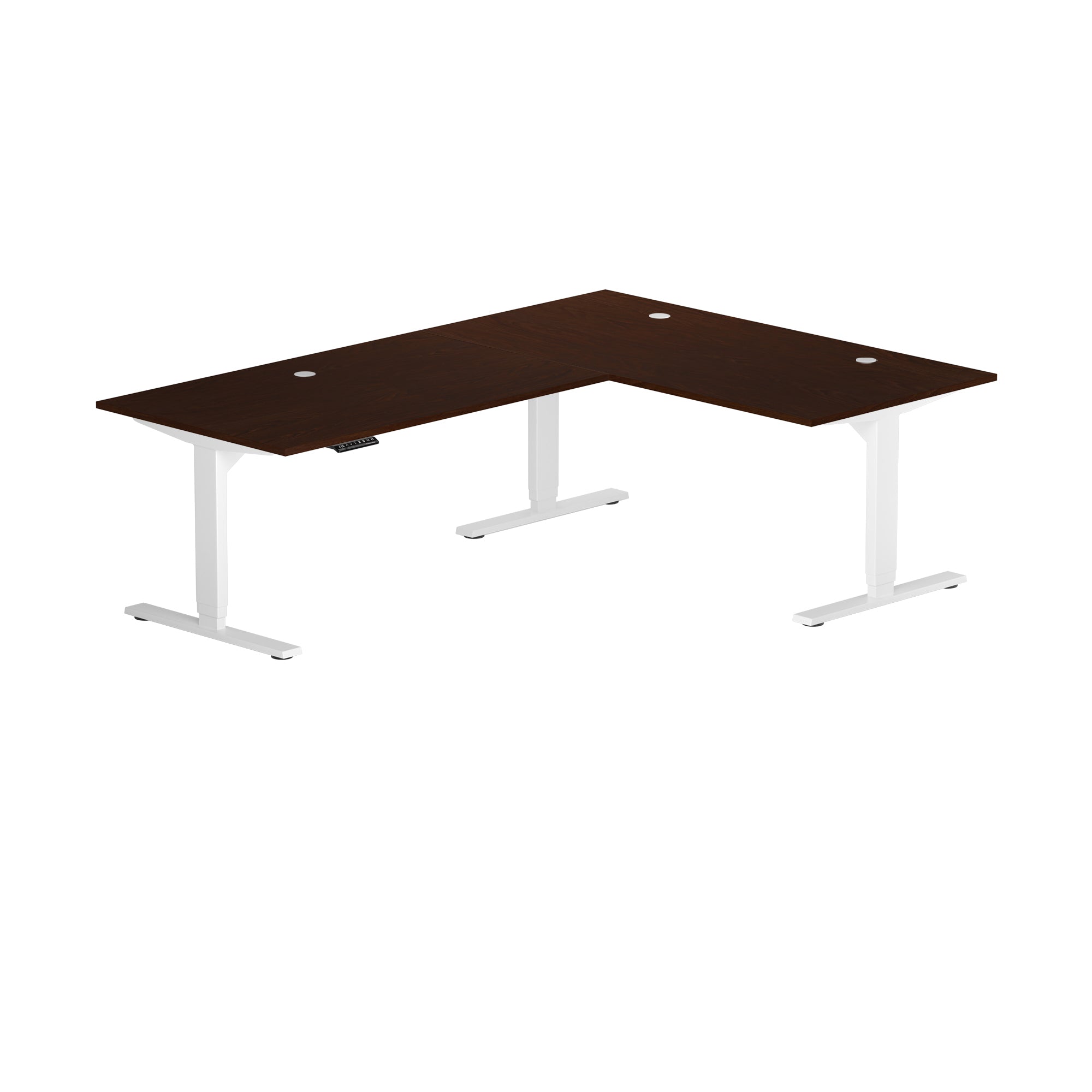
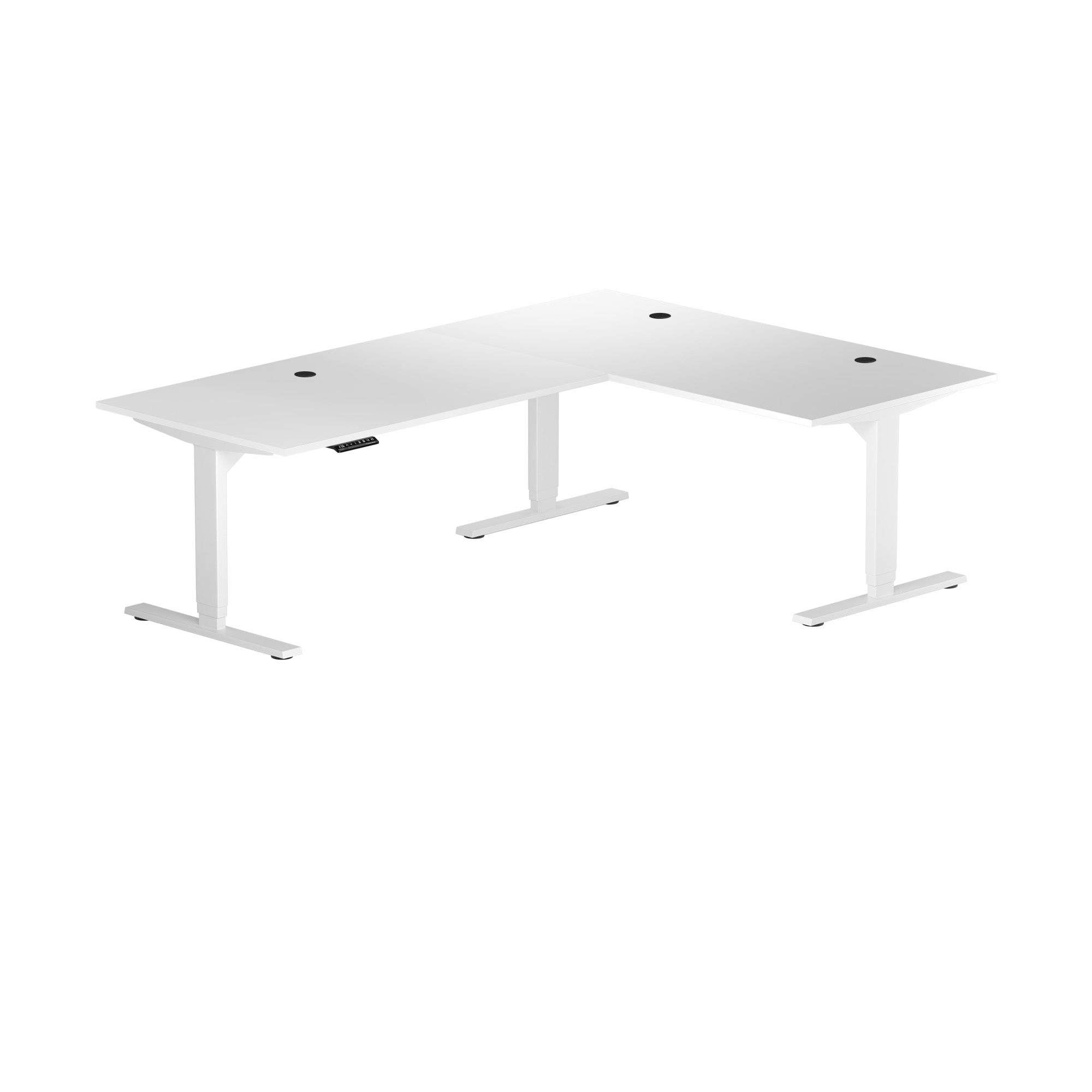
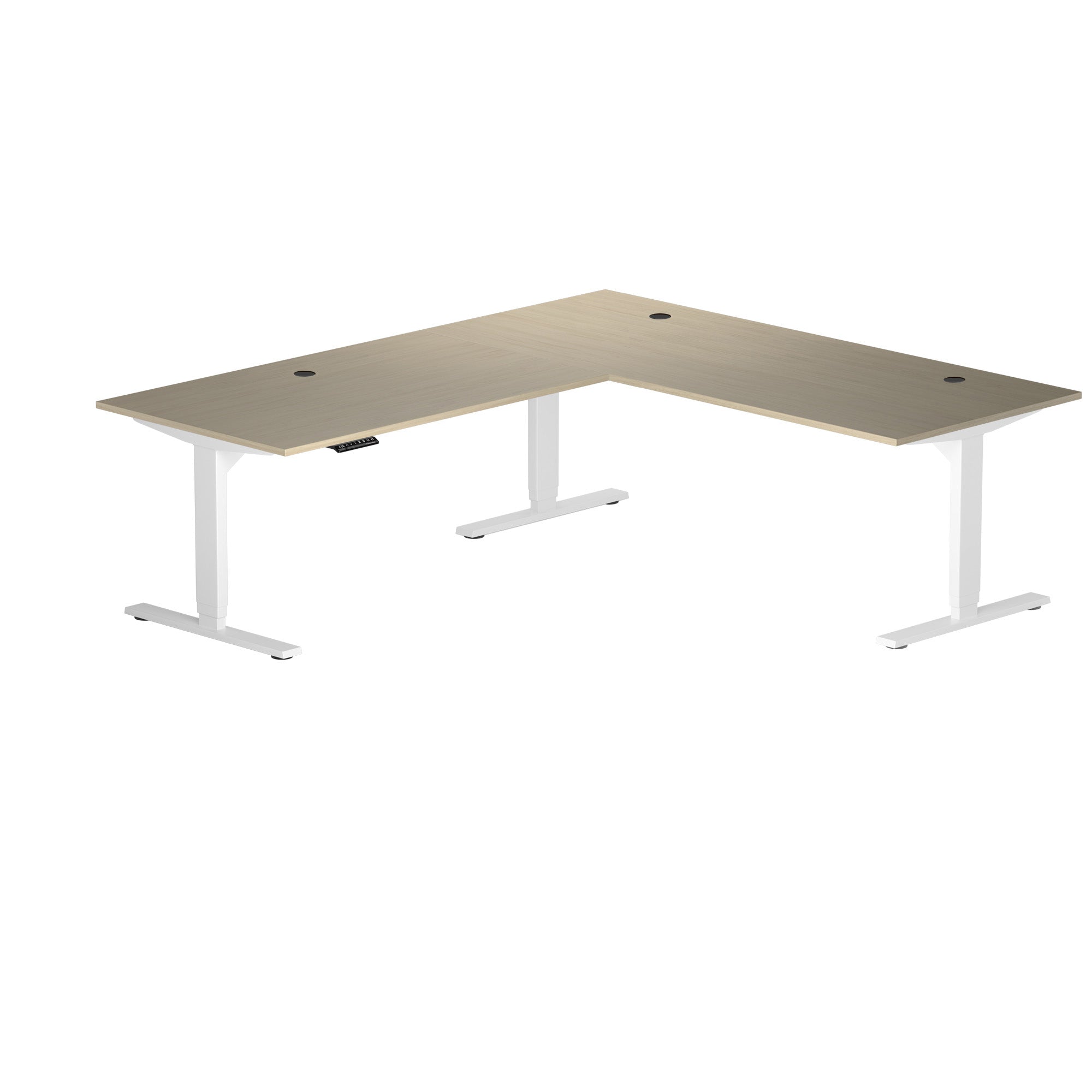
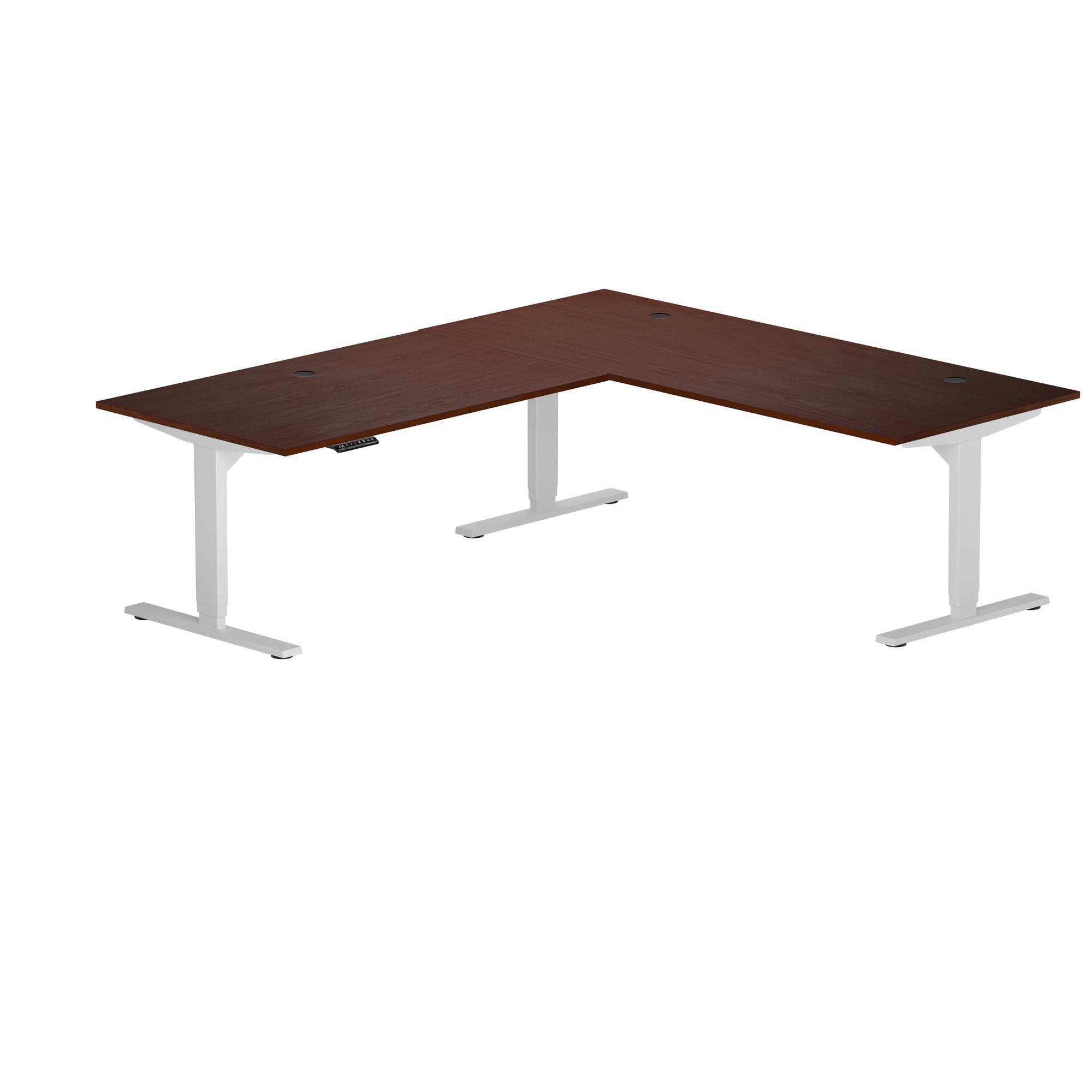
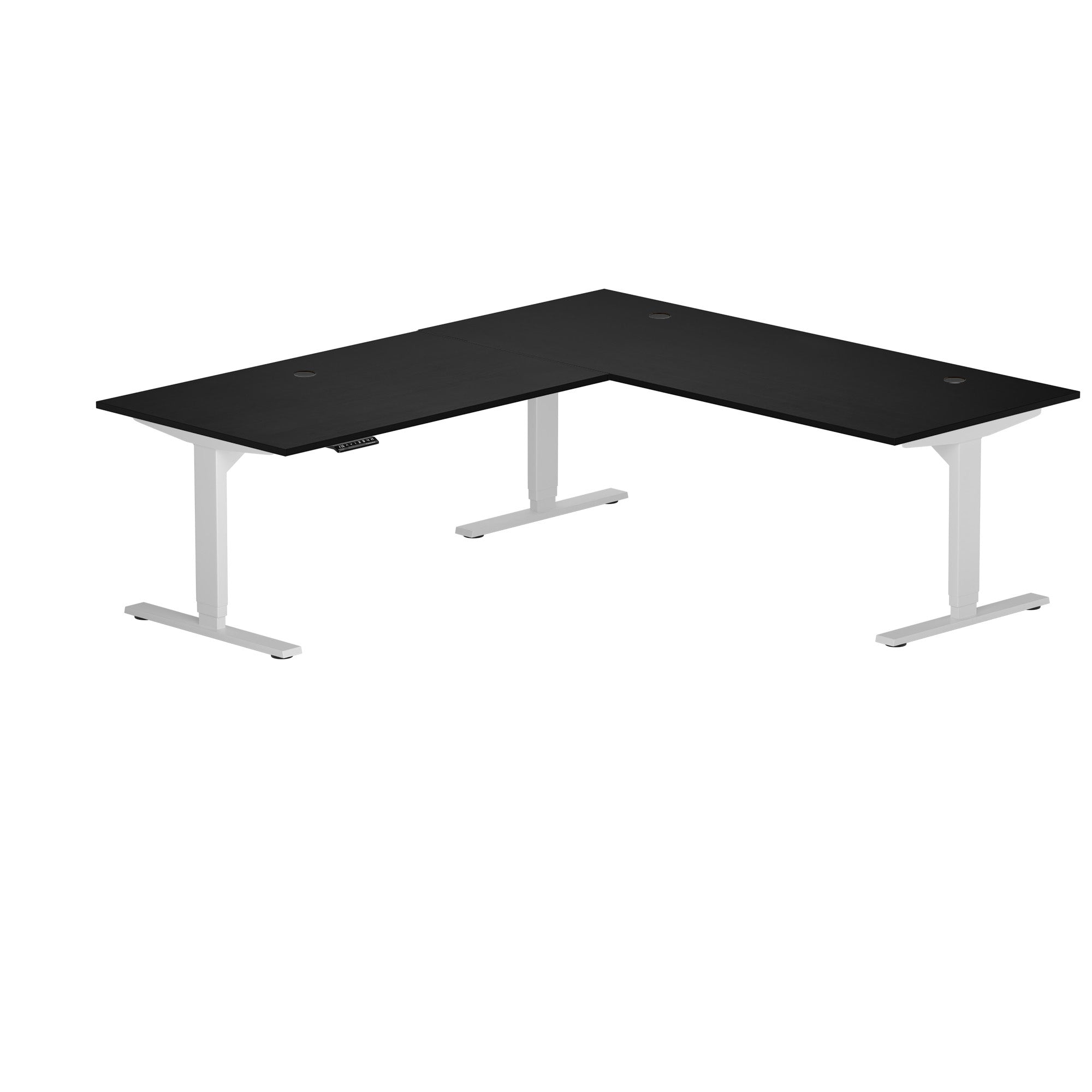
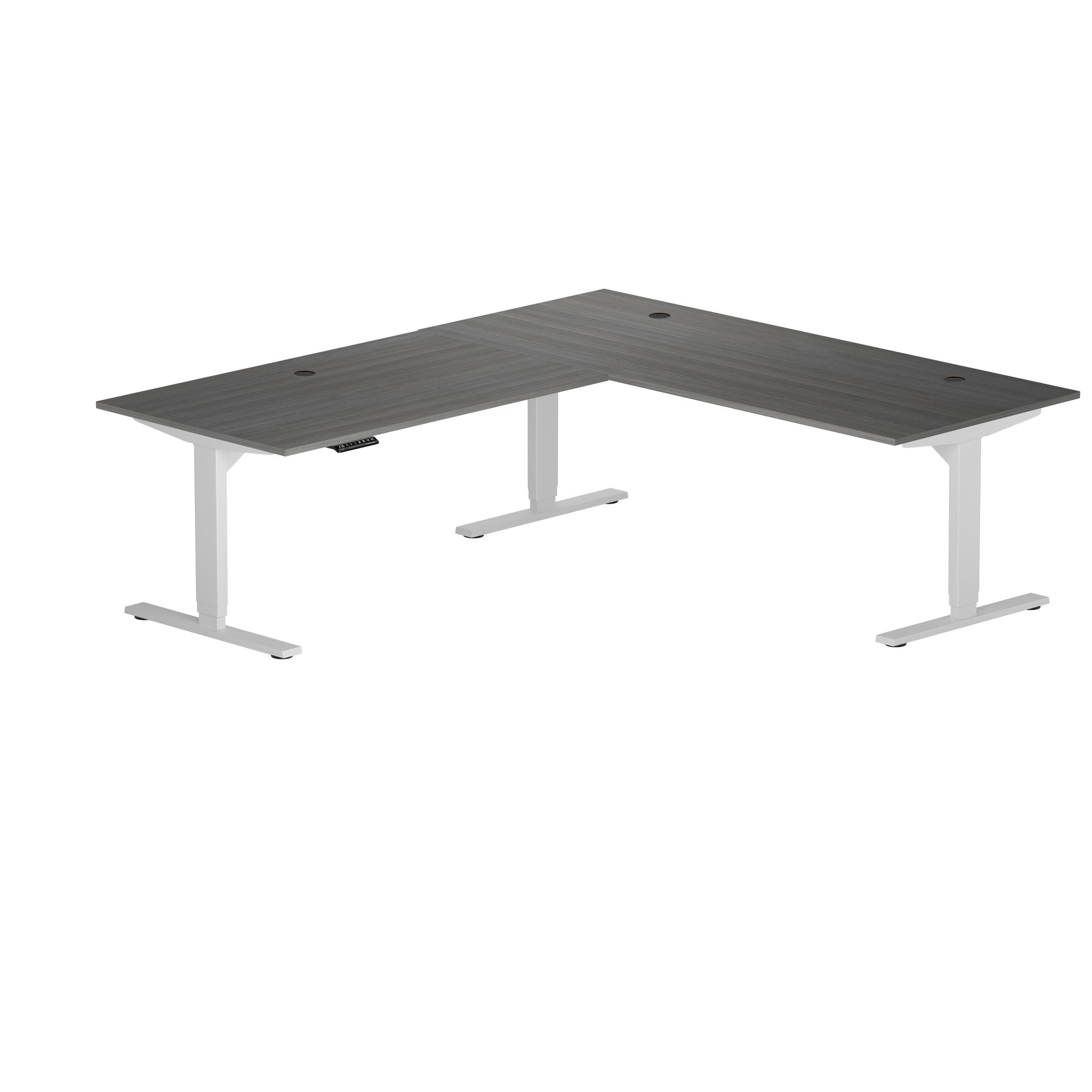
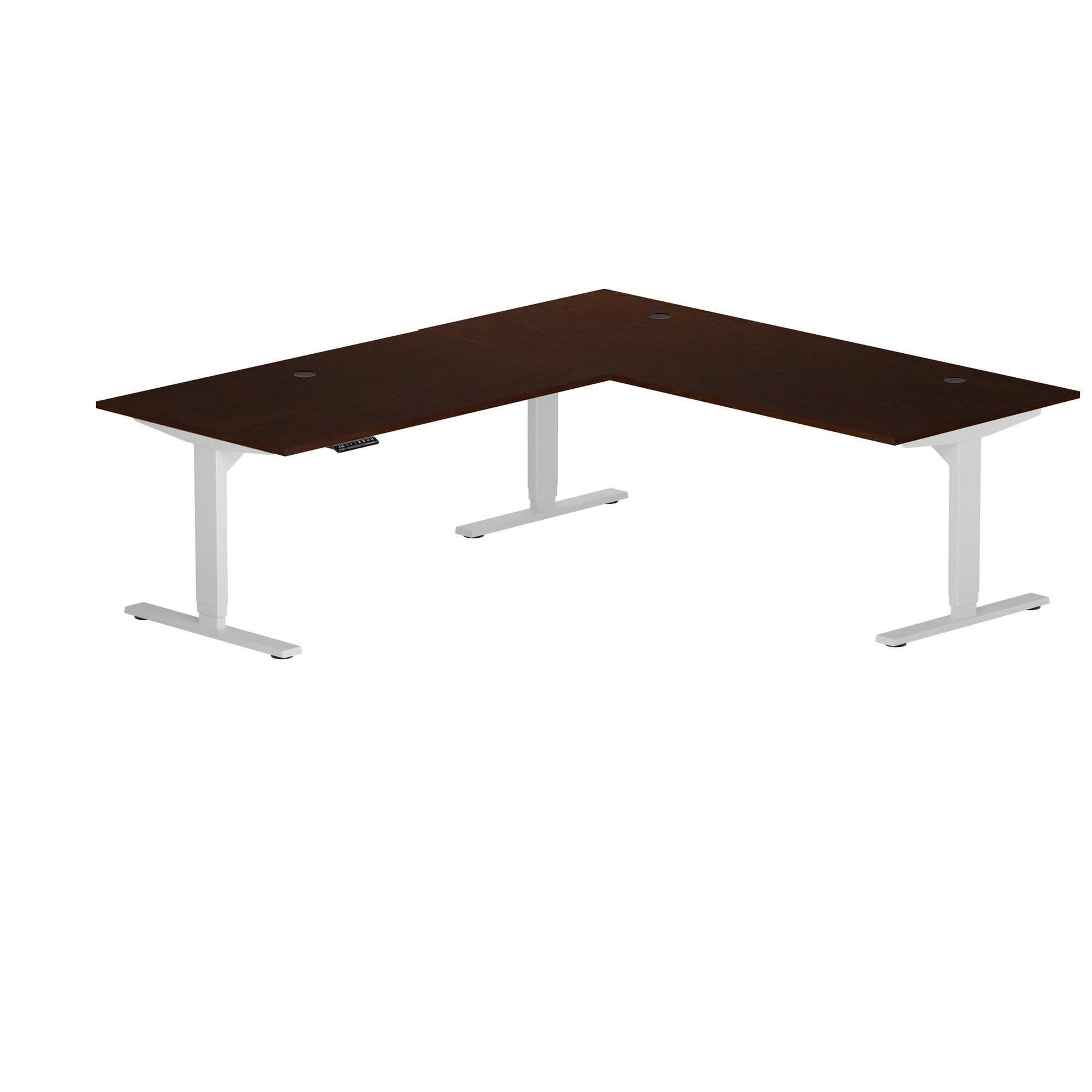
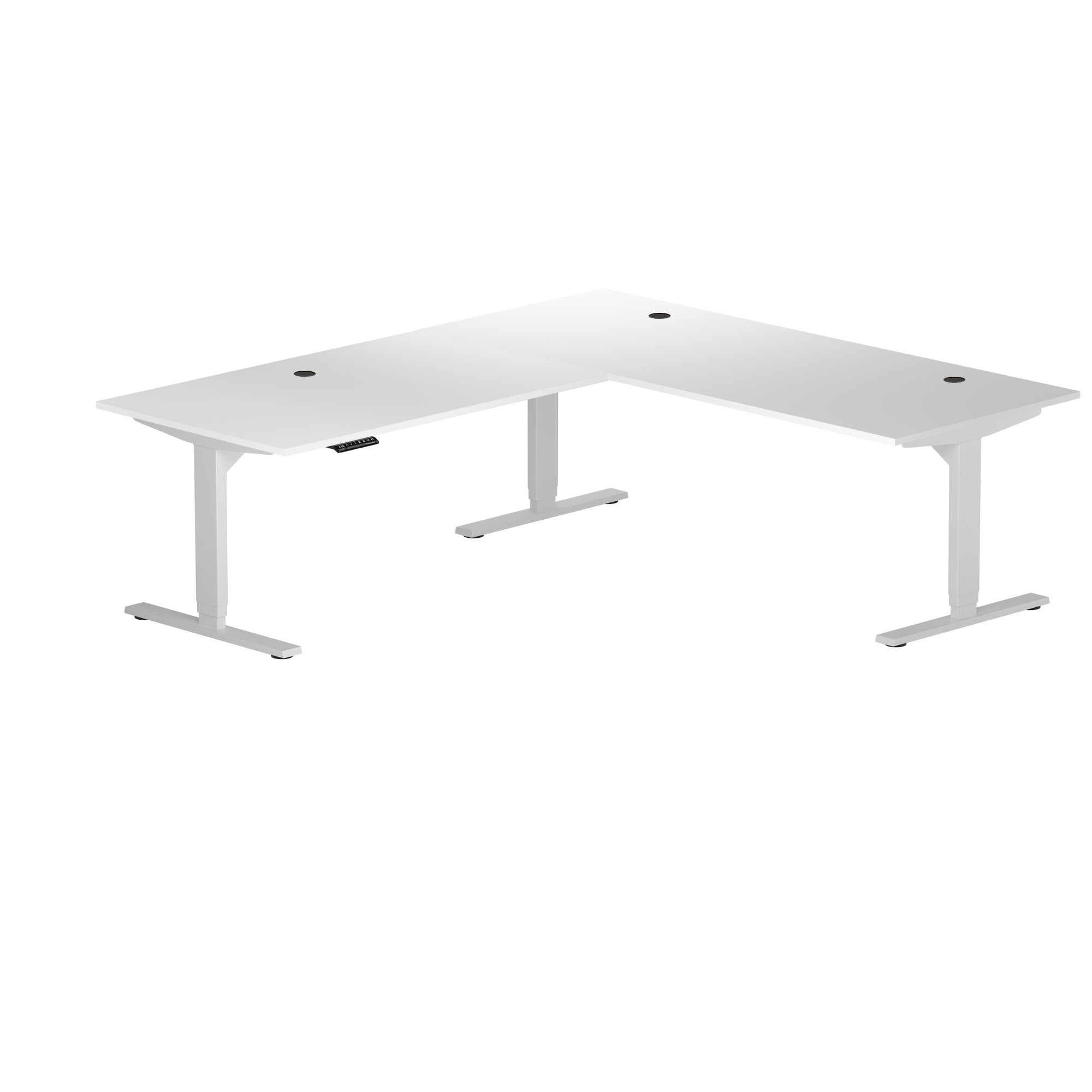
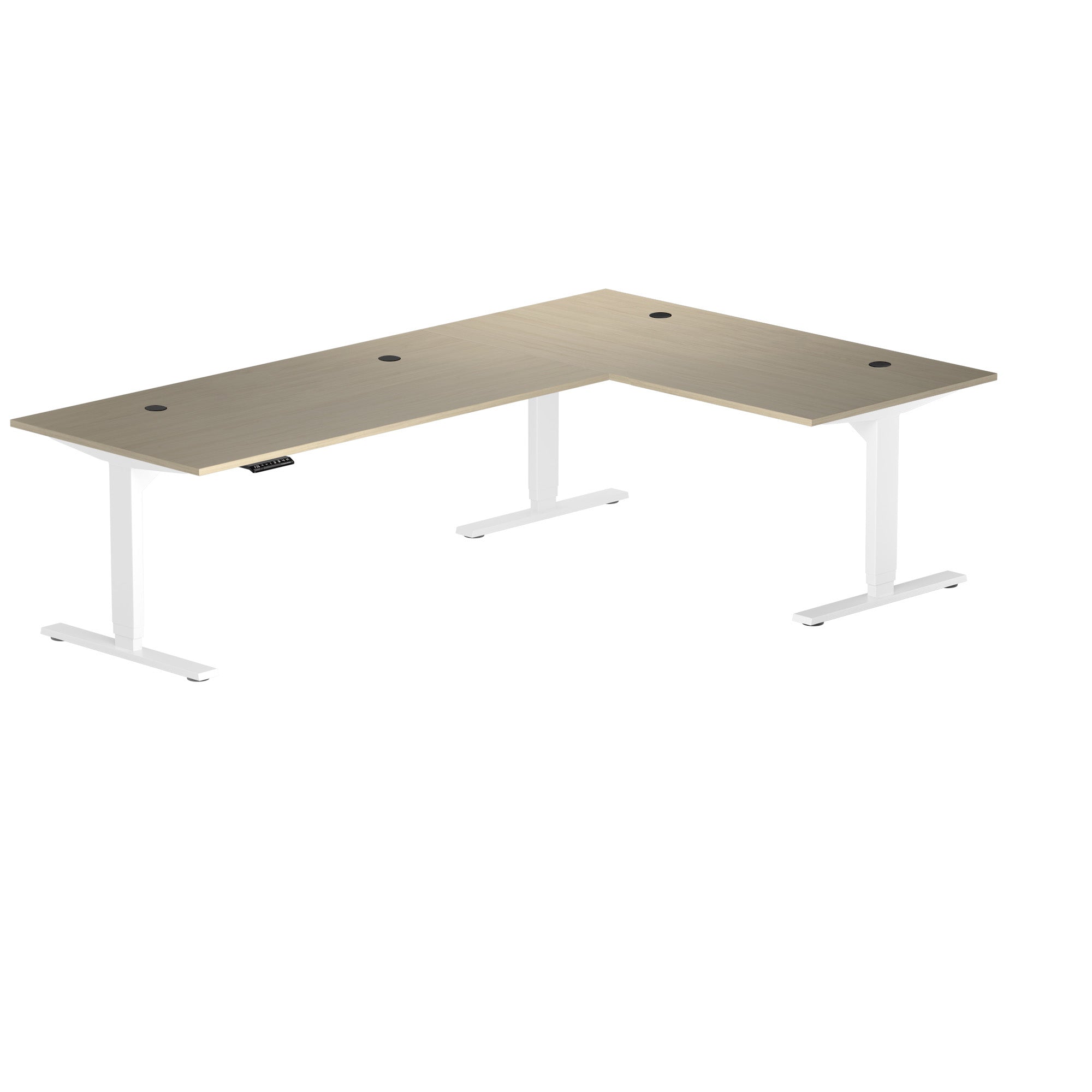
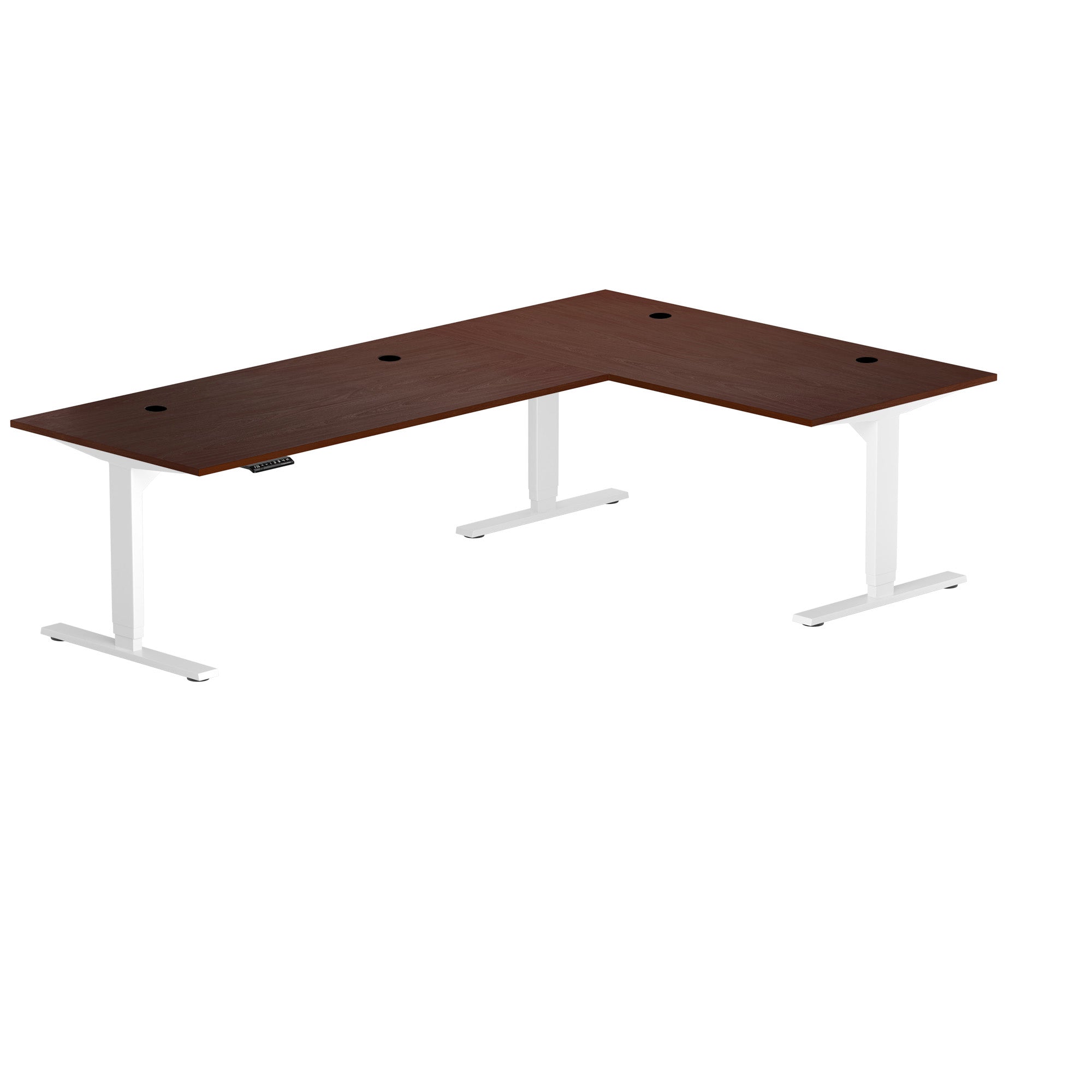
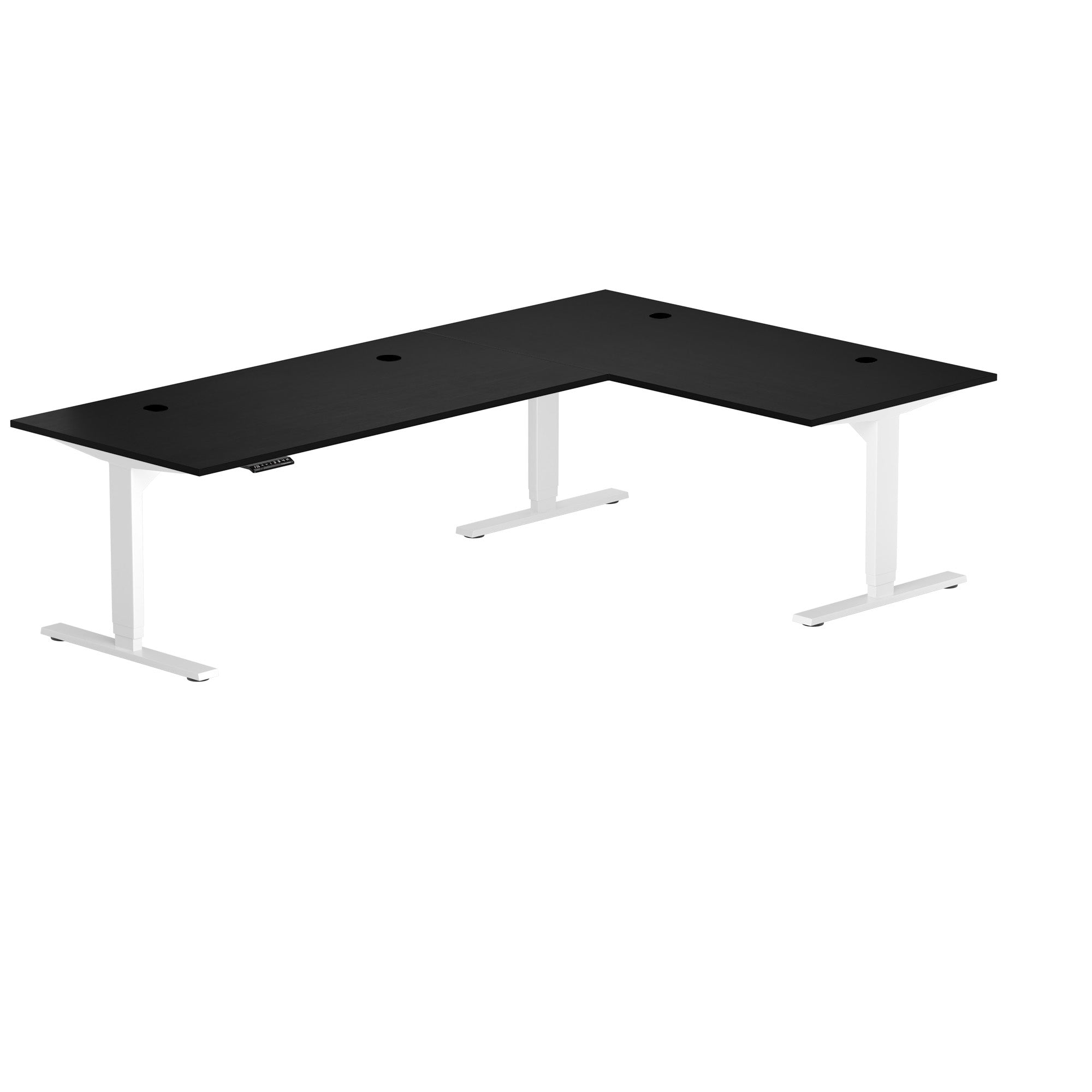
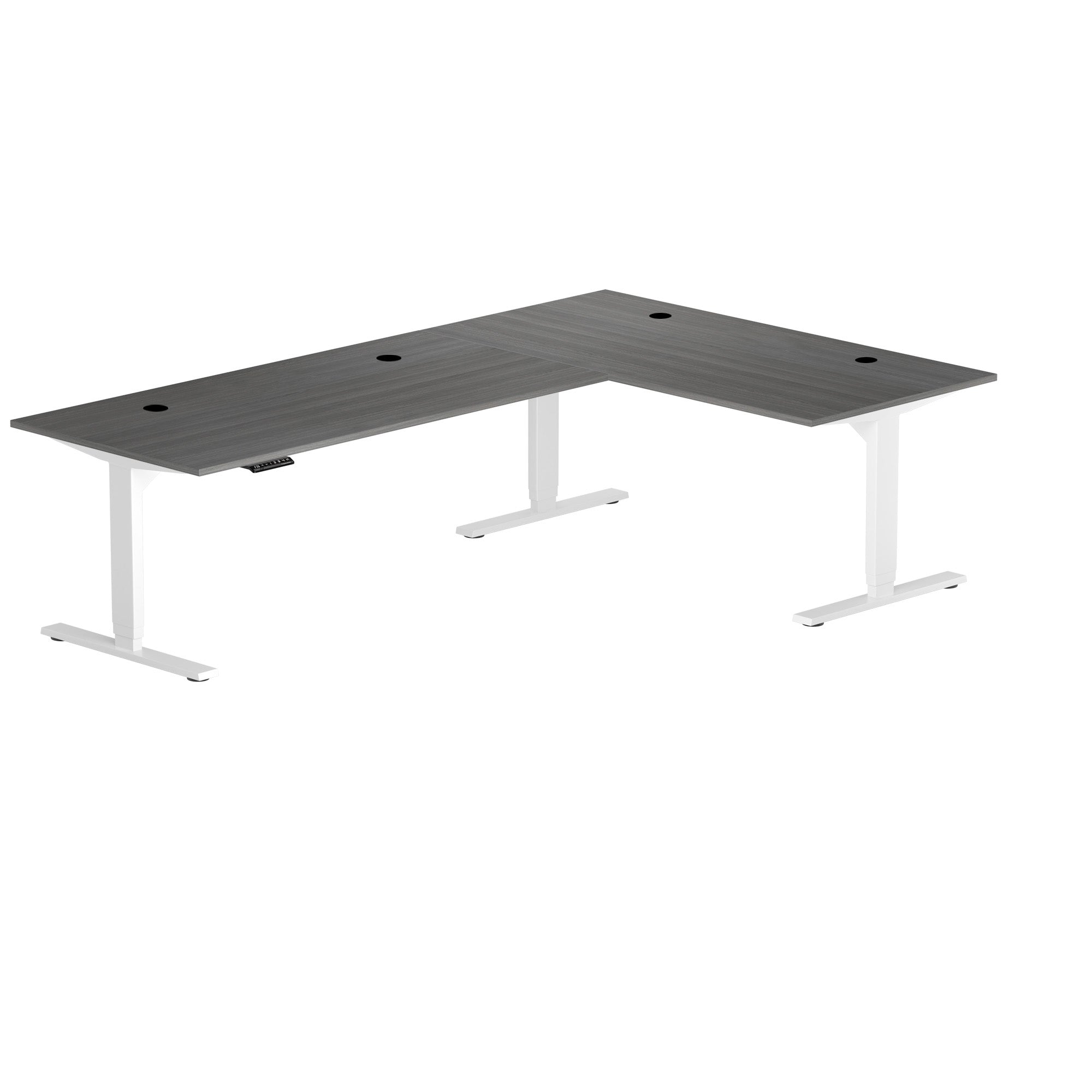
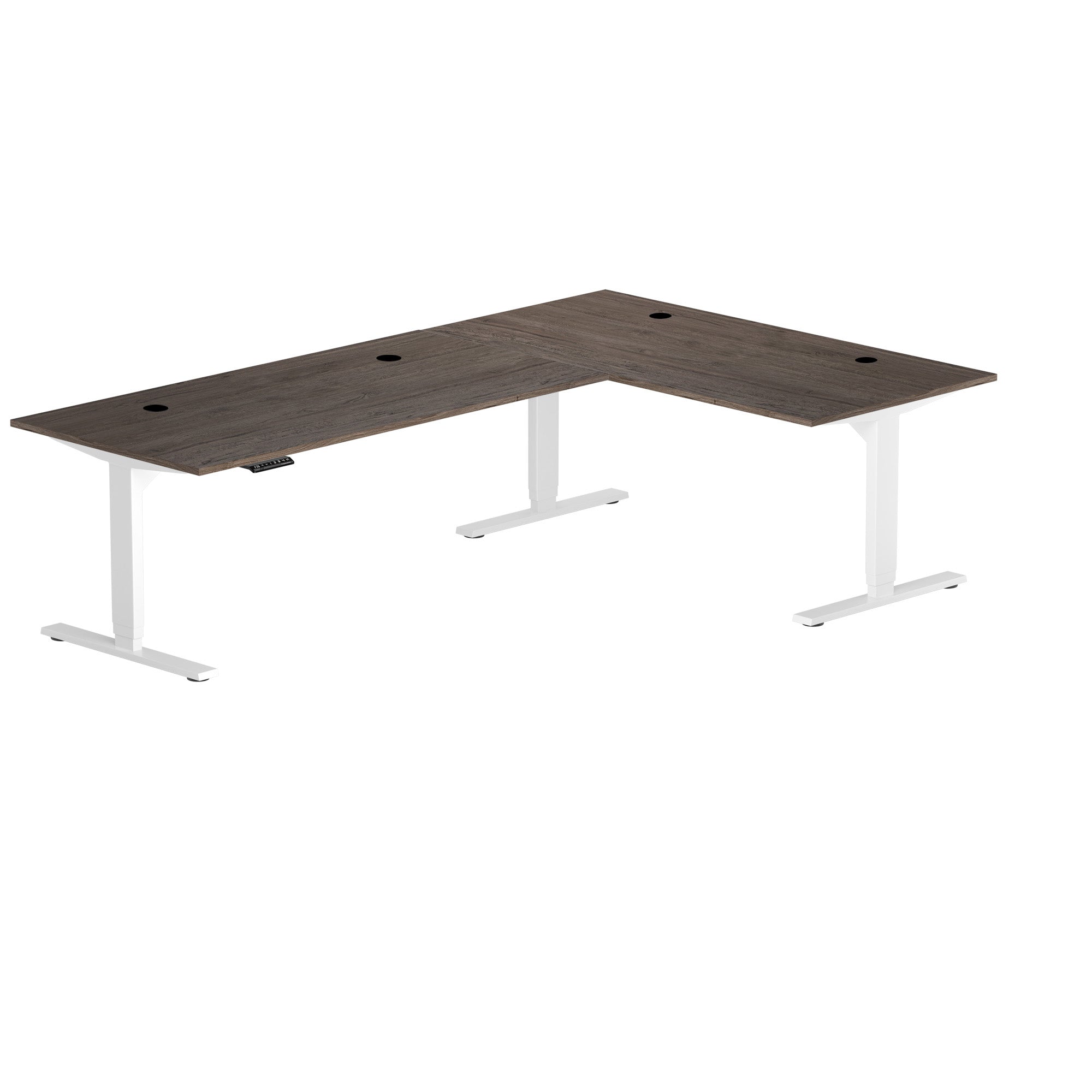
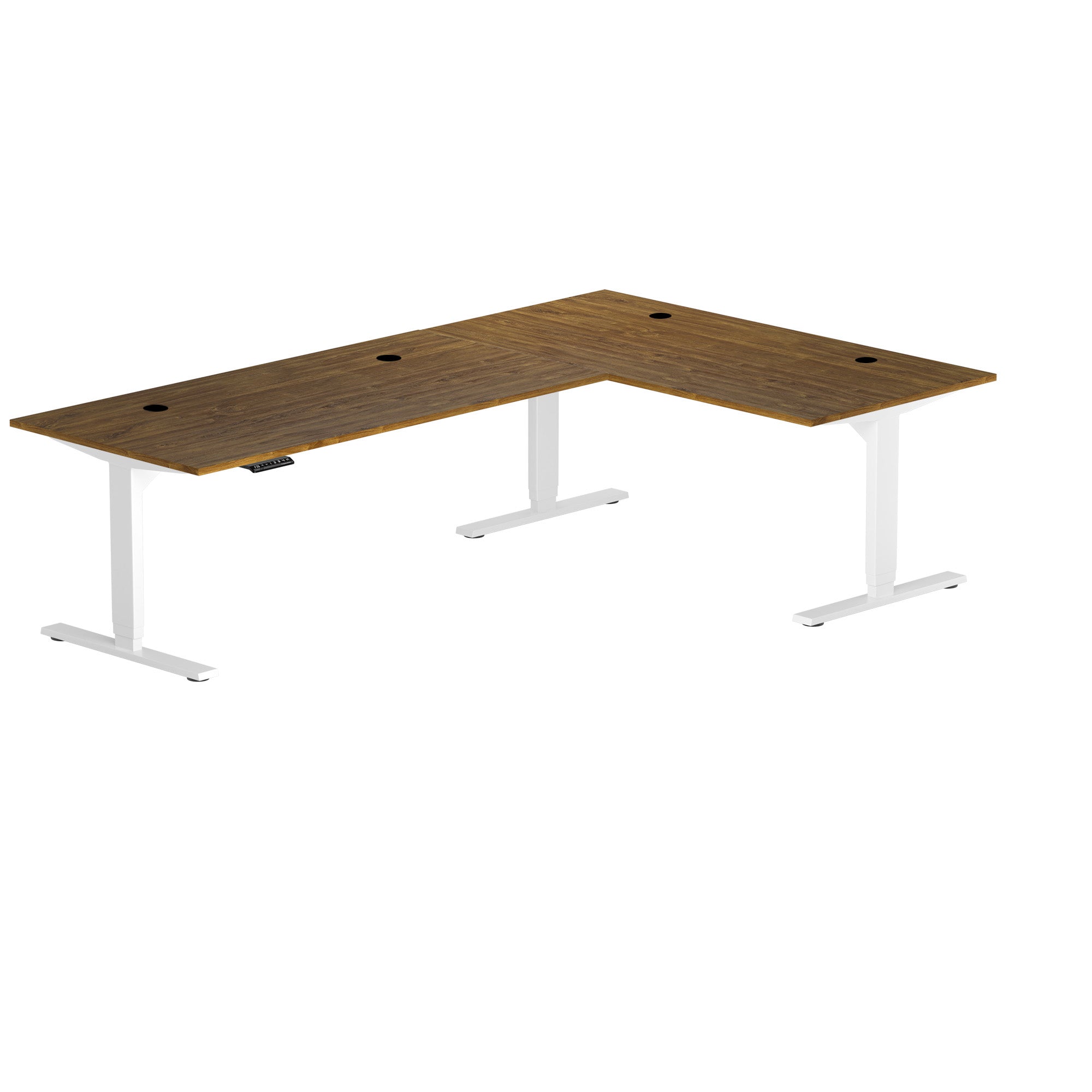
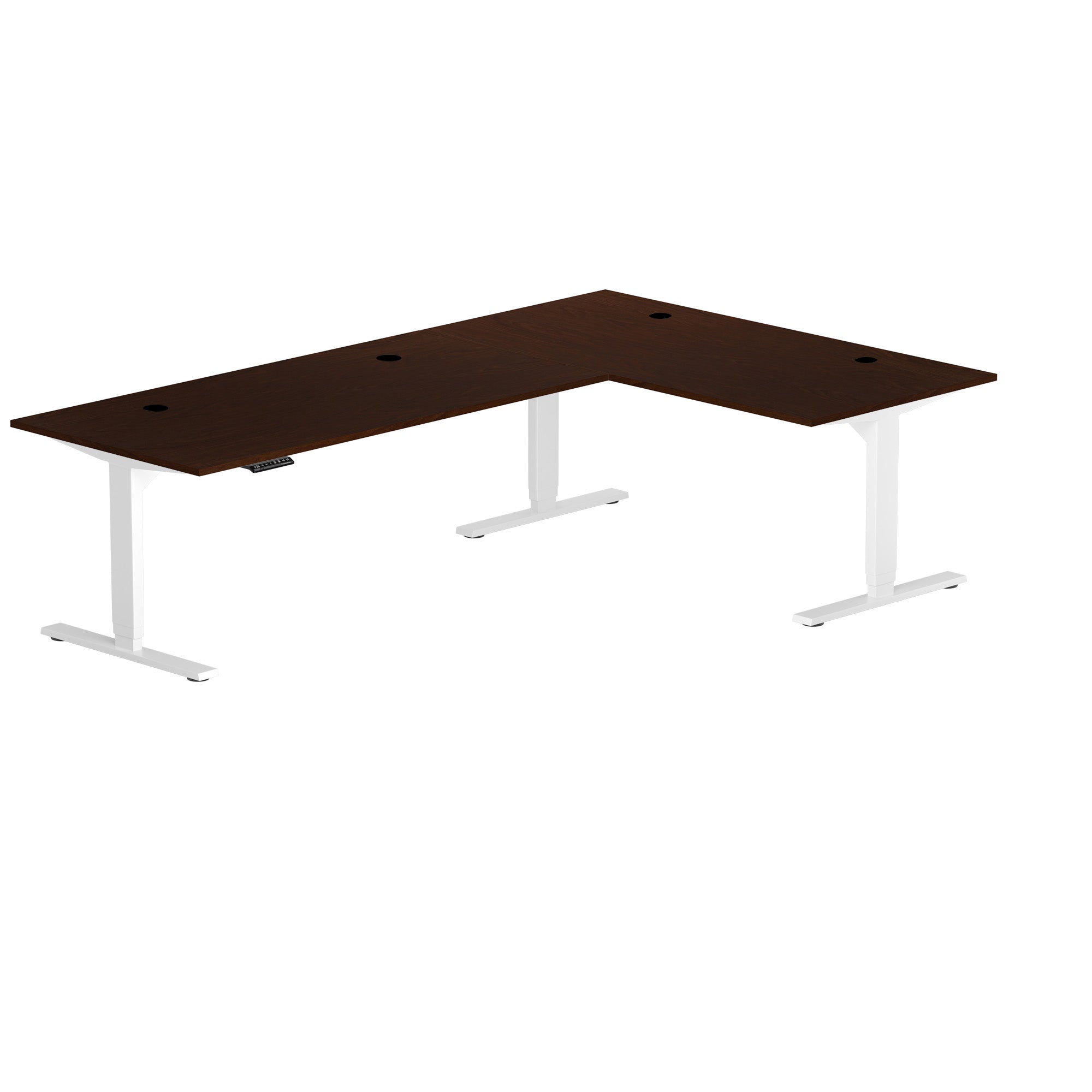
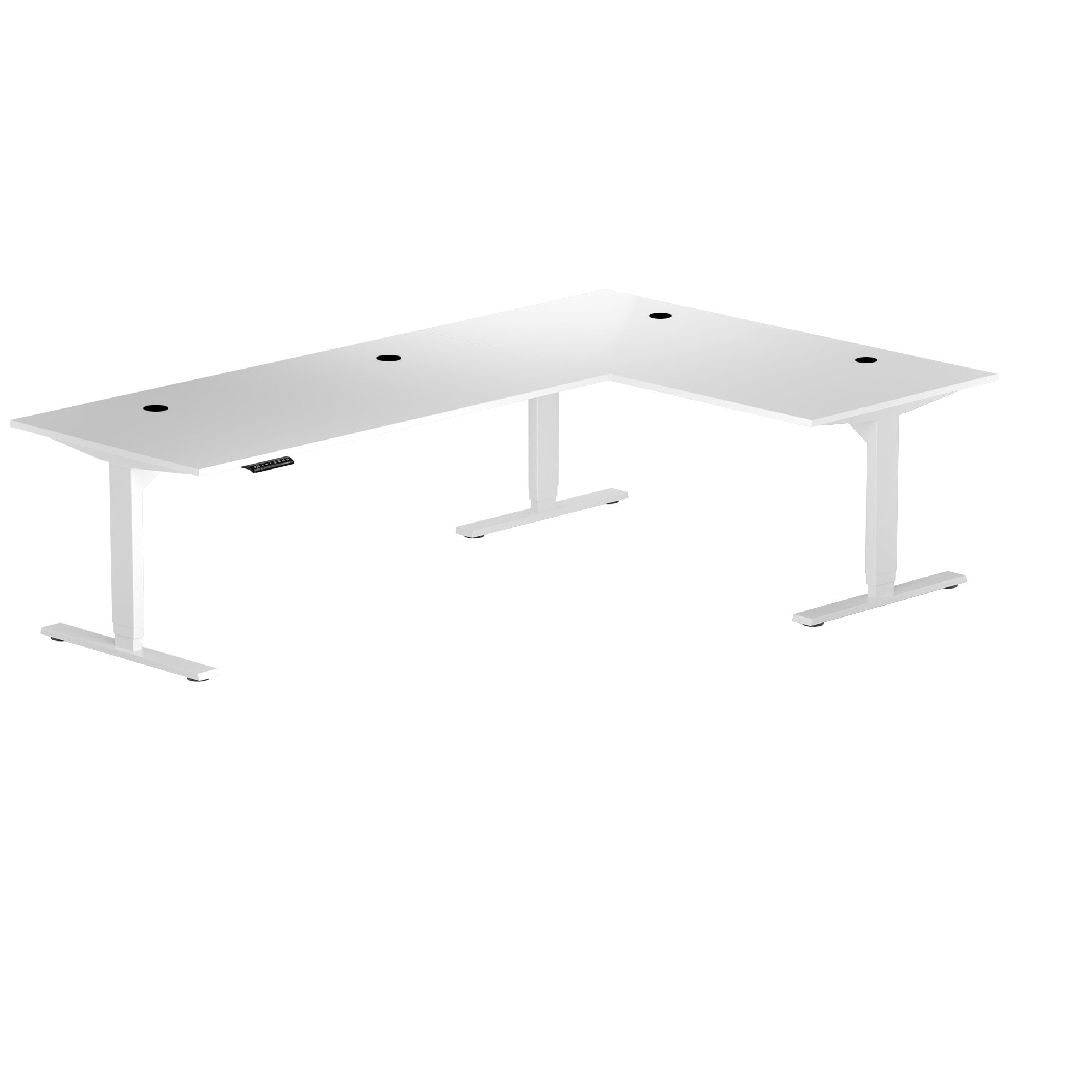
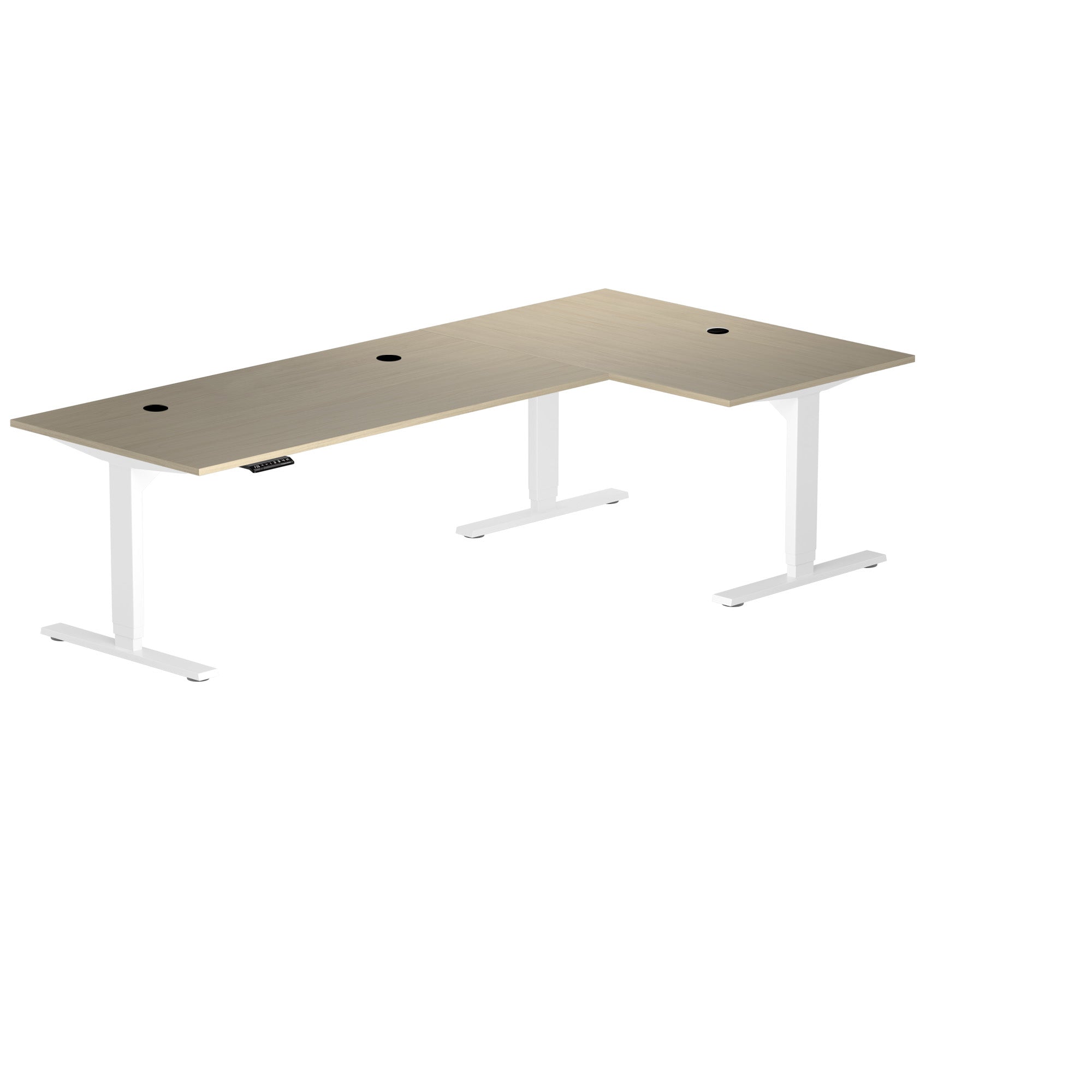
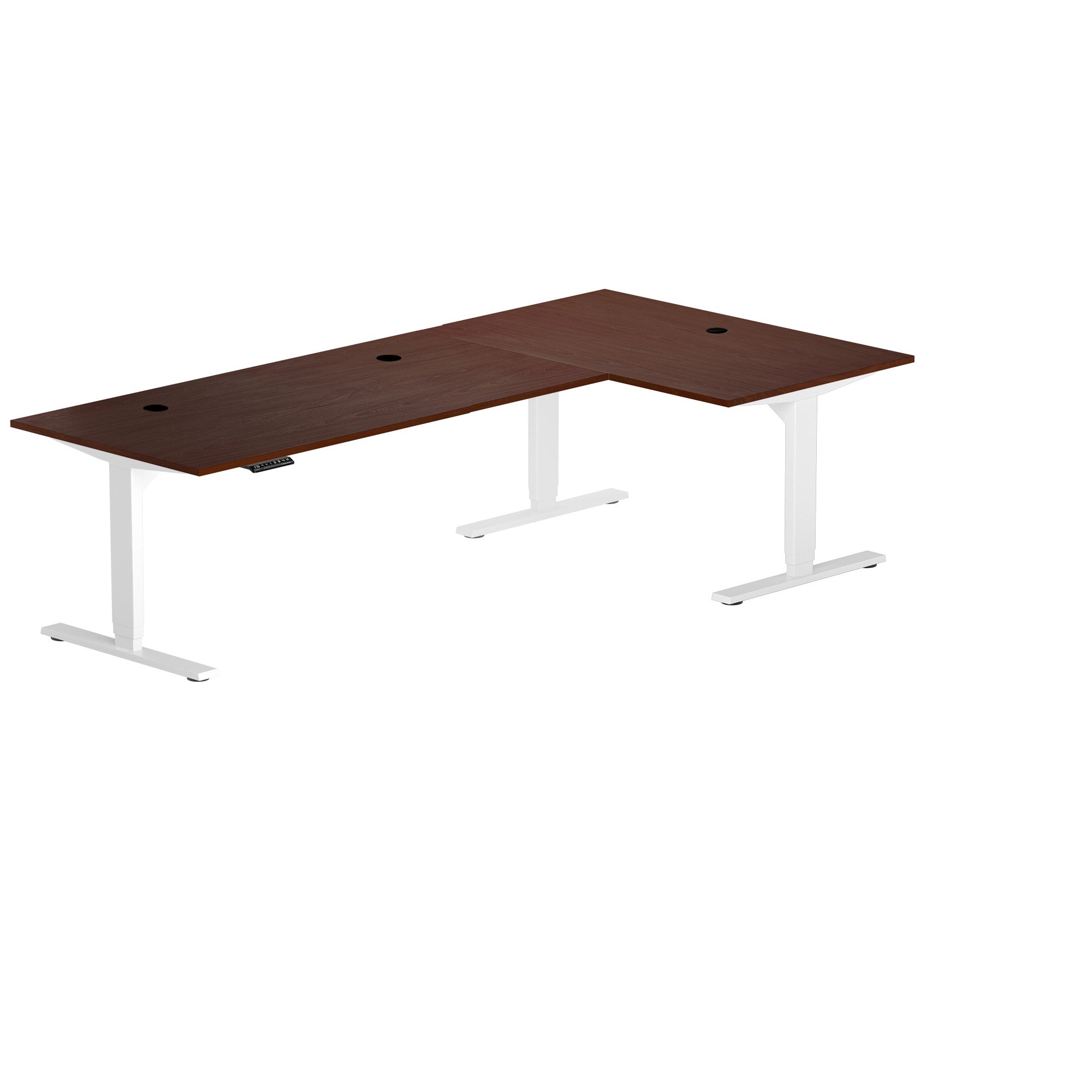
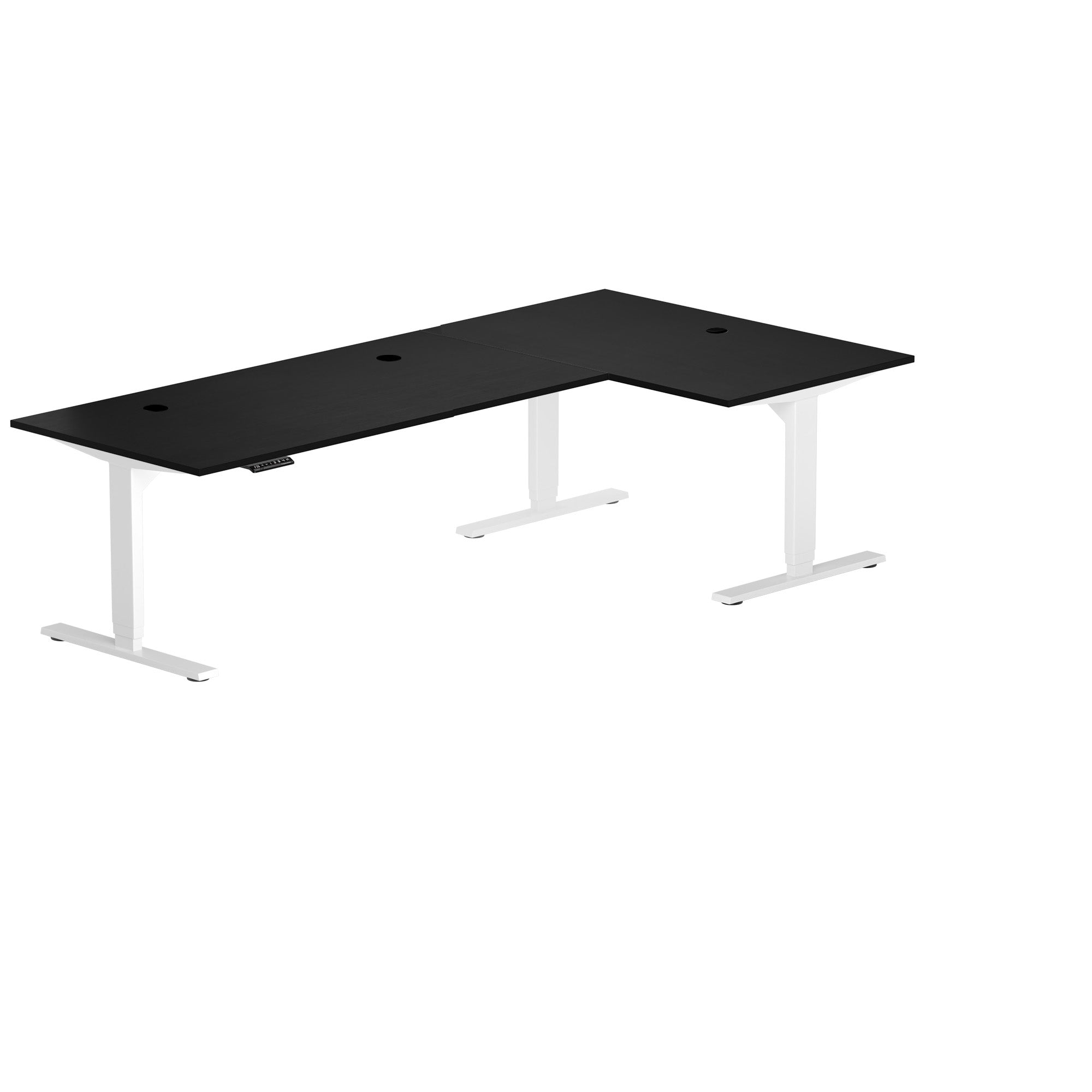
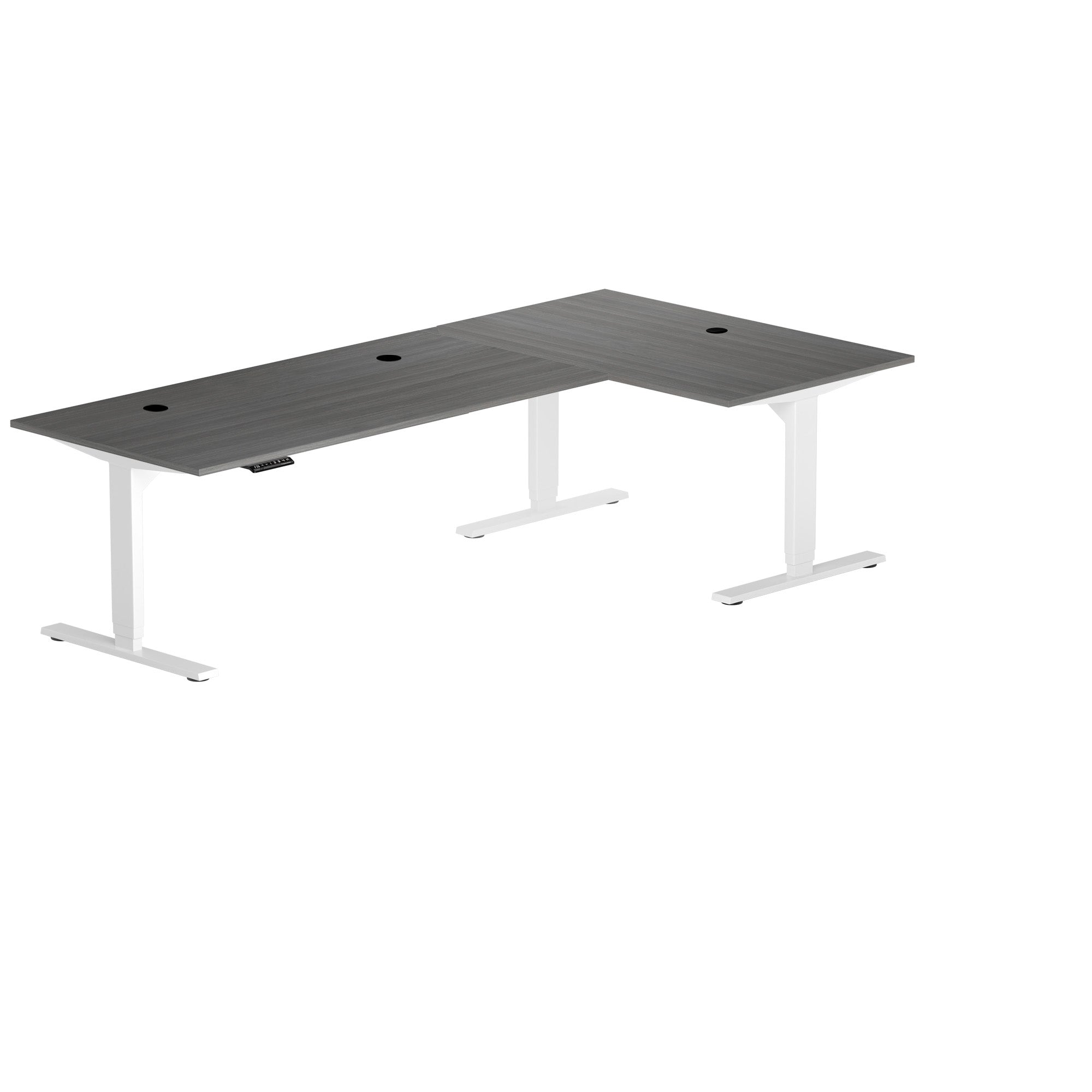
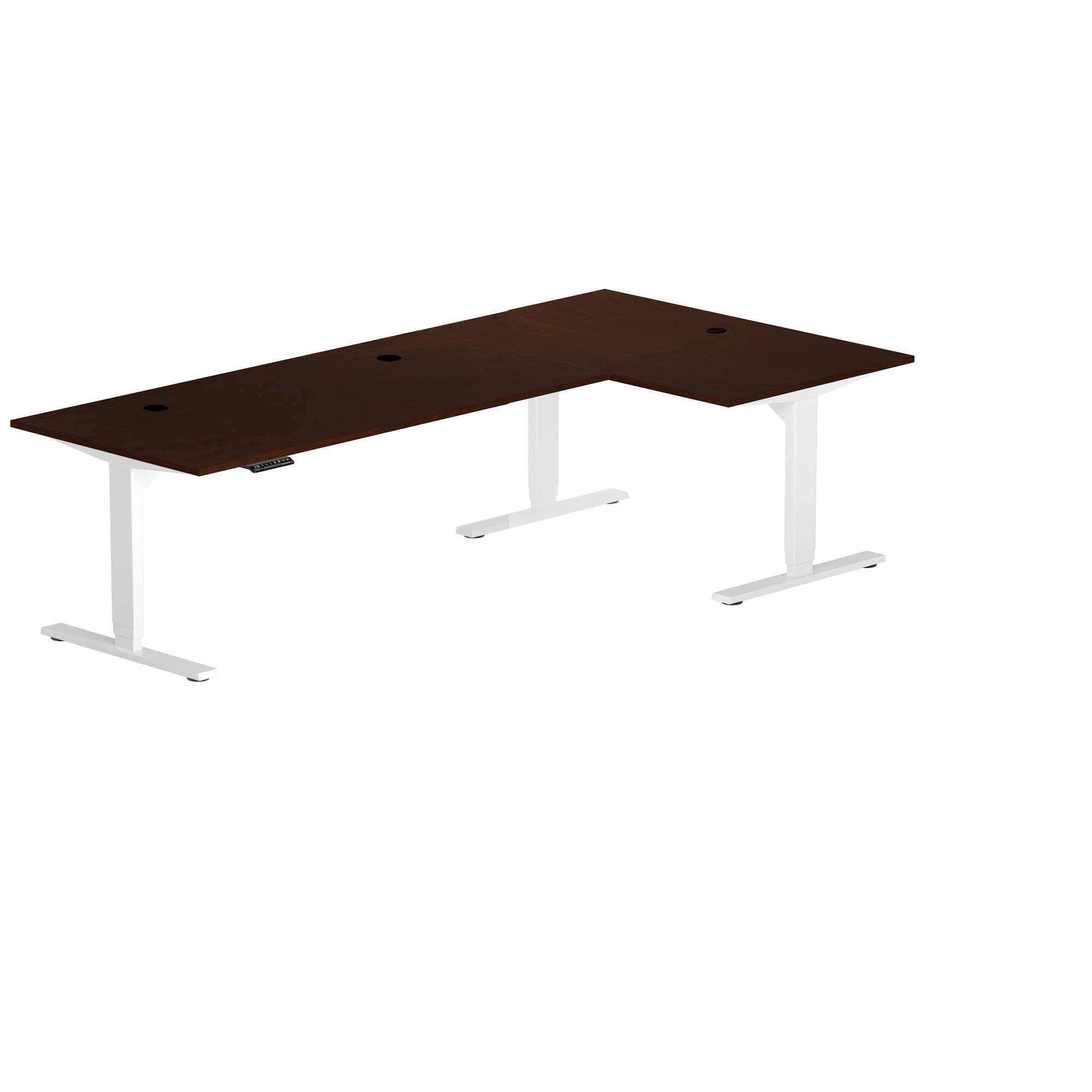
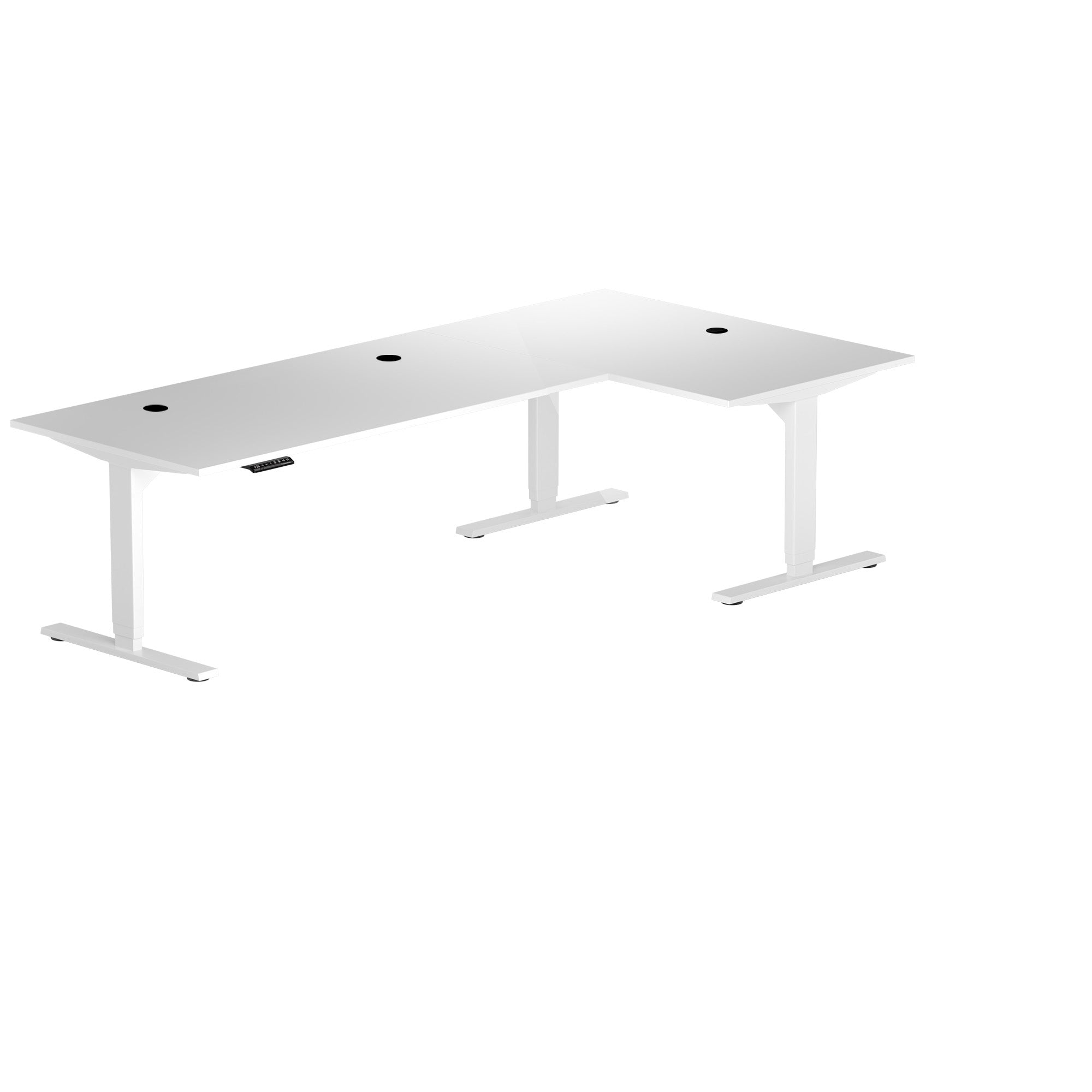
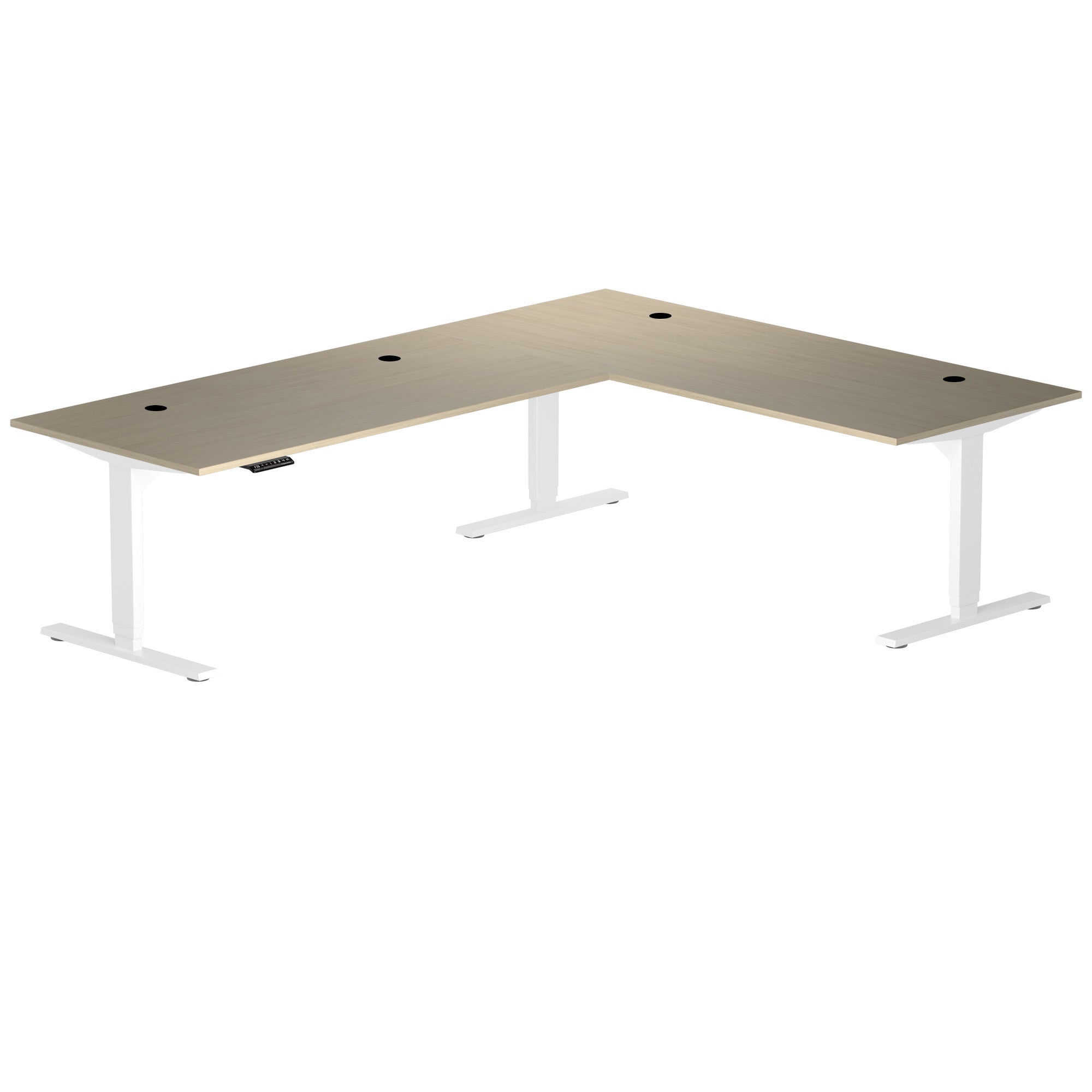
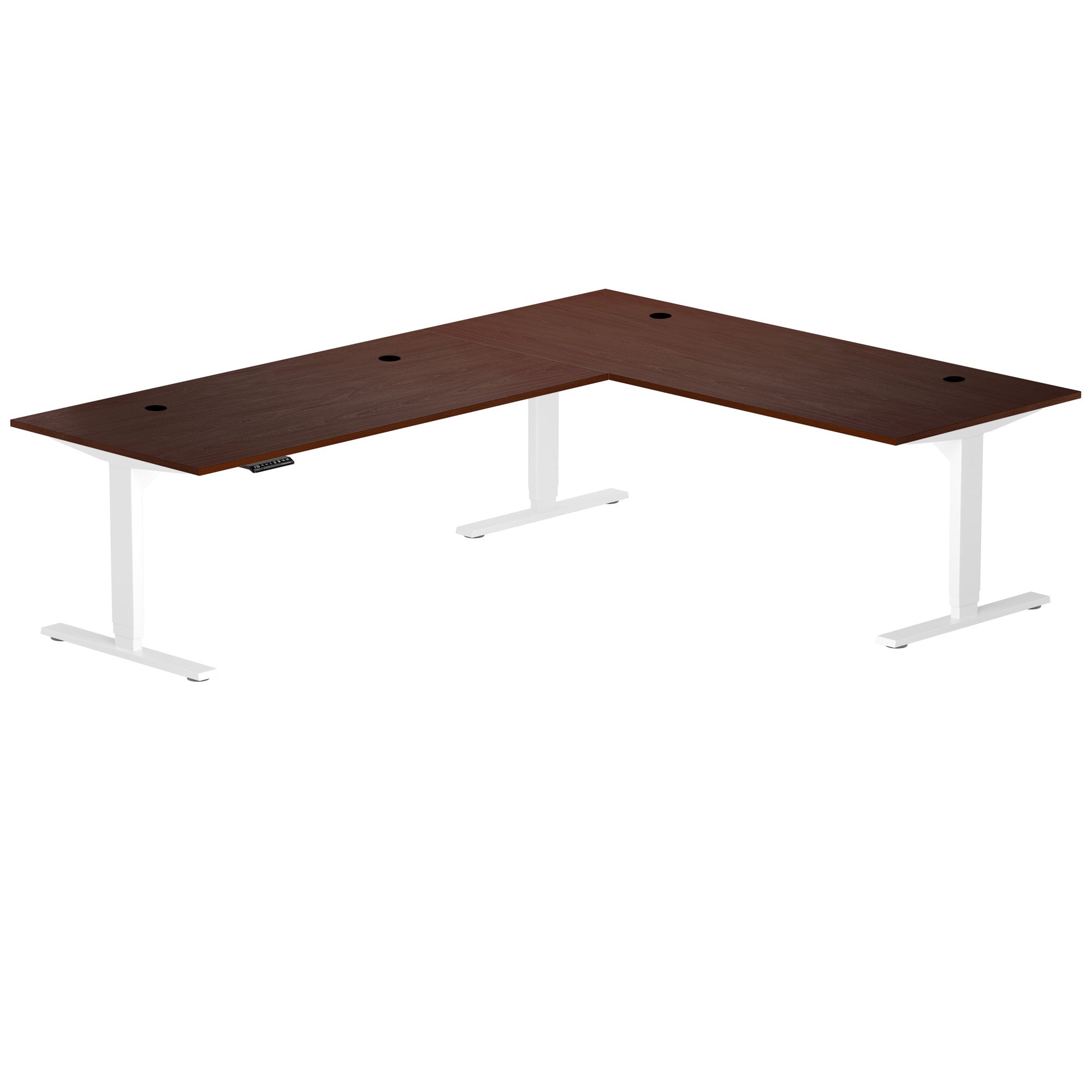
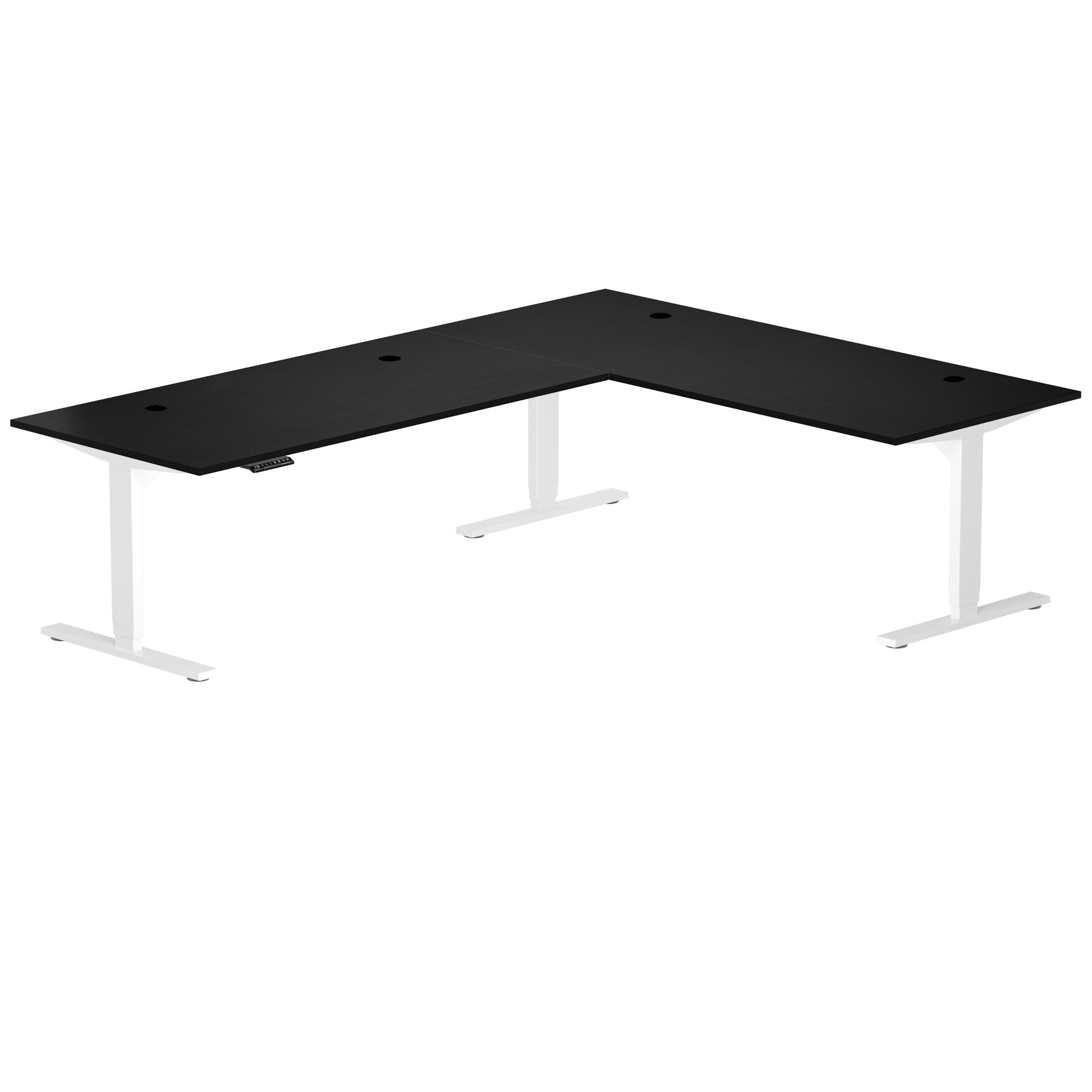
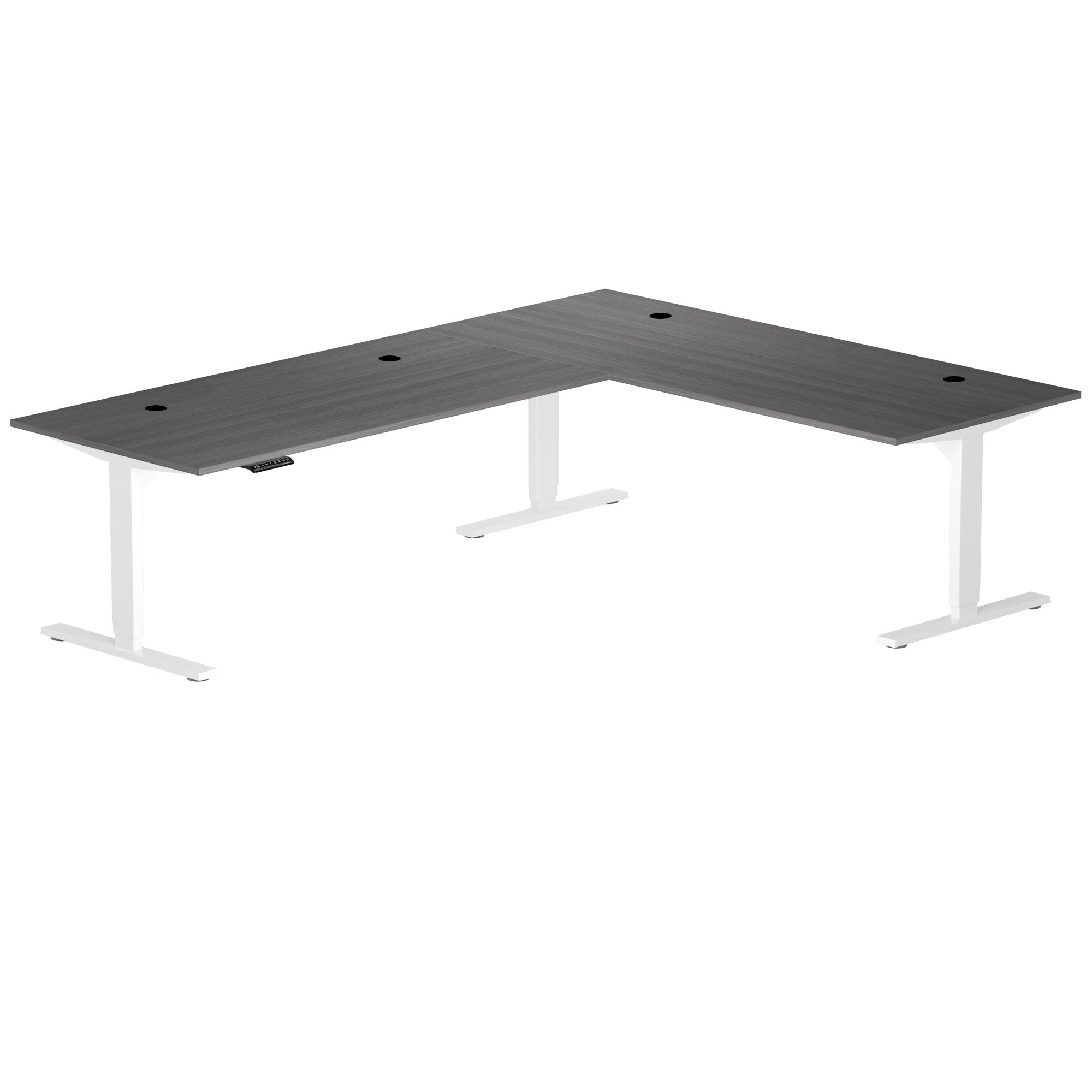
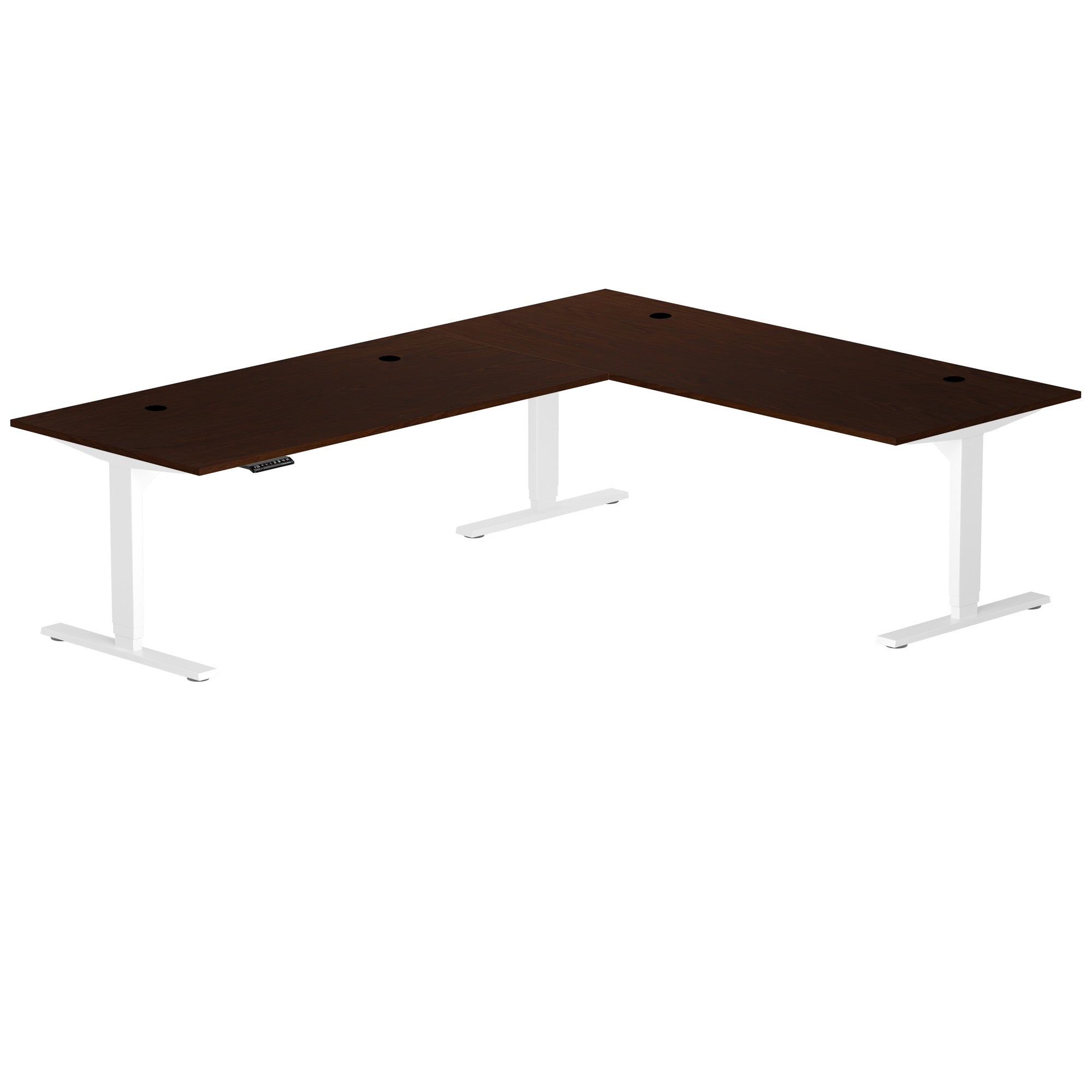
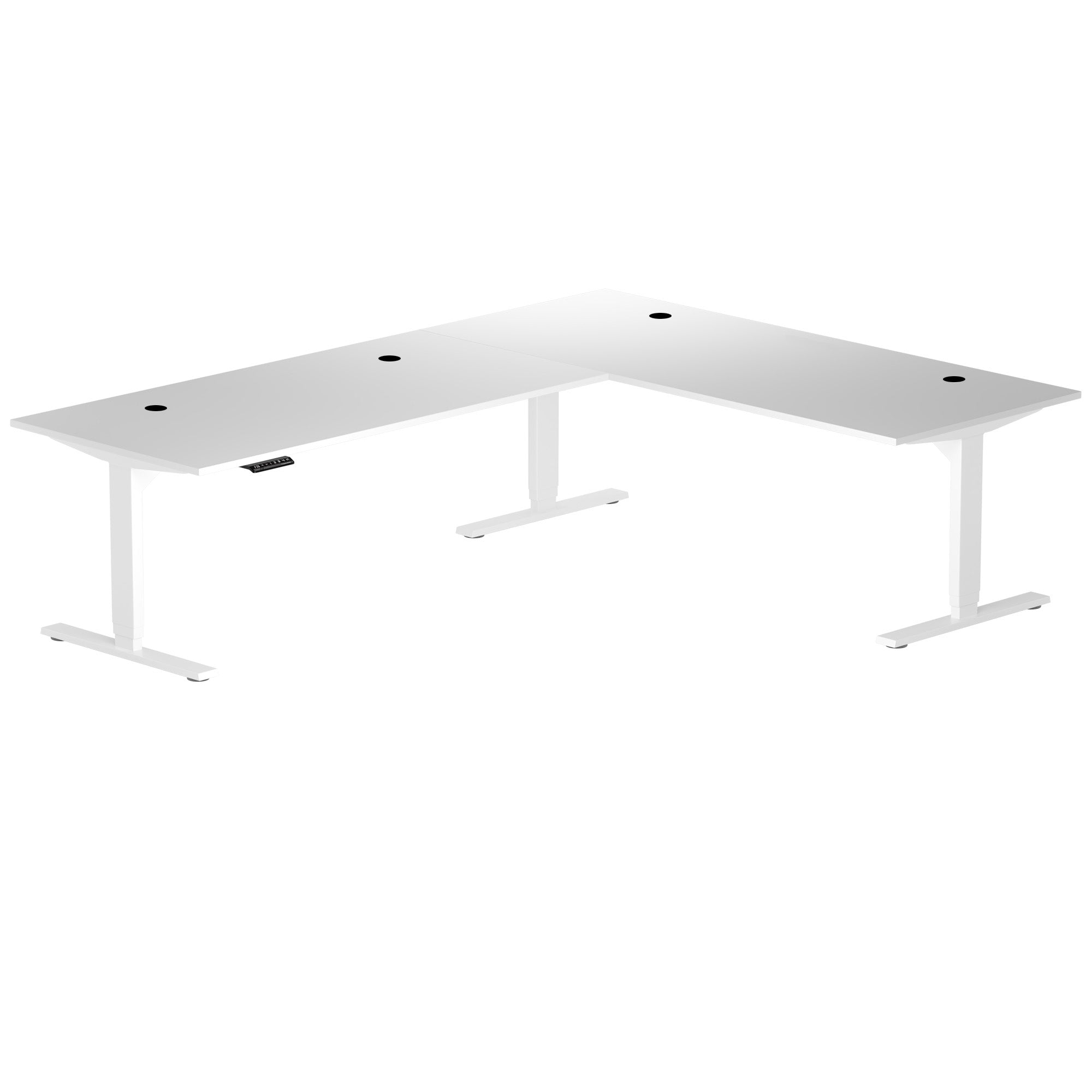
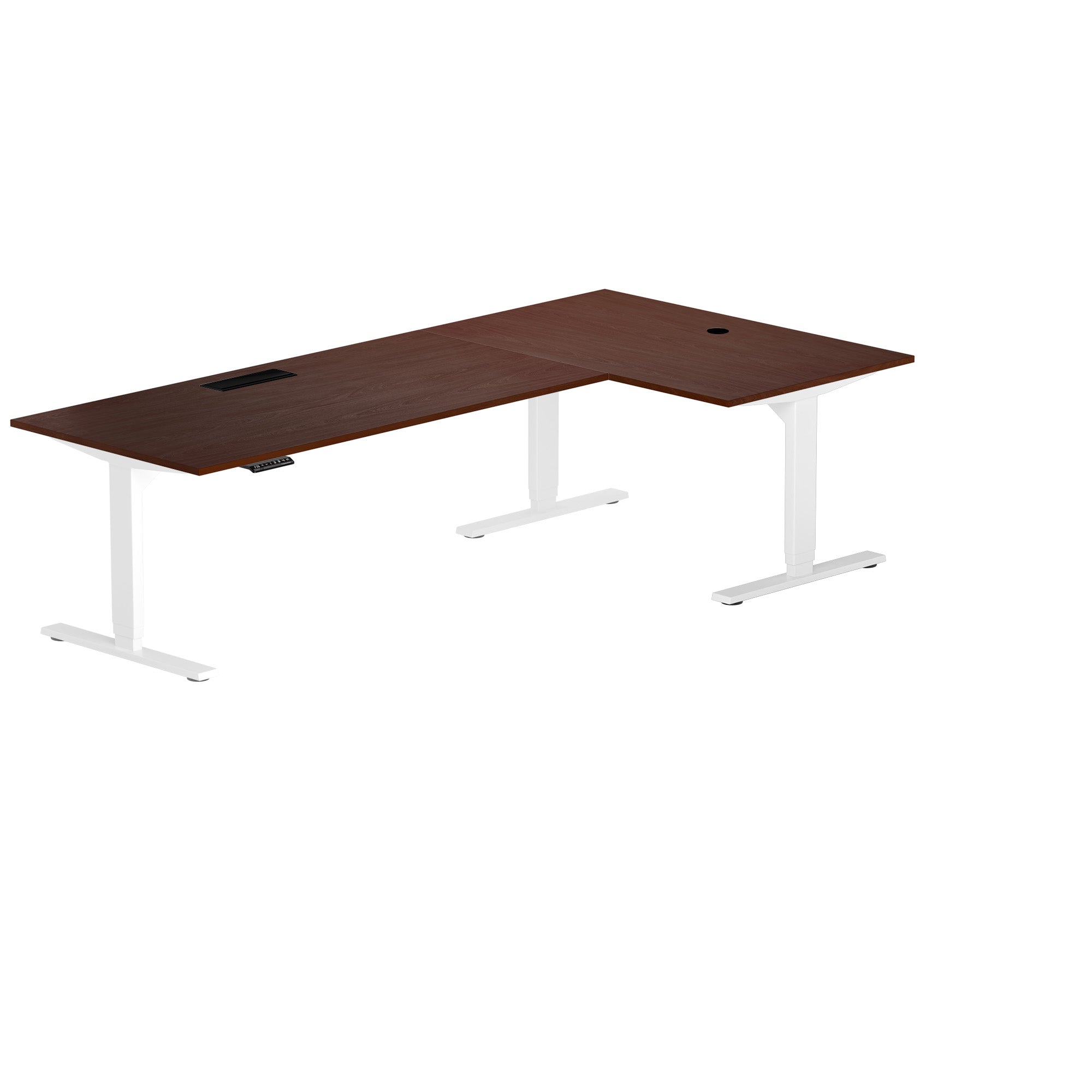
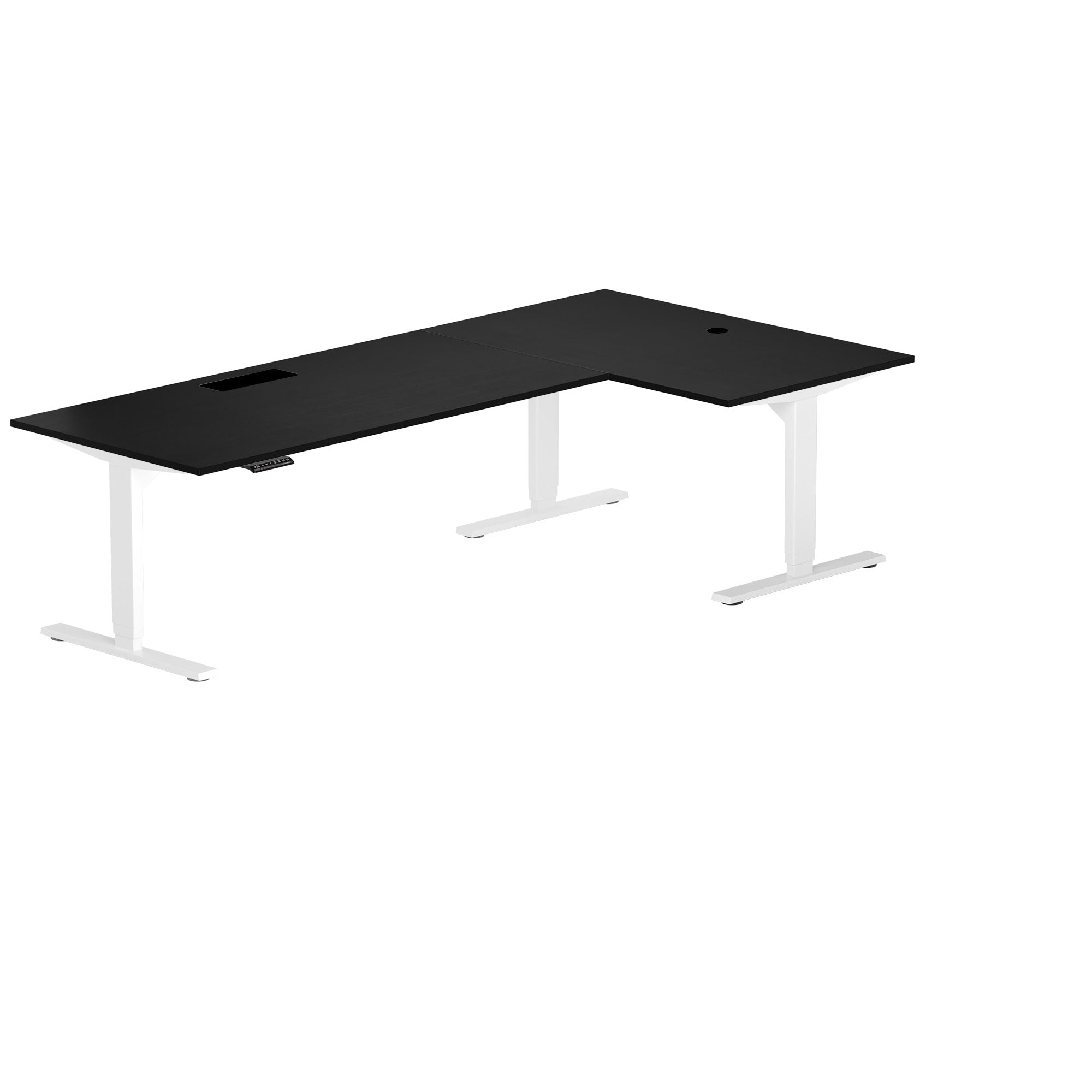
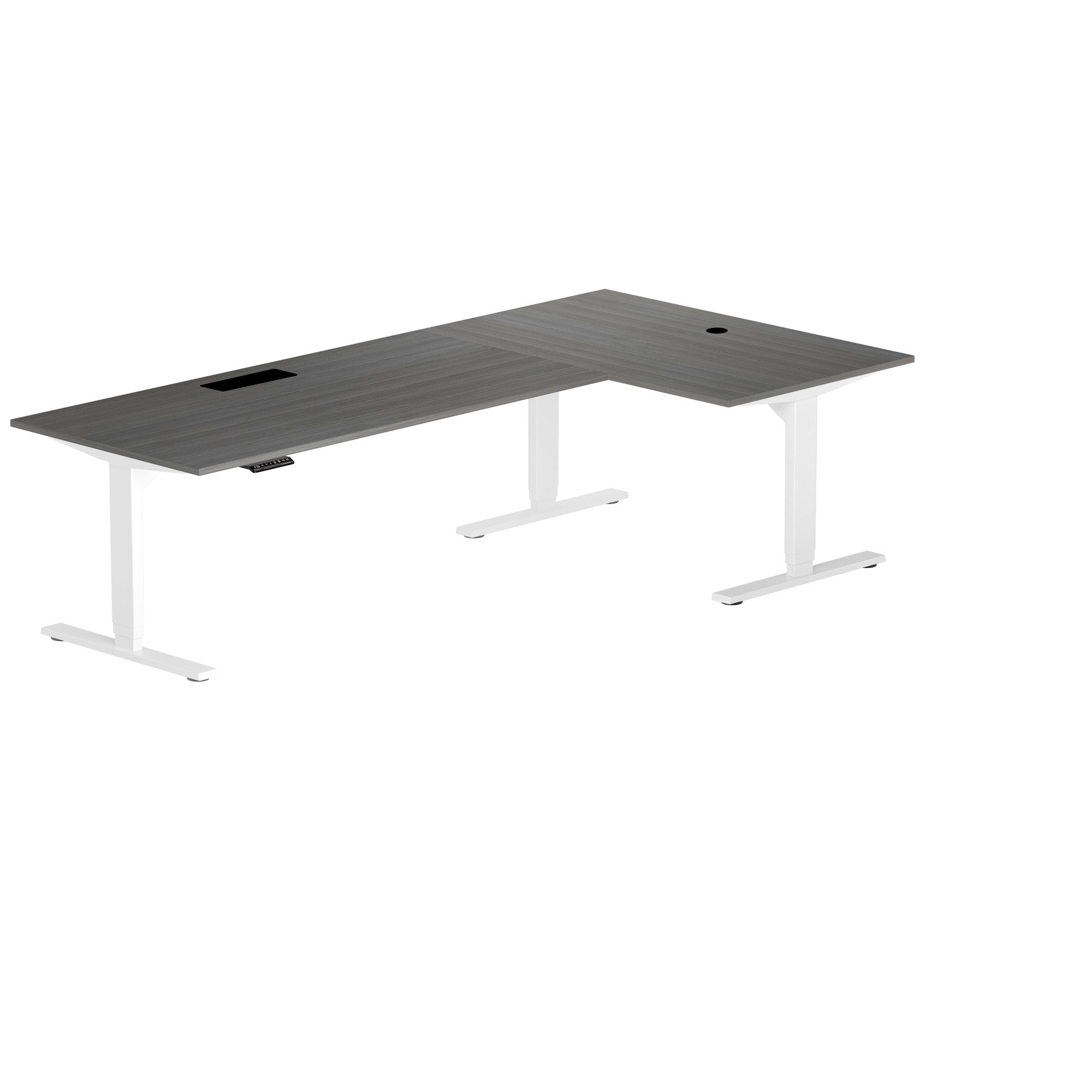
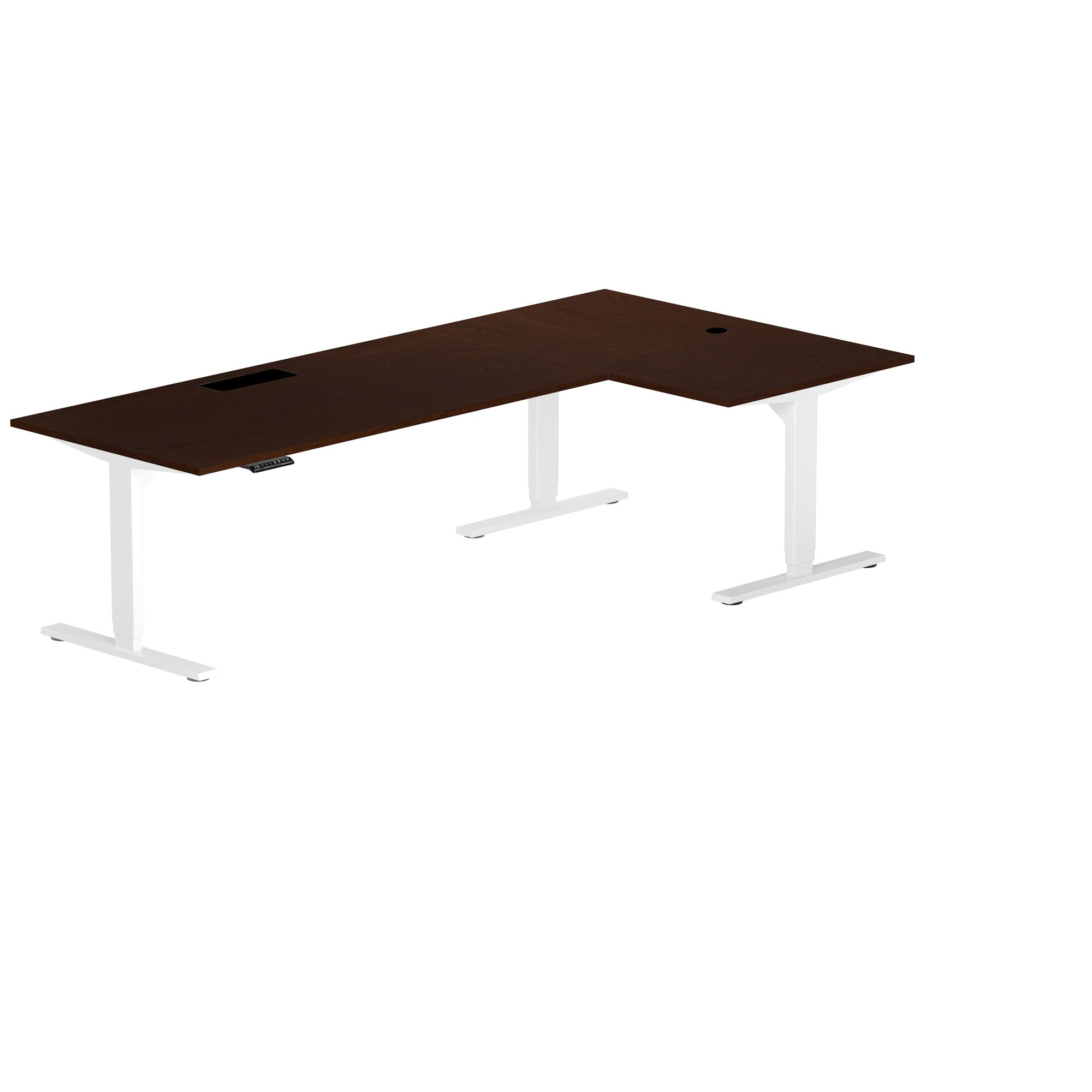
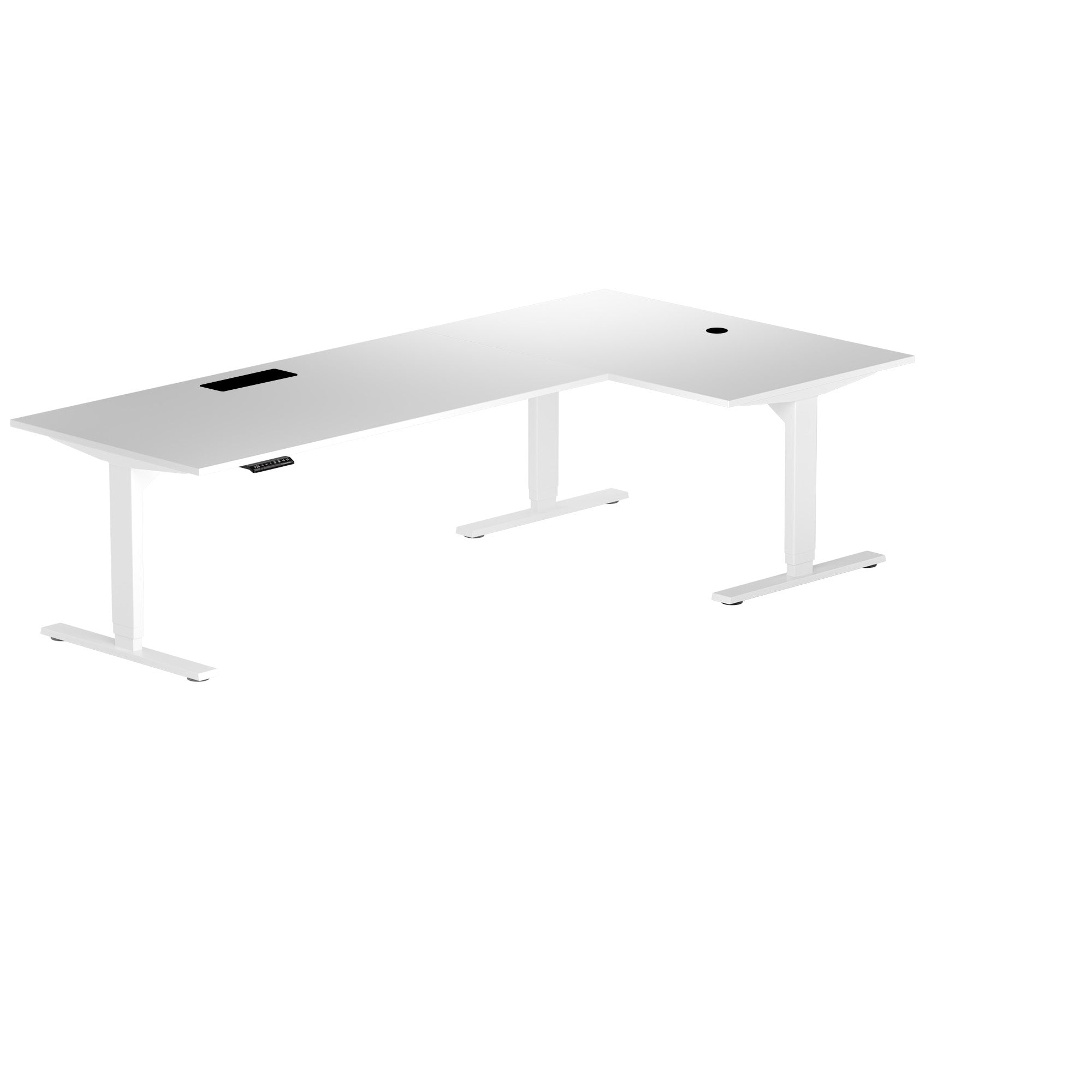
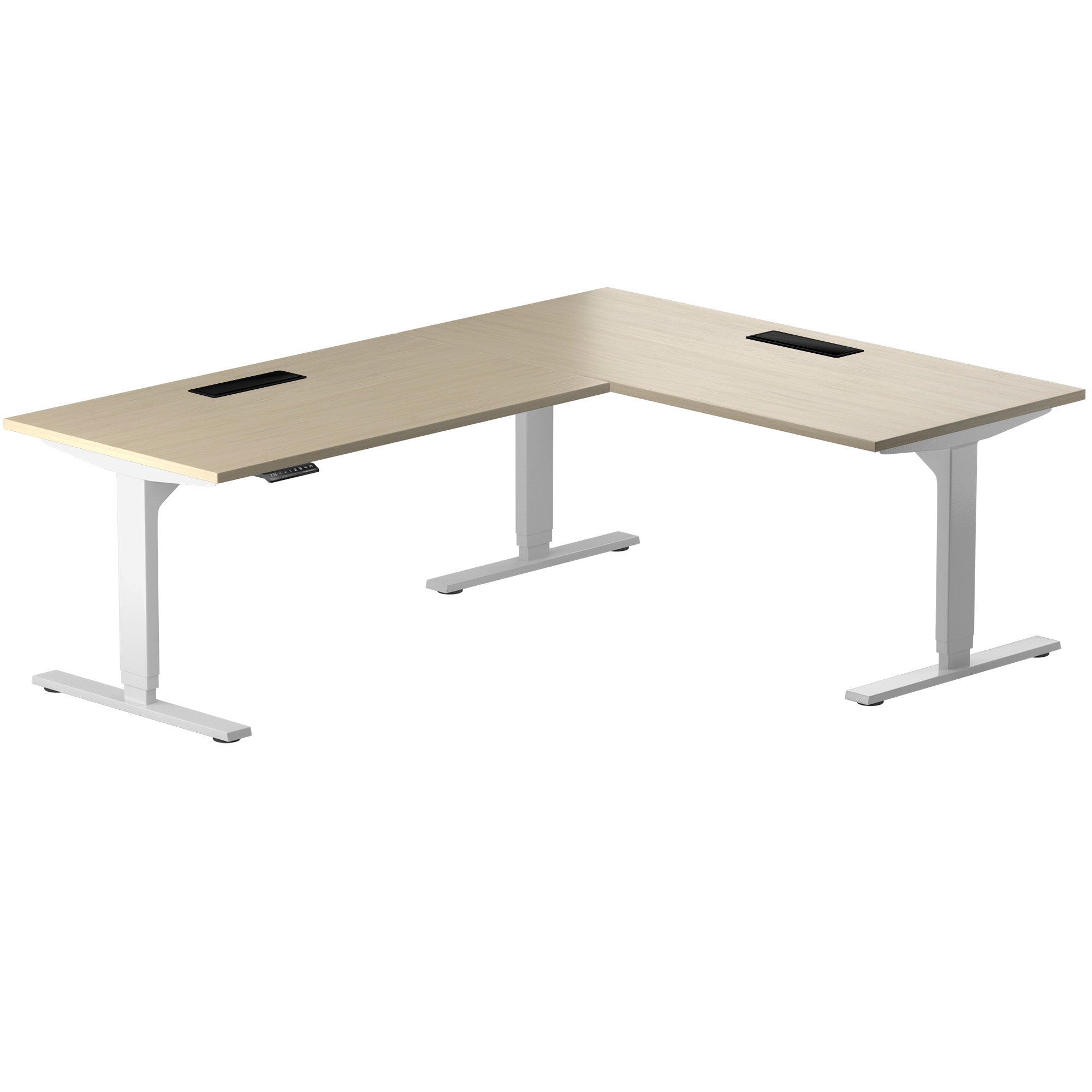
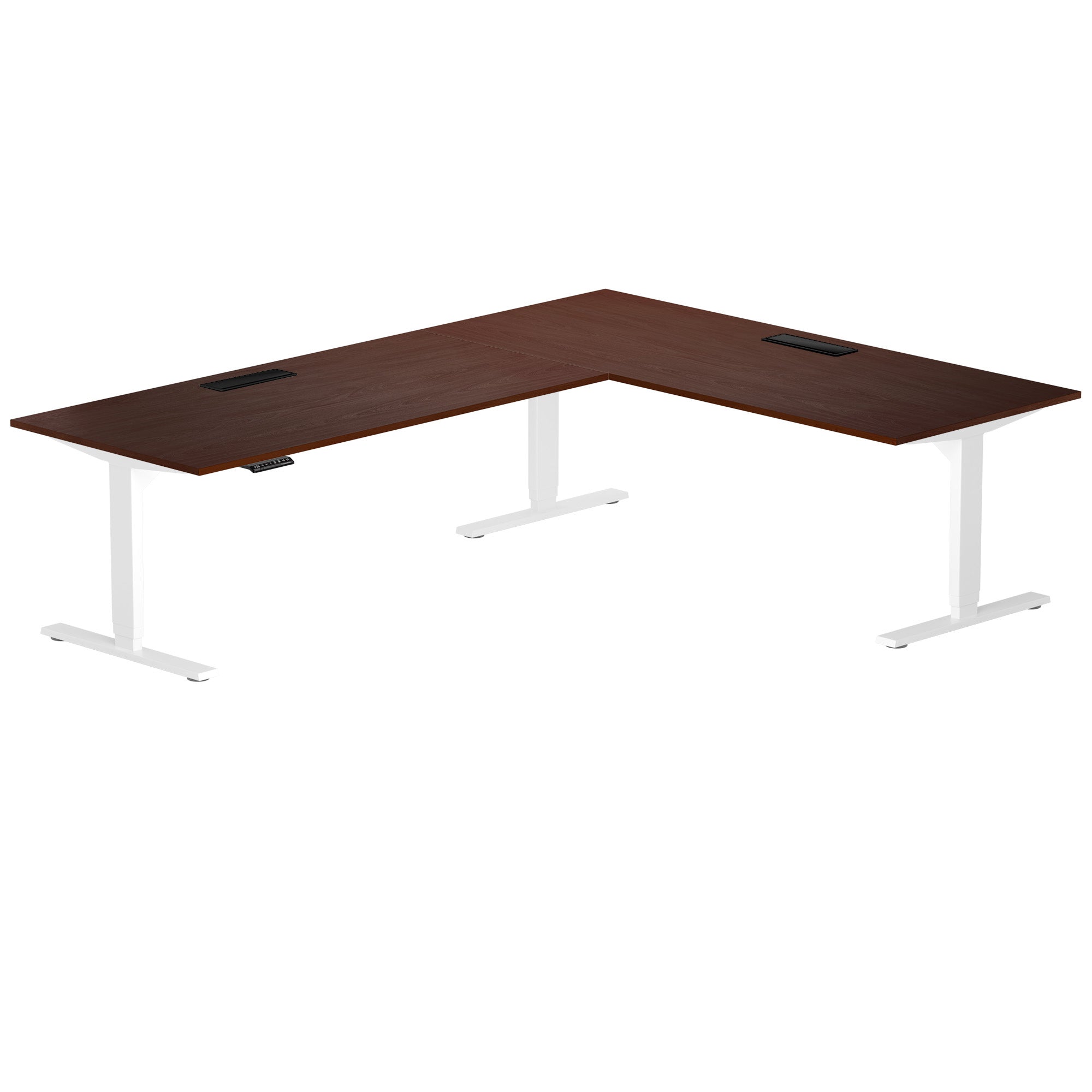
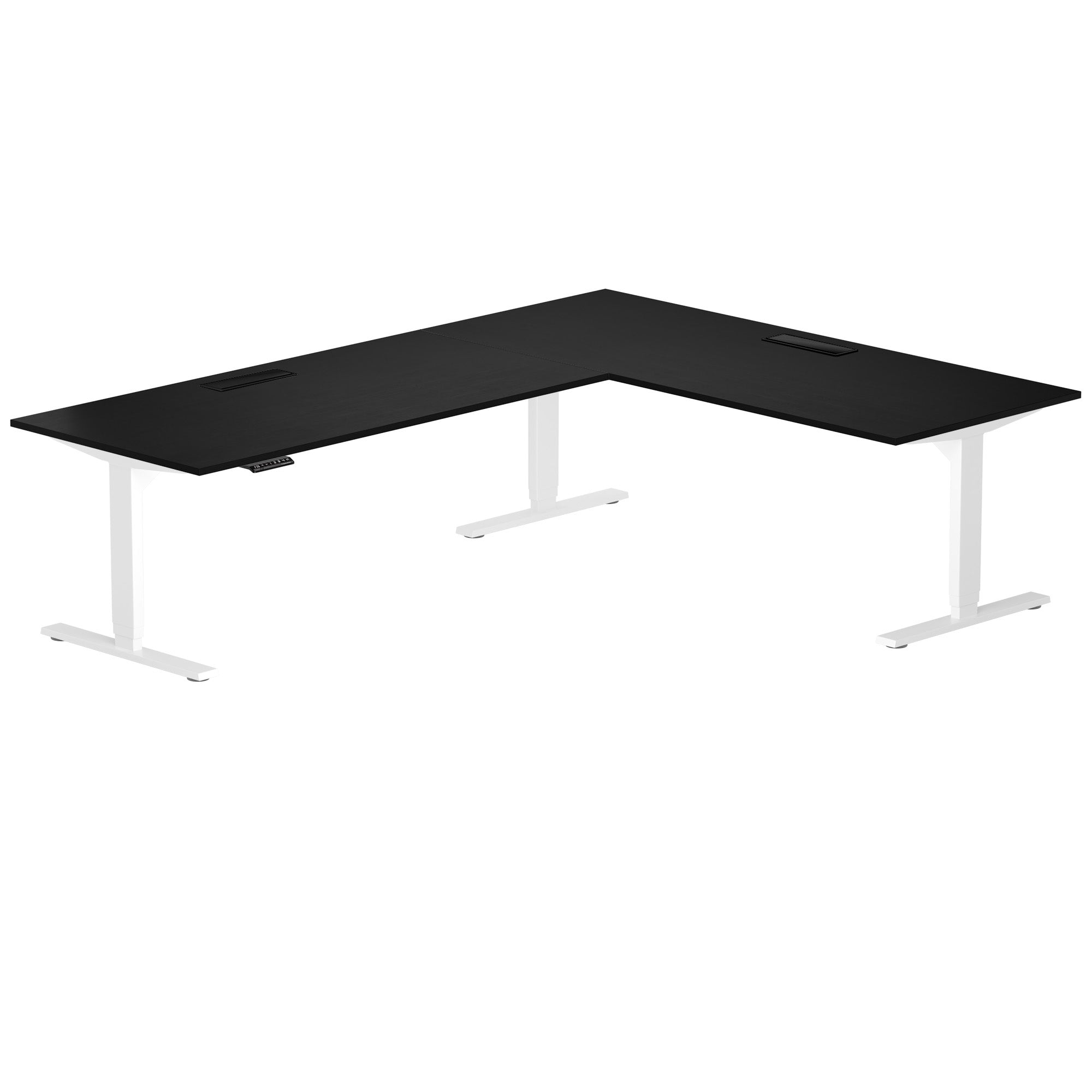
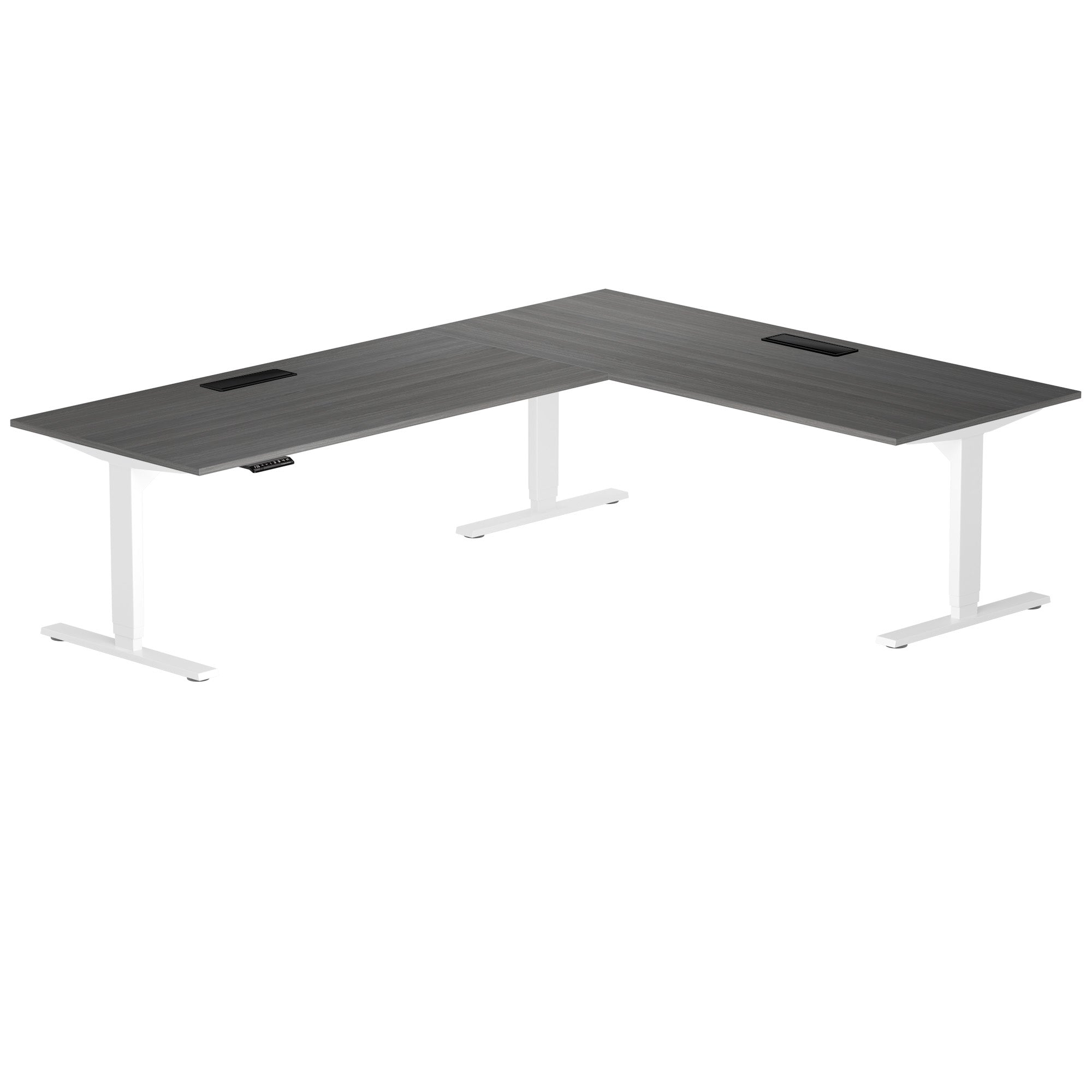
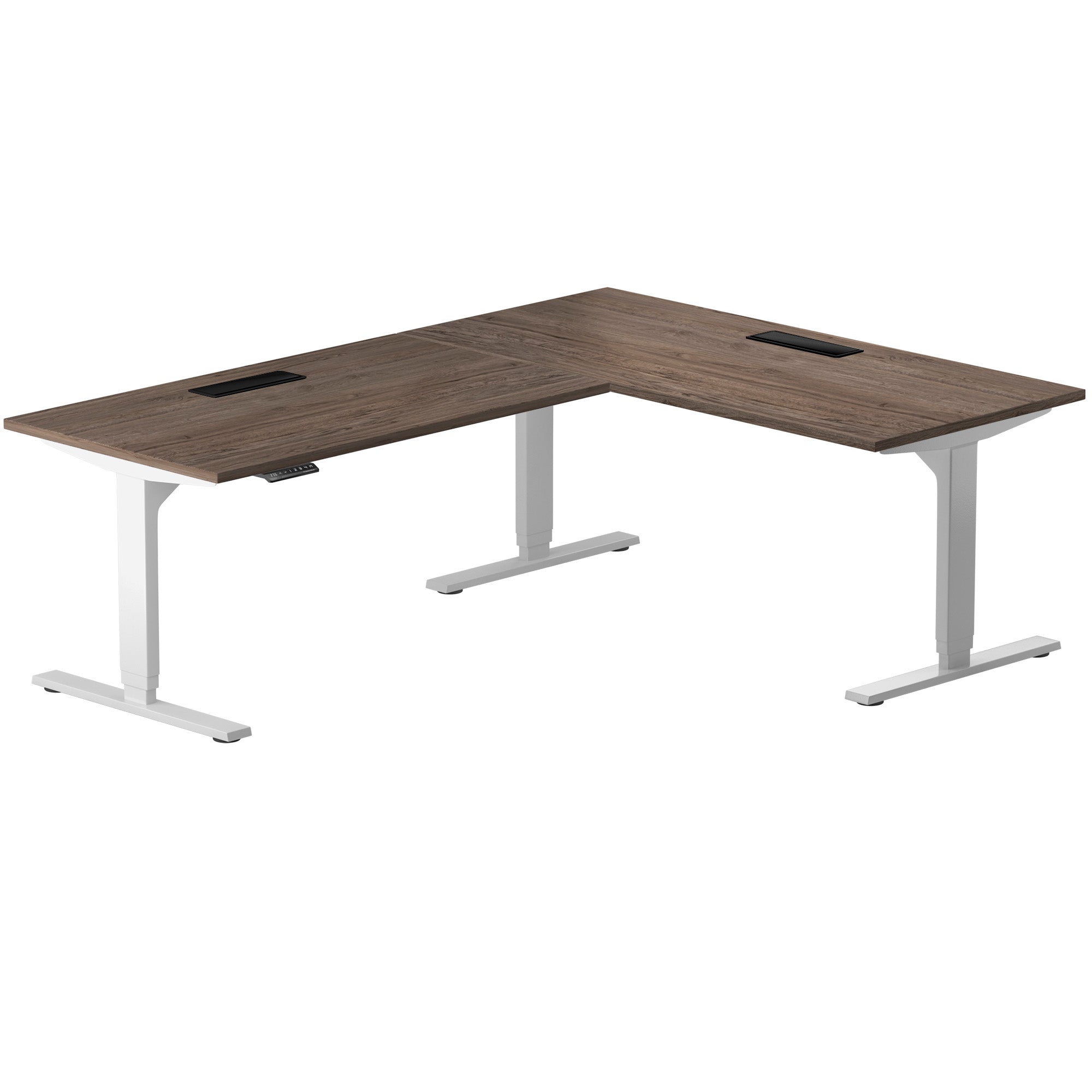
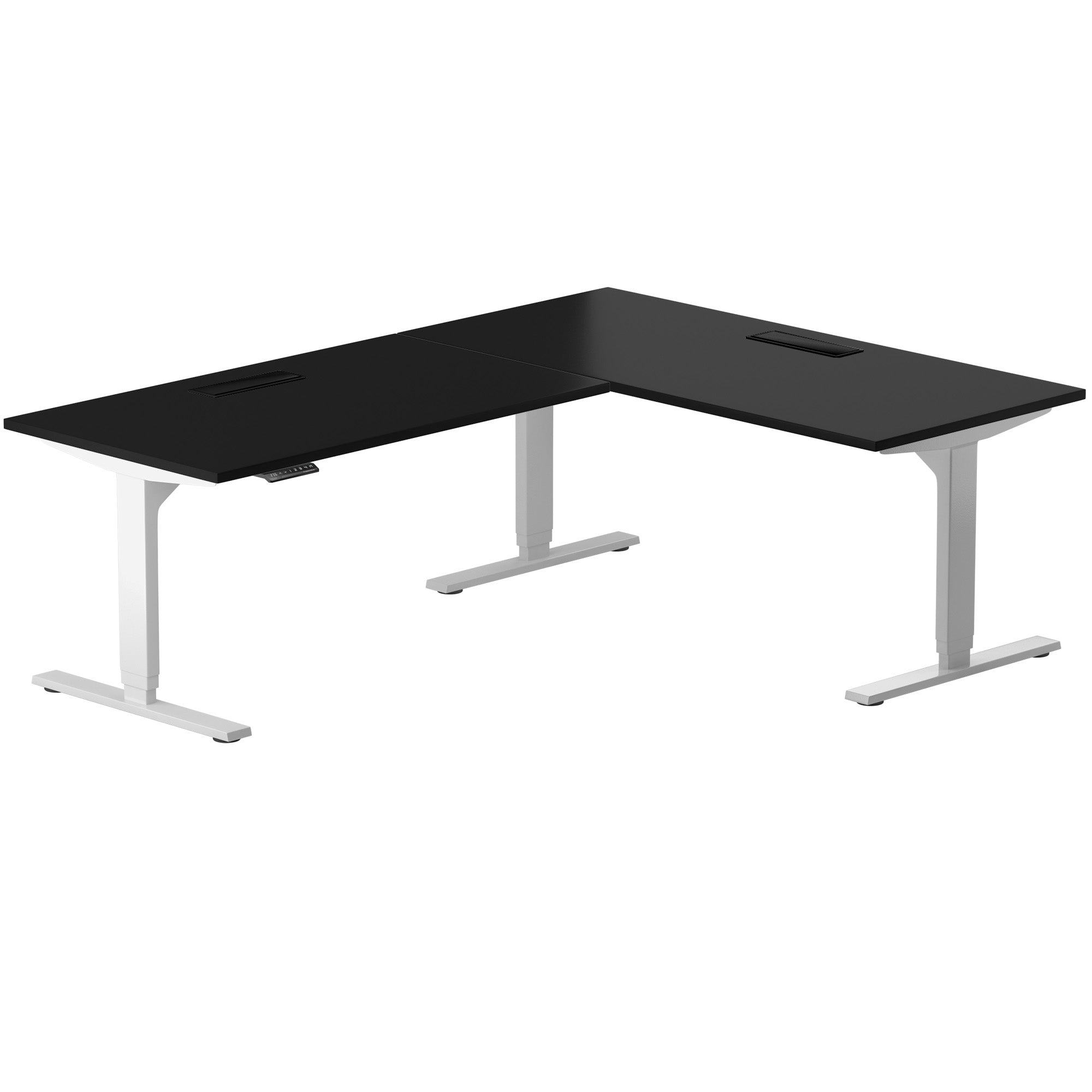
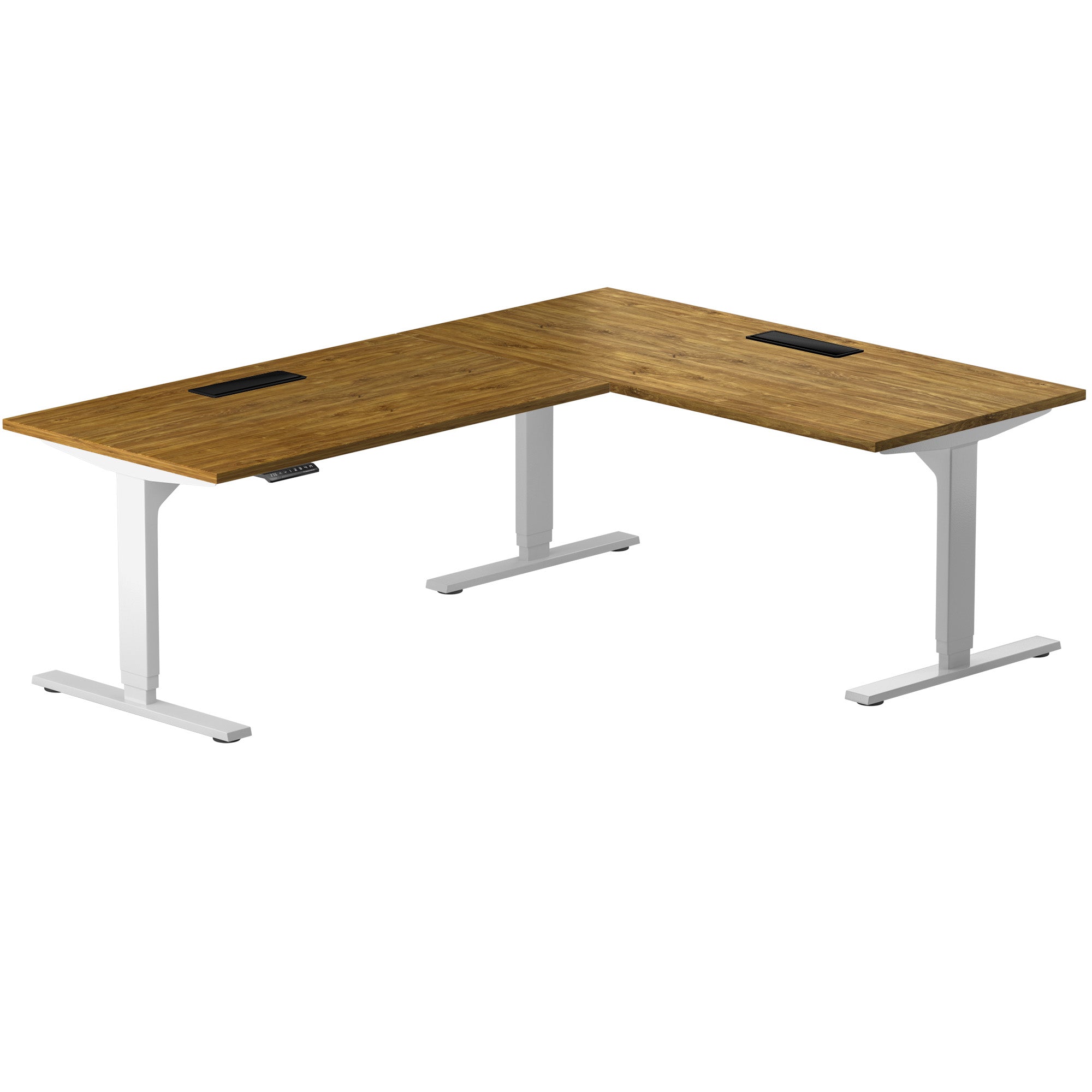
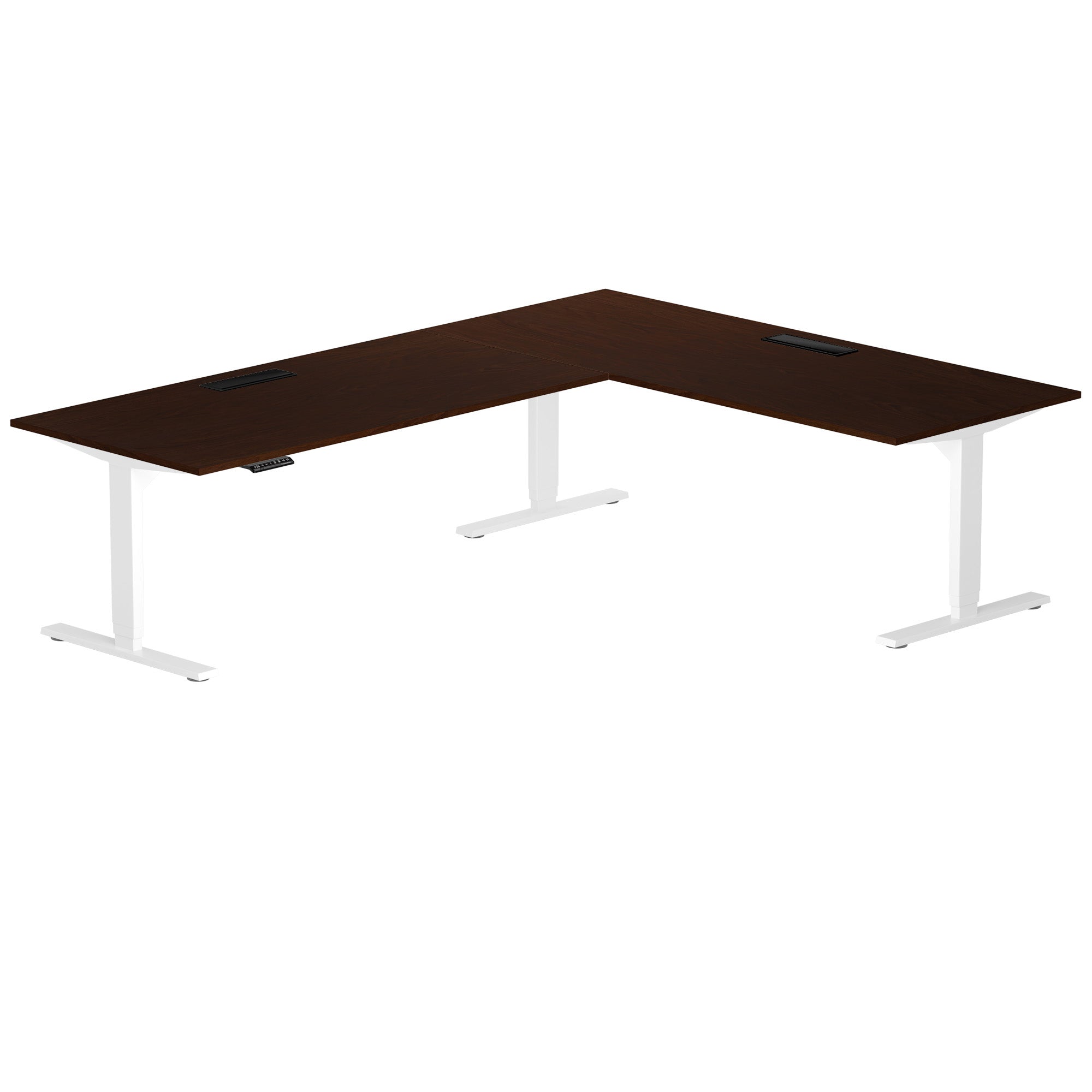
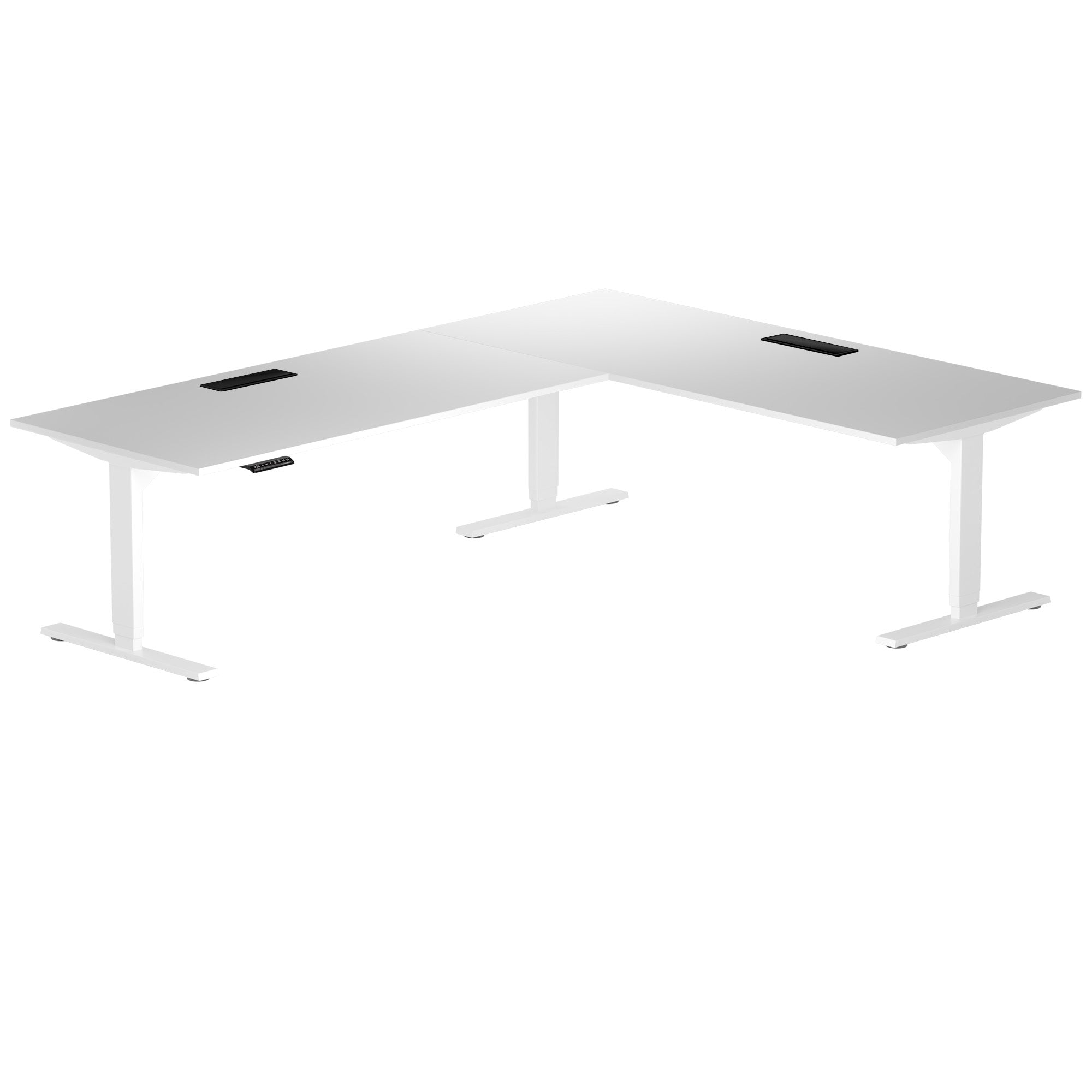
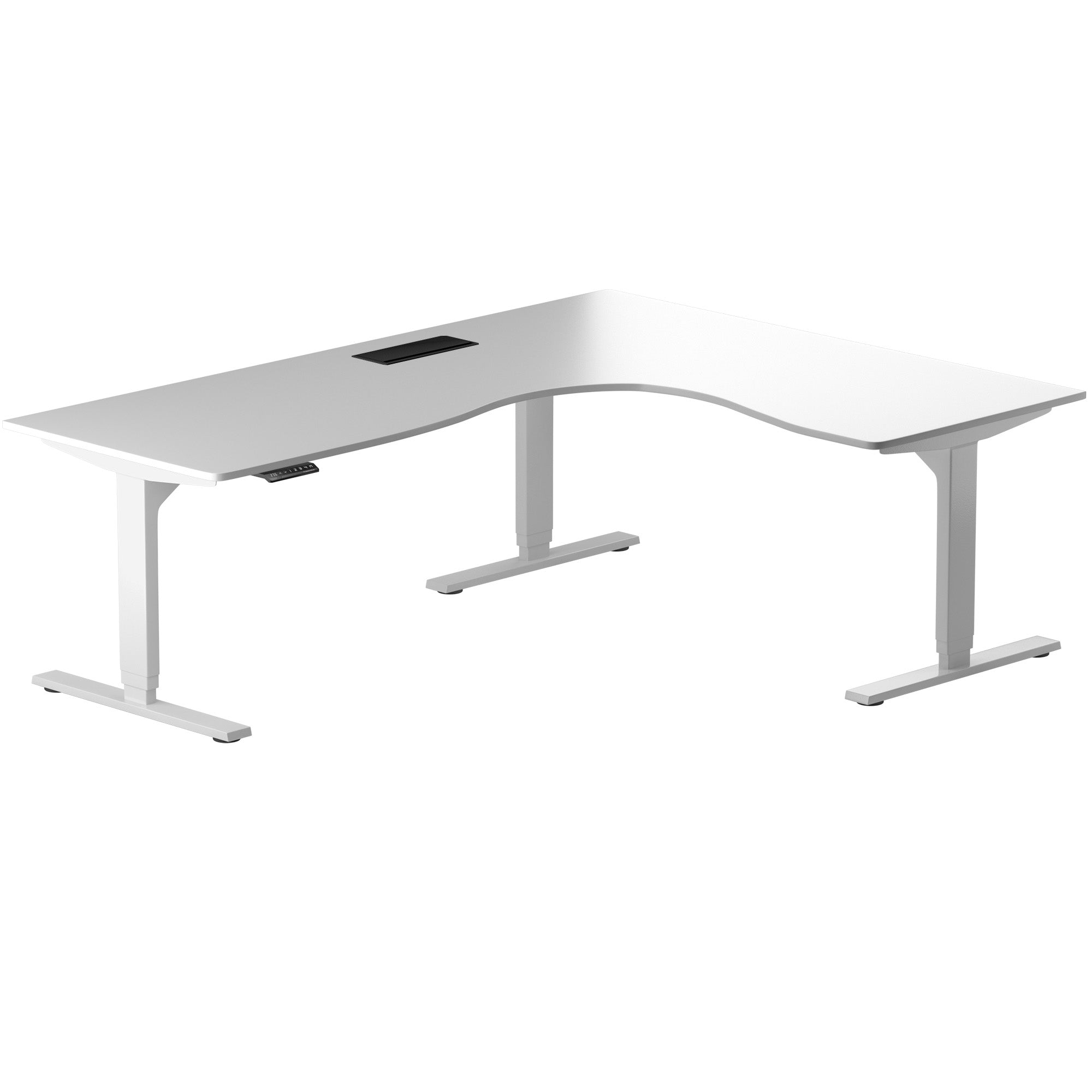
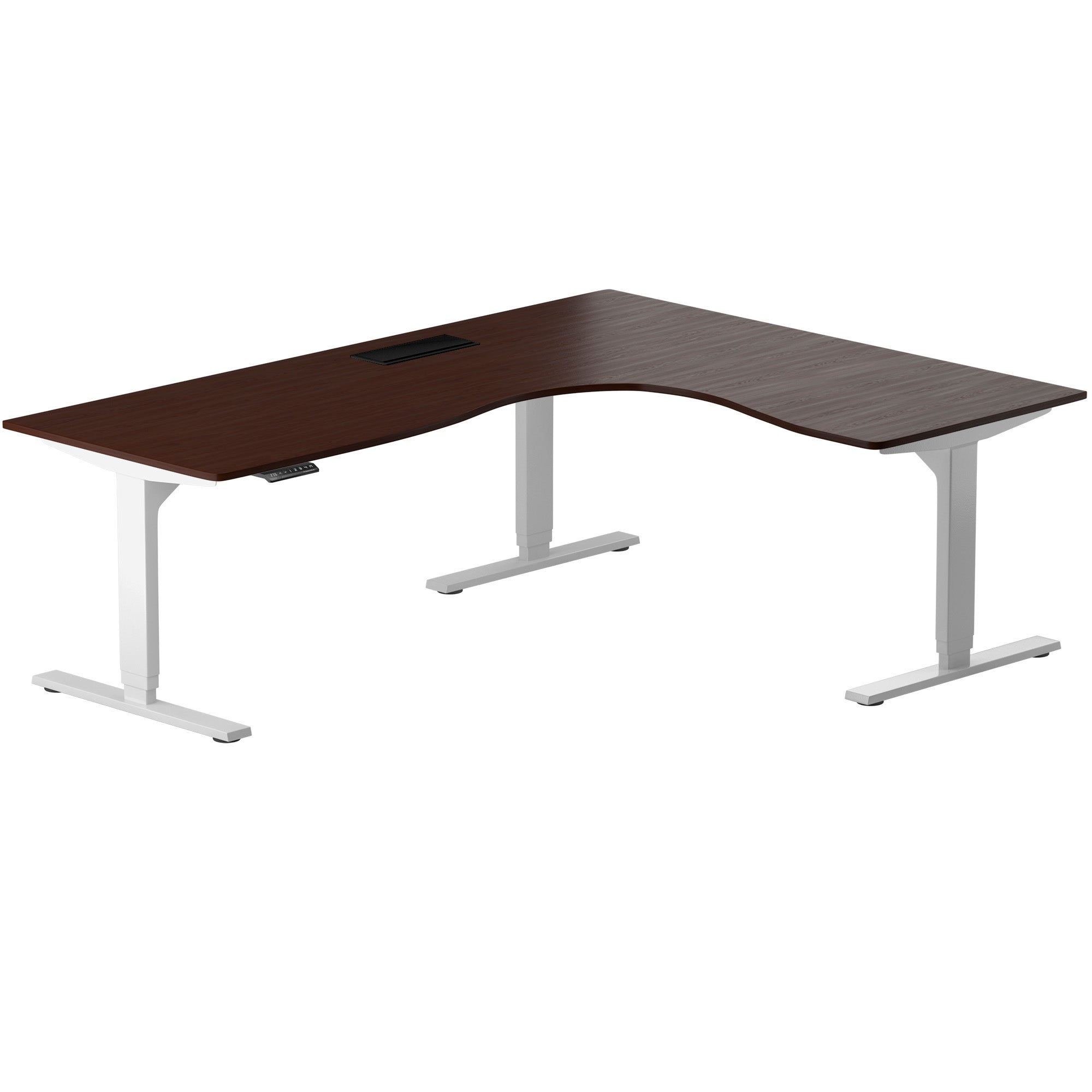


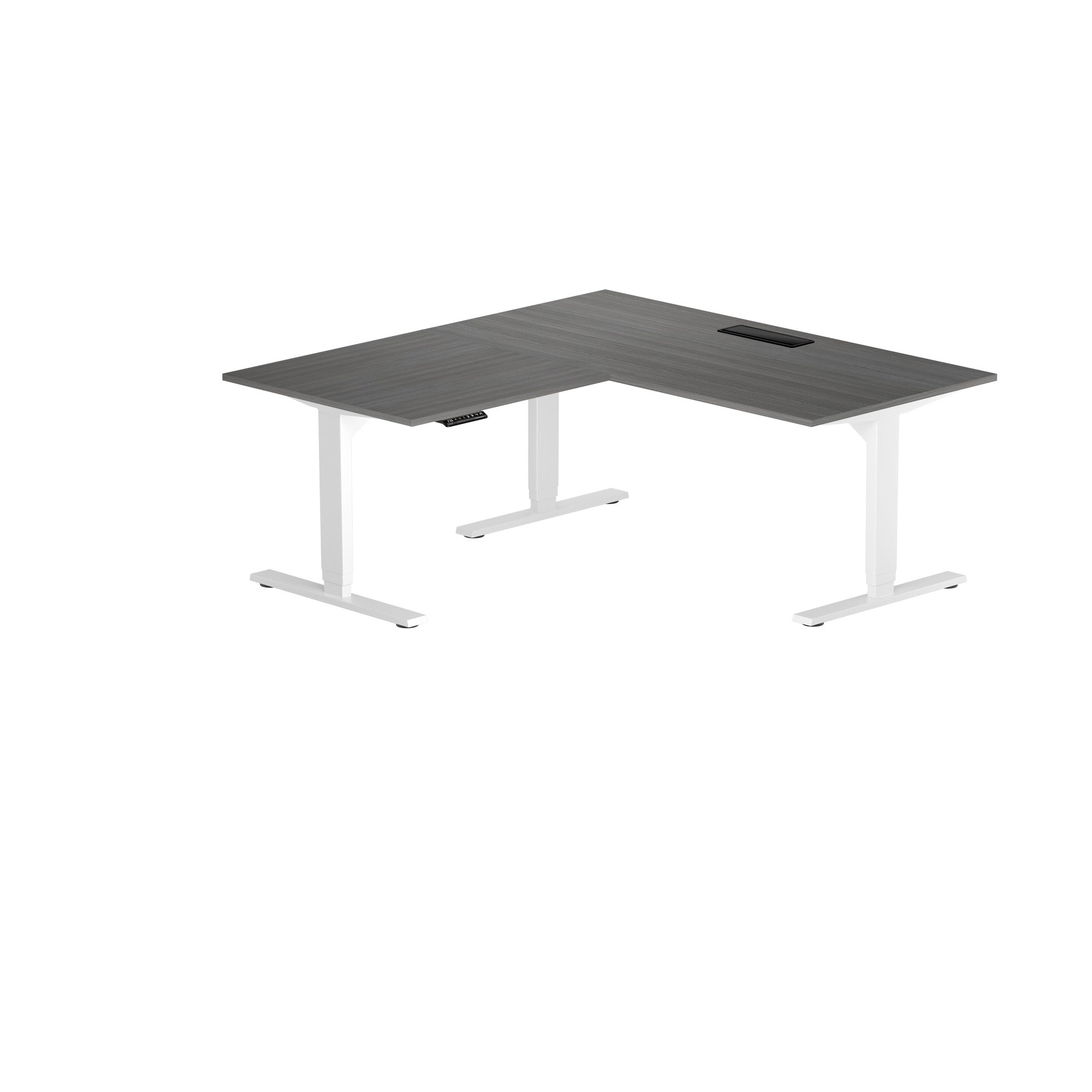
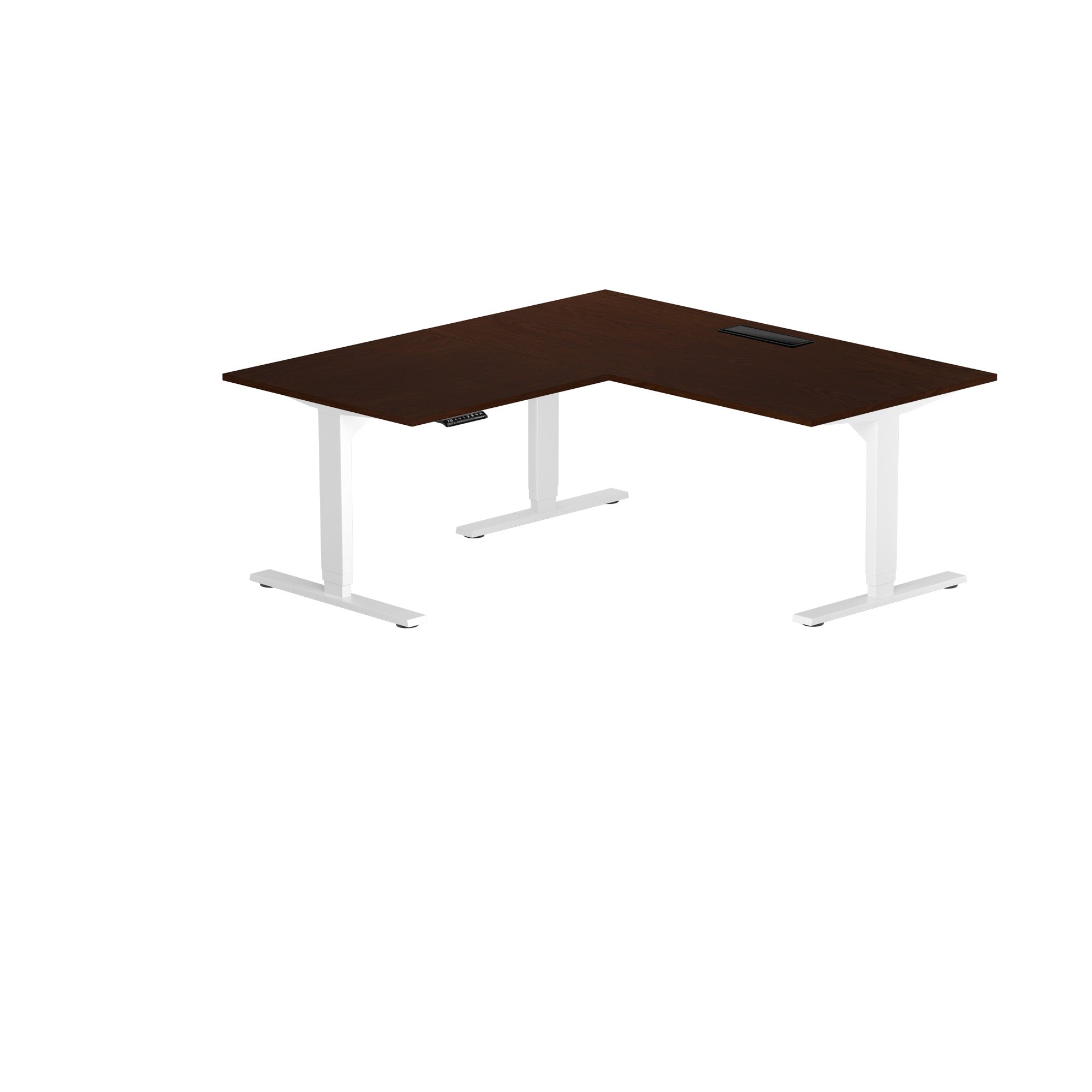
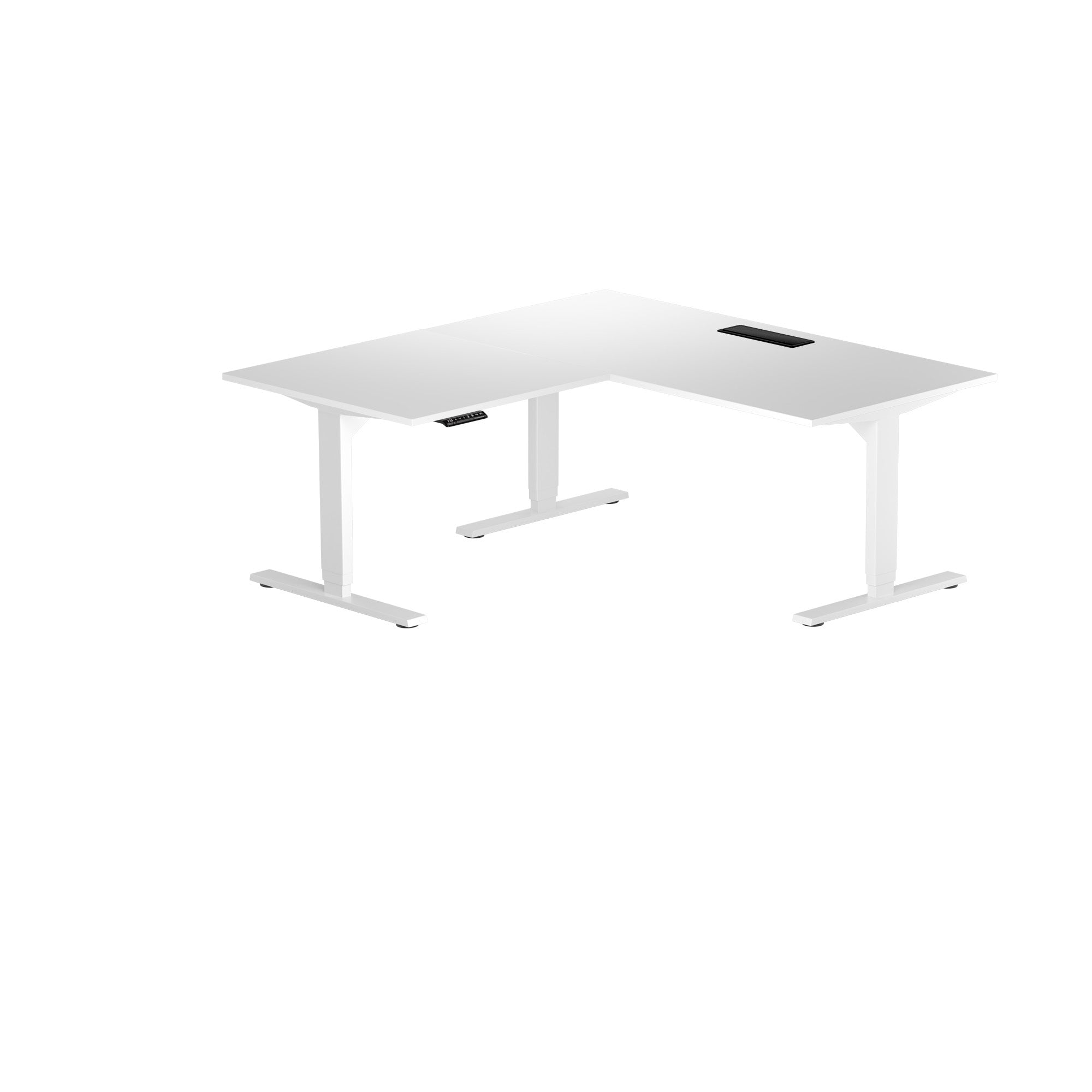
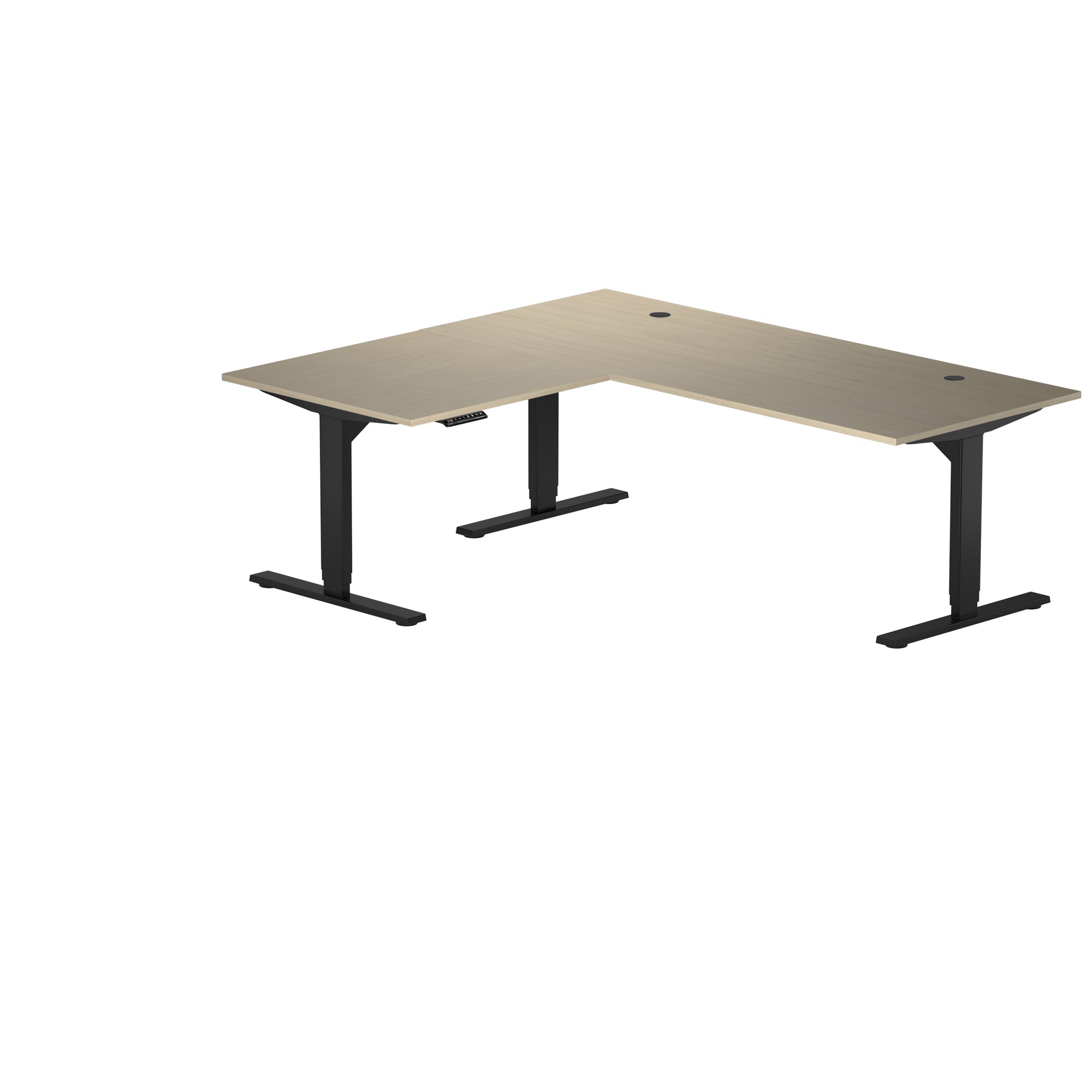
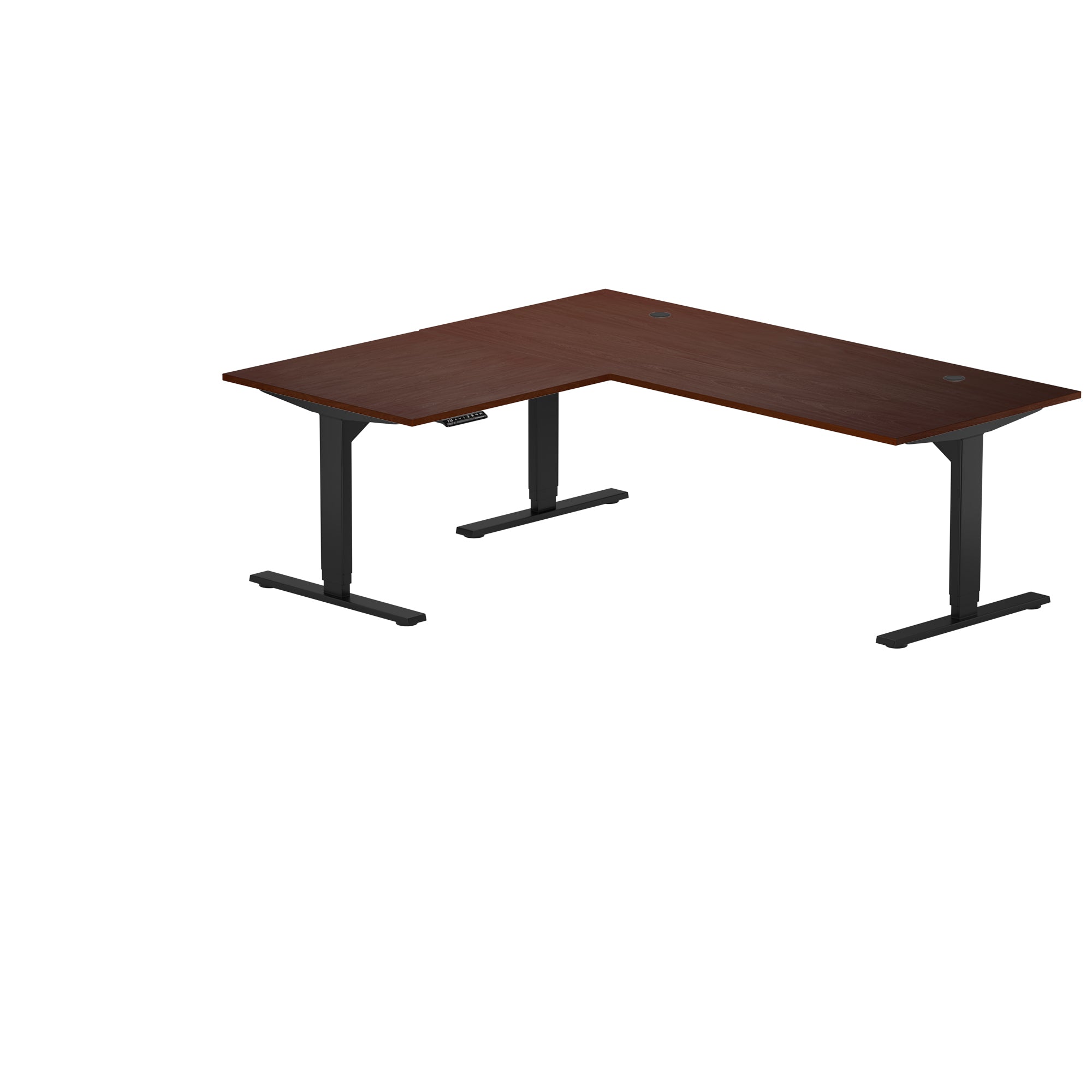
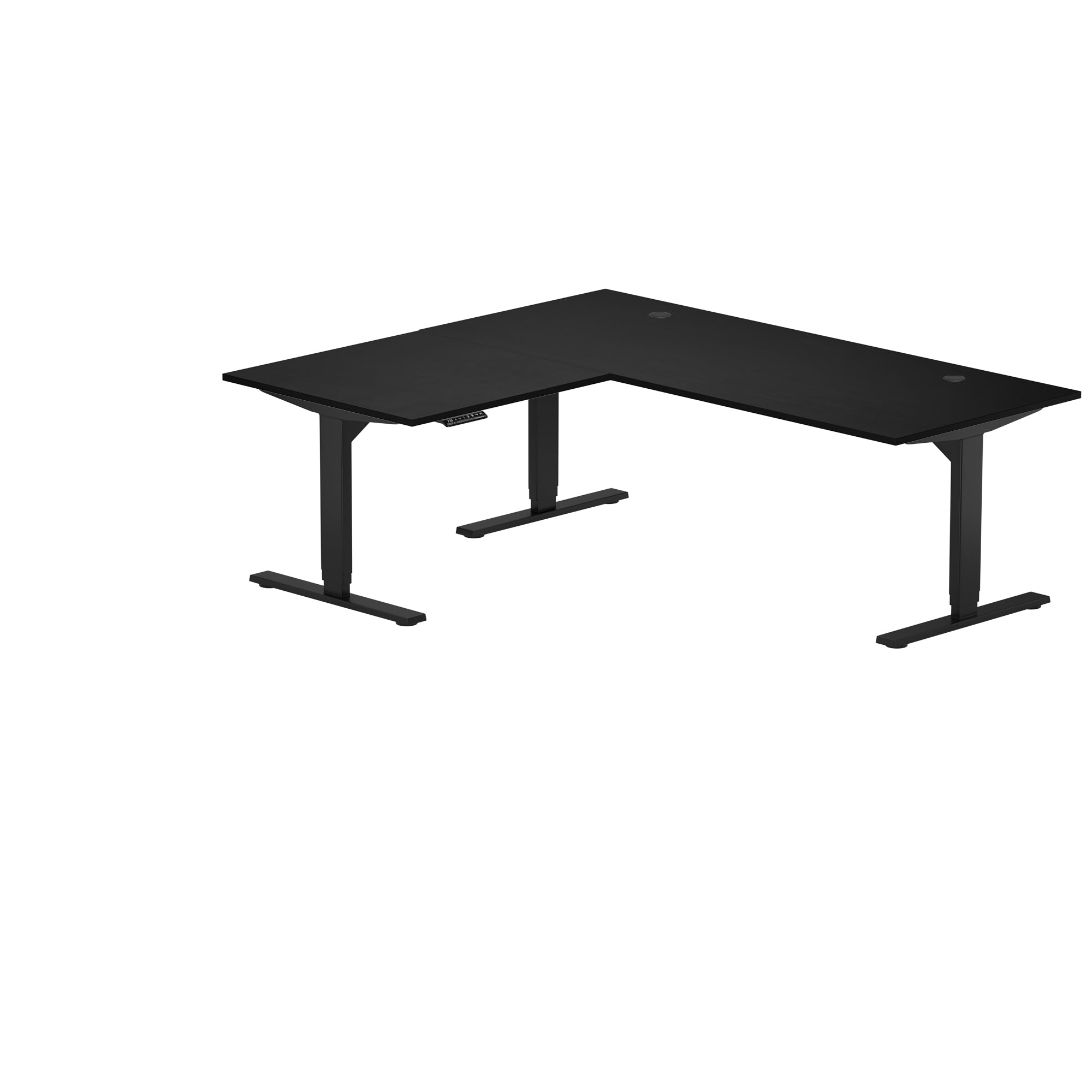
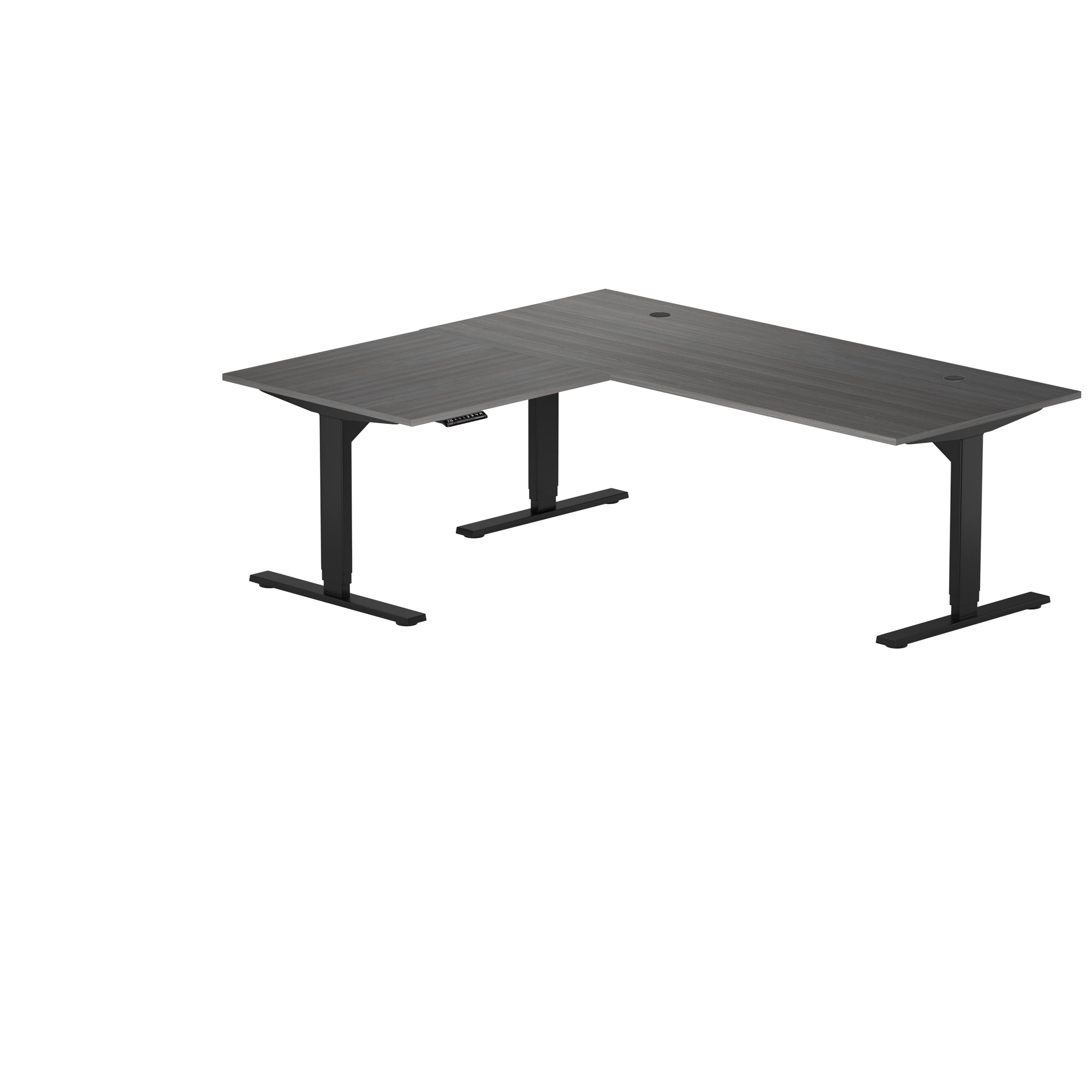
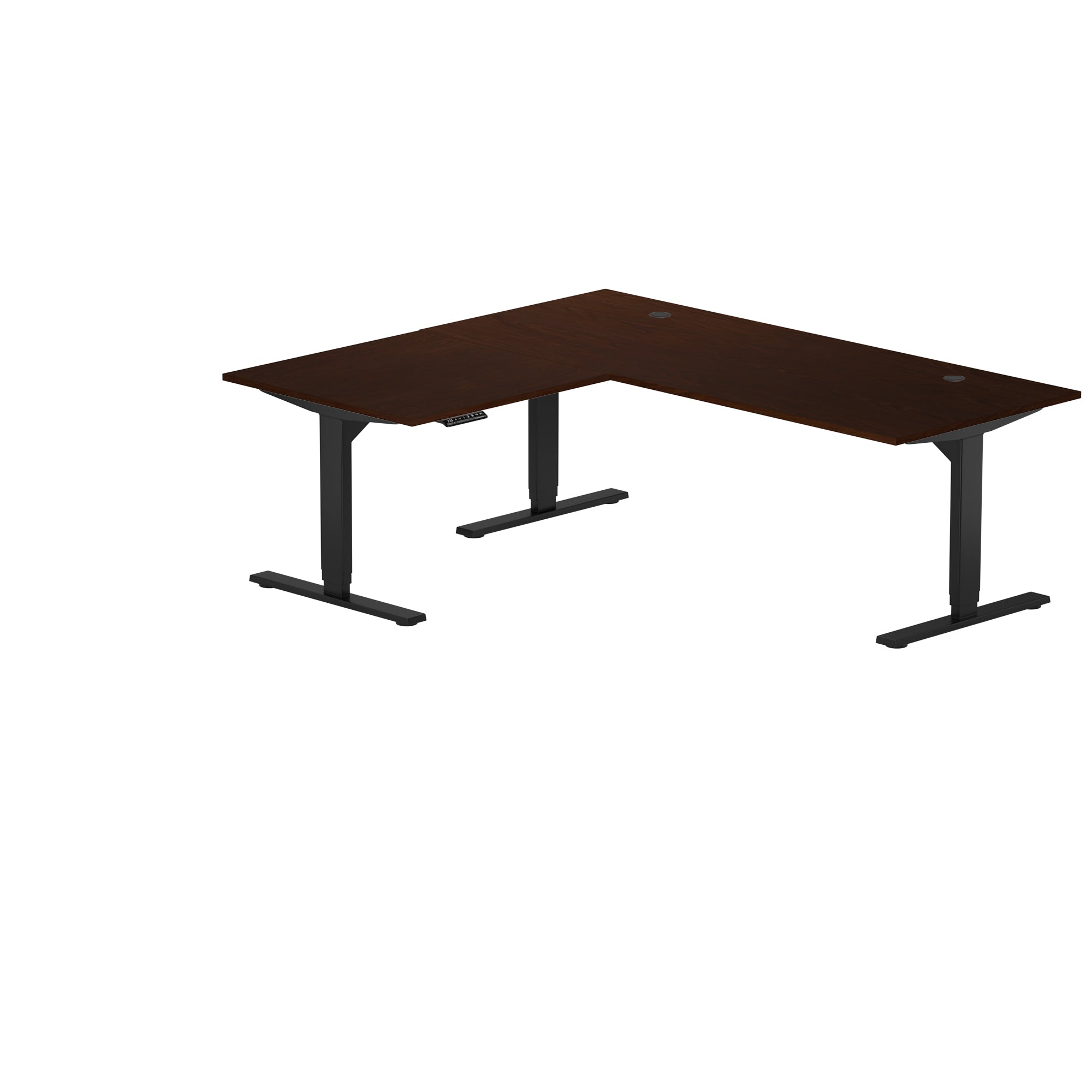
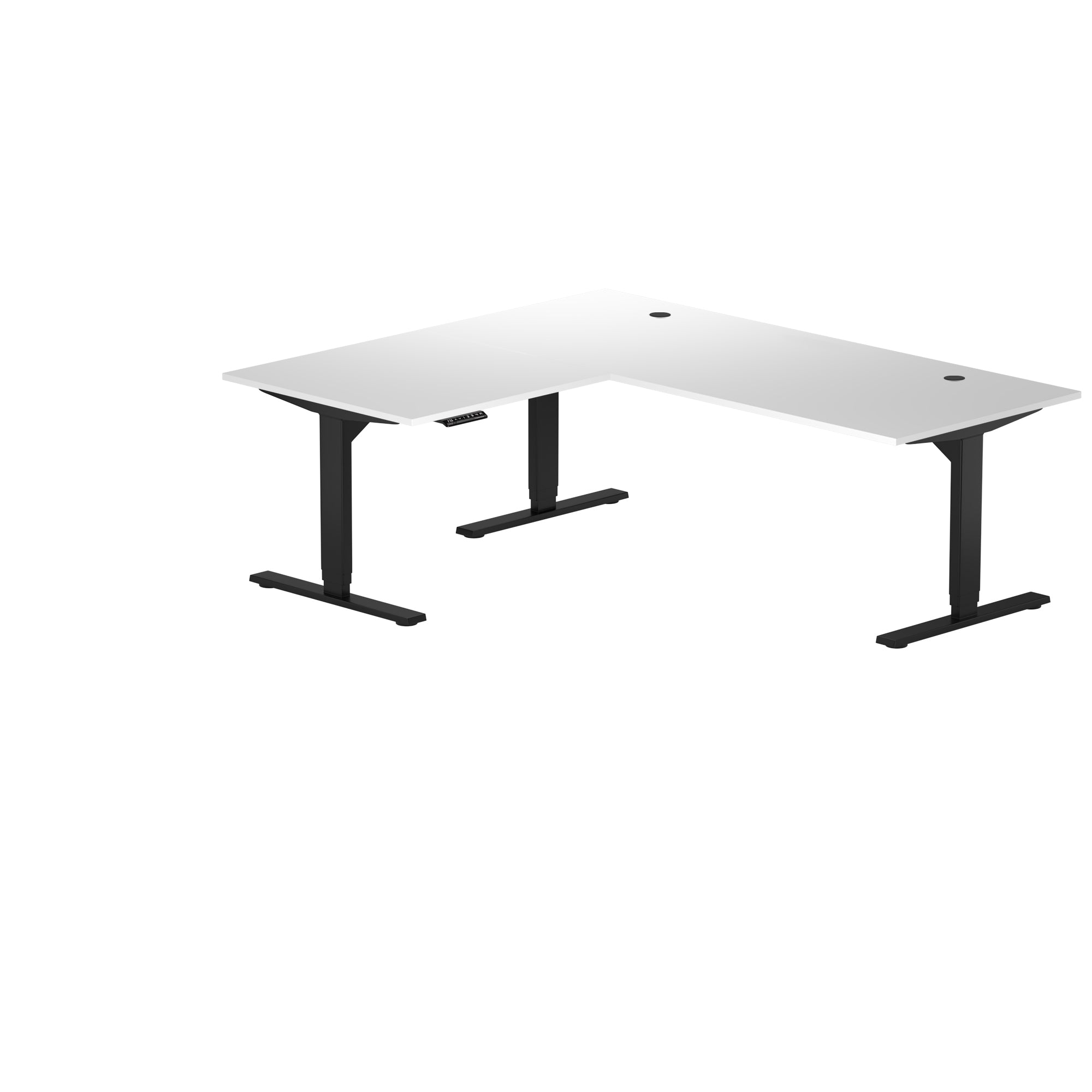
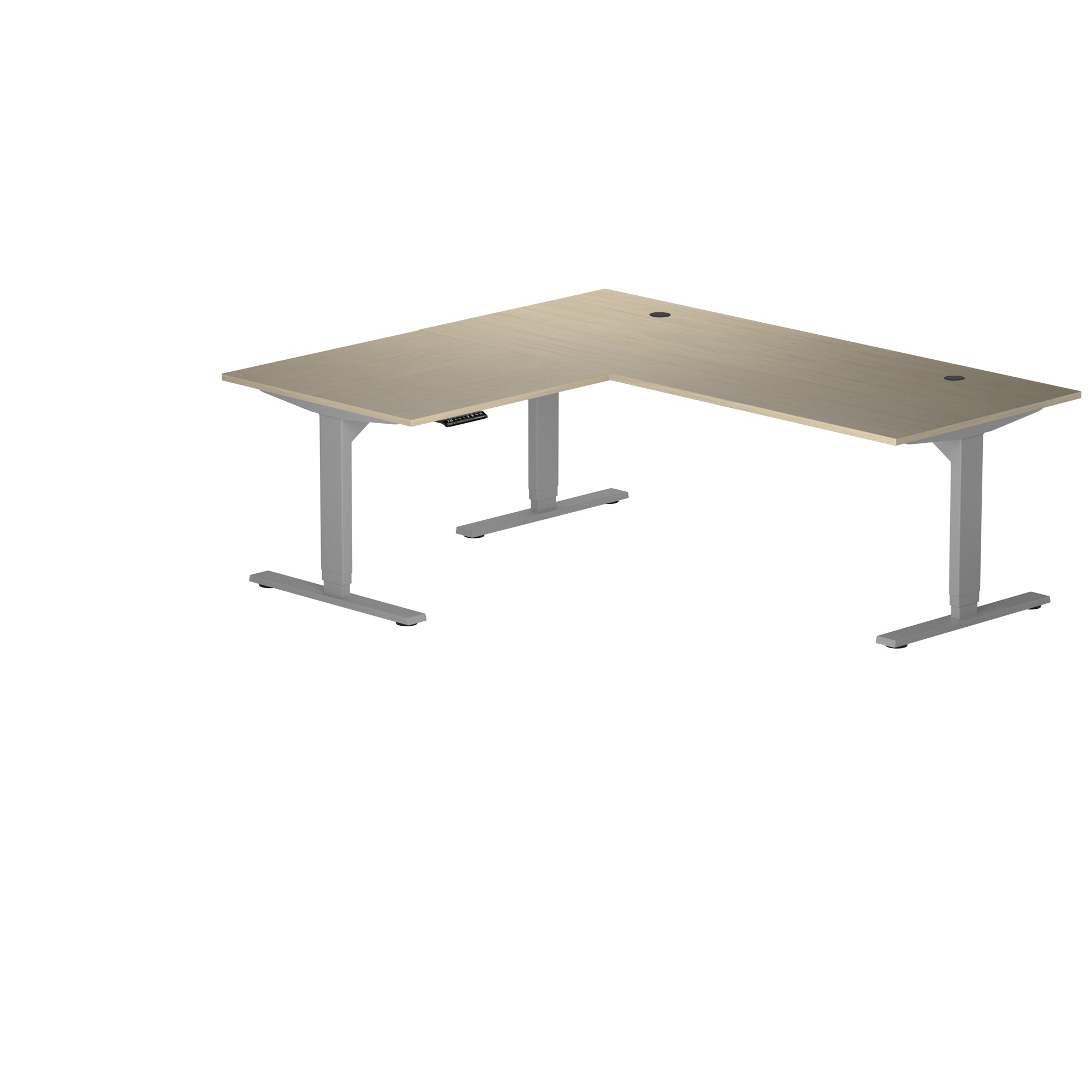
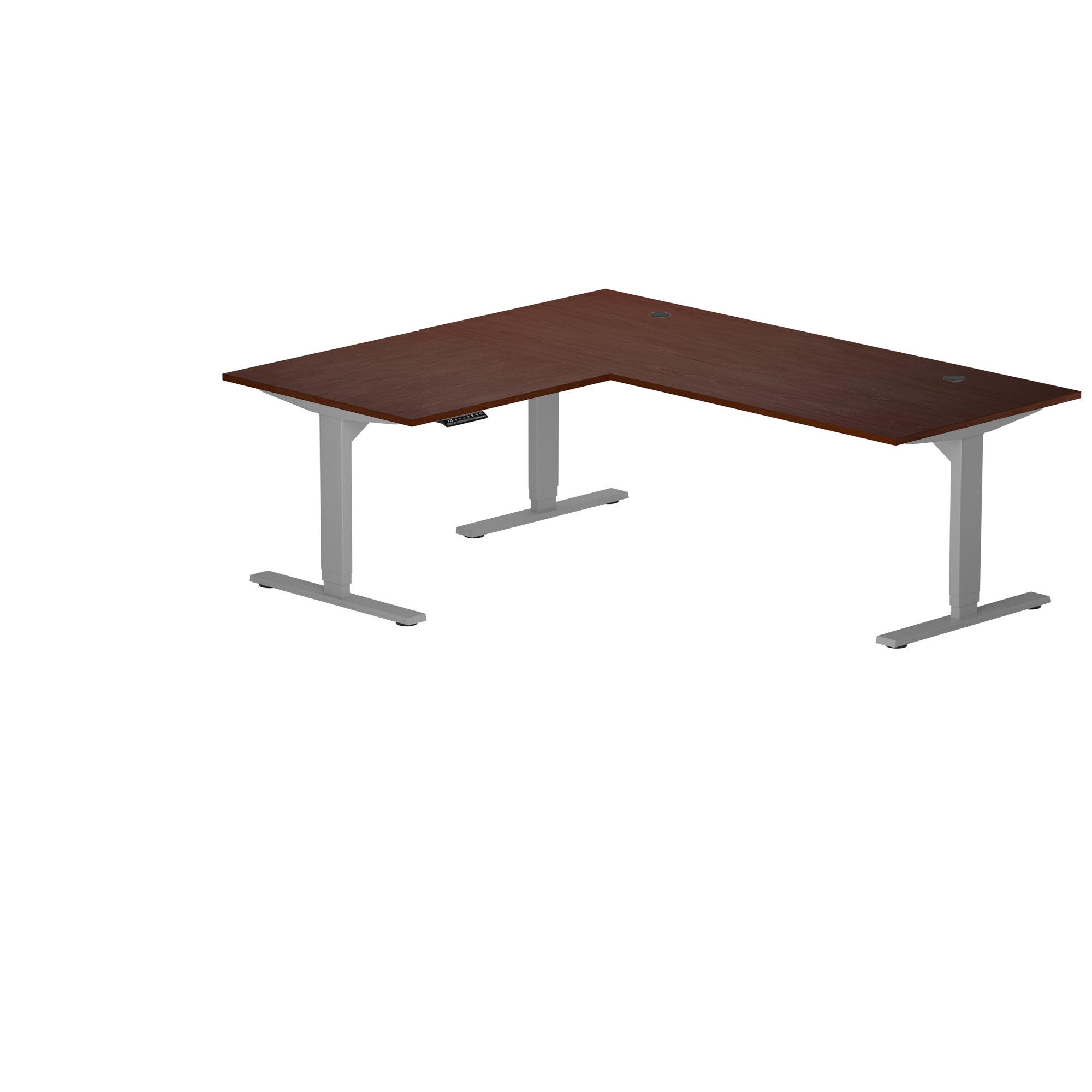
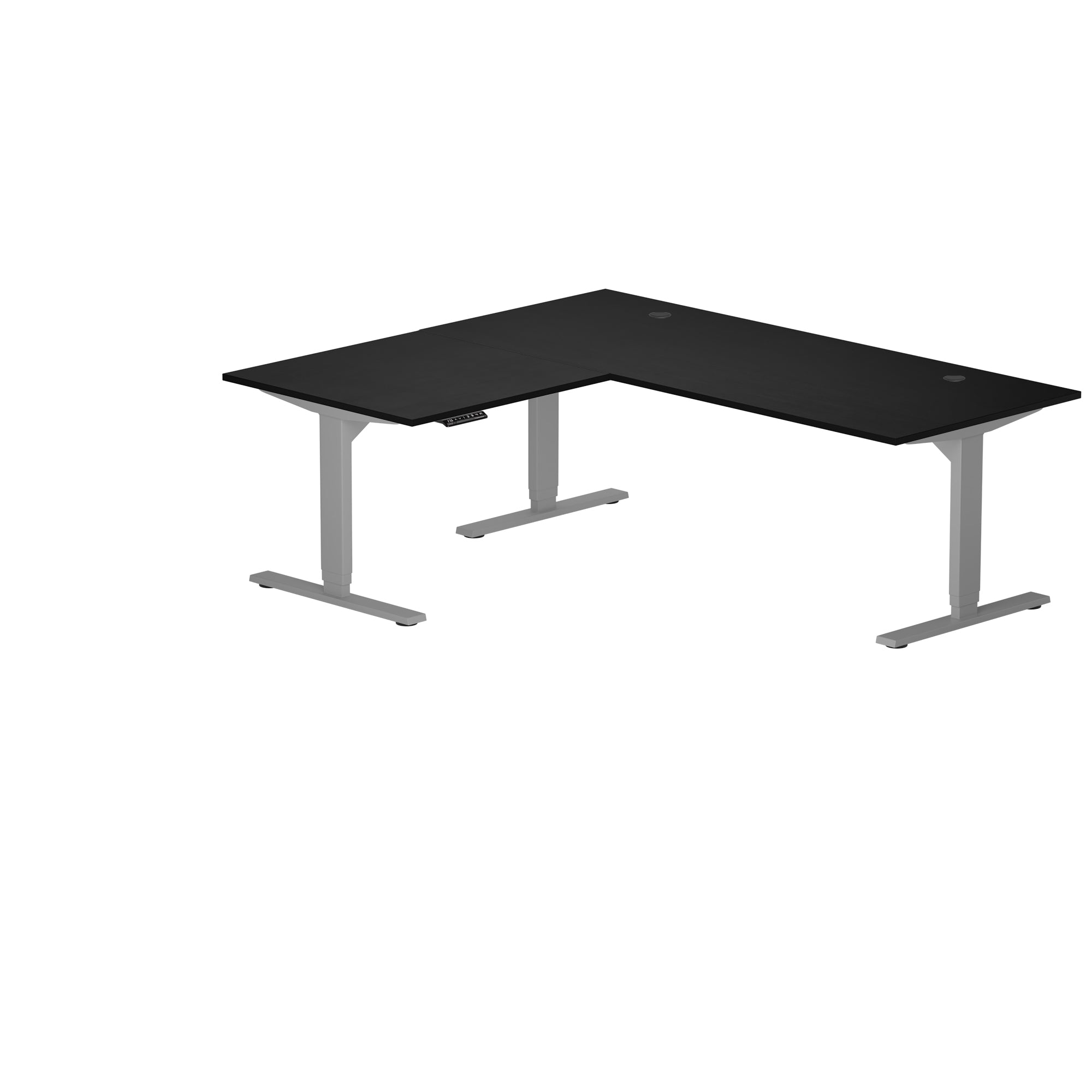
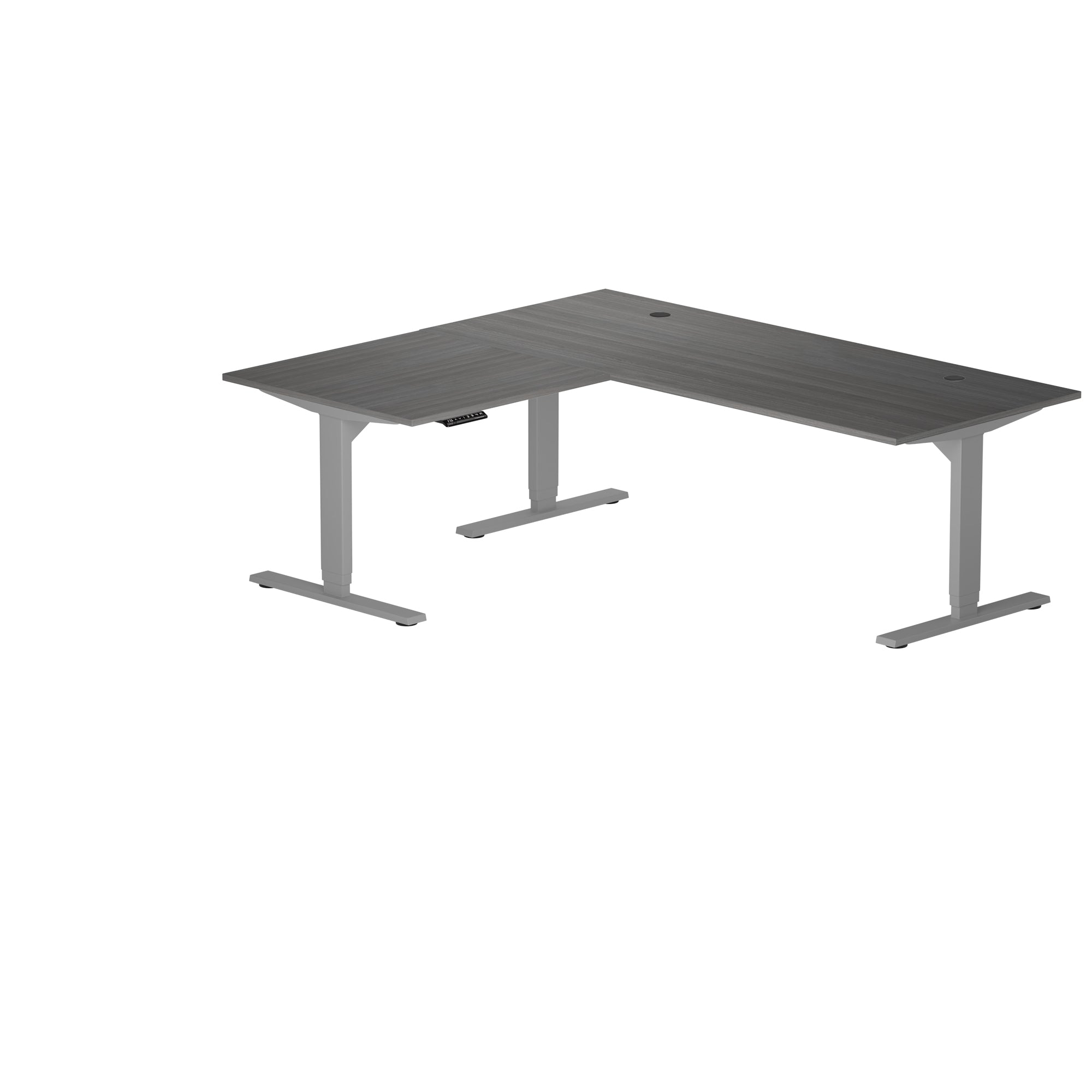
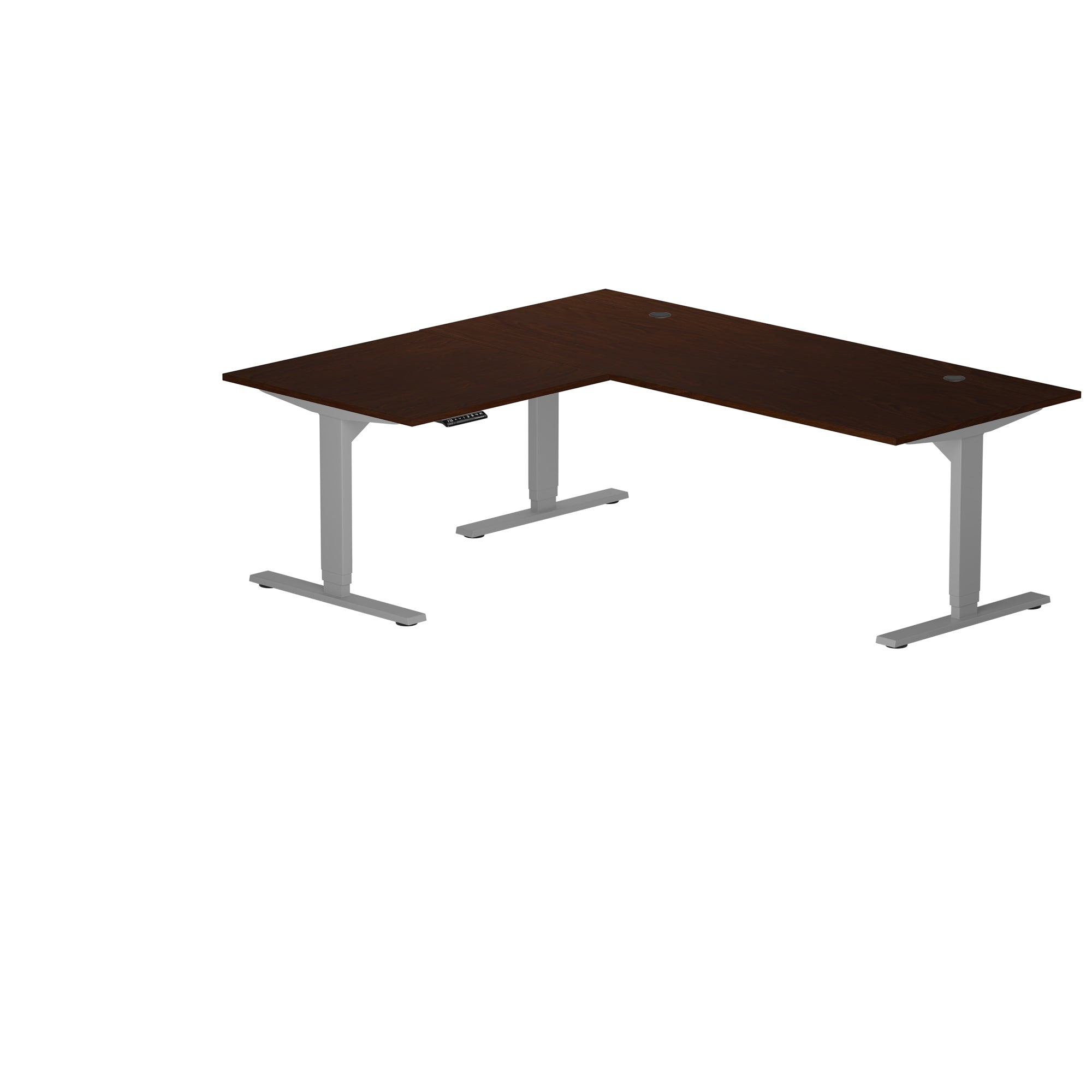
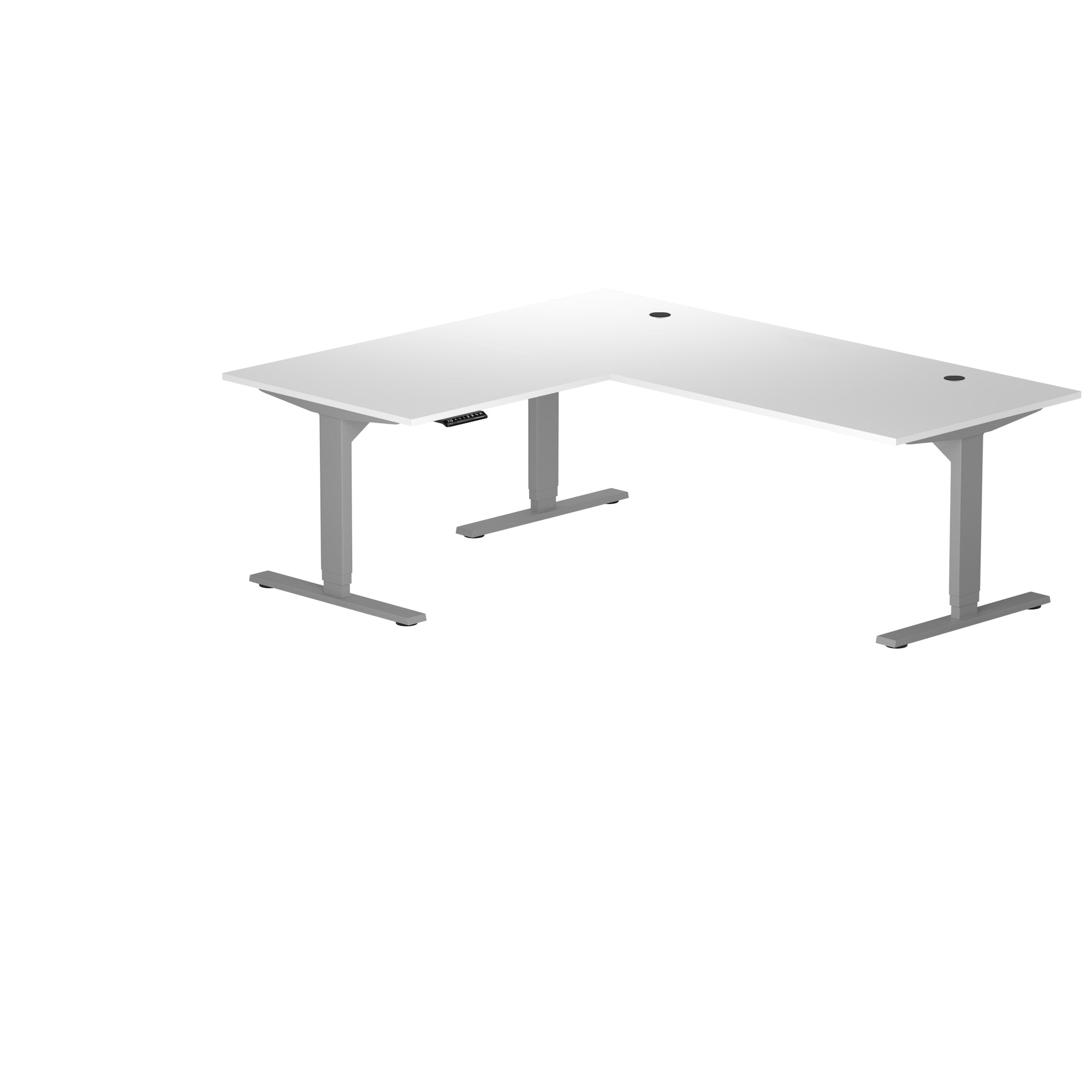
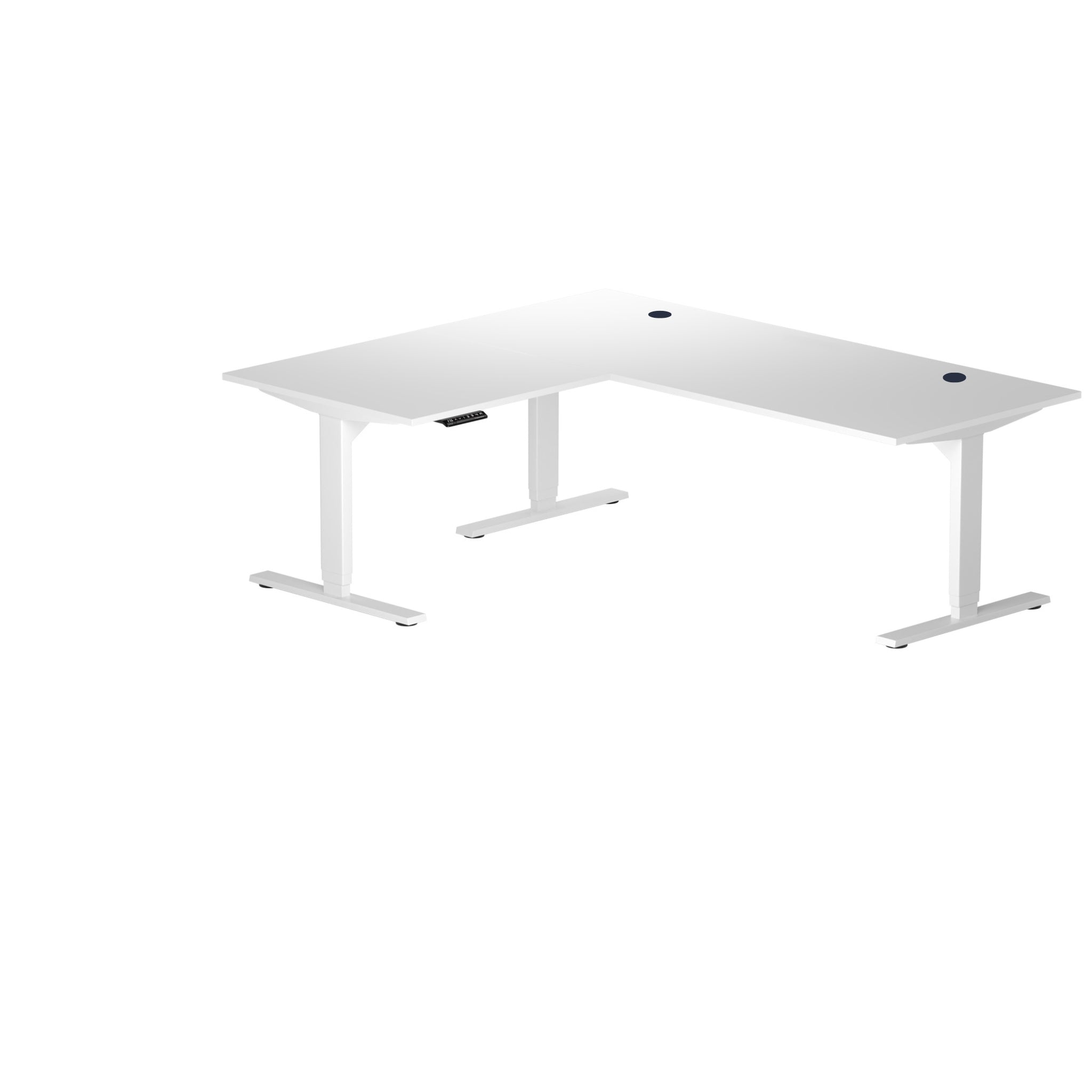
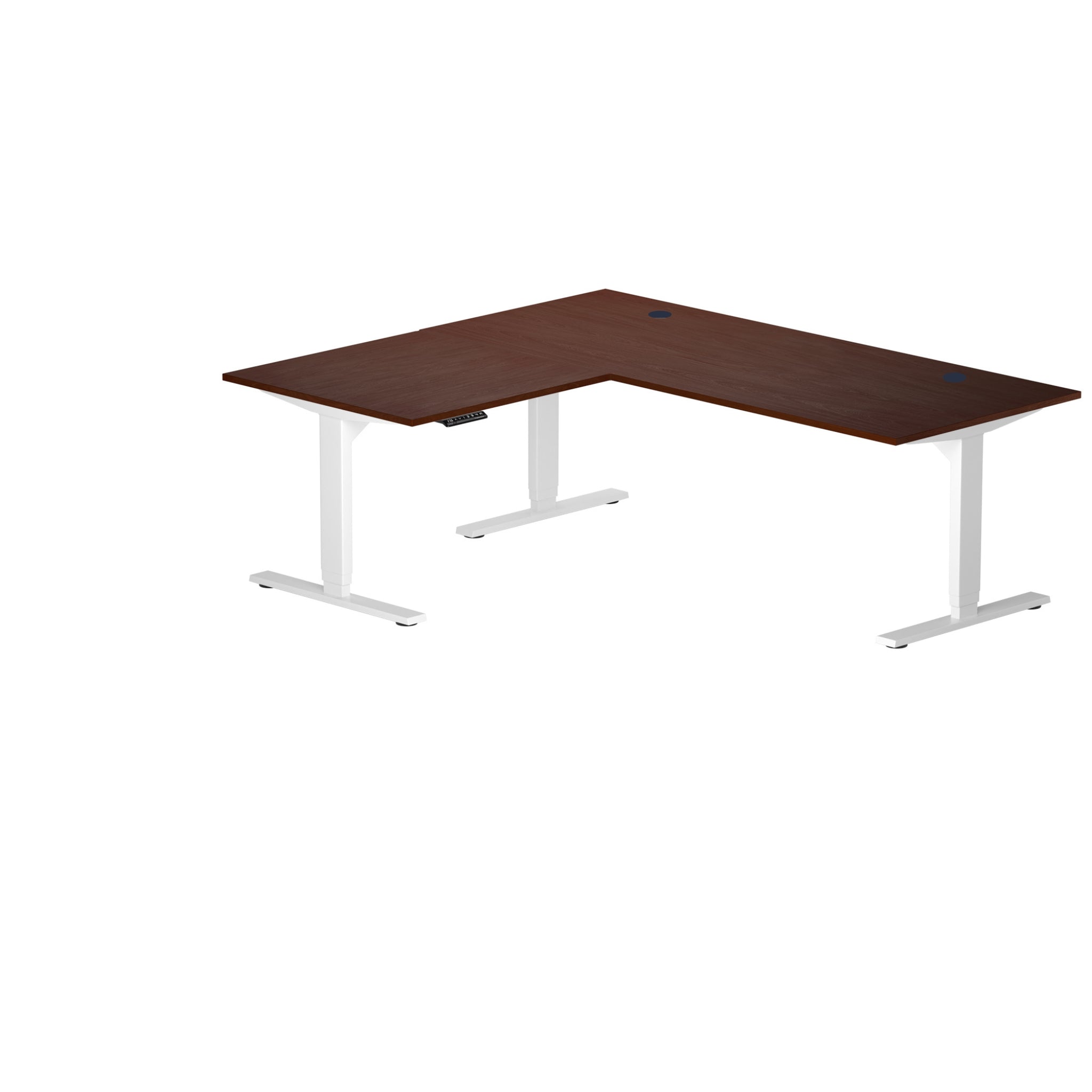
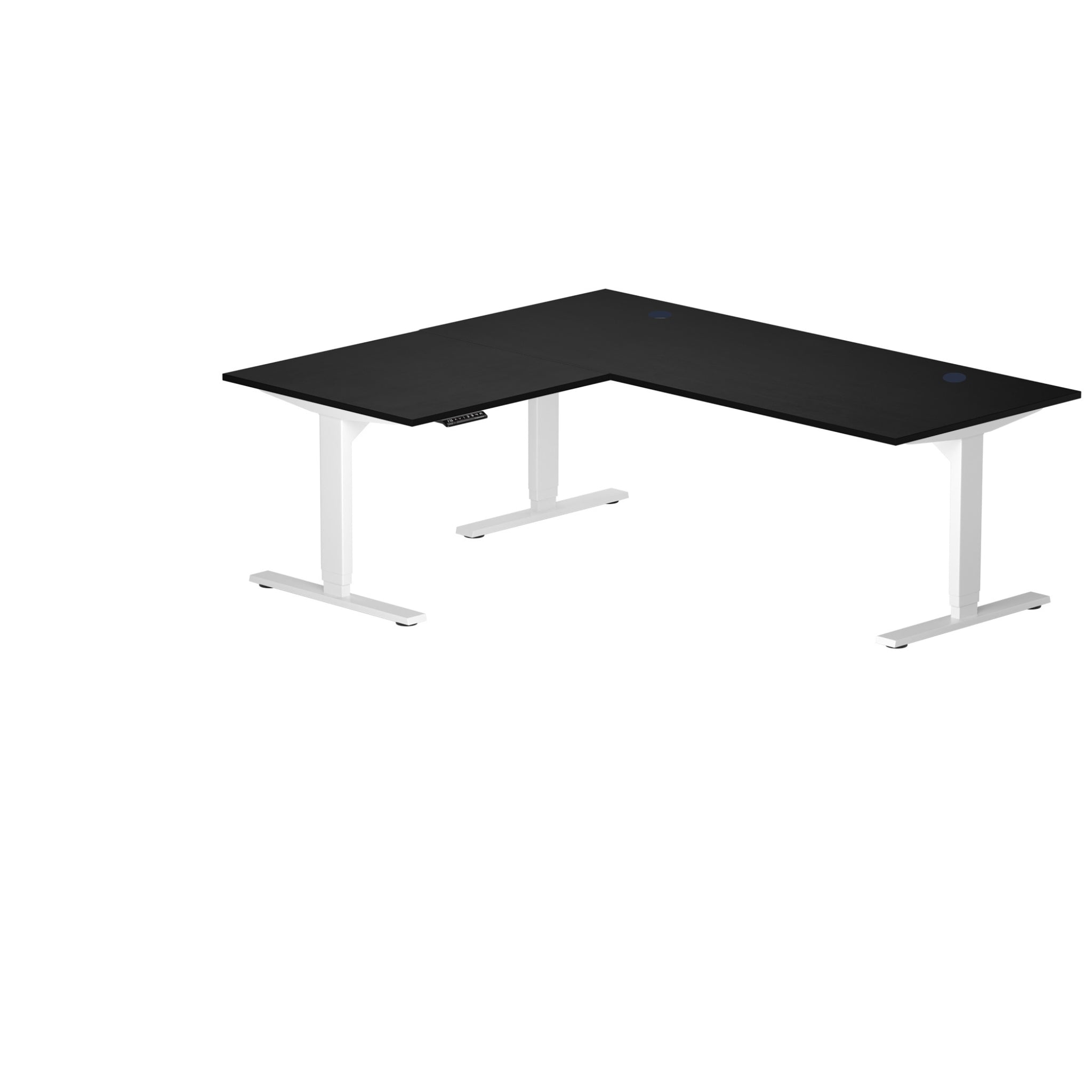
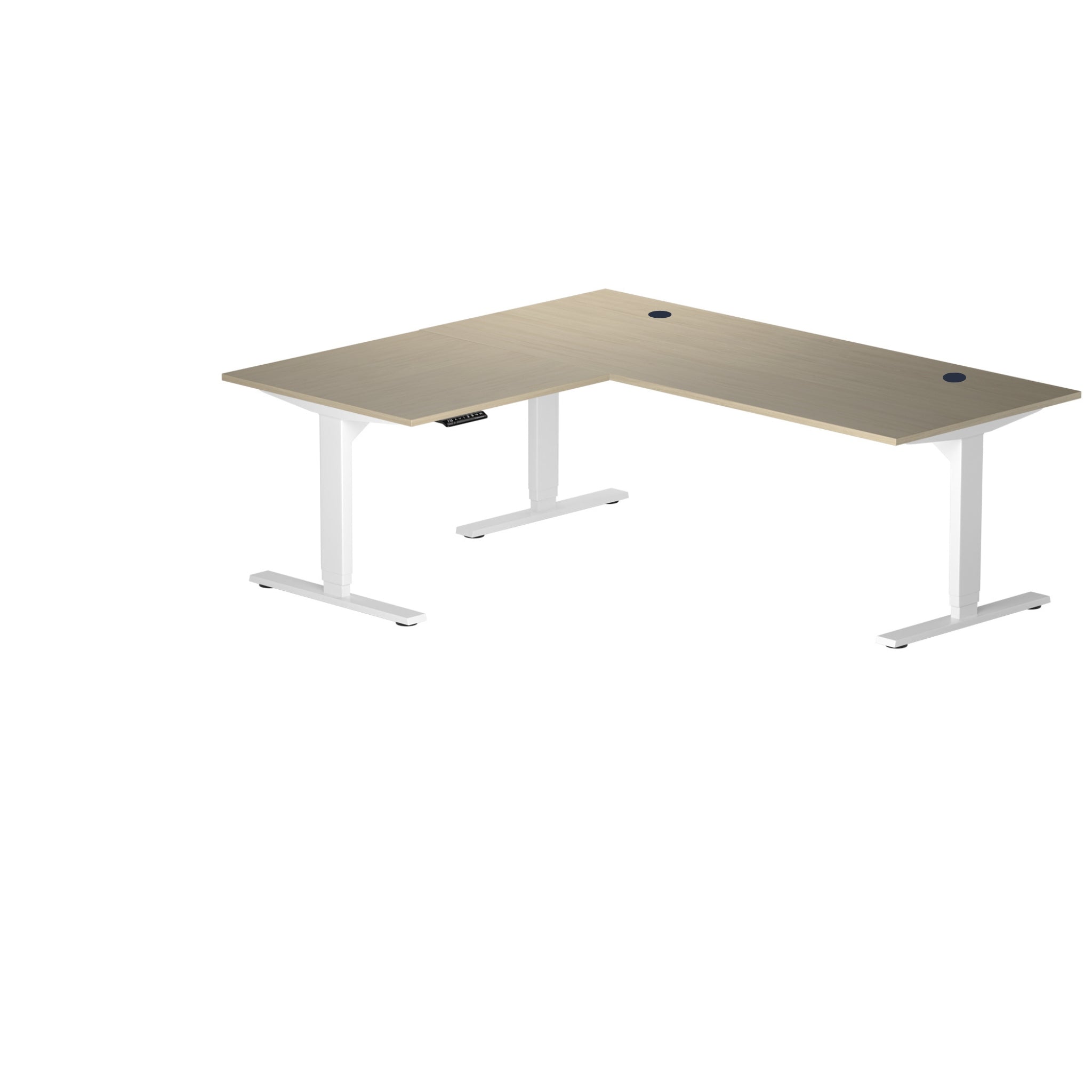
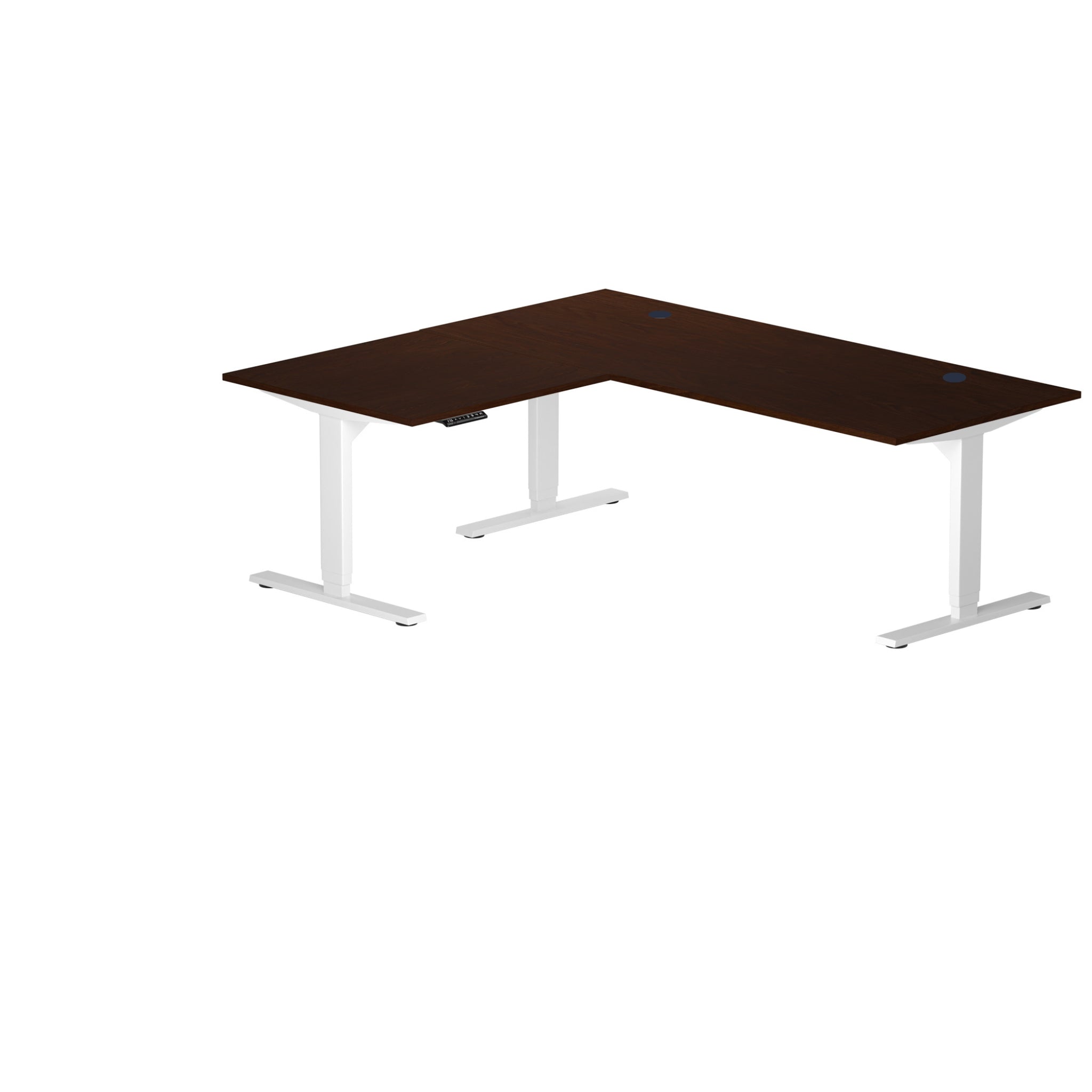
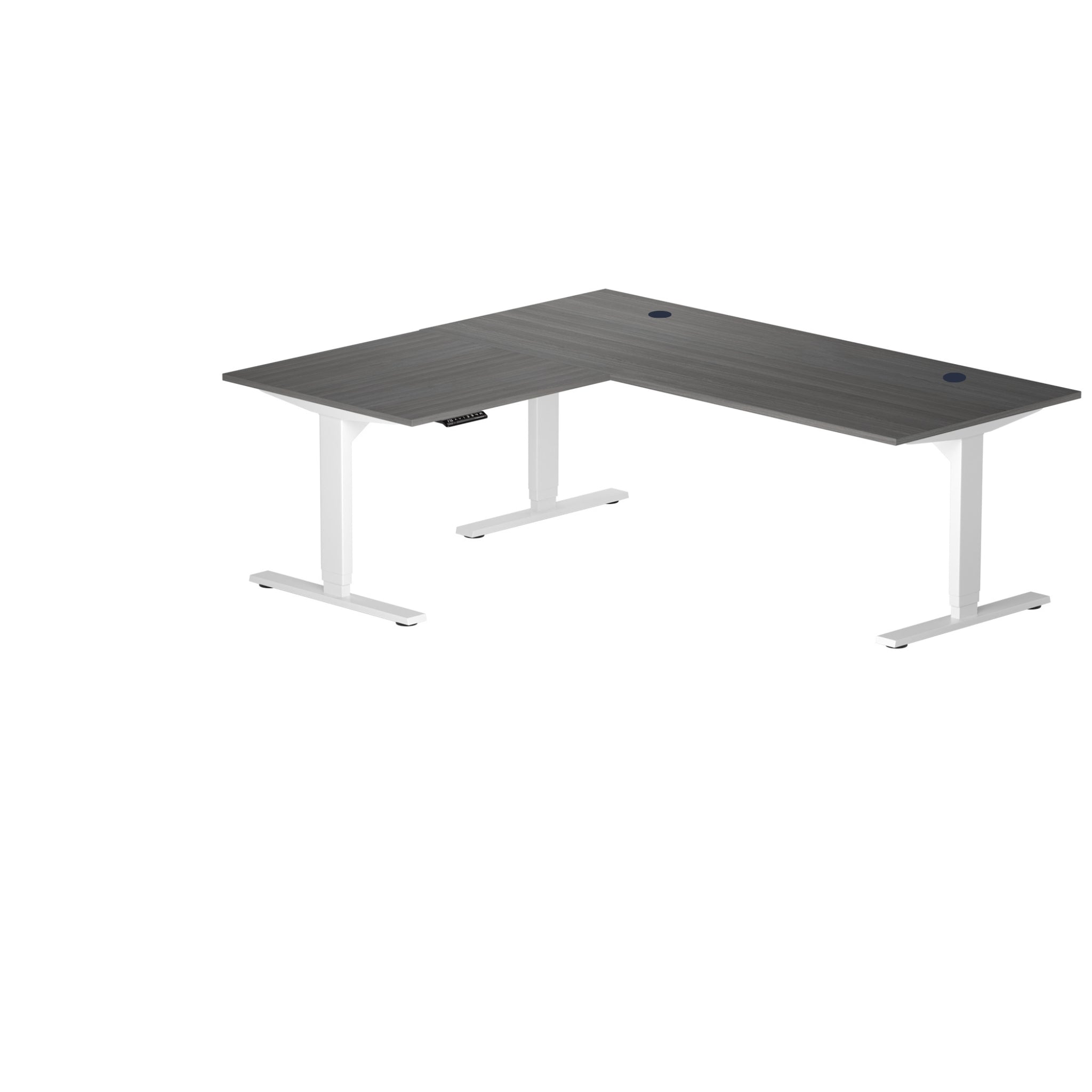
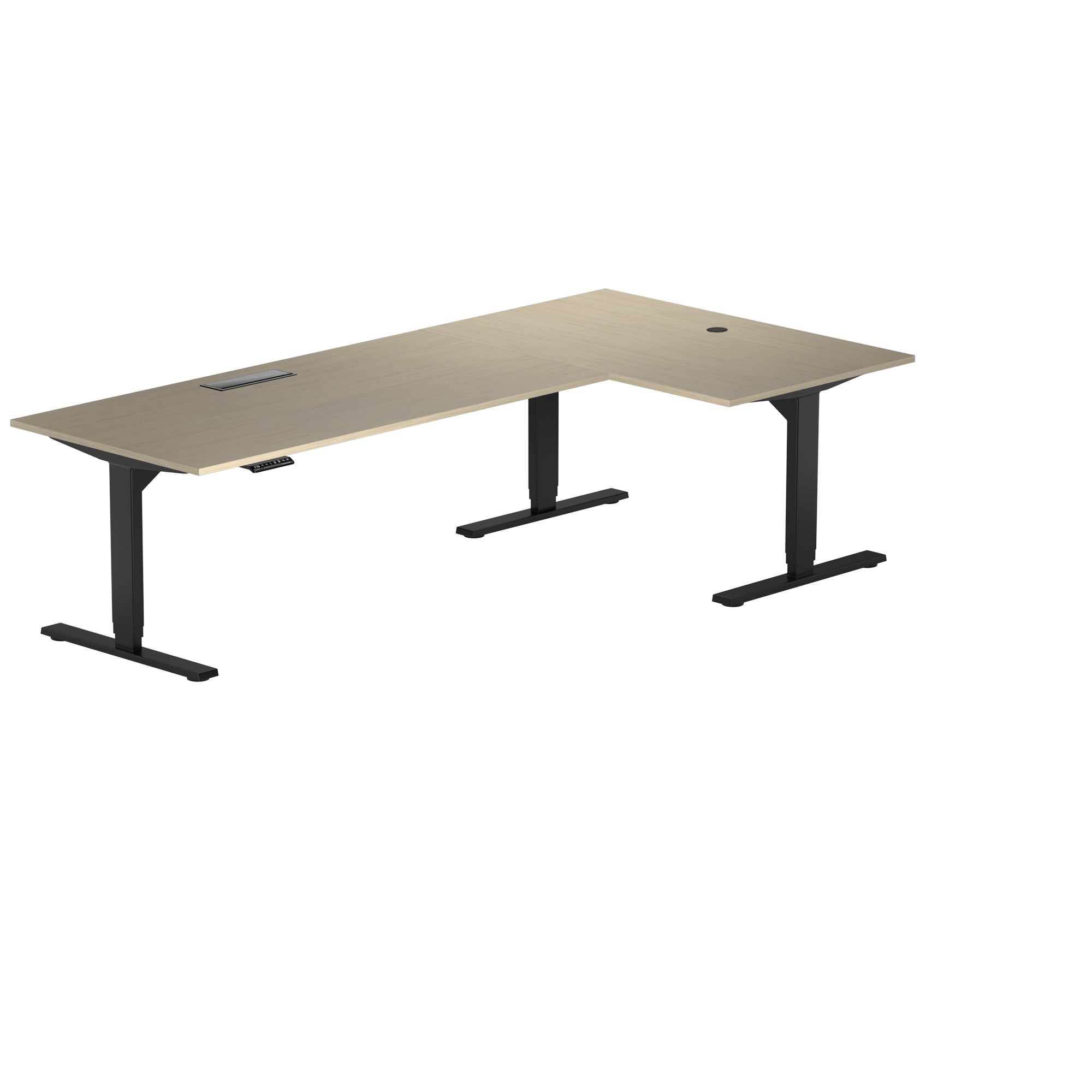
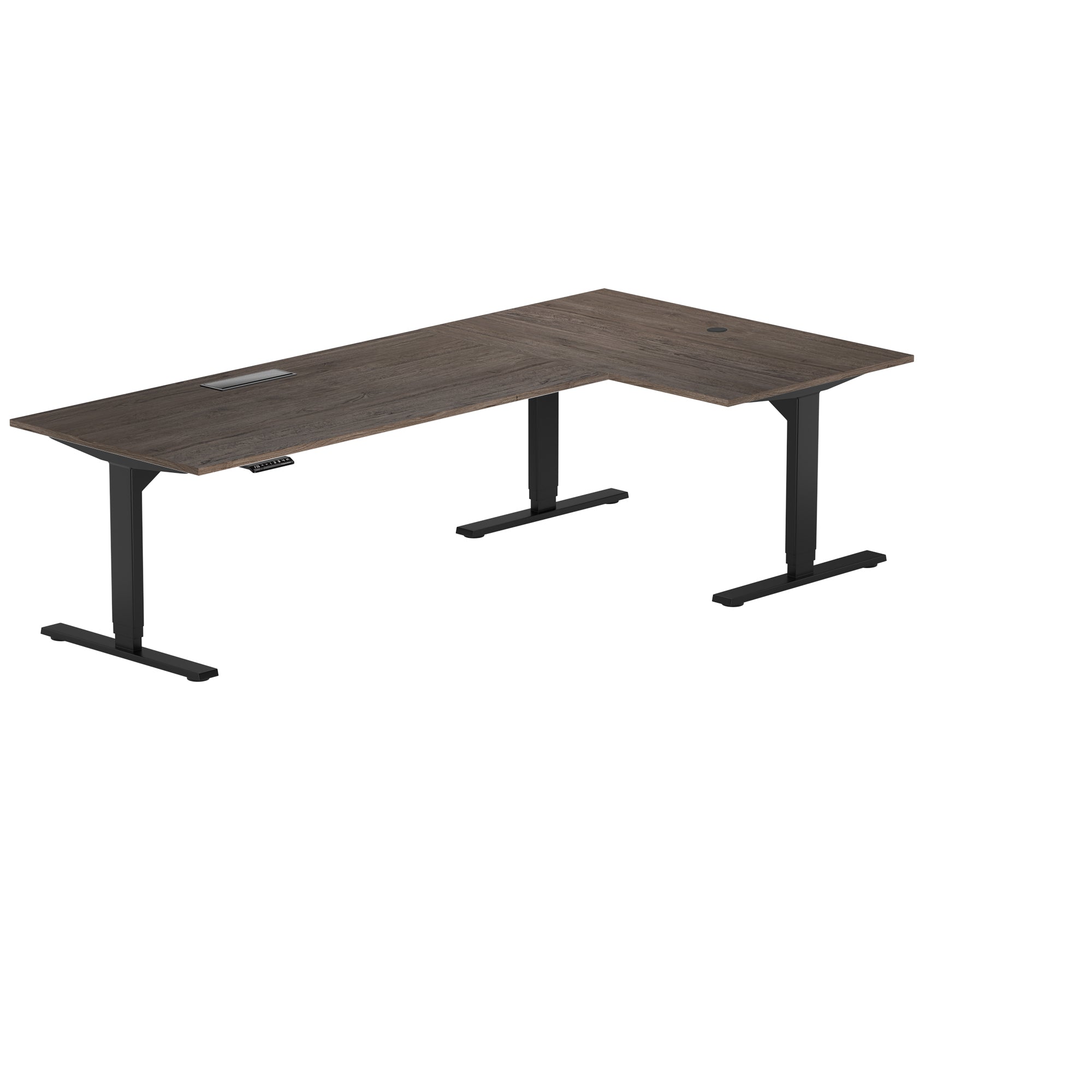
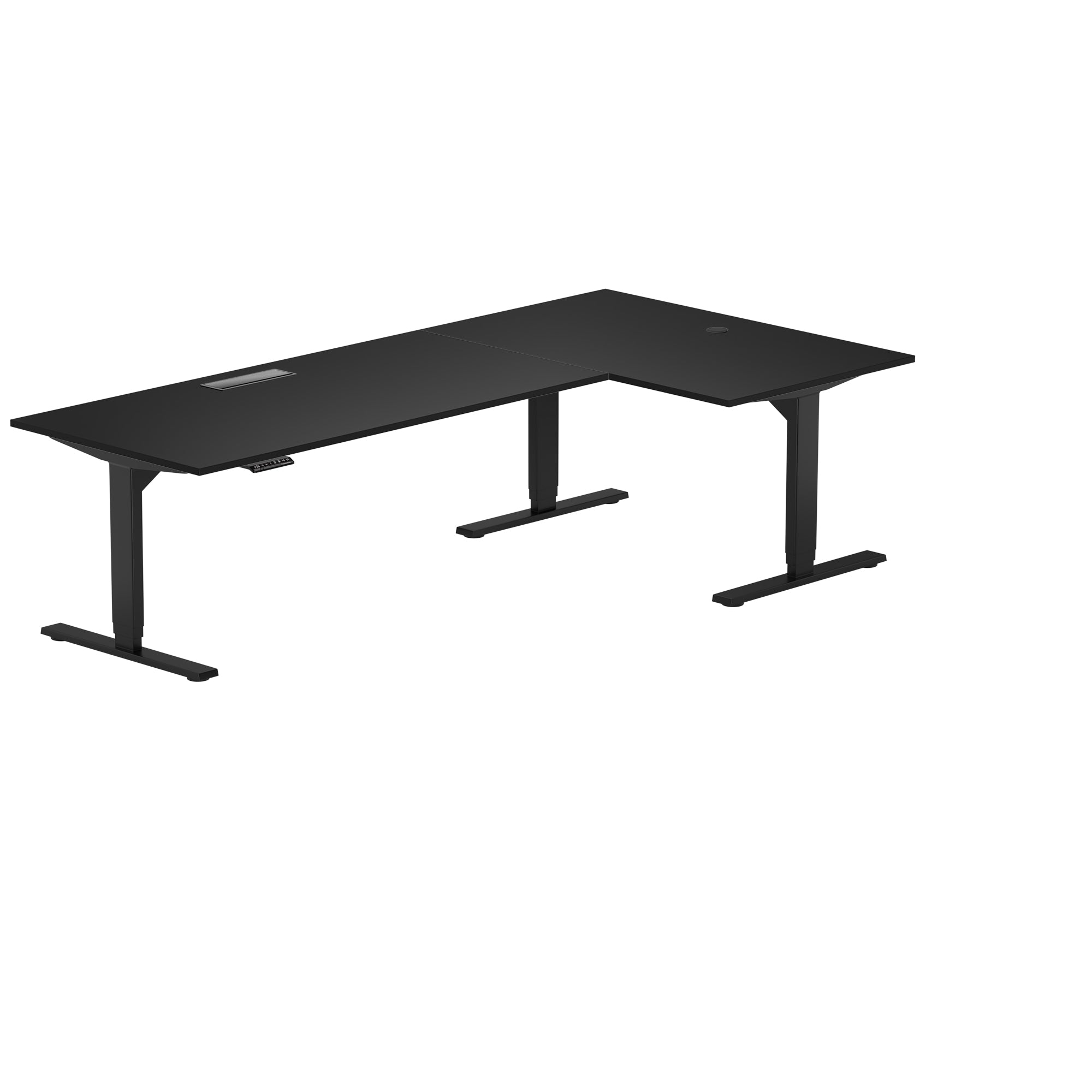
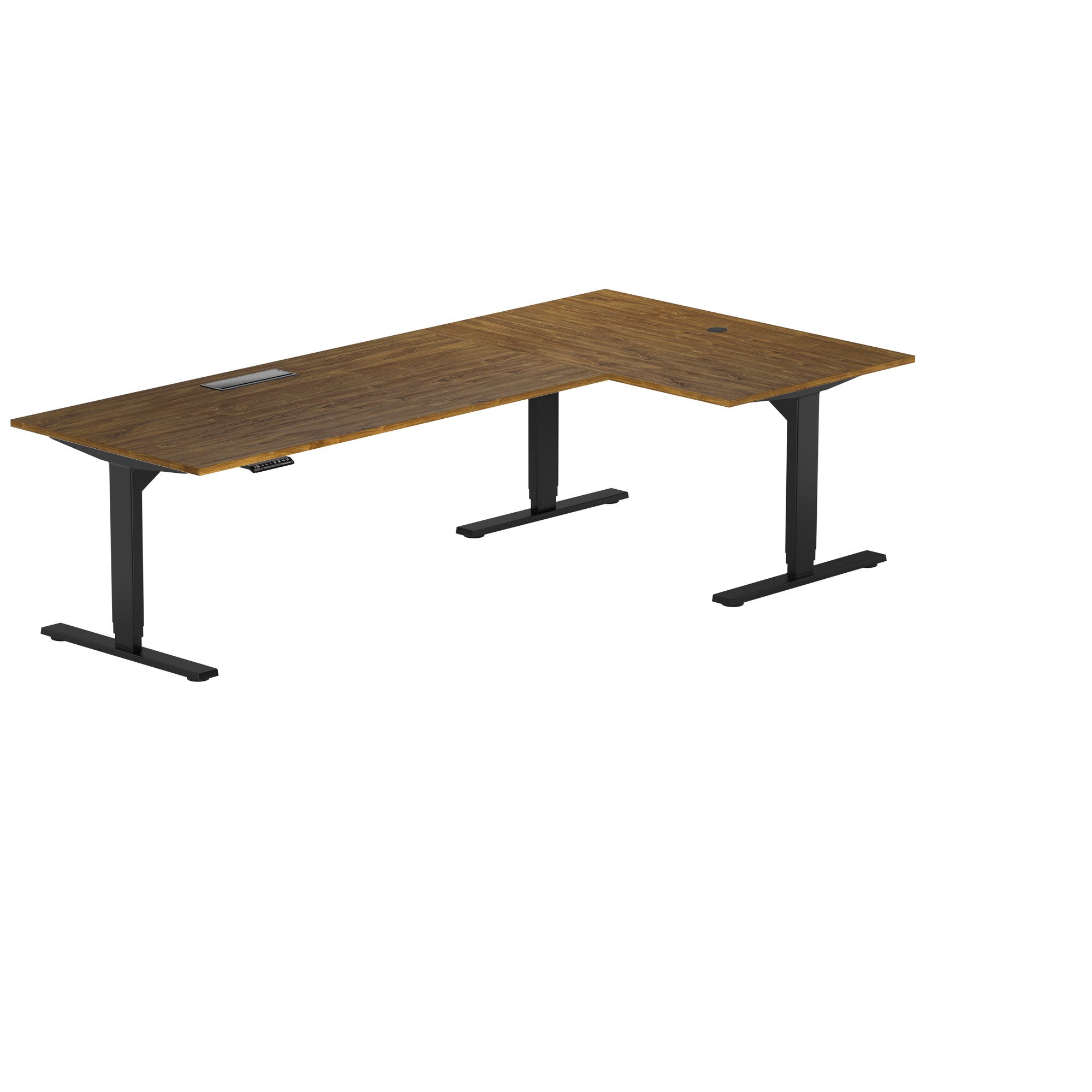
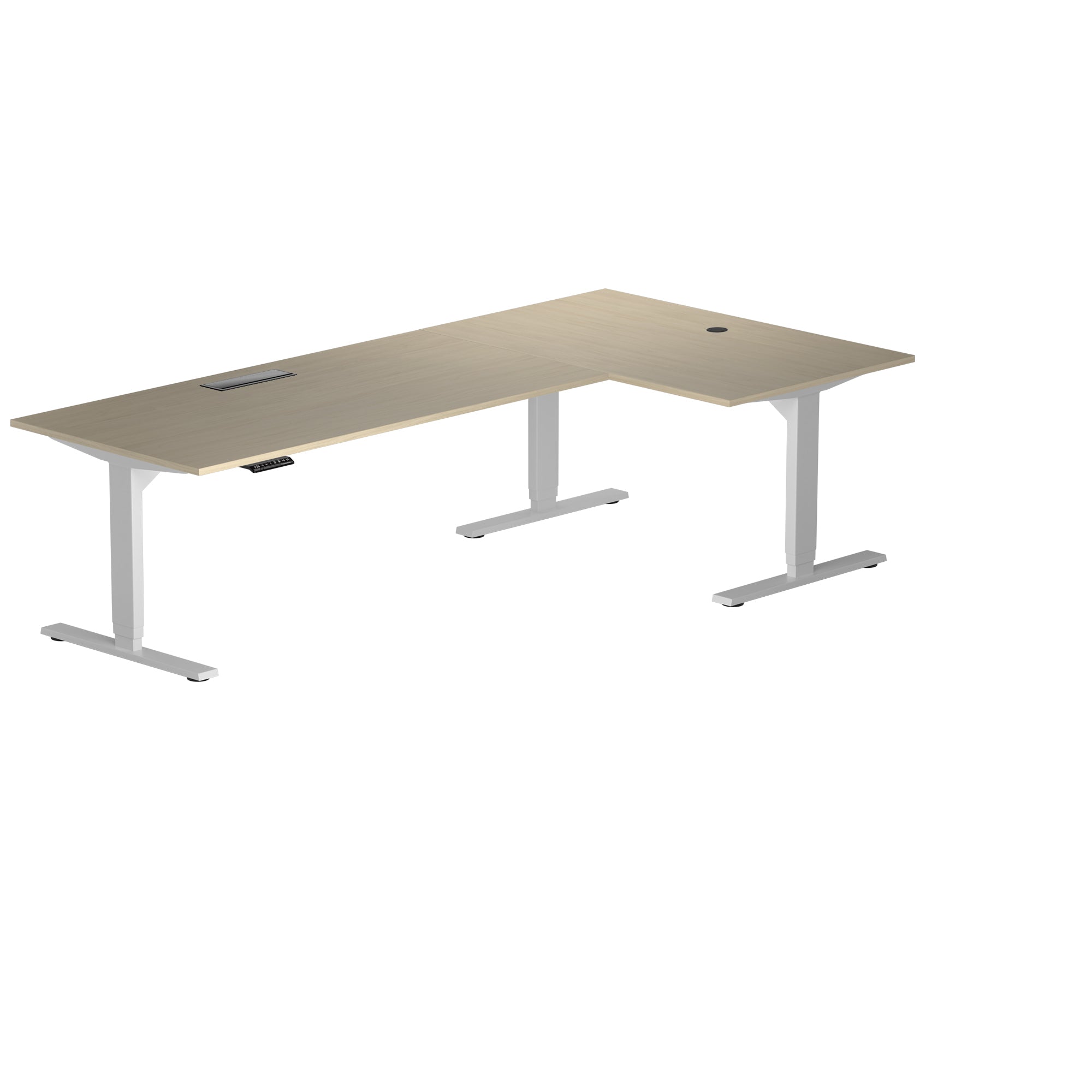
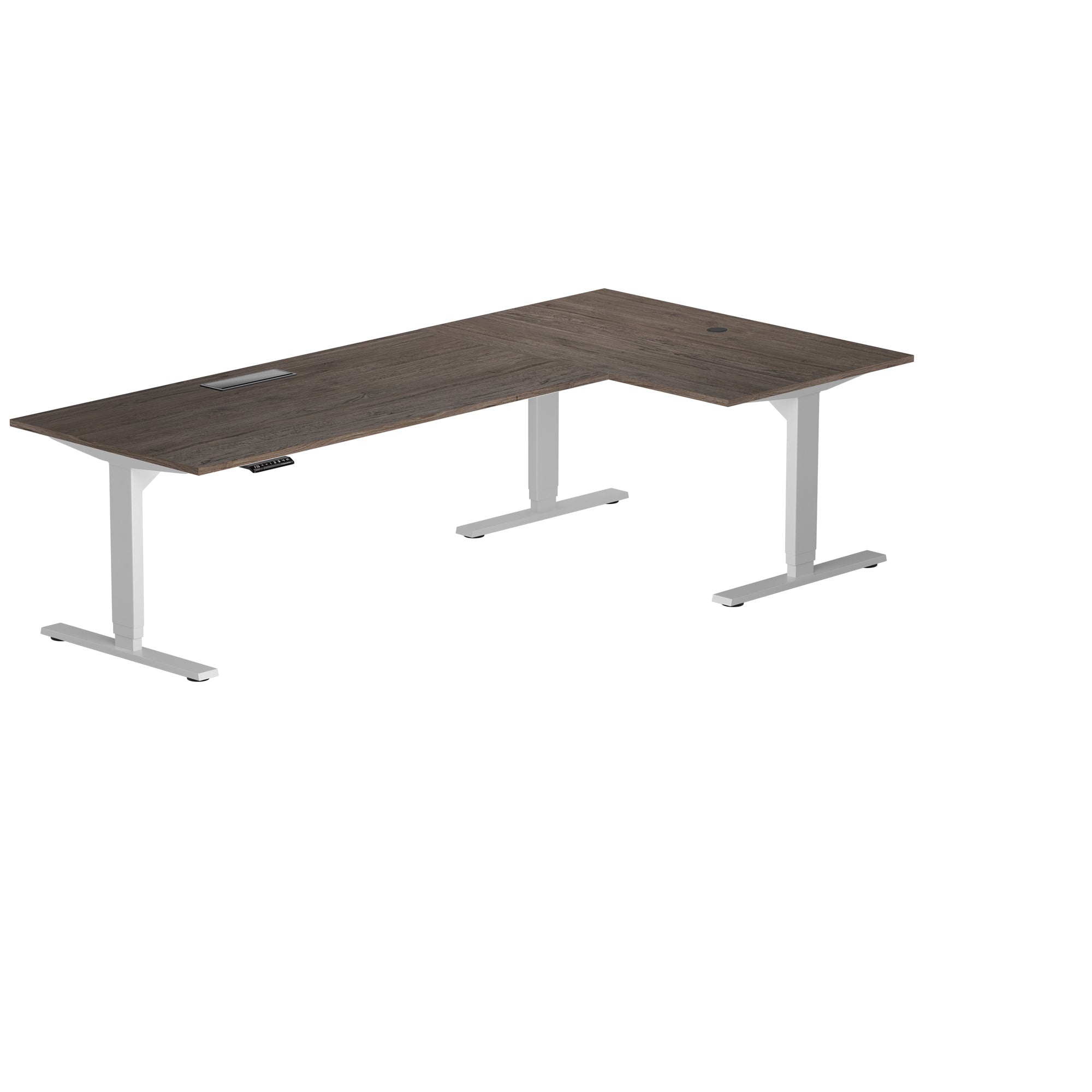
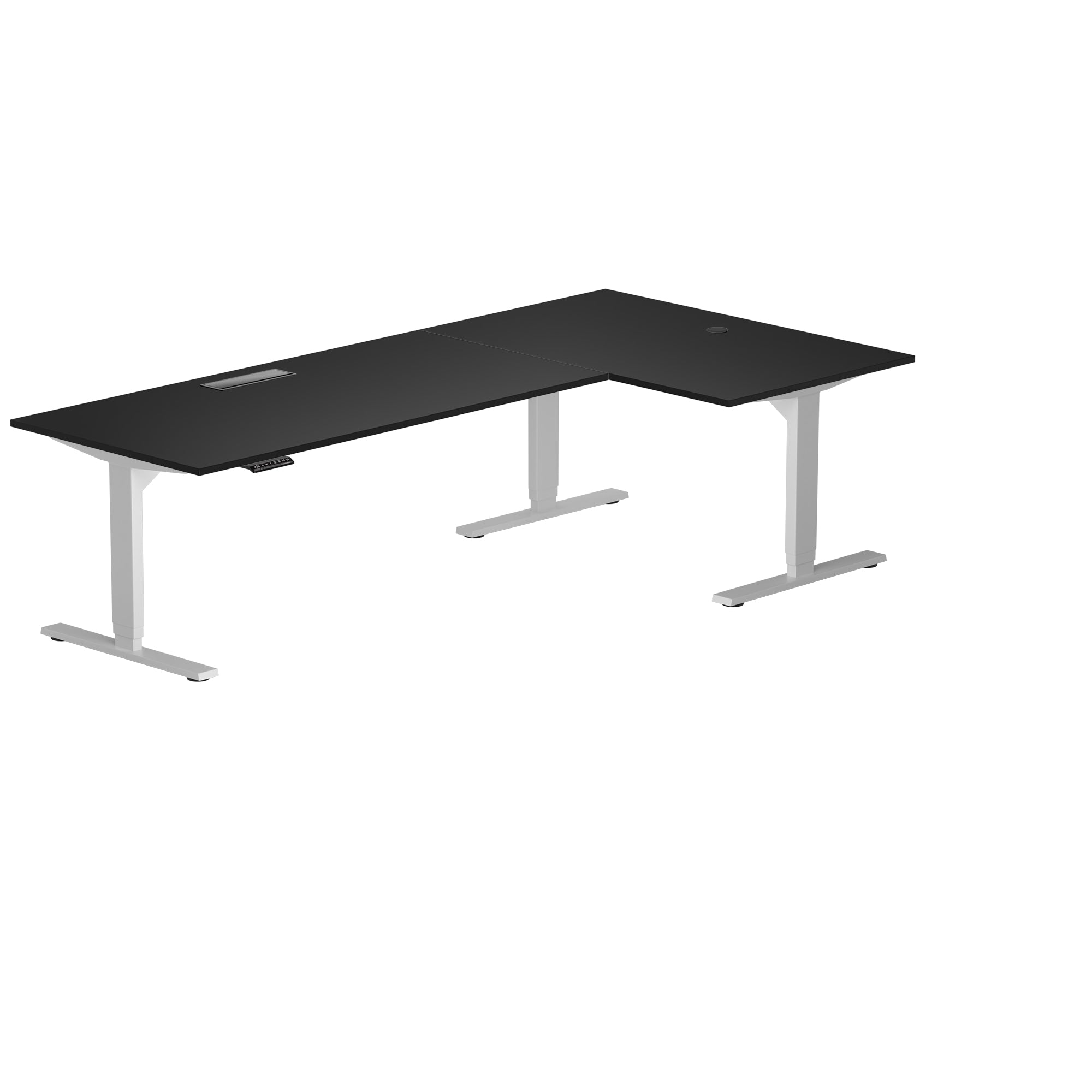
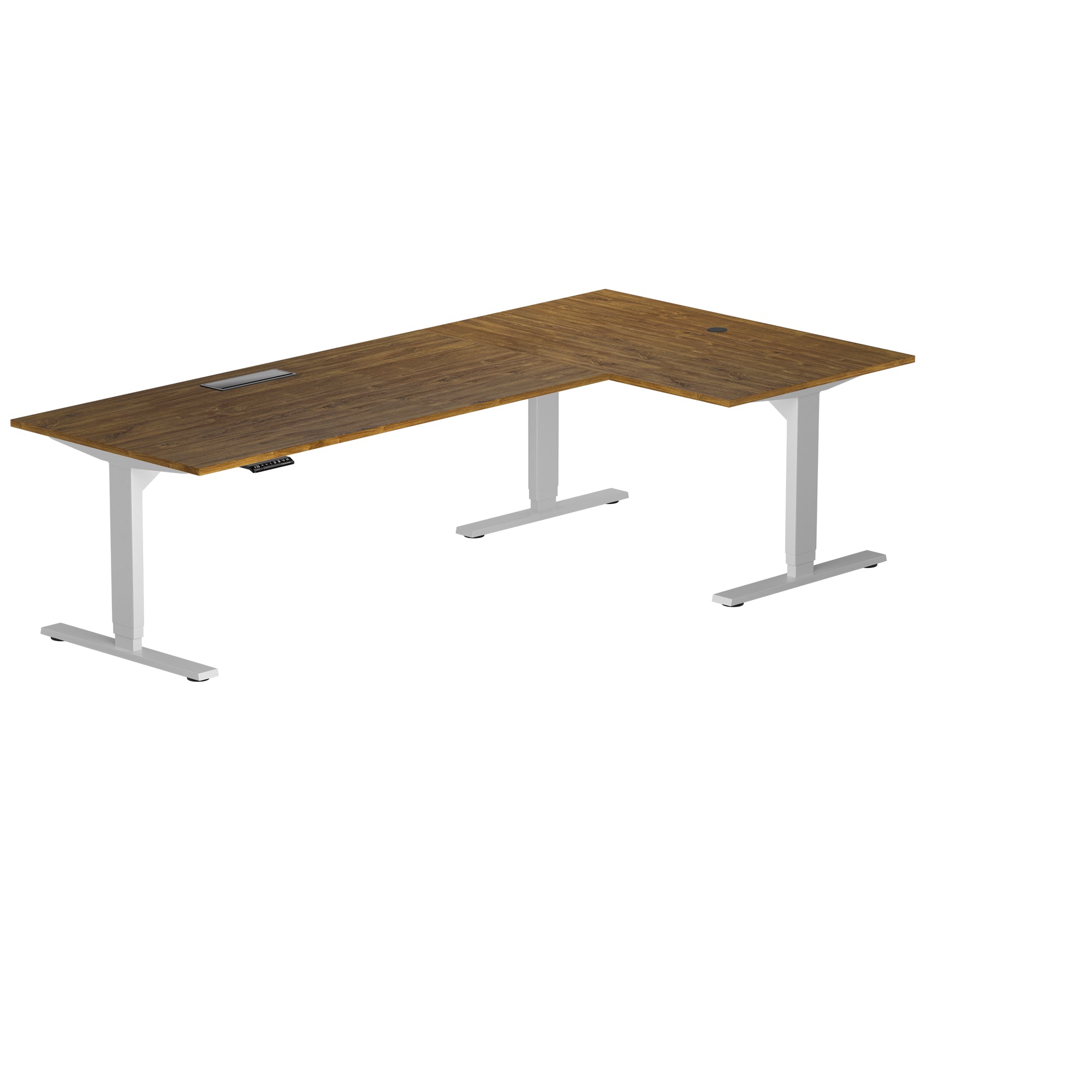
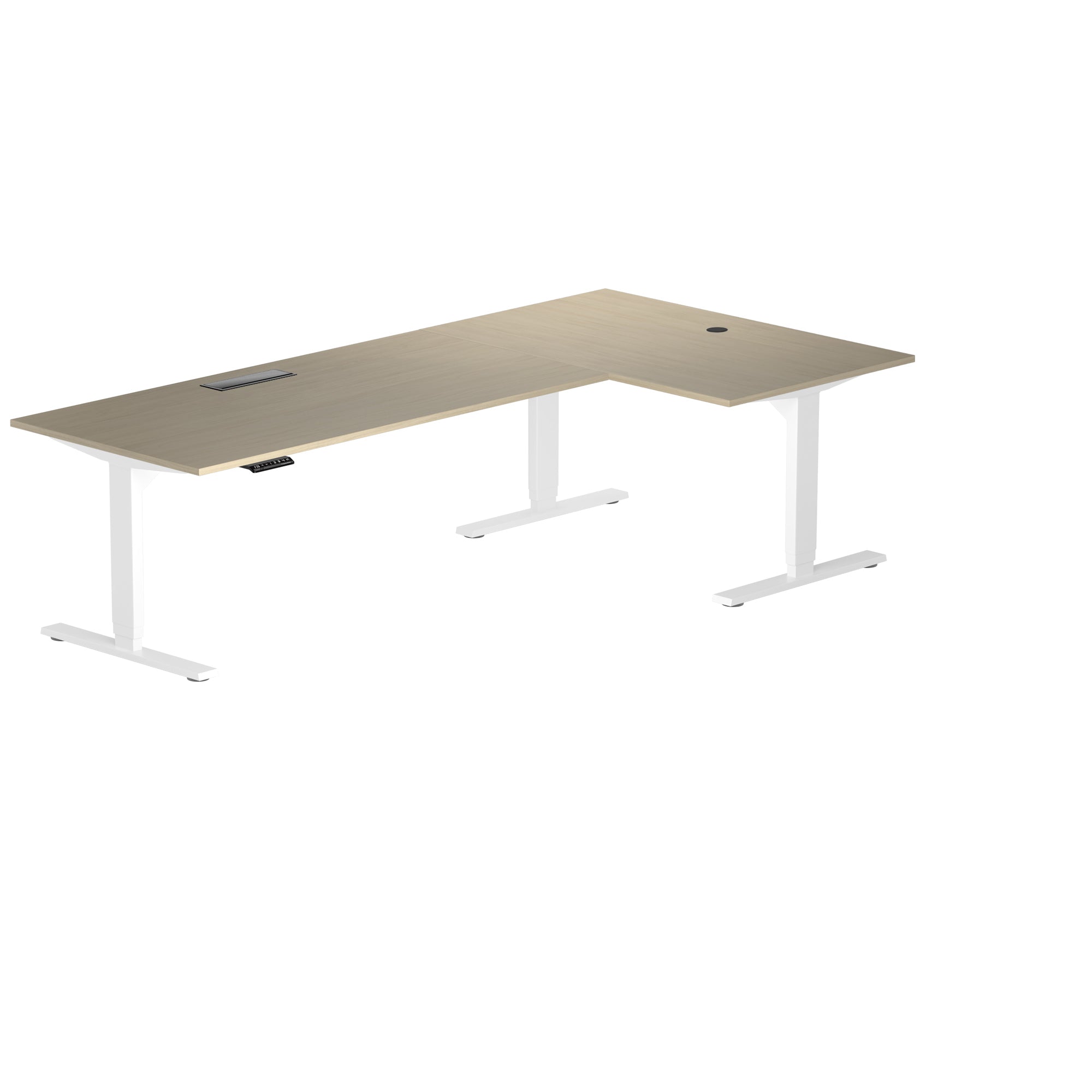
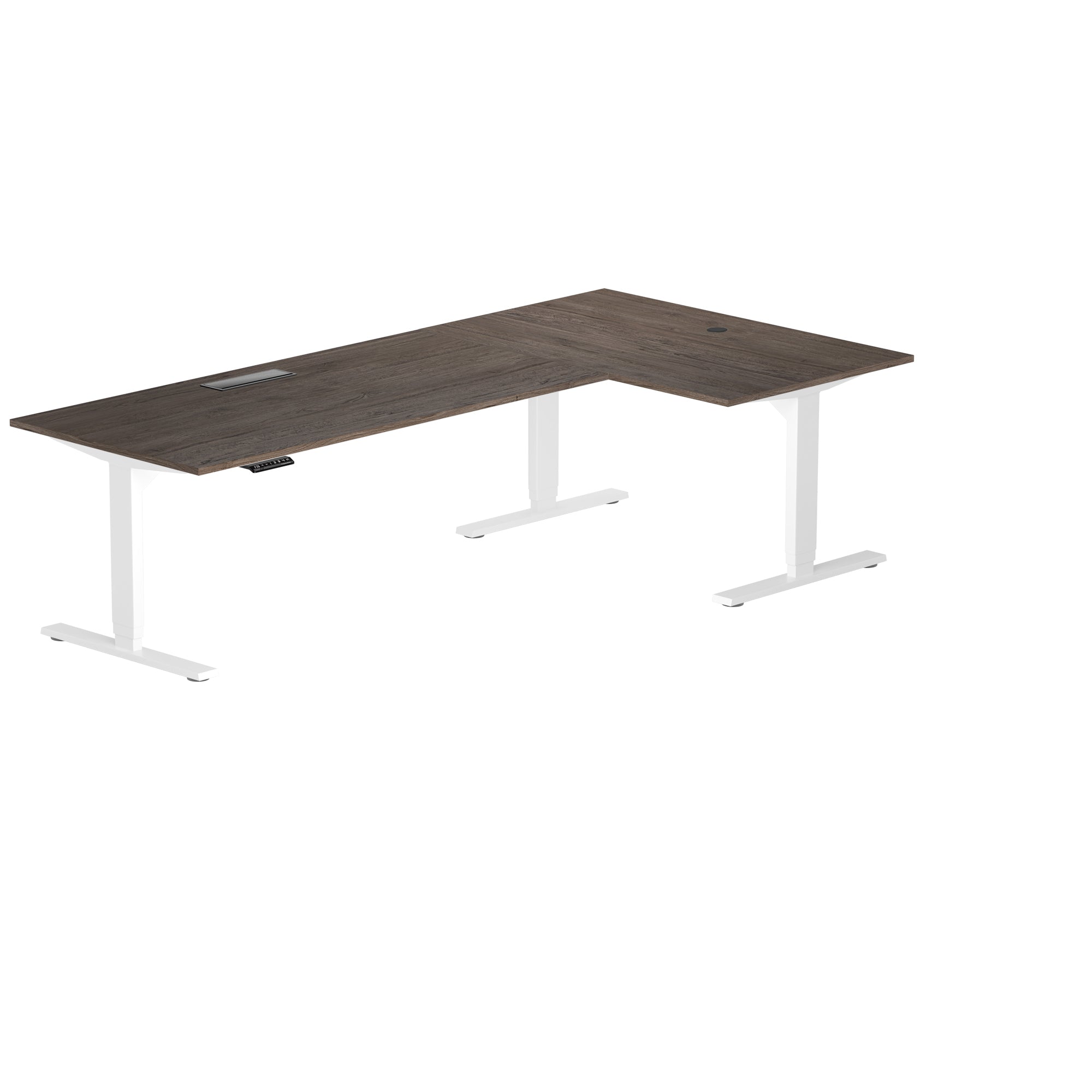
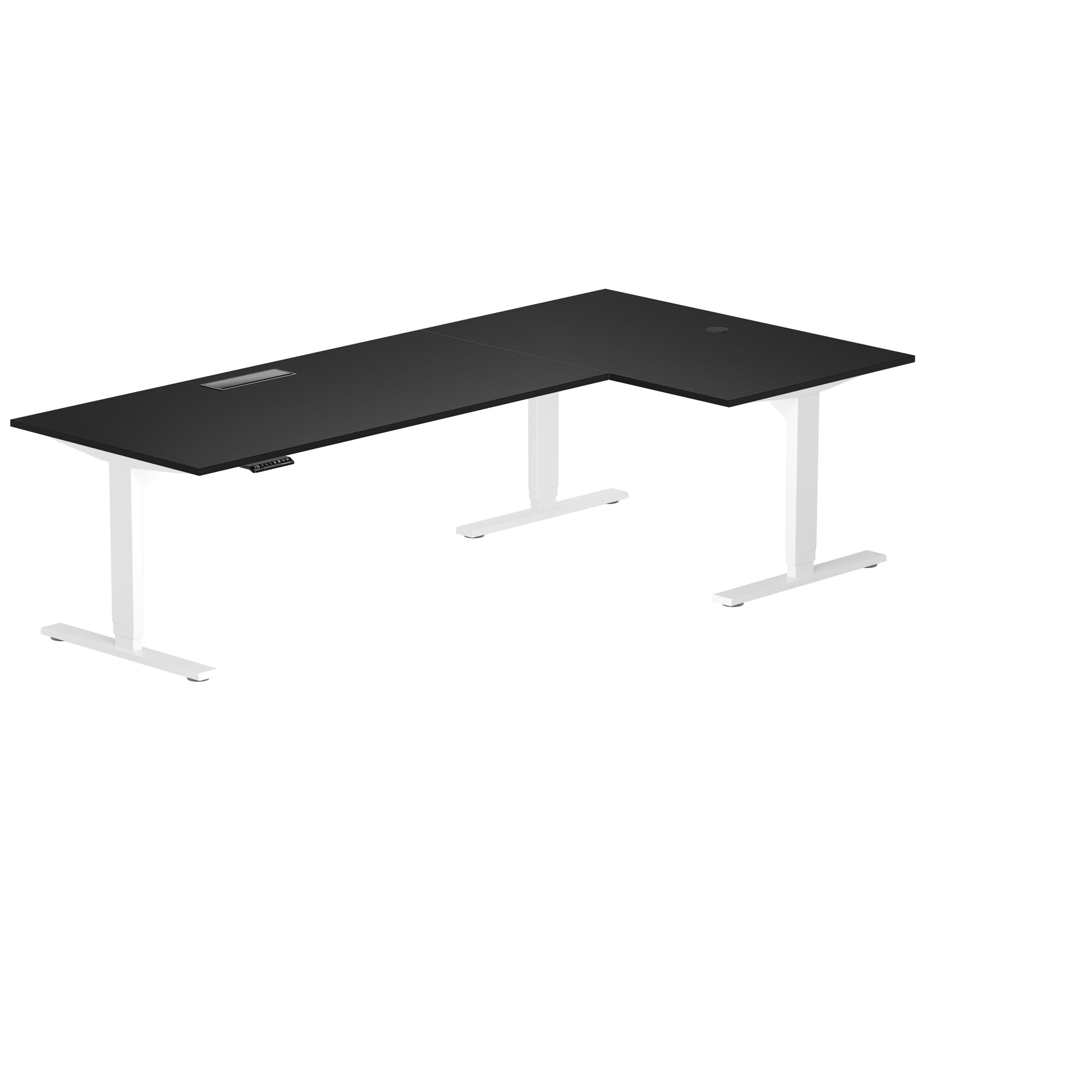
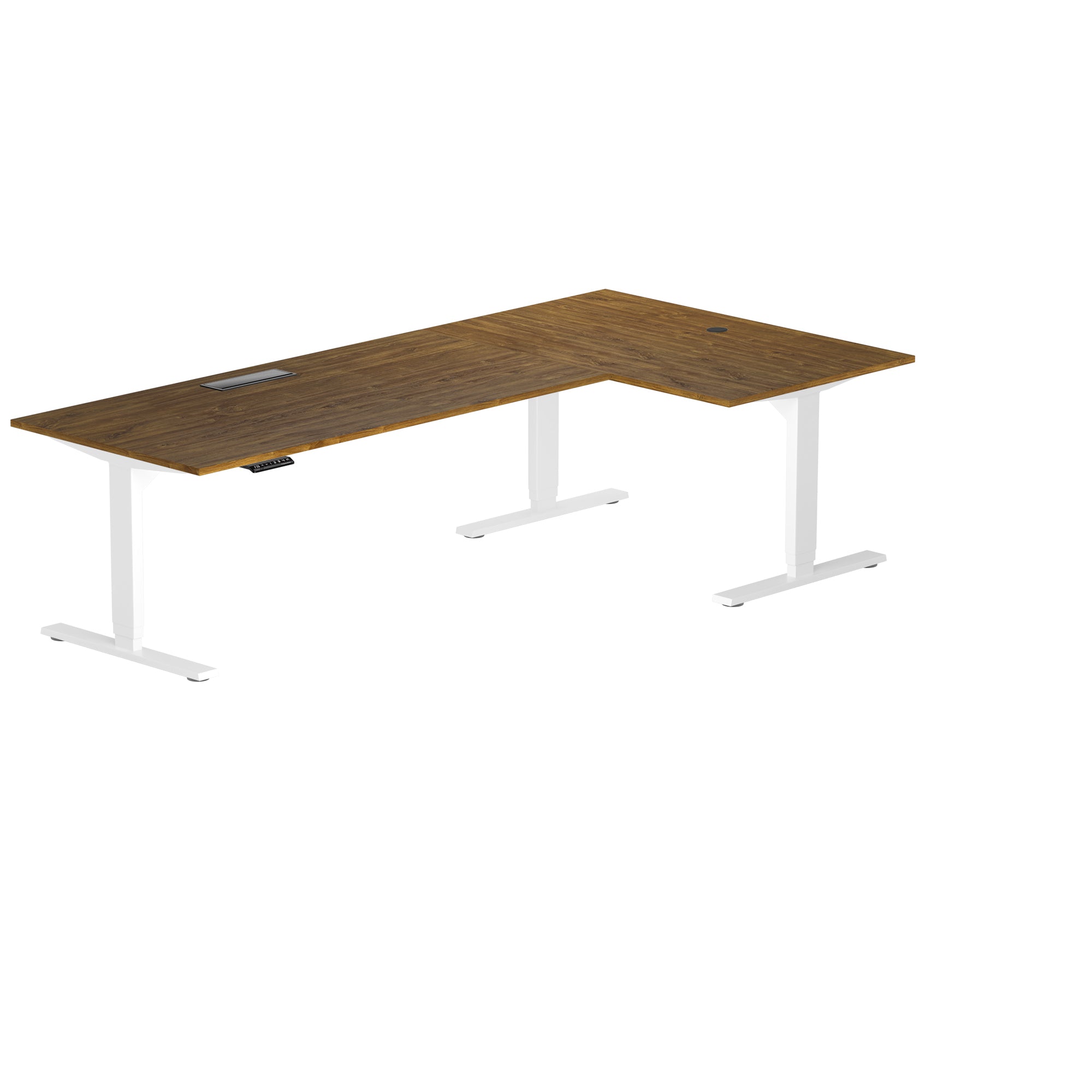
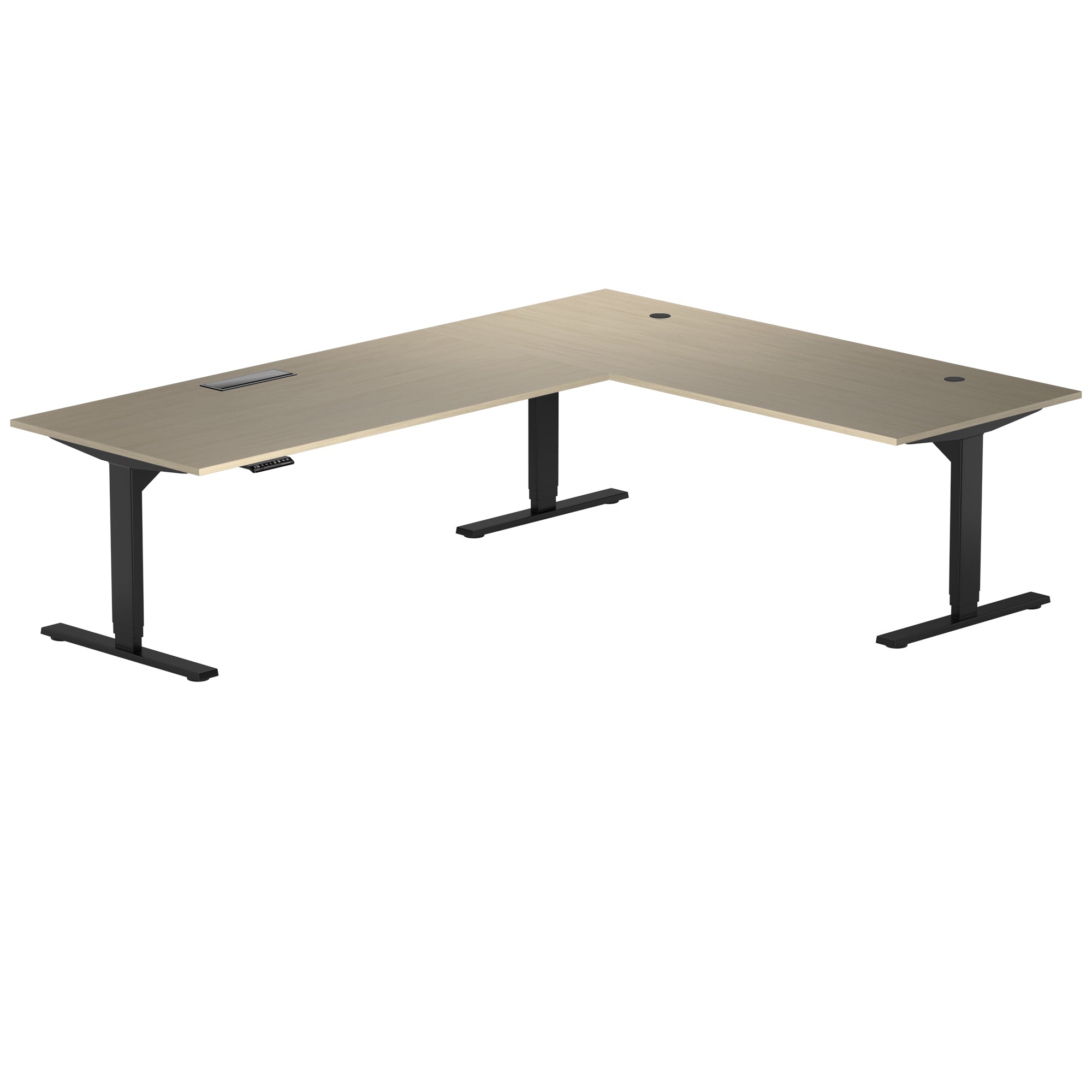
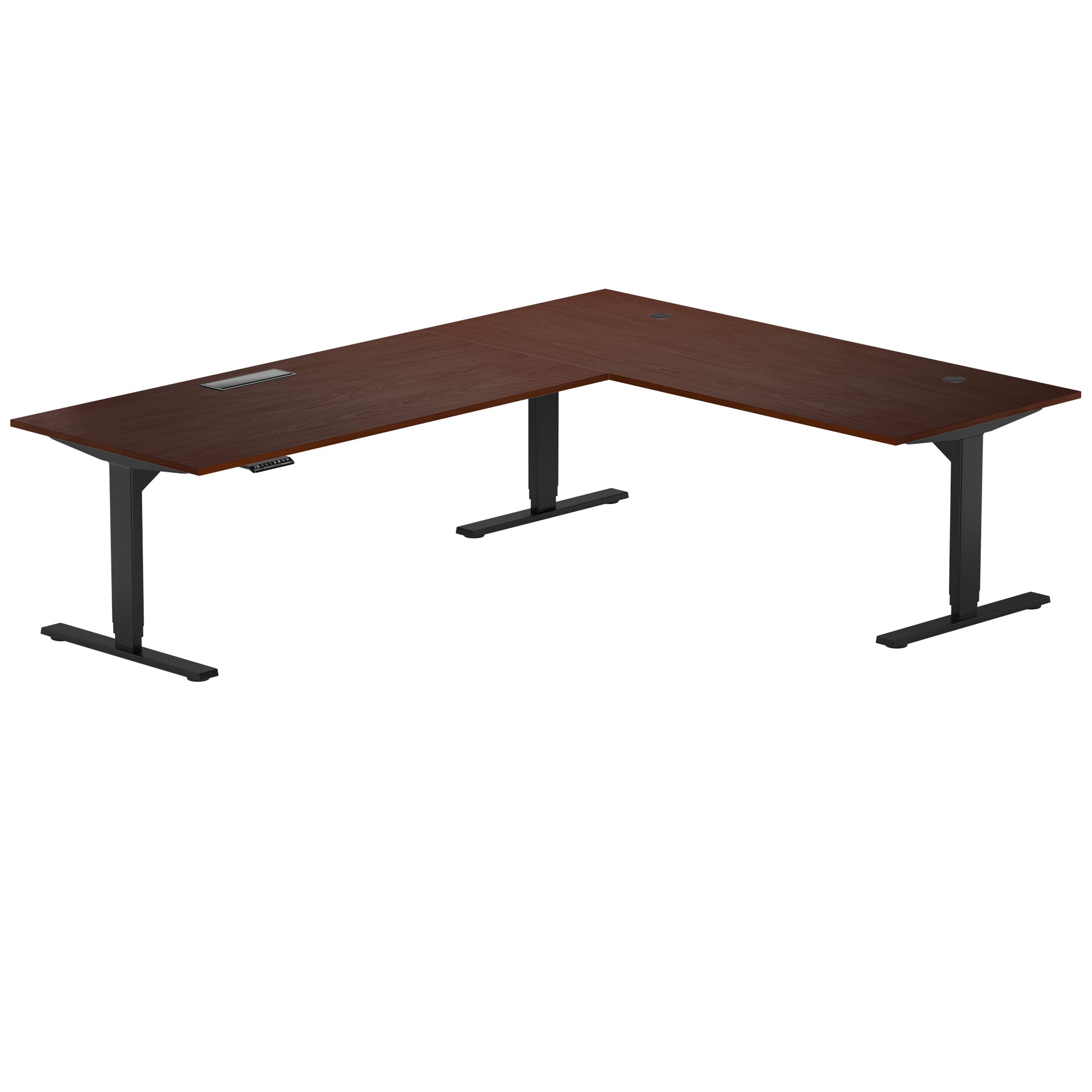
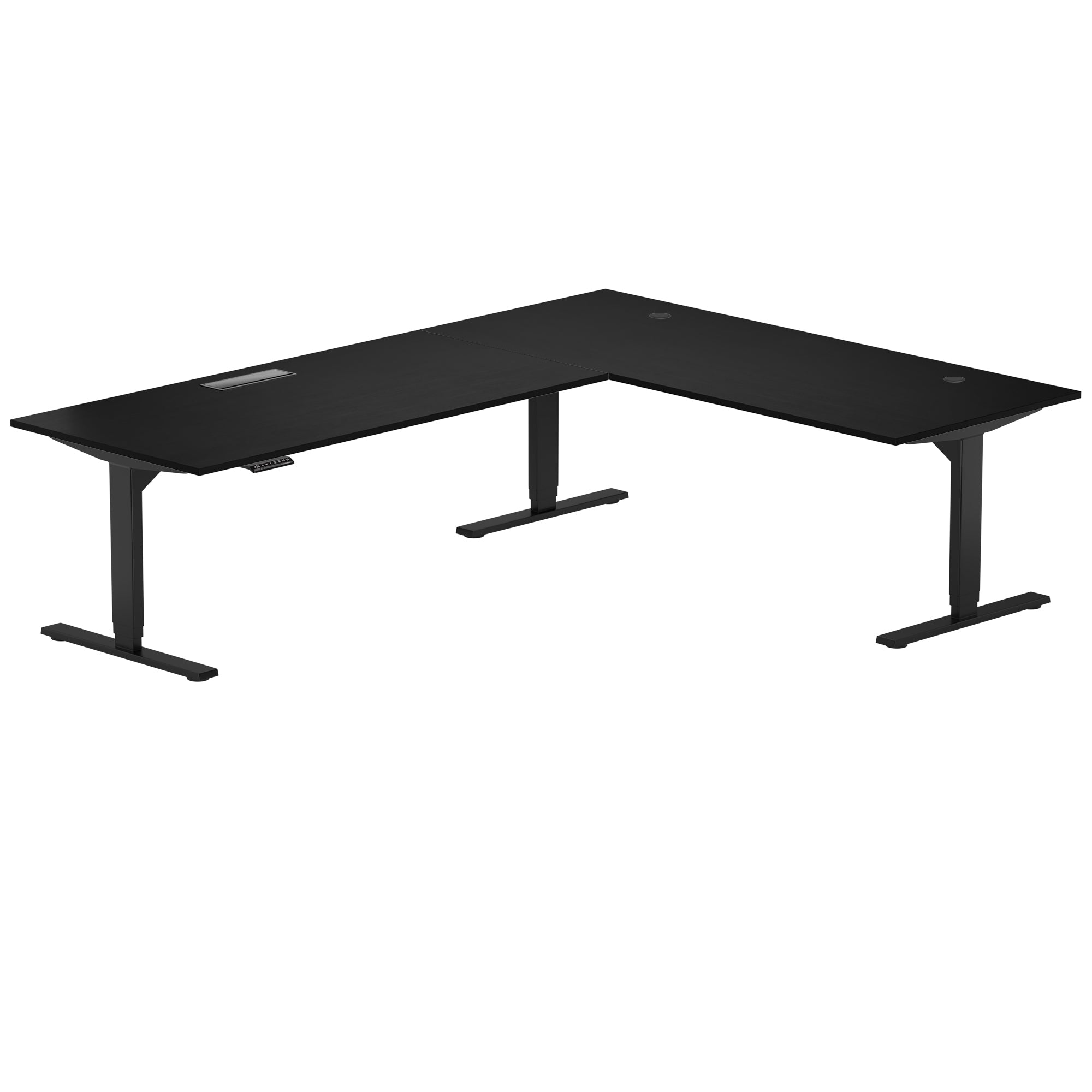
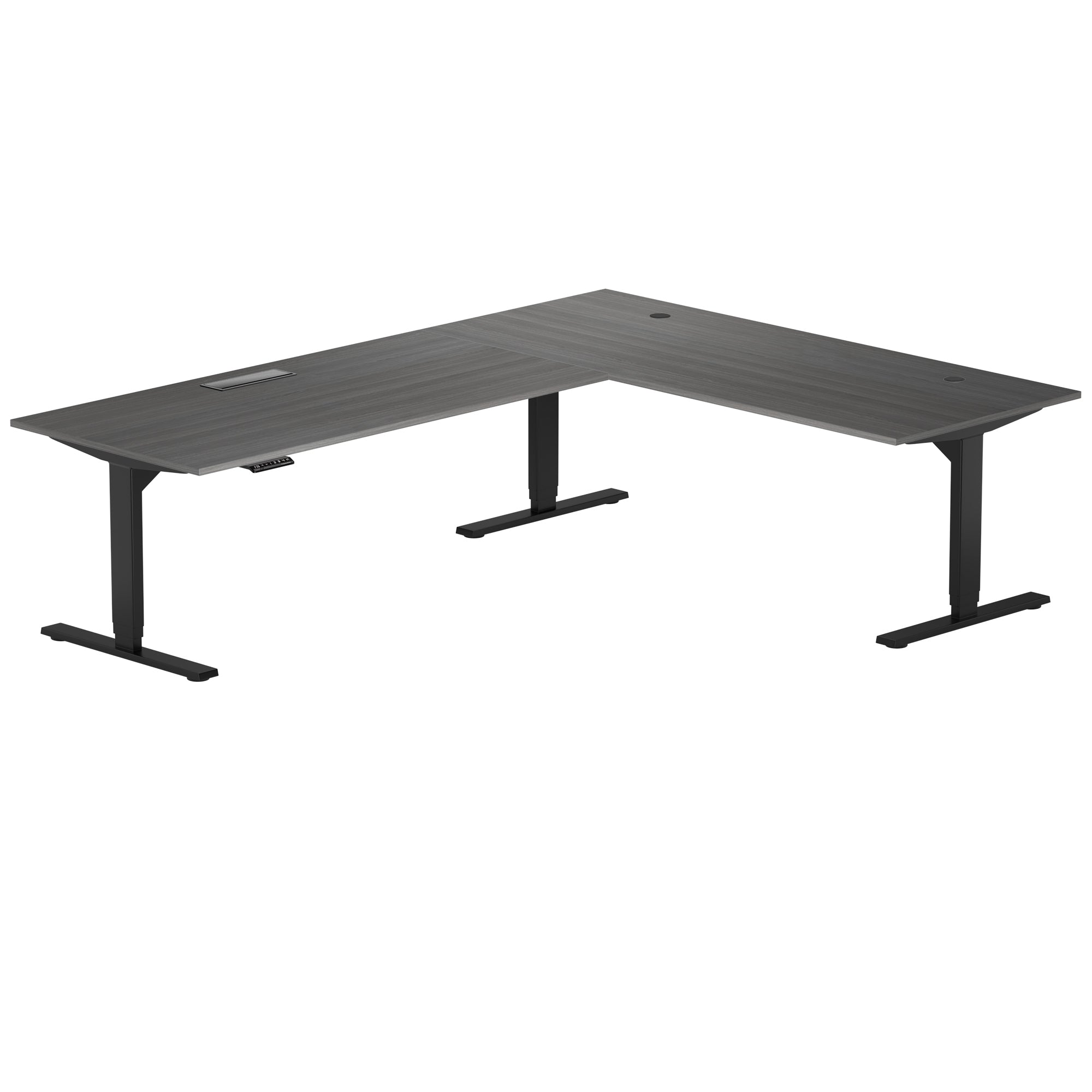
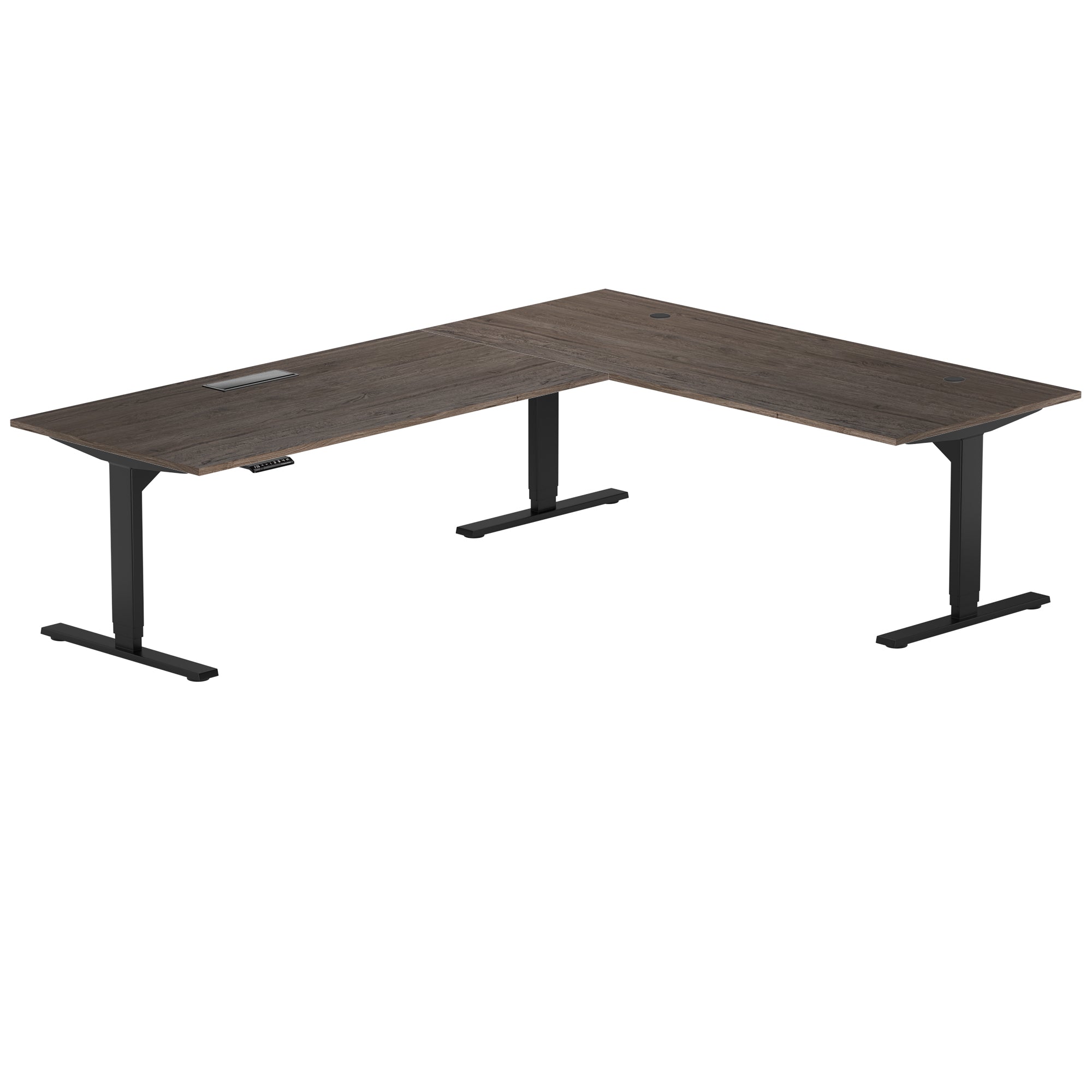
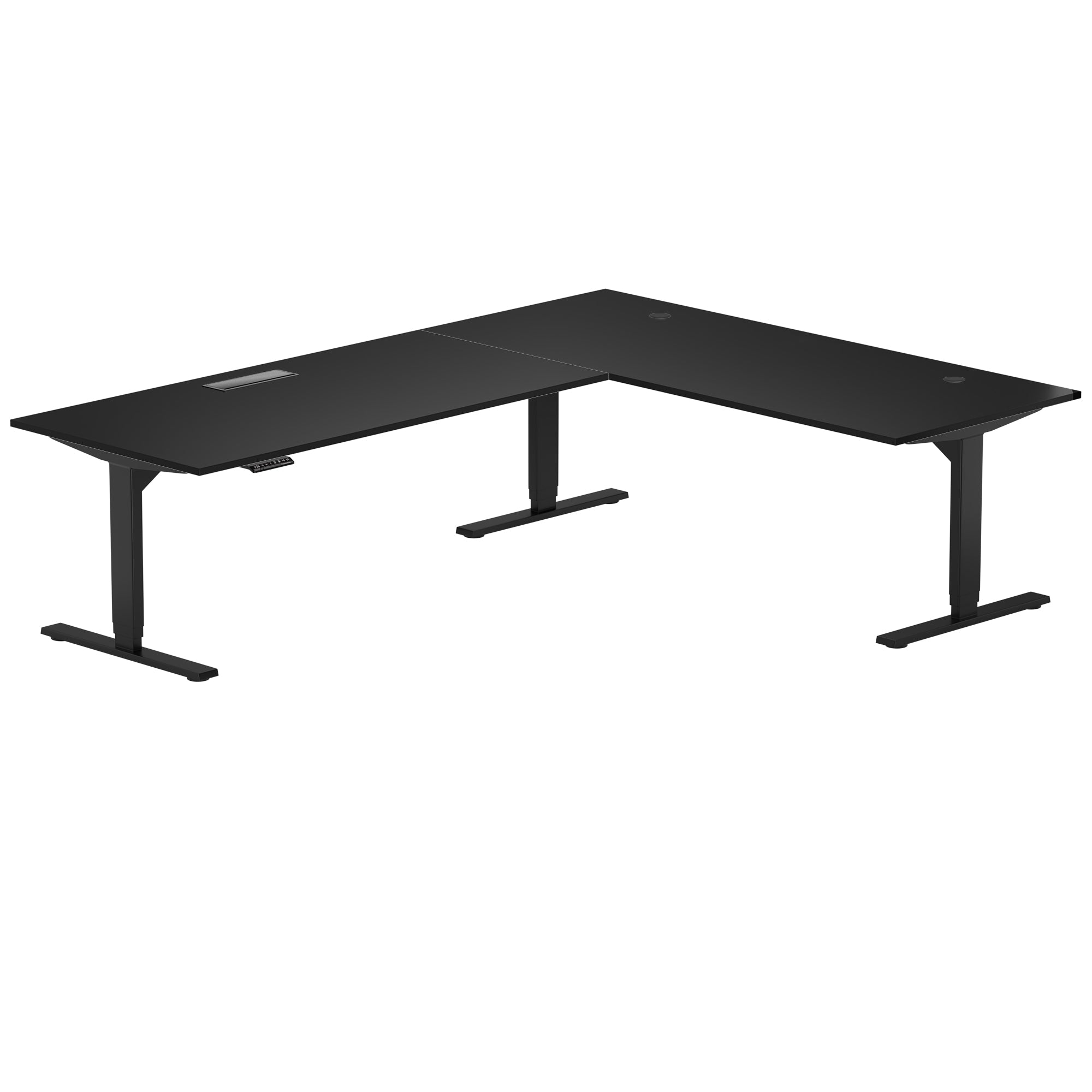
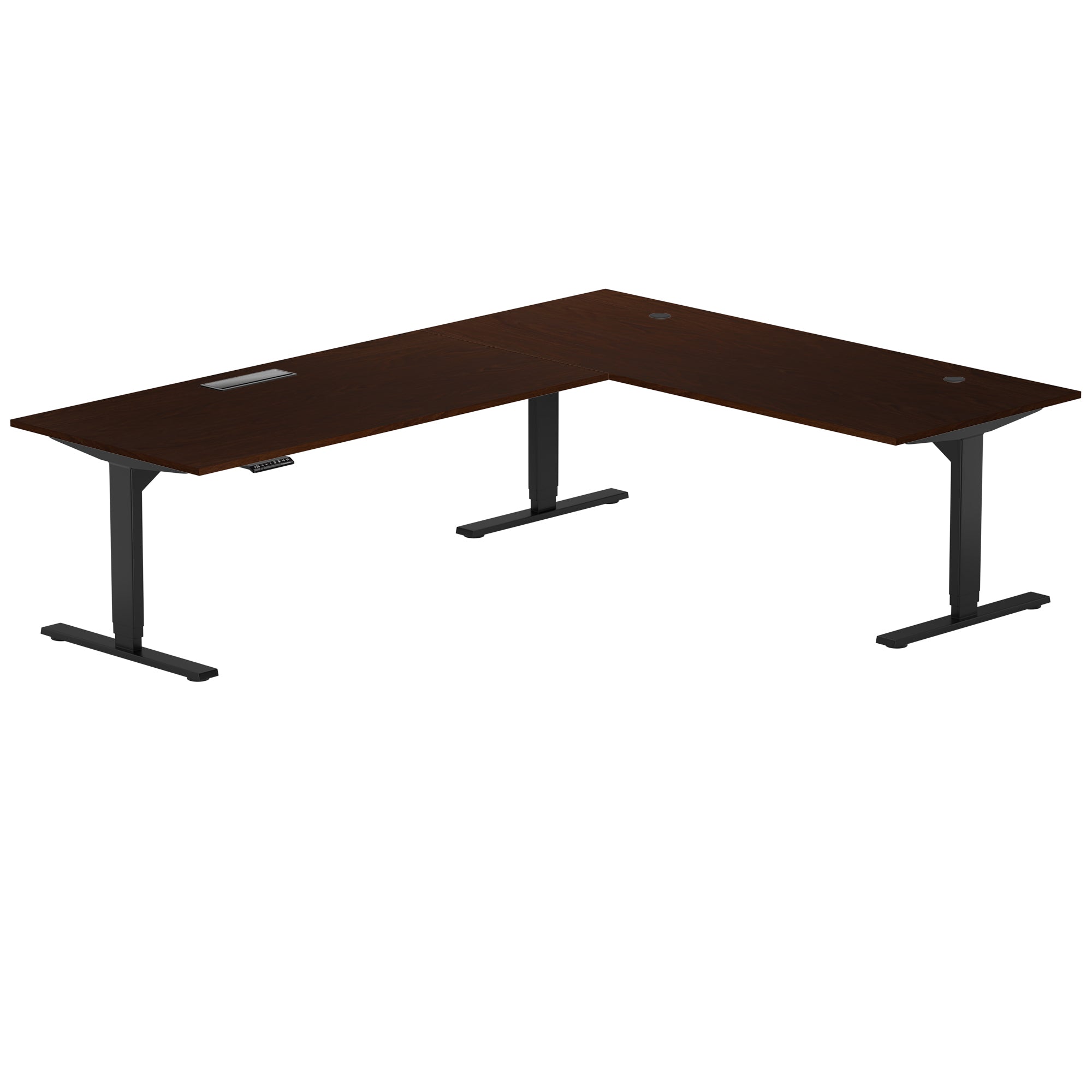
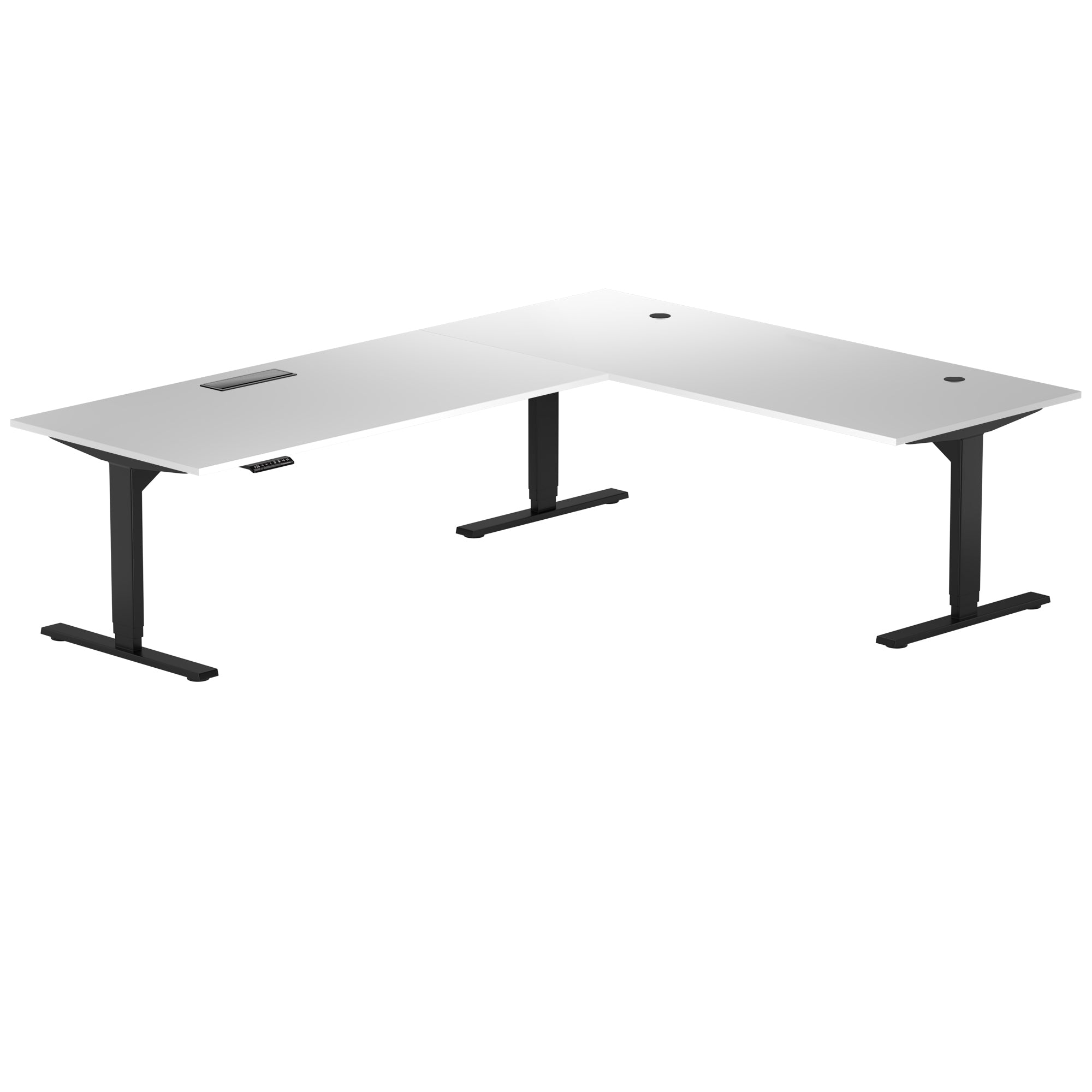
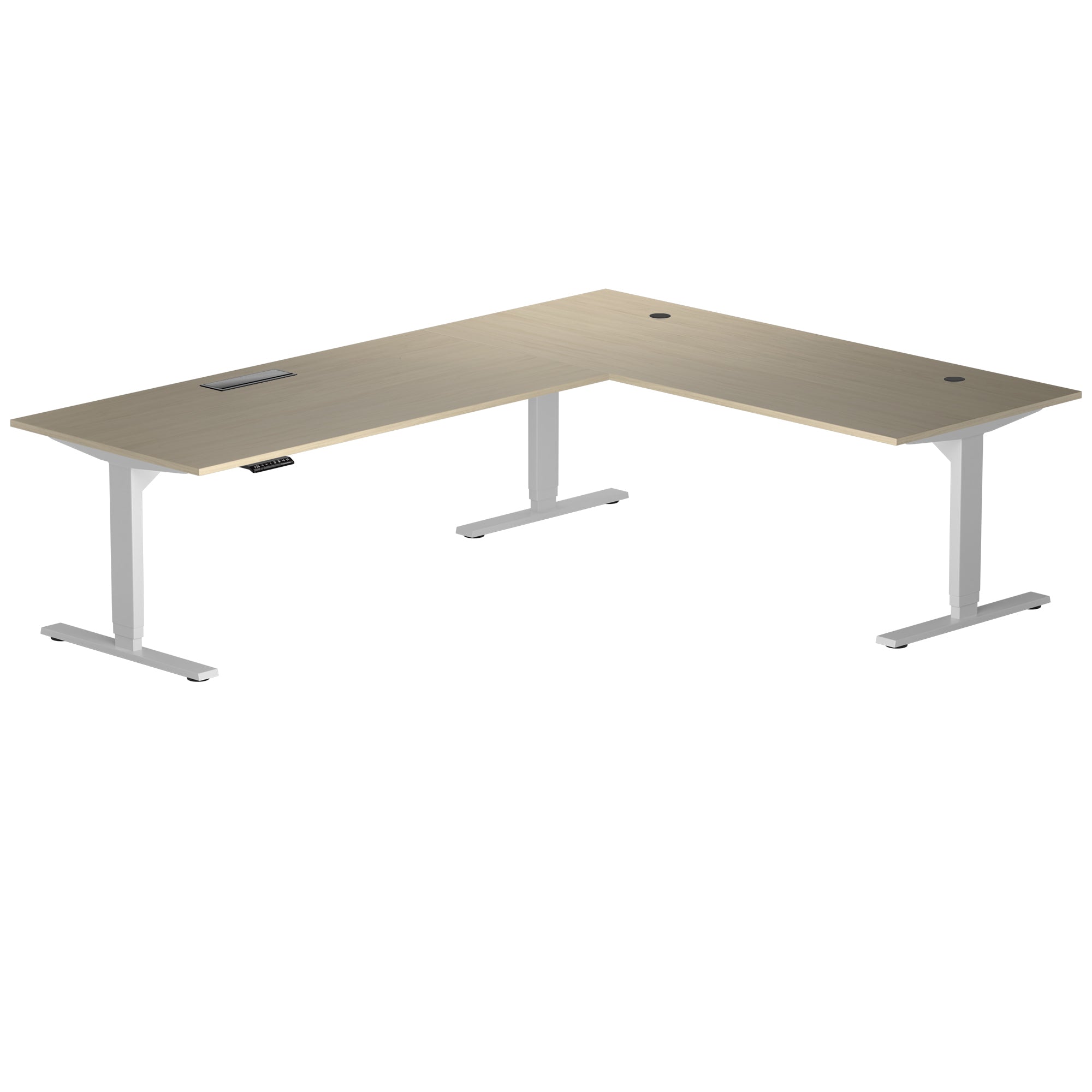
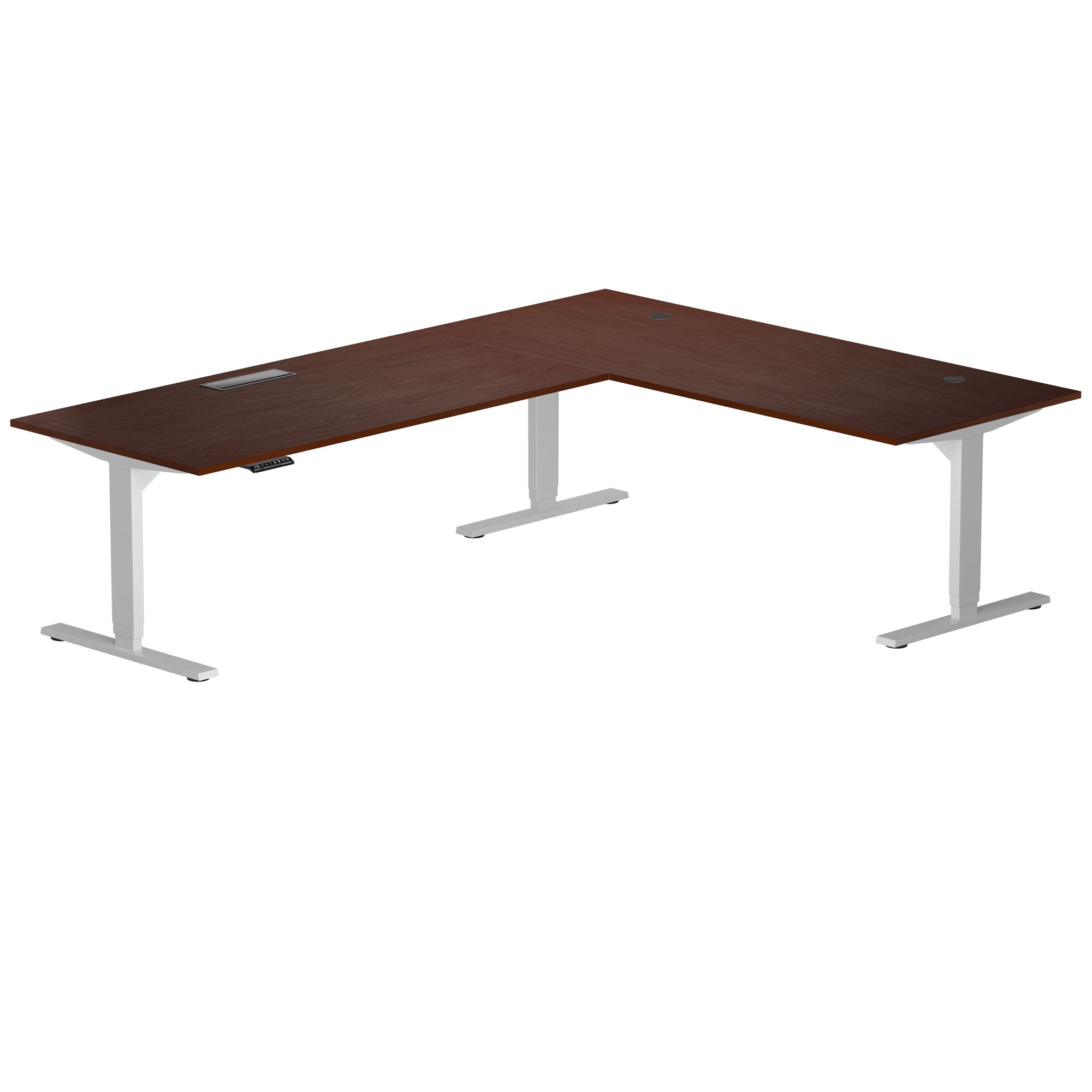
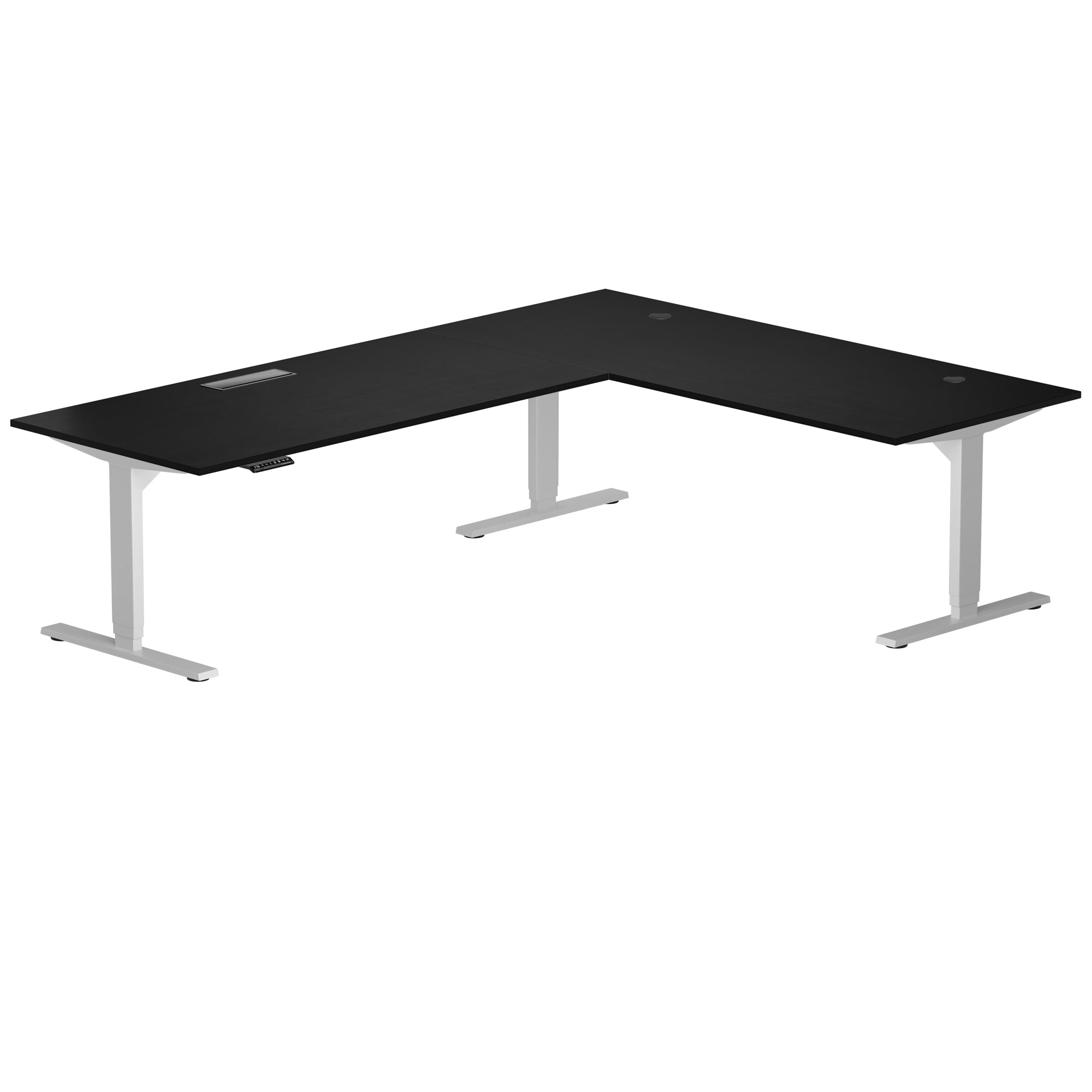
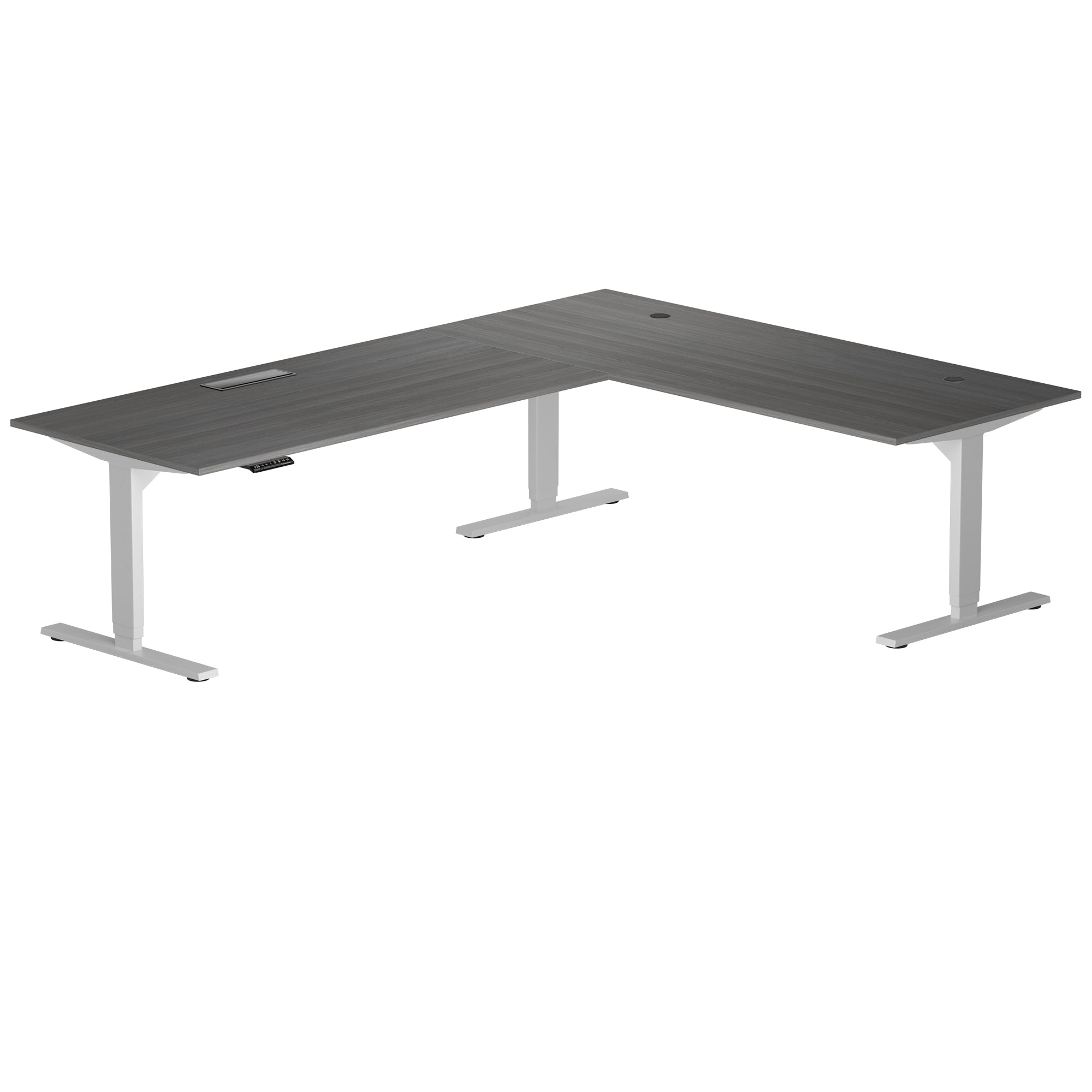
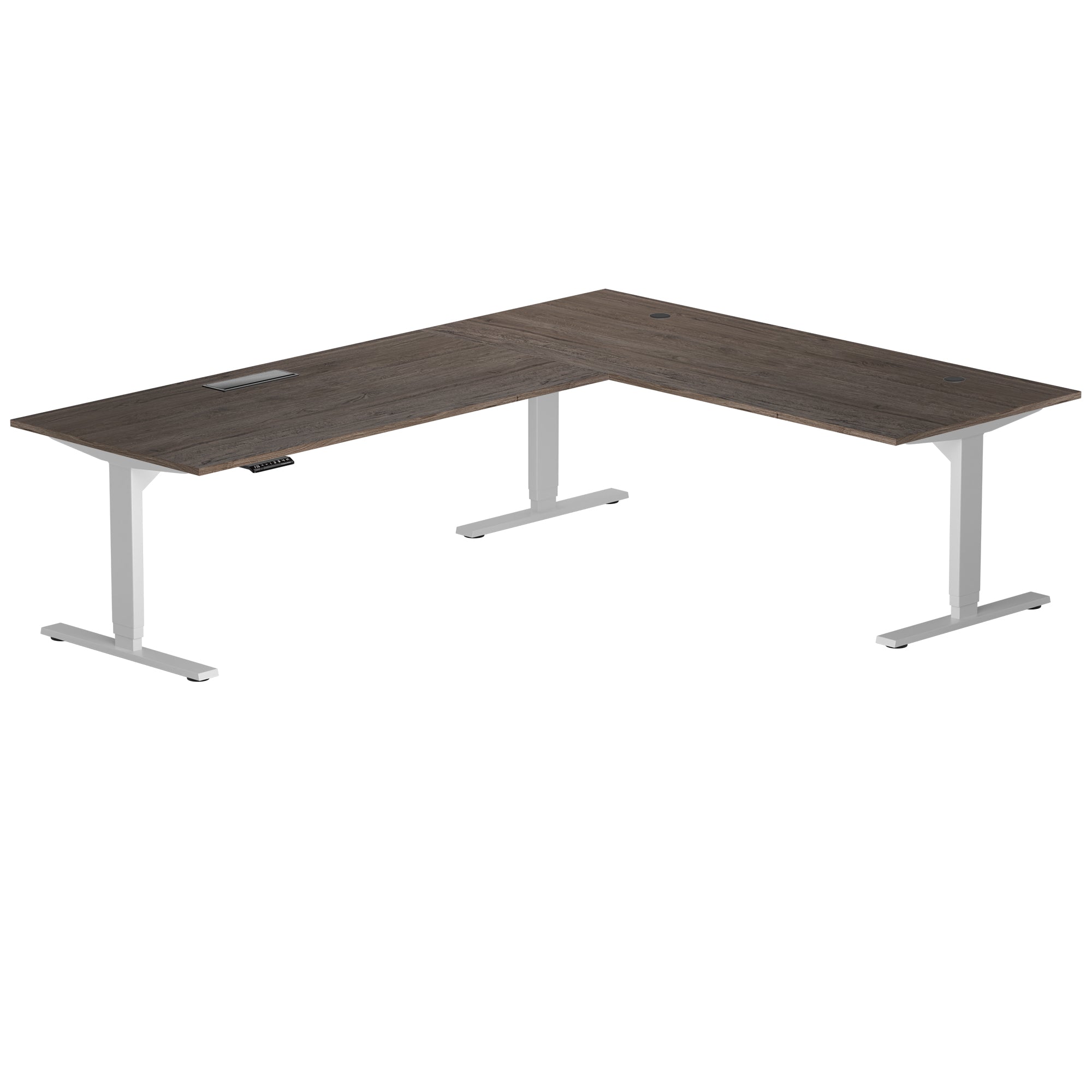
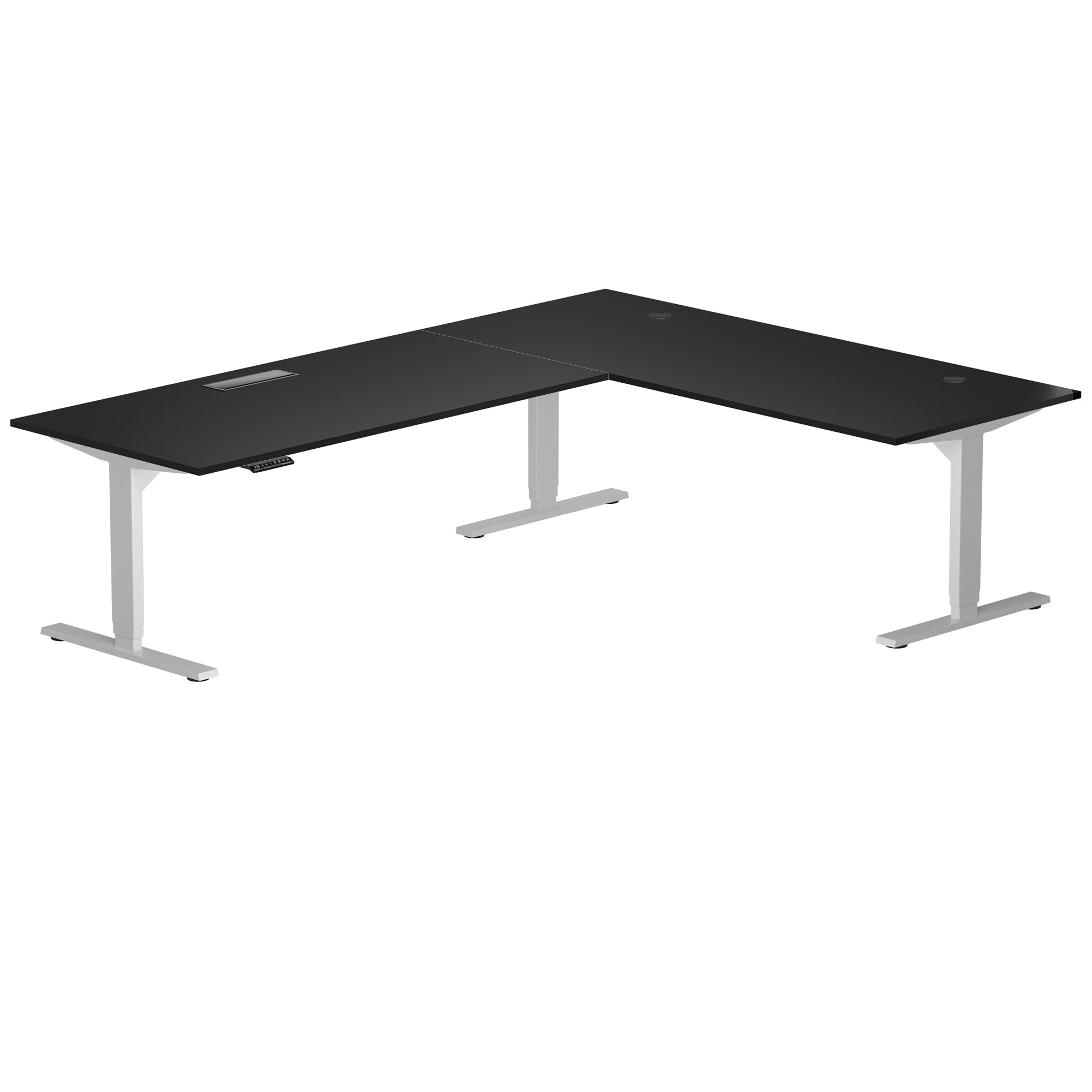
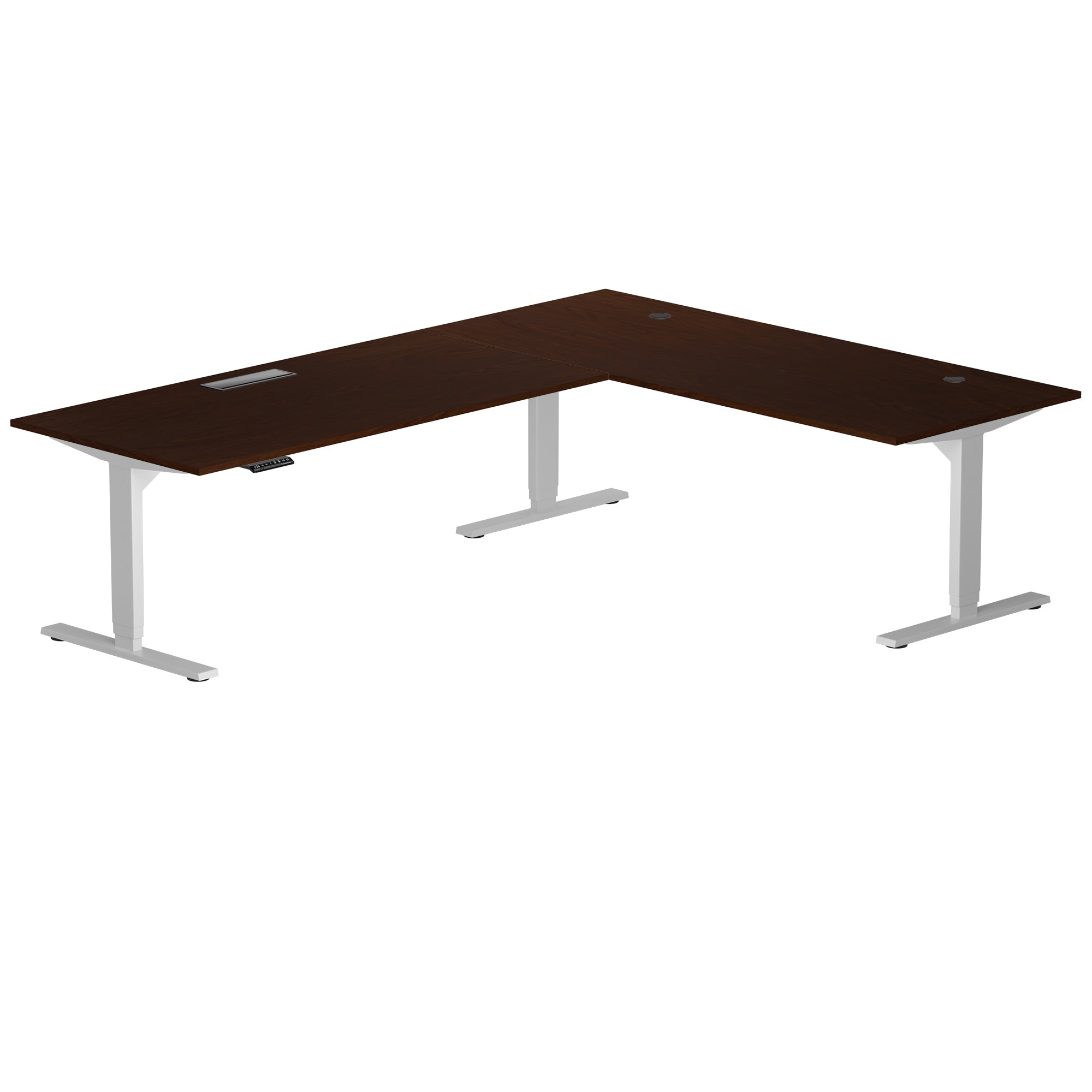
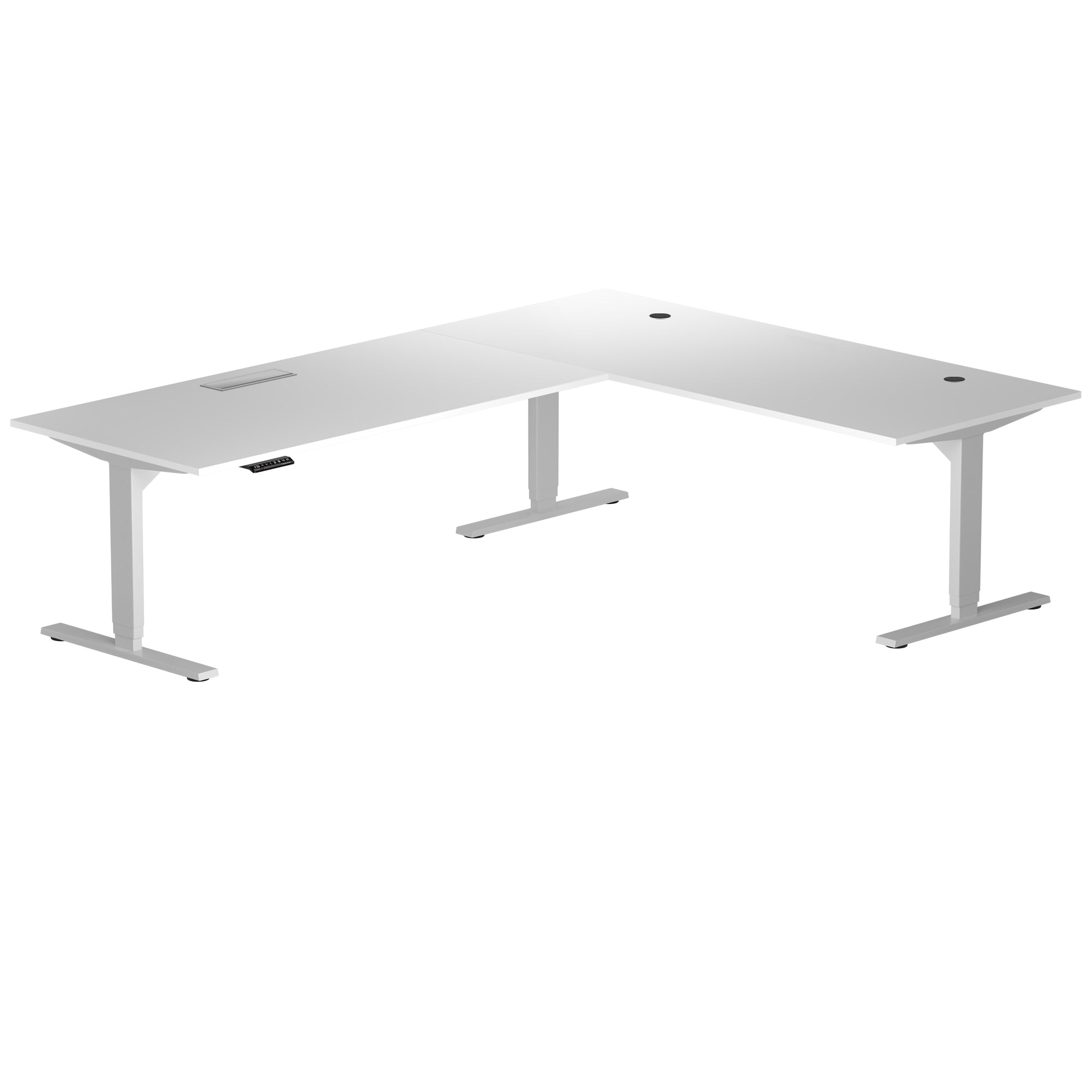
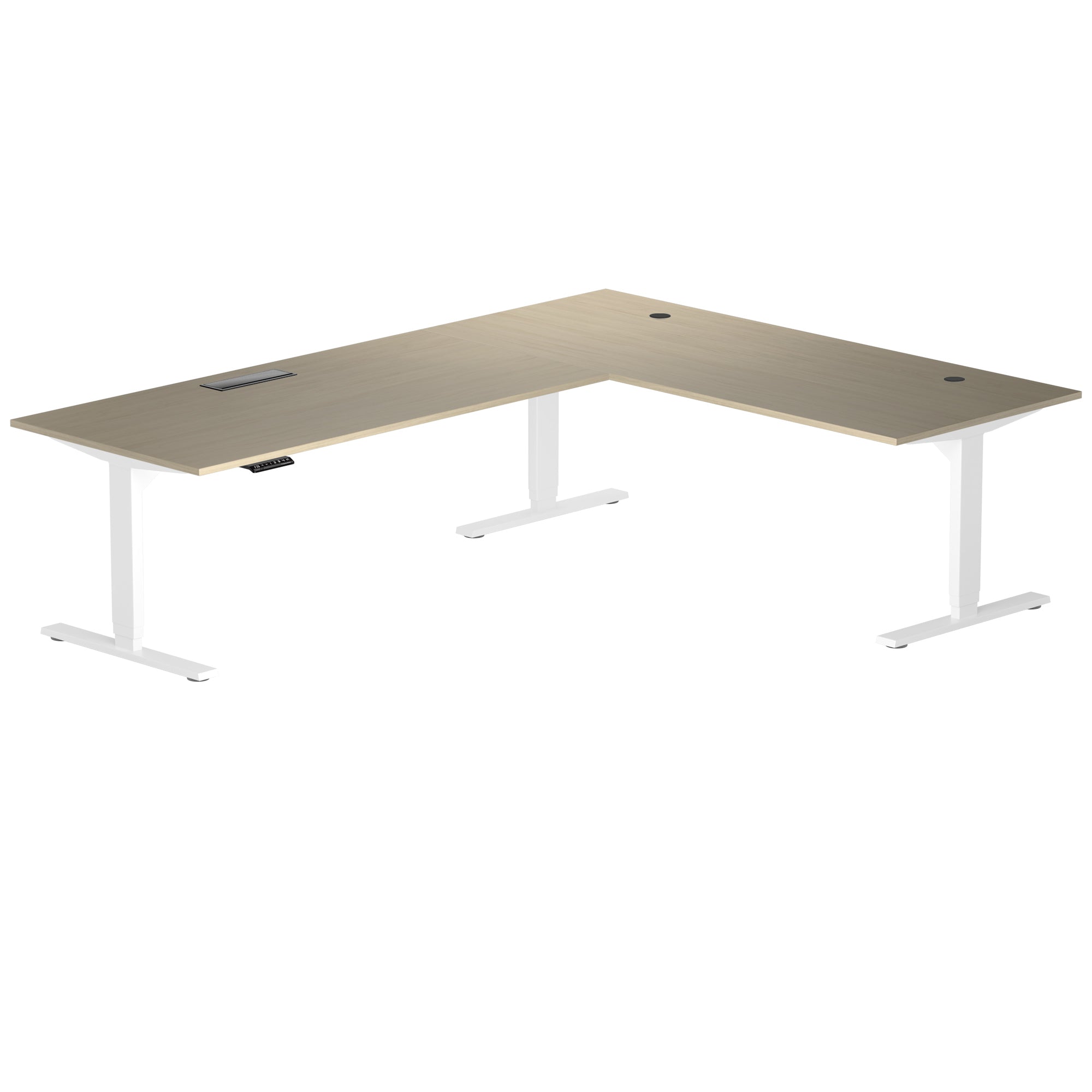
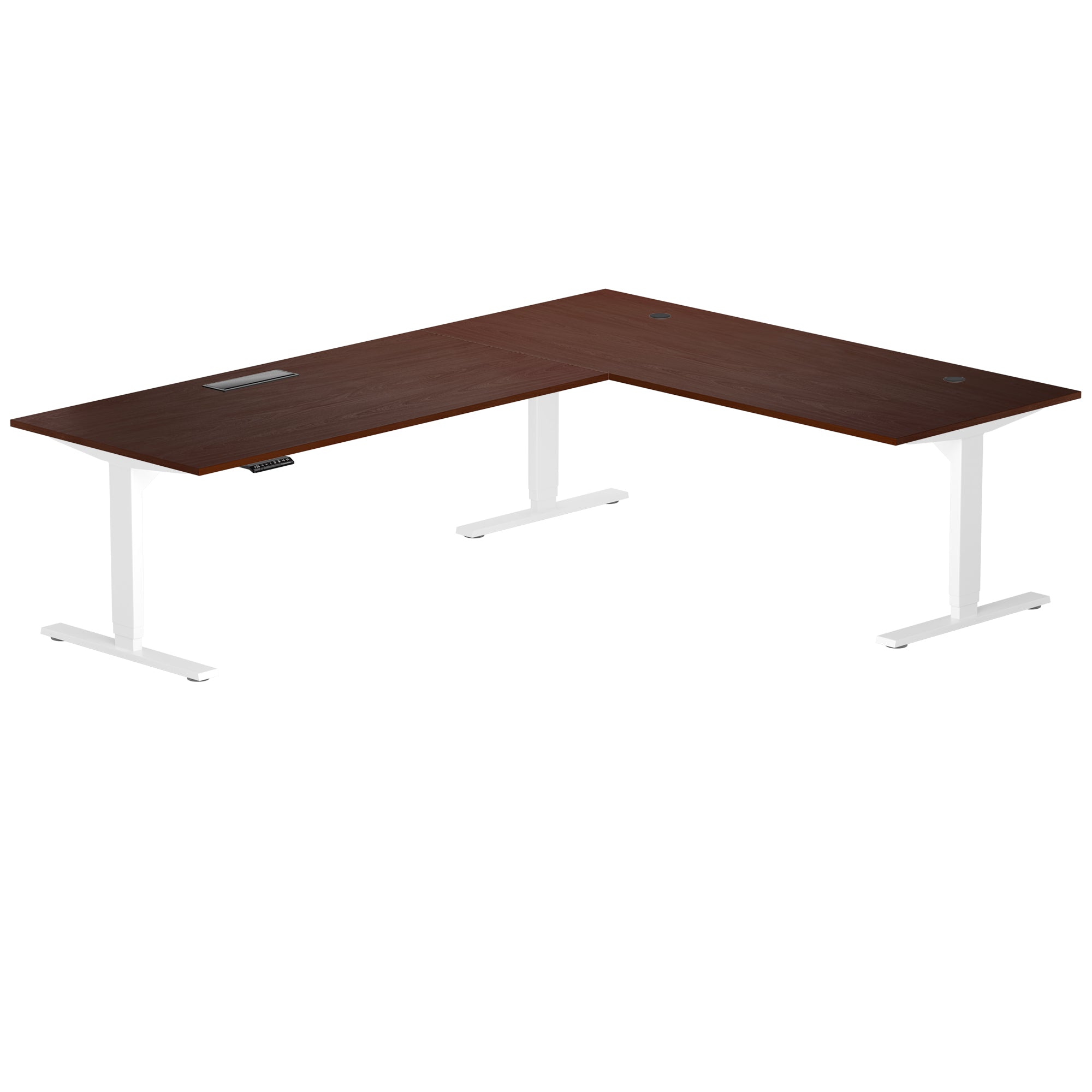
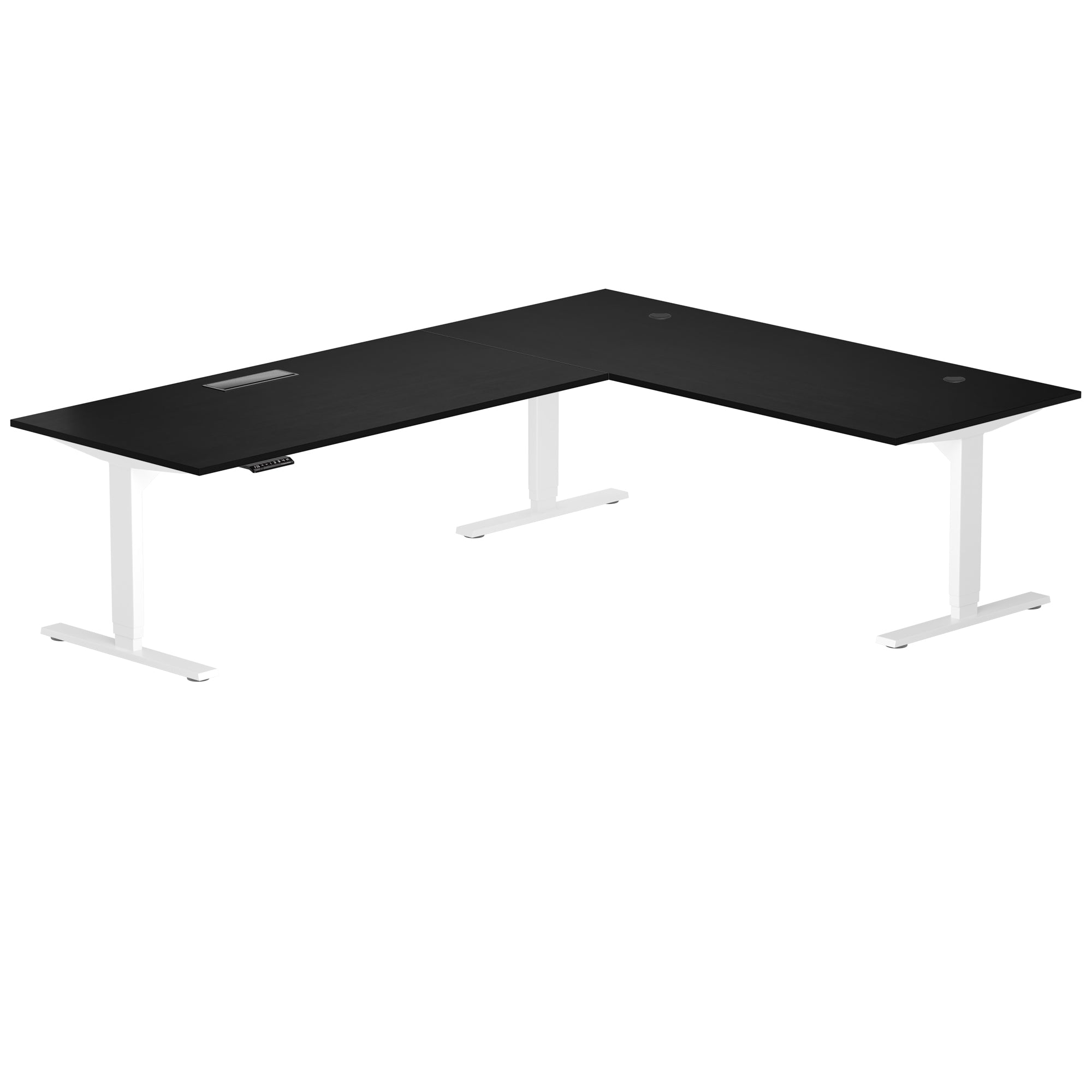
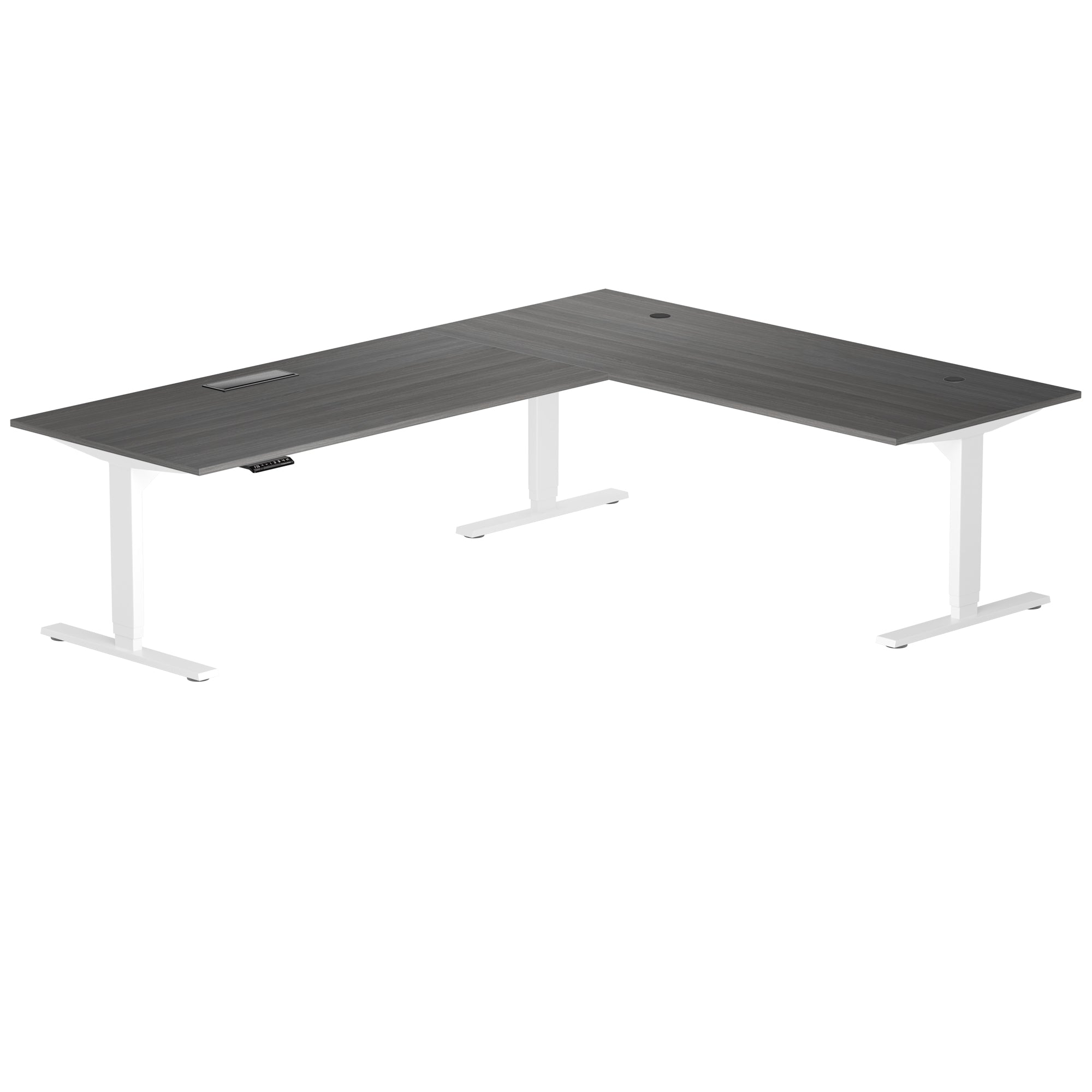
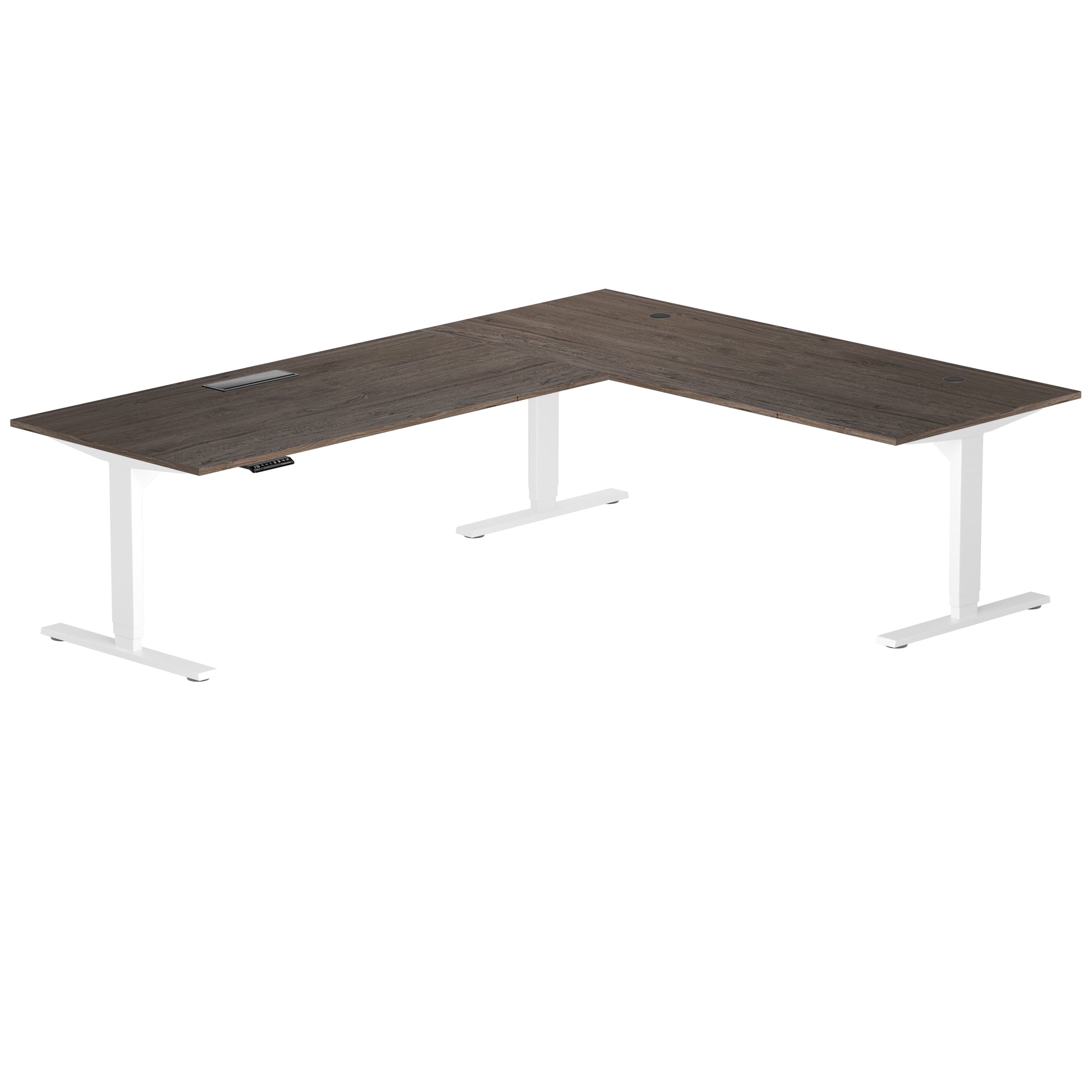
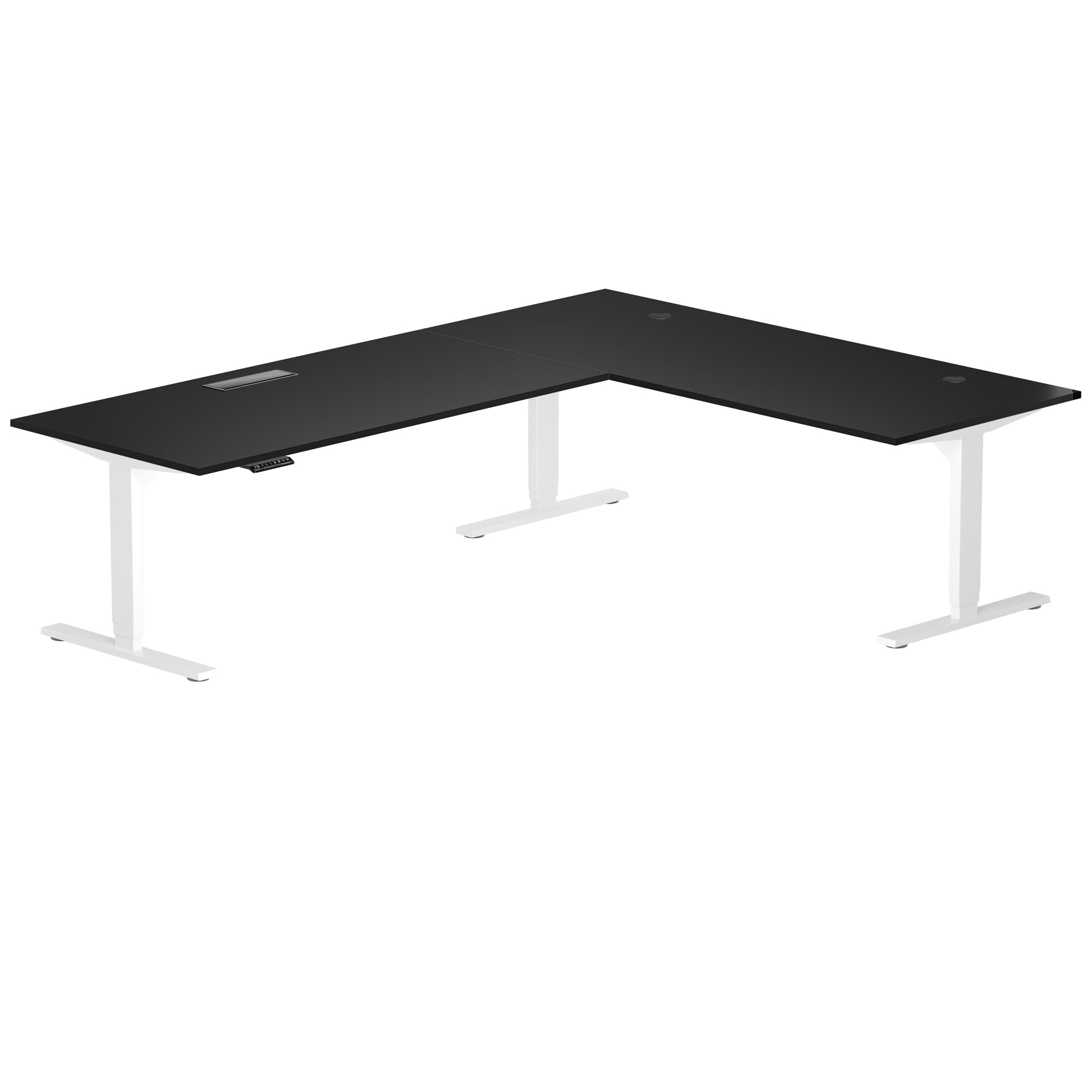
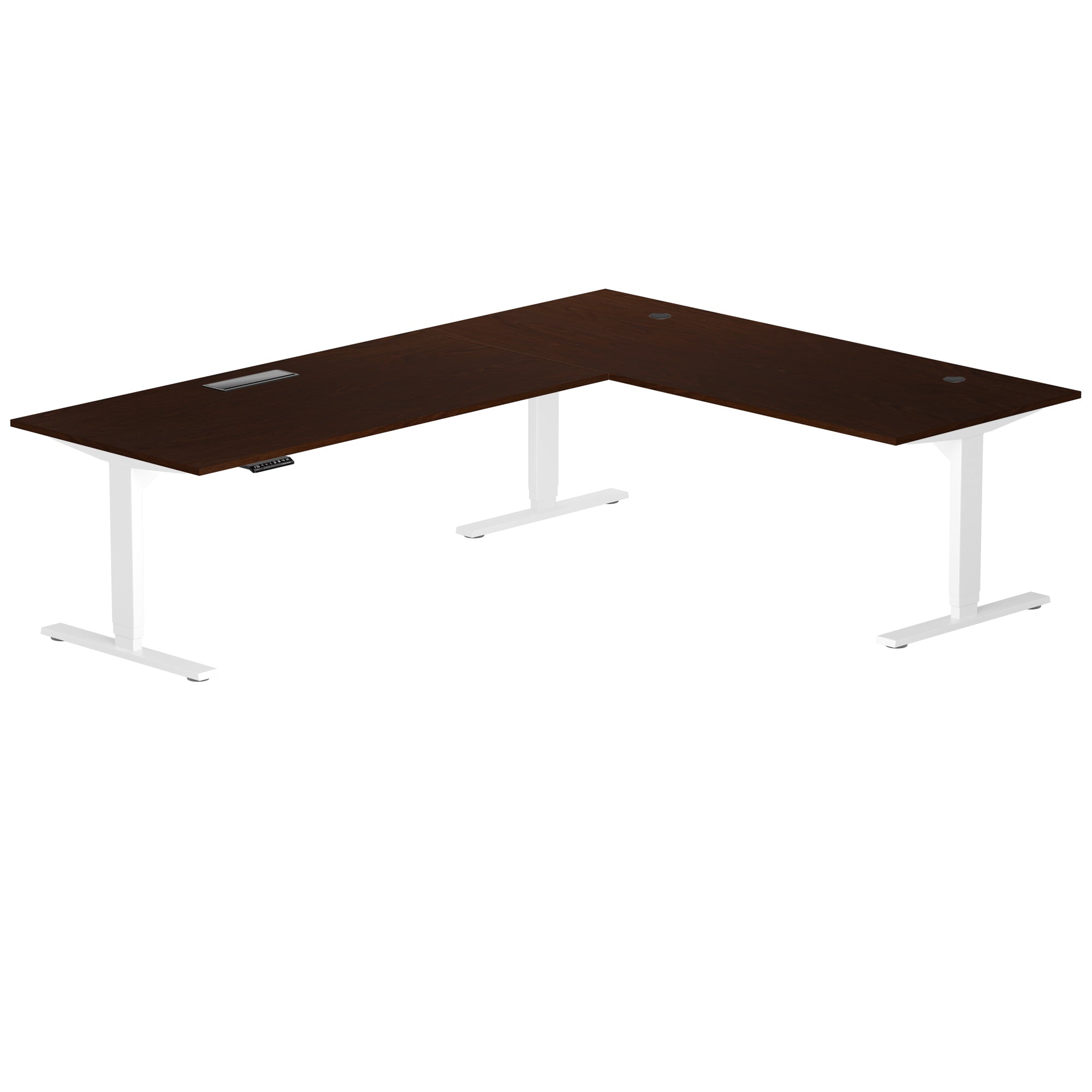
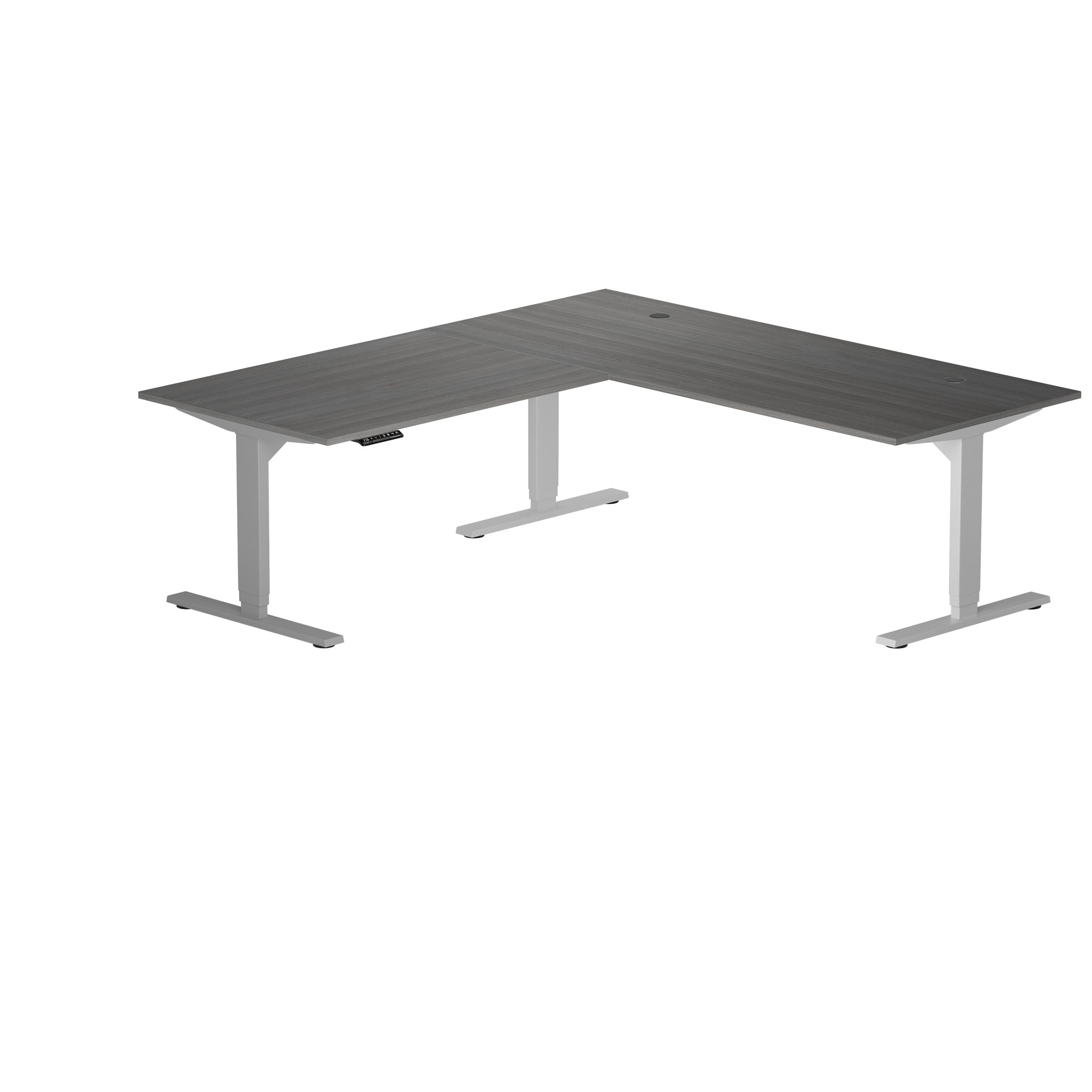
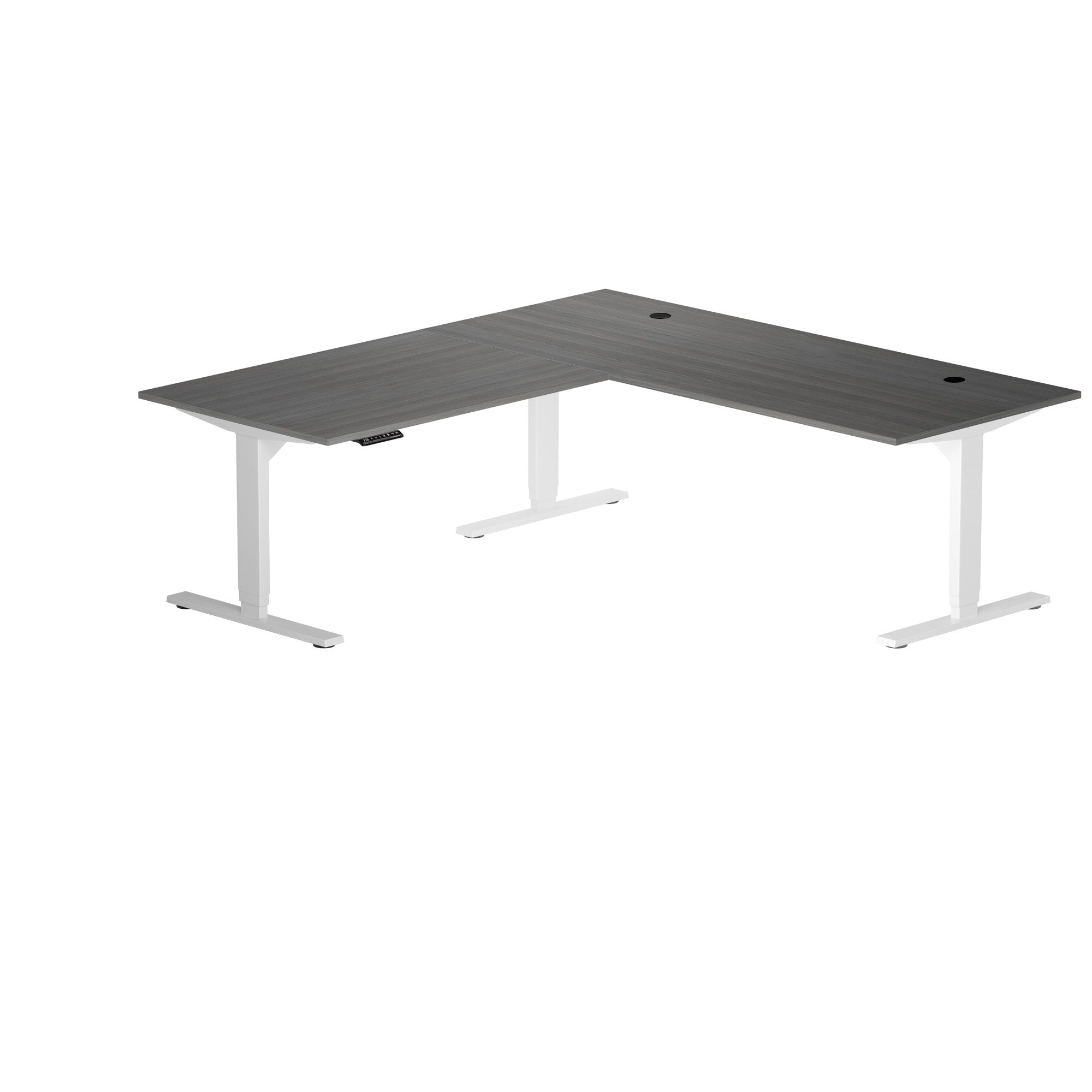
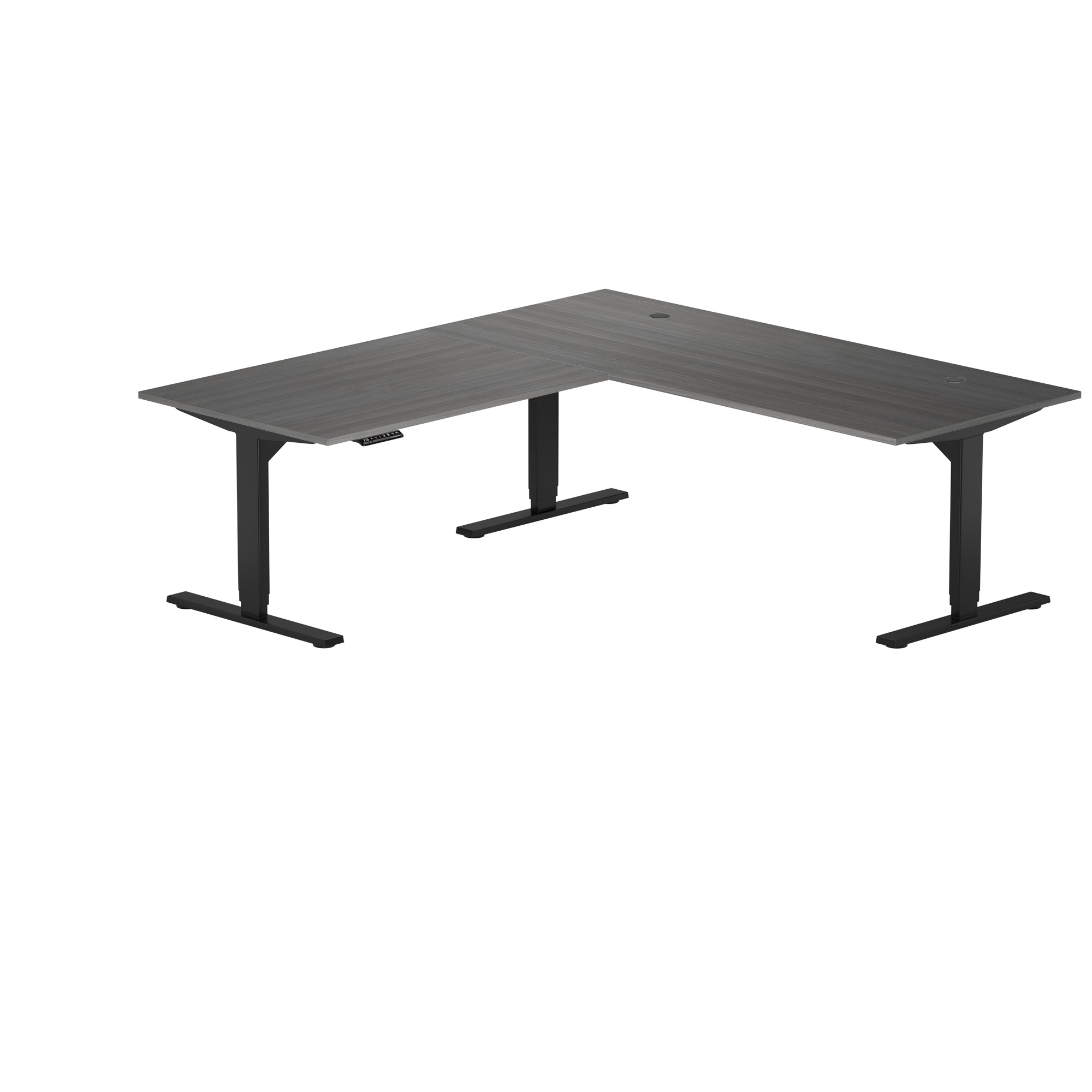
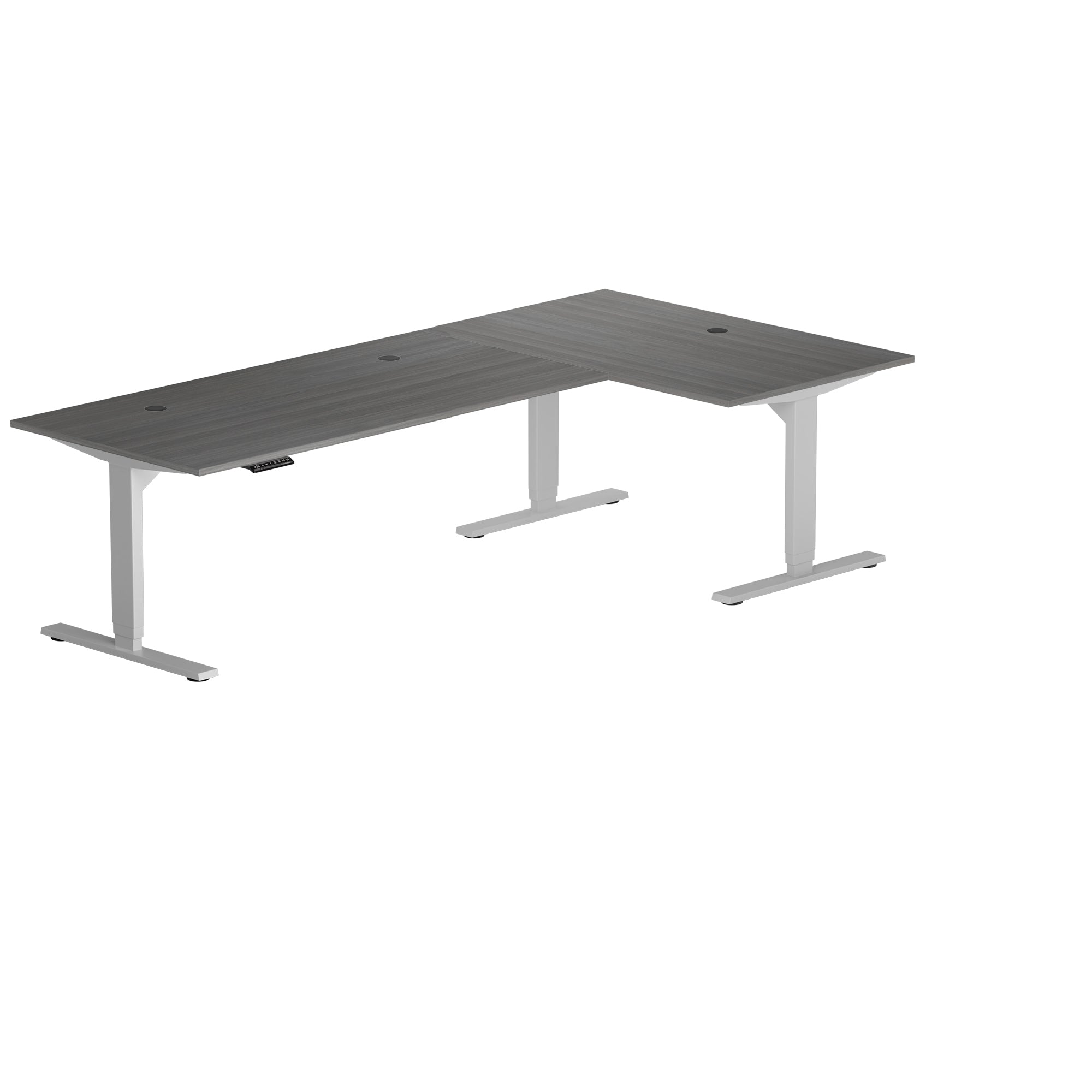
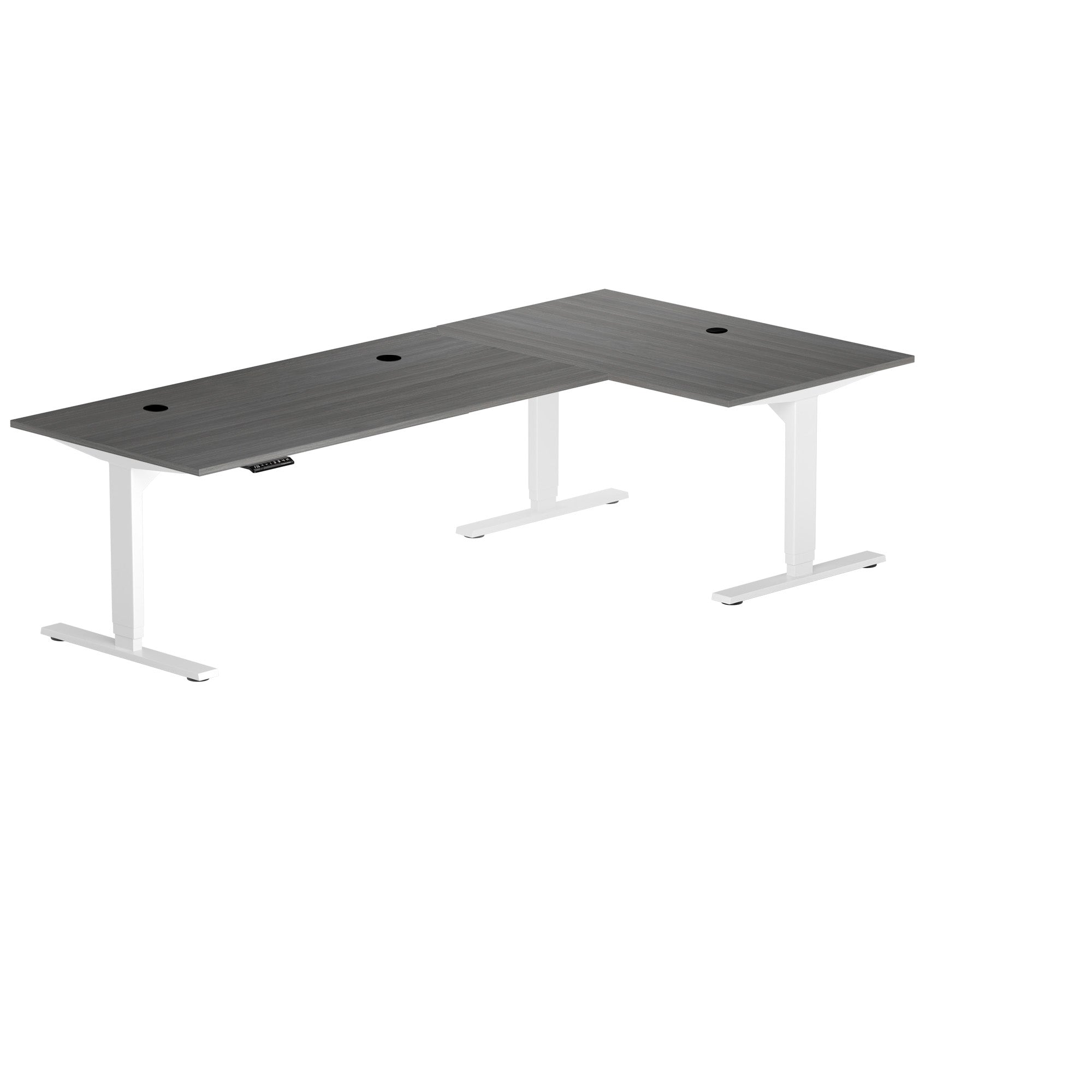
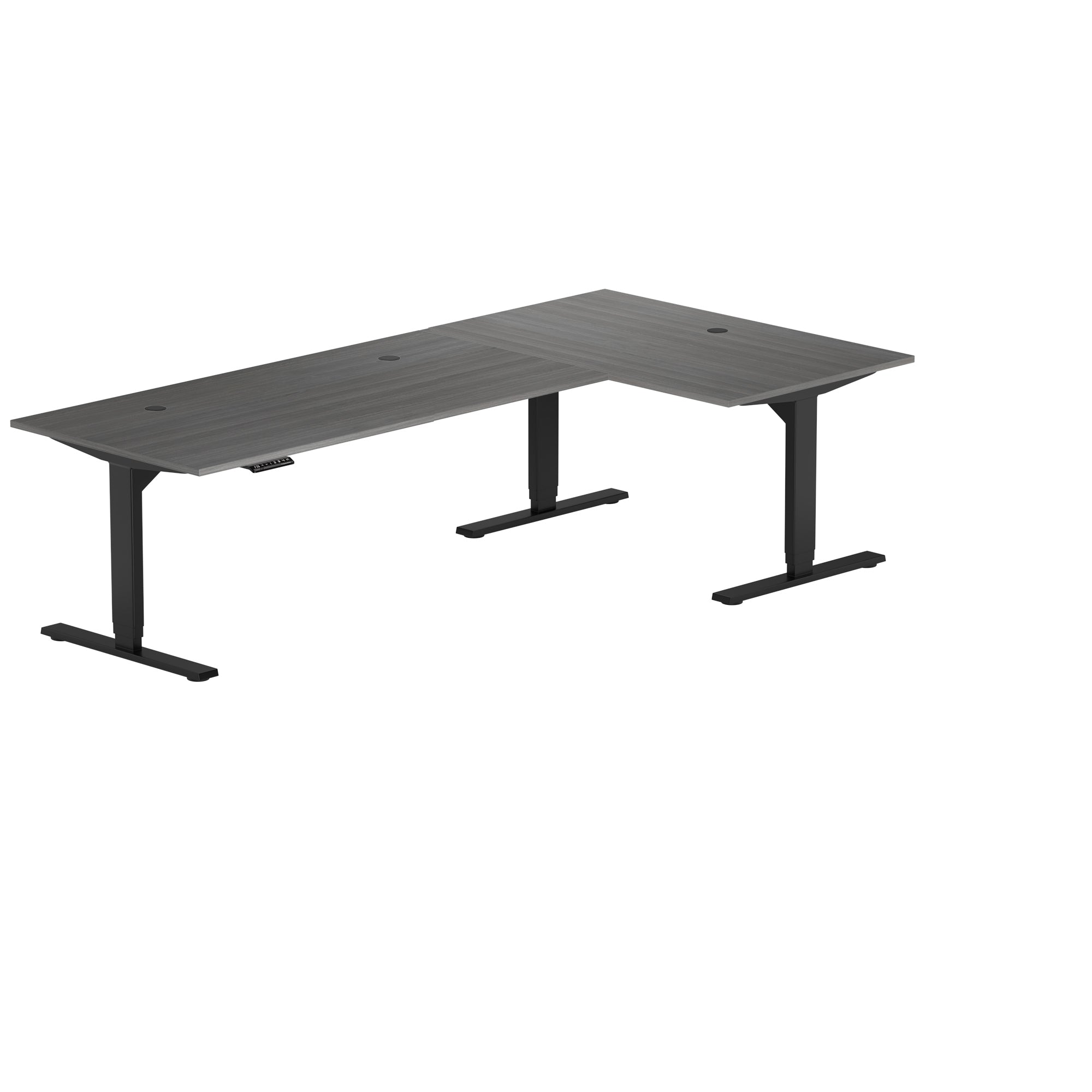
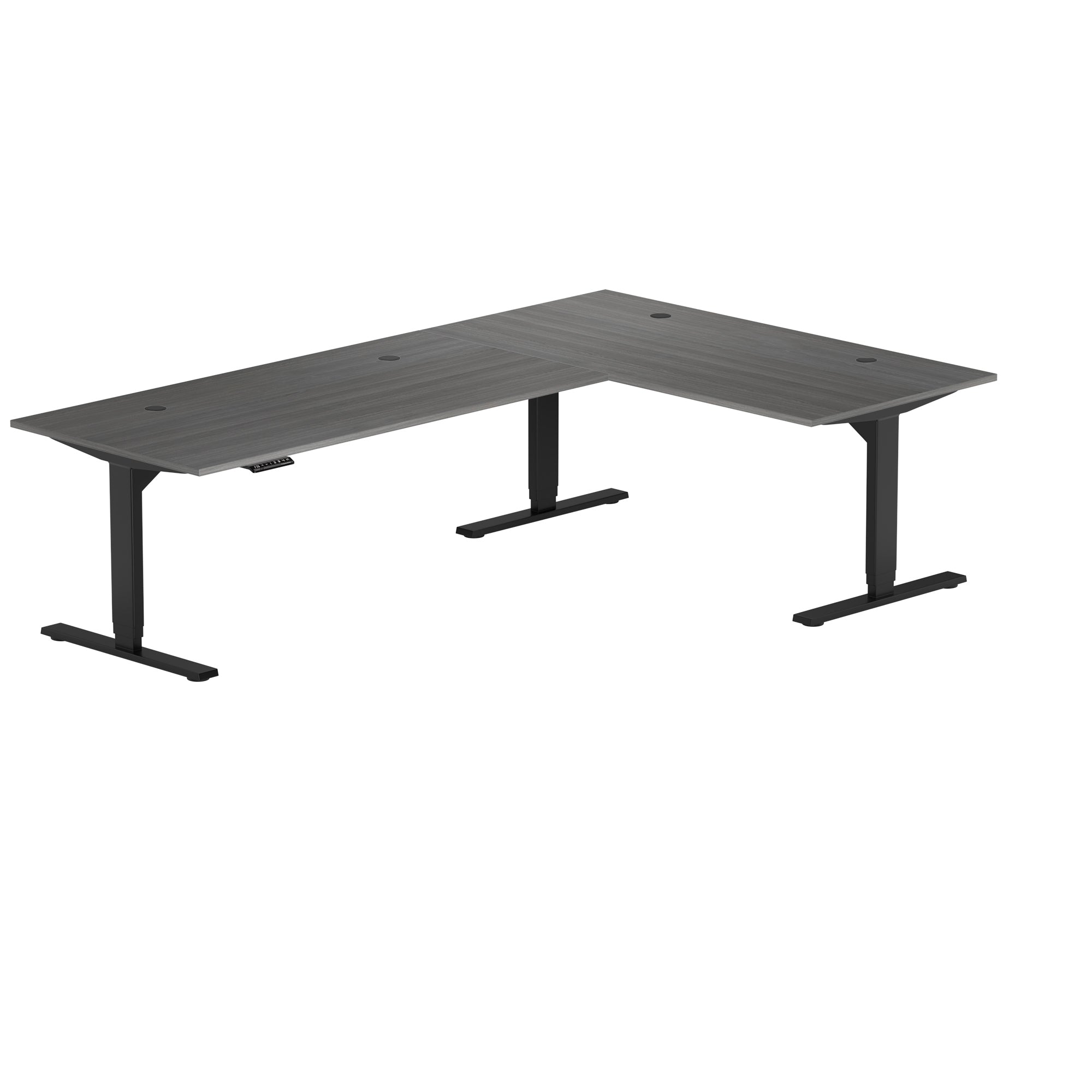
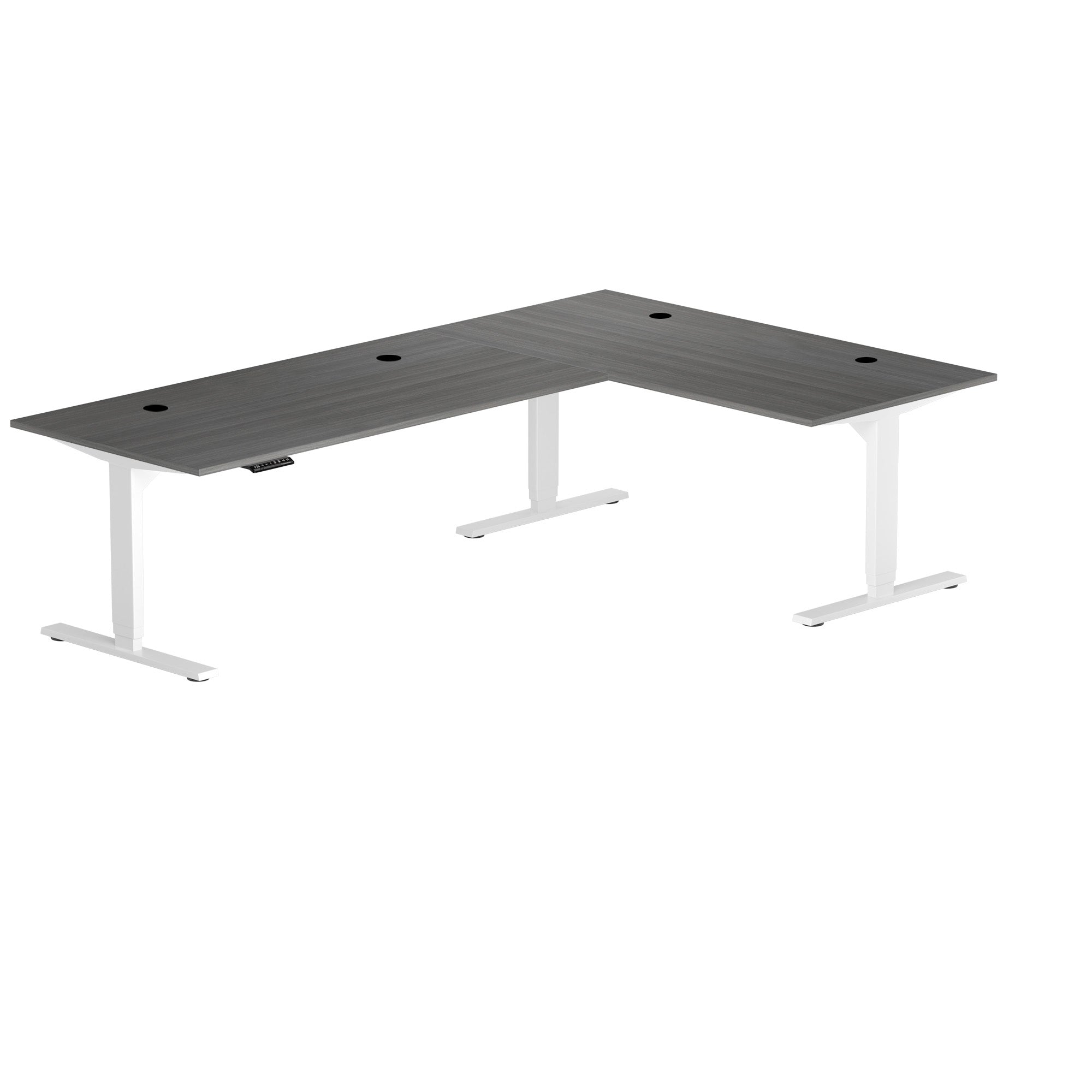
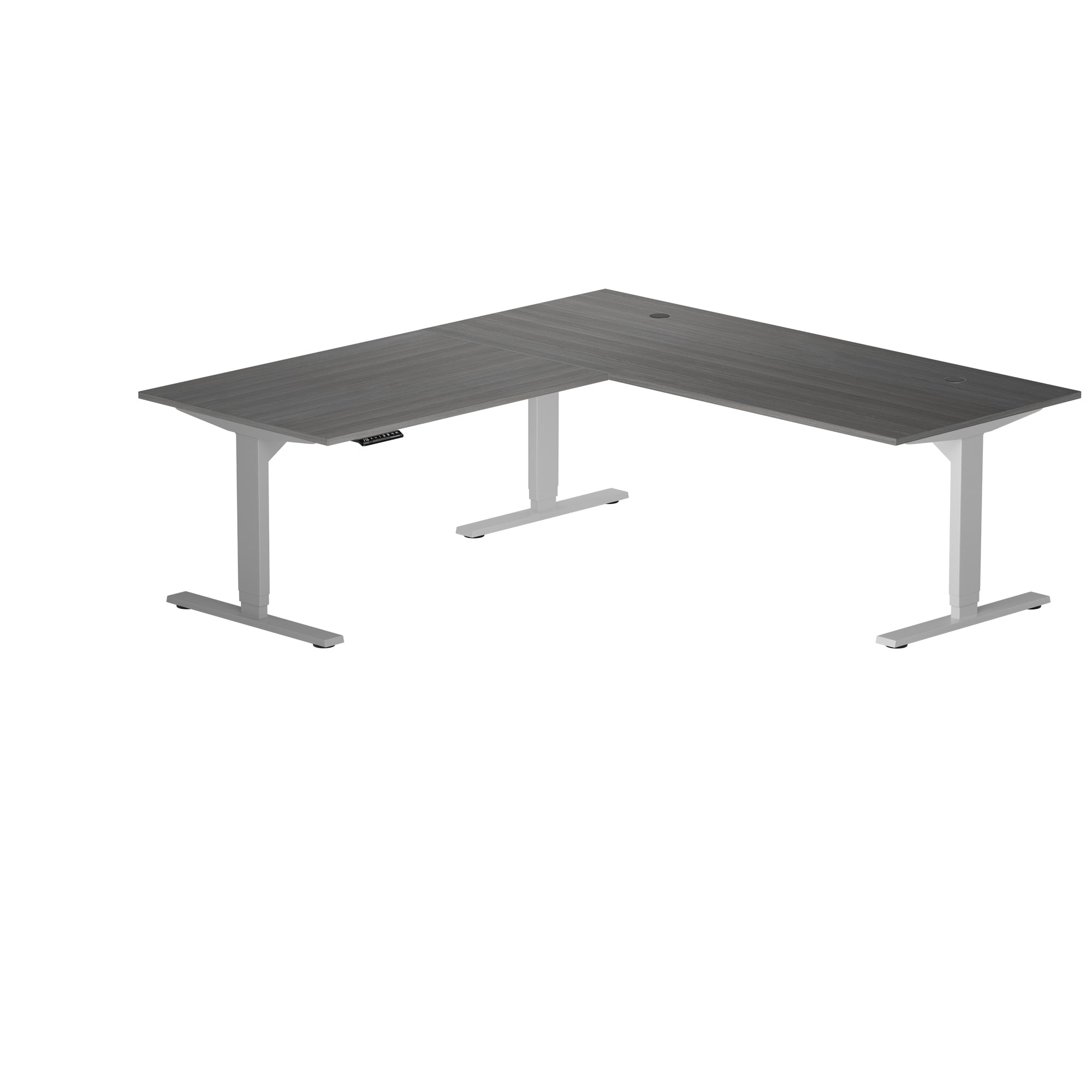
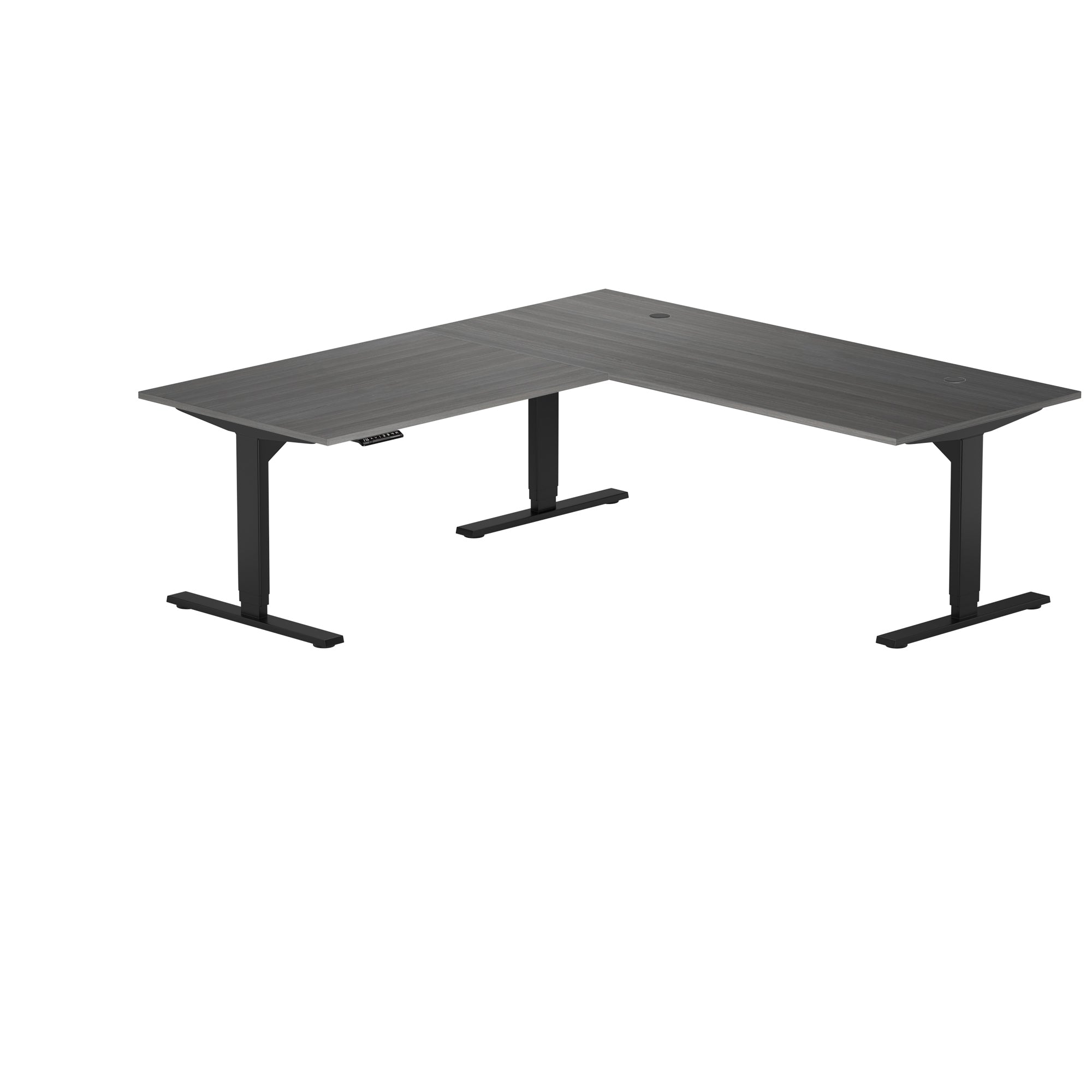
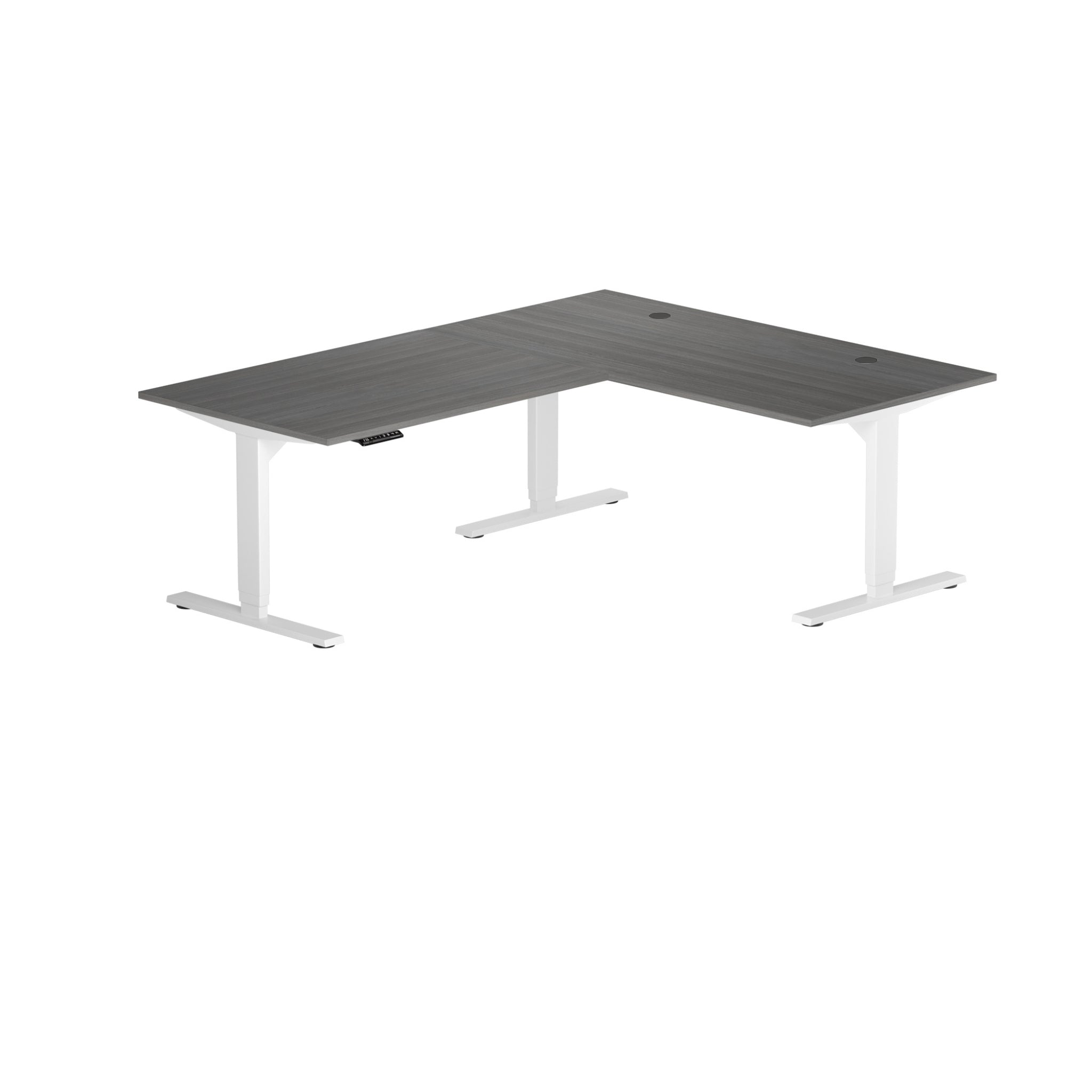
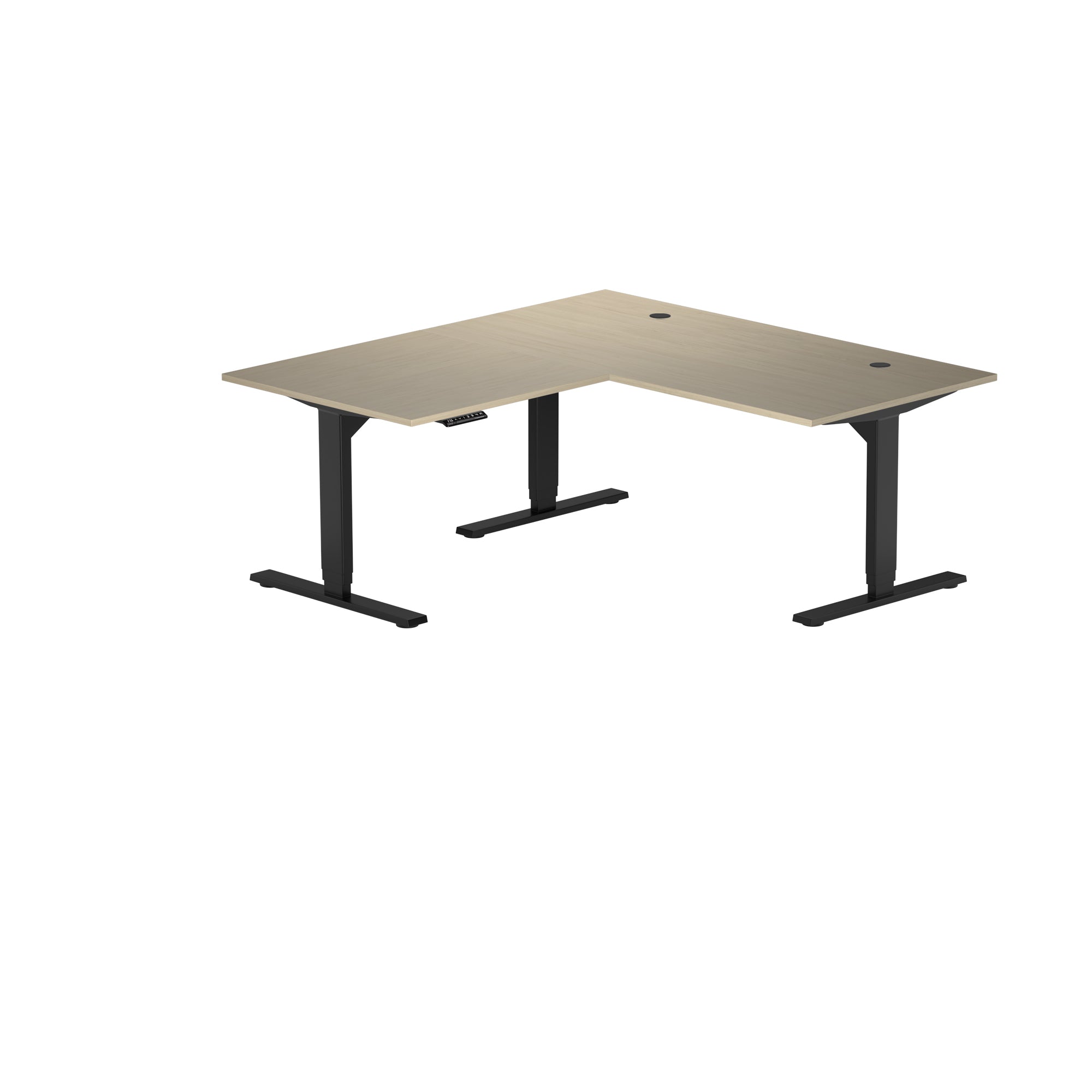
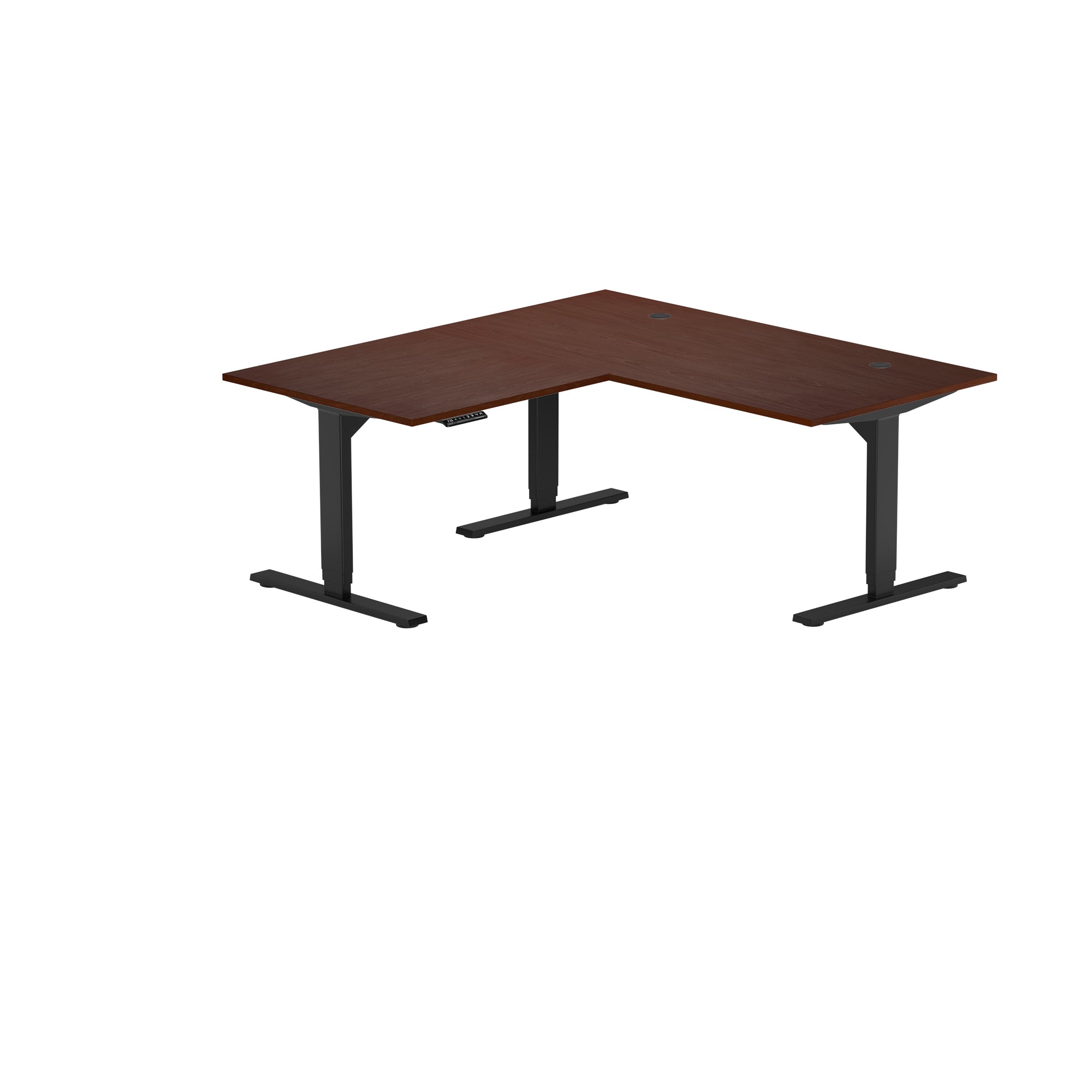
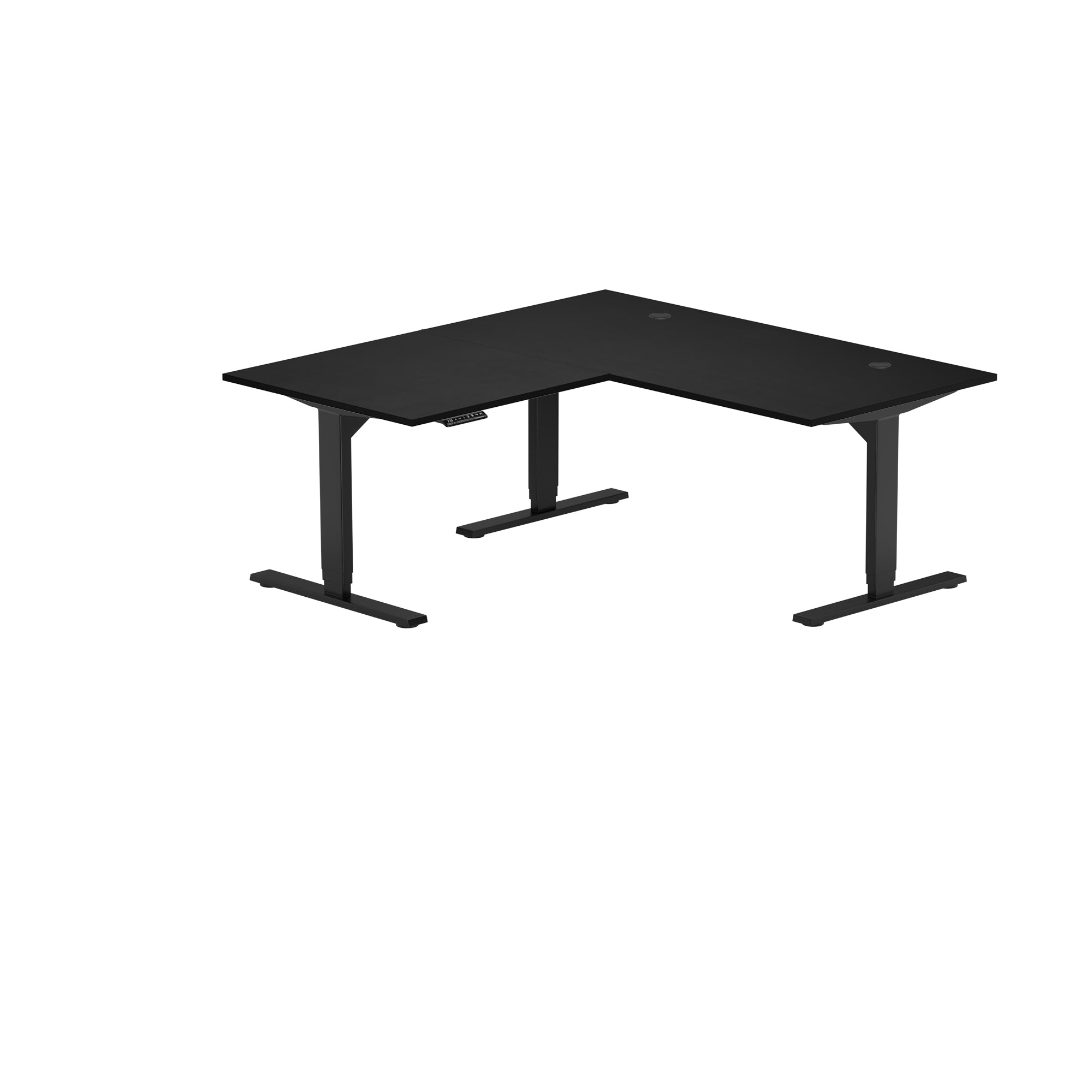
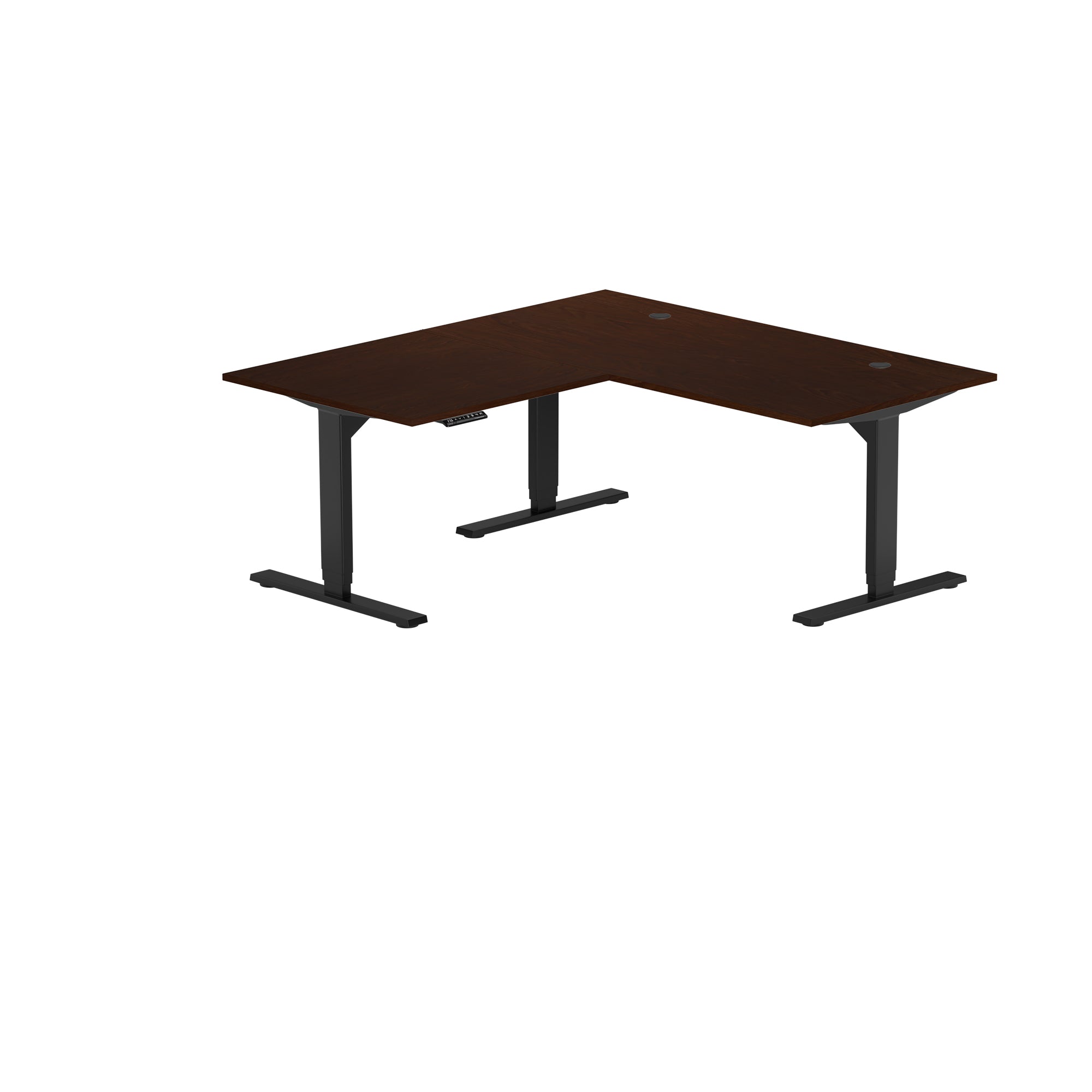
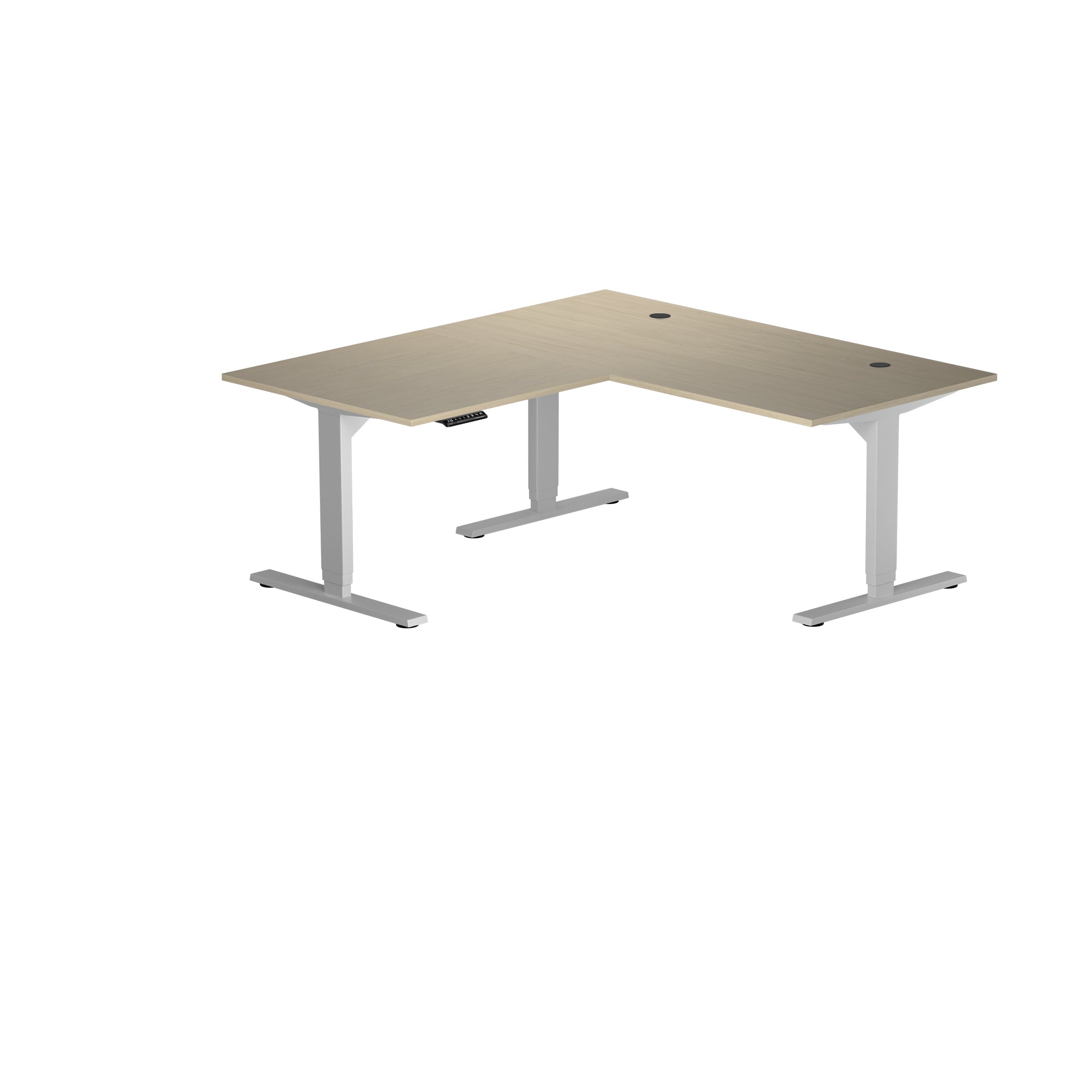
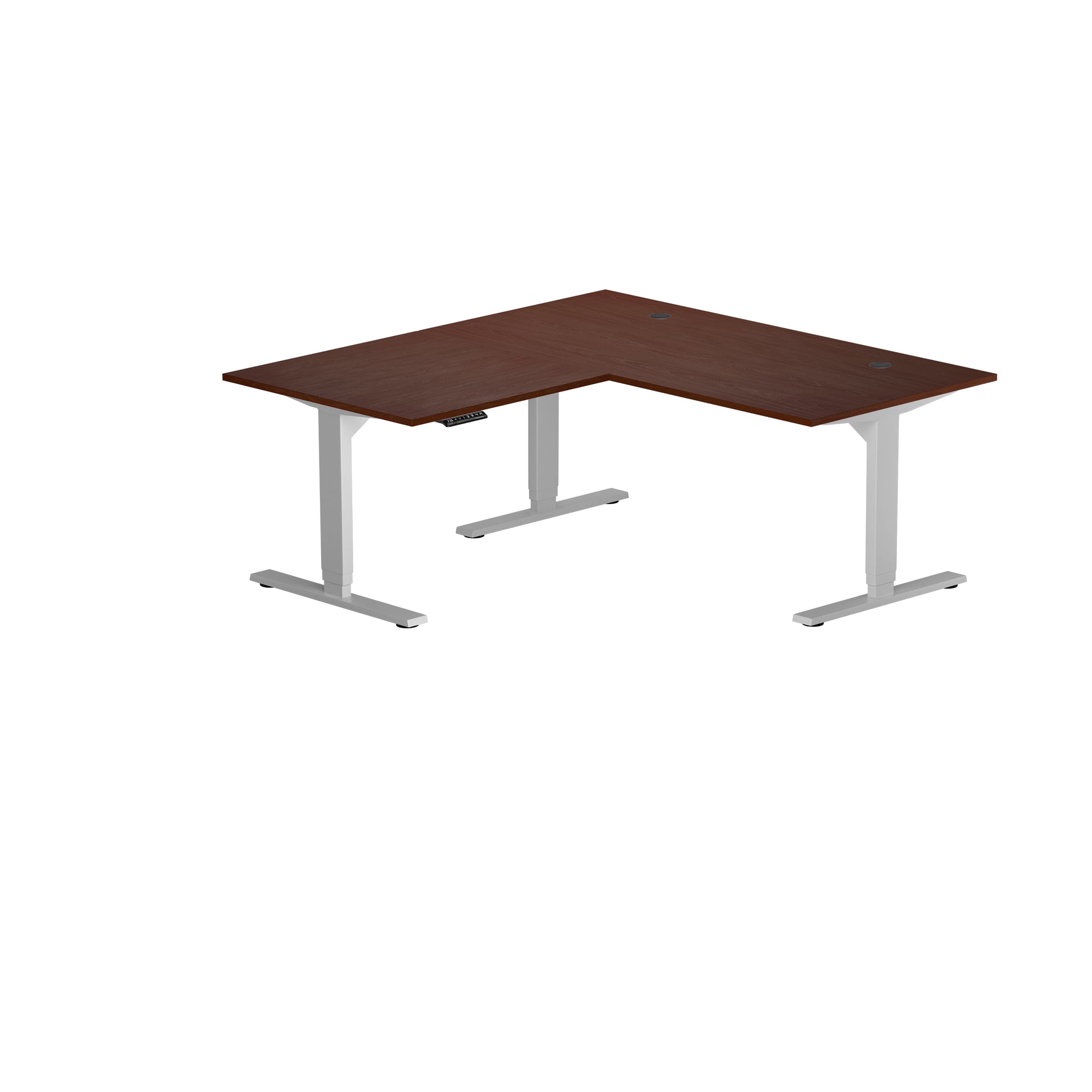
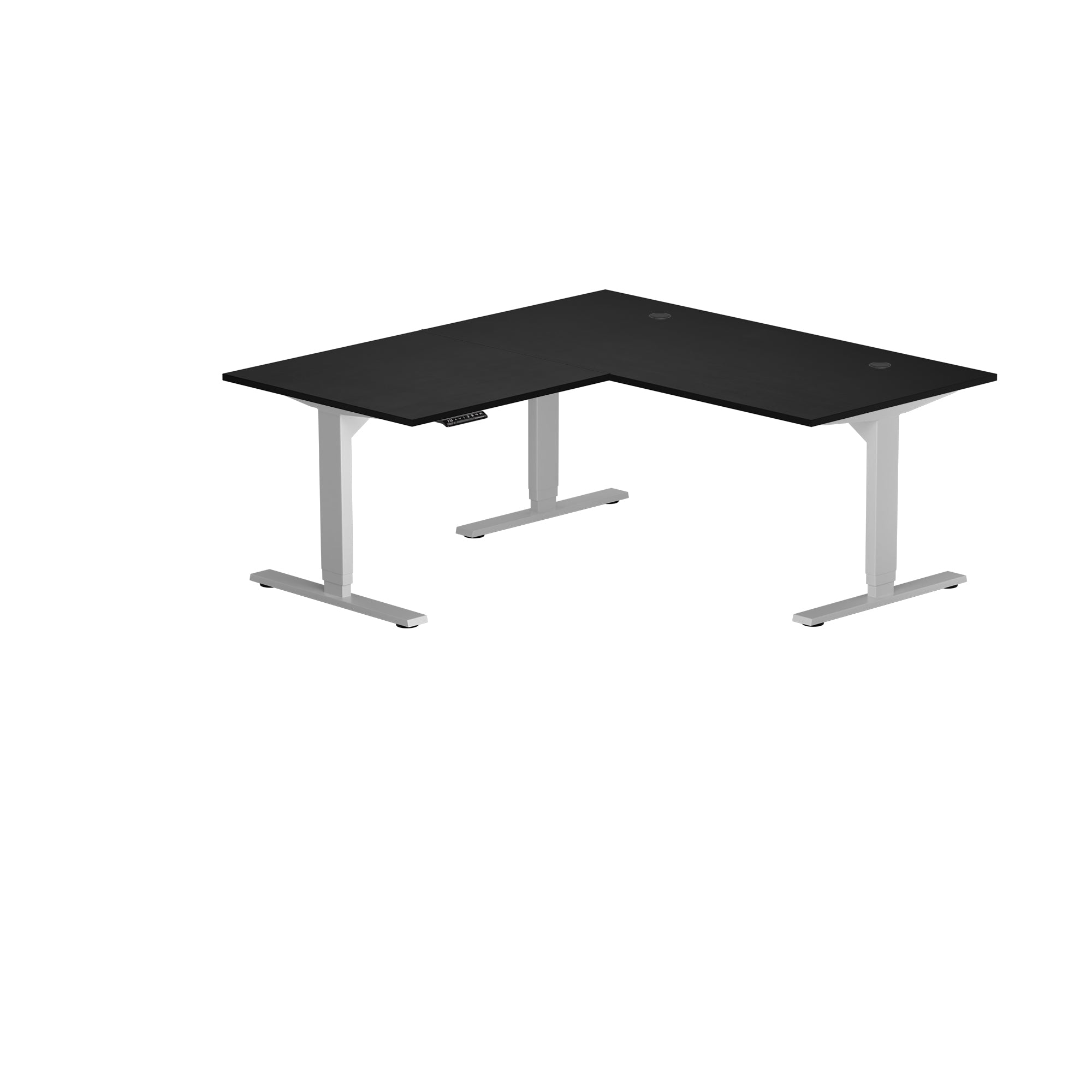
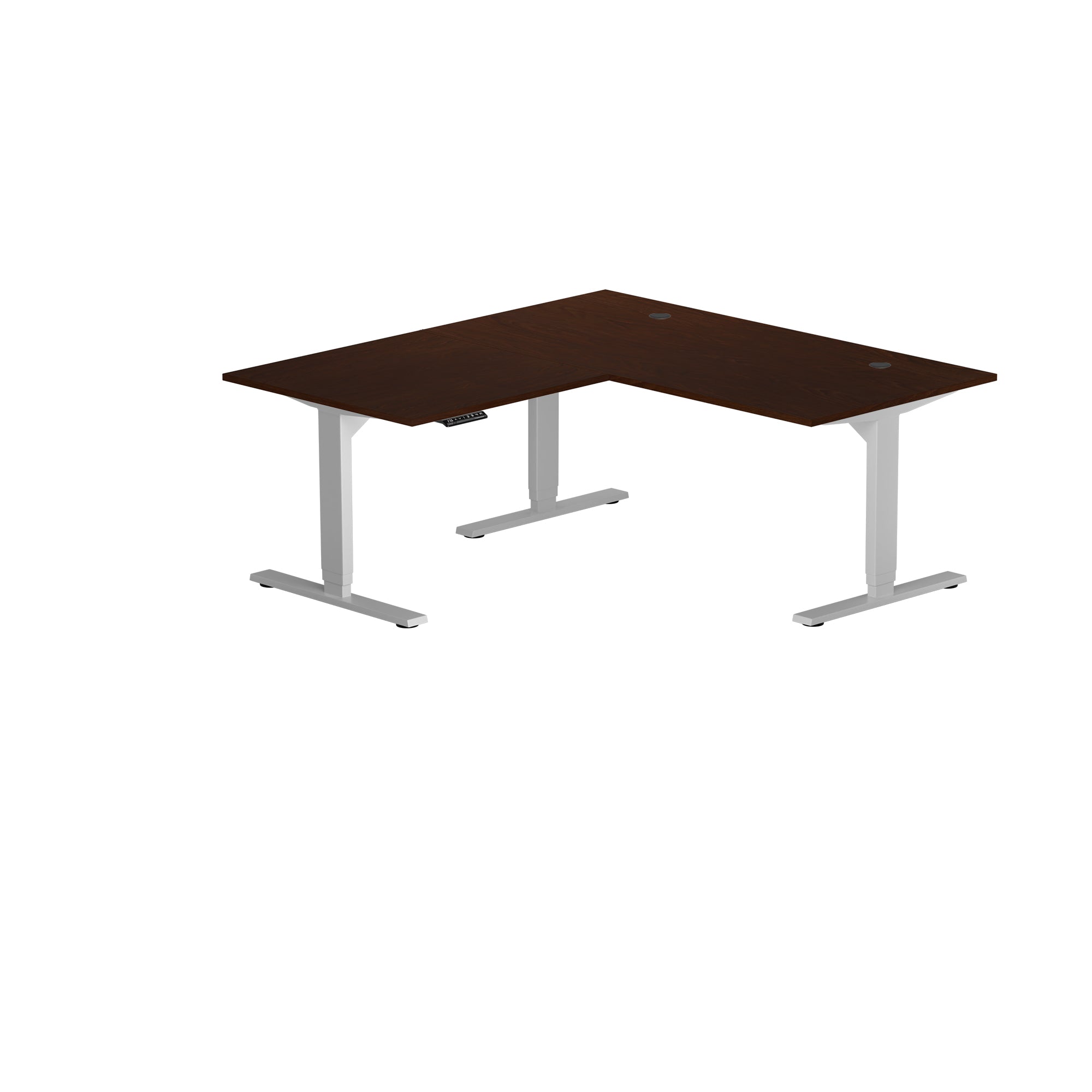
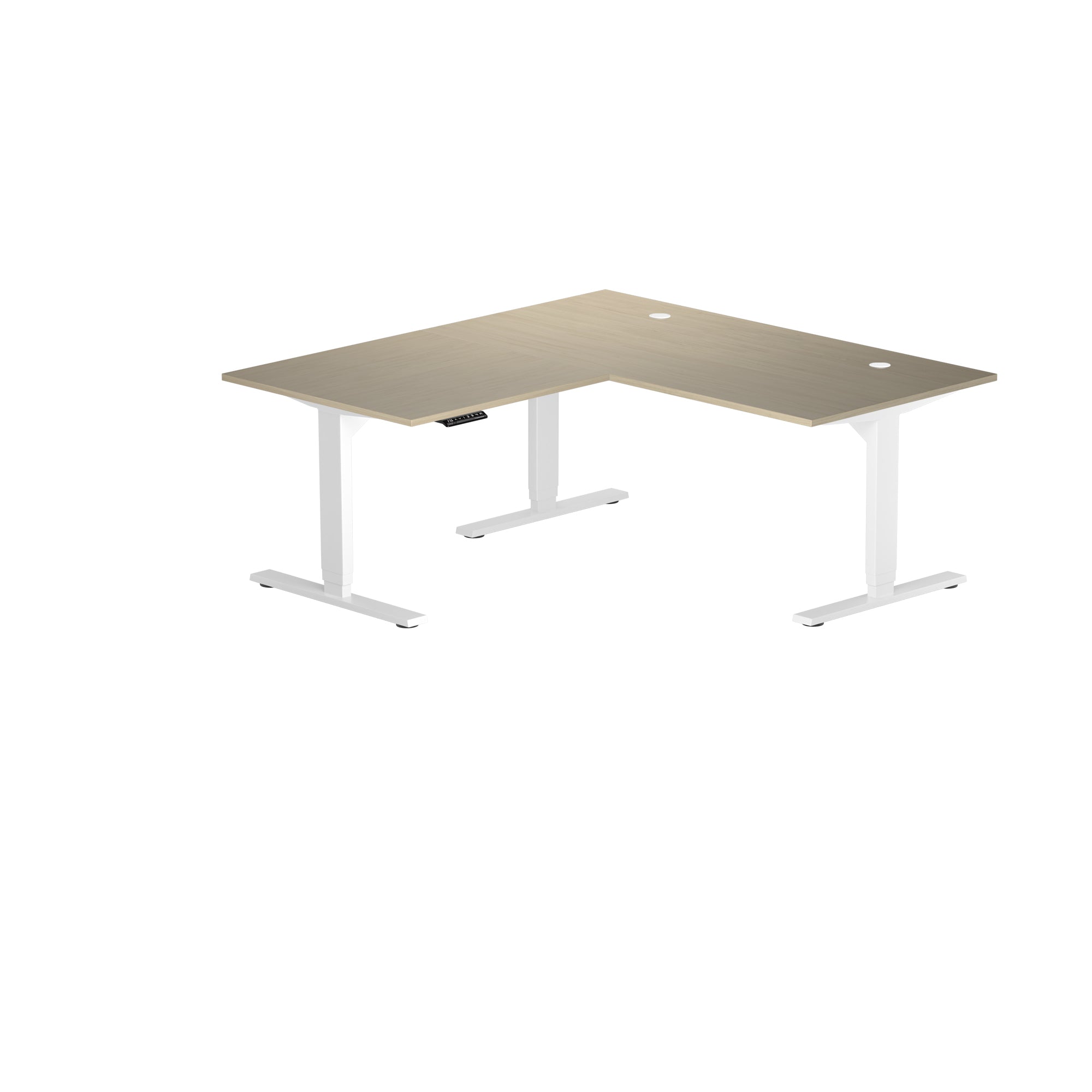
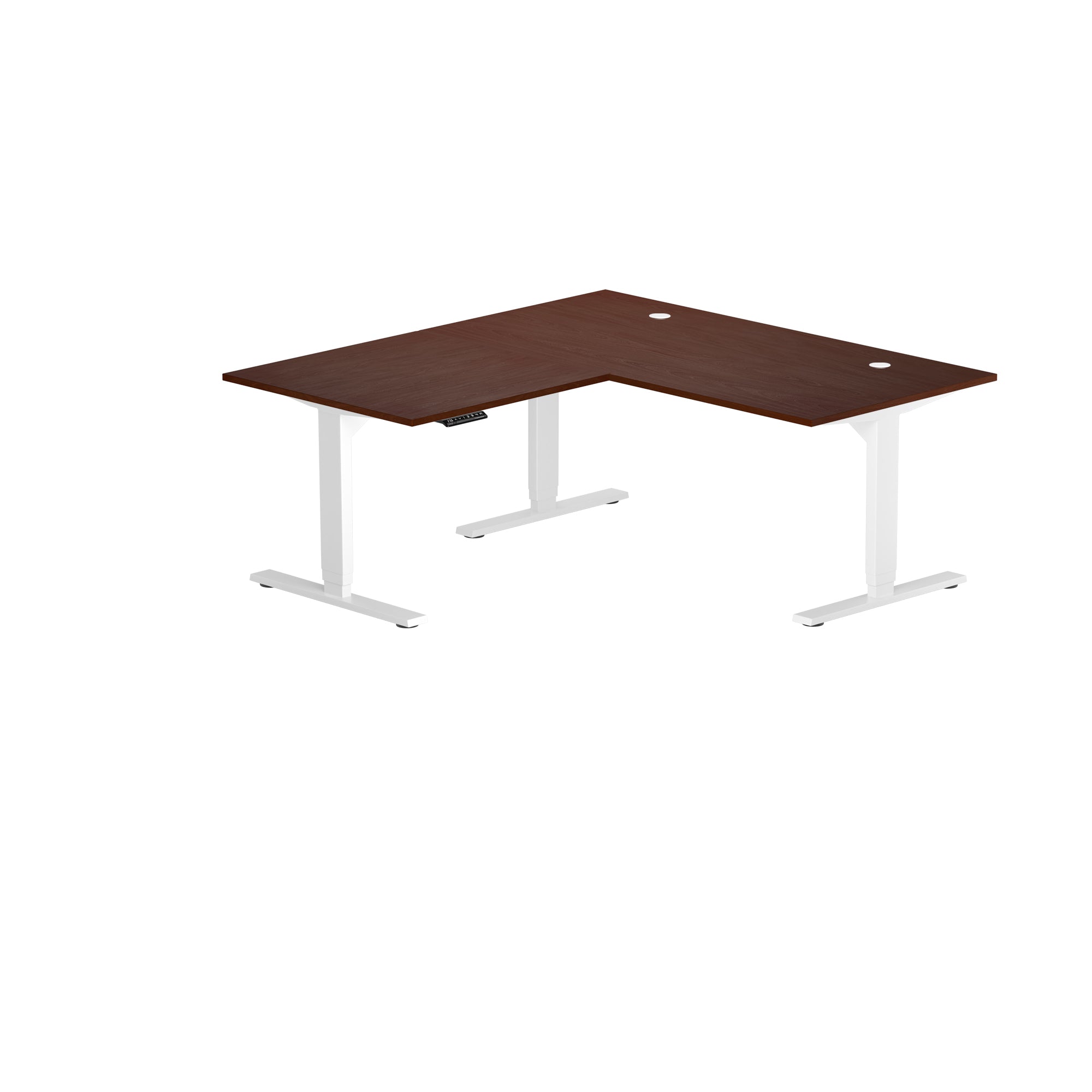
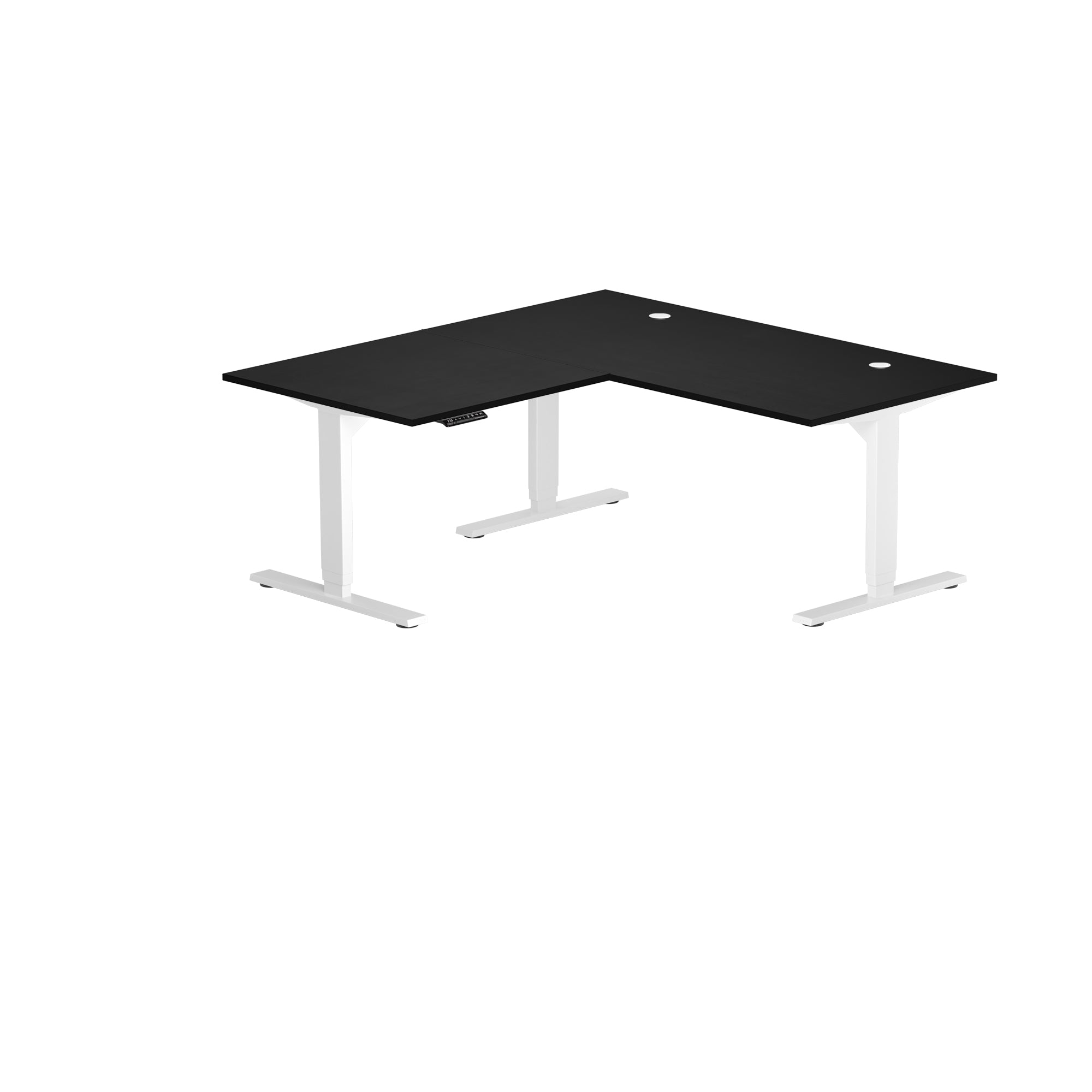
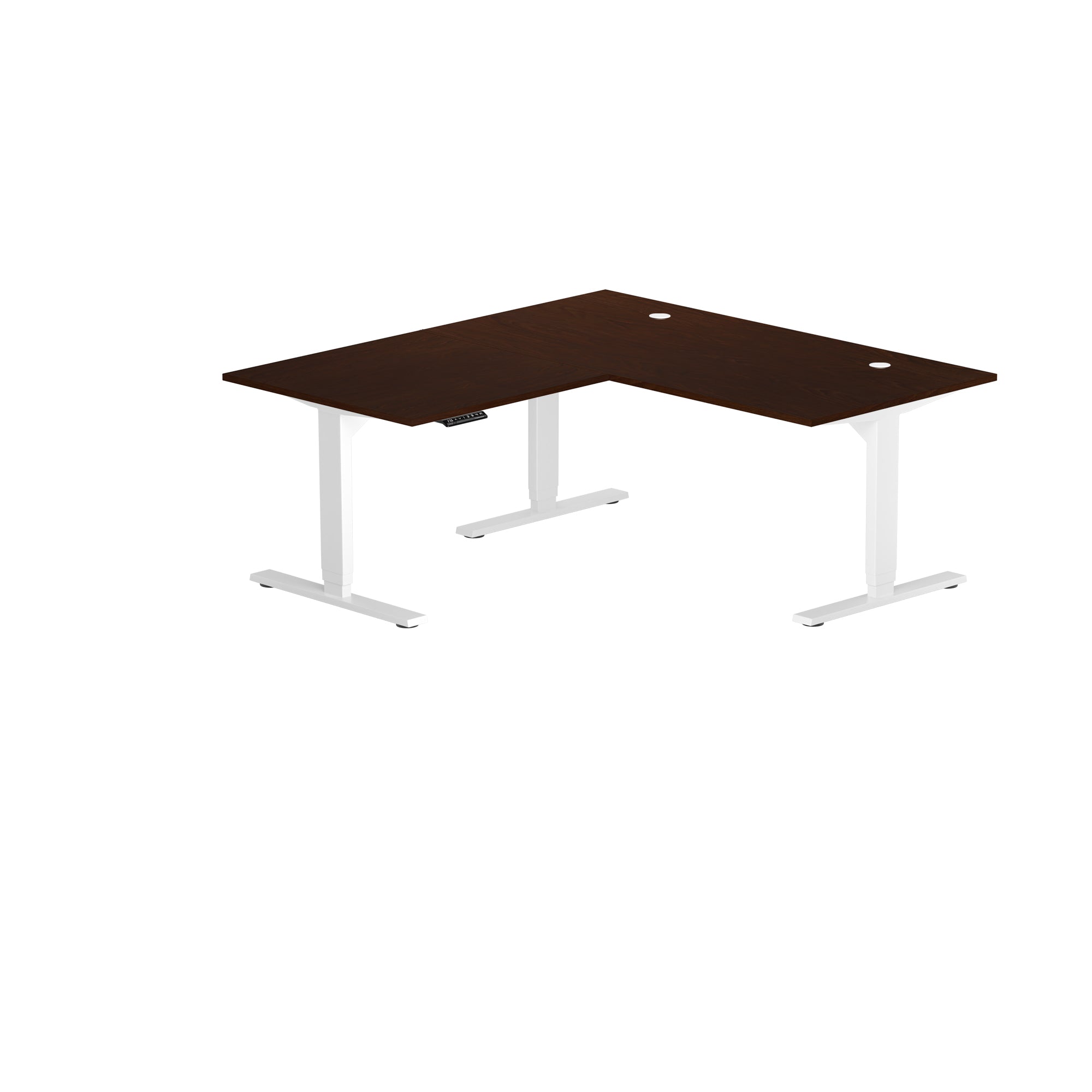
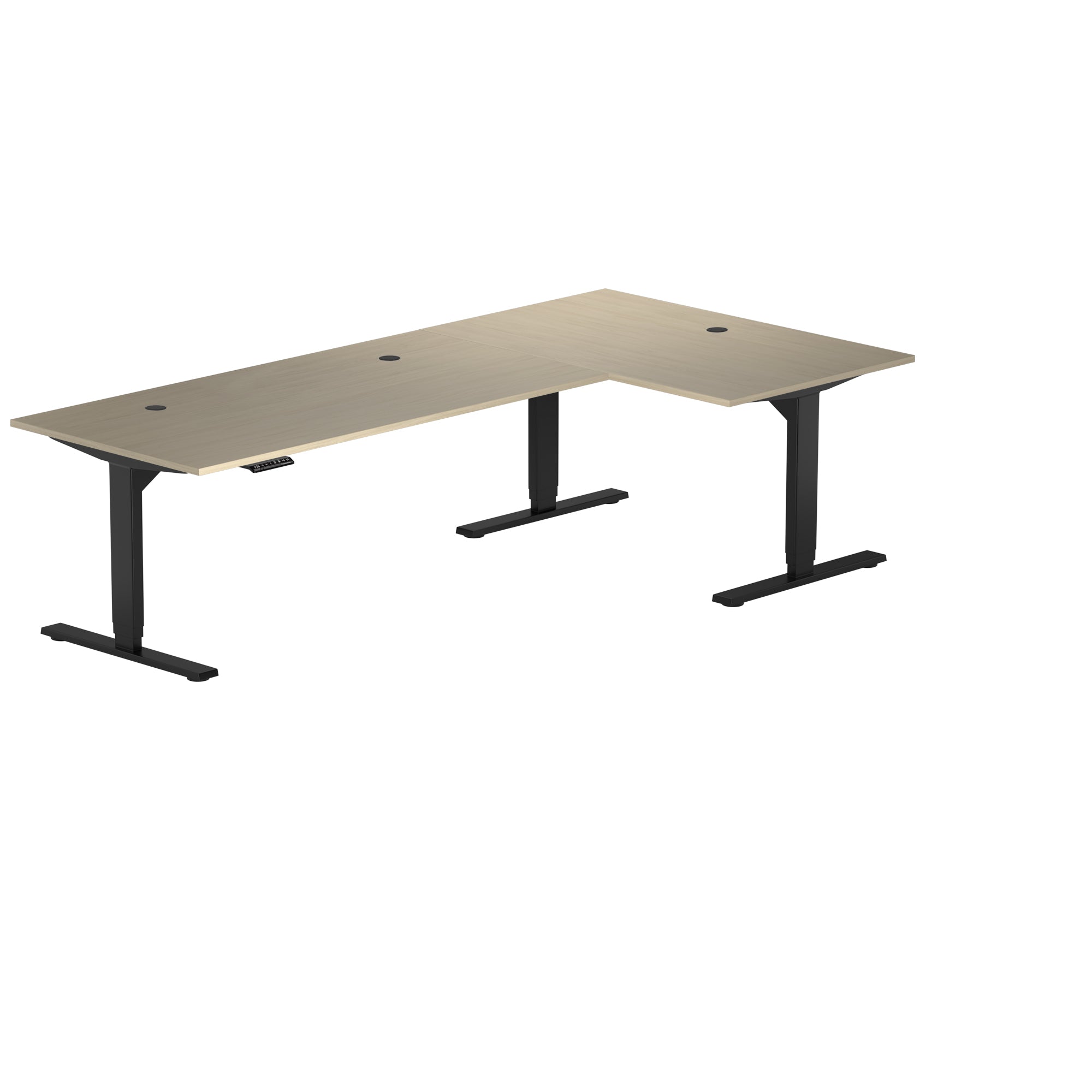
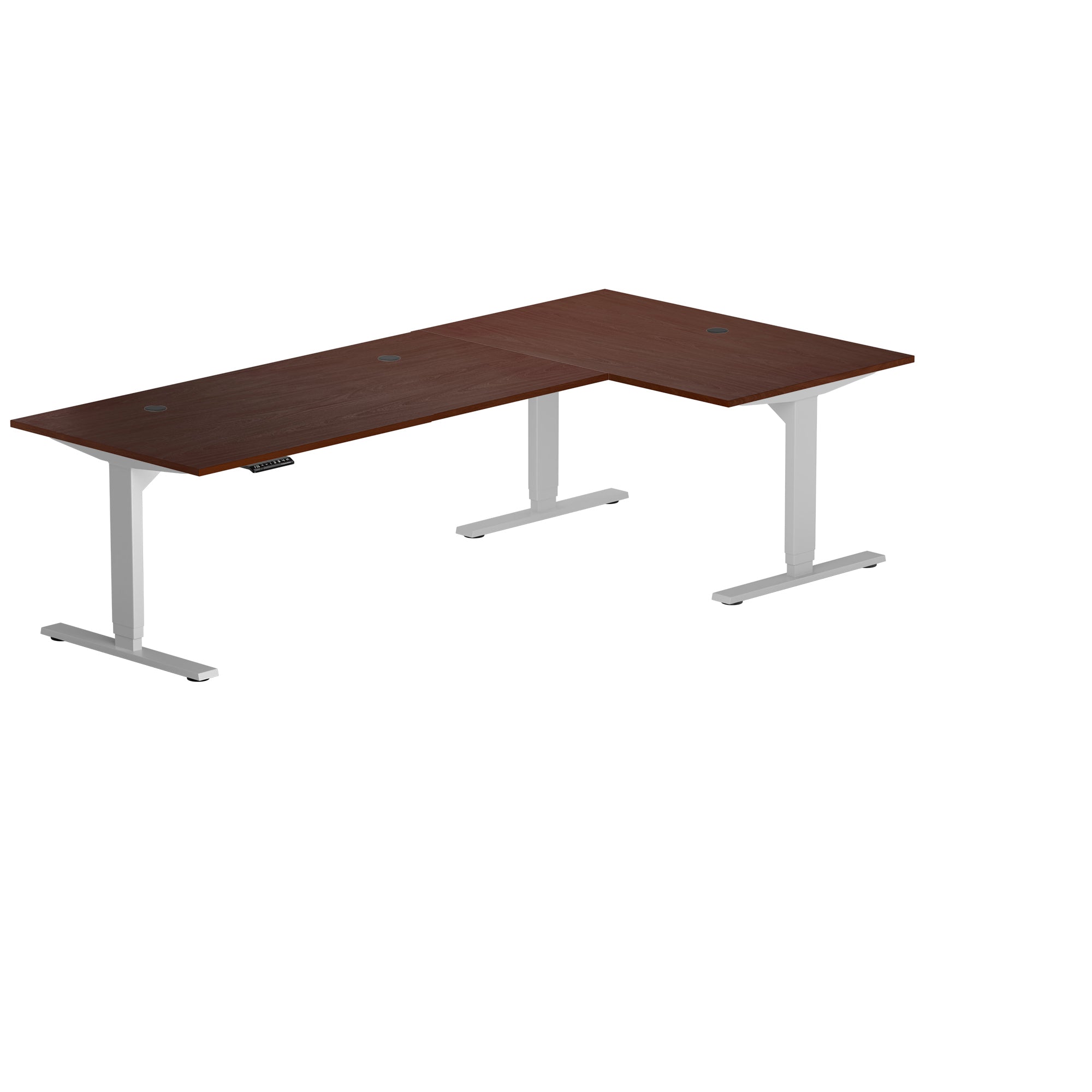
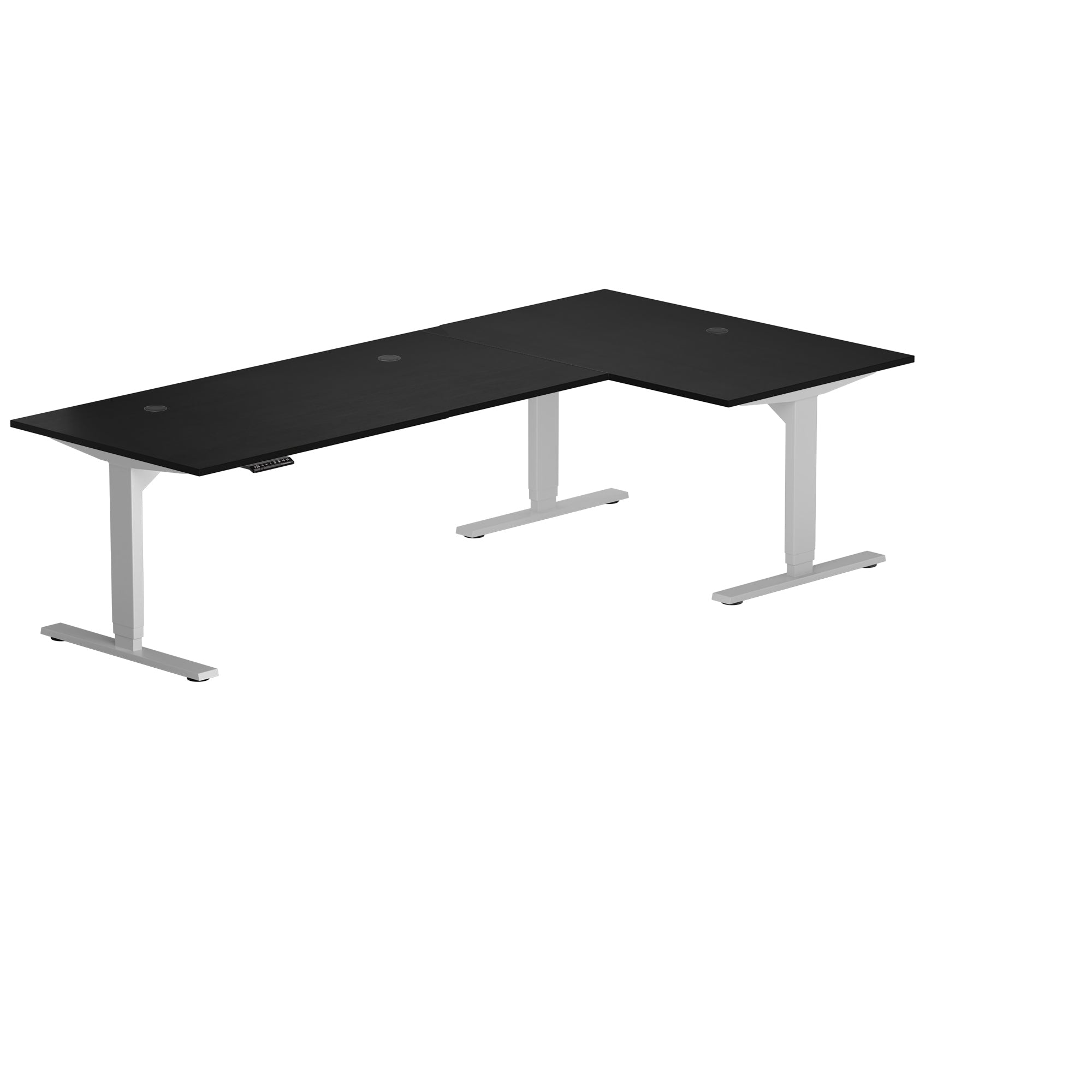
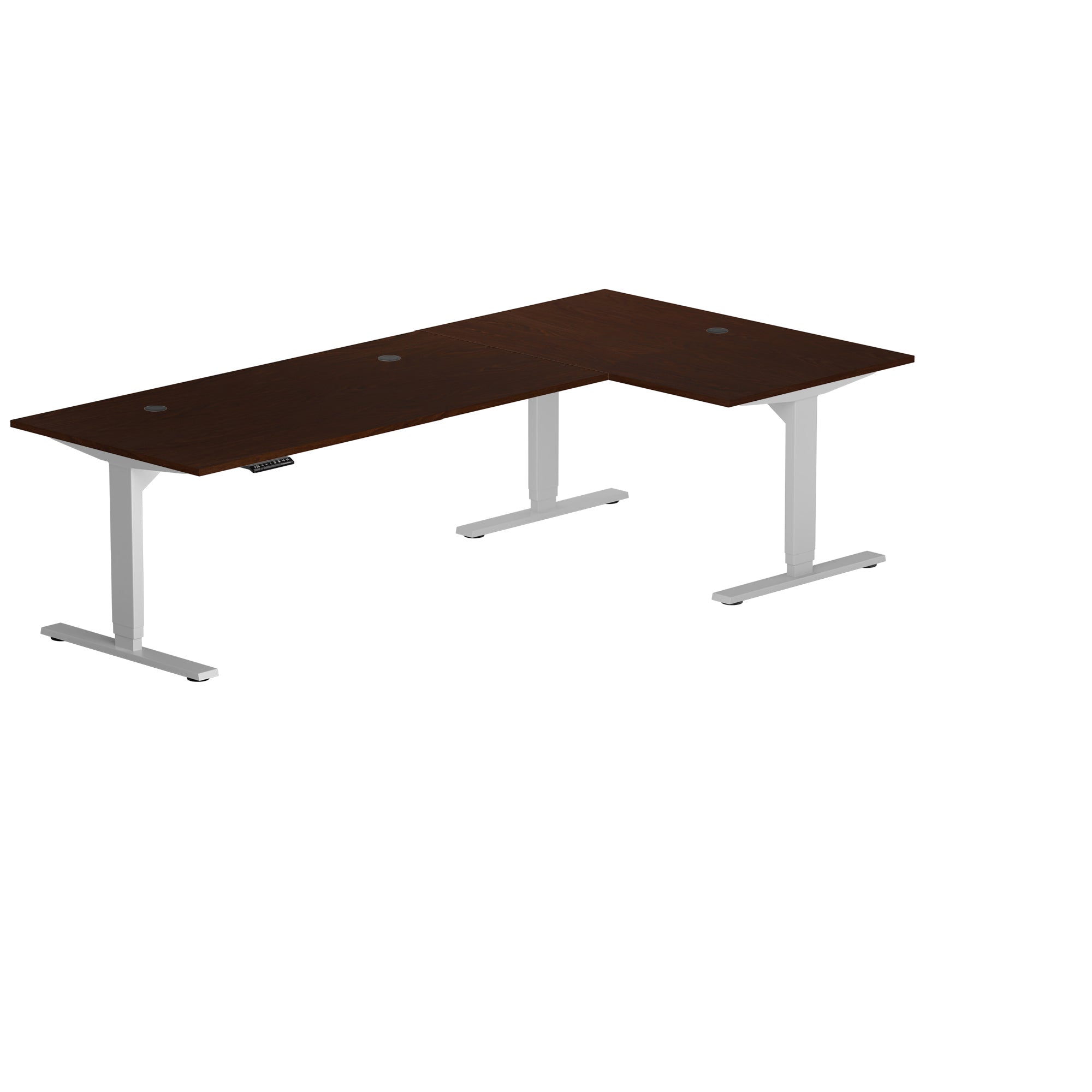
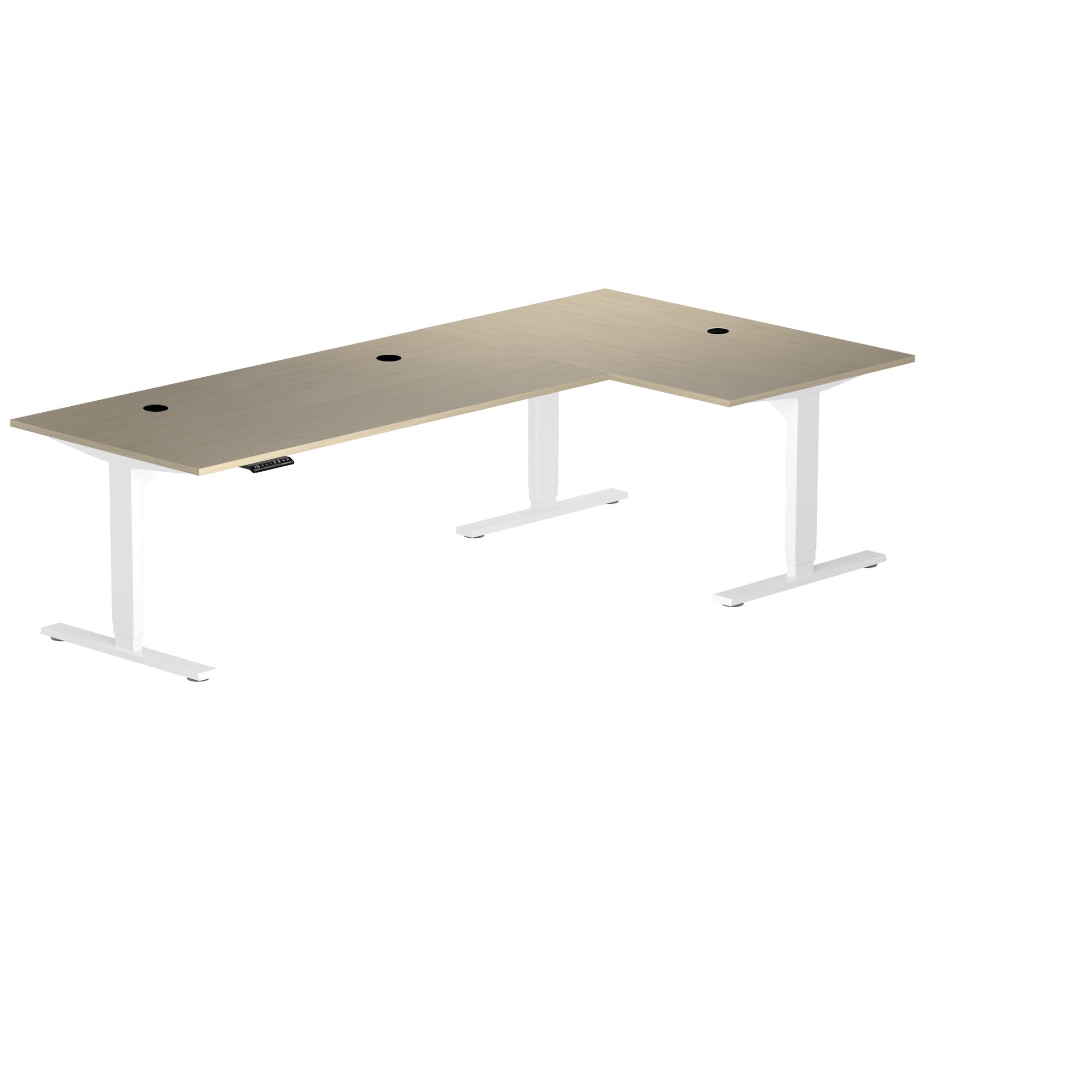
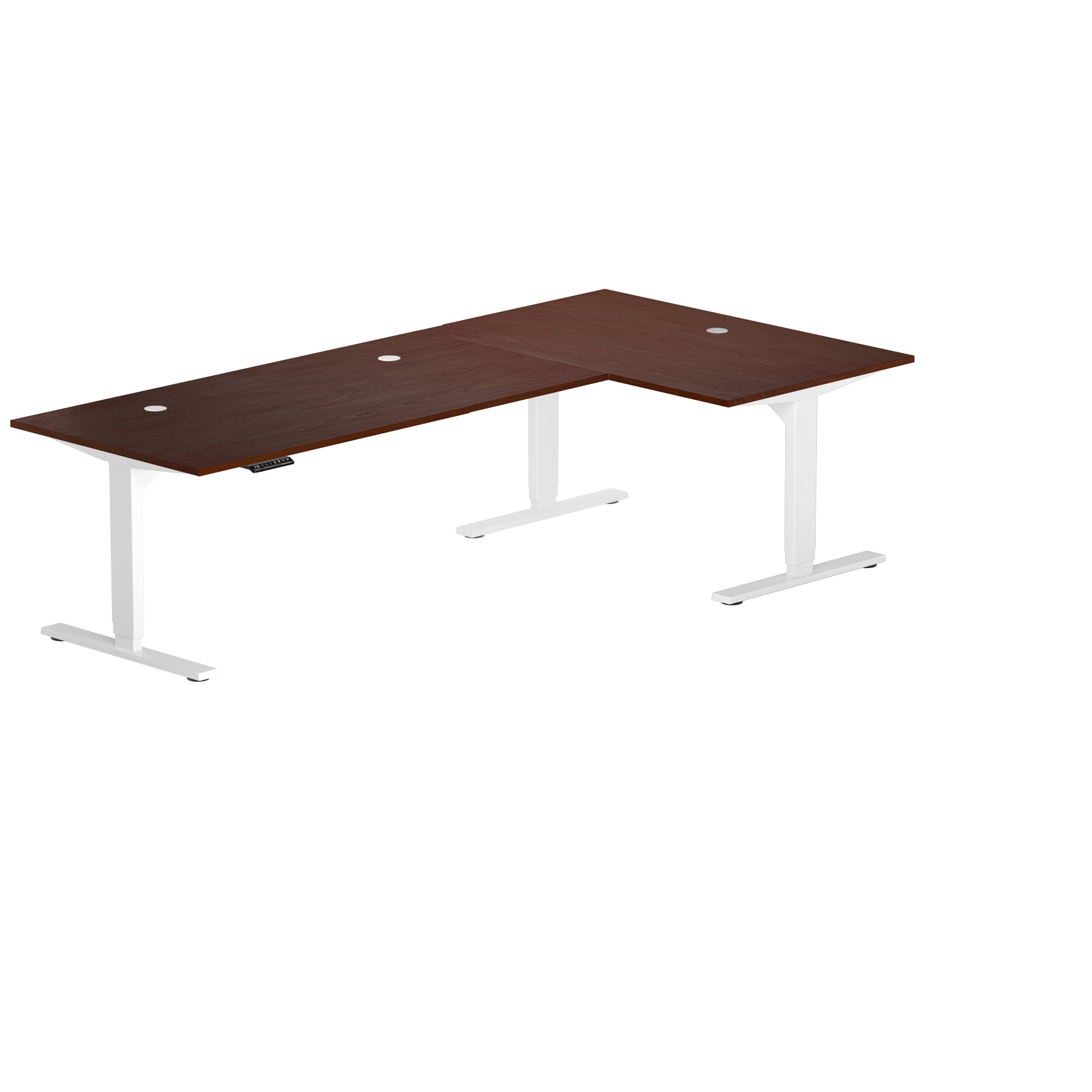
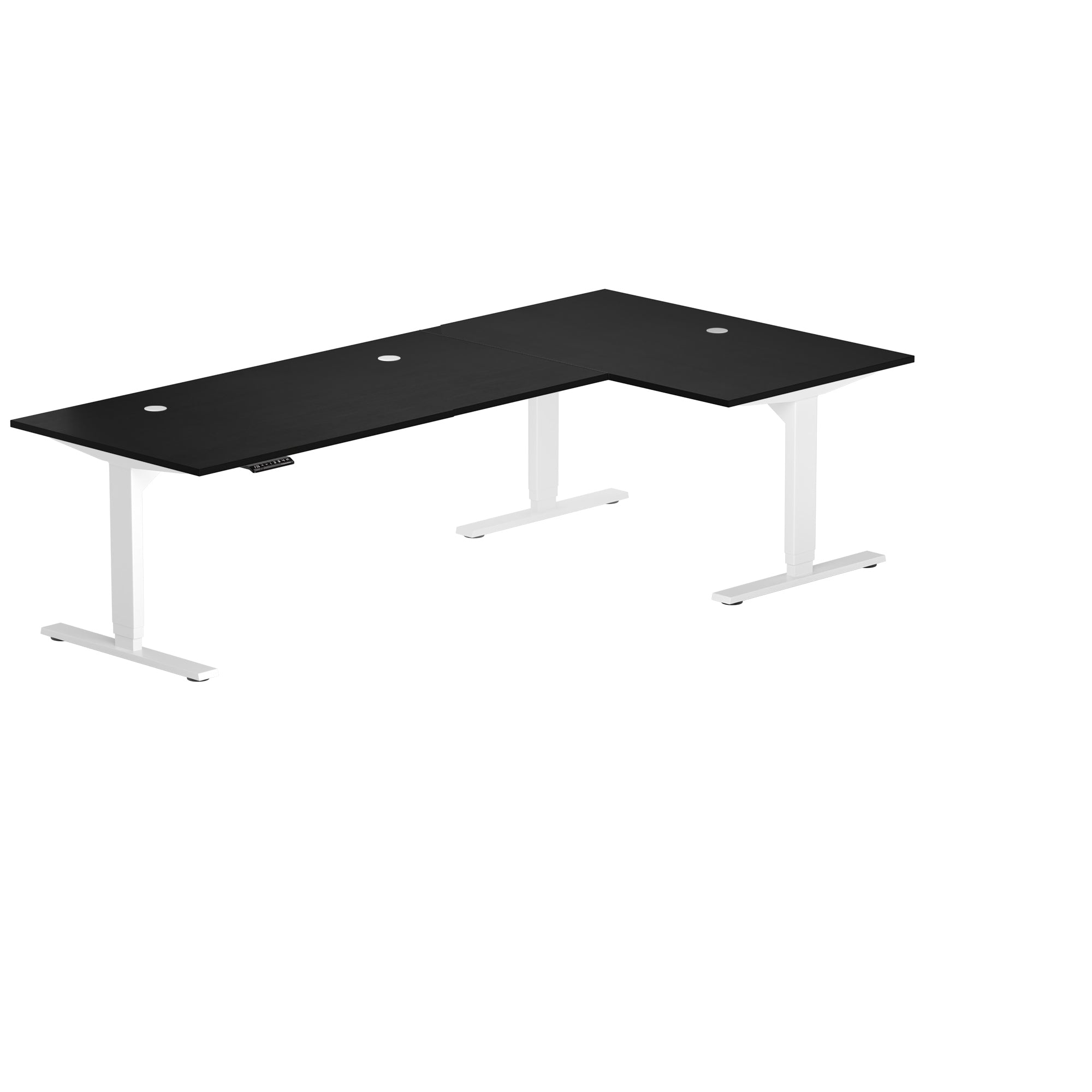
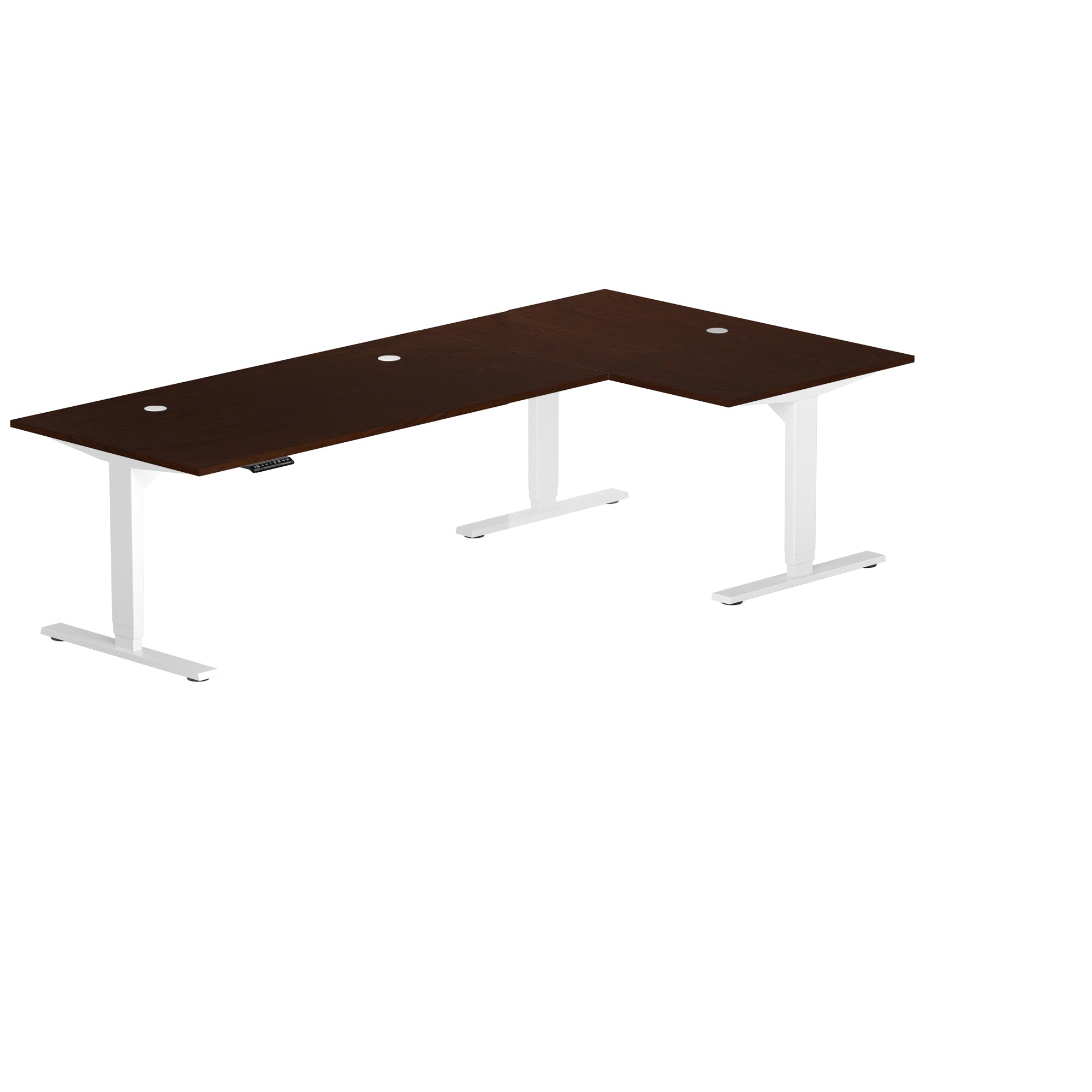
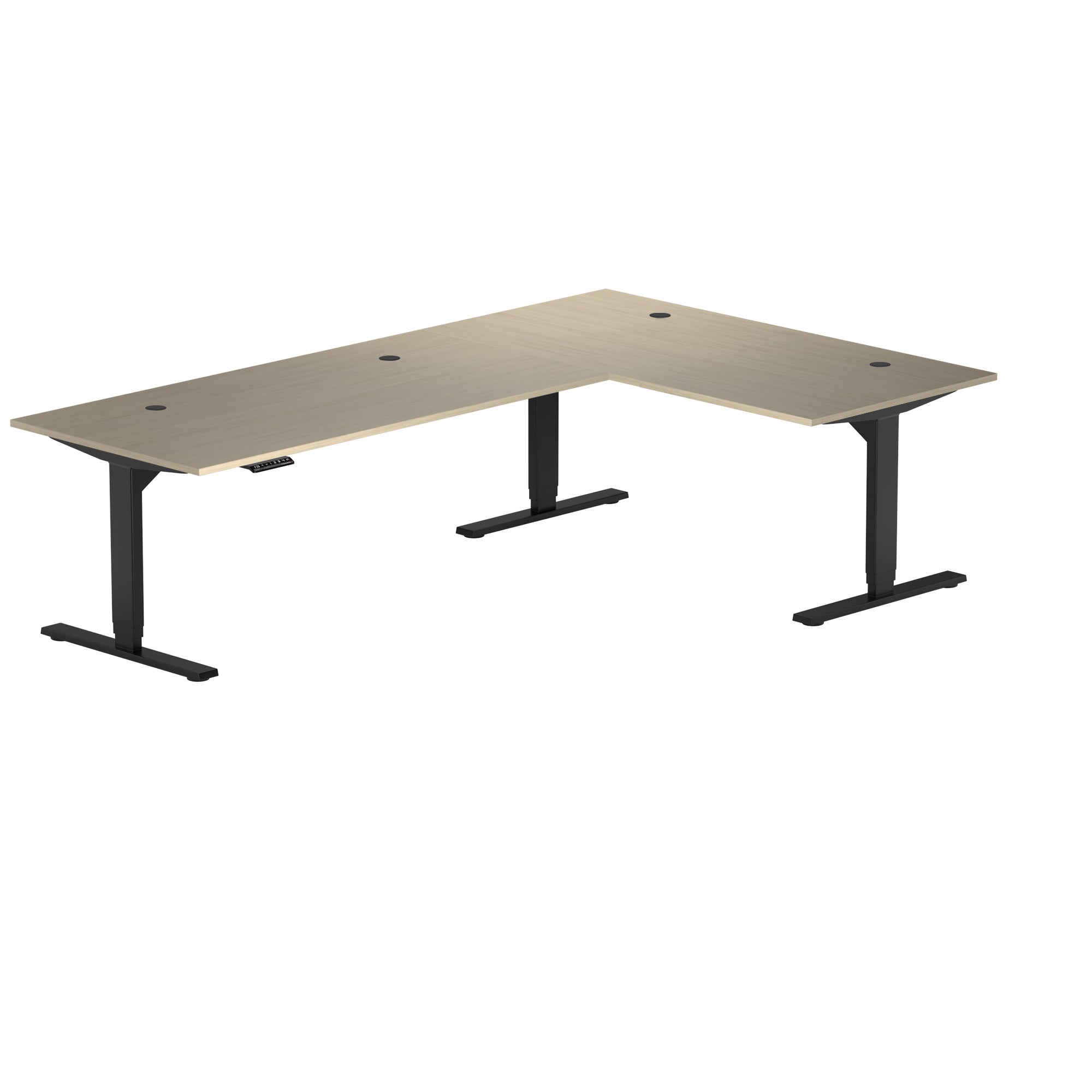
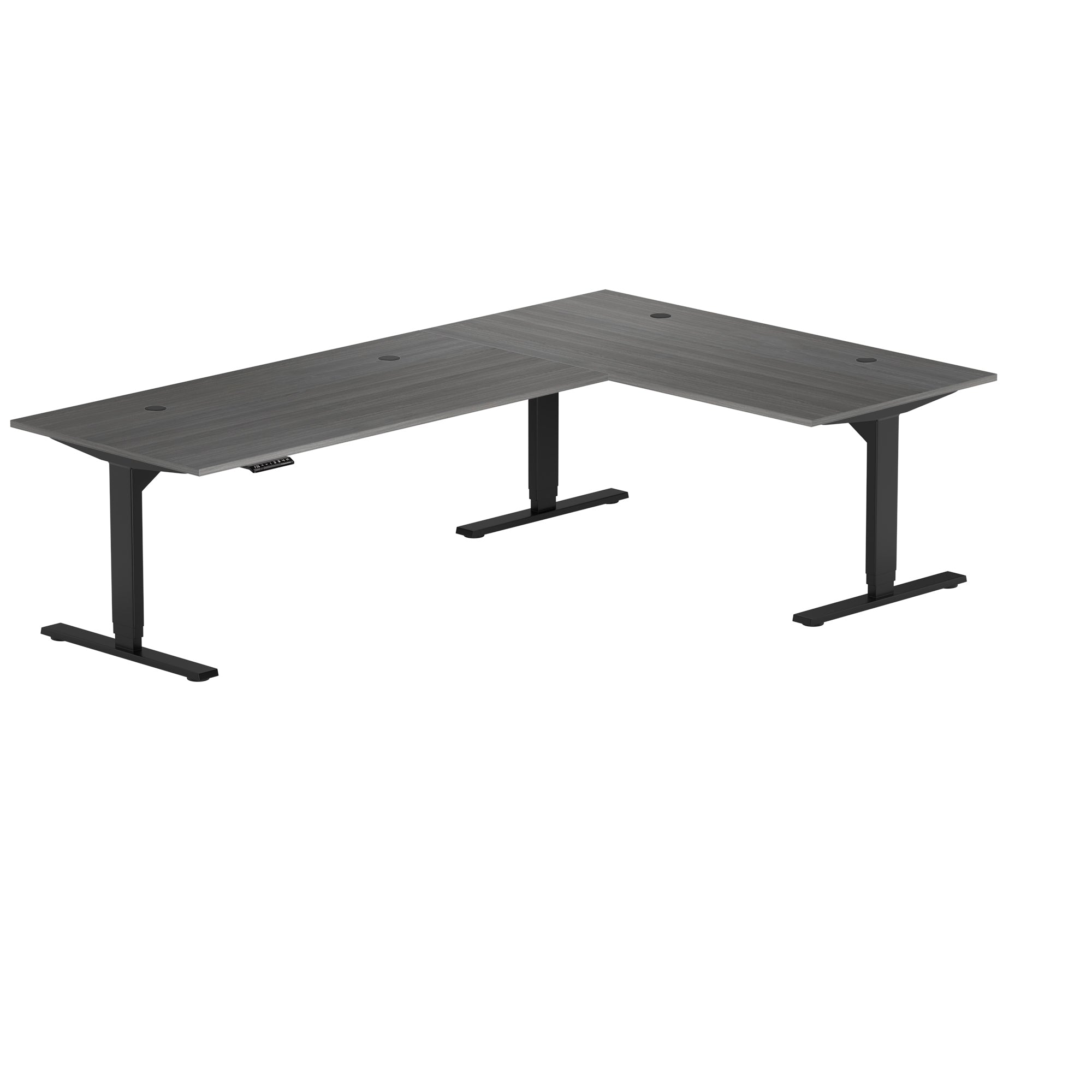
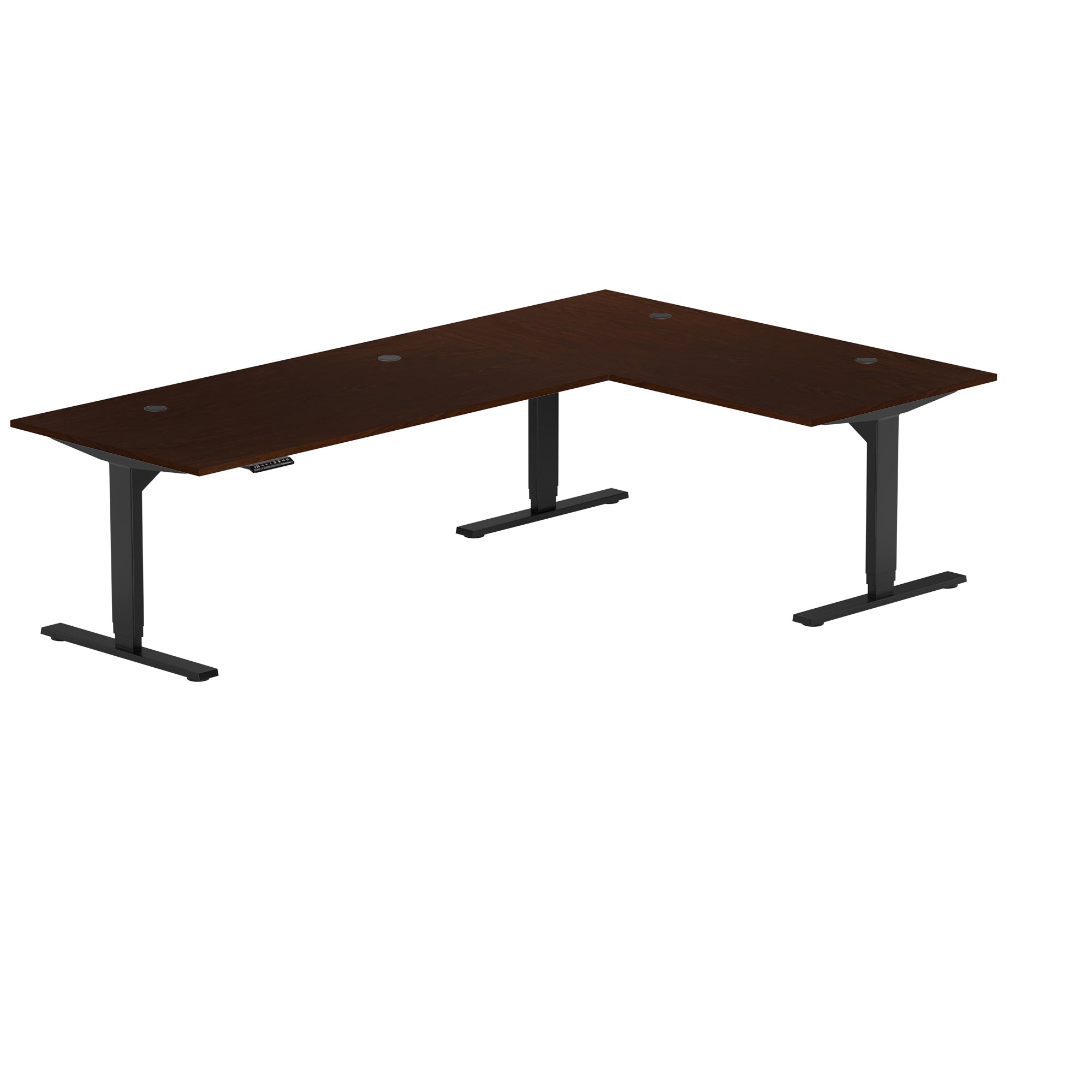
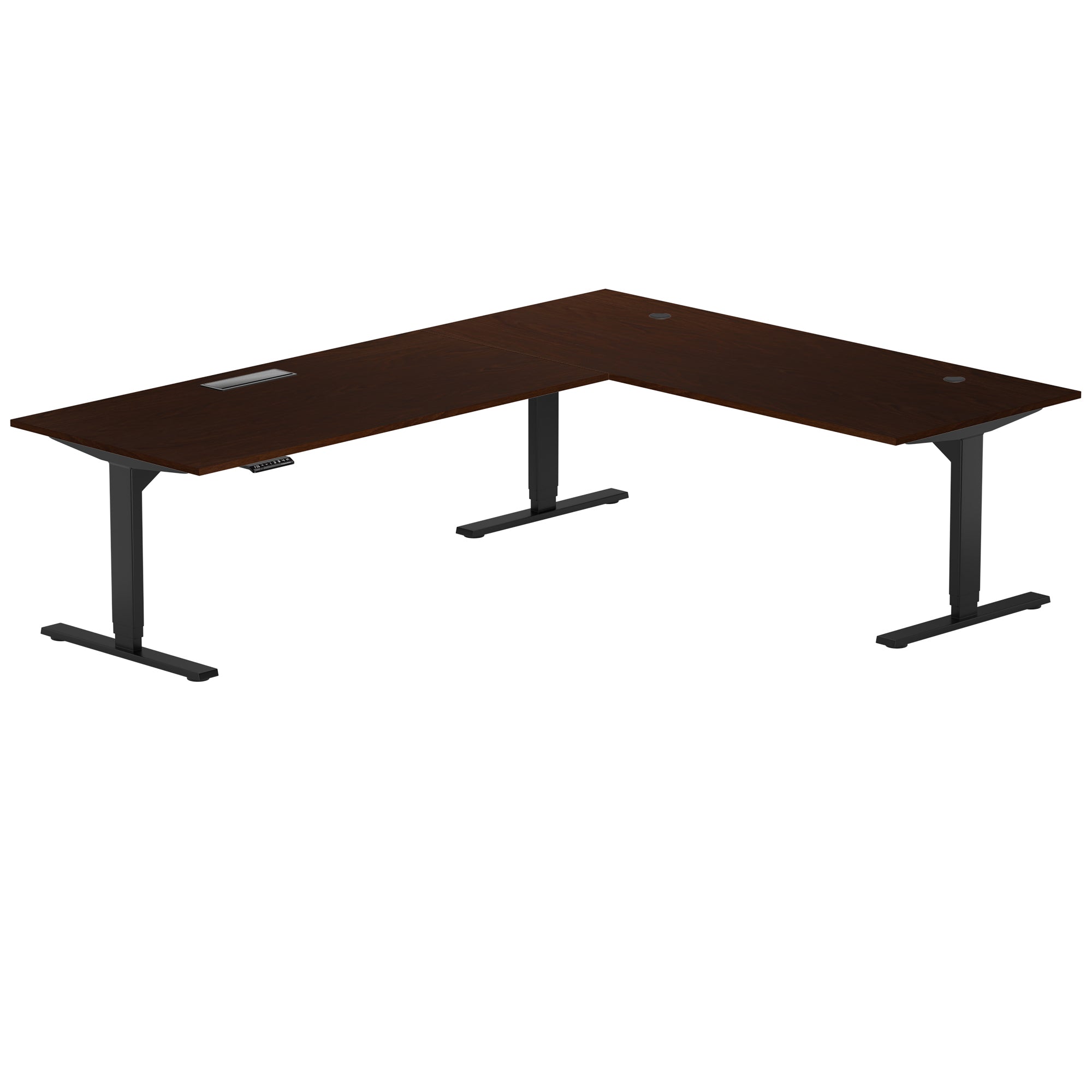
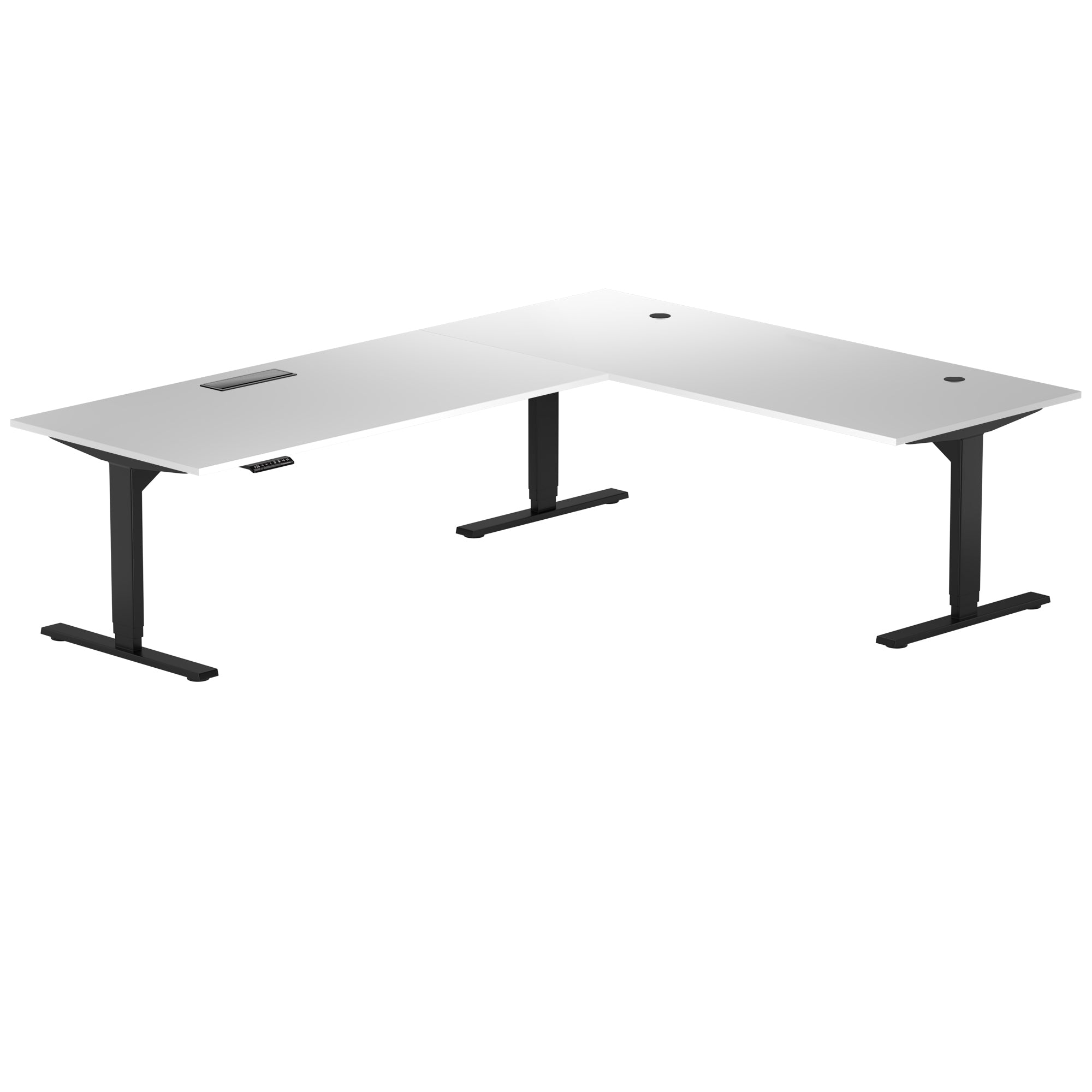
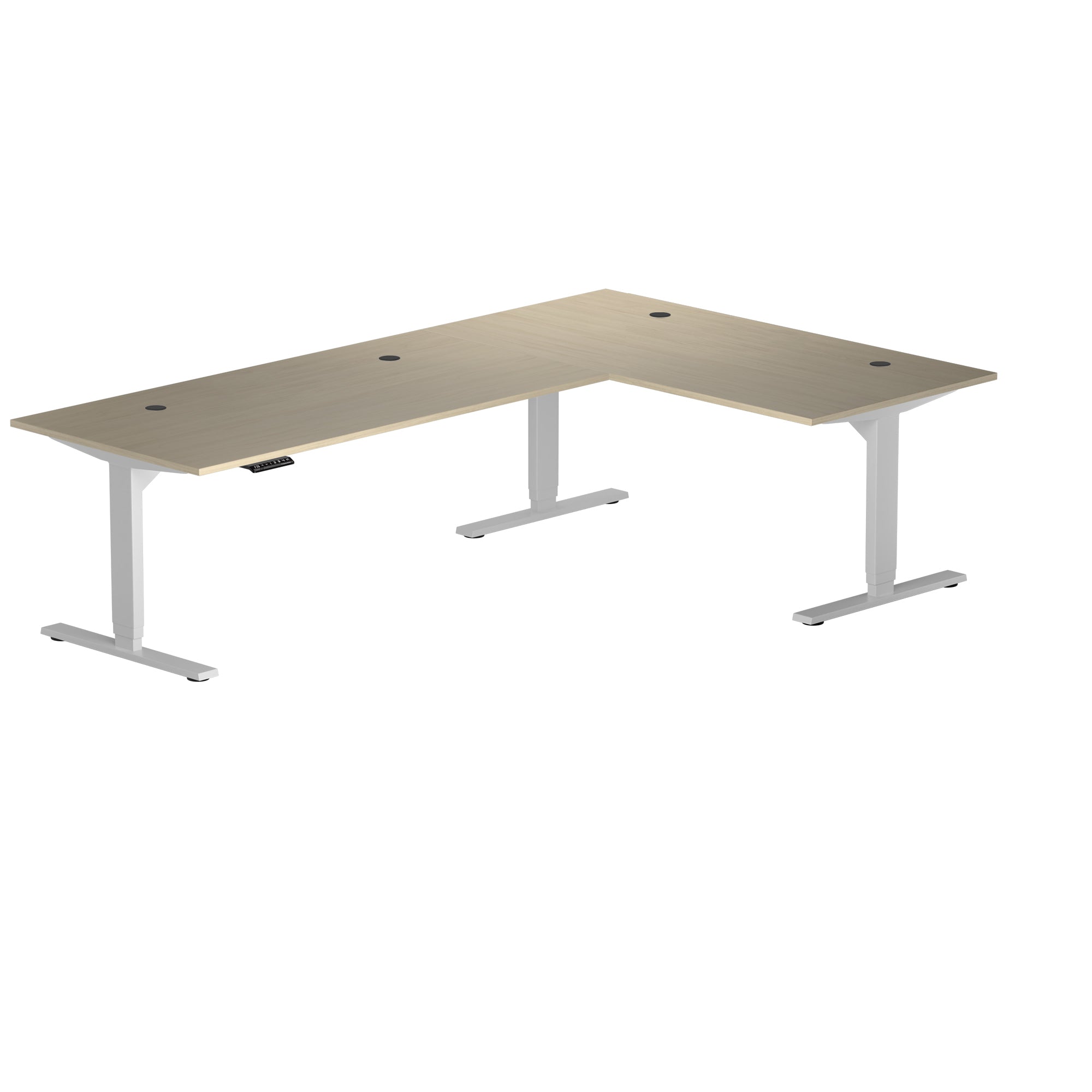
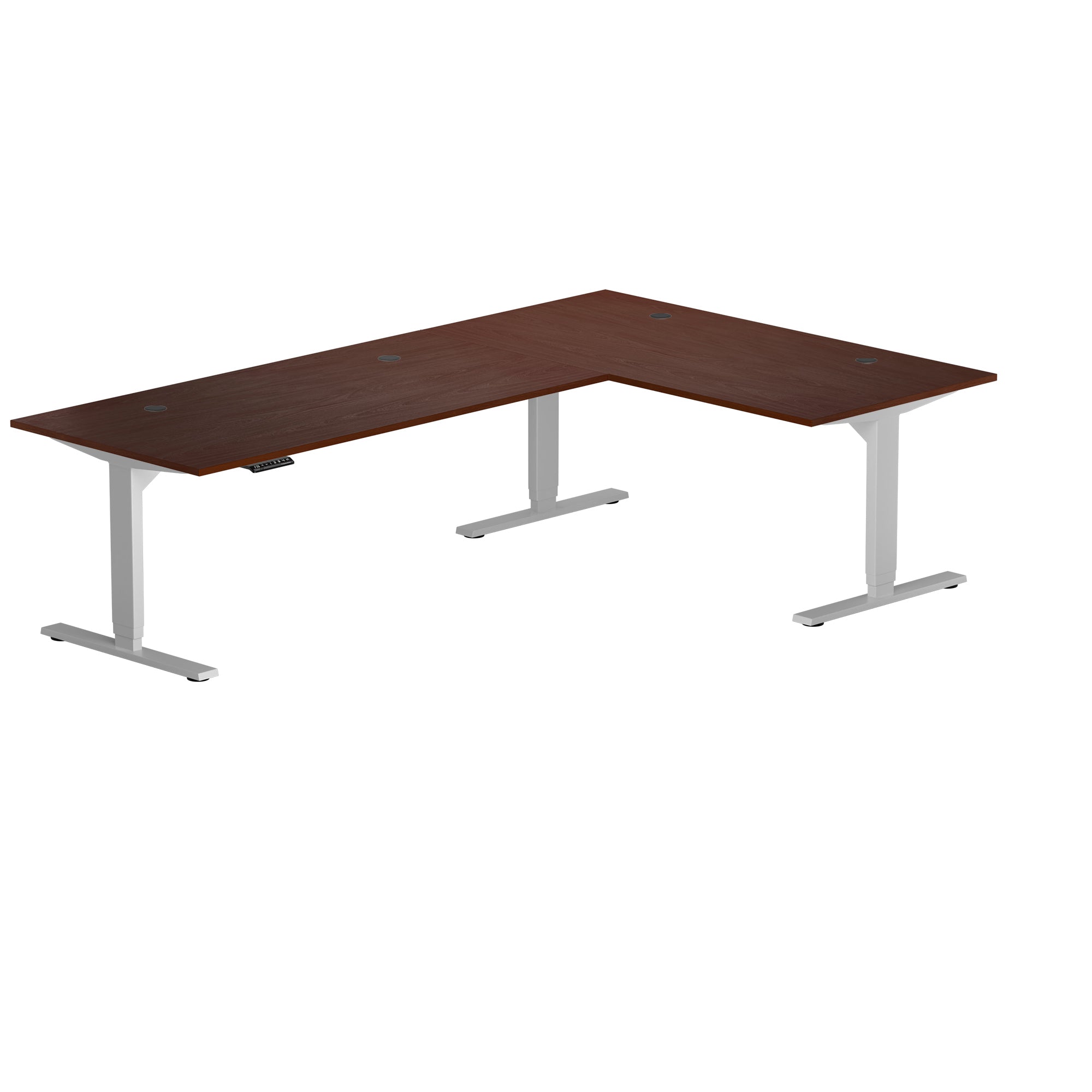
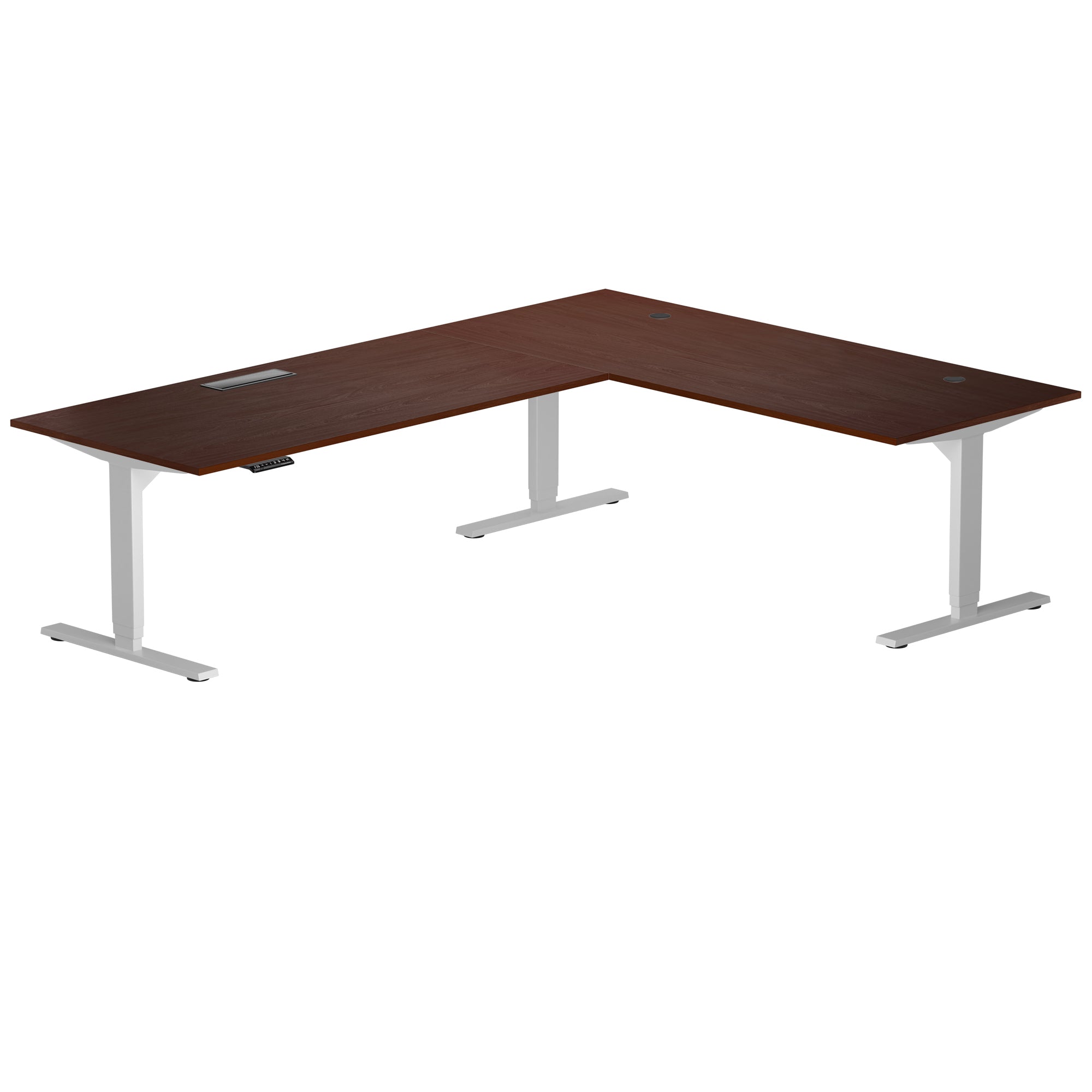
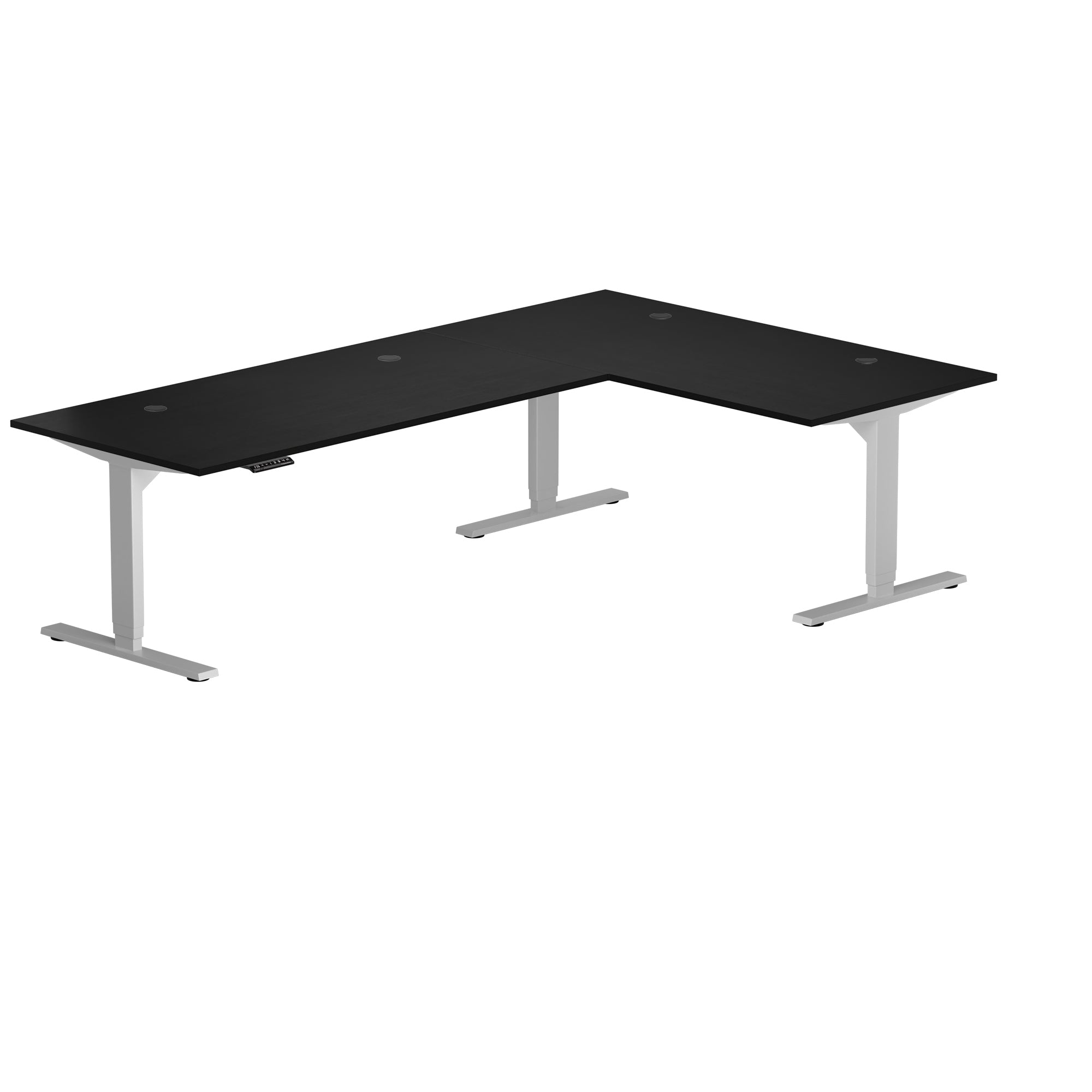
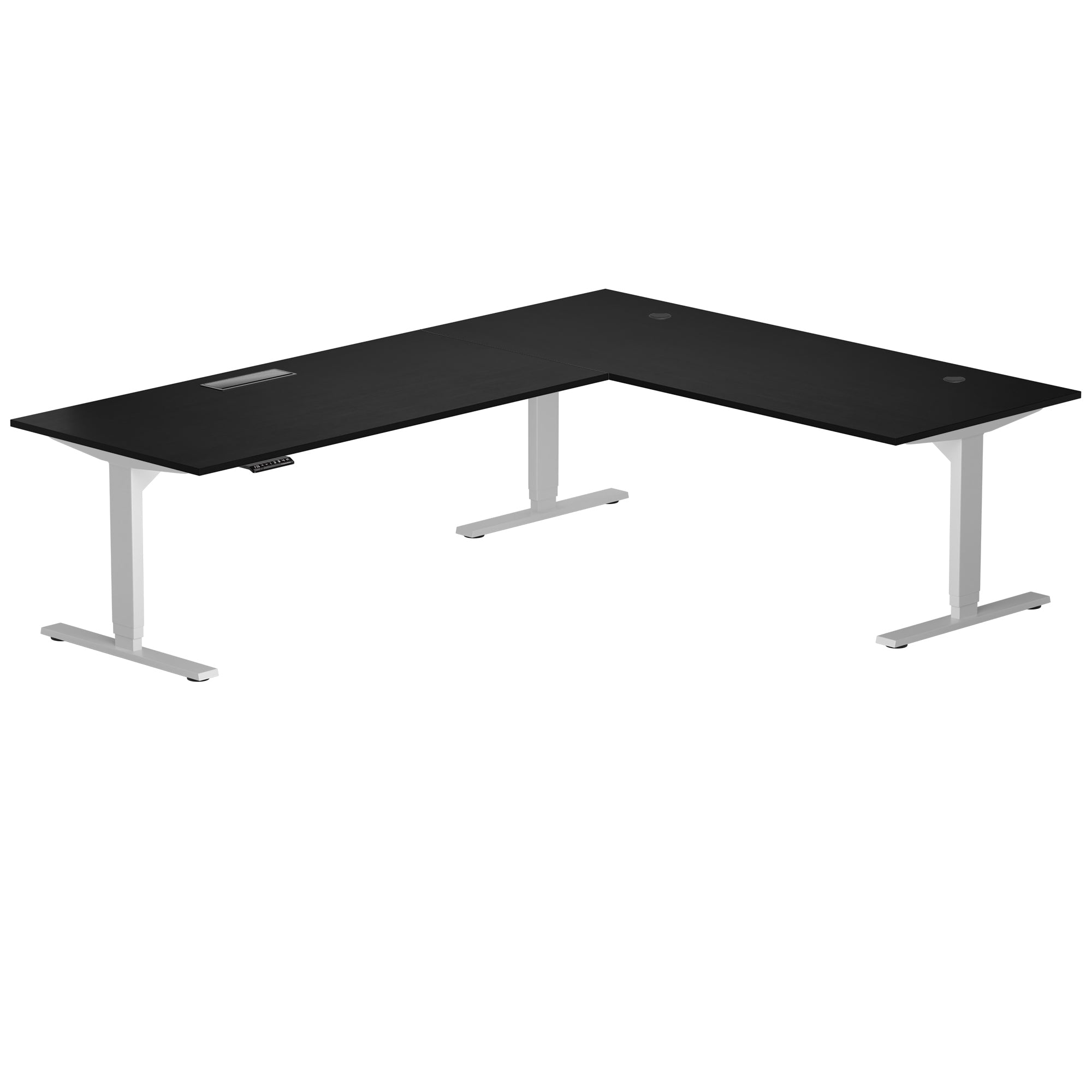
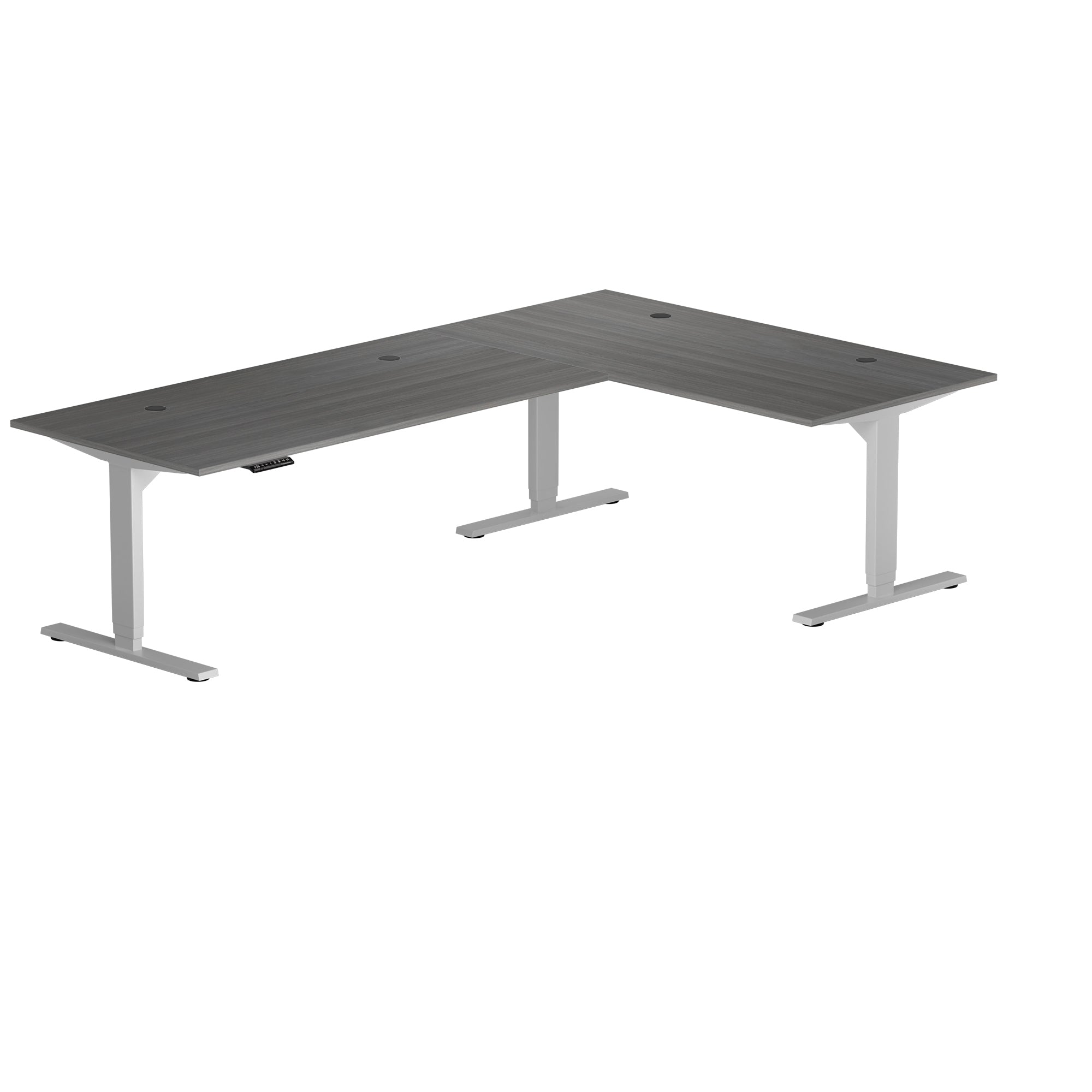
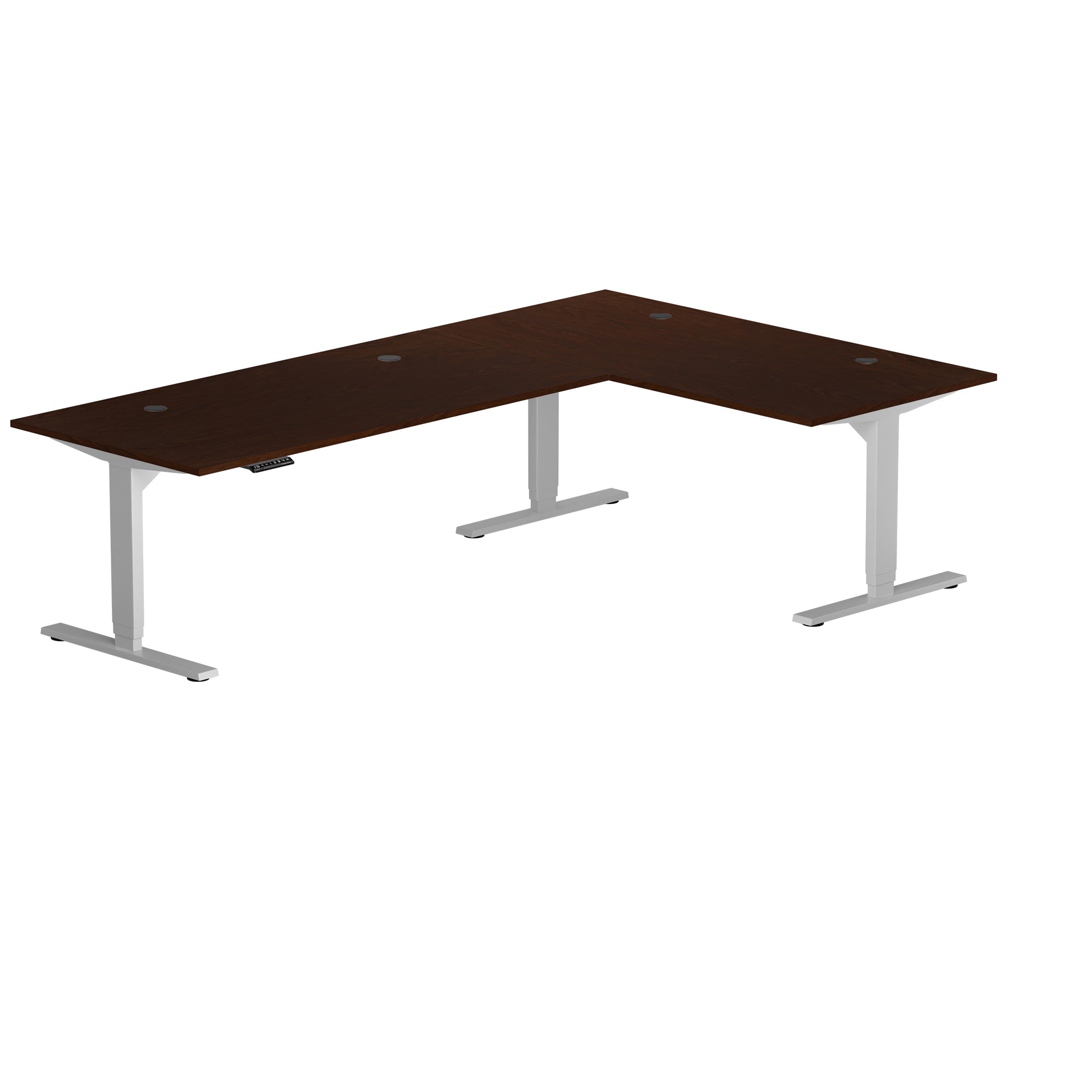
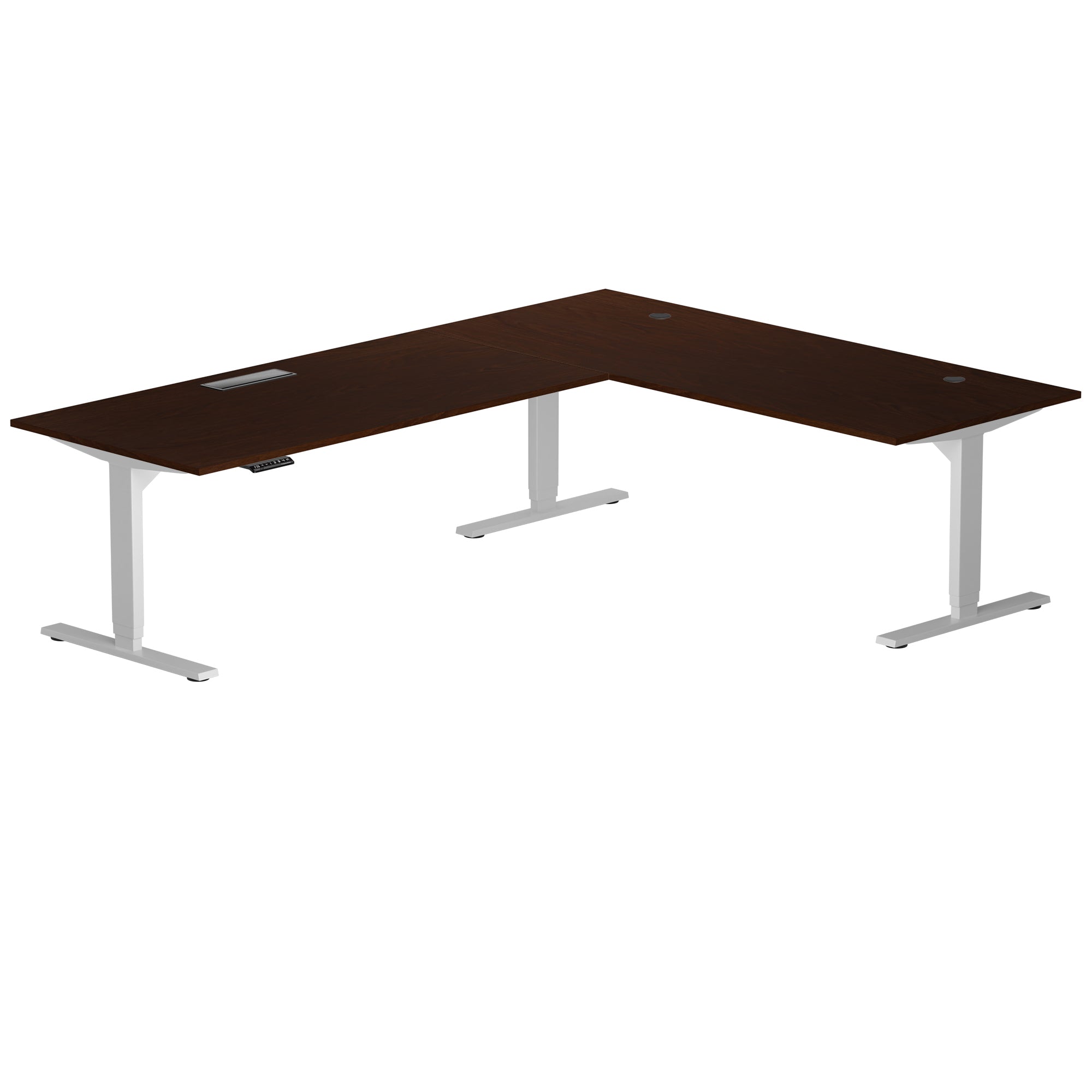
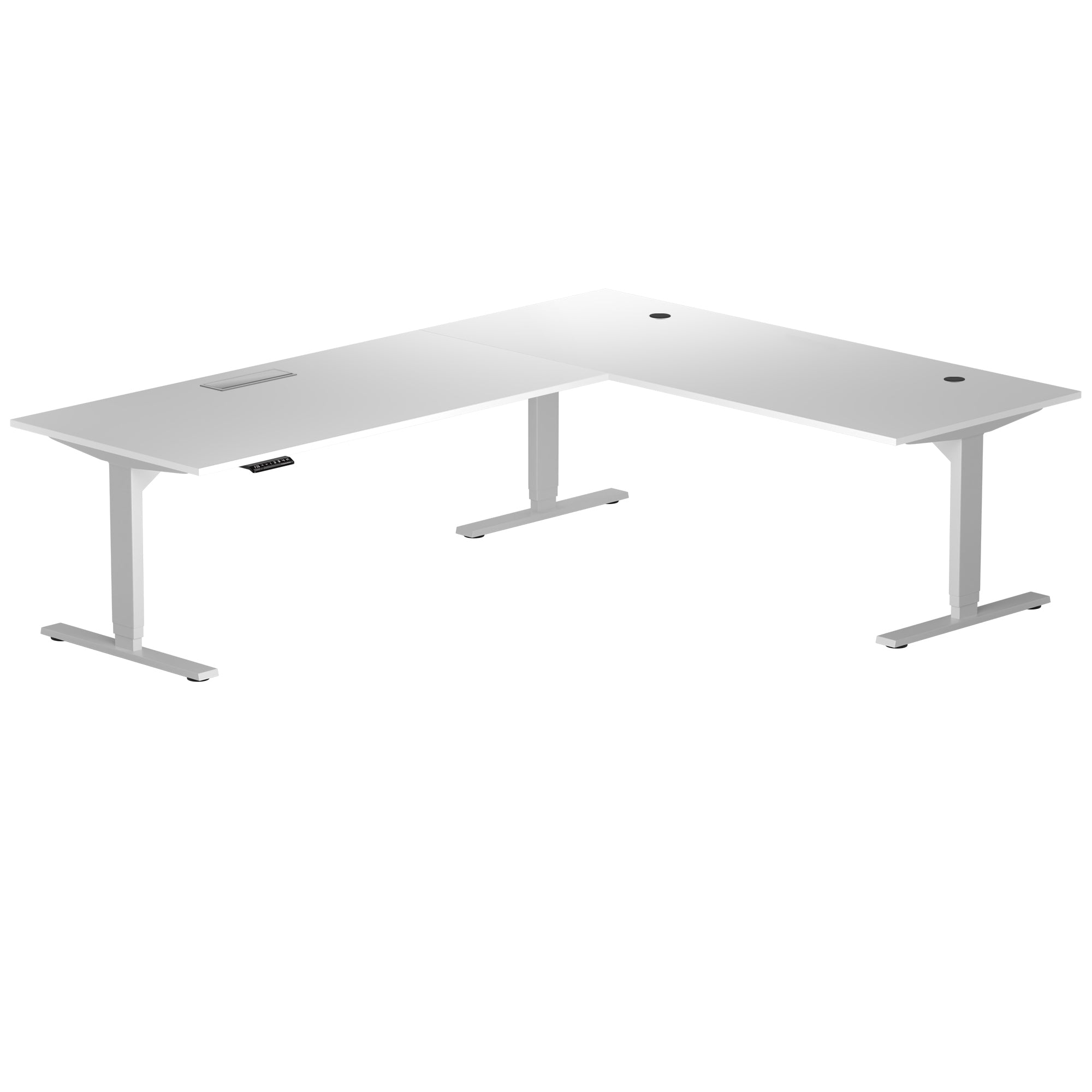
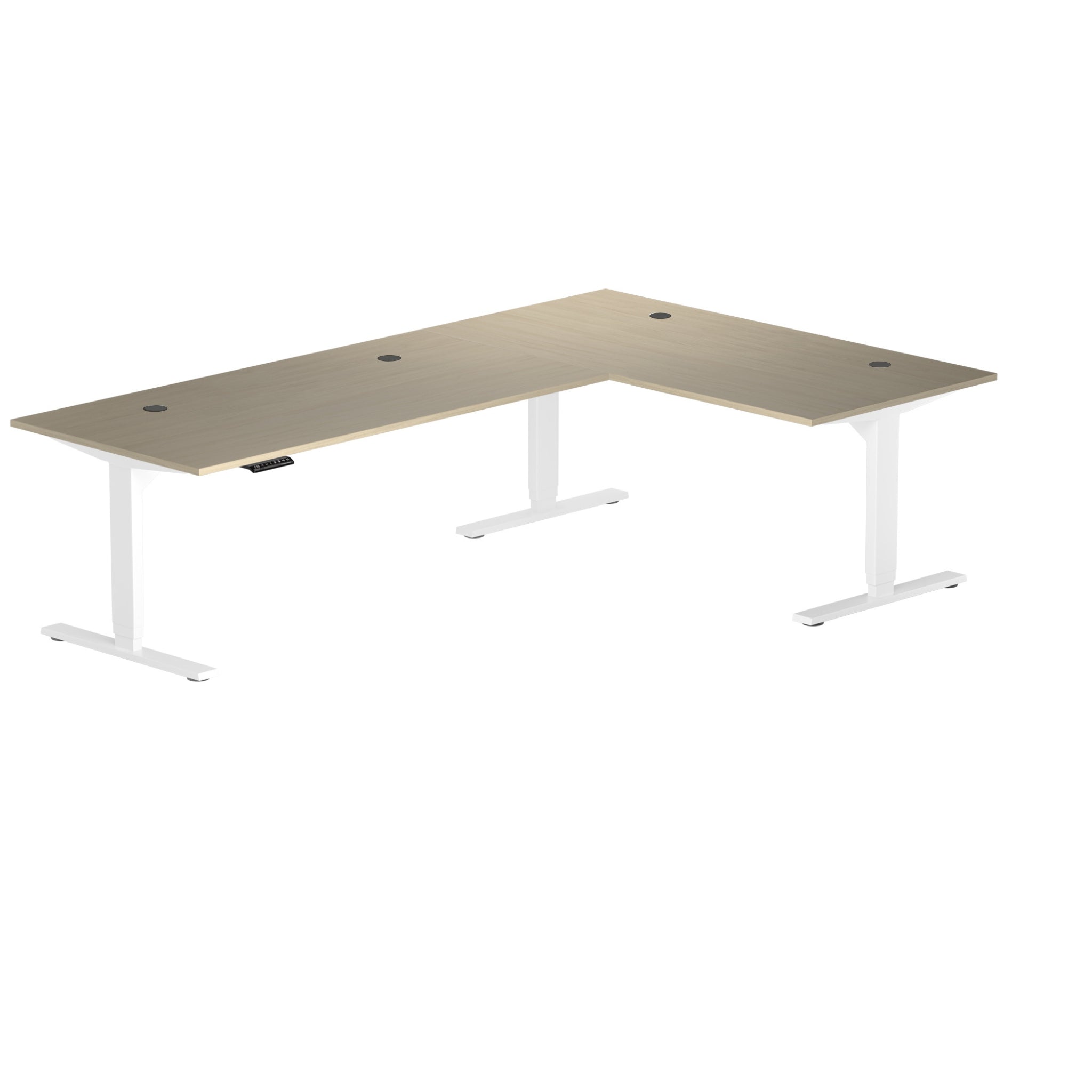
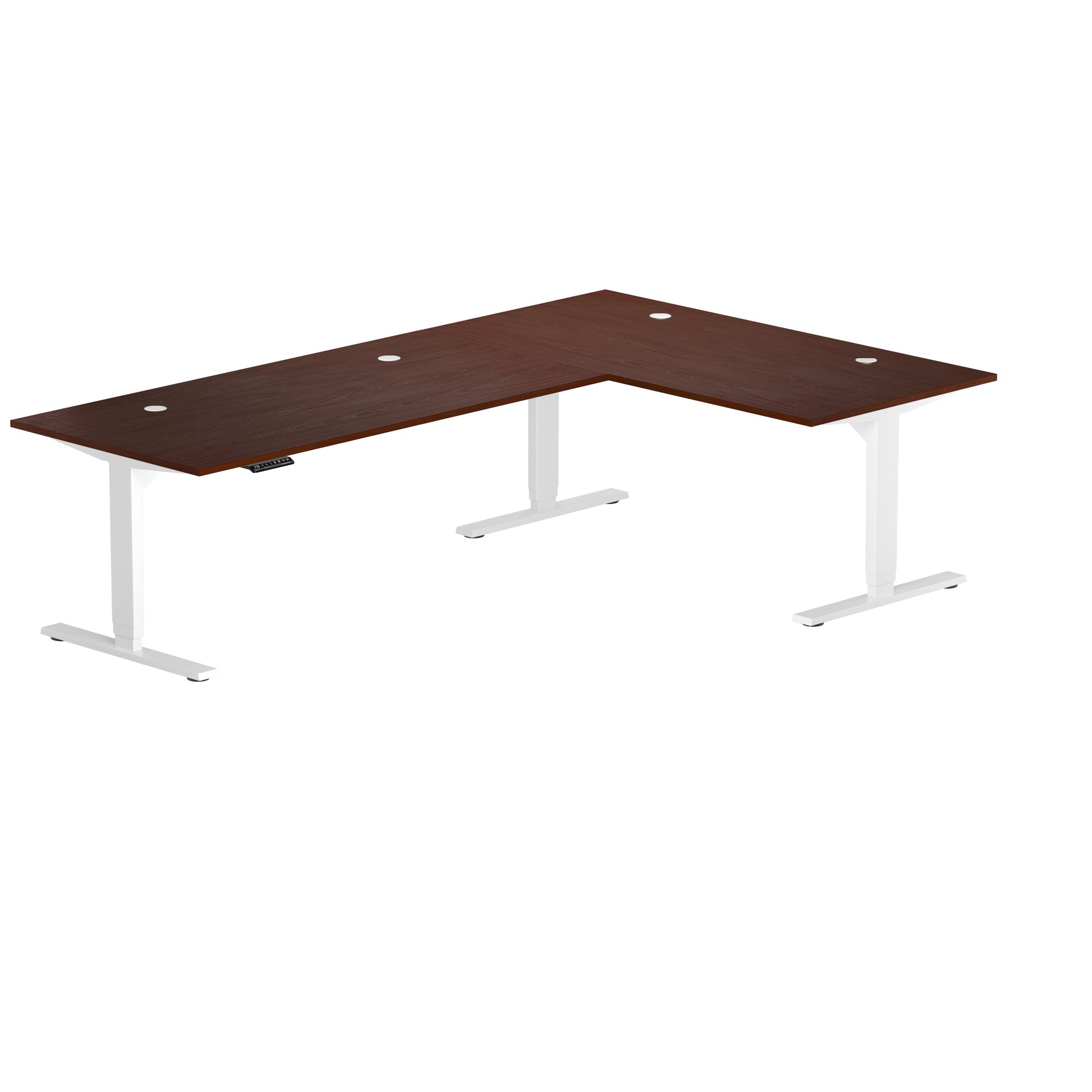
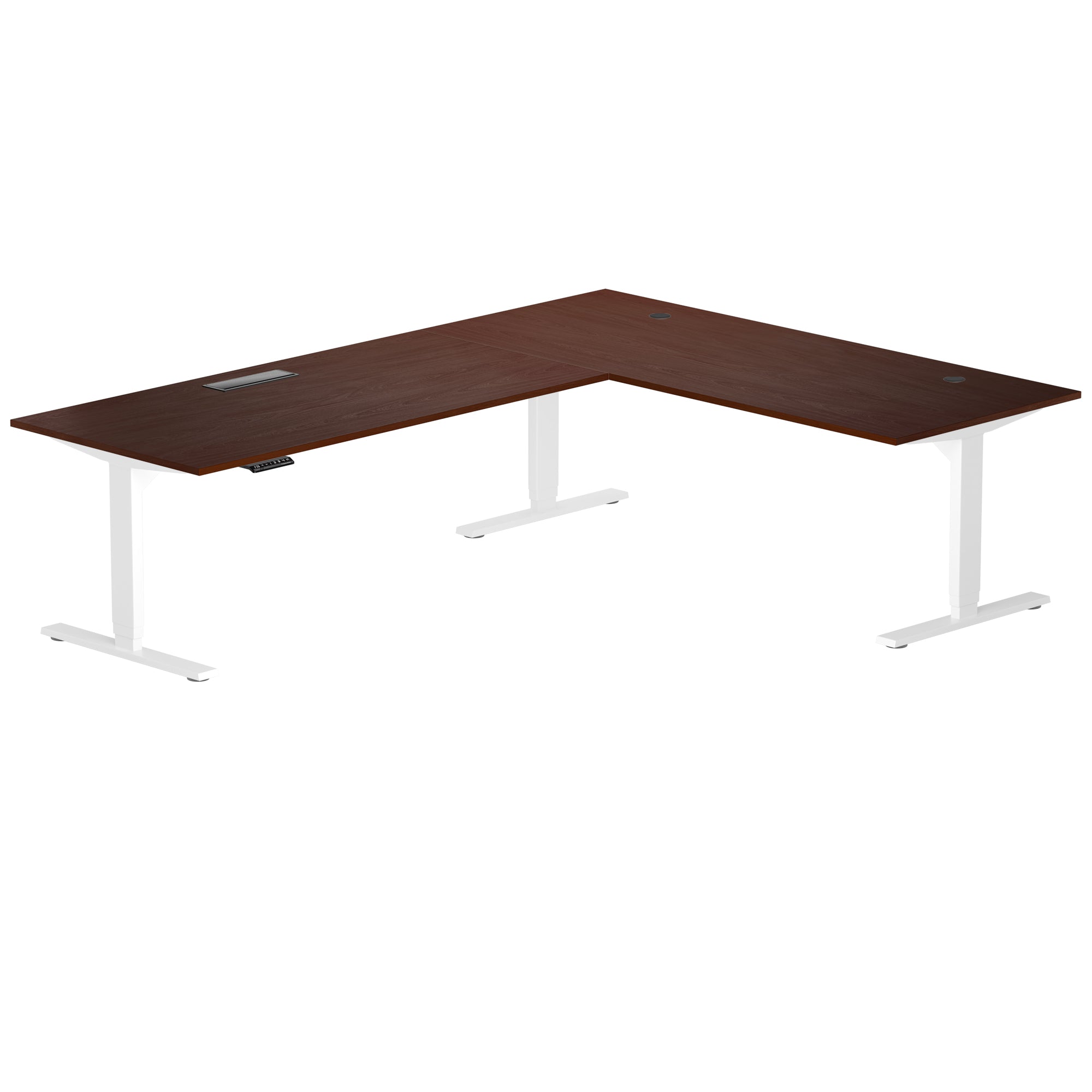
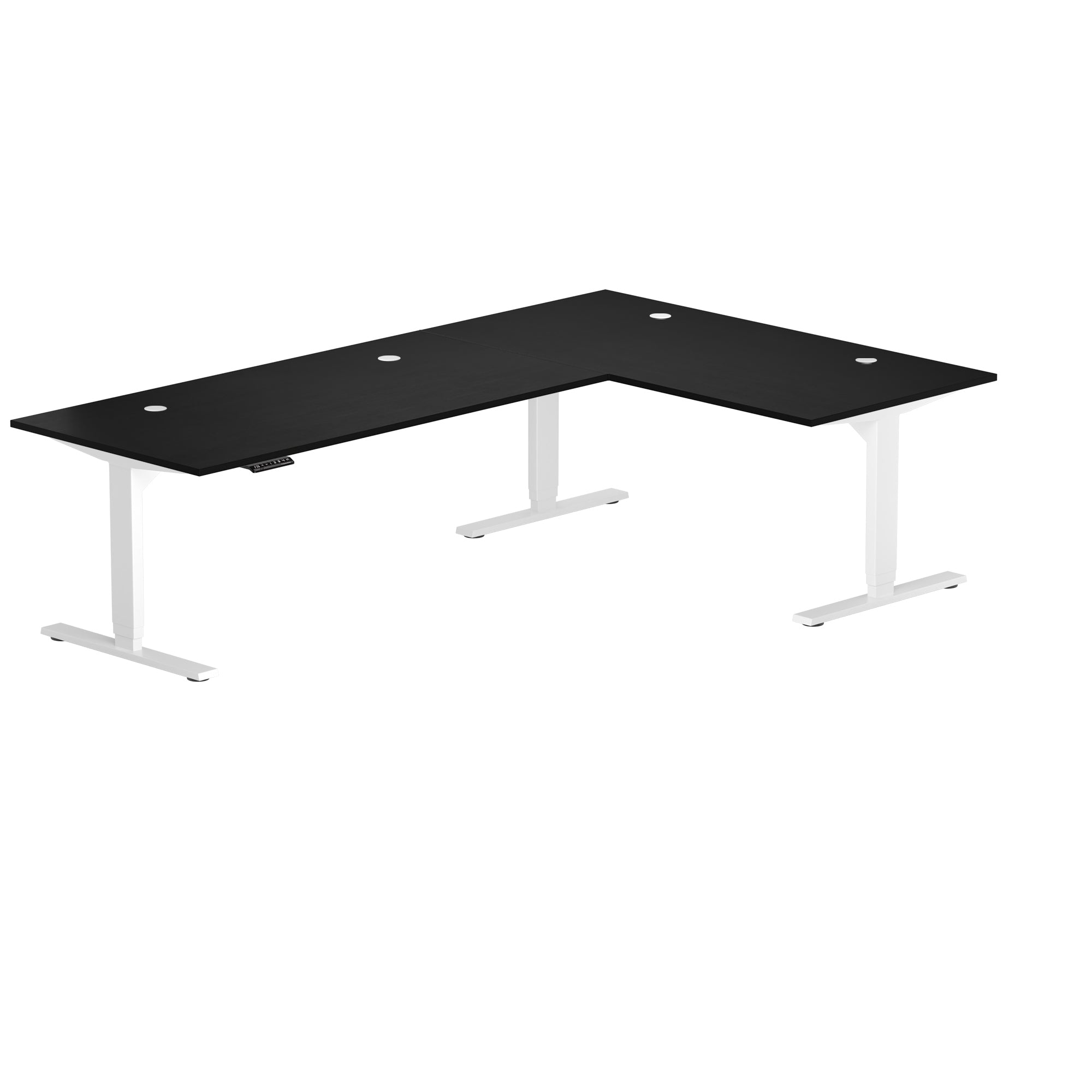
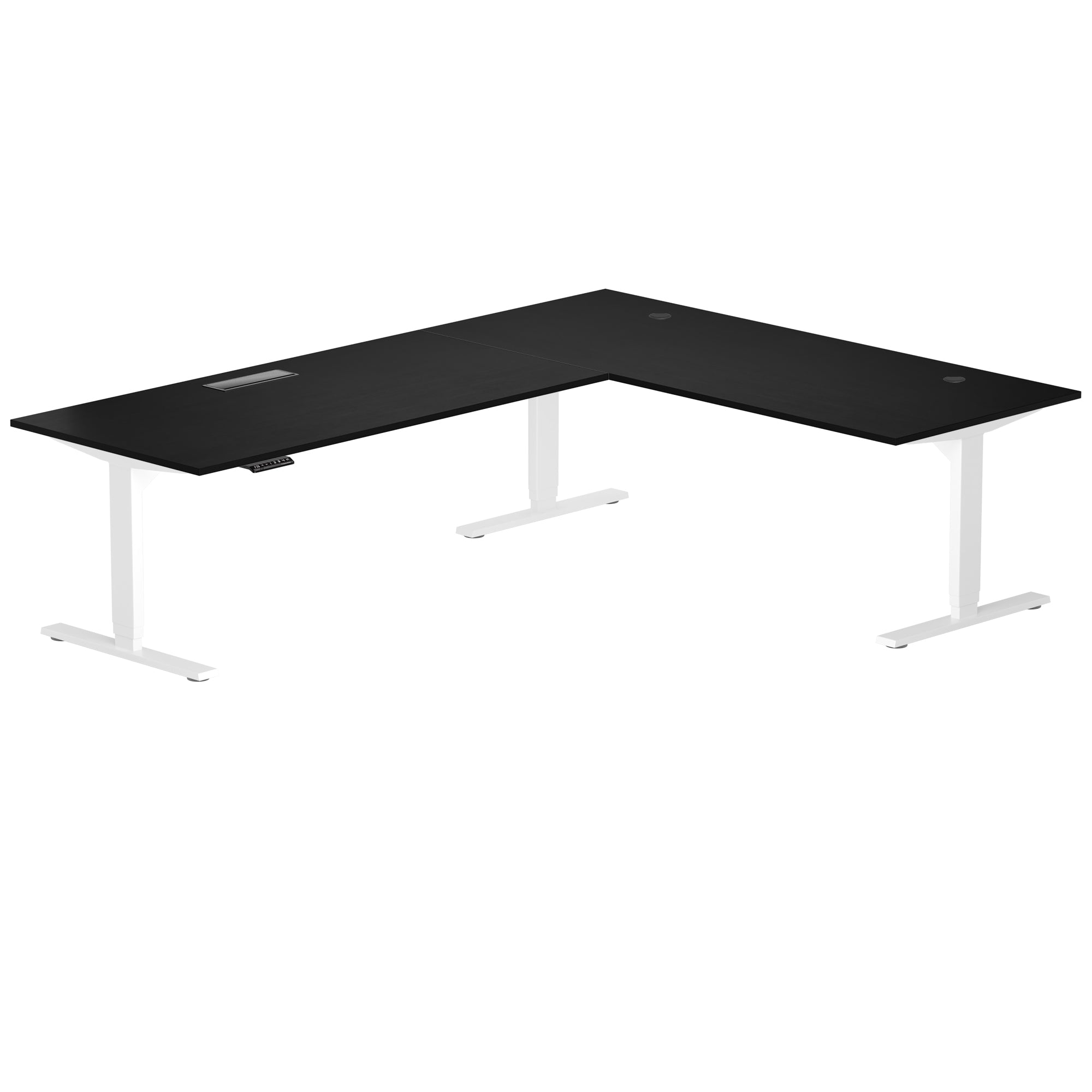
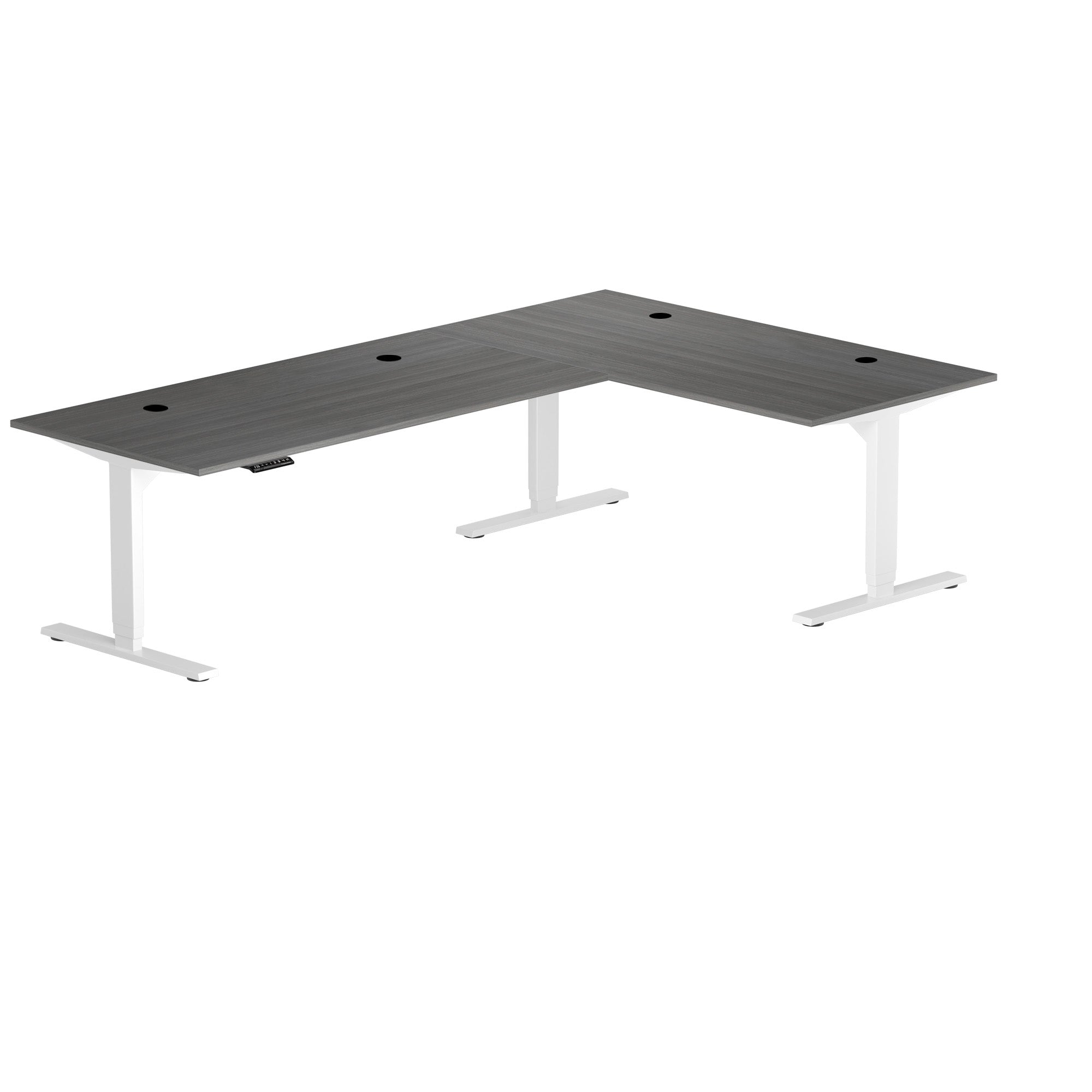
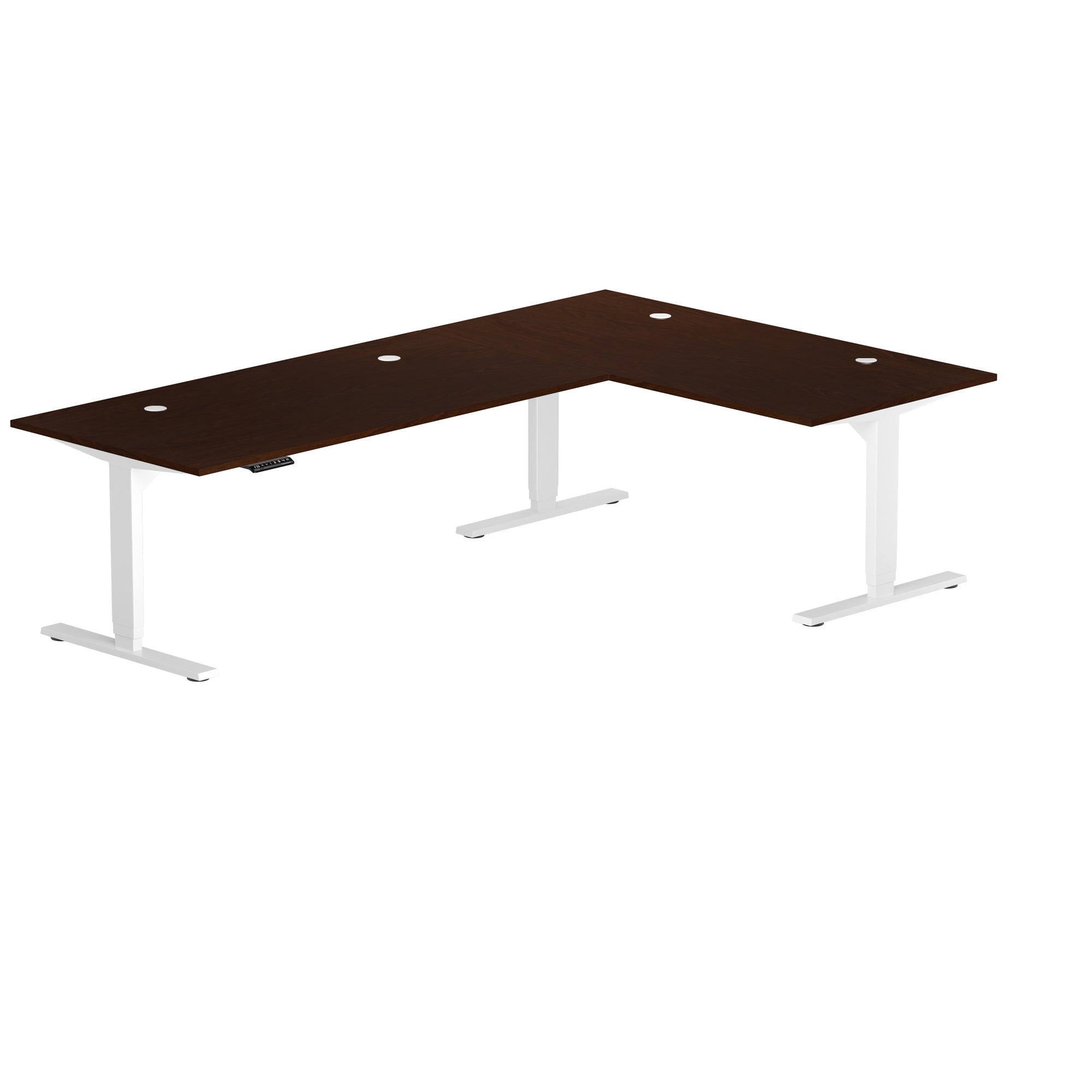
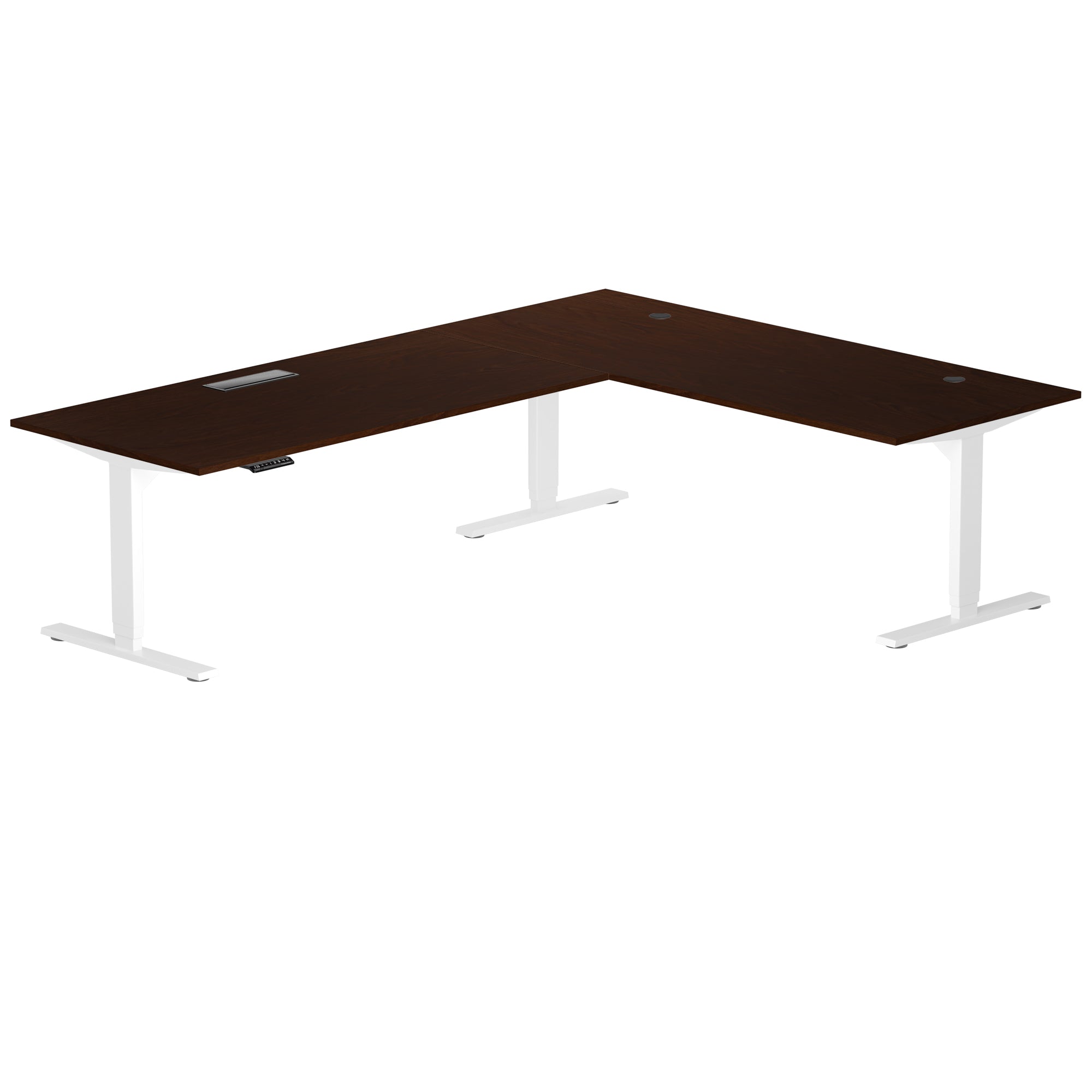
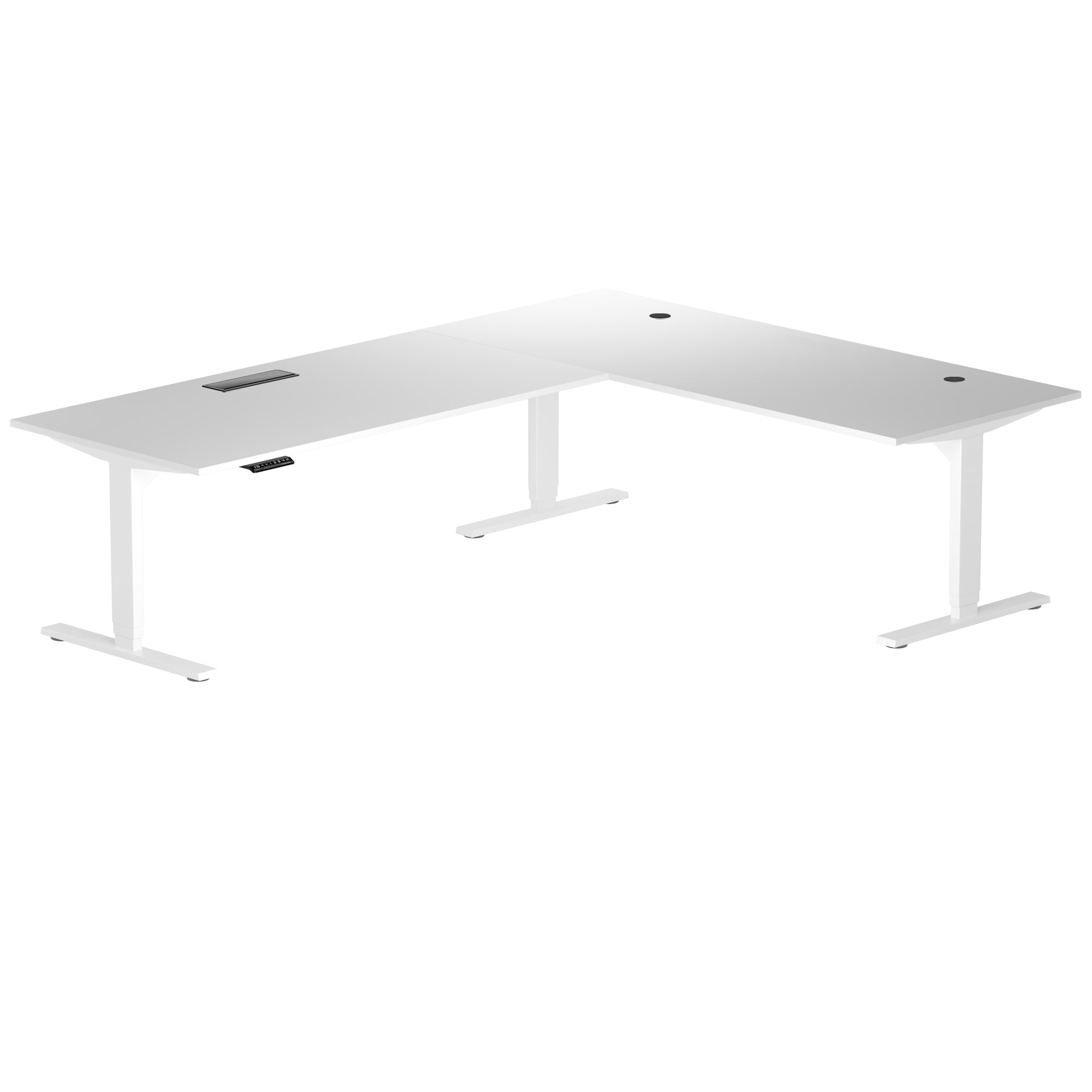
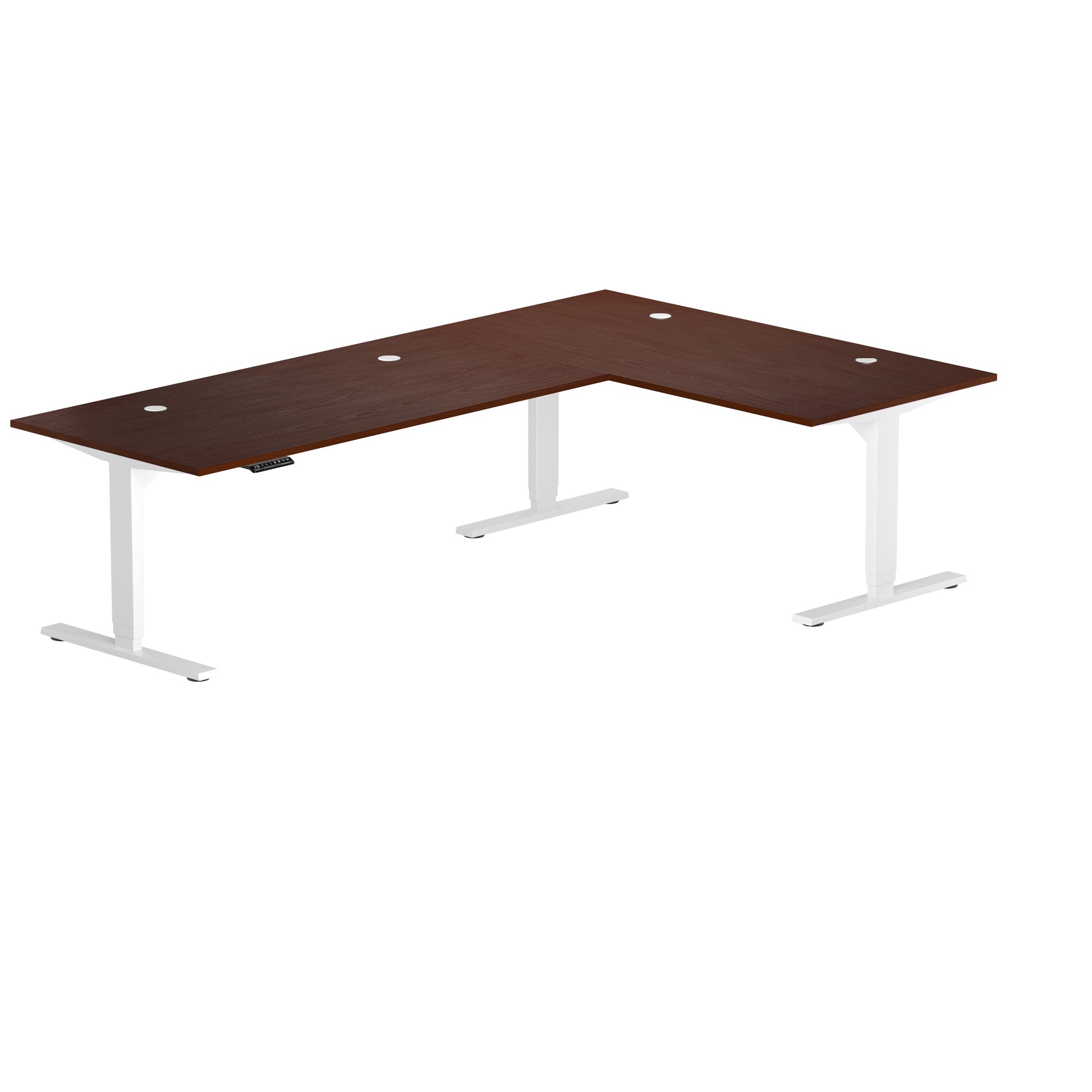
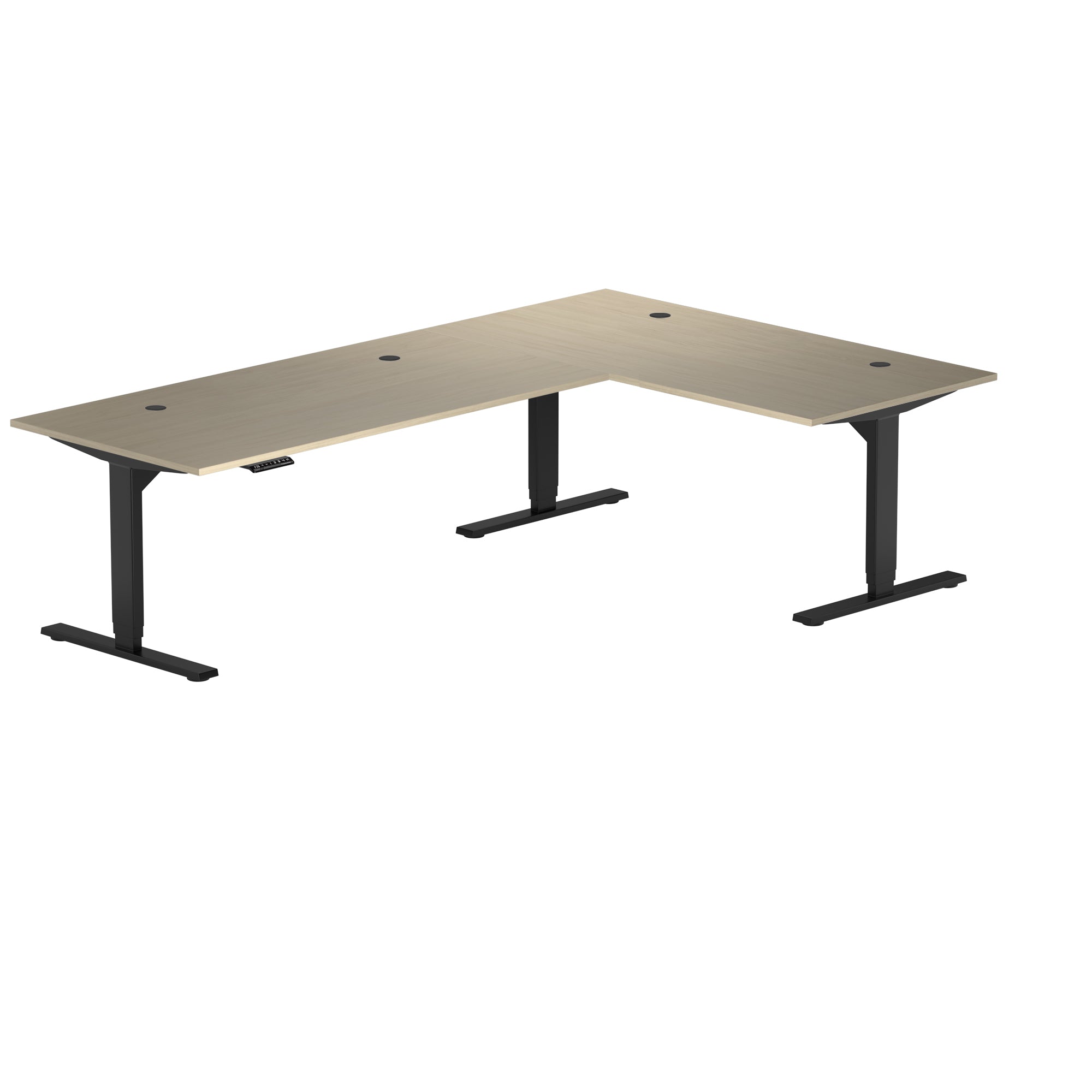
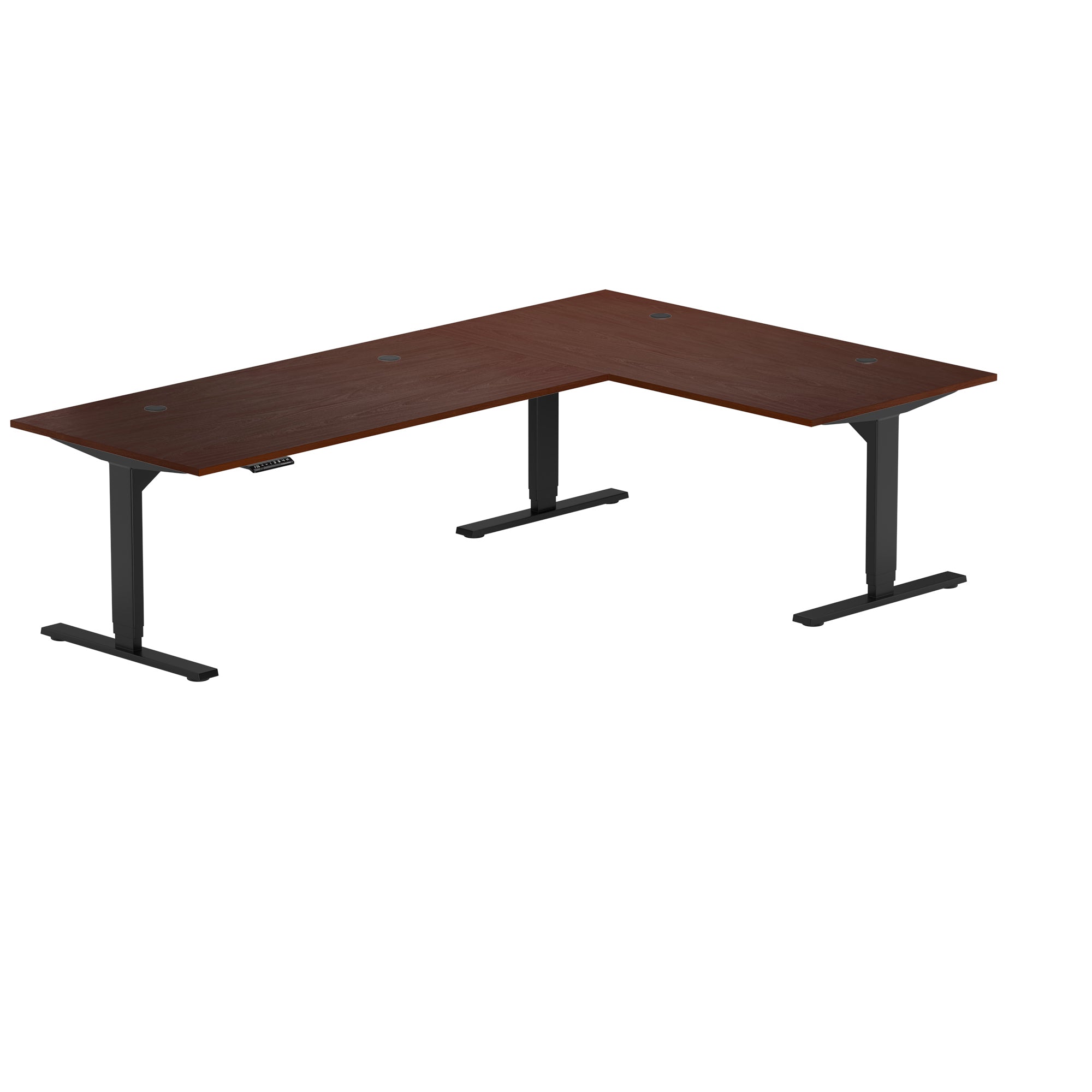
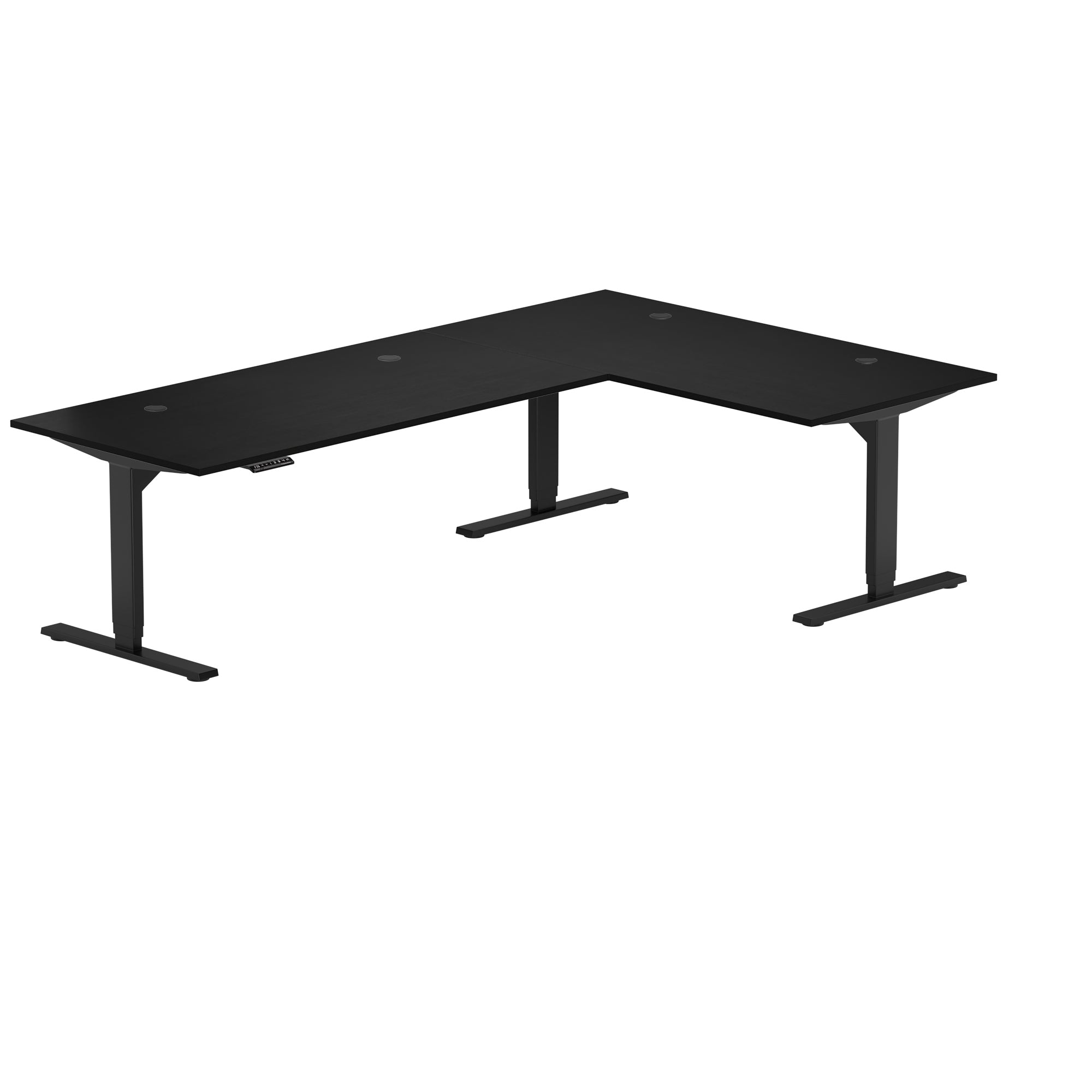
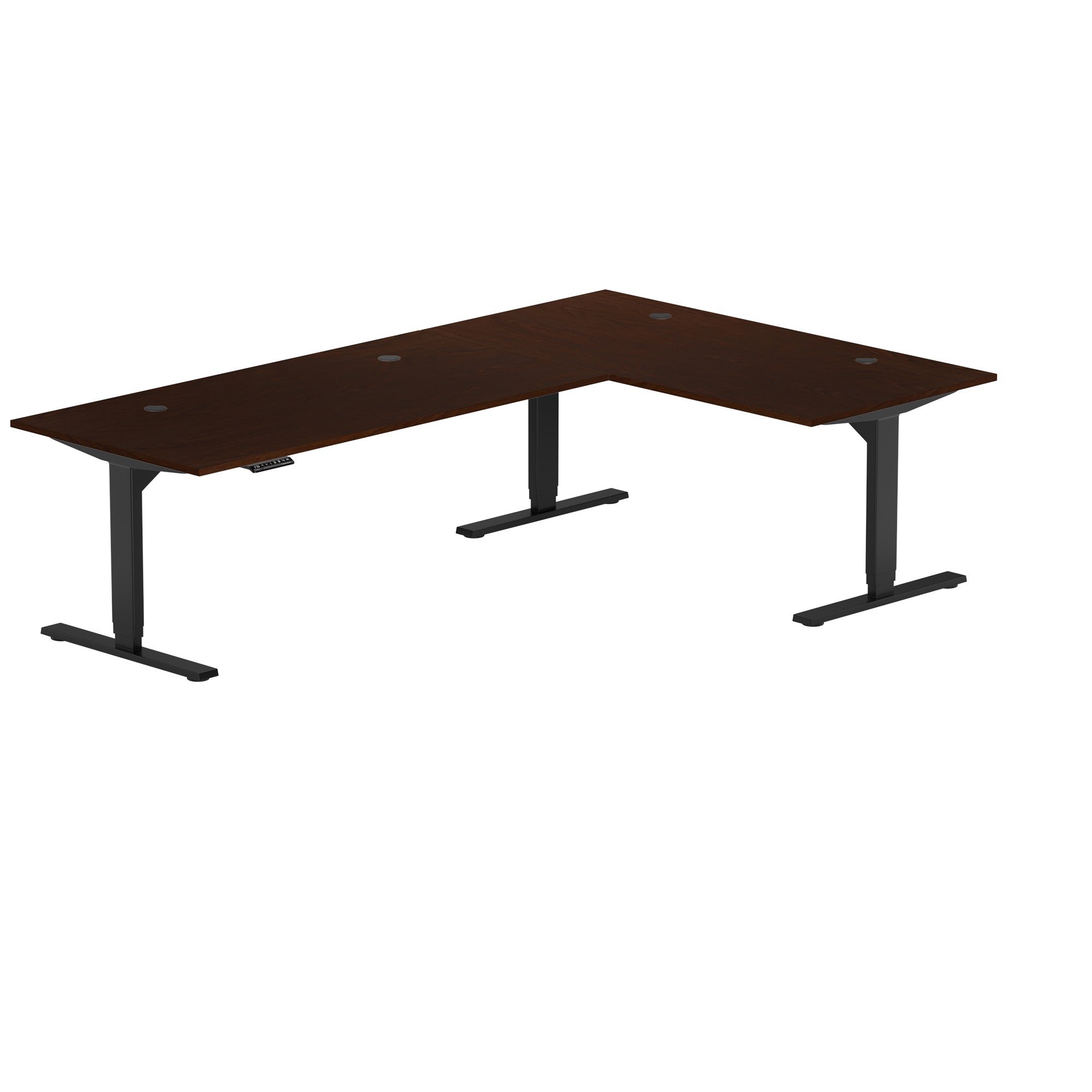
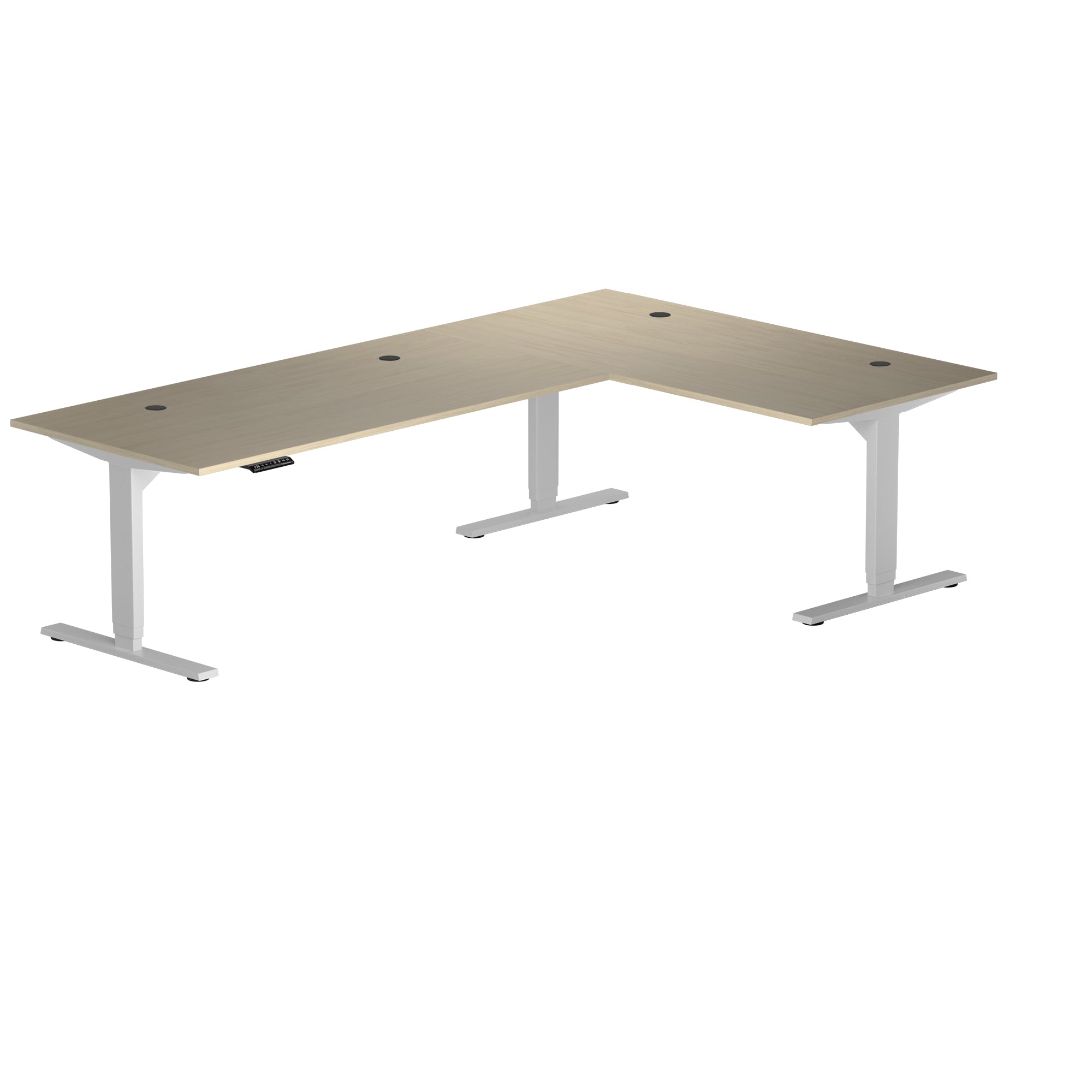
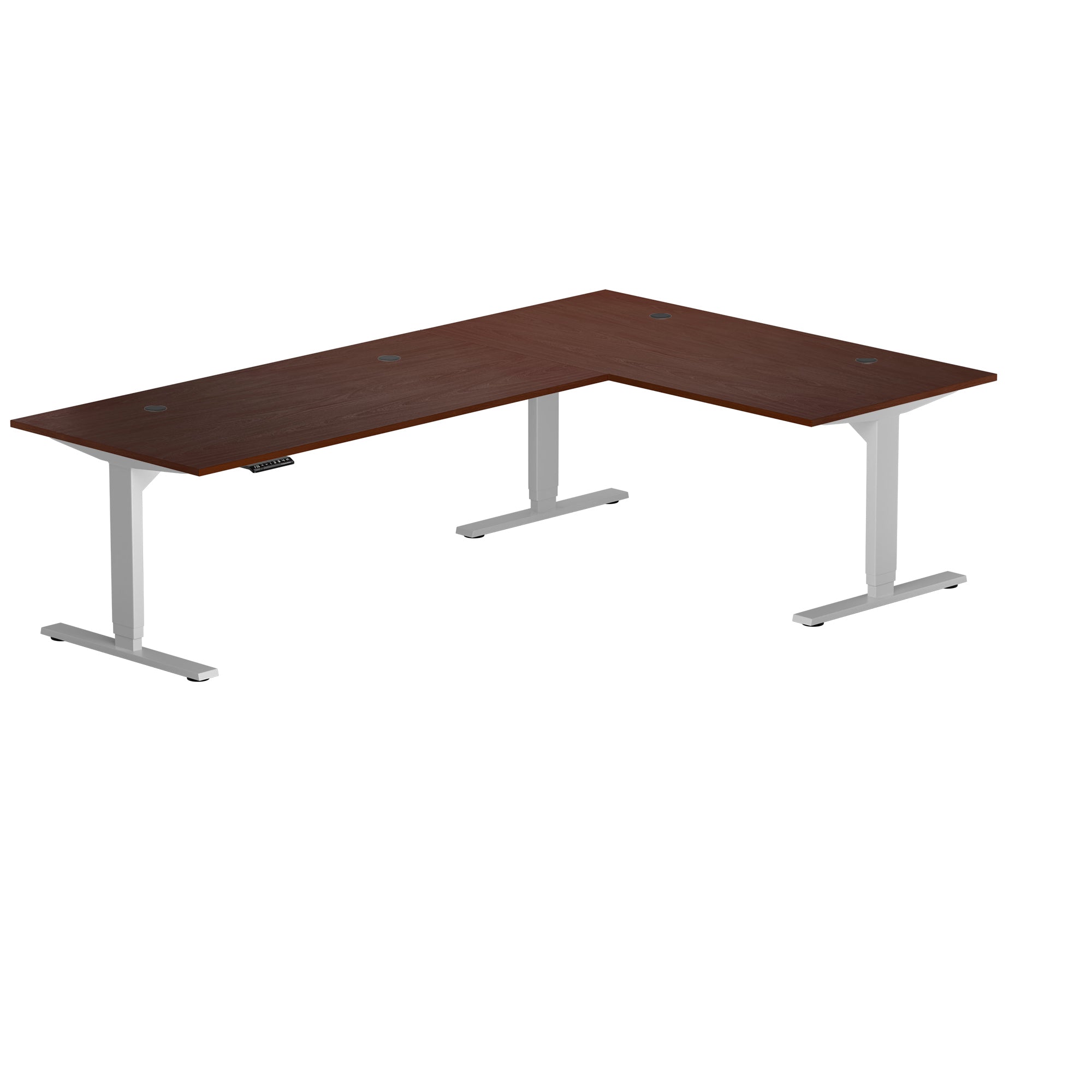
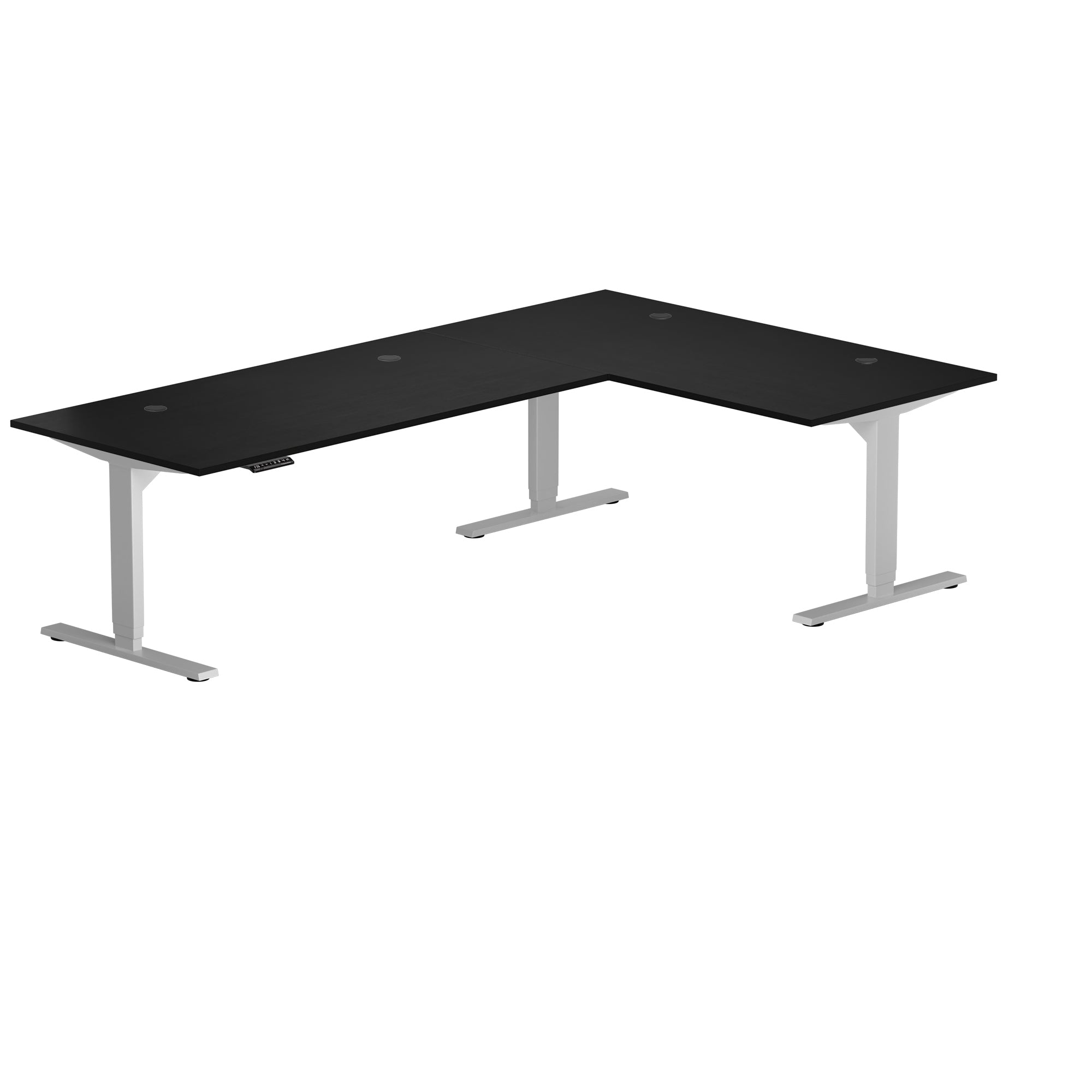
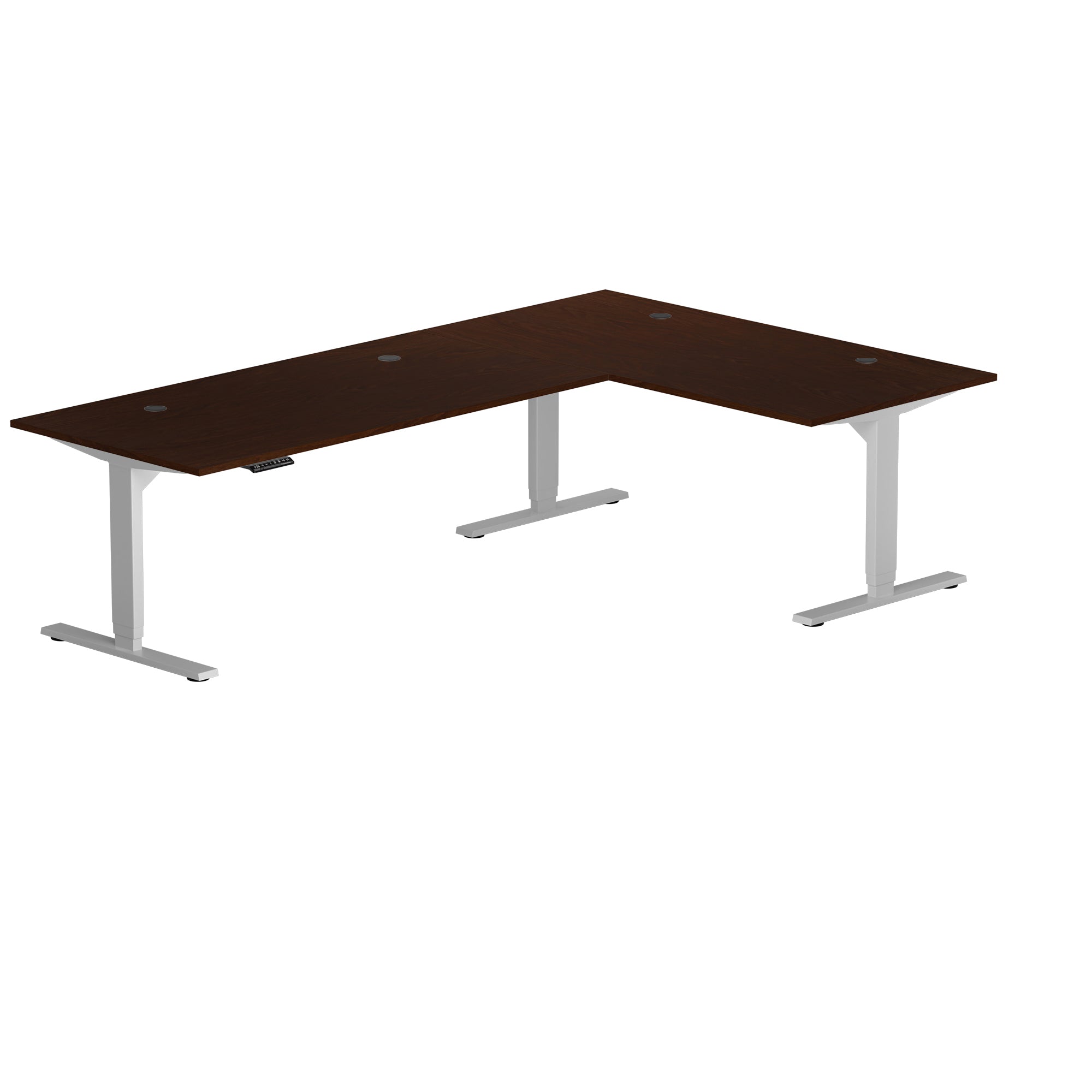
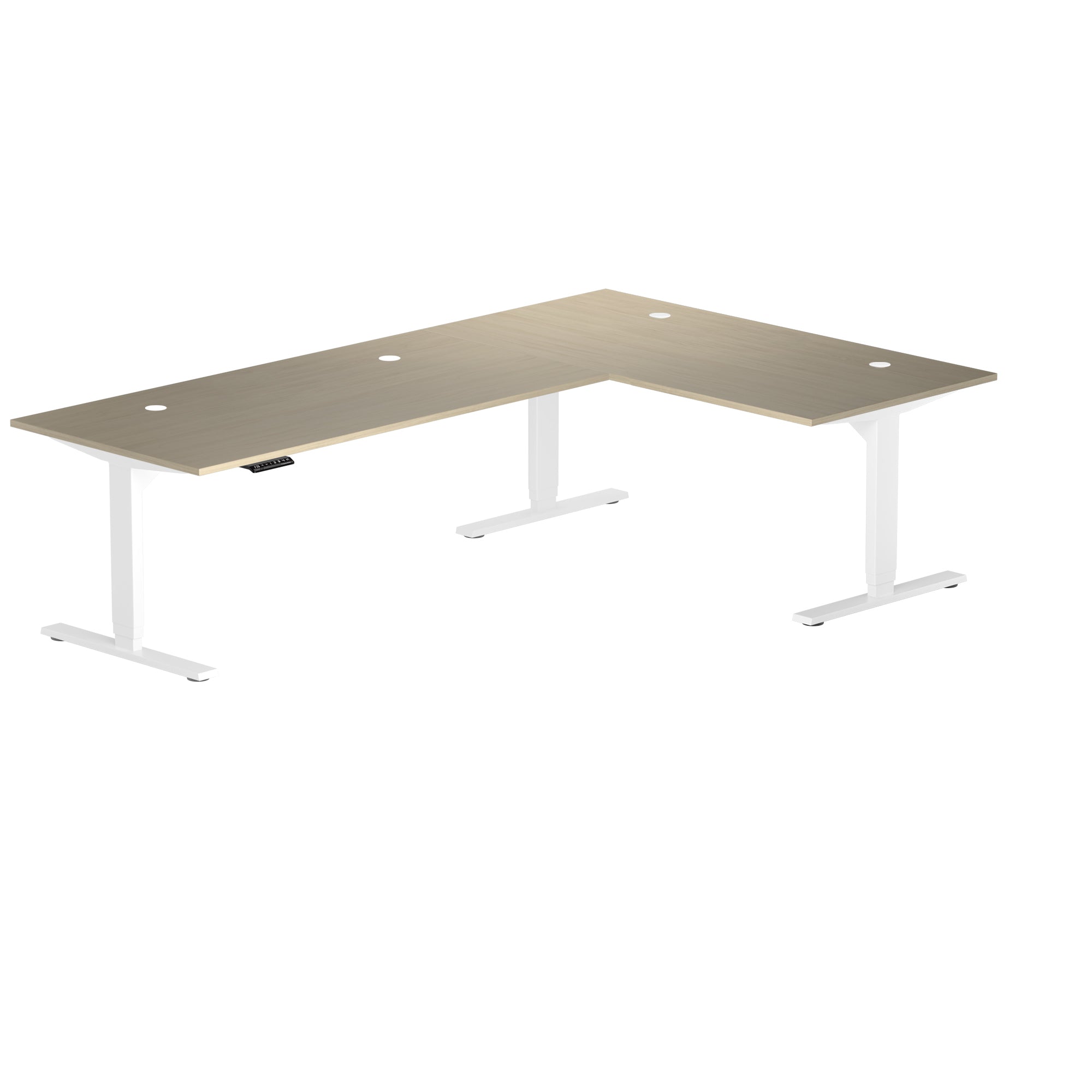
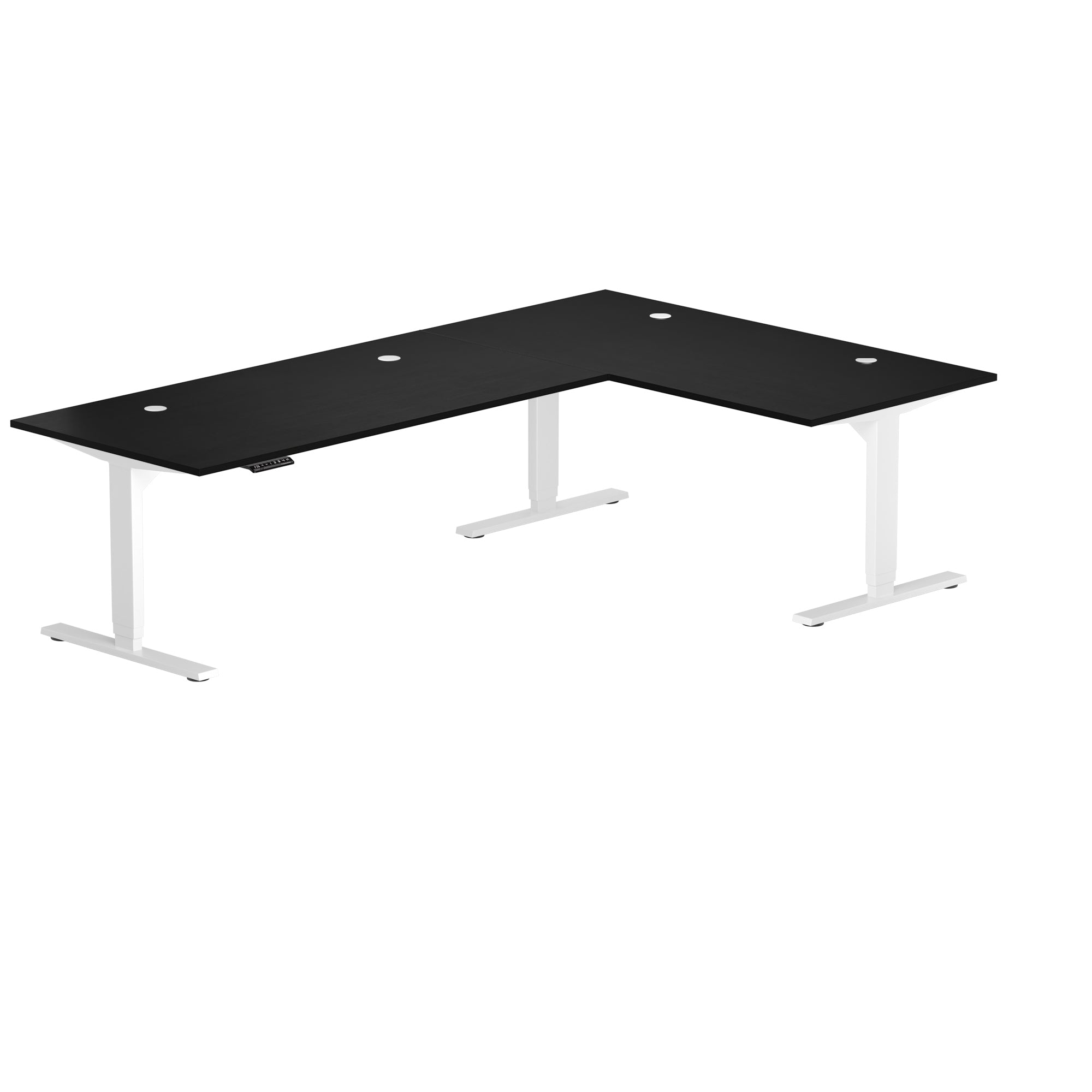
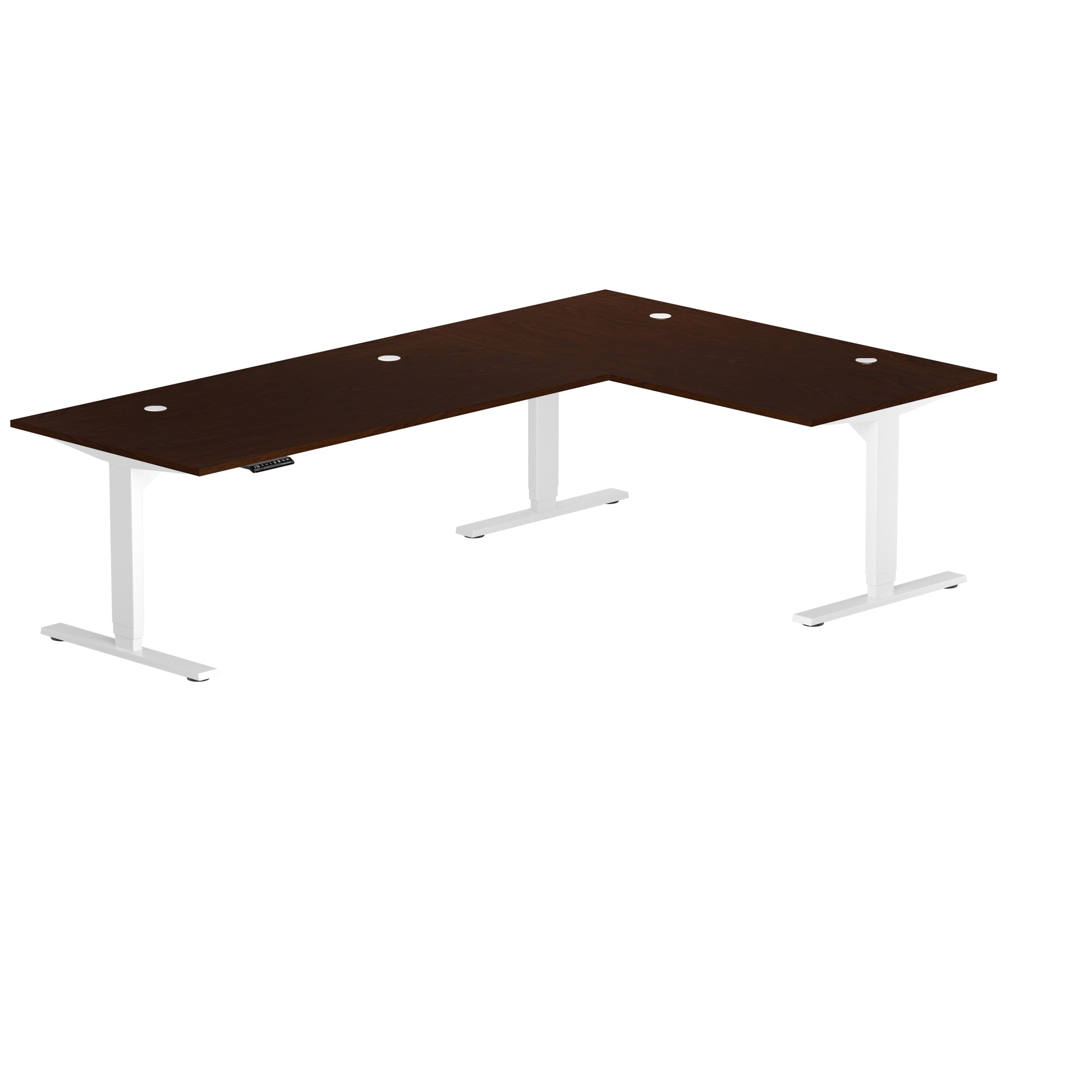

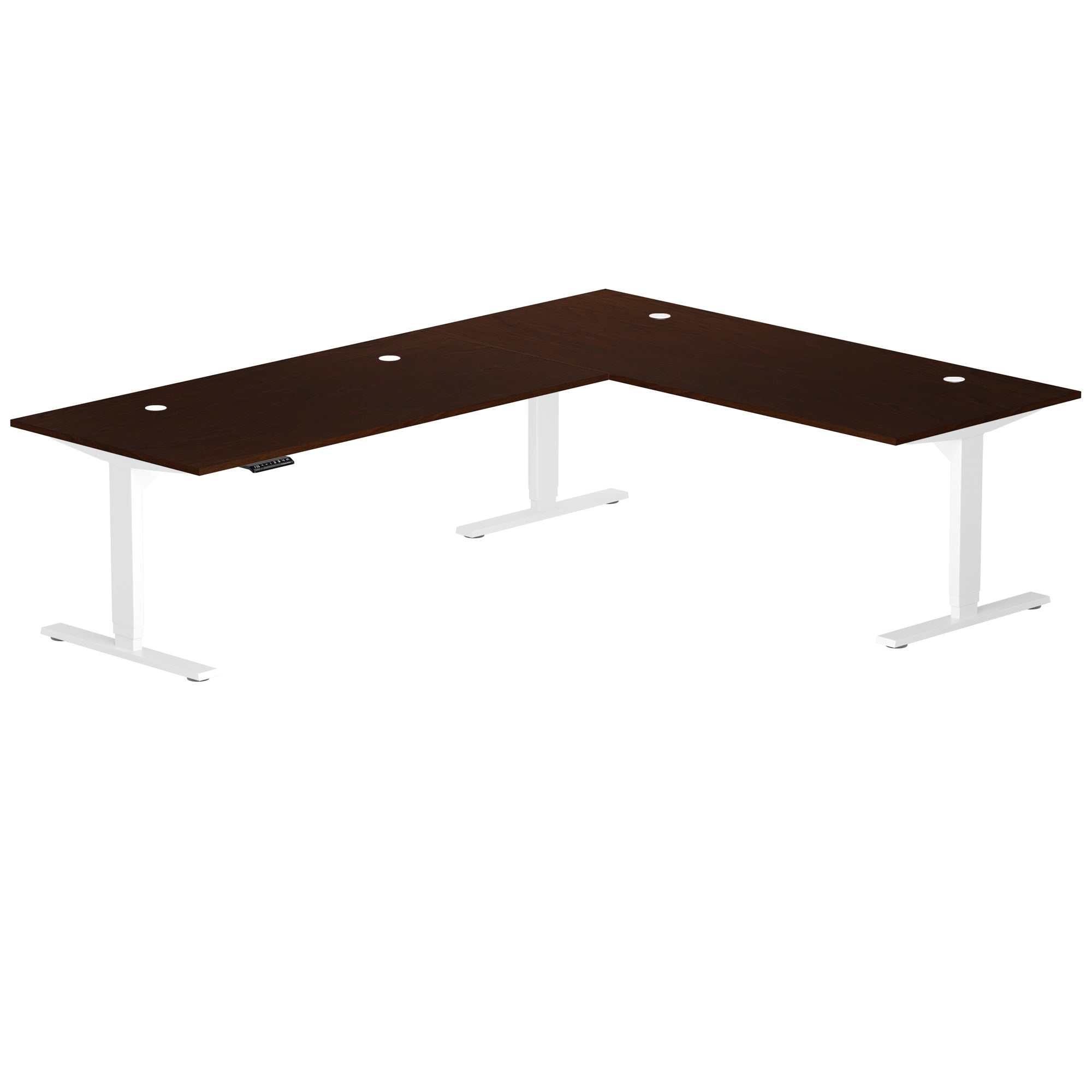
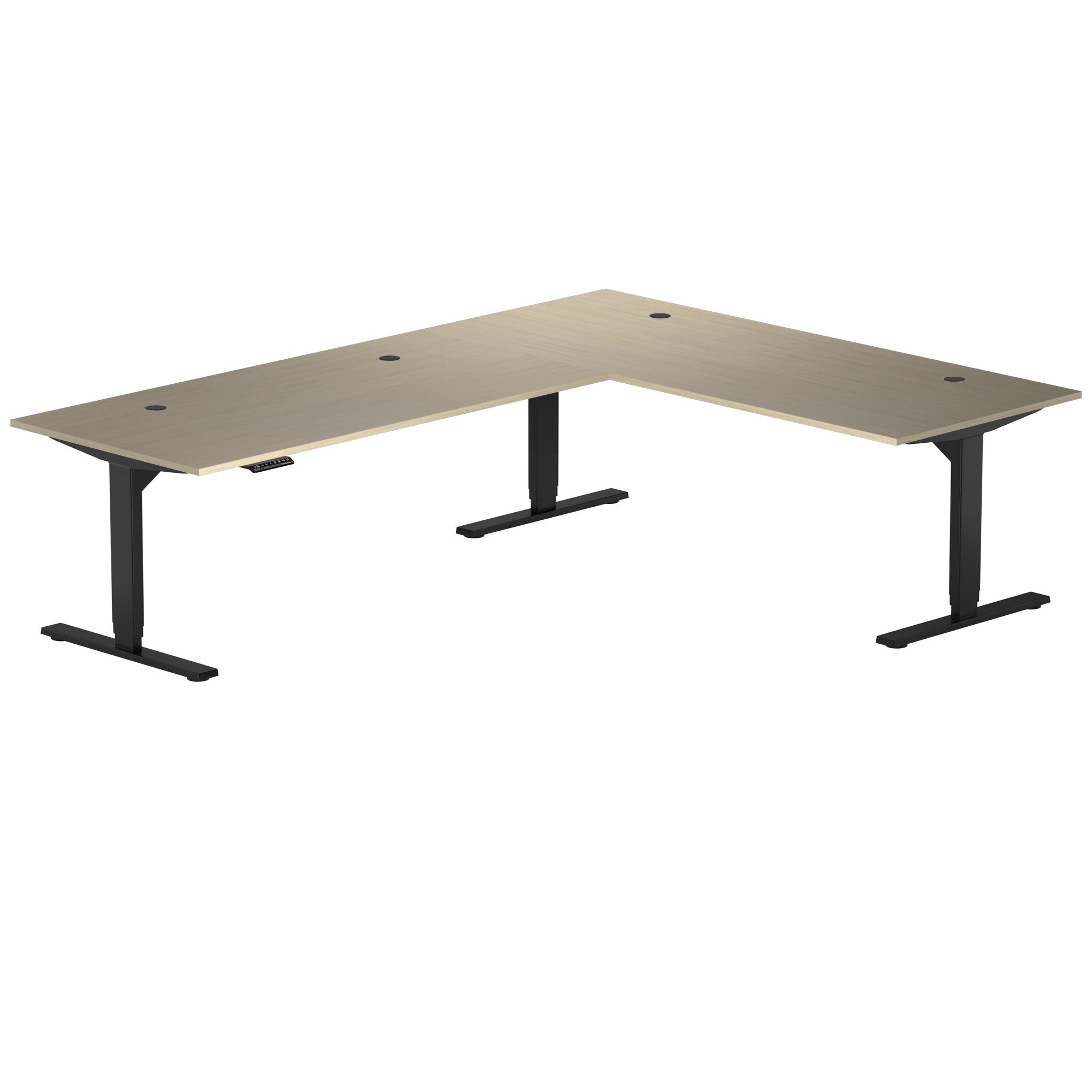
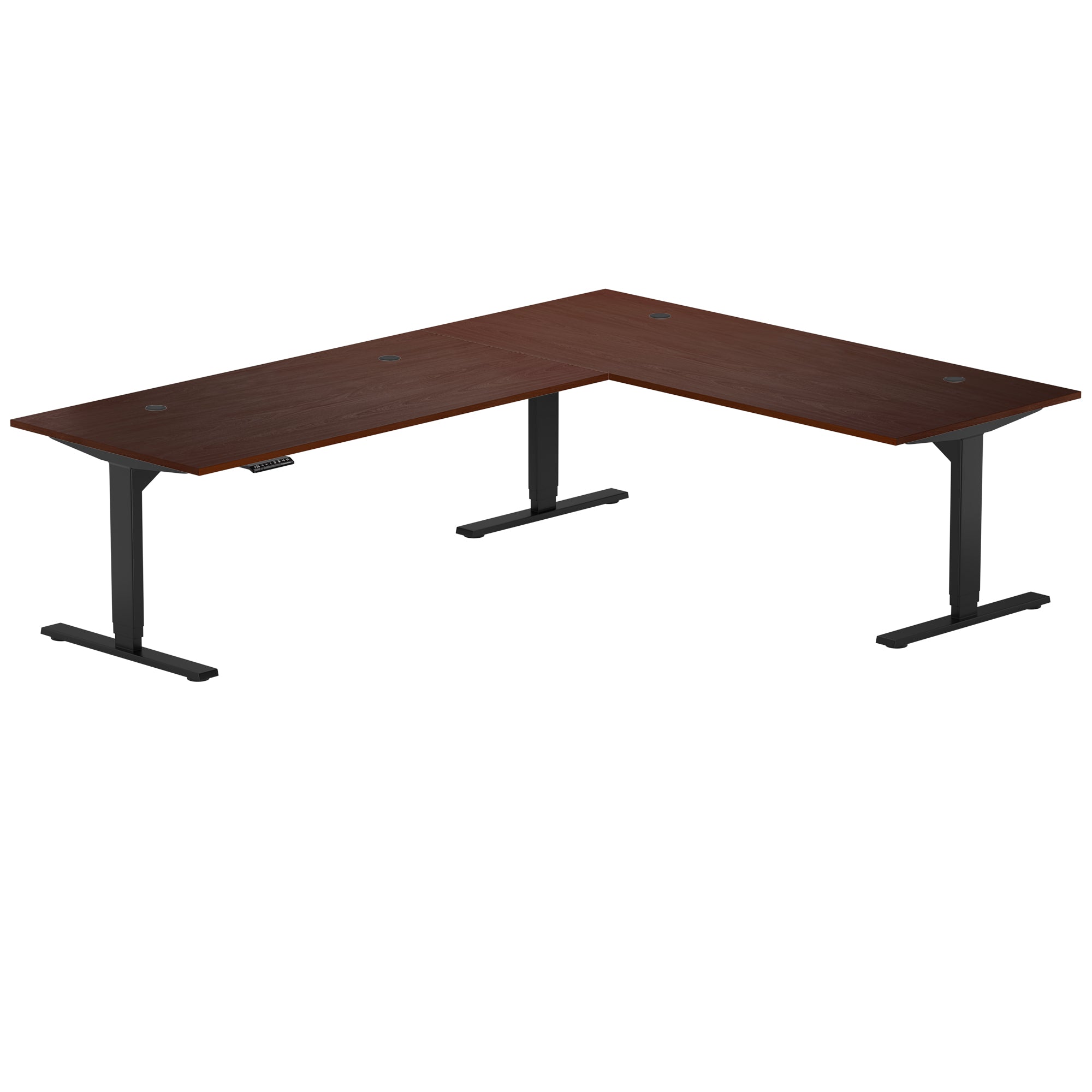
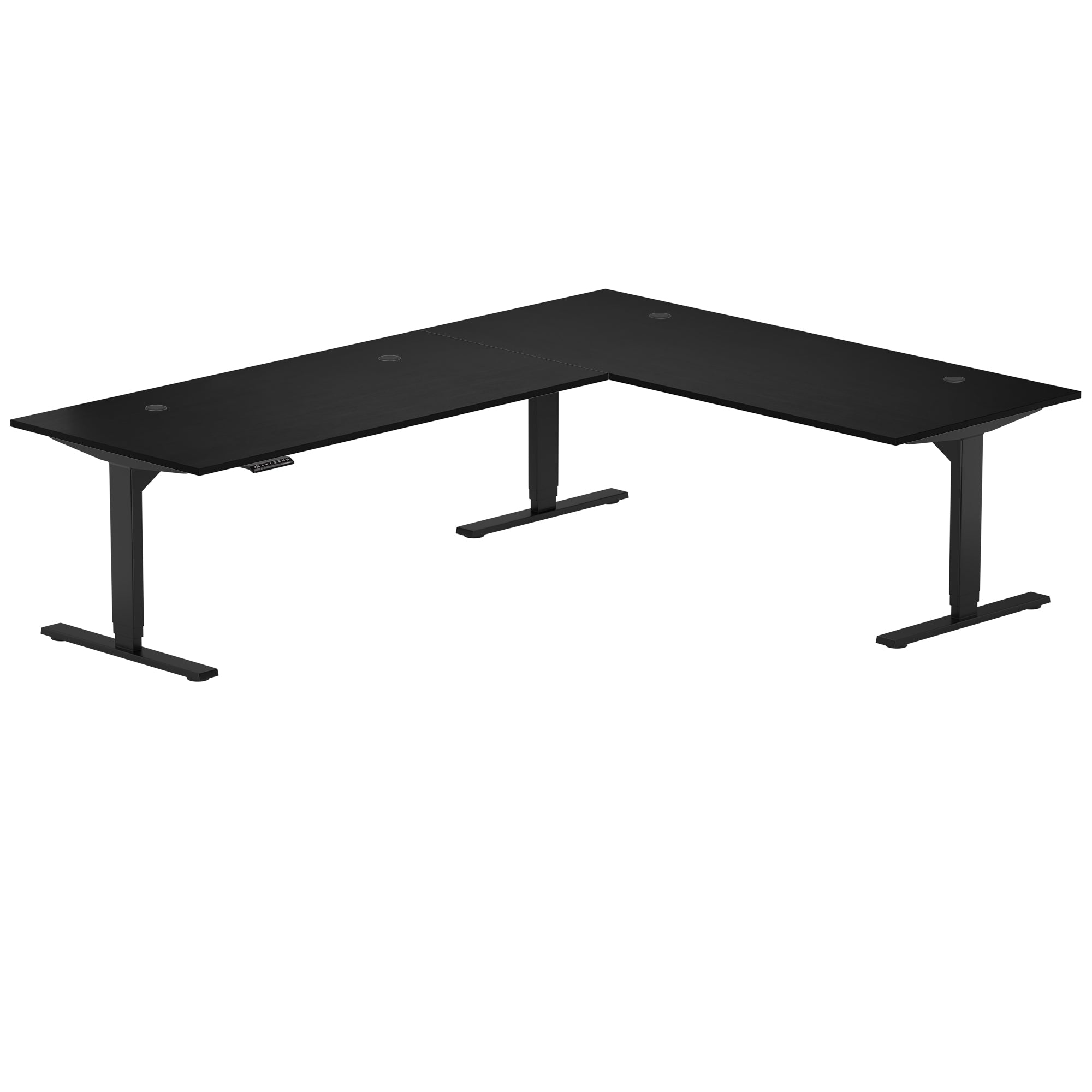
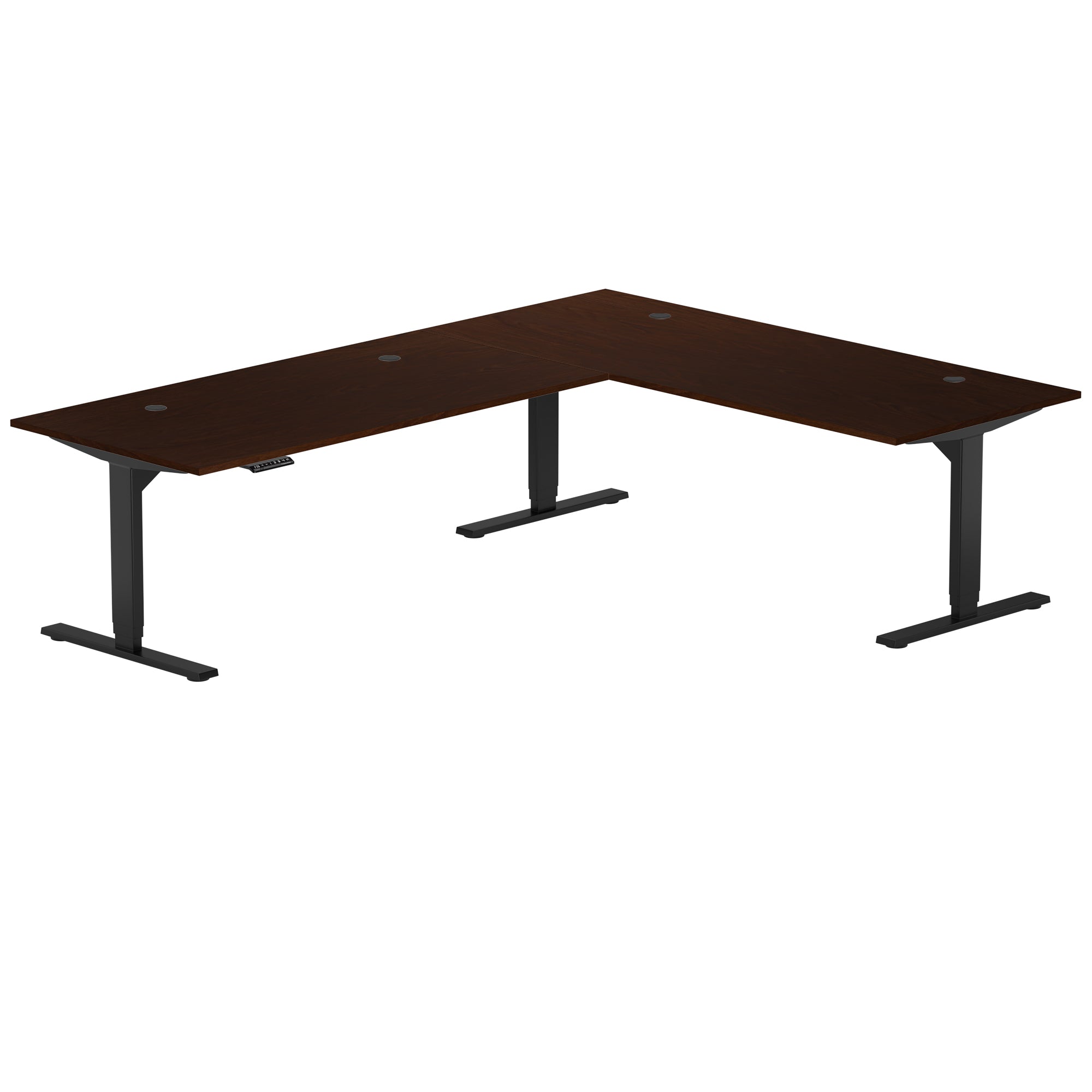
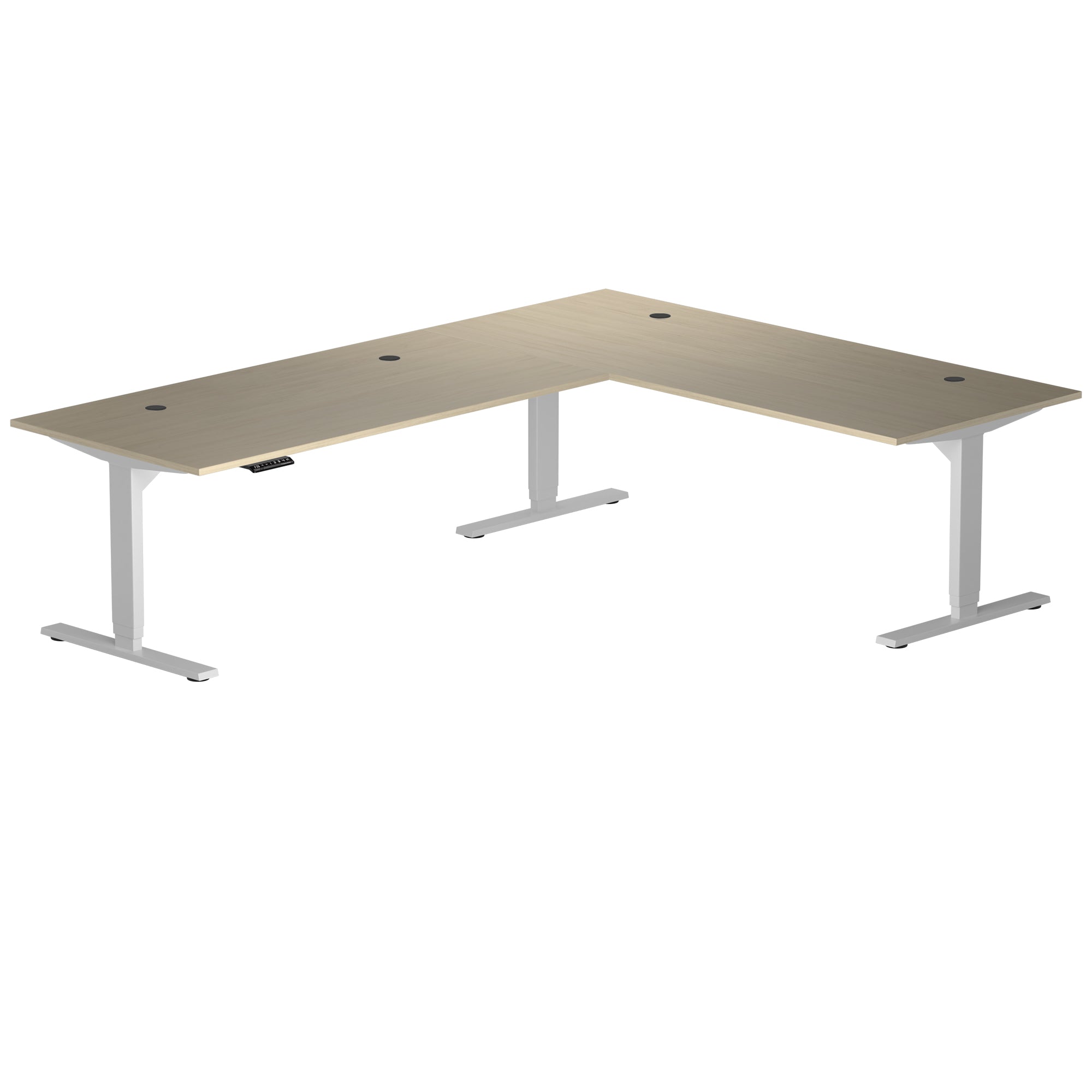
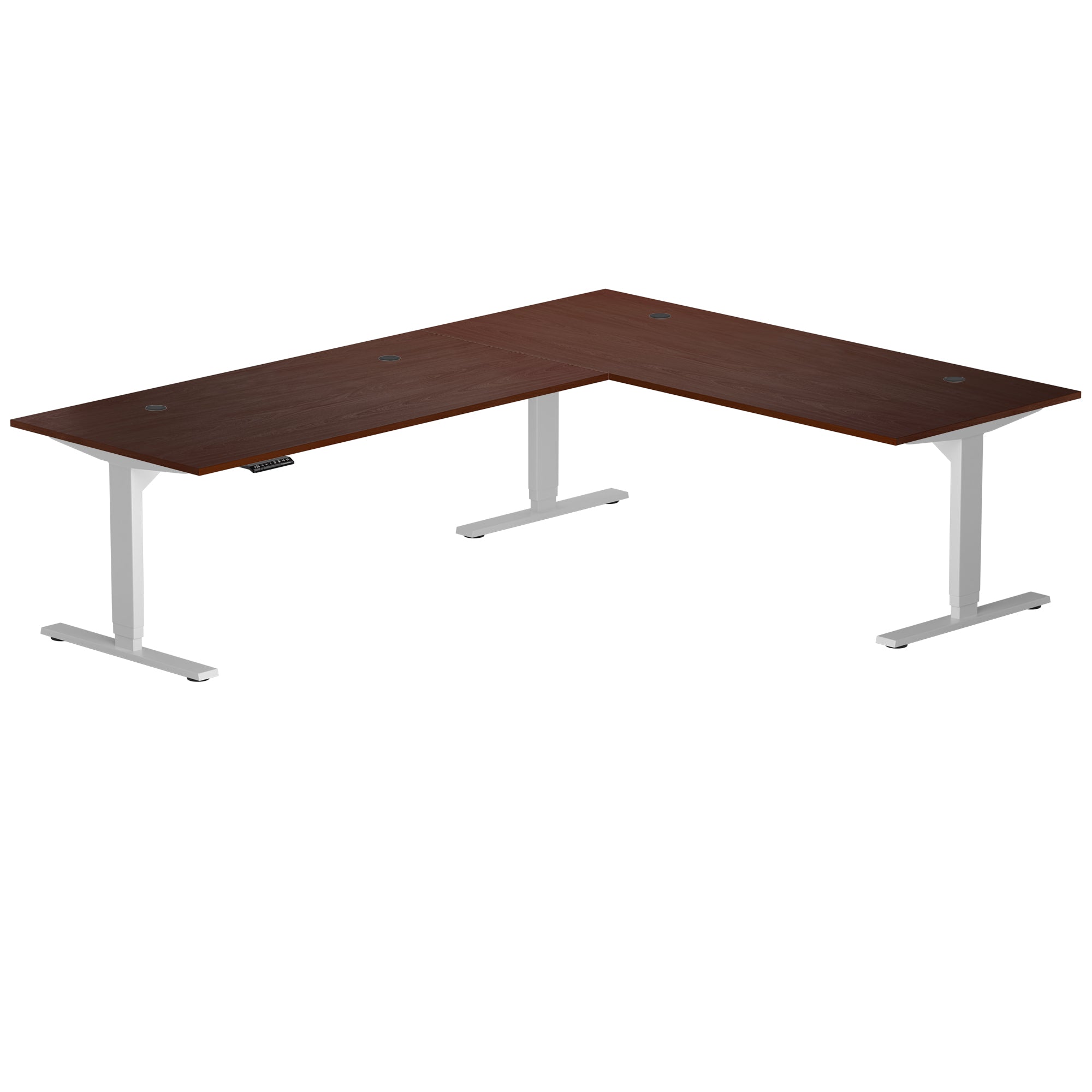
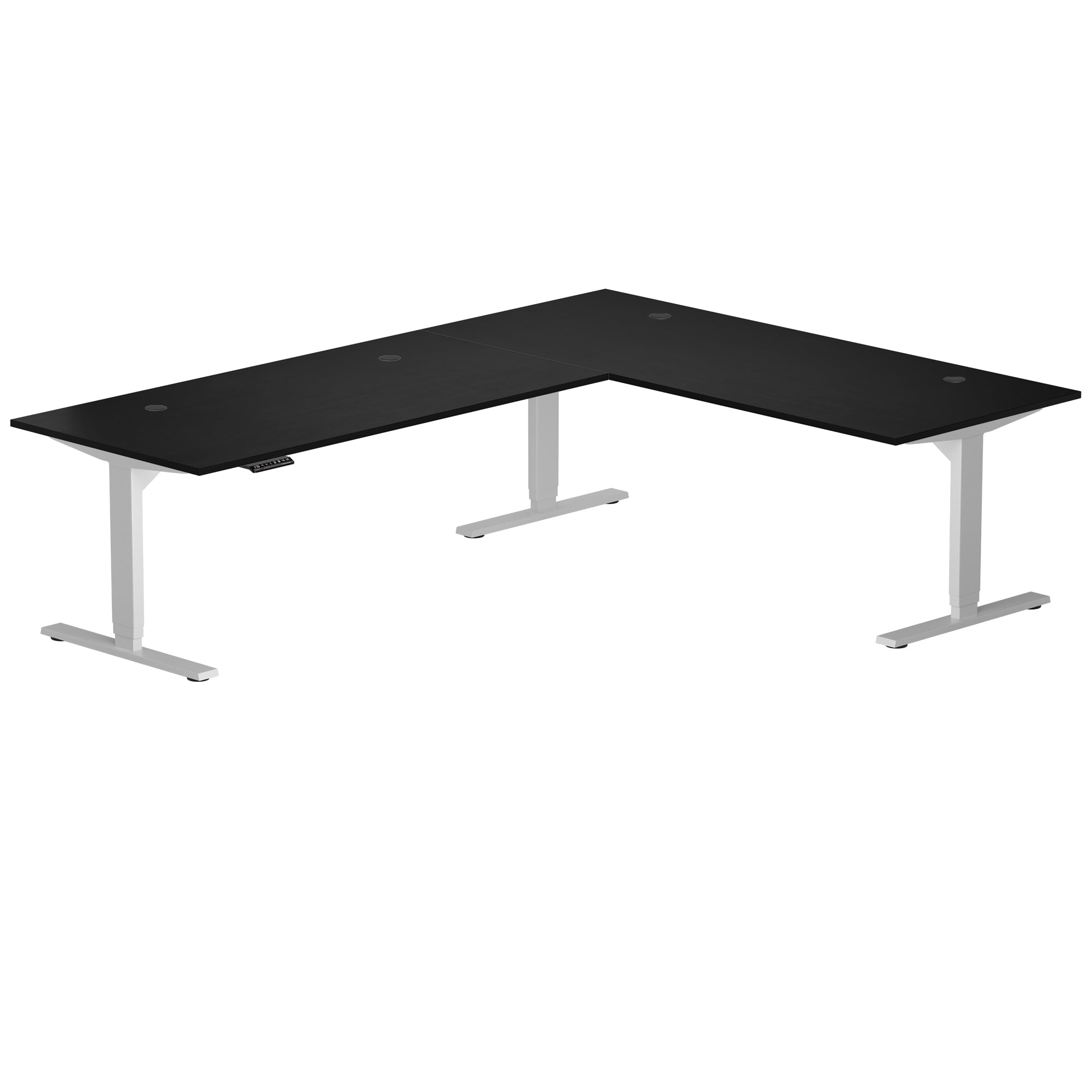
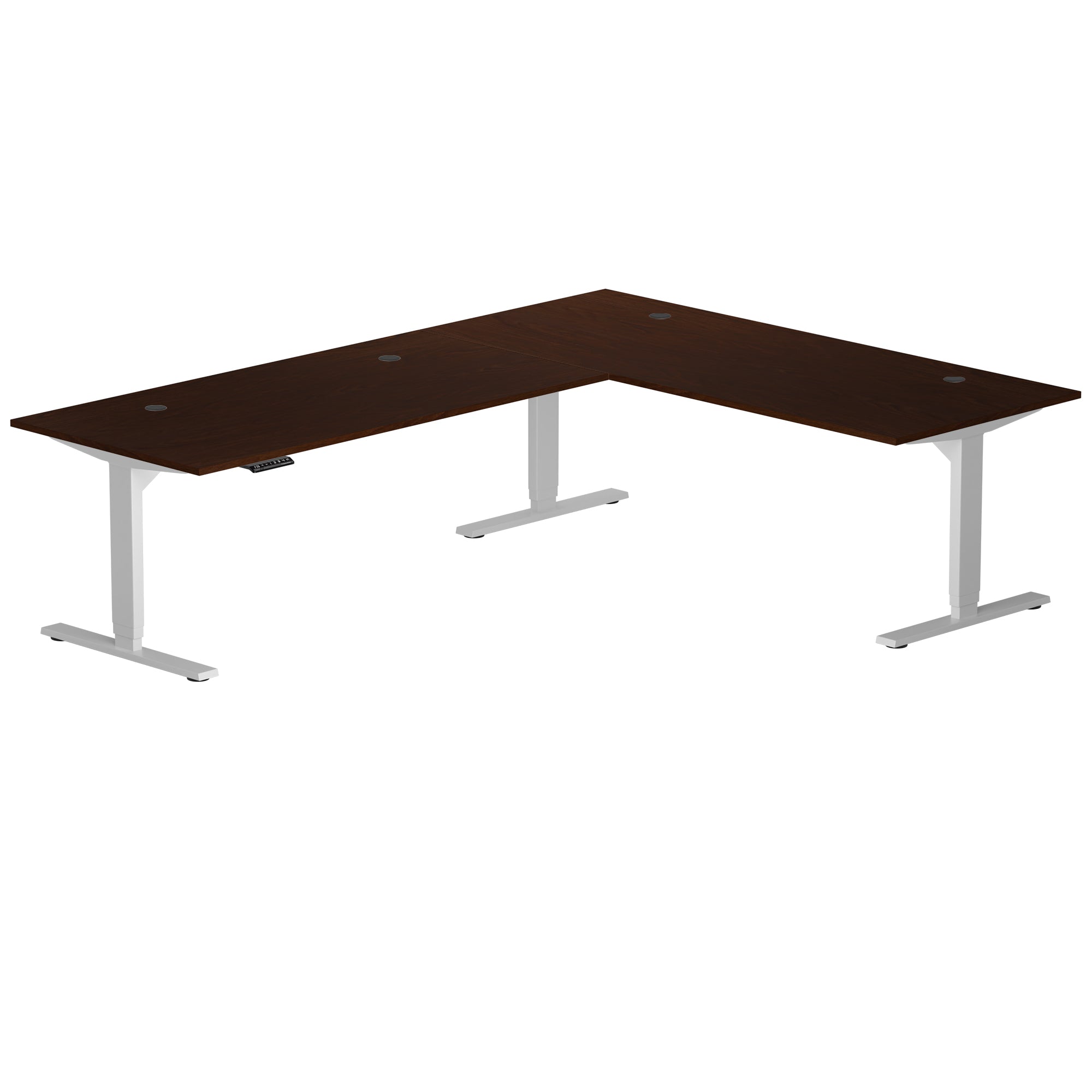

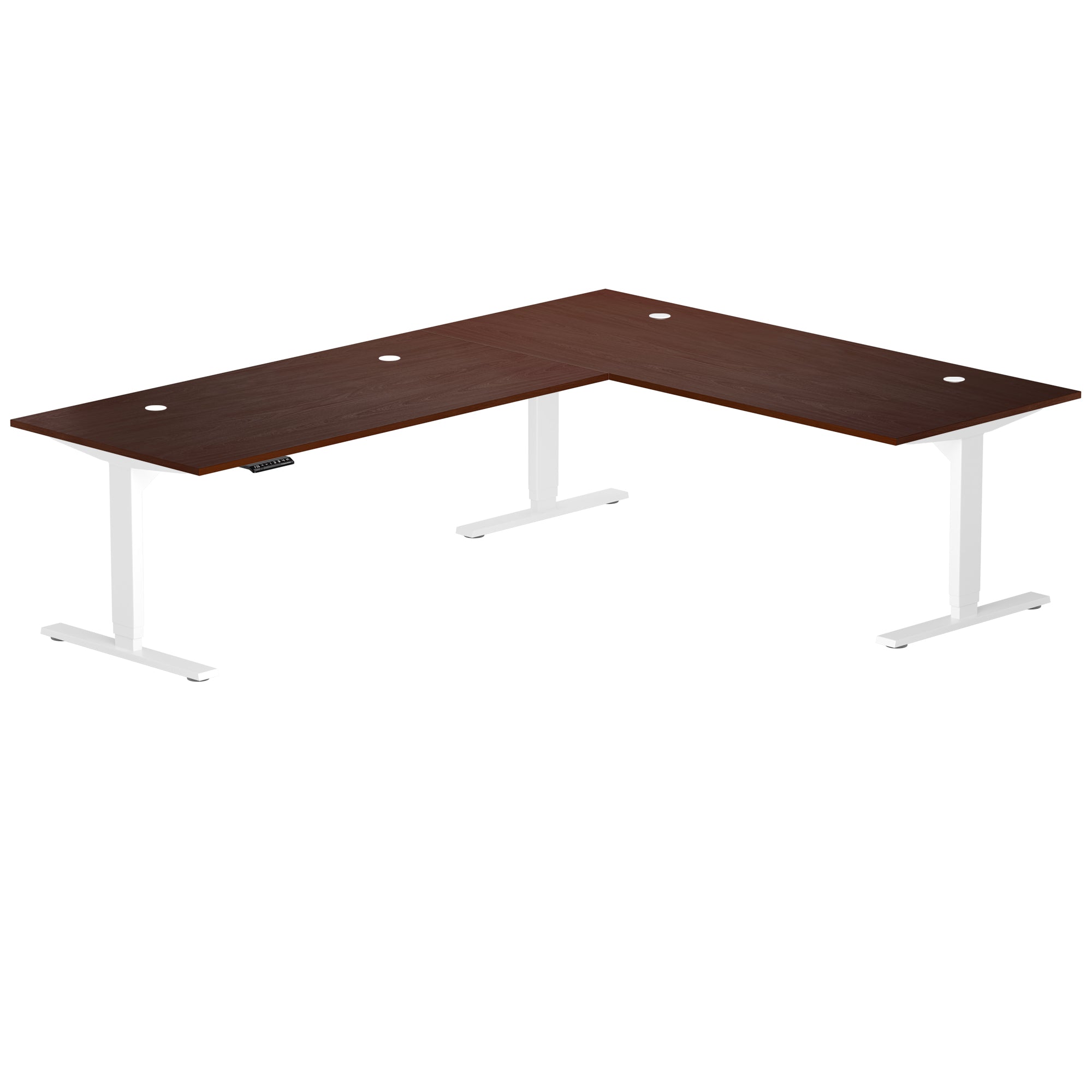
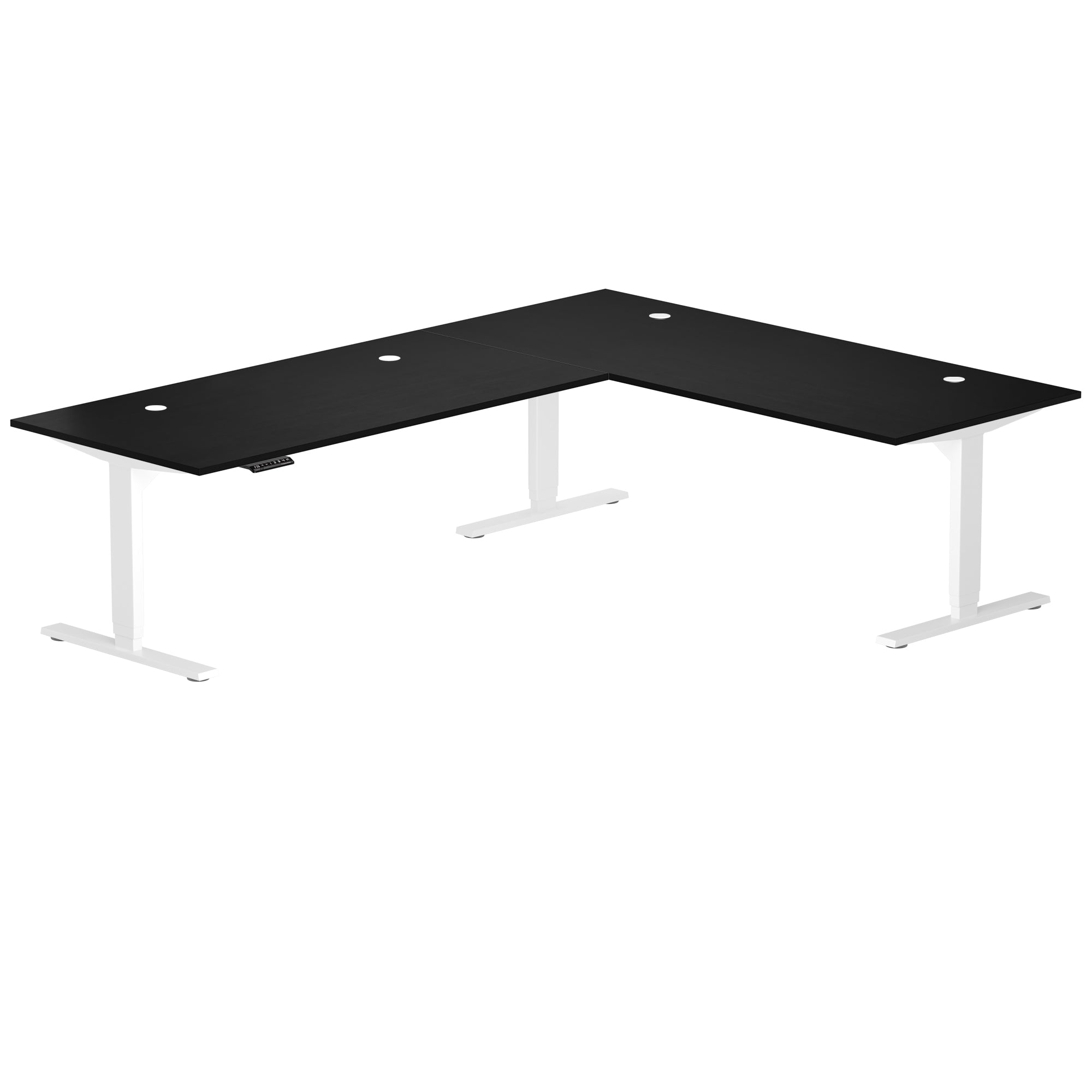
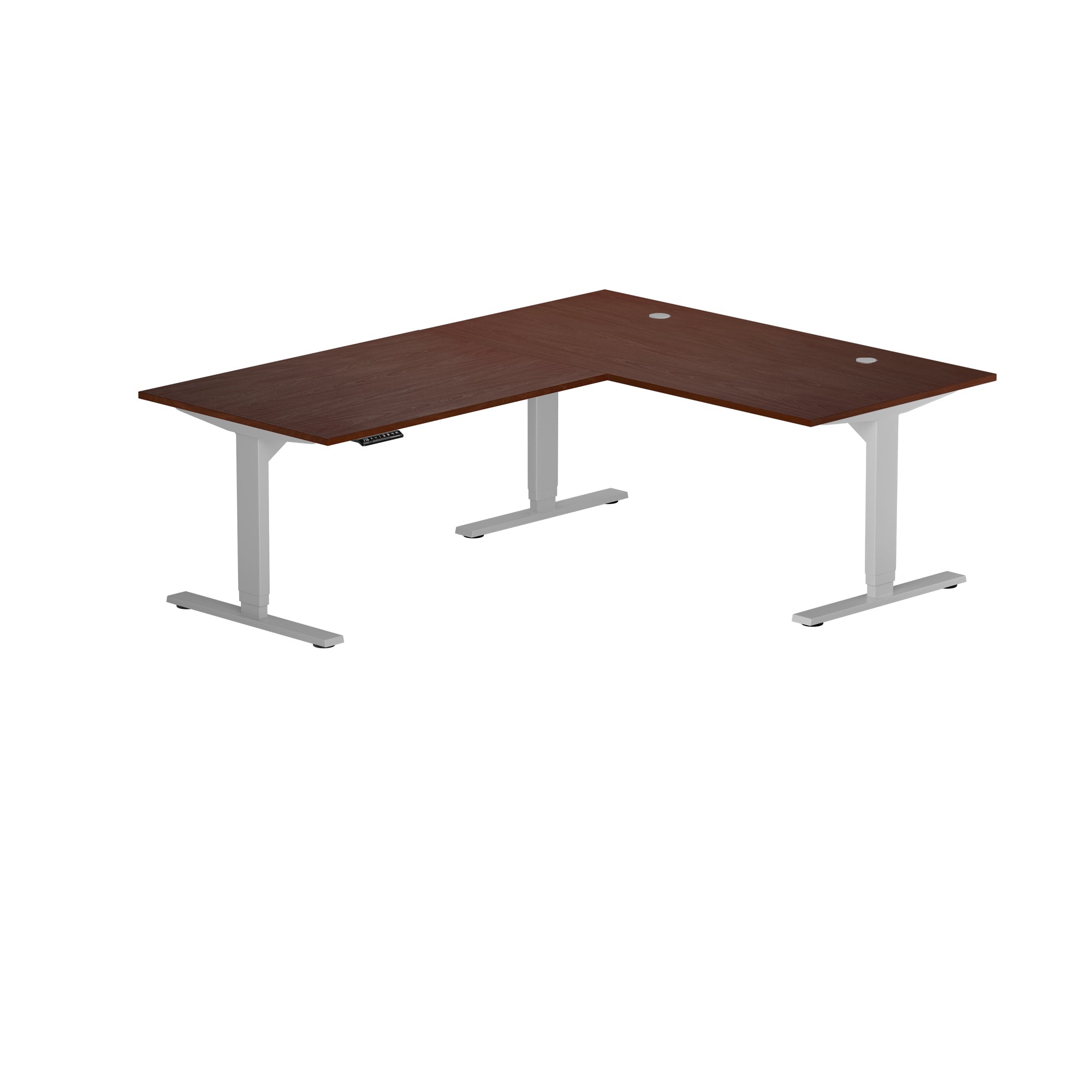
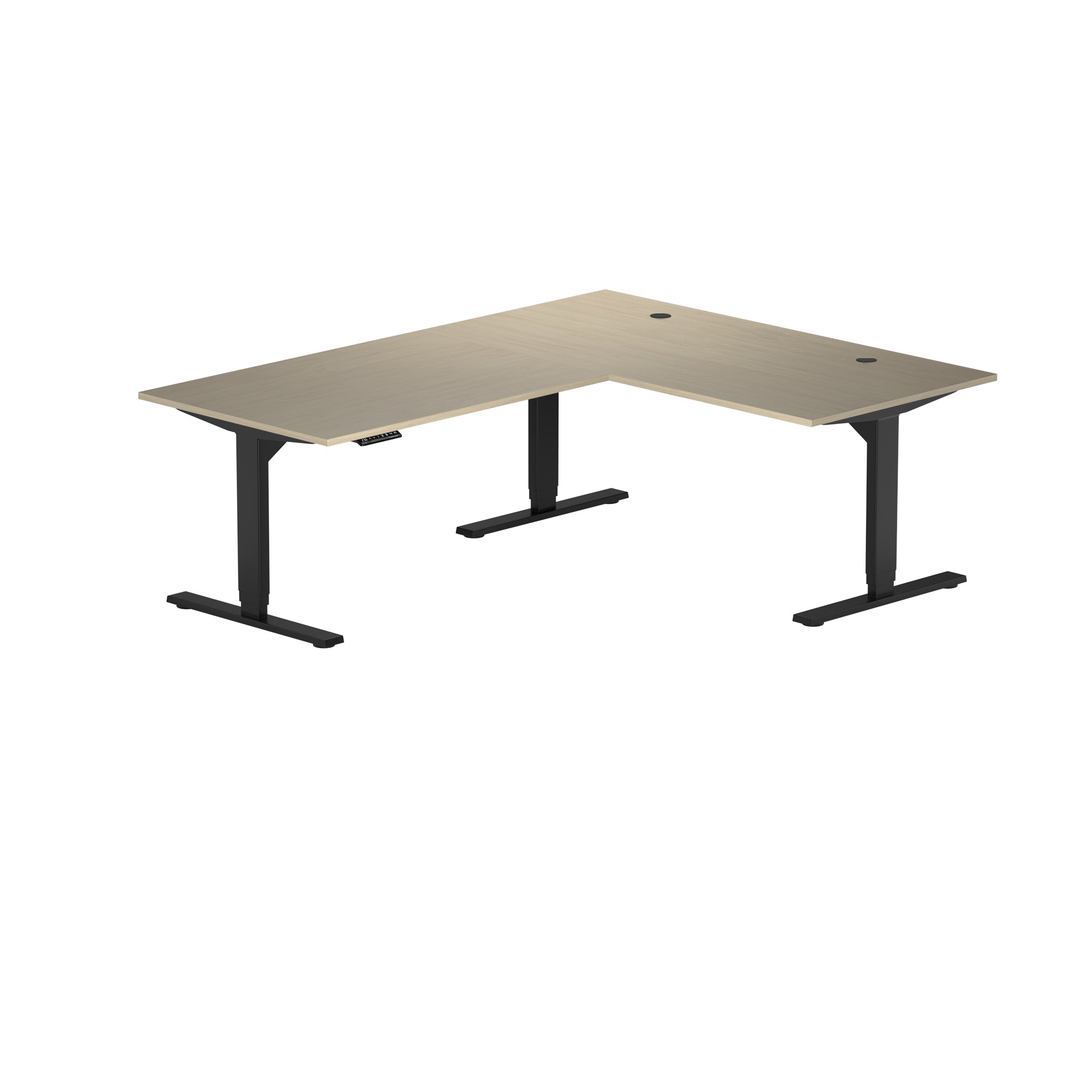
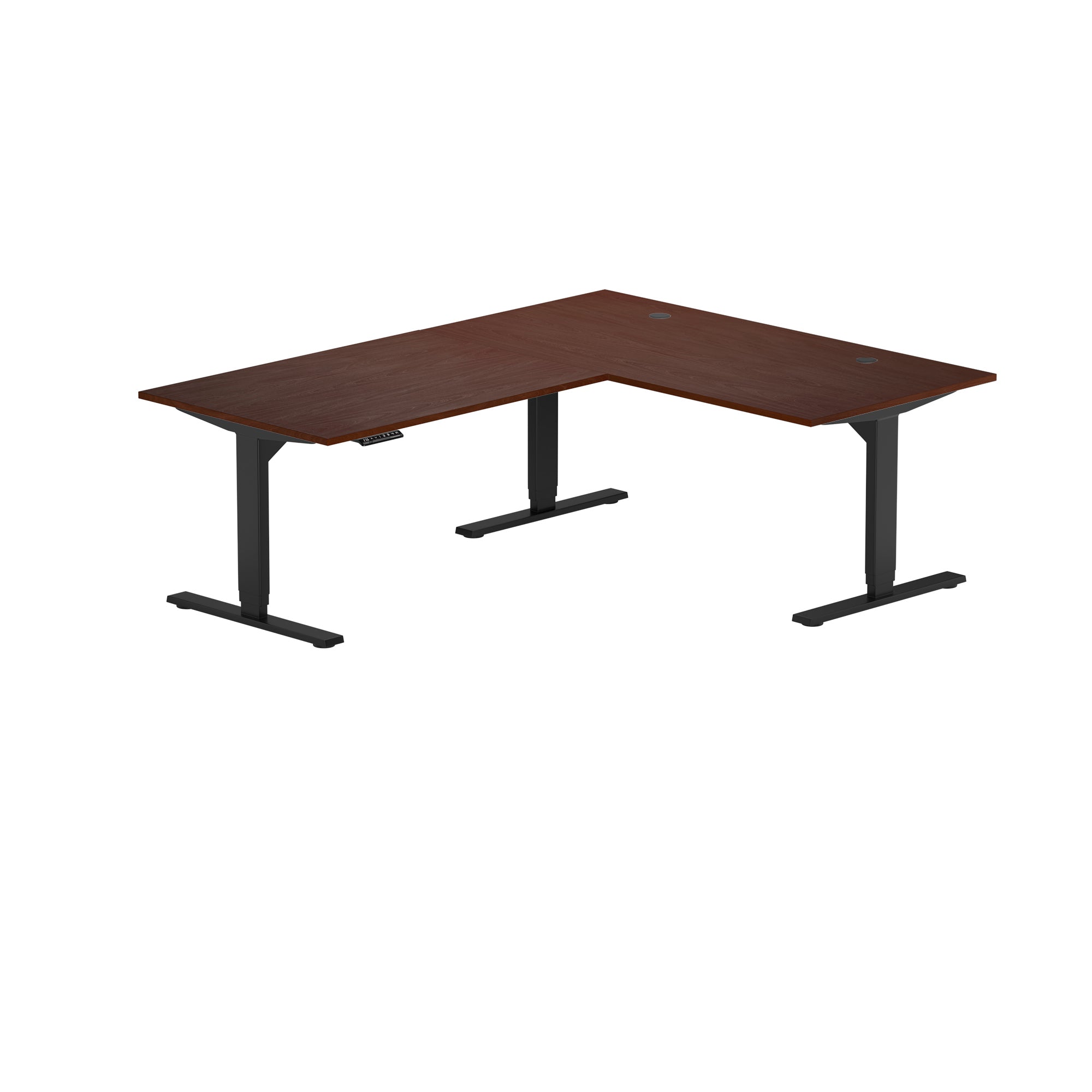
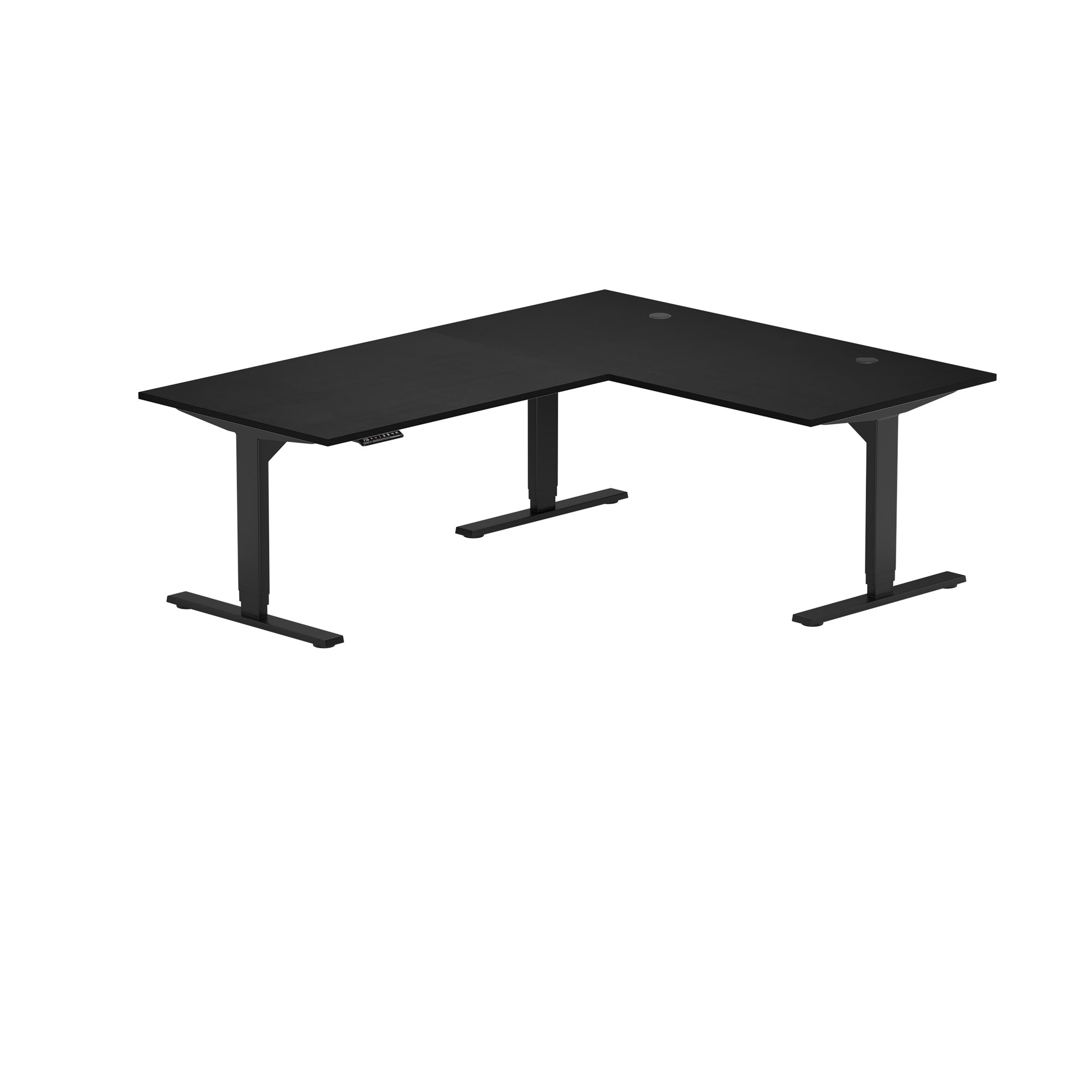
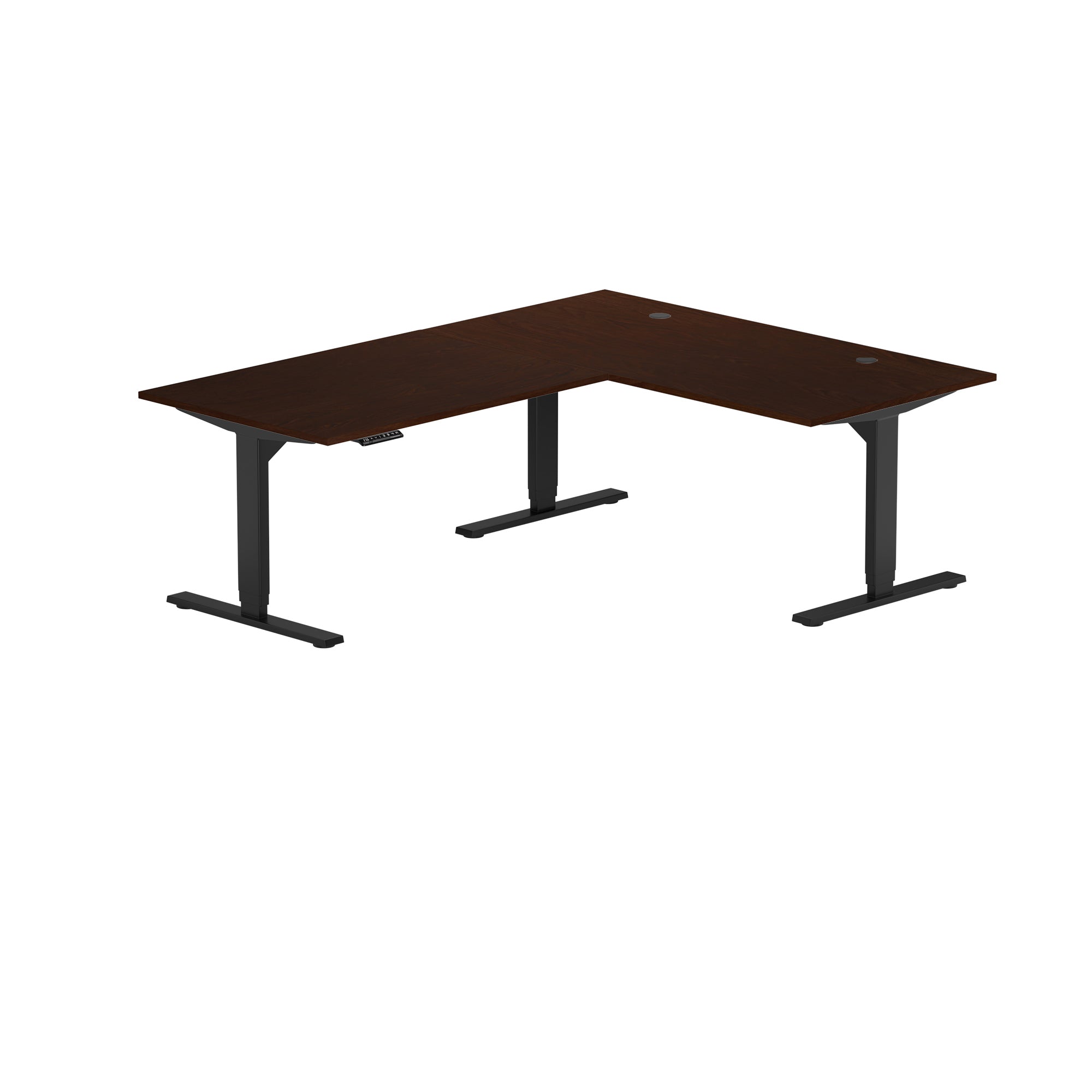
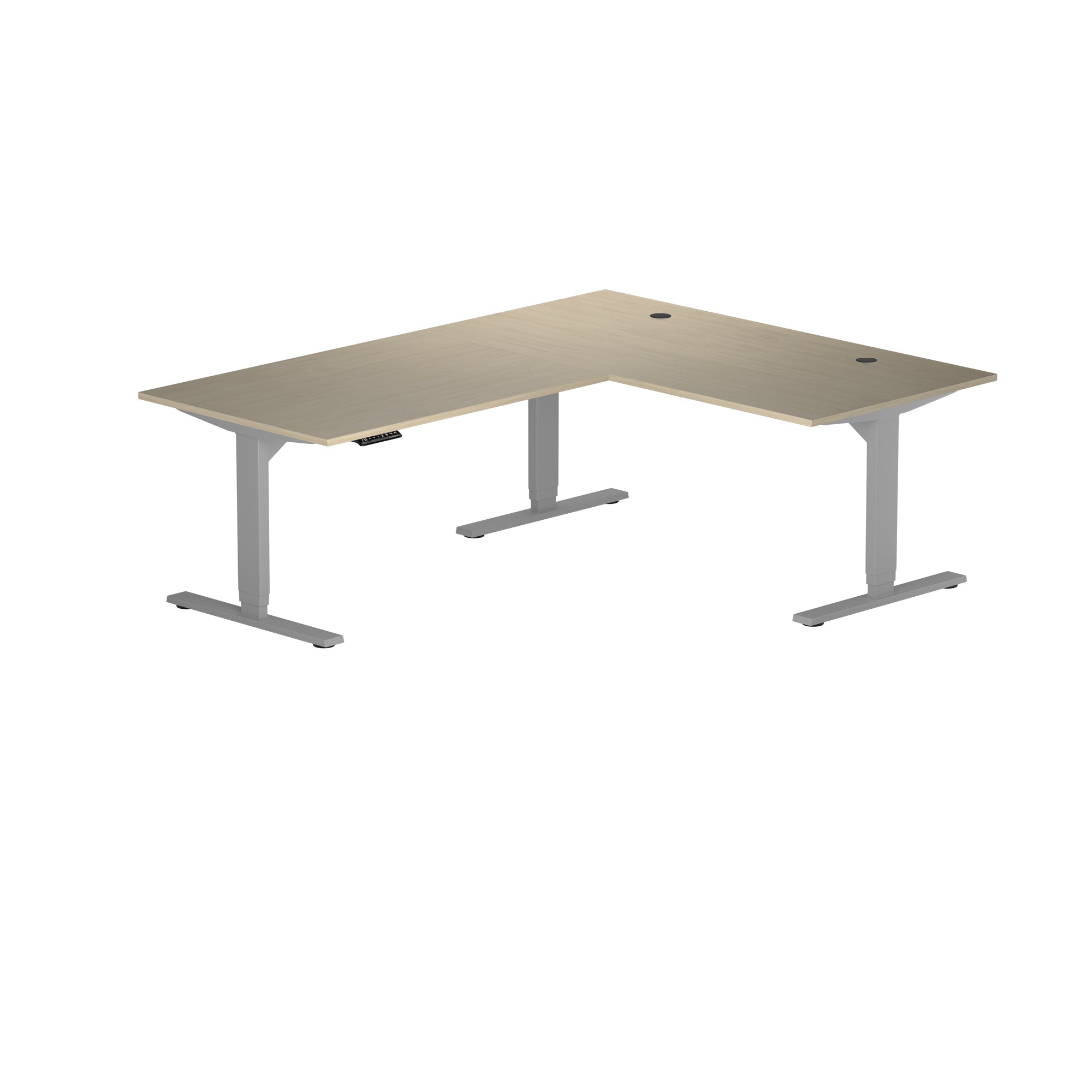
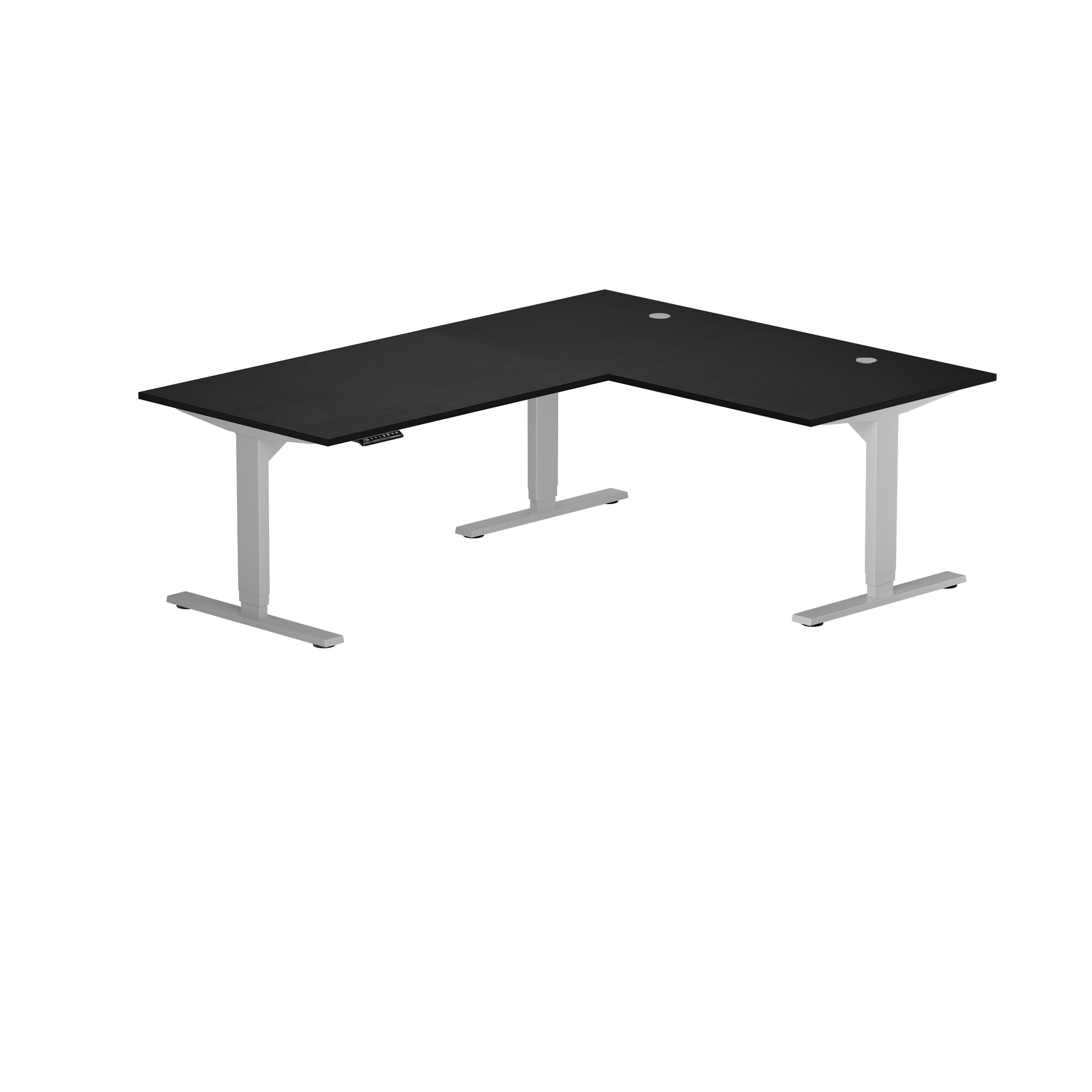
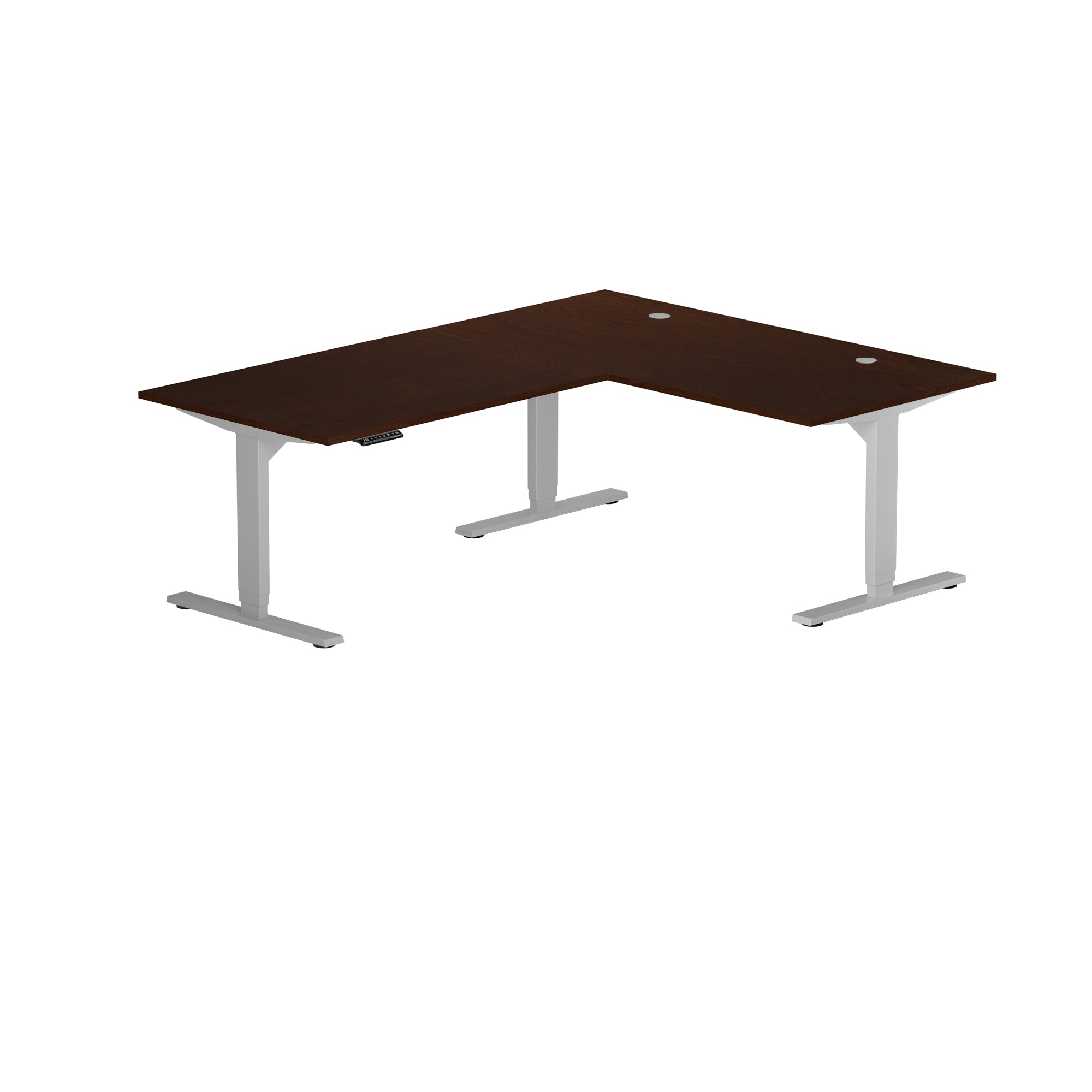
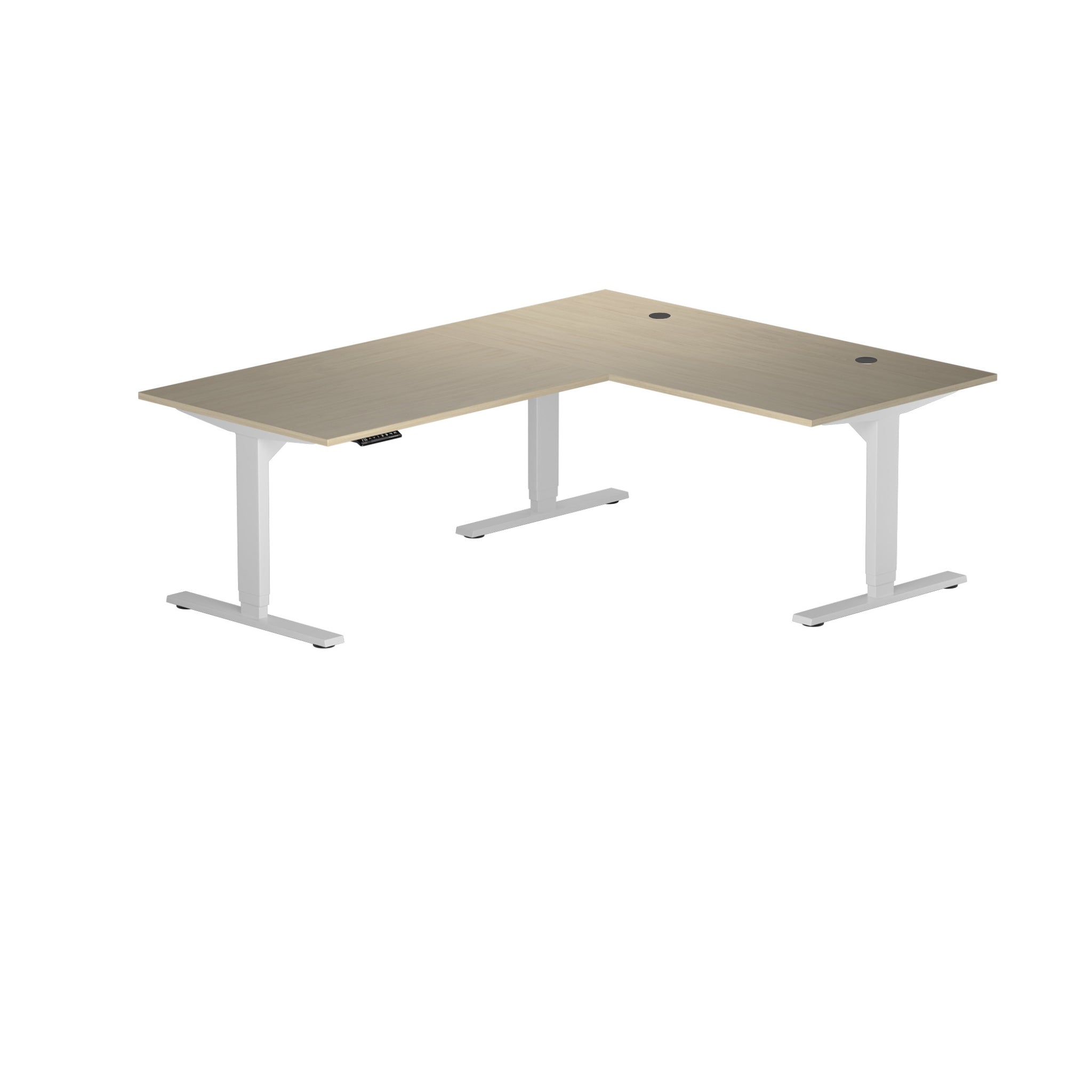
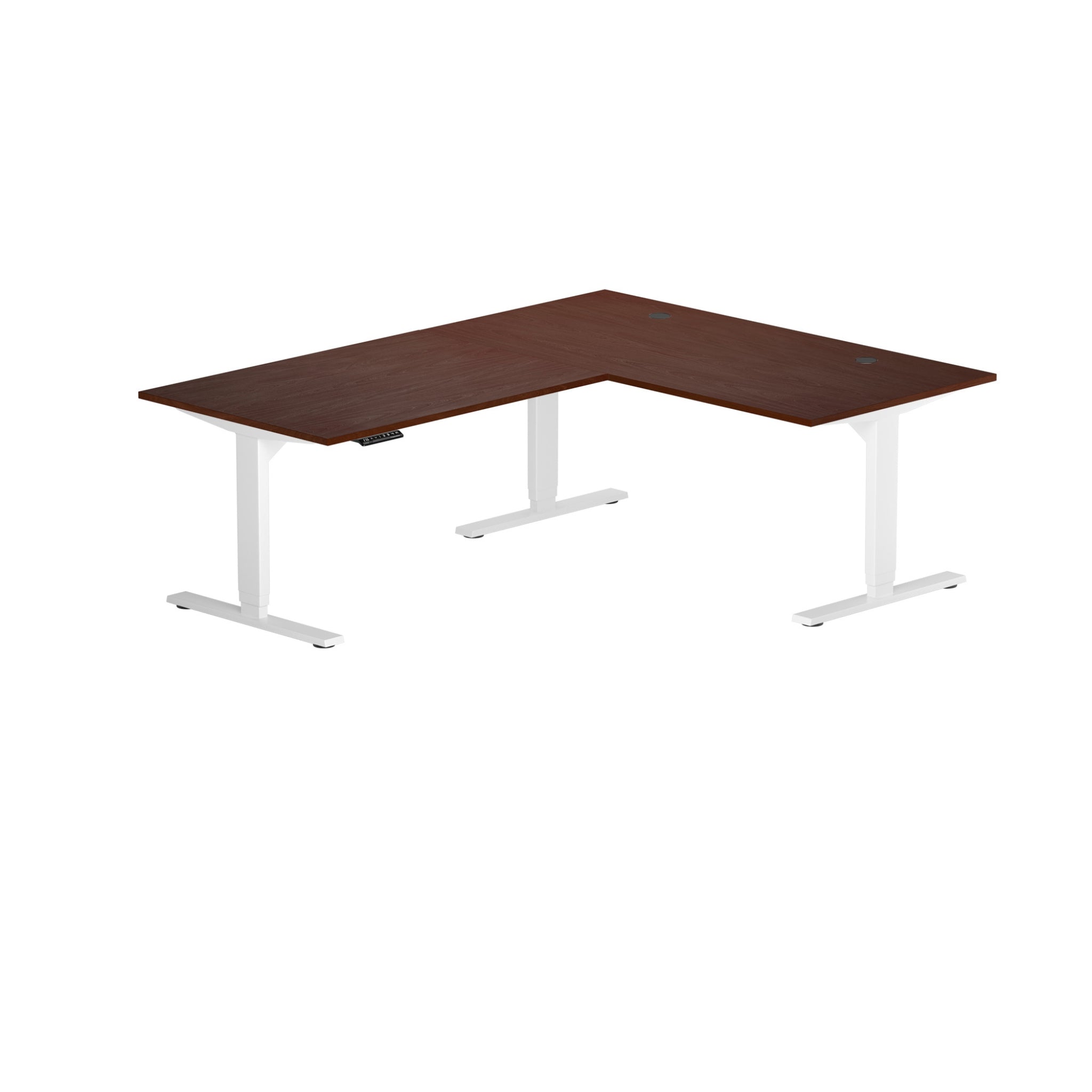
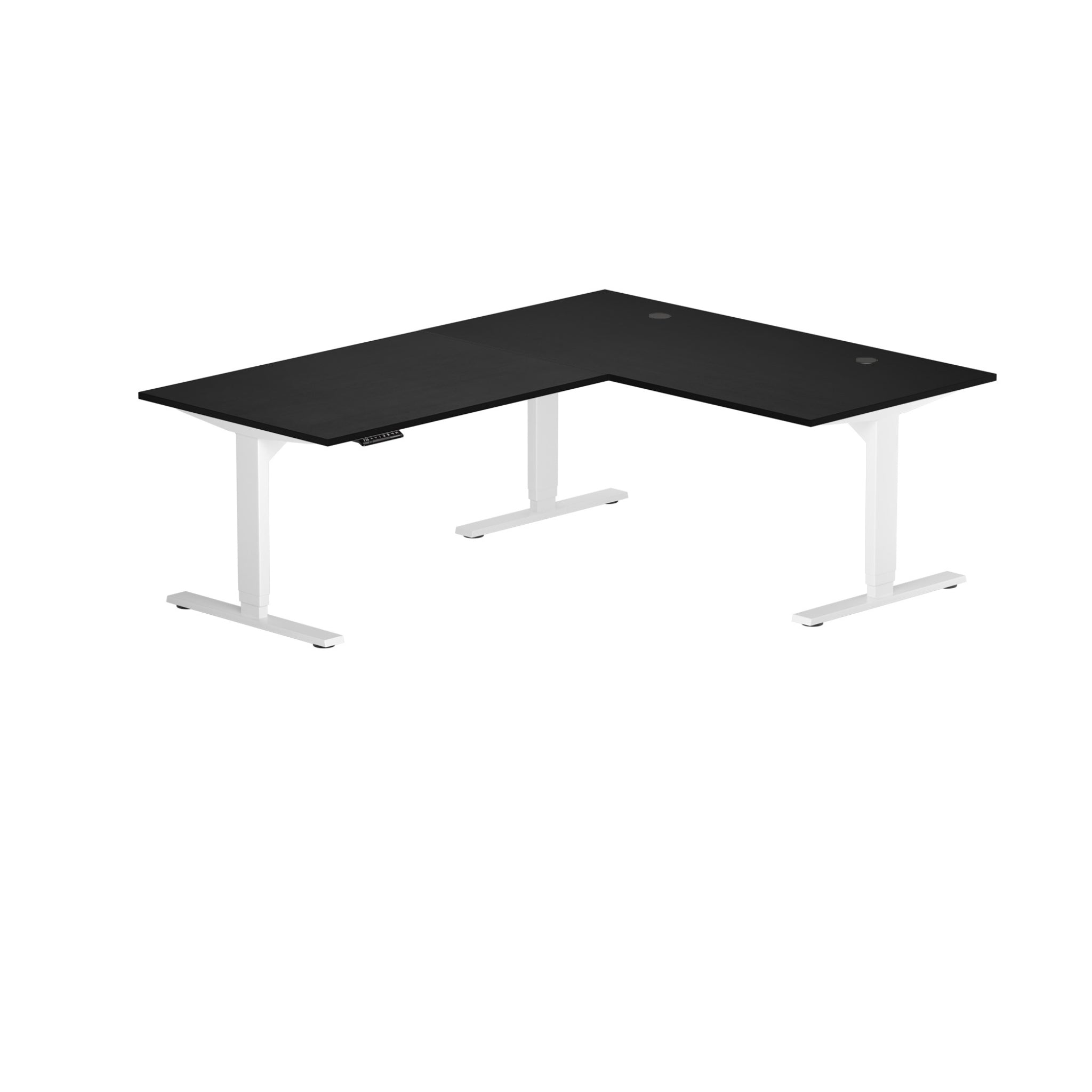


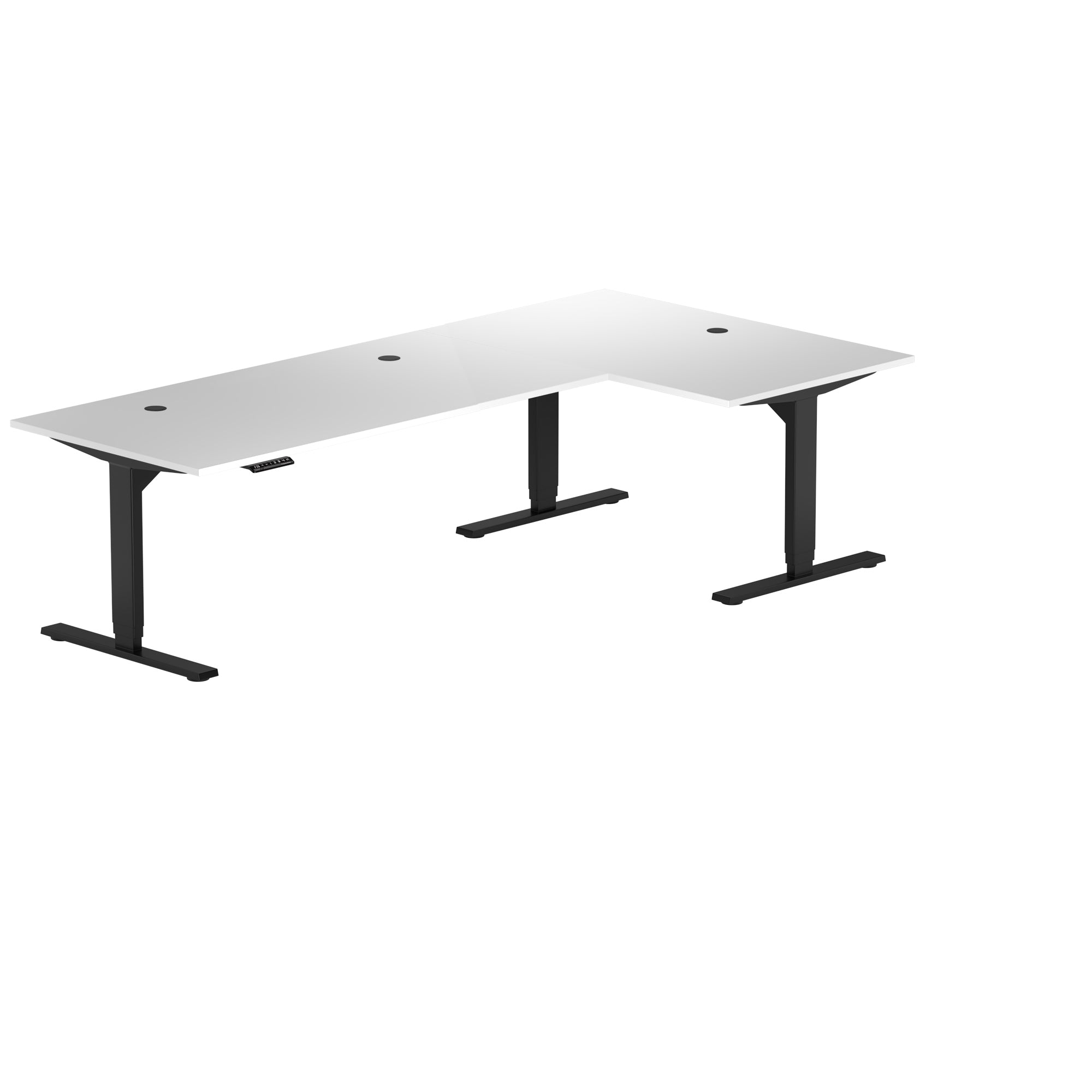
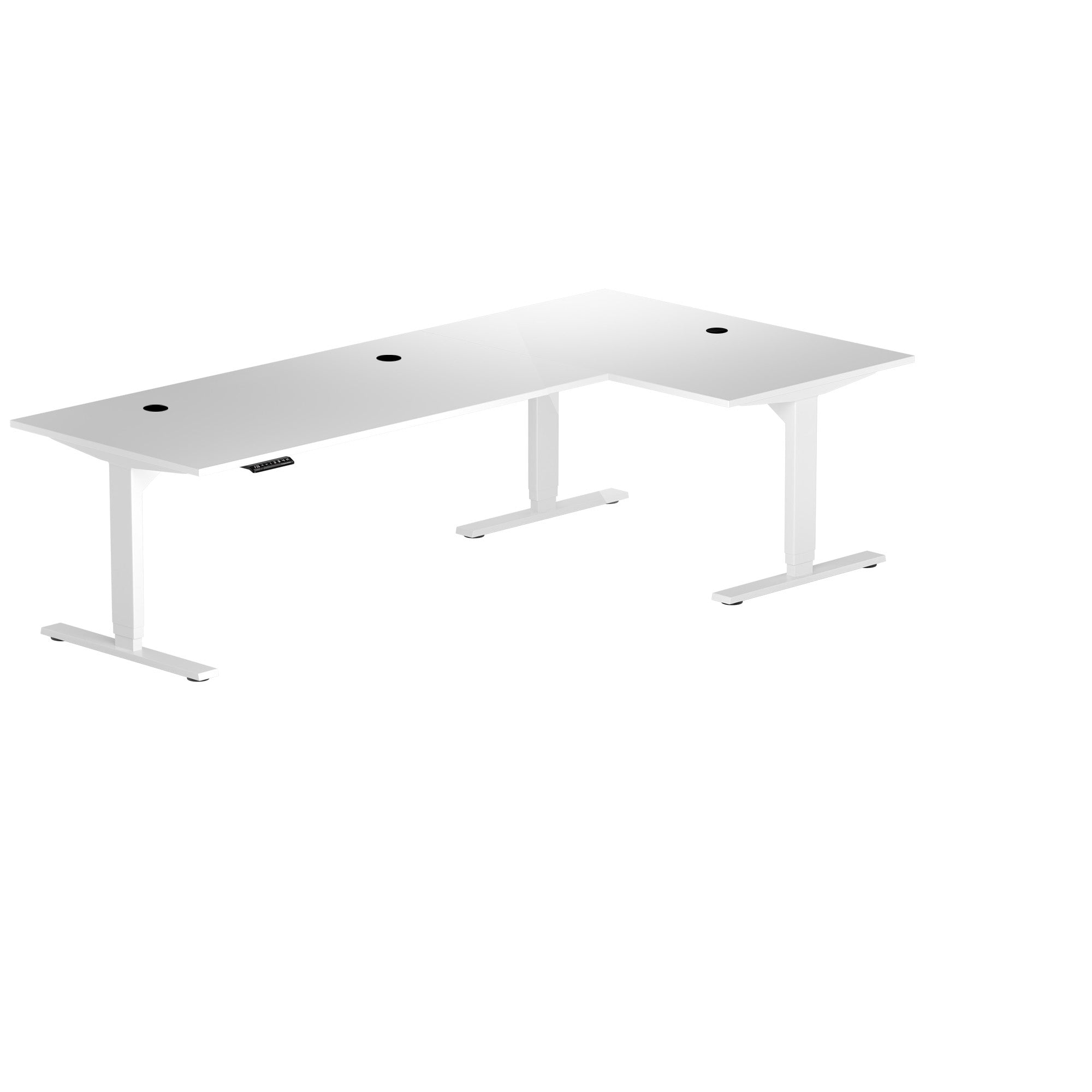
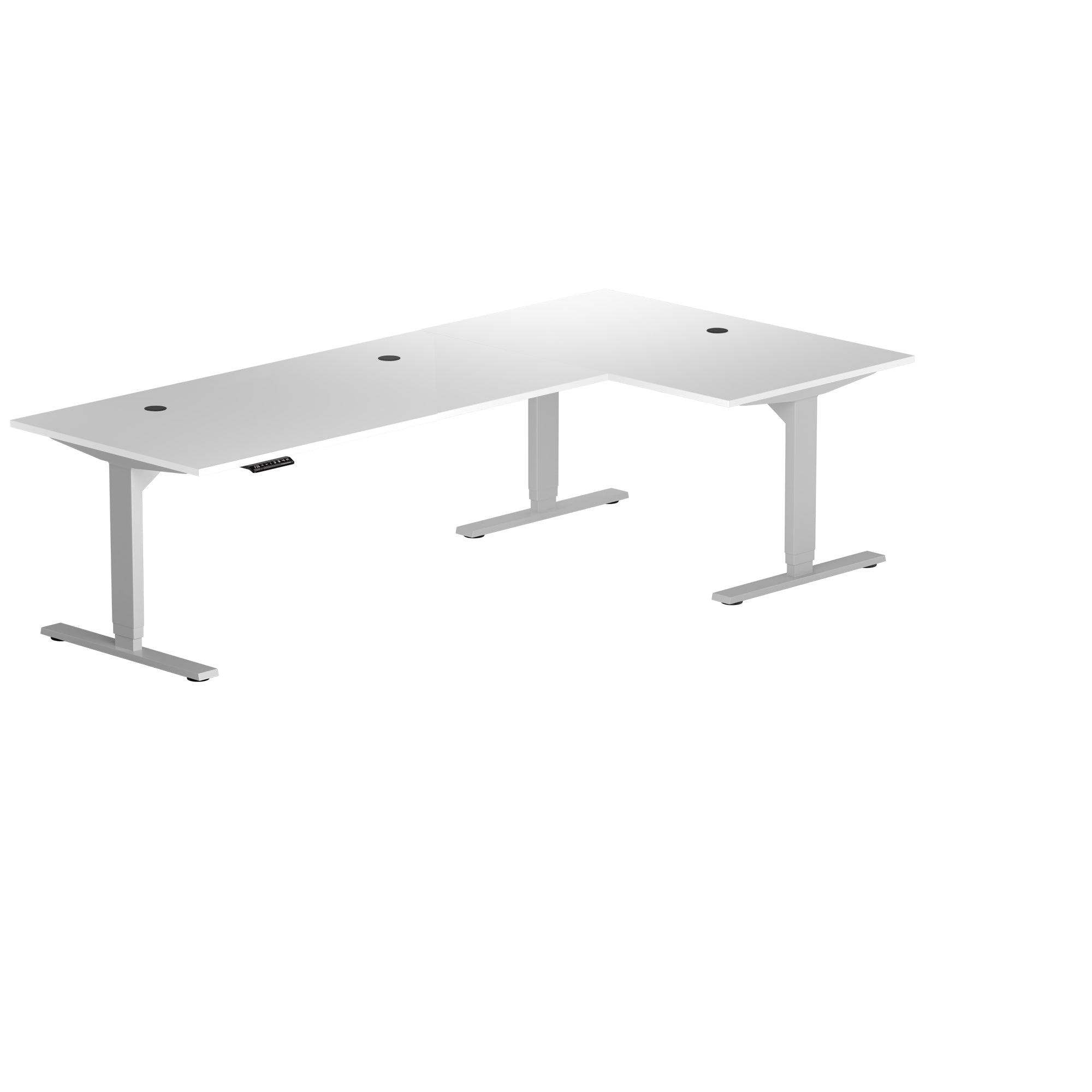
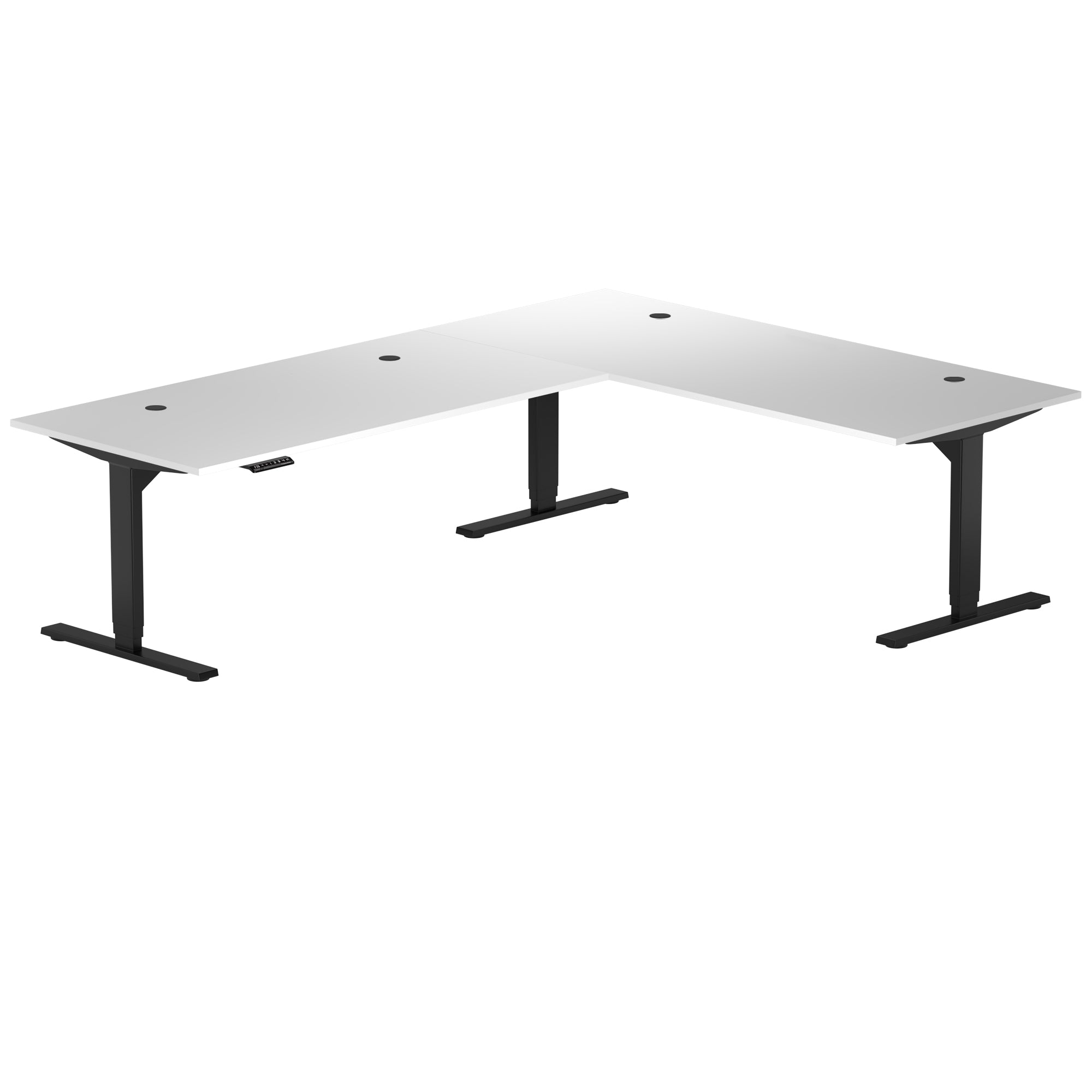
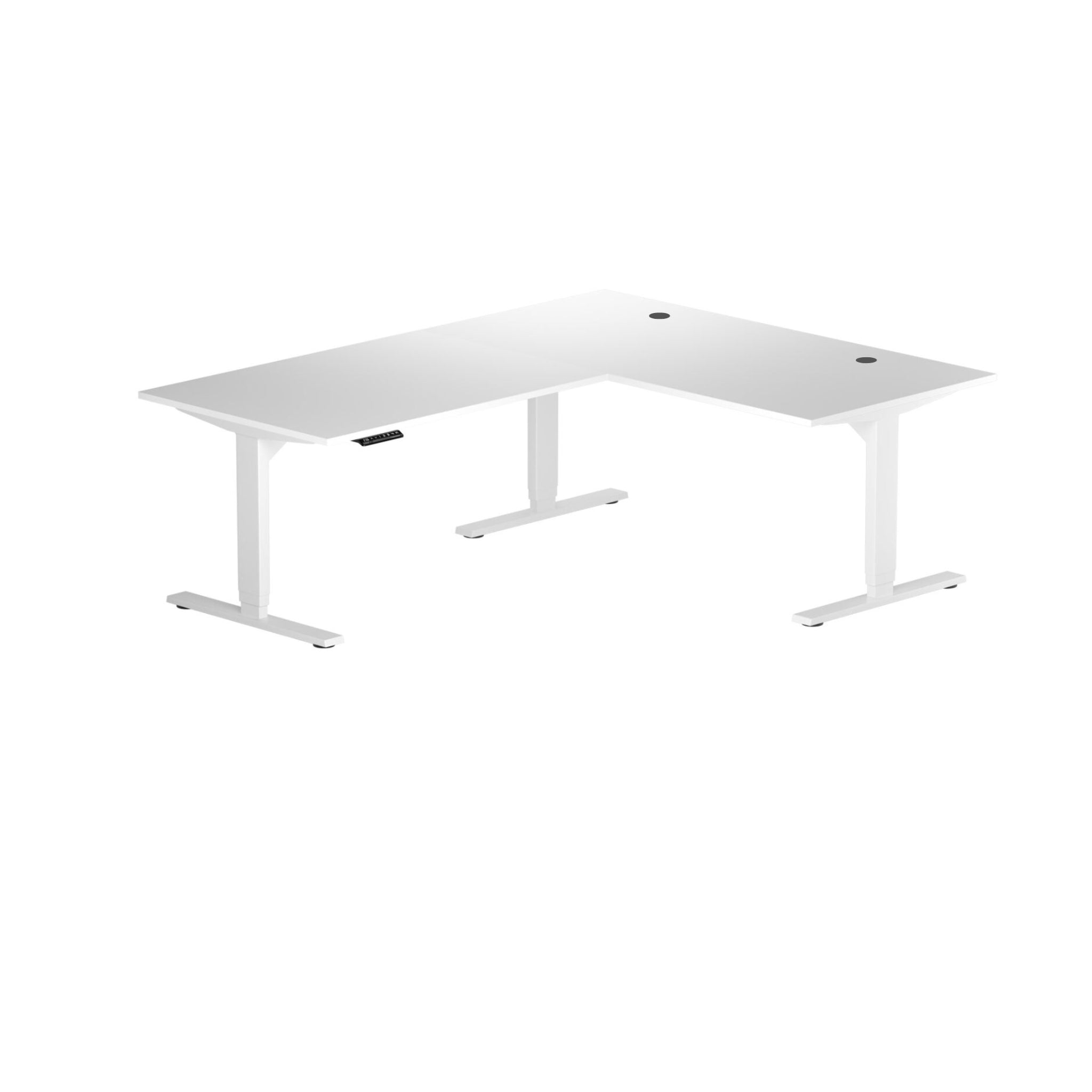
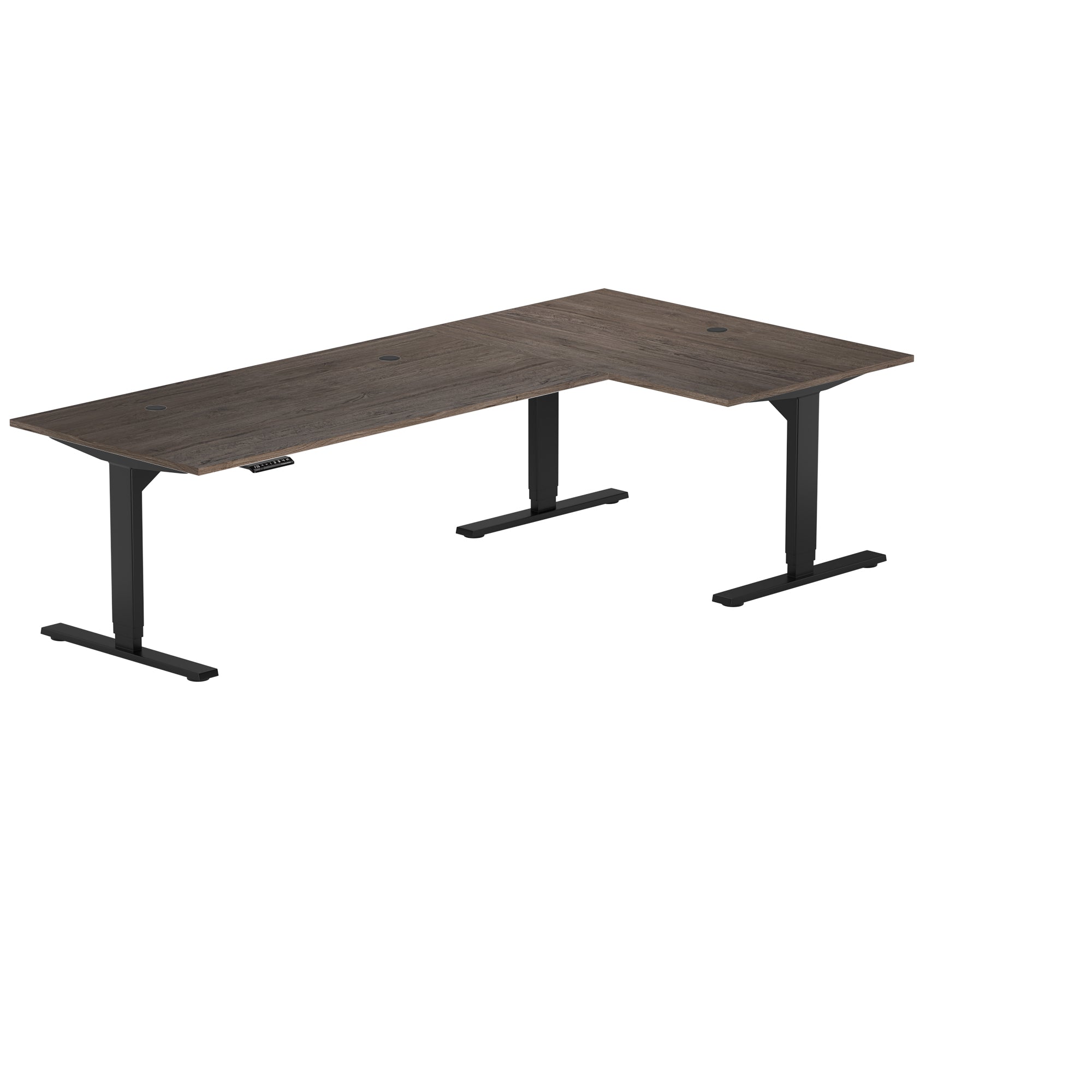
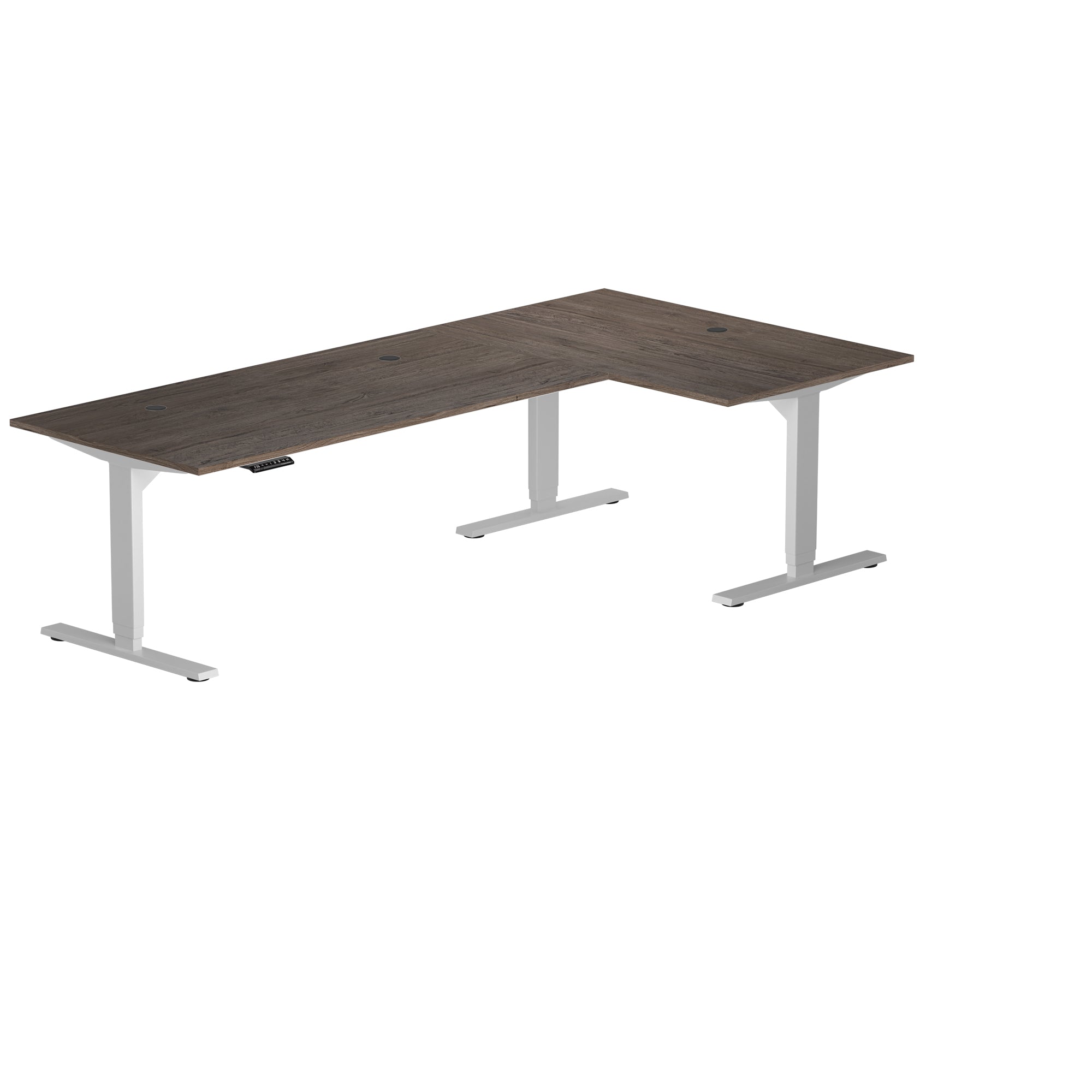
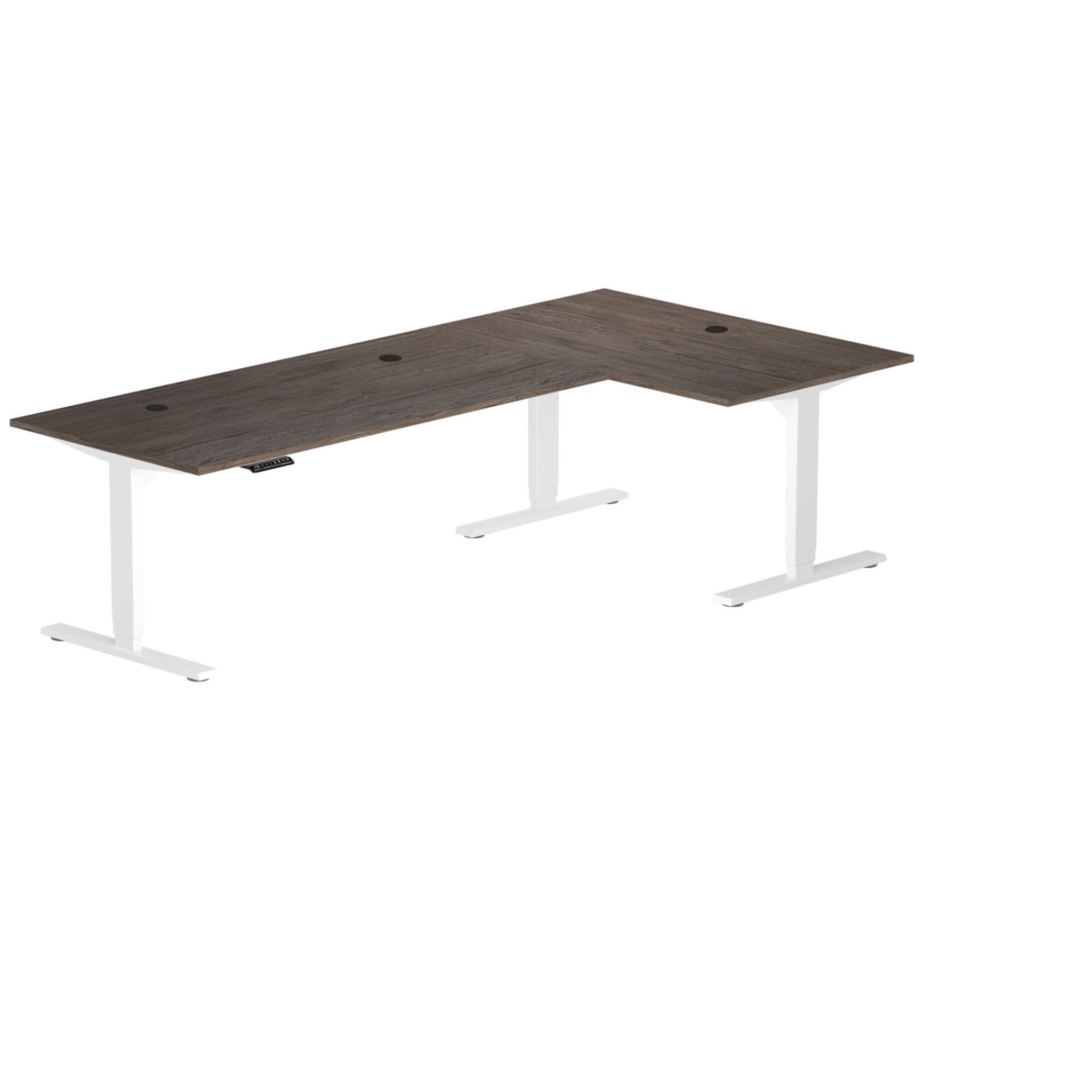



Corner Ryzer Standard
Corner Ryzer Standard
Free gift with this desk. Yours automatically at checkout
Build Your Desk
Selected only the desk frame without the tabletop and grommets.
Select this option if you want to purchase only the desk frame without the tabletop.


L-Shaped Standing Desk for Everyday Workspaces
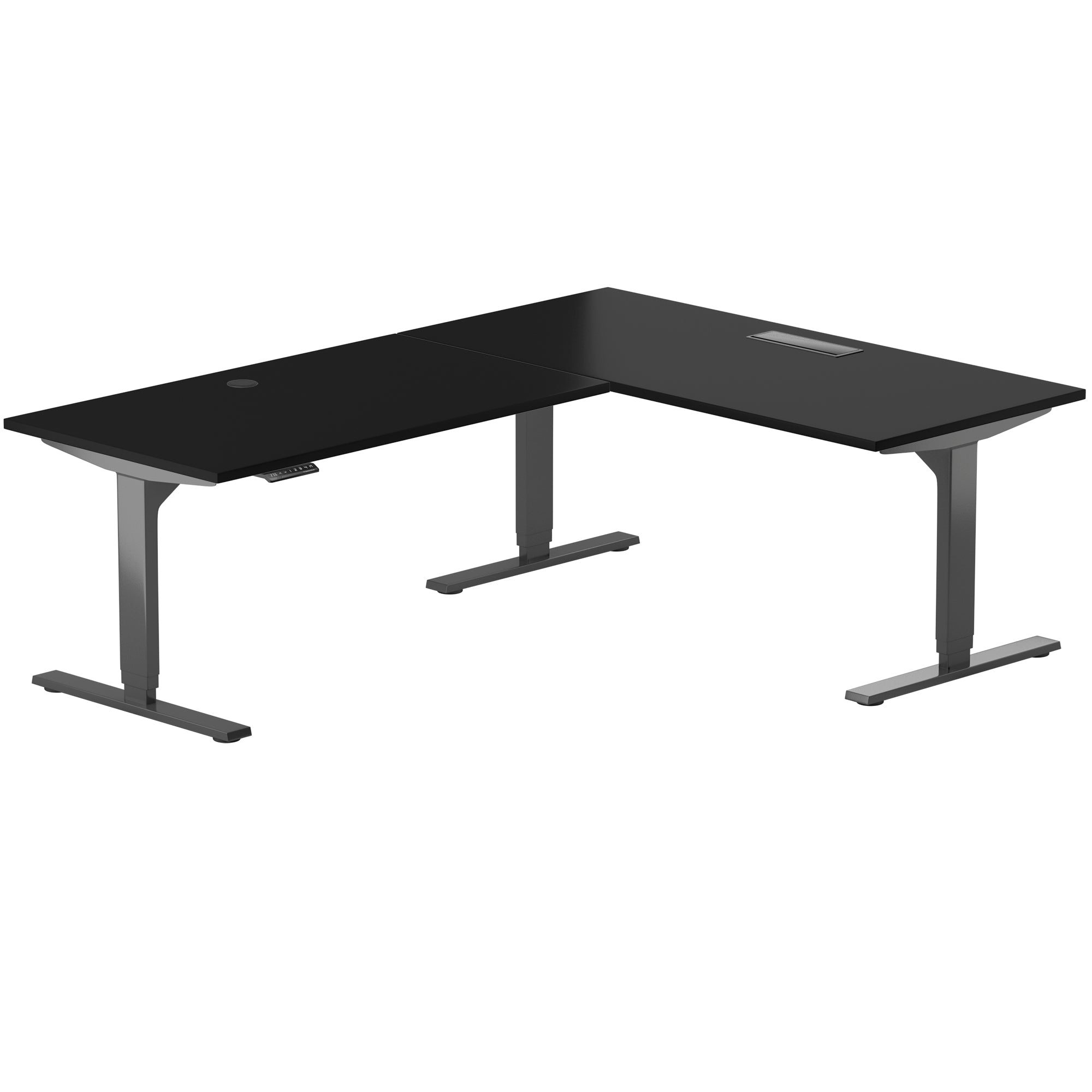
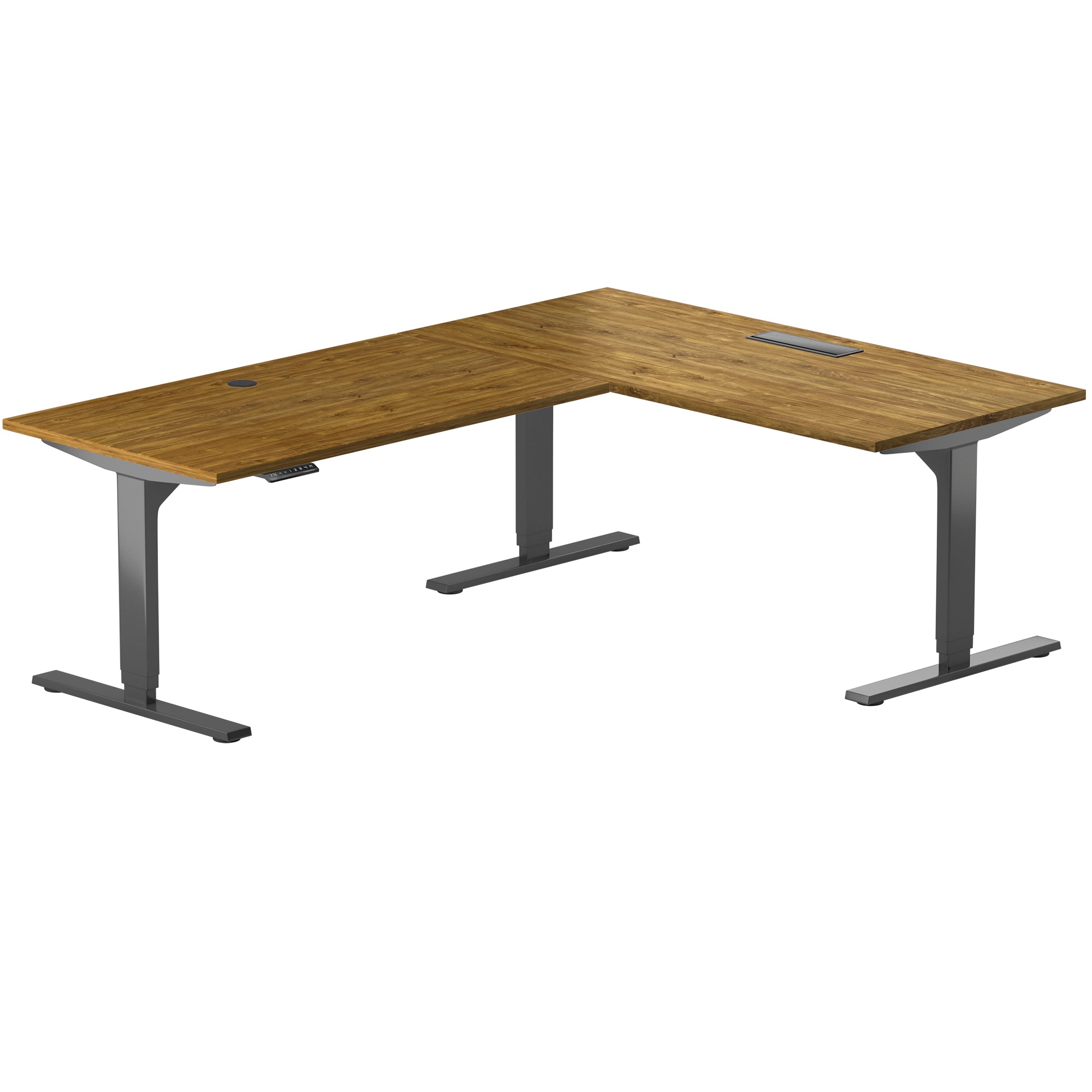
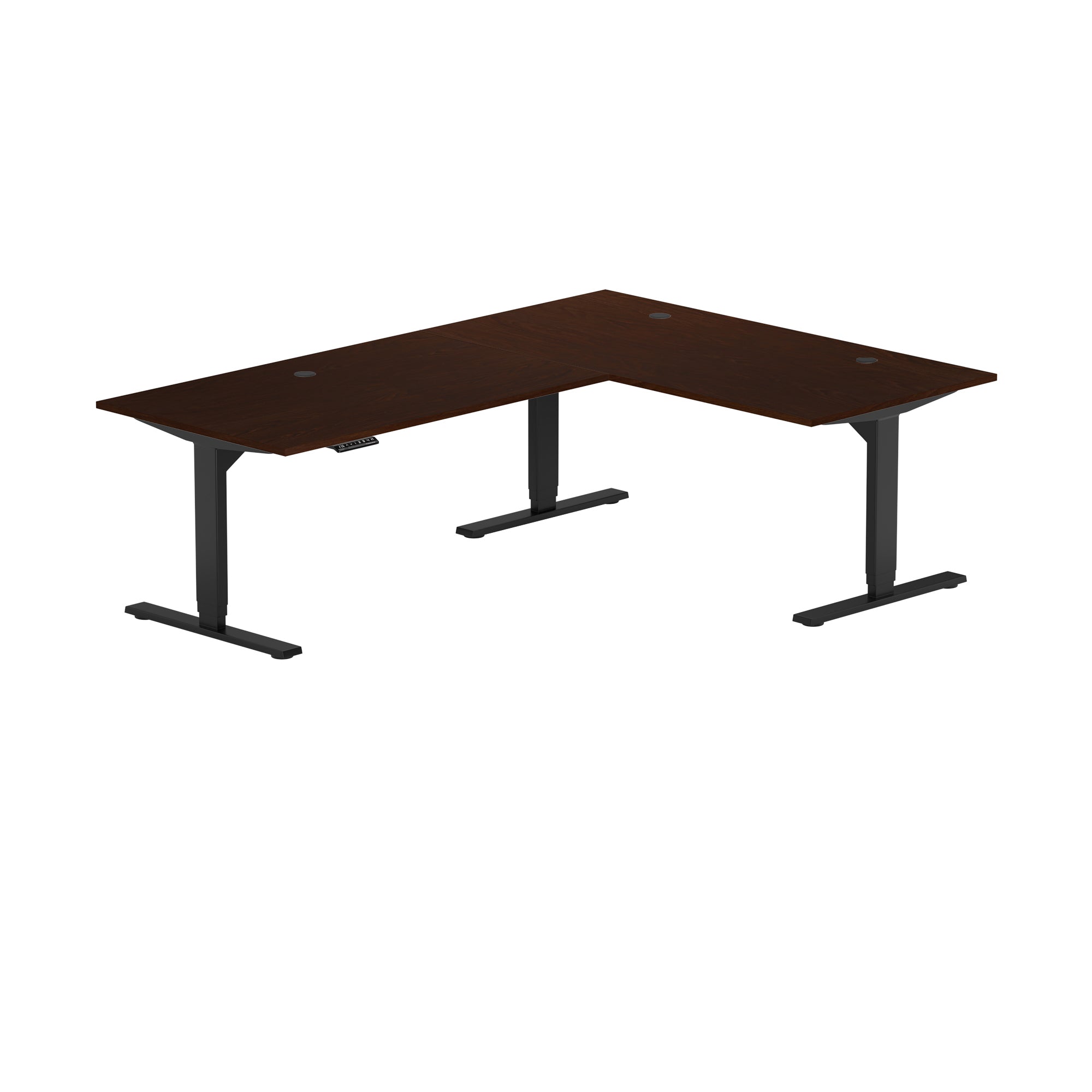
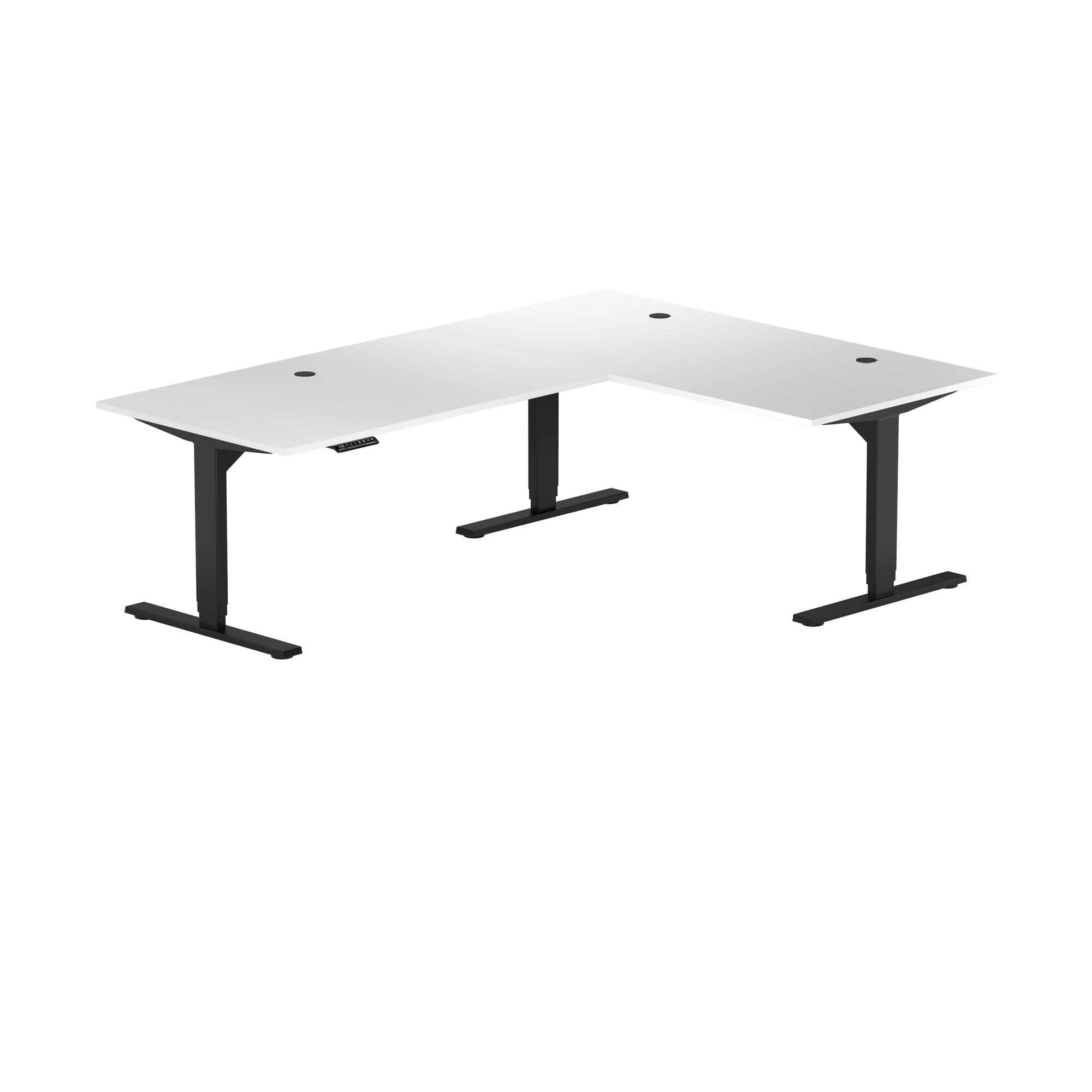
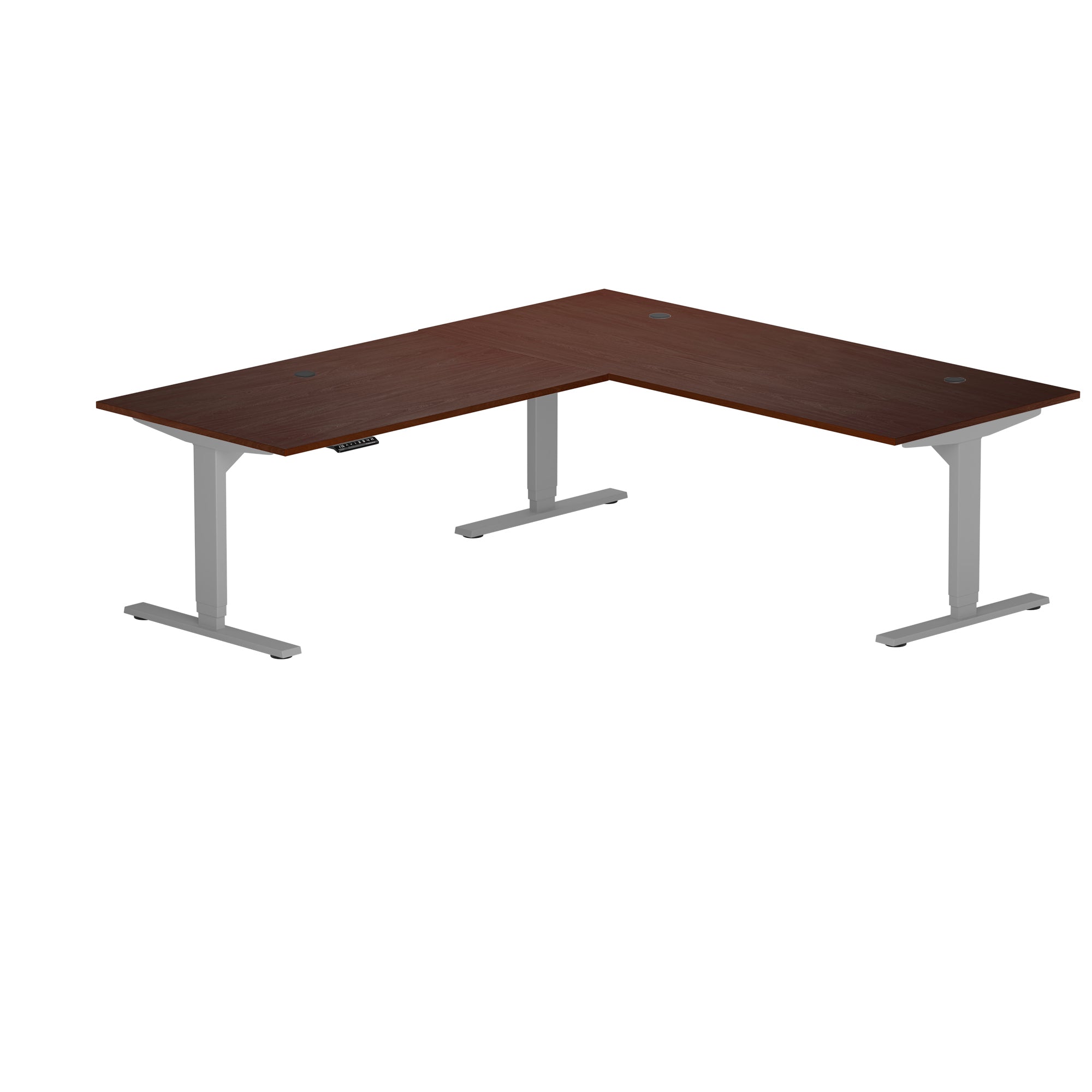
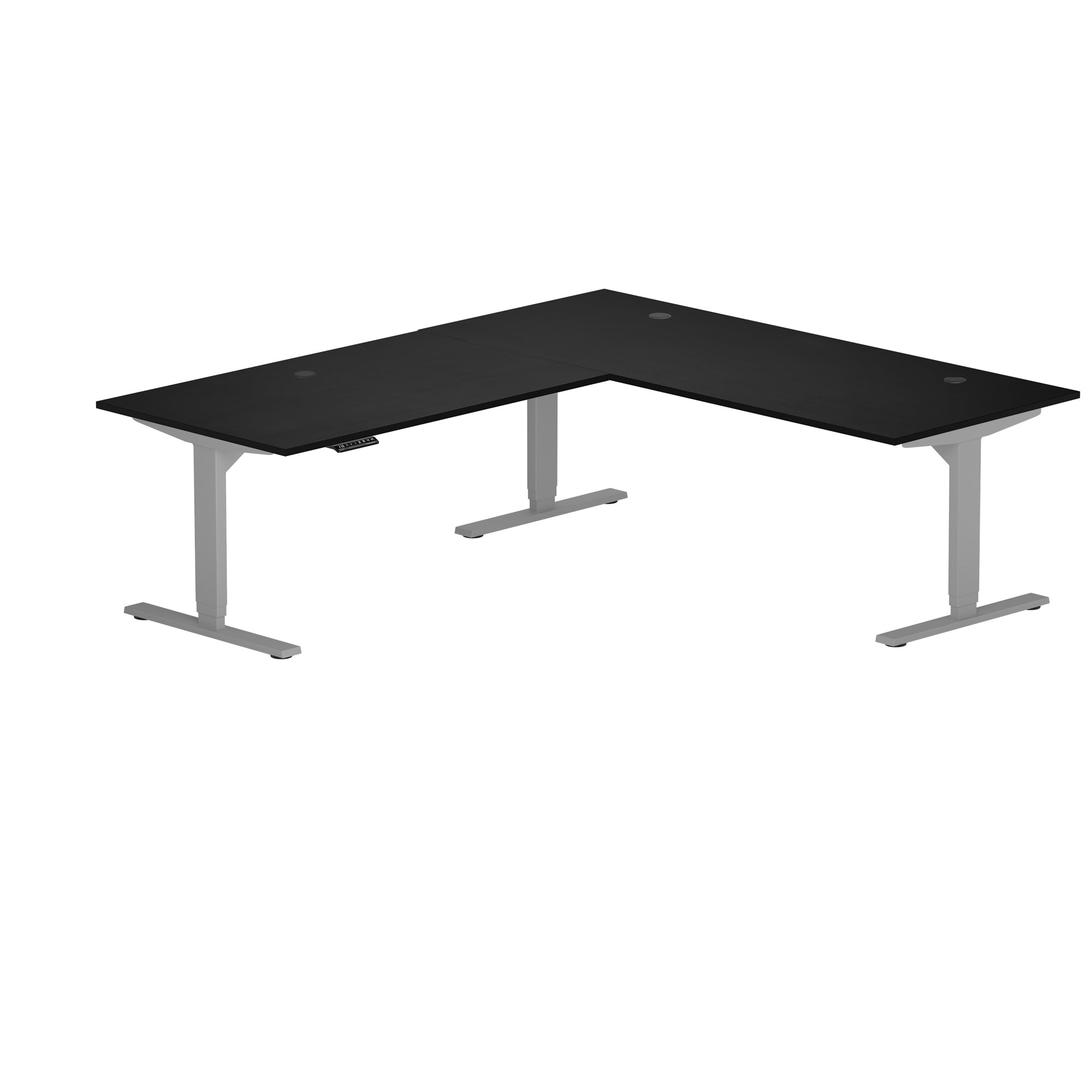
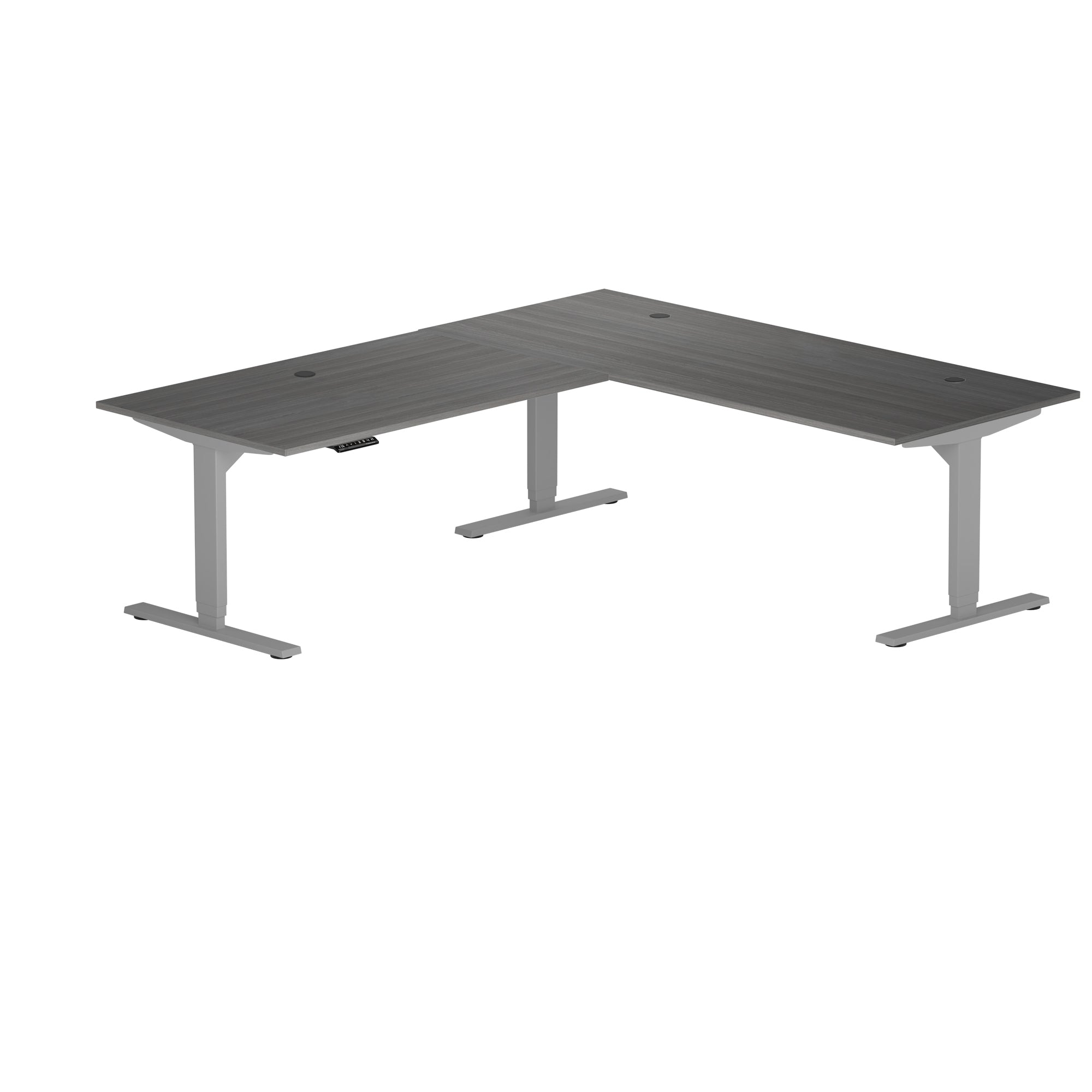
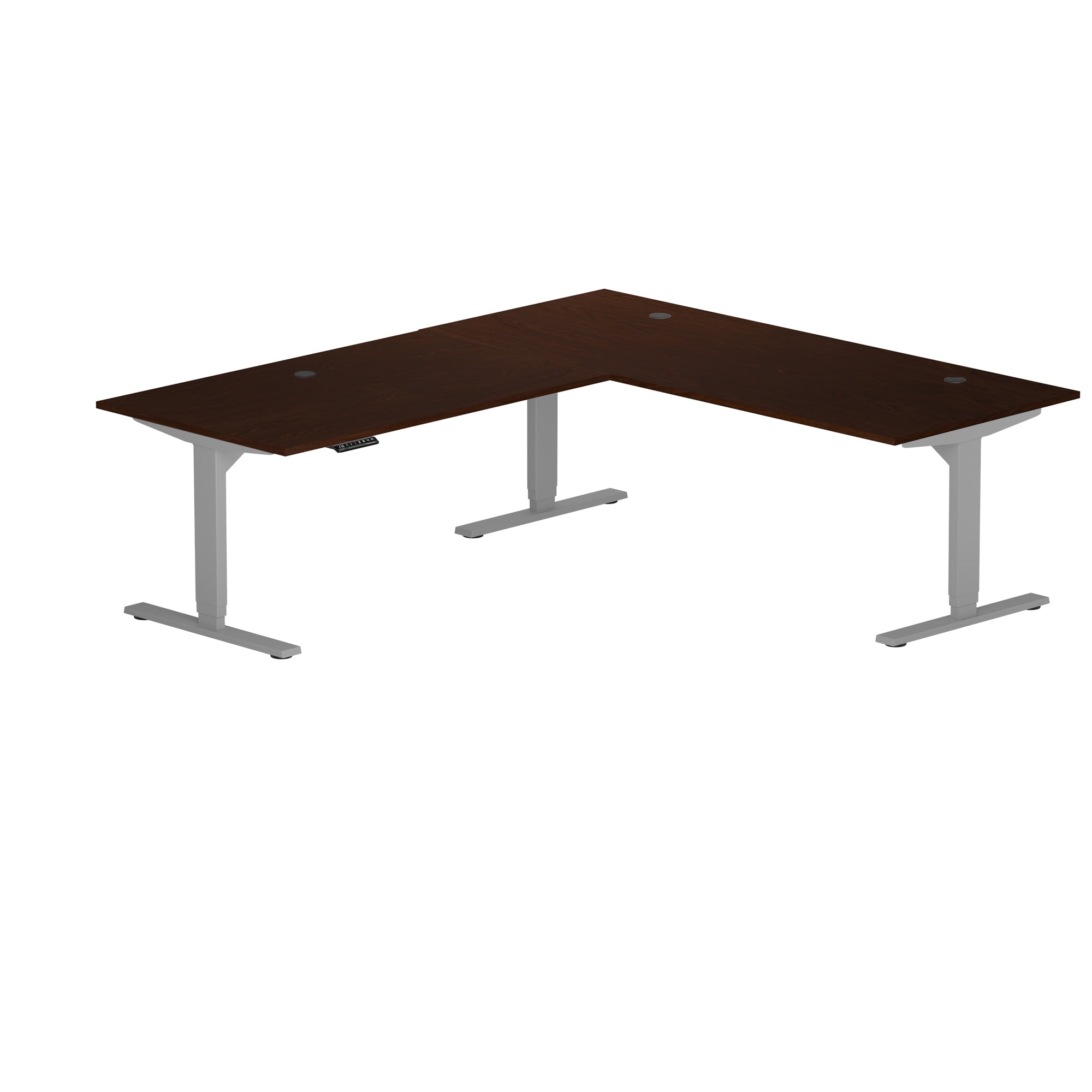
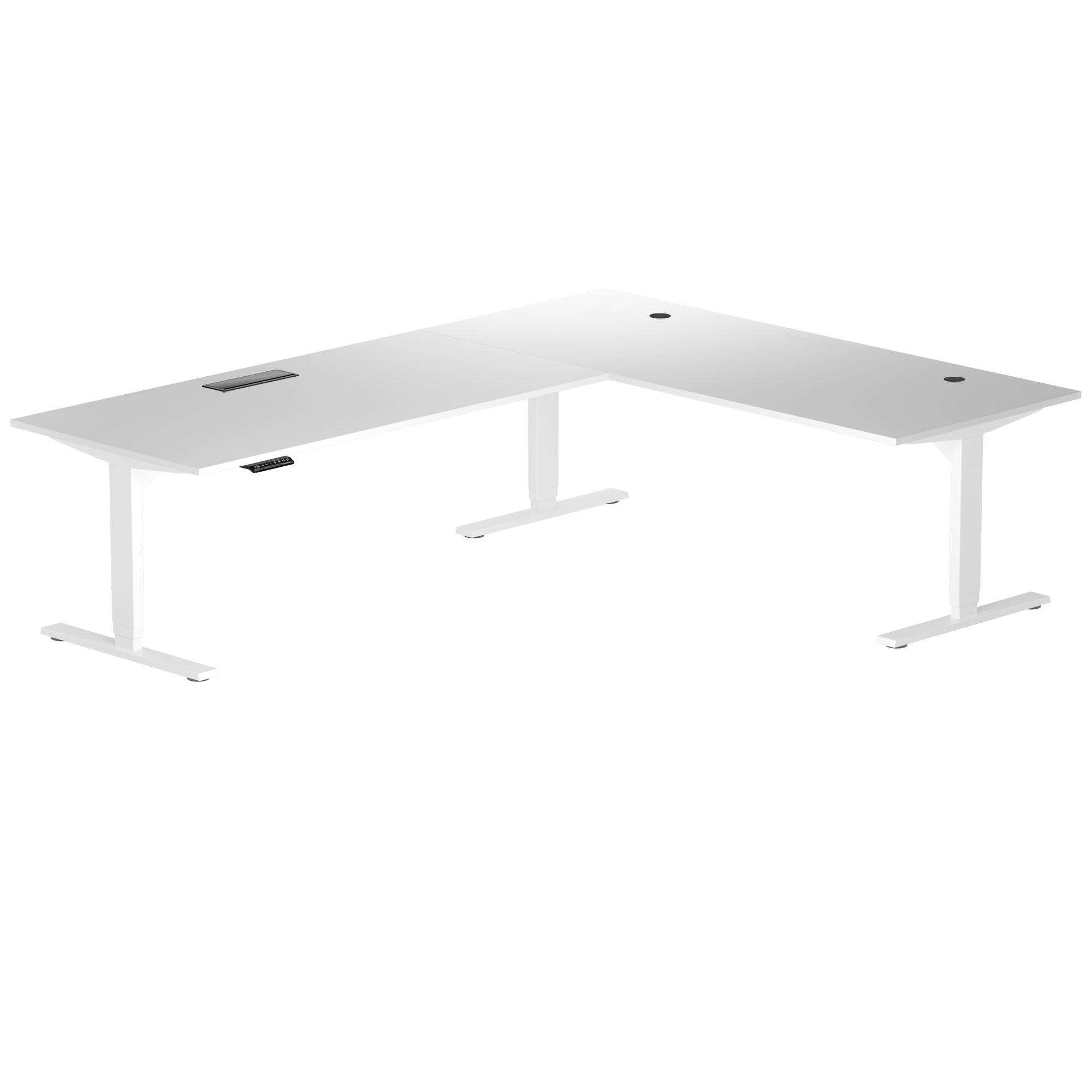
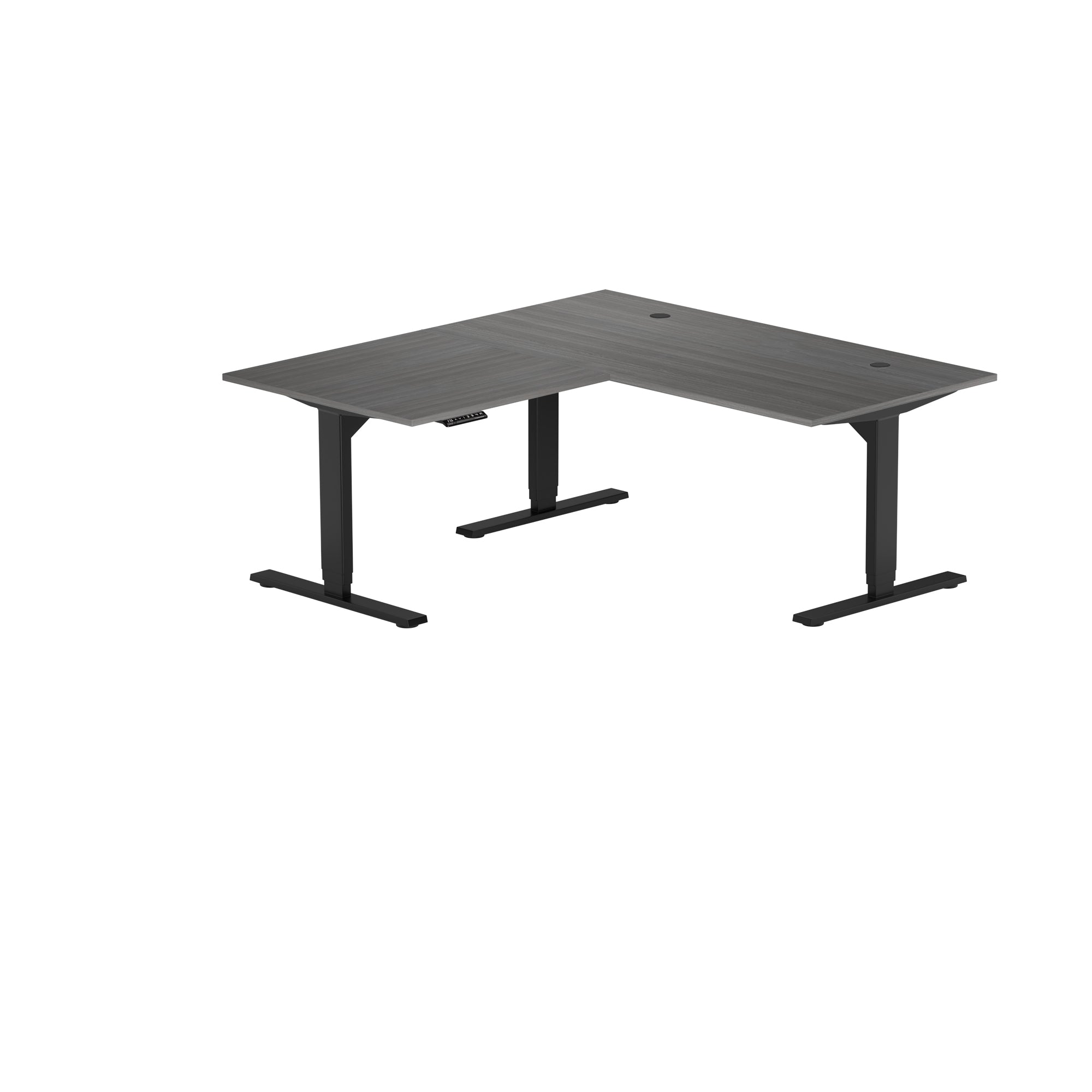
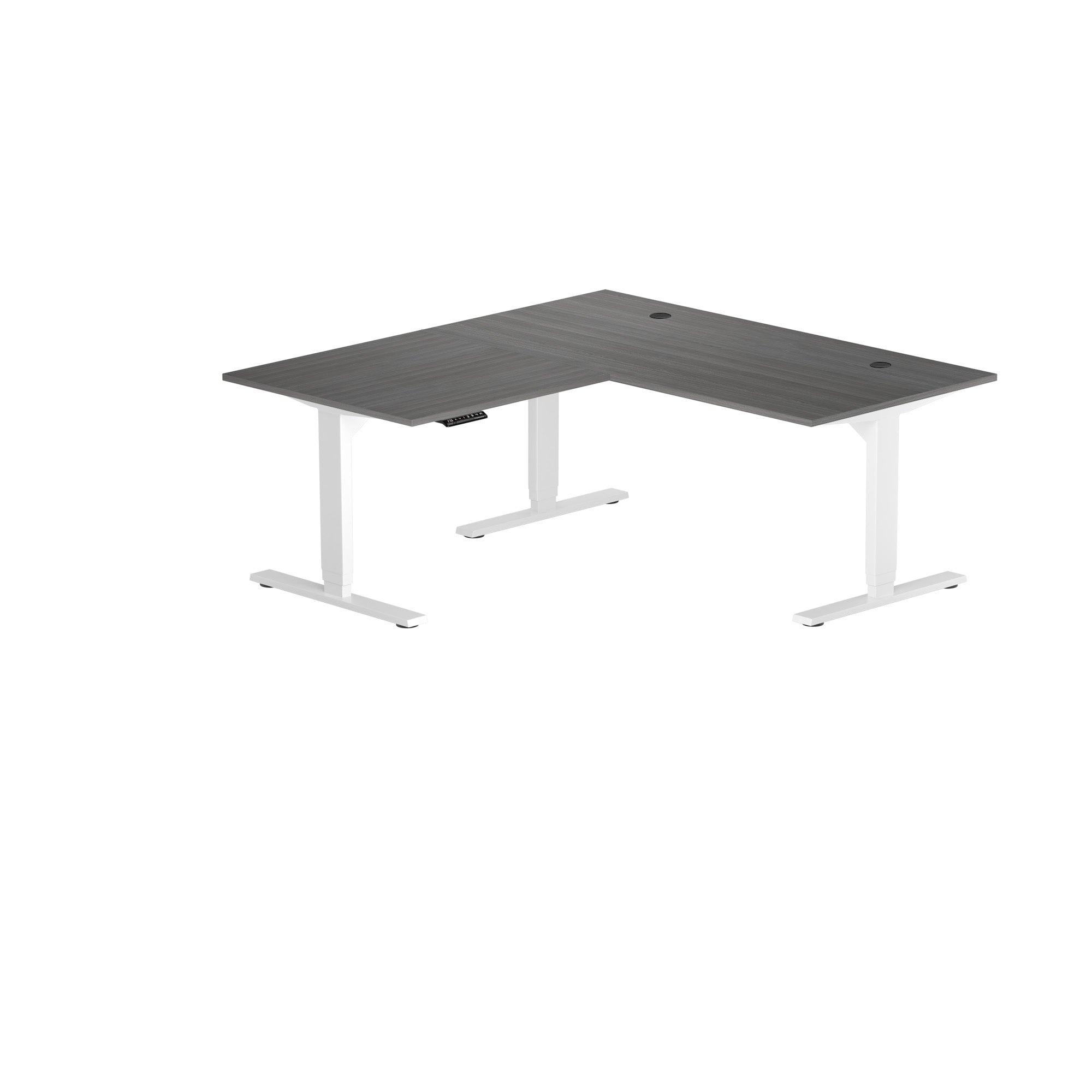
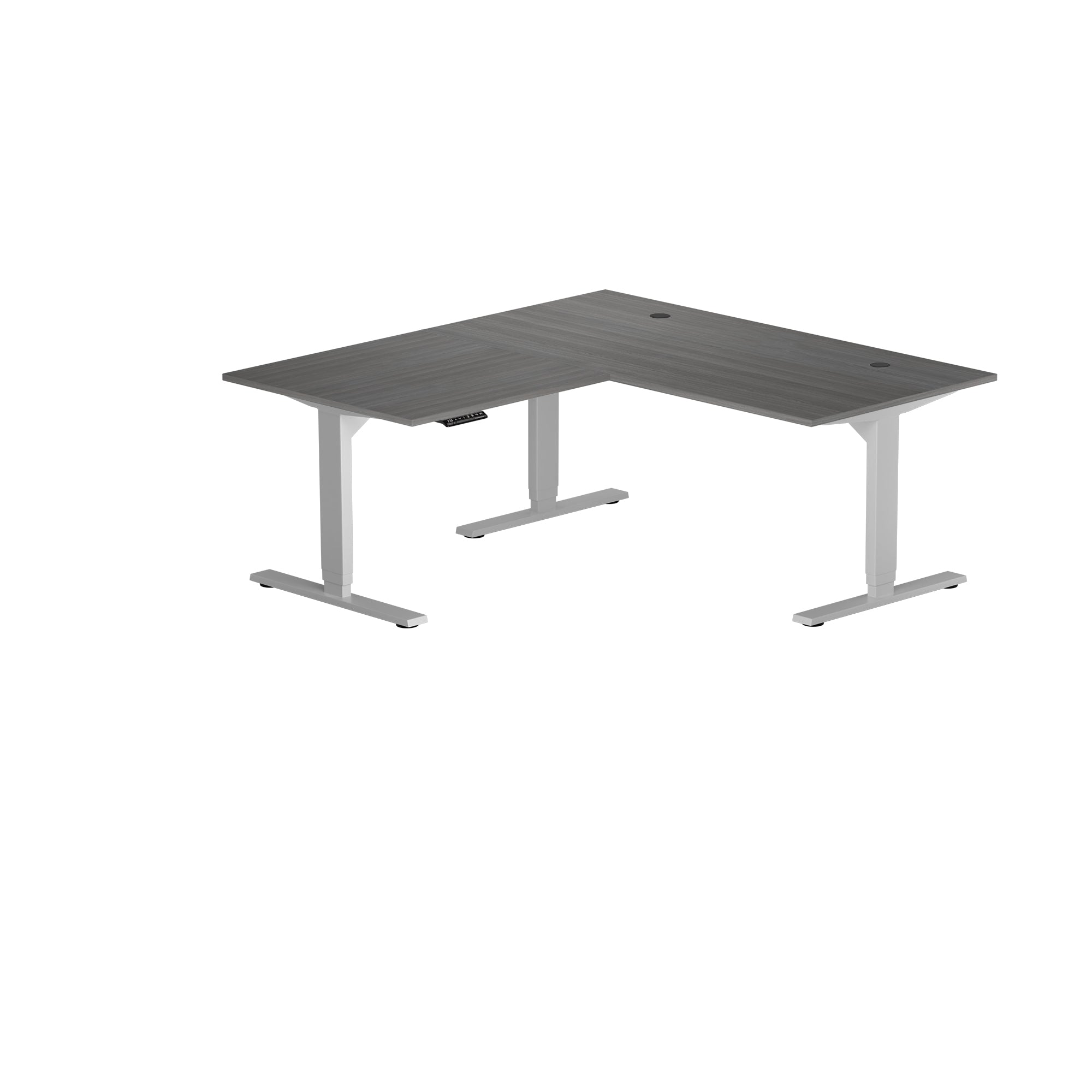
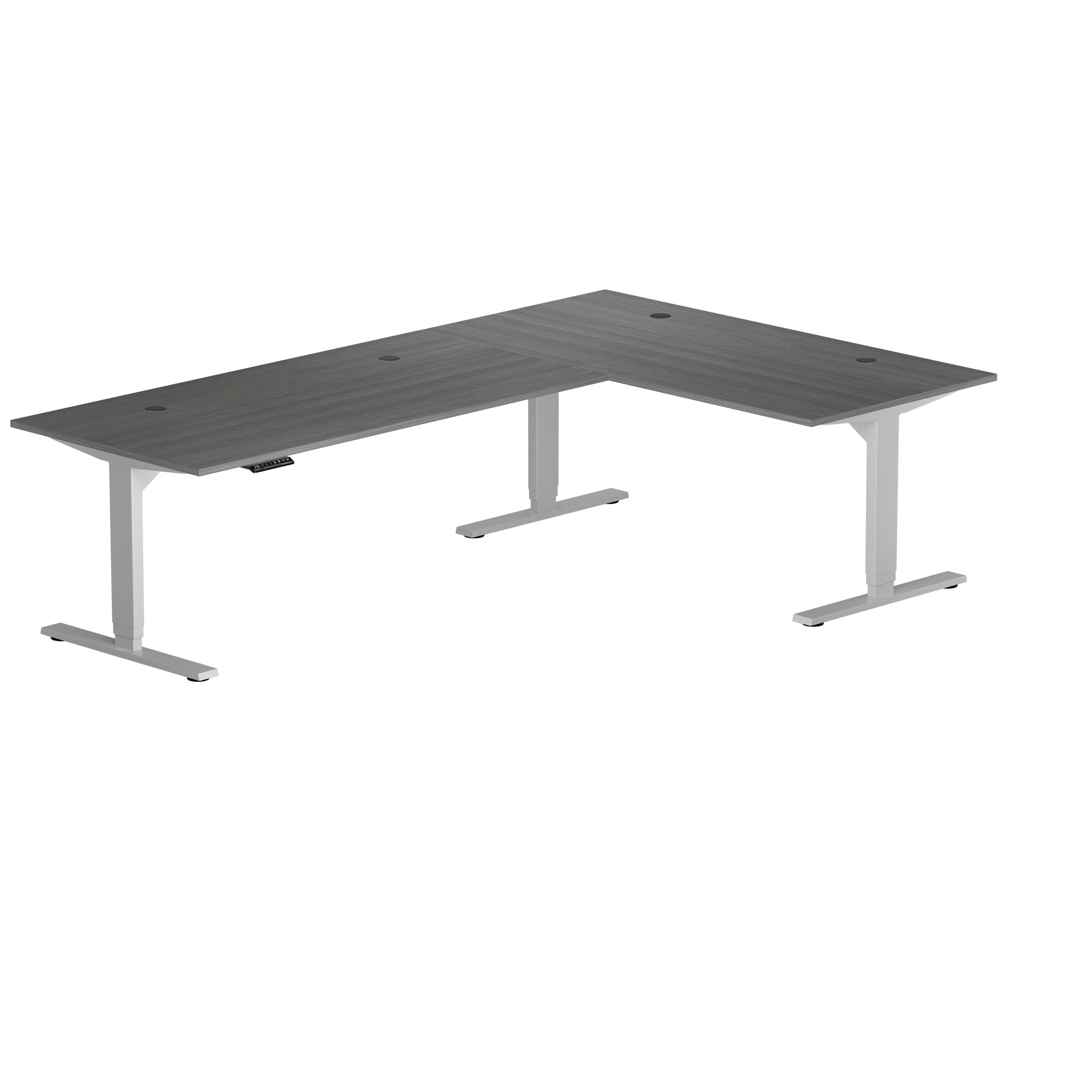
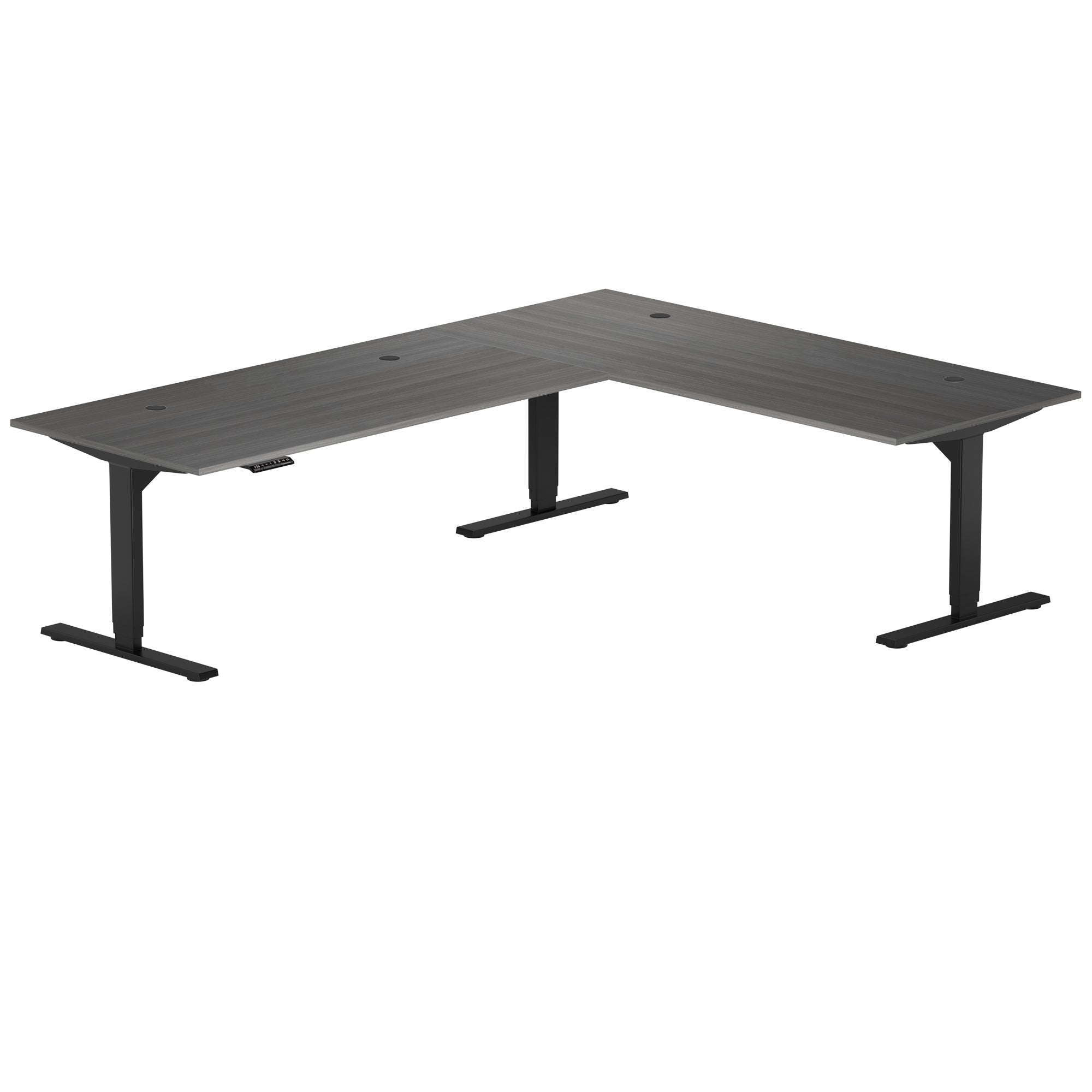
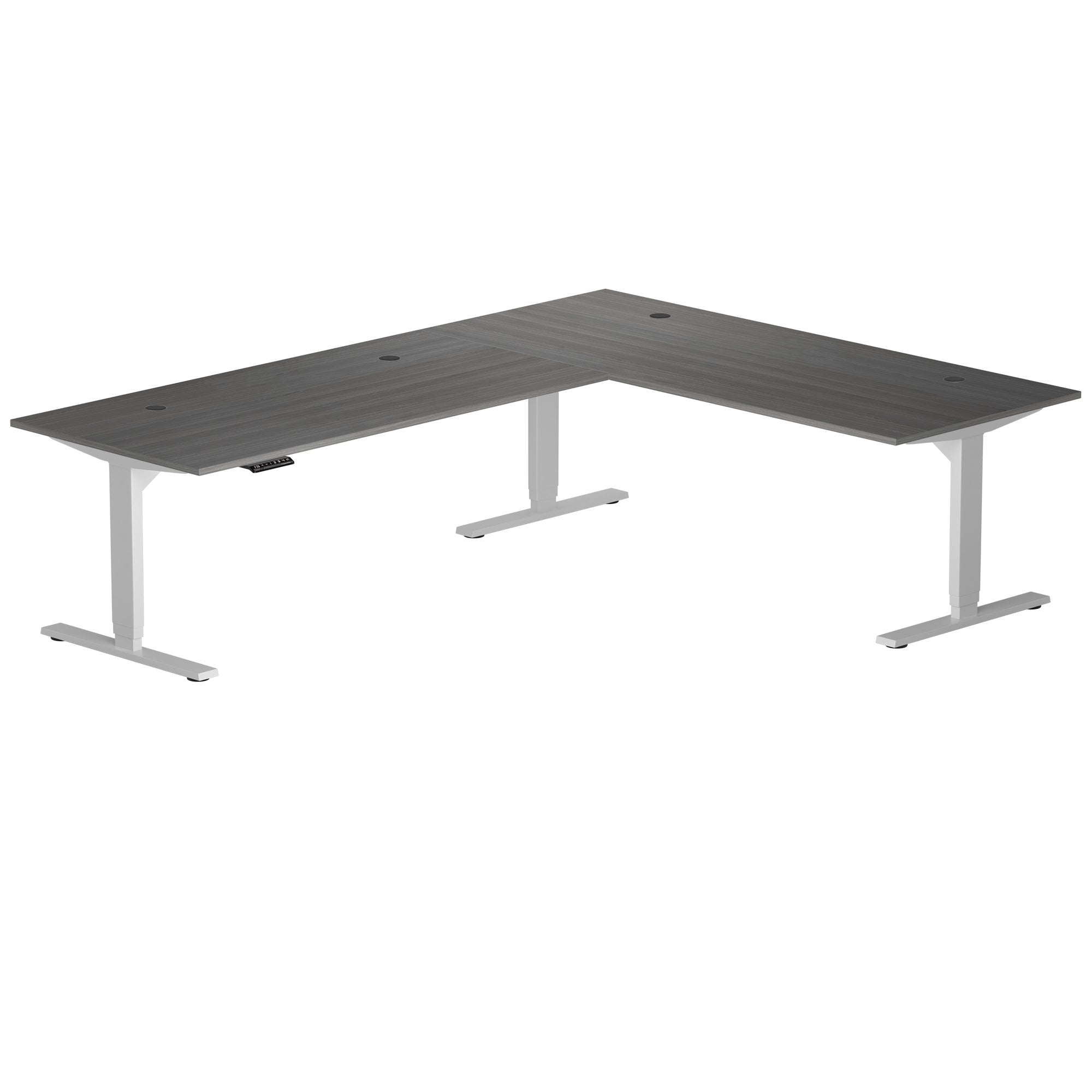
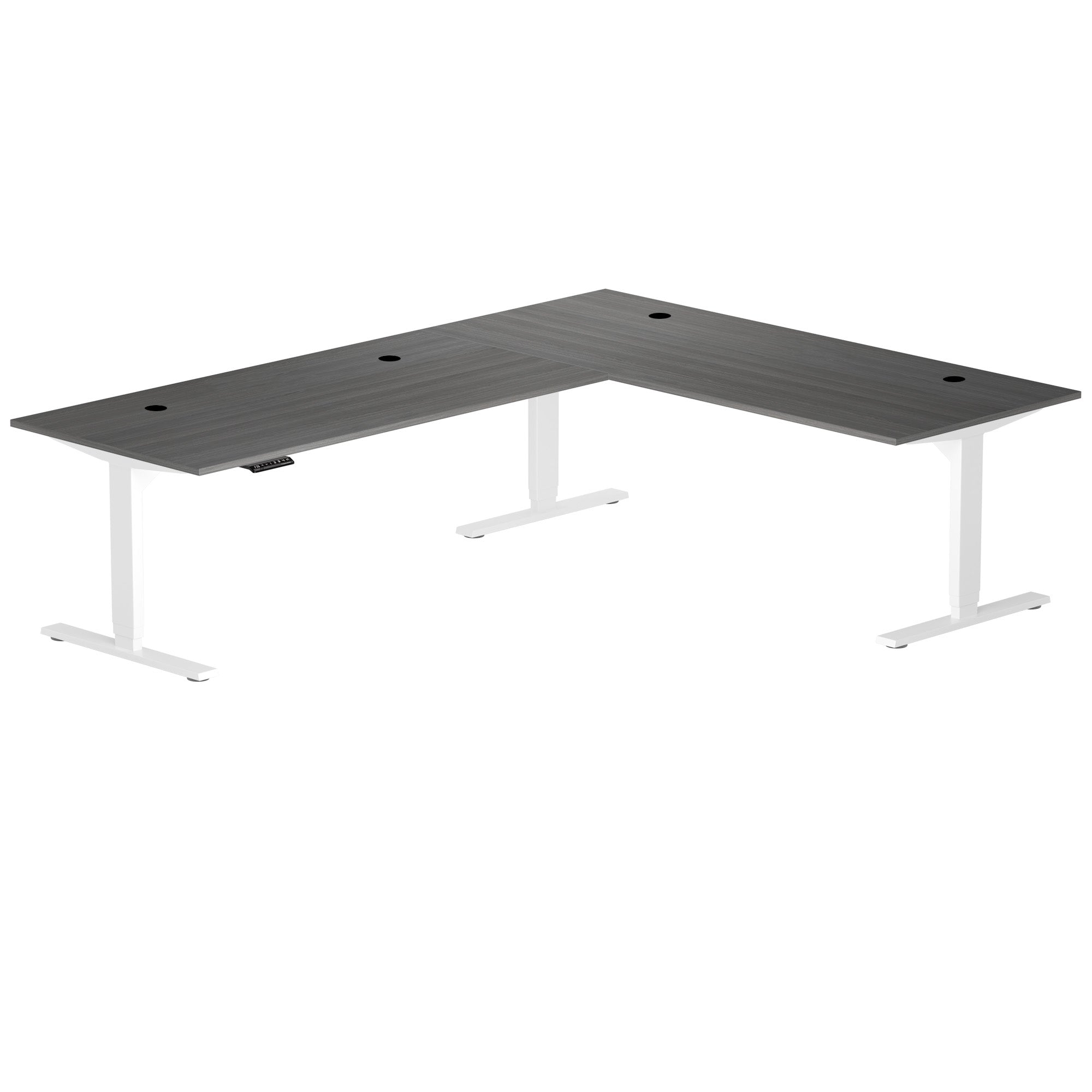
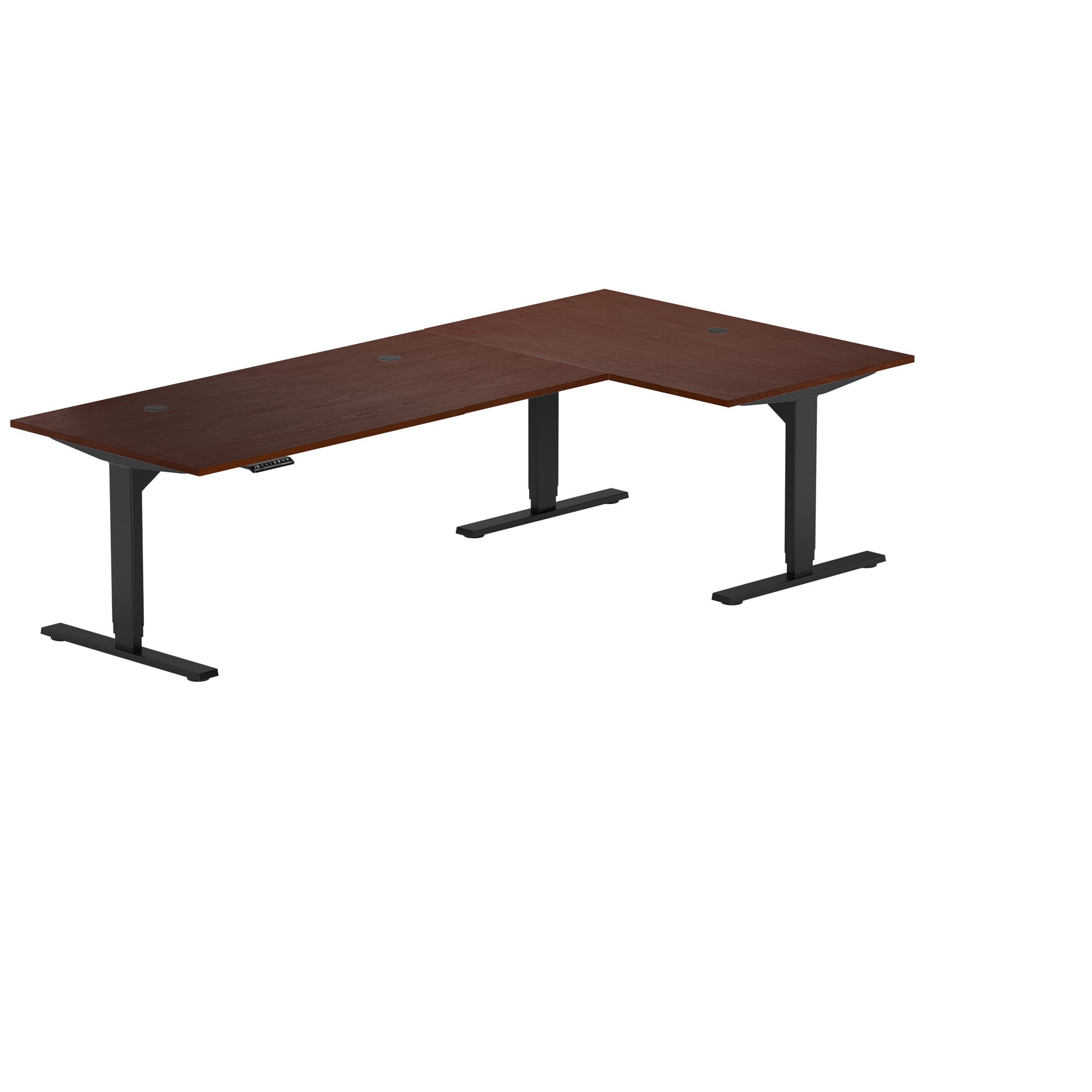
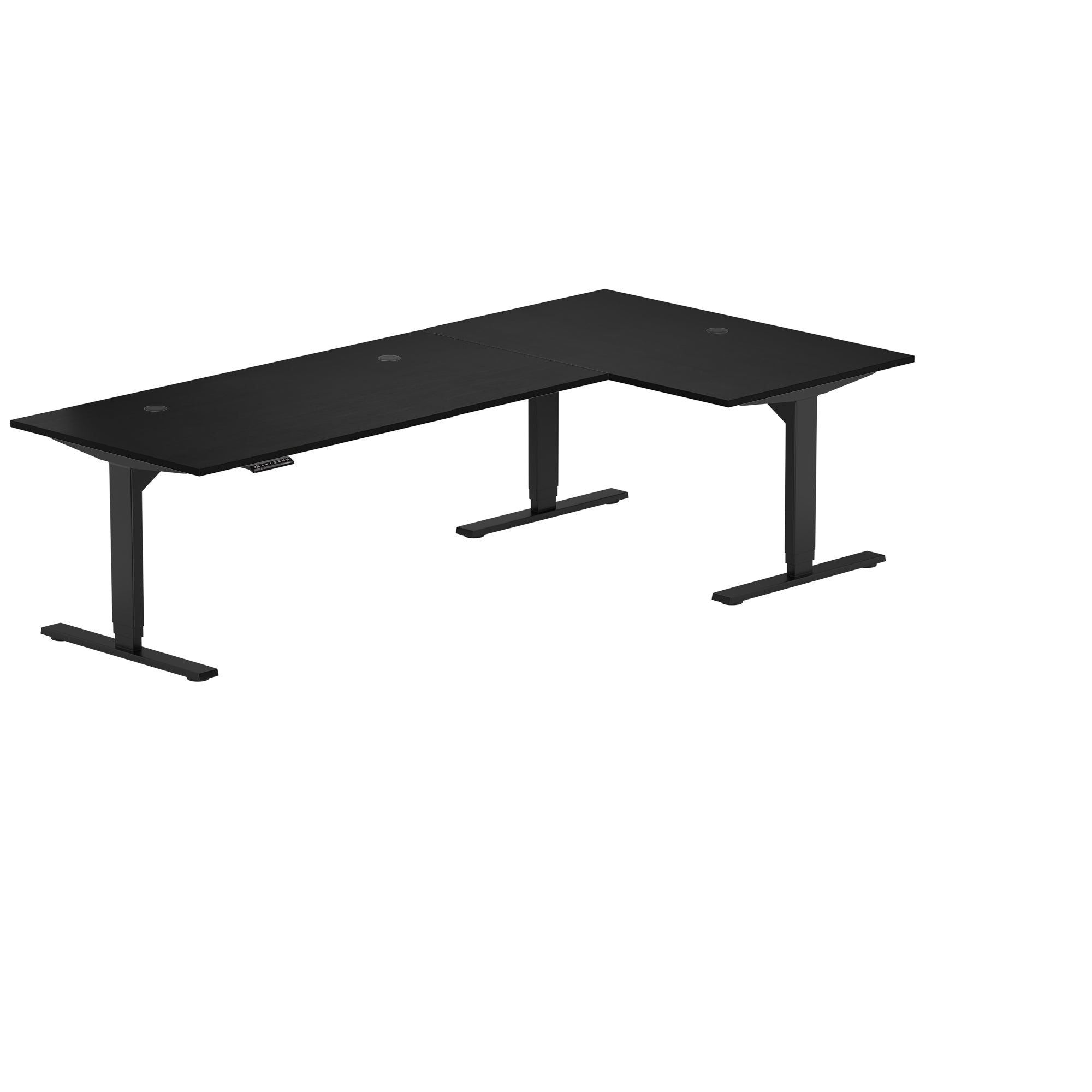
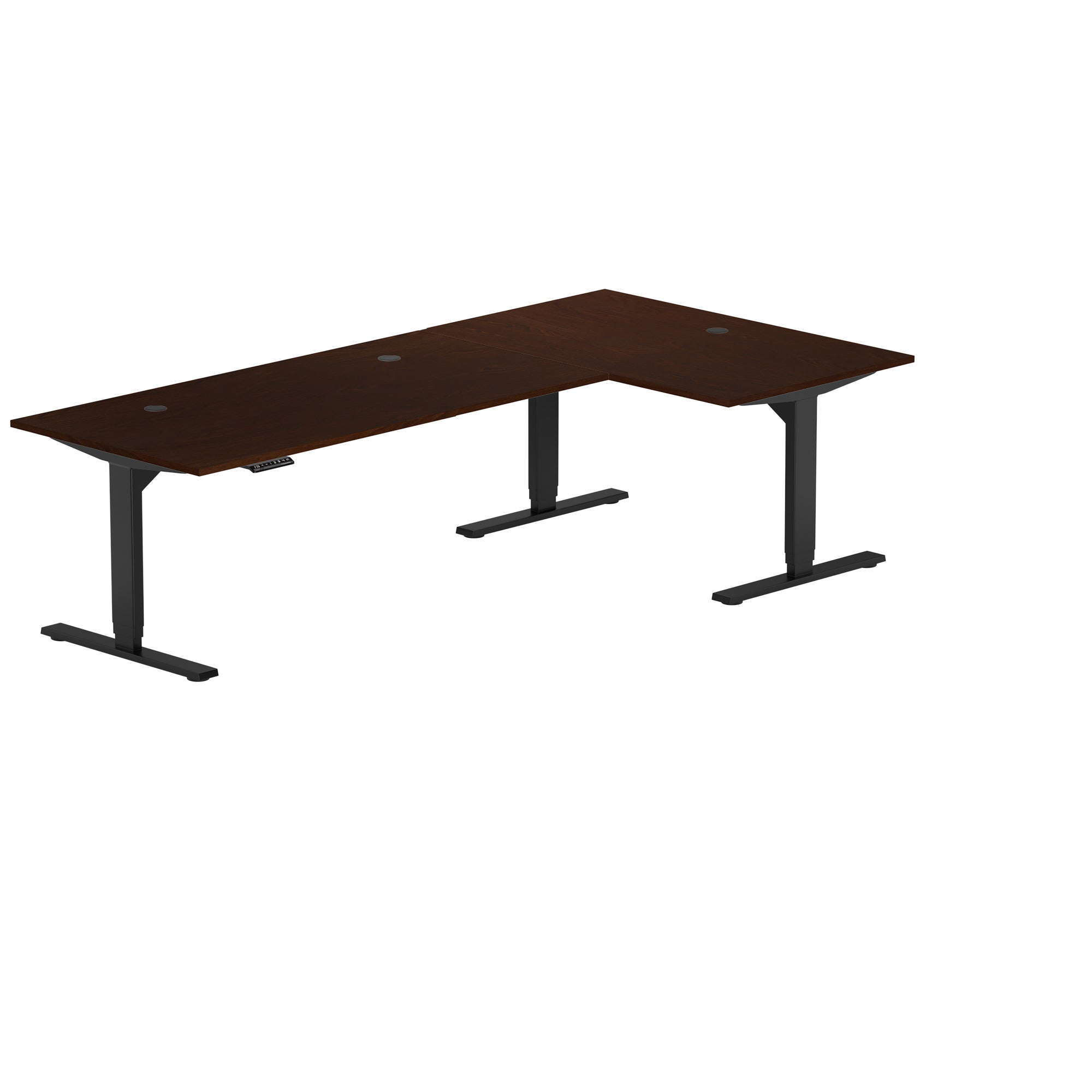
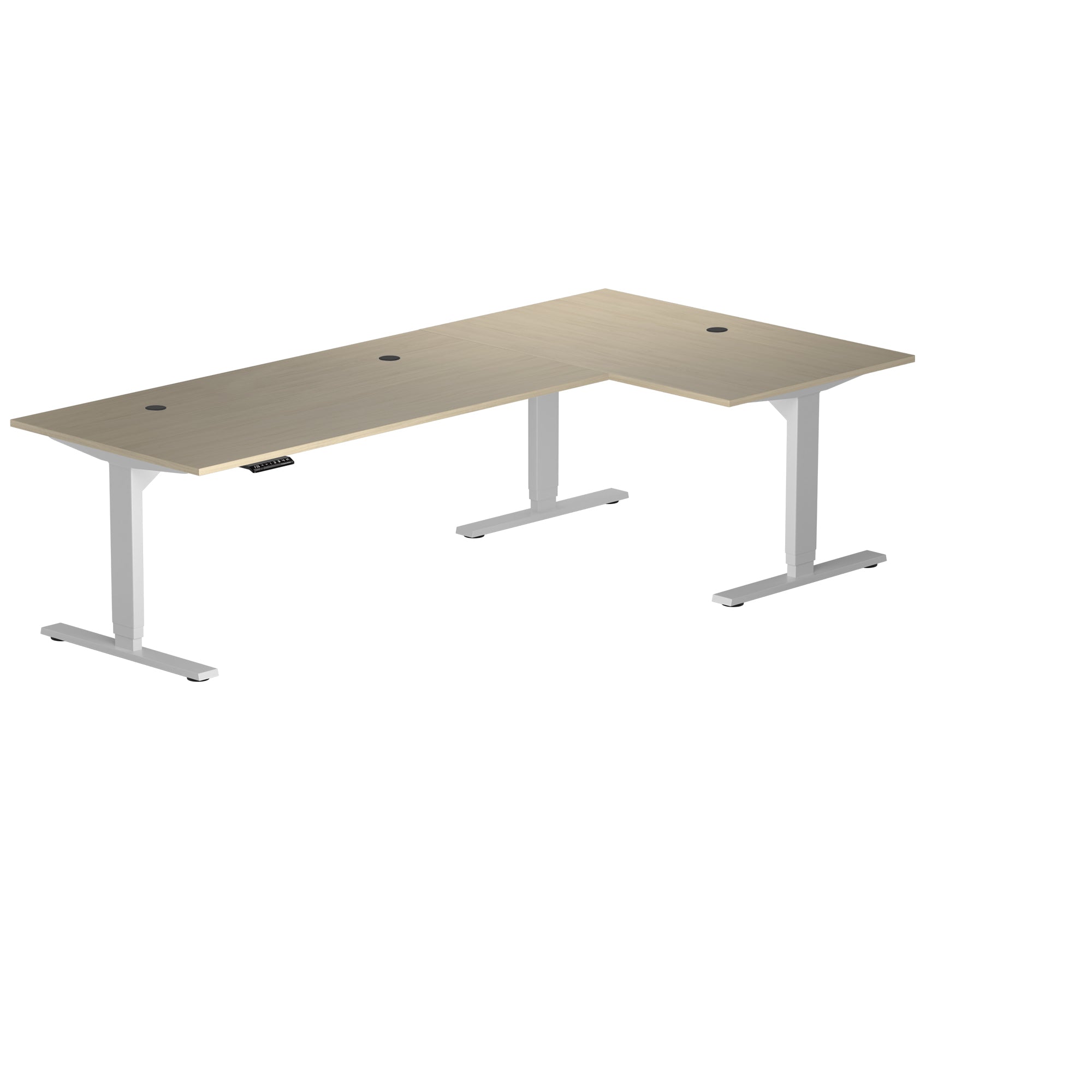
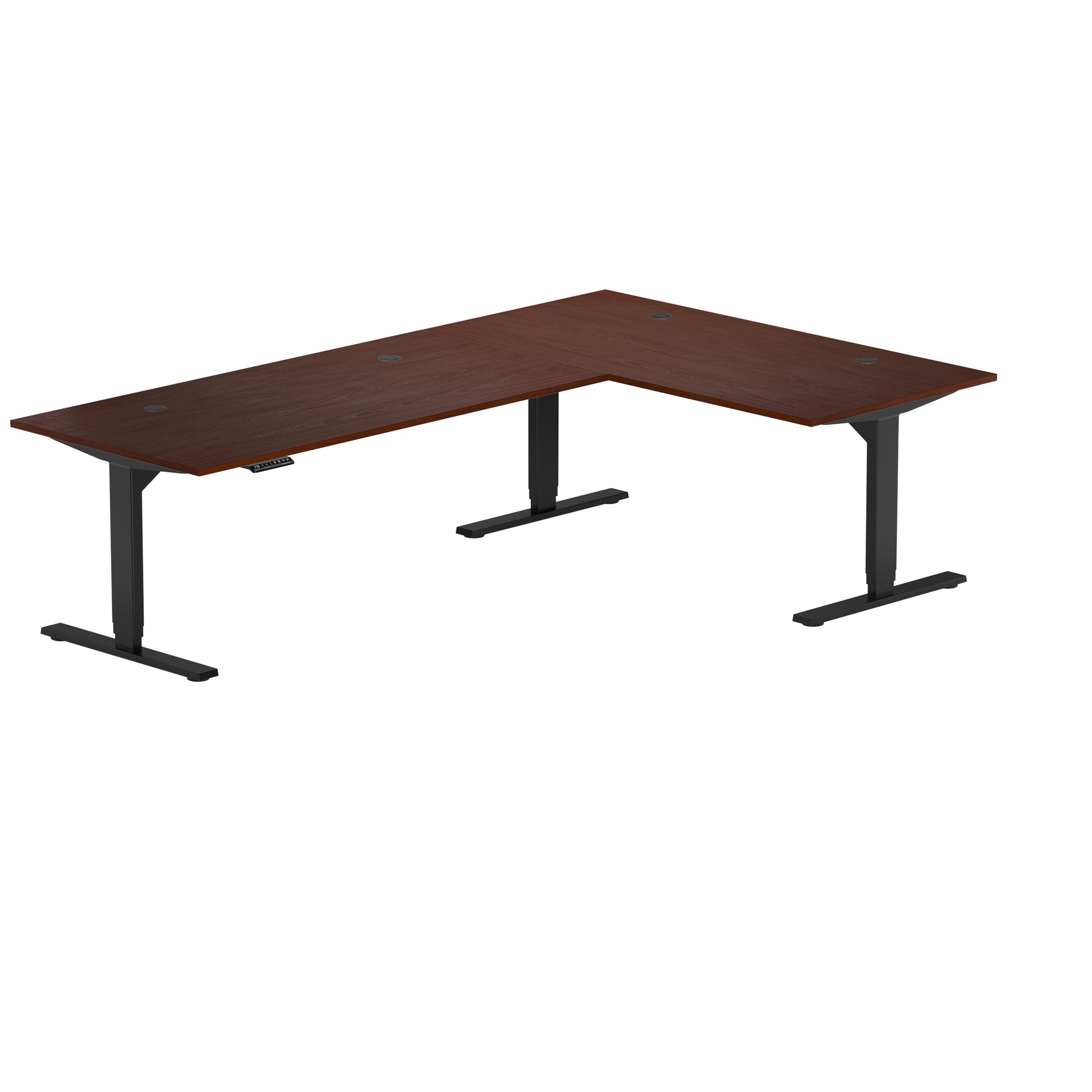
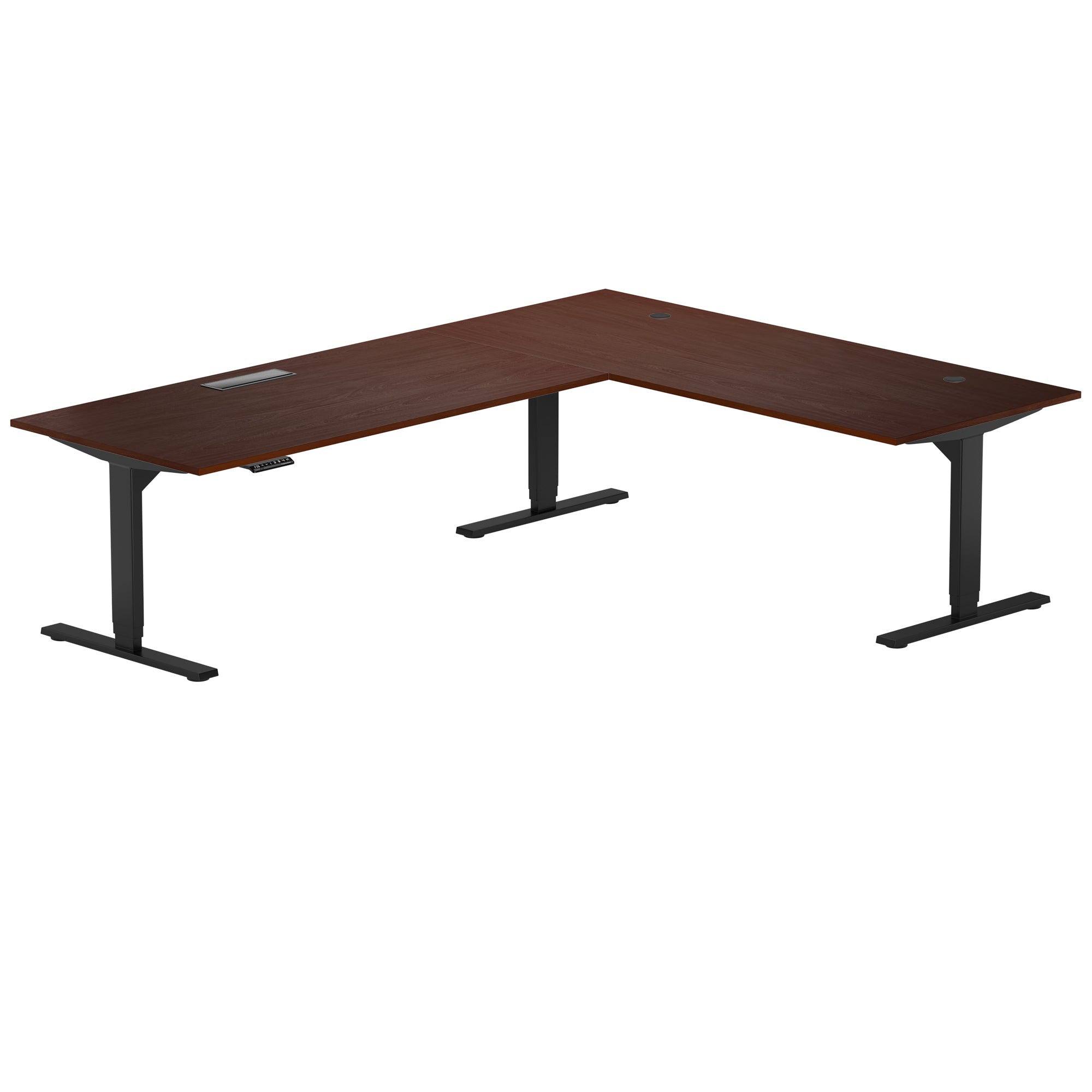
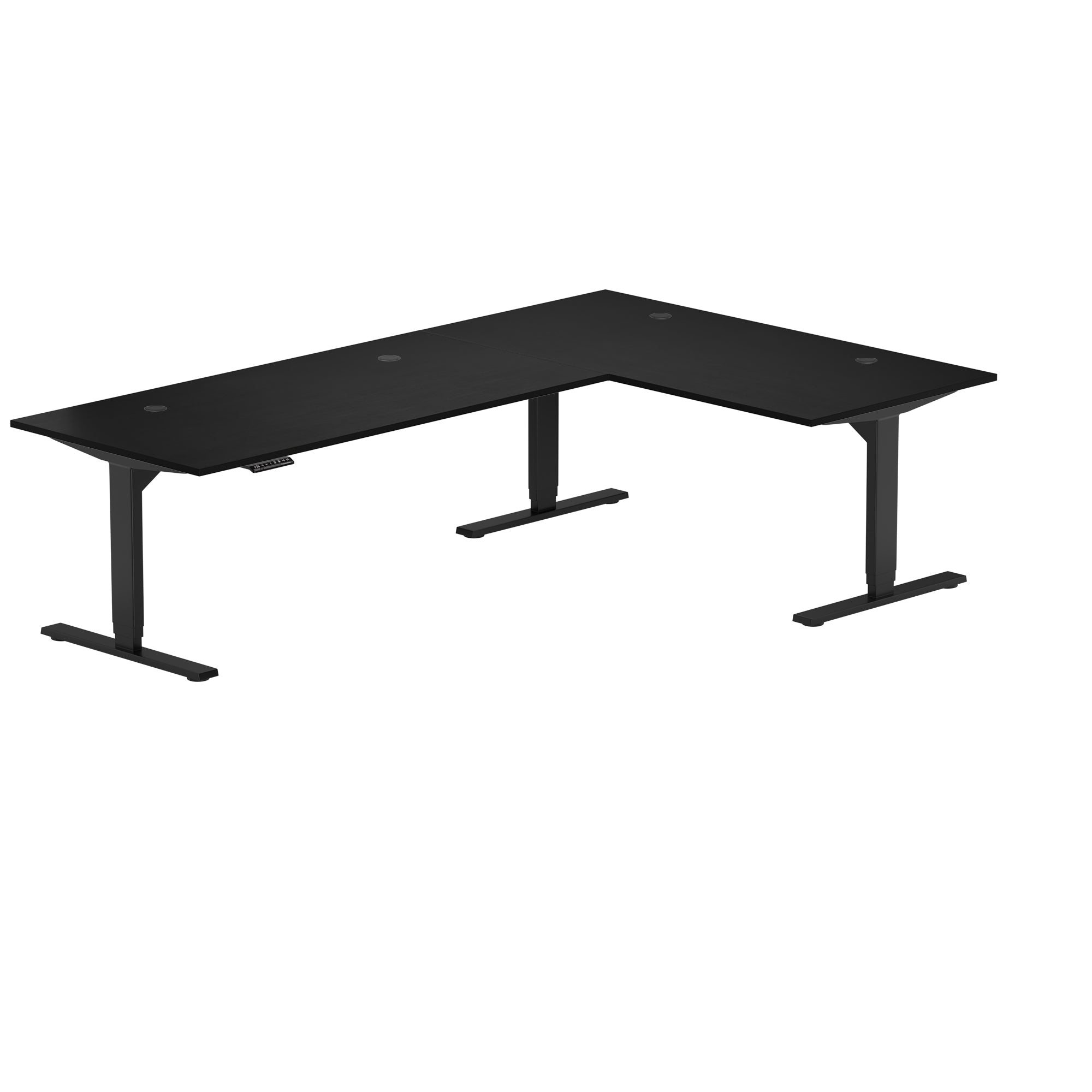
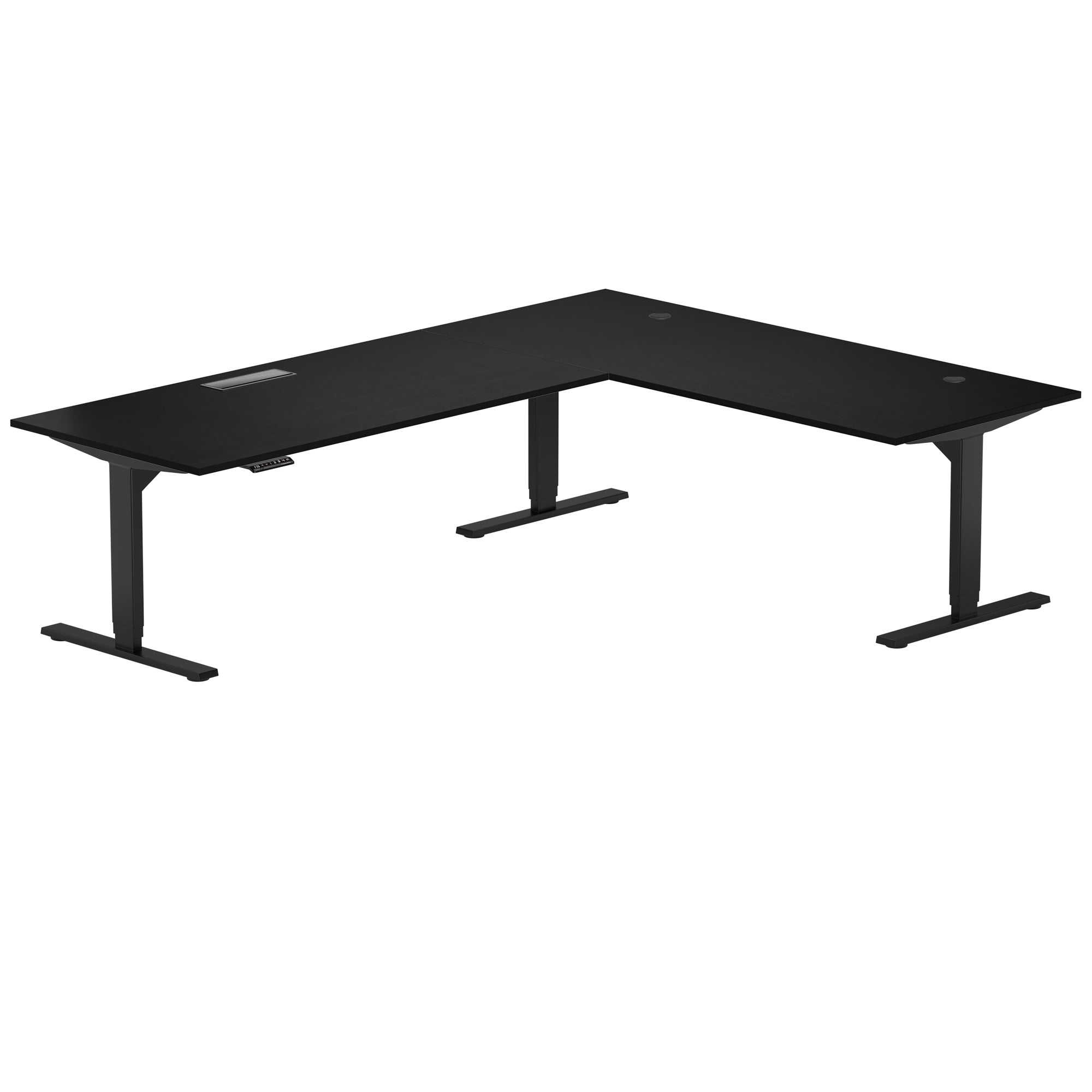
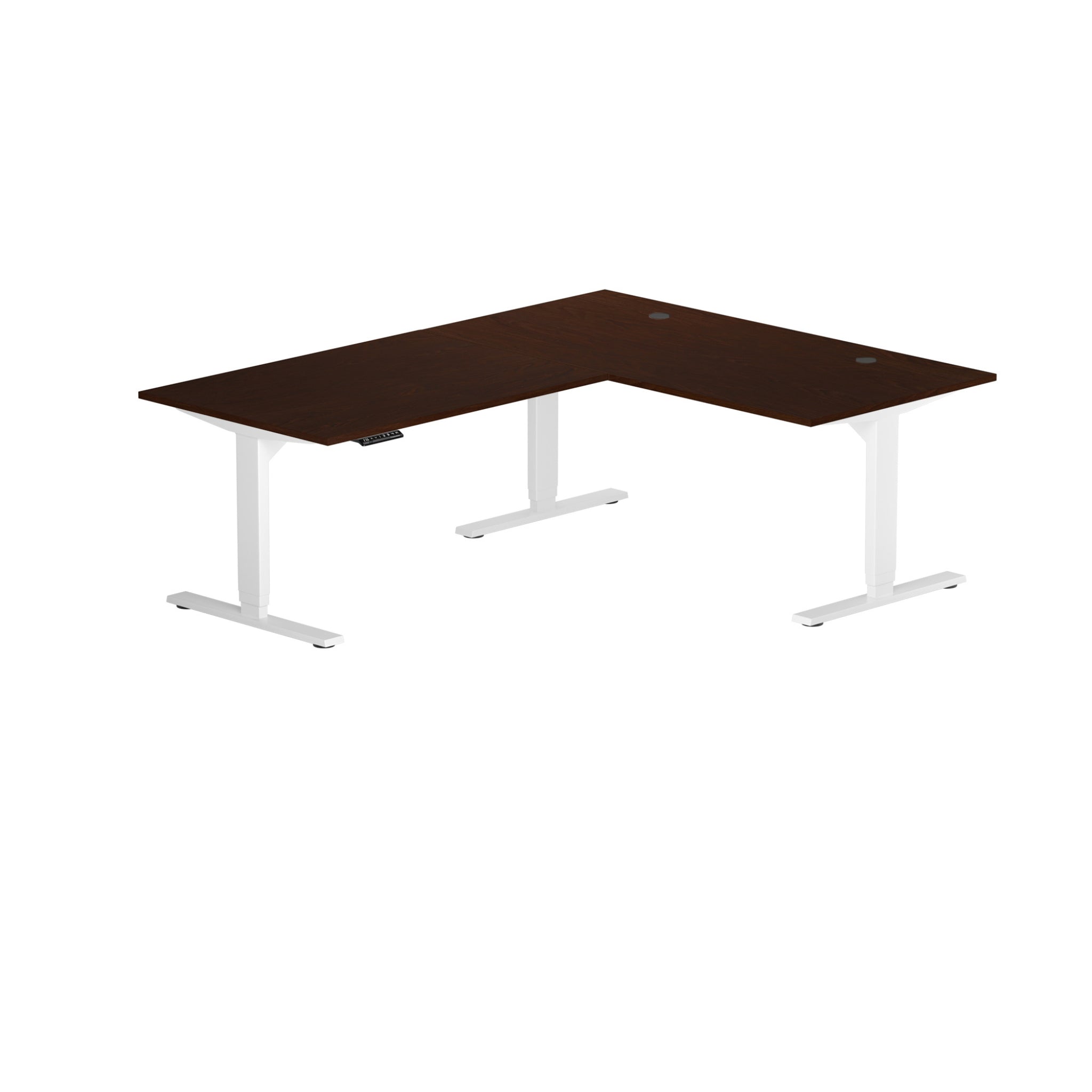
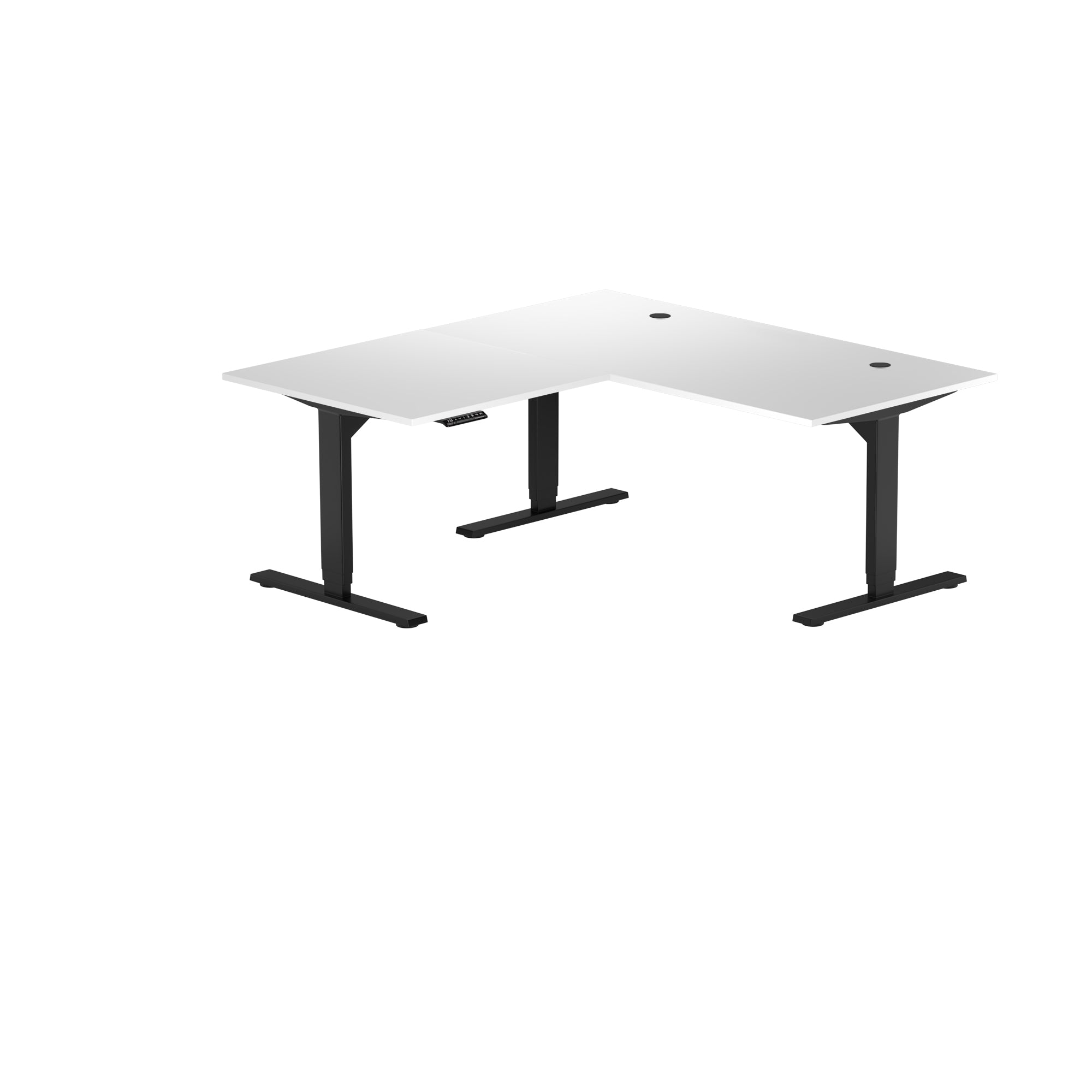
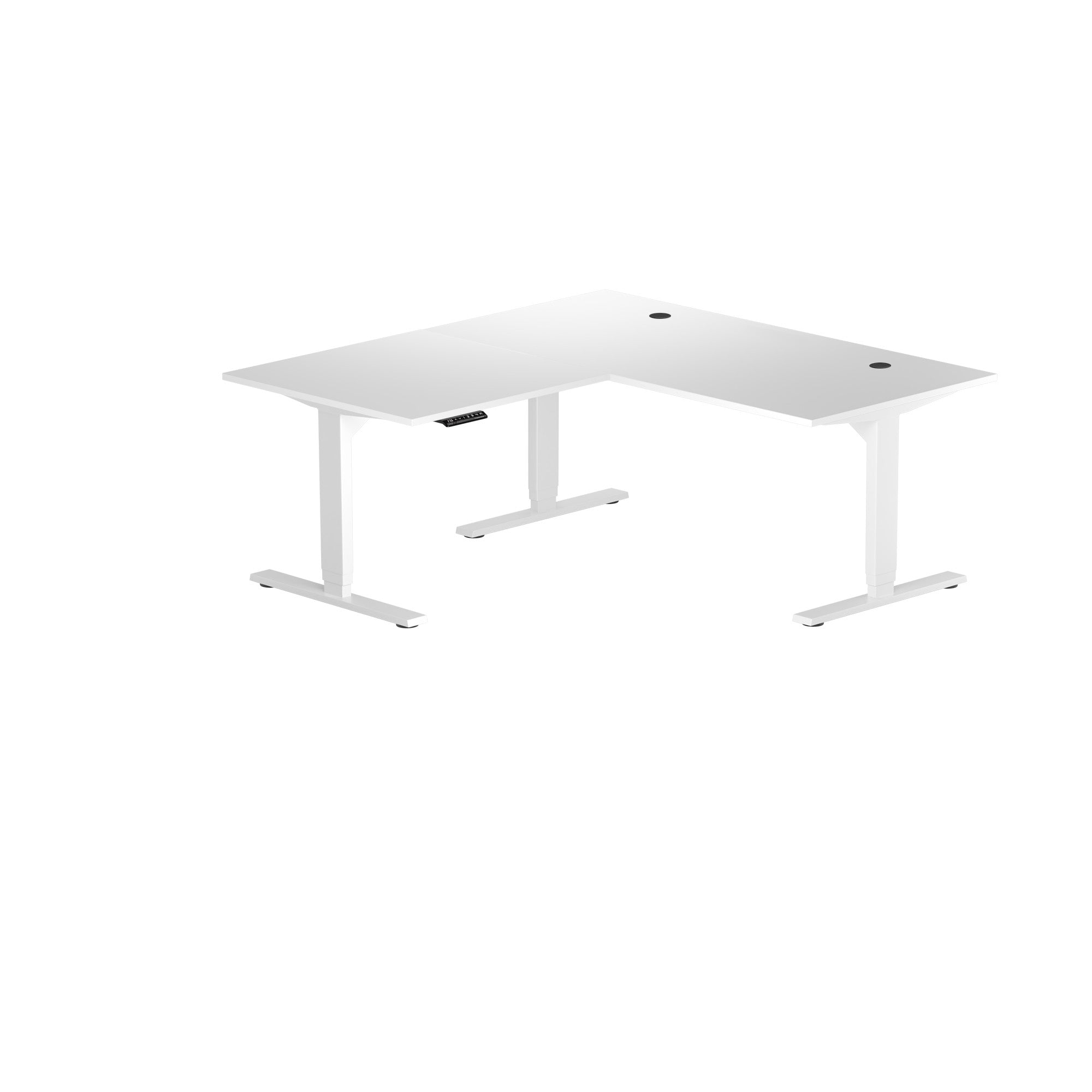
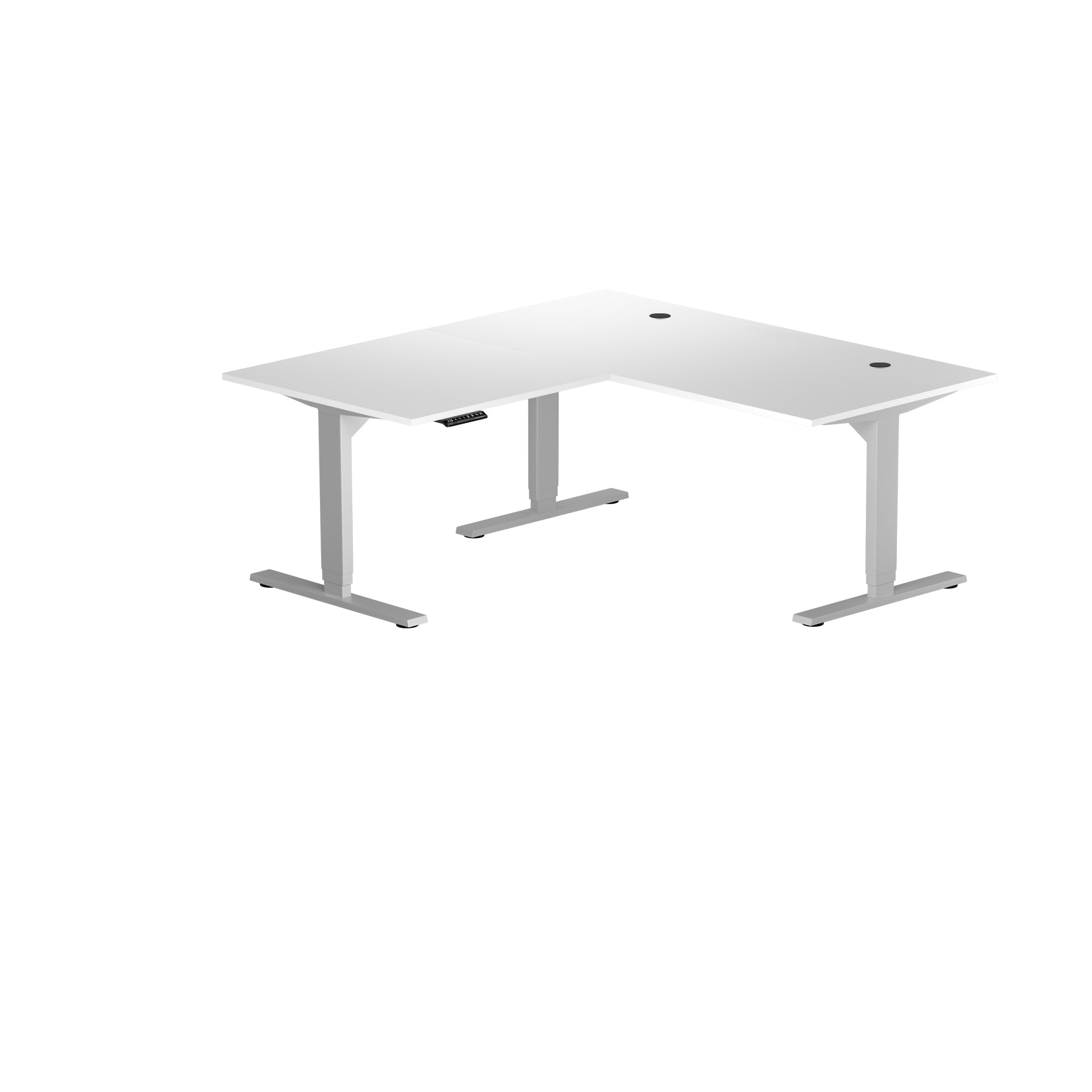
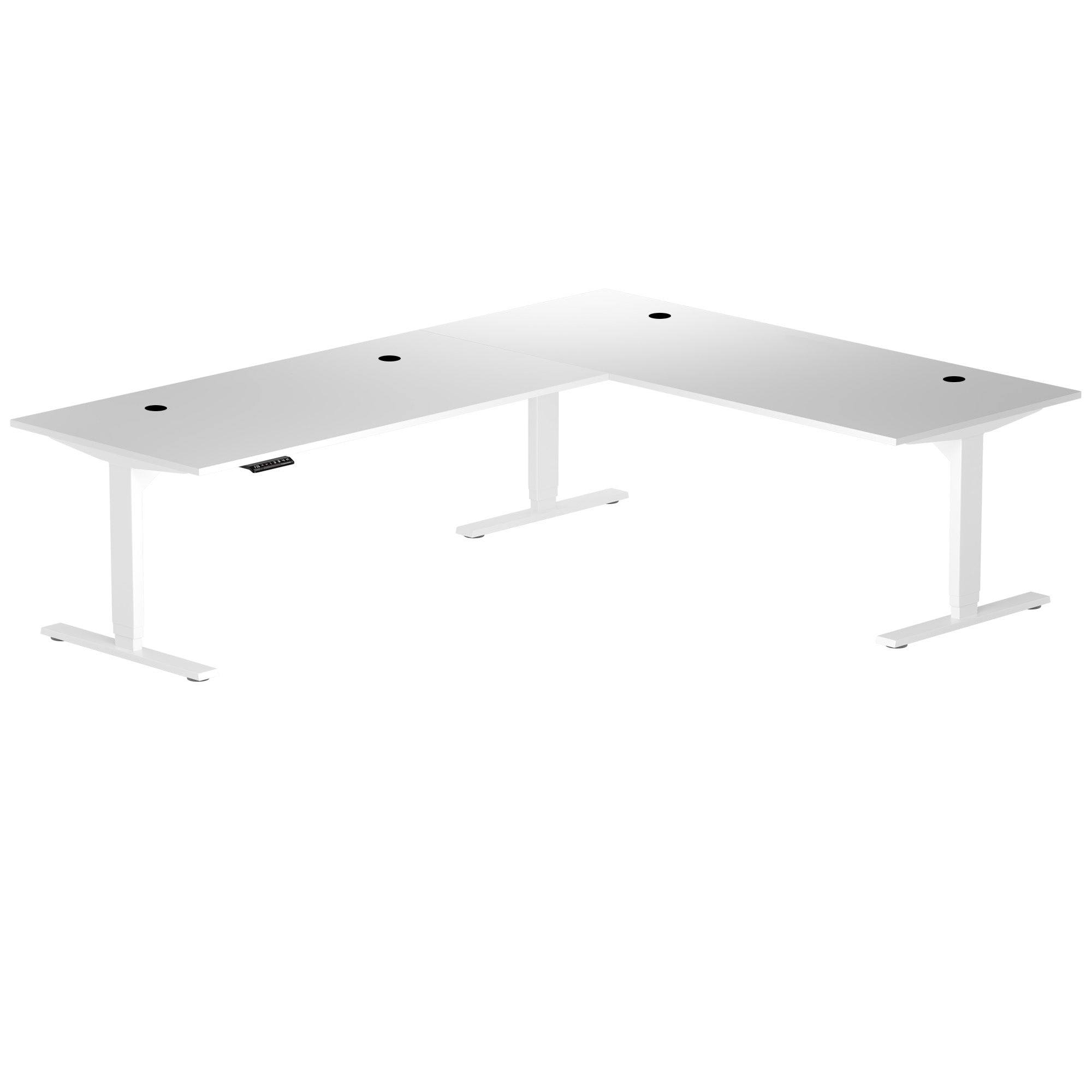
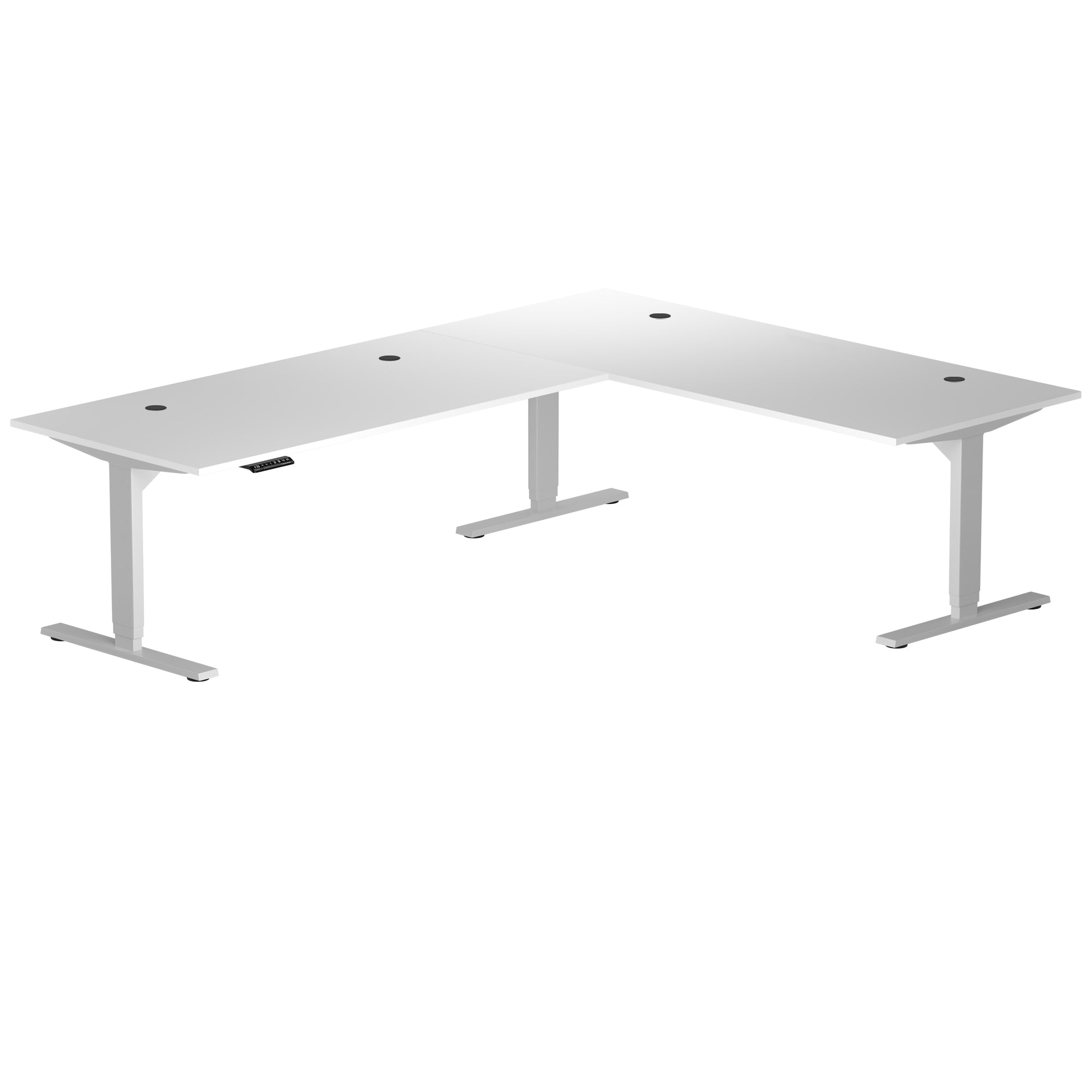
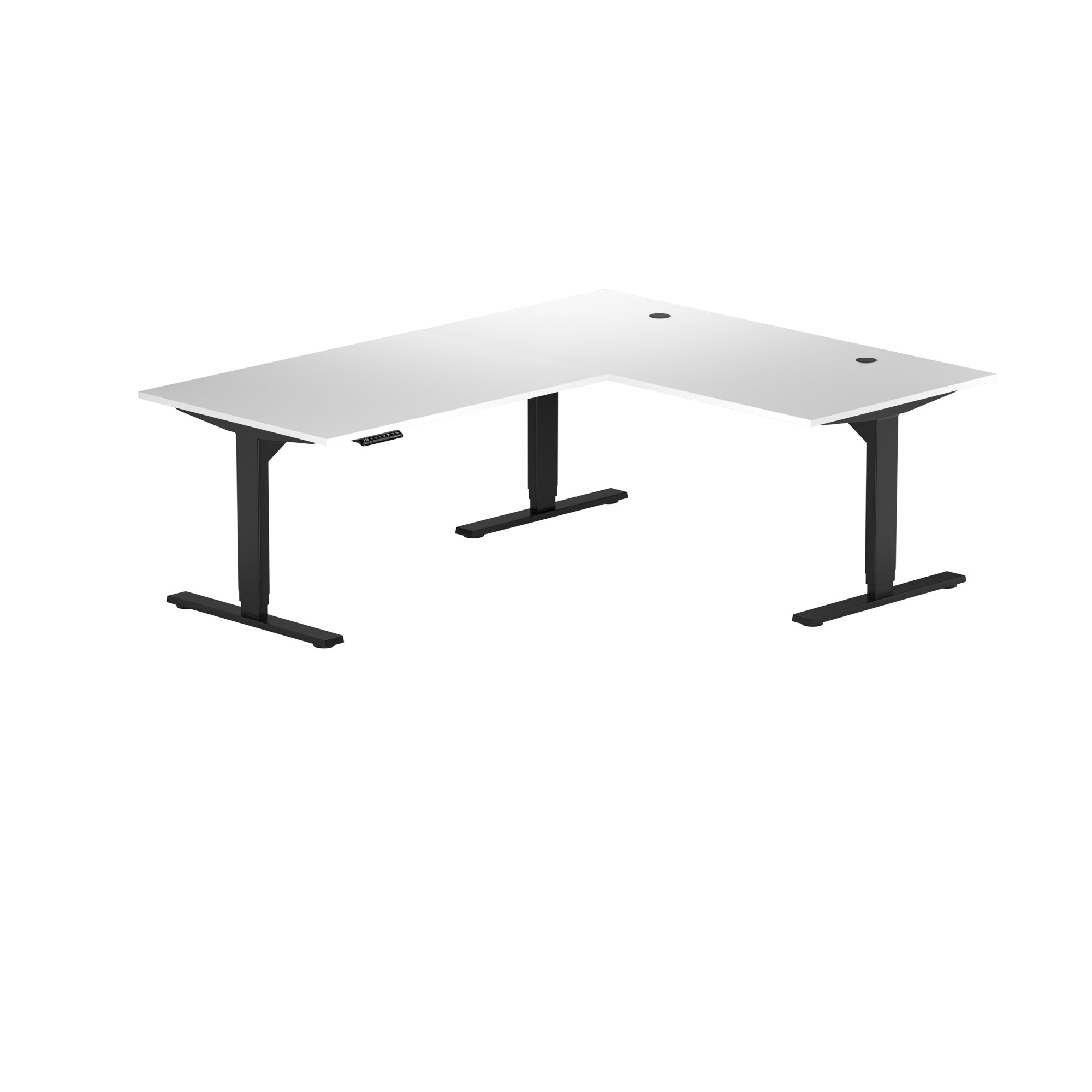
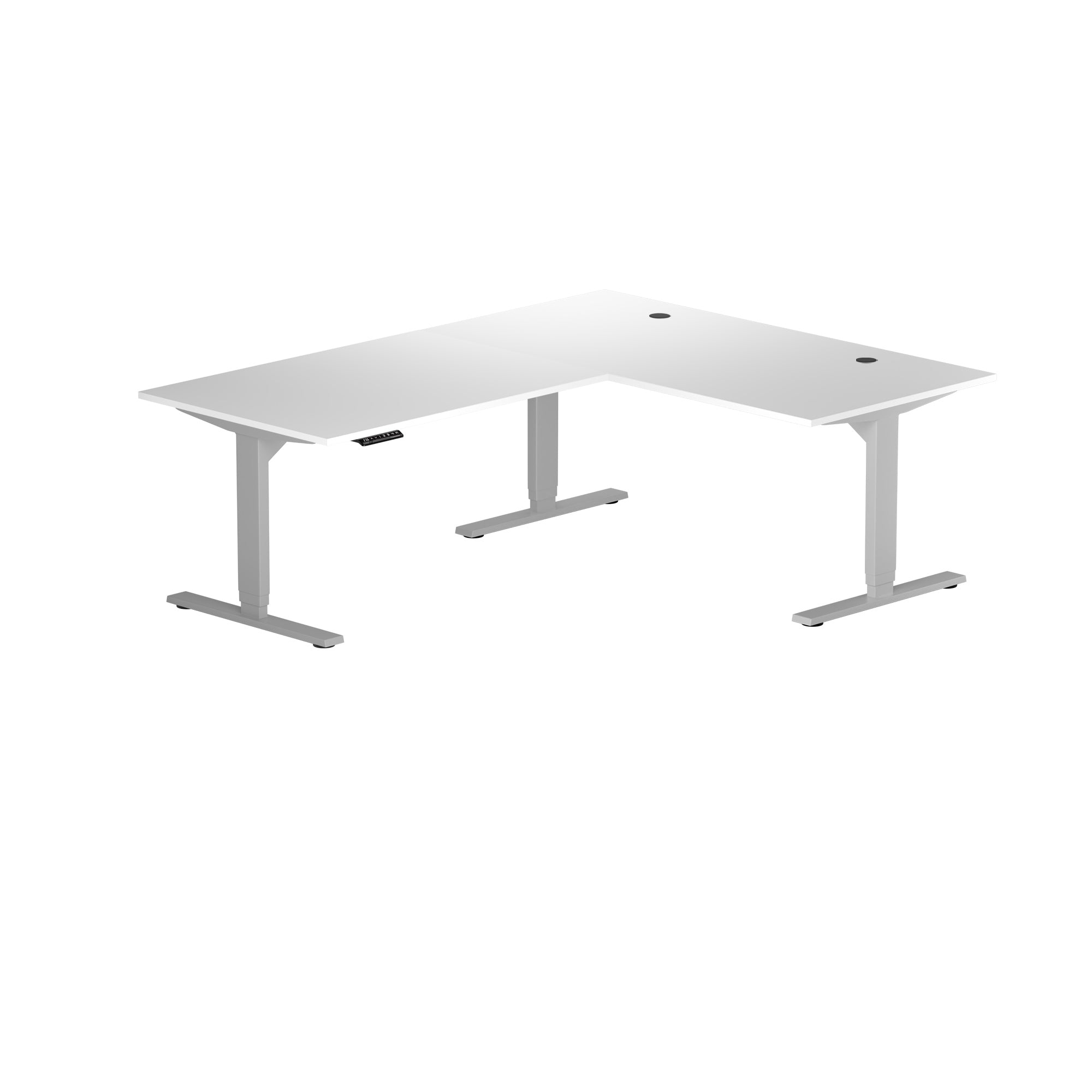
The ergonomic corner desk is designed to bring balance and comfort to everyday home office setups. Its L-shaped layout creates a familiar, approachable workspace that fits naturally into daily routines, while electric height adjustment allows you to move between sitting and standing throughout the day. Built for regular tasks and consistent use, this ergonomic corner desk offers a dependable sit-stand solution without feeling overwhelming or overly complex.
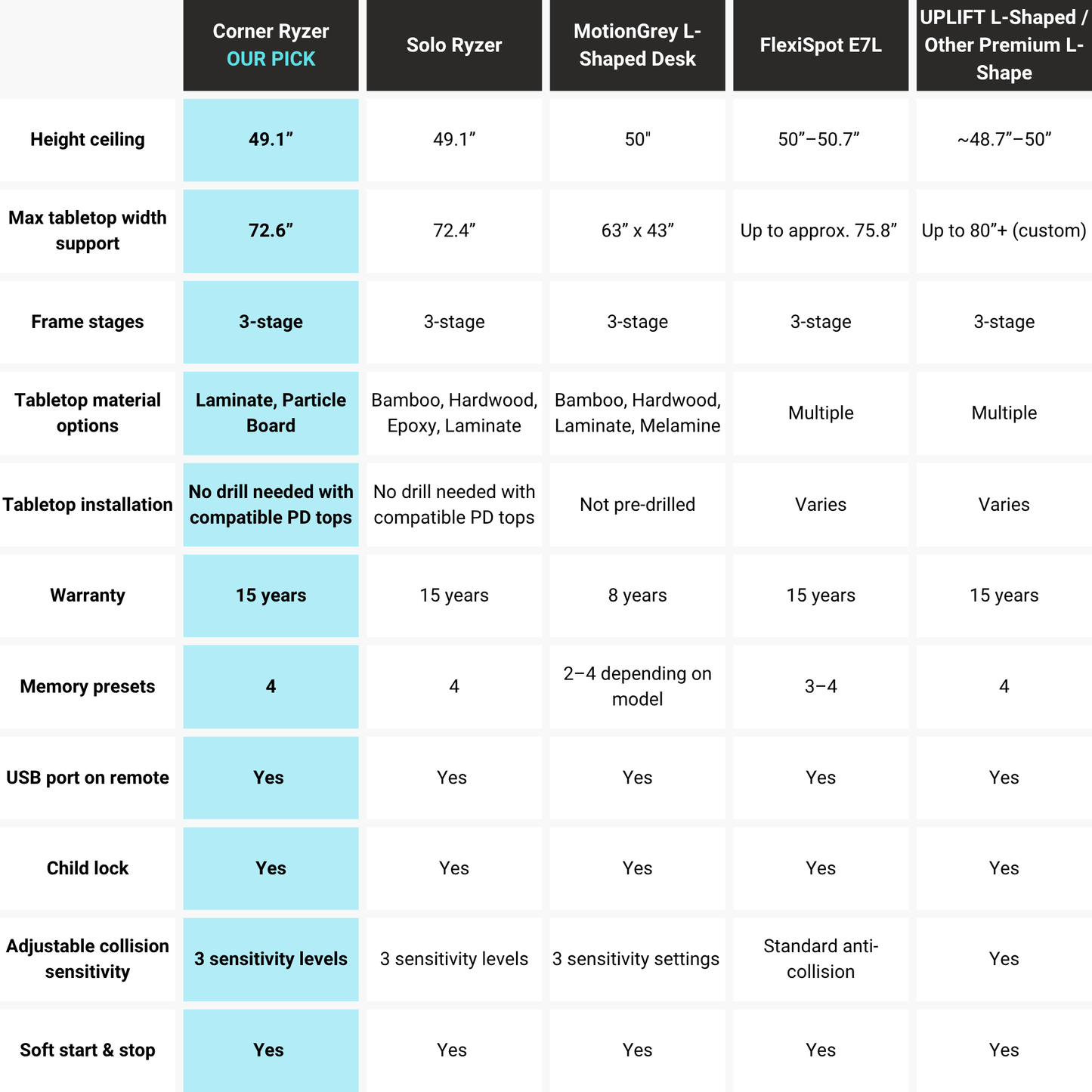
- Motor System Triple
- Column Stages 3
- Frame Height 23.6" - 49.1"
- Frame Colors Black, White, Gray
- Frames Surface Finish Powder Coat
- Install Size Retracted 23.5"
- Install Size Extended 49"
- Speed 1.57"/sec
- Сertification UL & BIFMA
- Memory Positions 4
- Weight Capacity 330 lbs
- Input Voltage 110 VAC
- Output Power 24 VDC
- Noise Rating <45dB
- Protection Class IP51
- Number of Remote Options Various
- Collision Detection Yes
- Child Lock Yes
- Energy Saving Mode Yes
- Soft Start & Stop Yes
- Adjustable Feet Yes
- Install Time 25 mins
- Warranty 15 Years
Home Office Corner Sit-Stand Desk
This corner adjustable height home office desk is designed for comfort, simplicity, and daily usability. The layout provides enough surface area for work essentials while maintaining a calm, organized feel that supports focus during everyday tasks. As an adjustable desk for home office environments, it delivers smooth height changes without disrupting your workflow.
Key benefits:
- Balanced corner layout that flows naturally in home office spaces
- Electric height adjustment for sit-stand comfort throughout the day
- L-shaped surface that supports organization without excess bulk
- Designed with reliability for consistent, everyday use
Designed for Everyday Home Office Work
As a corner desk for daily work, the Corner Ryzer is built to handle the demands of a home office, ranging from focused computer tasks to light multitasking. Its proportions are intentionally balanced to create a workspace that feels comfortable rather than imposing. This design helps maintain a steady, productive rhythm during regular work-from-home routines.
A well-designed ergonomic corner desk helps reduce clutter and supports better posture during long periods of use. The layout encourages a natural working position, keeping frequently used items within reach while allowing easy transitions between sitting and standing. The result is a workspace that feels inviting and supportive for everyday focus.
Tabletop Materials
Solid Wood Tabletops
Experience style and practicality with our Premium tabletops. Crafted from the finest solidwood, these tabletops showcase mesmerizing grain patterns and captivating colors. Choose from two size options for durability, easy maintenance, and eco-conscious design.
2 colors available. Compatibility: Solo Ryzer
Epoxy Tabletops
Epoxy tabletops combine the beauty of natural wood with a durable resin finish, showcasing unique patterns and colors. They are visually striking, easy to care for, and enhanced with a protective layer that resists scratches and moisture damage.
2 colors available. Compatibility: Solo Ryzer
Particle Board Tabletops
Our laminate-sealed particle board tabletops are immune to humidity and other environmental factors, ensuring durability. Our tabletops offer ample workspace and a comfortable, ergonomic design.
5 colors available . Compatibility: Corner Ryzer (59" × 59")
MDF, Laminate Tabletops
Discover the remarkable durability of our laminate tabletops, featuring a protective layer of laminate and a resilient MDF core. They are resistant to varying temperatures, high humidity, UV rays, and other environmental factors and require minimal upkeep.
9 colors available. Compatibility: All Standing Desks
Bamboo Tabletops
Our bamboo tabletops combine style, functionality, and eco-friendliness. With scratch and water resistance, they are perfect for any home or office. Made of carbonized bamboo, they are high-quality, durable, and come with a 15-year warranty.
1 color available. Compatibility: Economy Ryzer, Solo Ryzer
|
Particle Board
|
 |
|---|---|
|
MDF
|
 |
|
Bamboo
|
 |
|
Solidwood
|
 |
|
Epoxy
|
 |
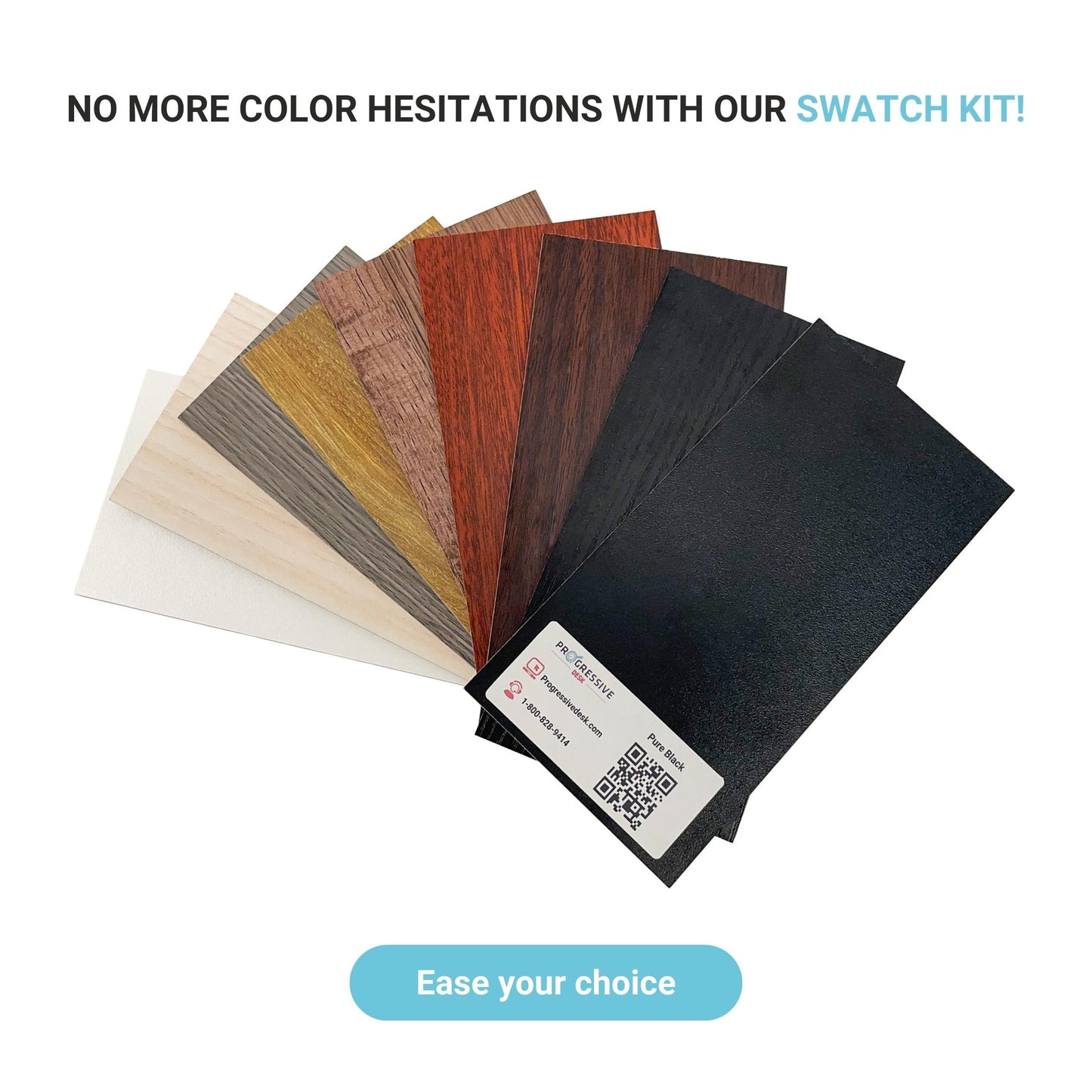
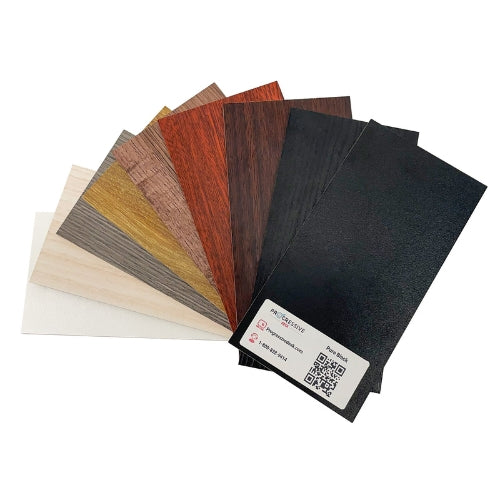
We have a wide range of tabletop colors available. Check them out!
LAMINATE TABLETOPS


Available in 48" x 30" and 60" x 30" only

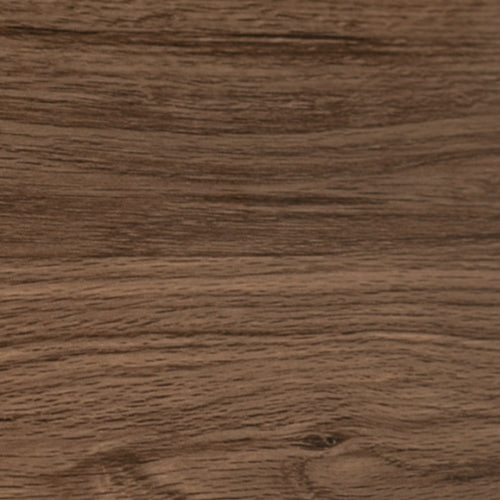

| Core Material: MDF |
|
BAMBOO TABLETOPS


| Core Material: Natural Bamboo |
|
SOLID WOOD AND EPOXY RESIN TABLETOPS



| Core Material: Natural Wood |
|
PARTICLE BOARD TABLETOPS


| Core Material: Particle Board |
|
No More Guesswork About Tabletop Colors With Our Color Swatch Kit!
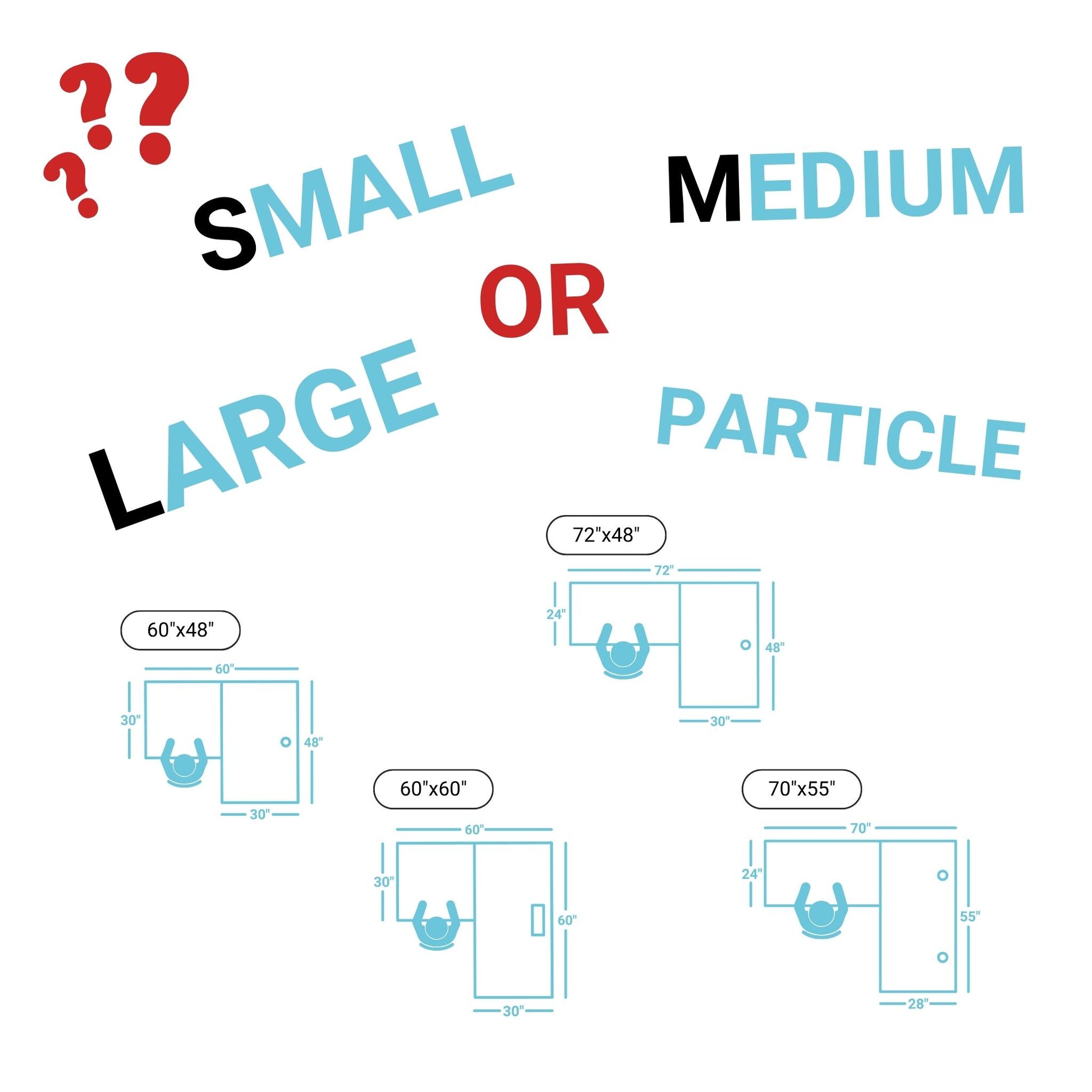
Corner Ryzer Sizes Information
S
Convenient
 60" x 48"
 72" x 48"
 70" x 55"
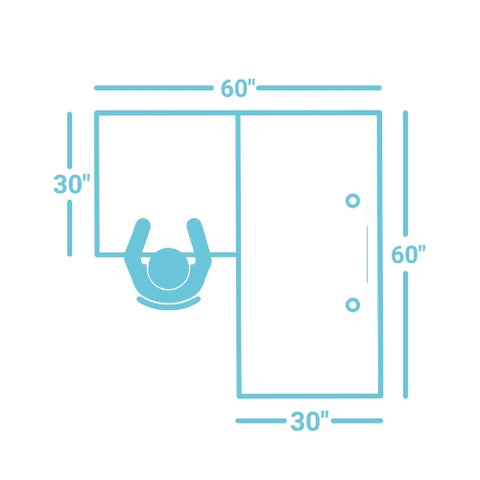 60" x 60"
M
Standard
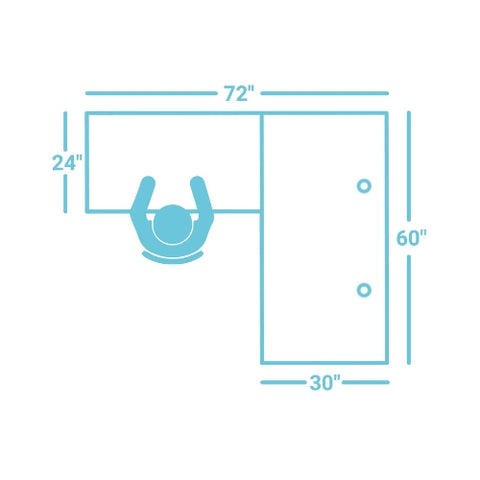 72" x 60"
 78" x 48"
 85" x 48"
 75" x 55"
 60" x 72"
 83" x 55"
 72" x 72"
L
Spacious
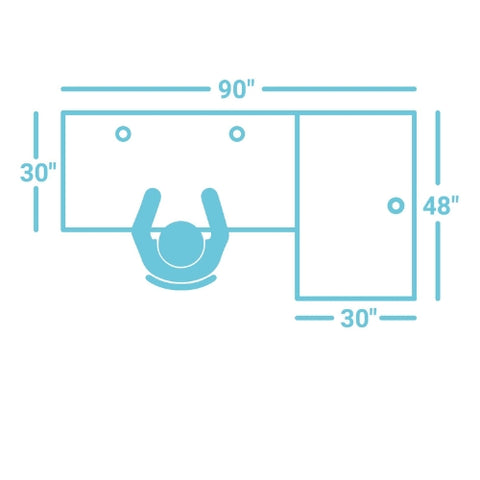 90" x 48"
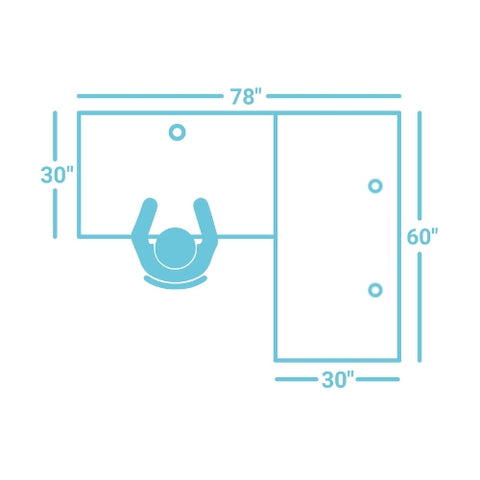 78" x 60"
 88" x 55"
 90" x 60"
 78" x 72"
 85" x 72"
 90" x 72"

Corner Ryzer Standard


Recently Viewed
FREQUENTLY ASKED QUESTIONS about Corner Ryzer Standard
Yes, a corner desk can help organize a home office efficiently by making use of corner space while keeping the main work area open and comfortable.
A corner sit-stand desk is well-suited for home office use, offering flexibility to alternate between sitting and standing during the workday.
Yes, the corner desk for daily work is designed for comfort, with a balanced layout and smooth height adjustment that supports regular tasks.
The ergonomic corner desk is built for consistent, everyday use, helping users stay comfortable and supported during extended work sessions.
The only L-shape desk with 3 segment leg I could find.
Needed one that can go lower than standard 28" for my daughter.
Seems like a really good product.
Hope long term there won't be any issues either.
Just what I was looking for. Love the quality and color. Great as a corner desk.
This is a great desk full stop. Minimal noise when going up and down. Can hold the weight of my one arm dual monitor setup. It doesn't mention this, but you can put the controller anywhere, not just on the long end.
However, here are my complaints, but should not stop you from buying this desk.
1. No cheaper white hole covers (forced to us black covers which will not match with white legs).
2. Shipping is not company's fault specifically, but my base (legs, motor, etc.) came in a box that ended up with both top and bottom portion of the box opened and barely holding on to the box frame.
3. Even though the desktop/table top package had better protection and form, my 2 desktops came with imperfections and dents (1 or 2).
4. Instructions could have been written better. A lot of back and forth. I could have ignored the instructions for the most part.
5. Diagrams could also be worked on. It would be nice to know how the desktops are going to be tied/screwed together. Now I am wishing I went for a longer shorter side.
I love this desk system. Perfect fit in my office and I had no issues installing it myself.
This desk was a game changer. Highly suggest!
Hi Kent.
Thank you for your review! We're thrilled to hear that the Corner Ryzer Frame has been a game-changer for you. Your recommendation means a lot! If you're willing, we'd love to see any photos or videos of your desk setup—it could inspire others in the community! If you ever need any assistance or have more feedback to share, feel free to reach out. Enjoy your desk! 😊
Sincerely,
Mariia from the Progressive Desk Team